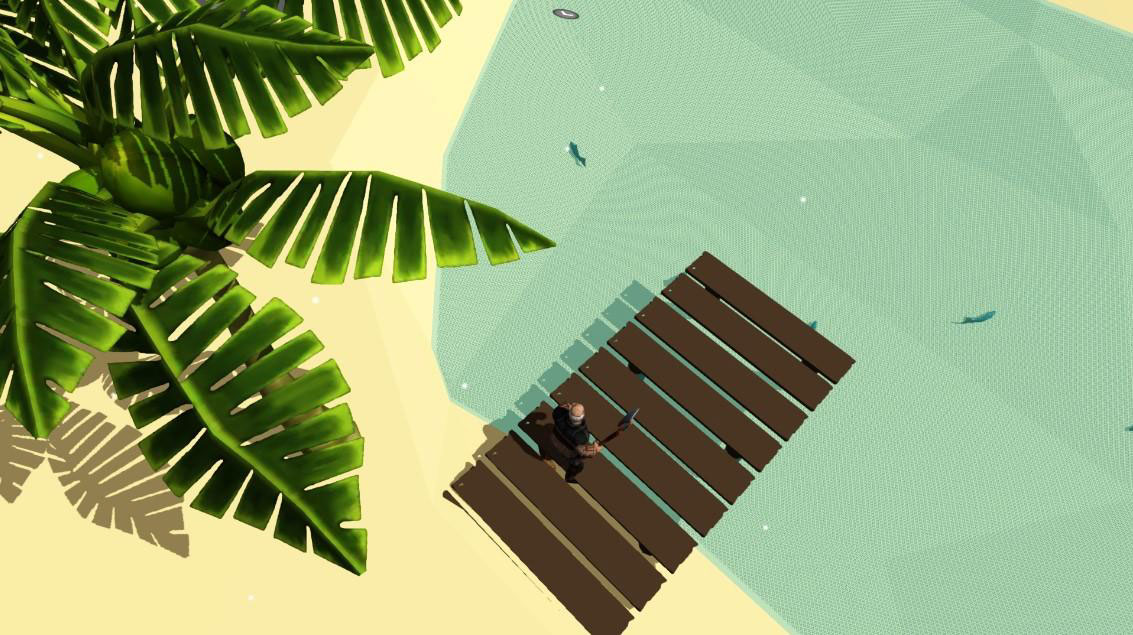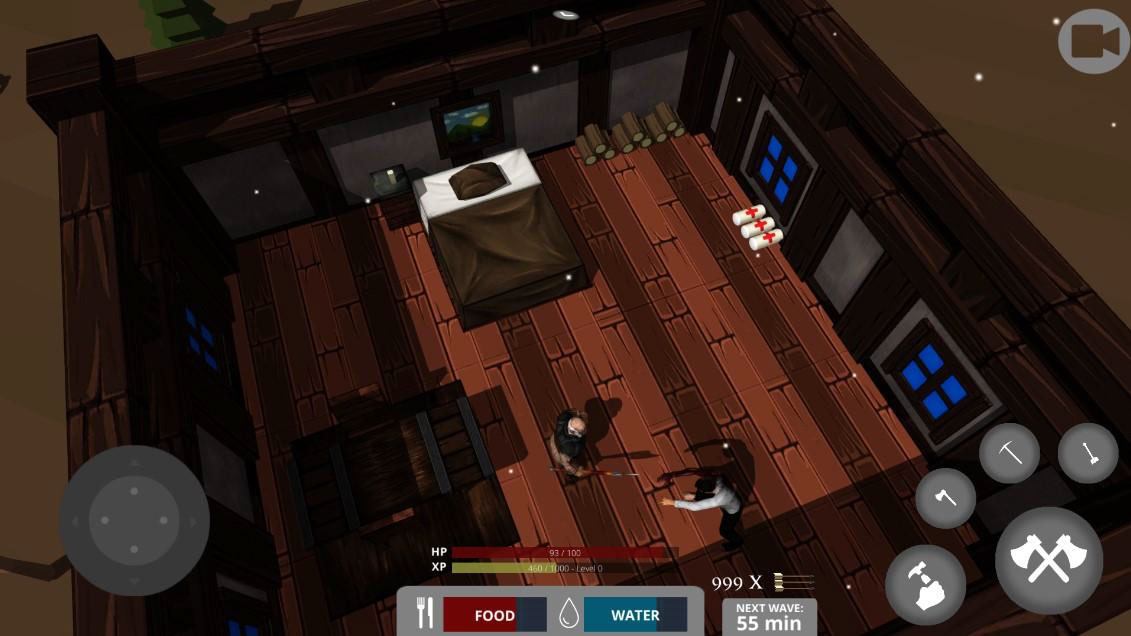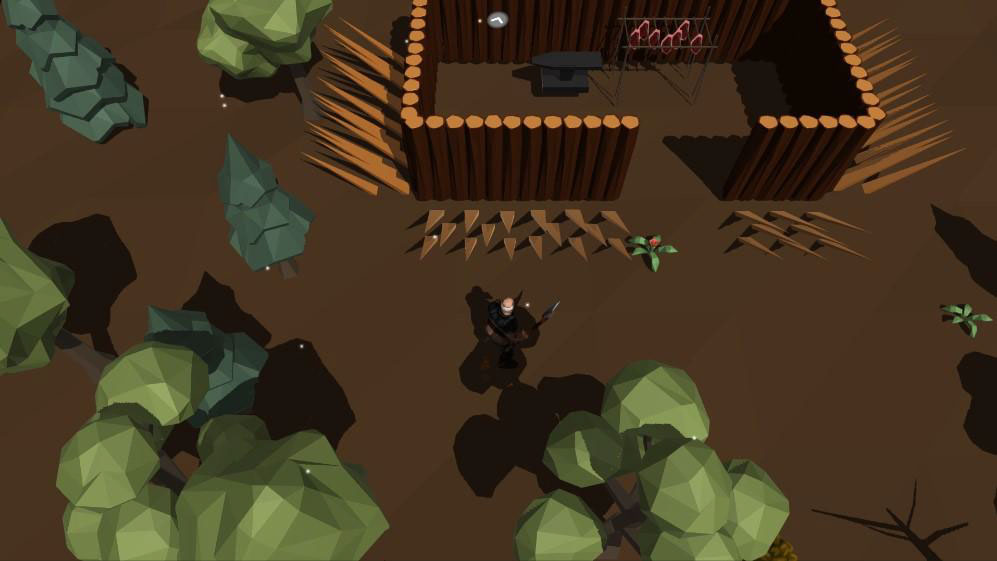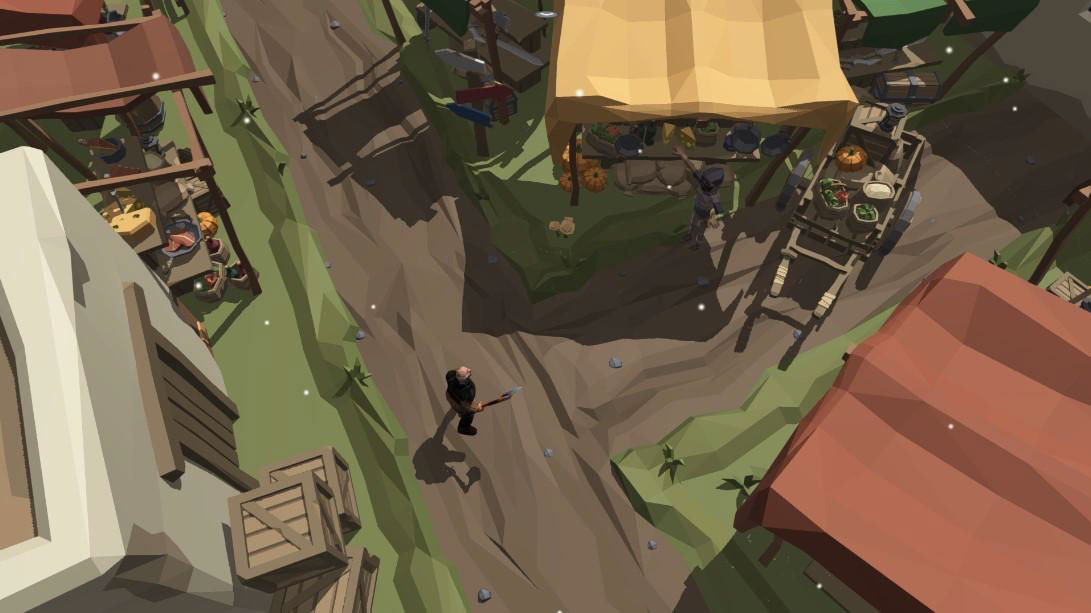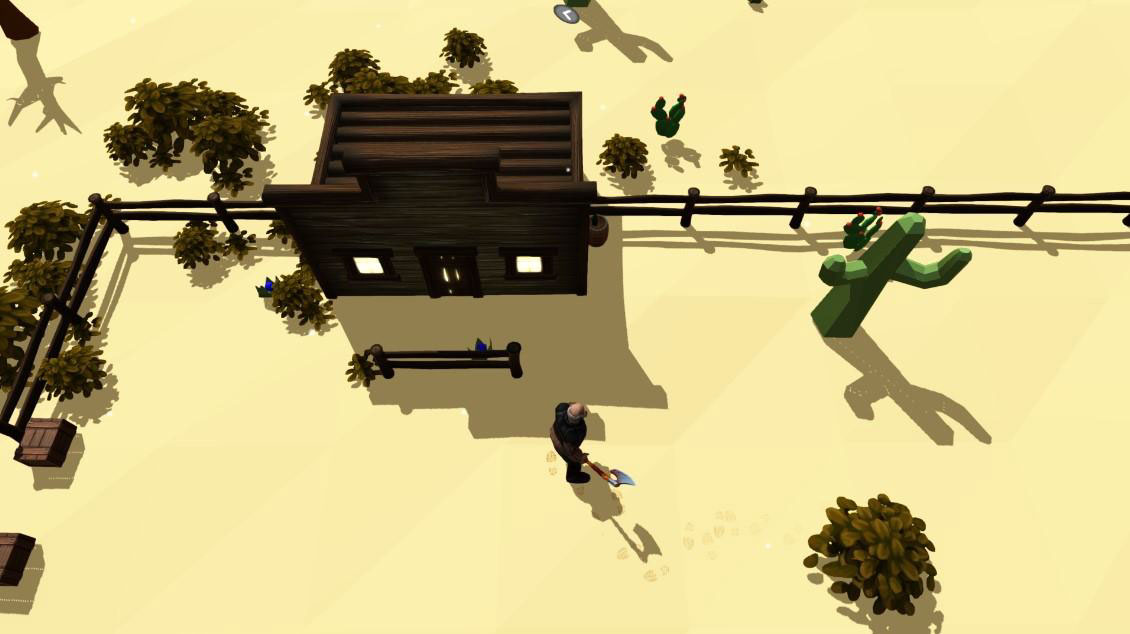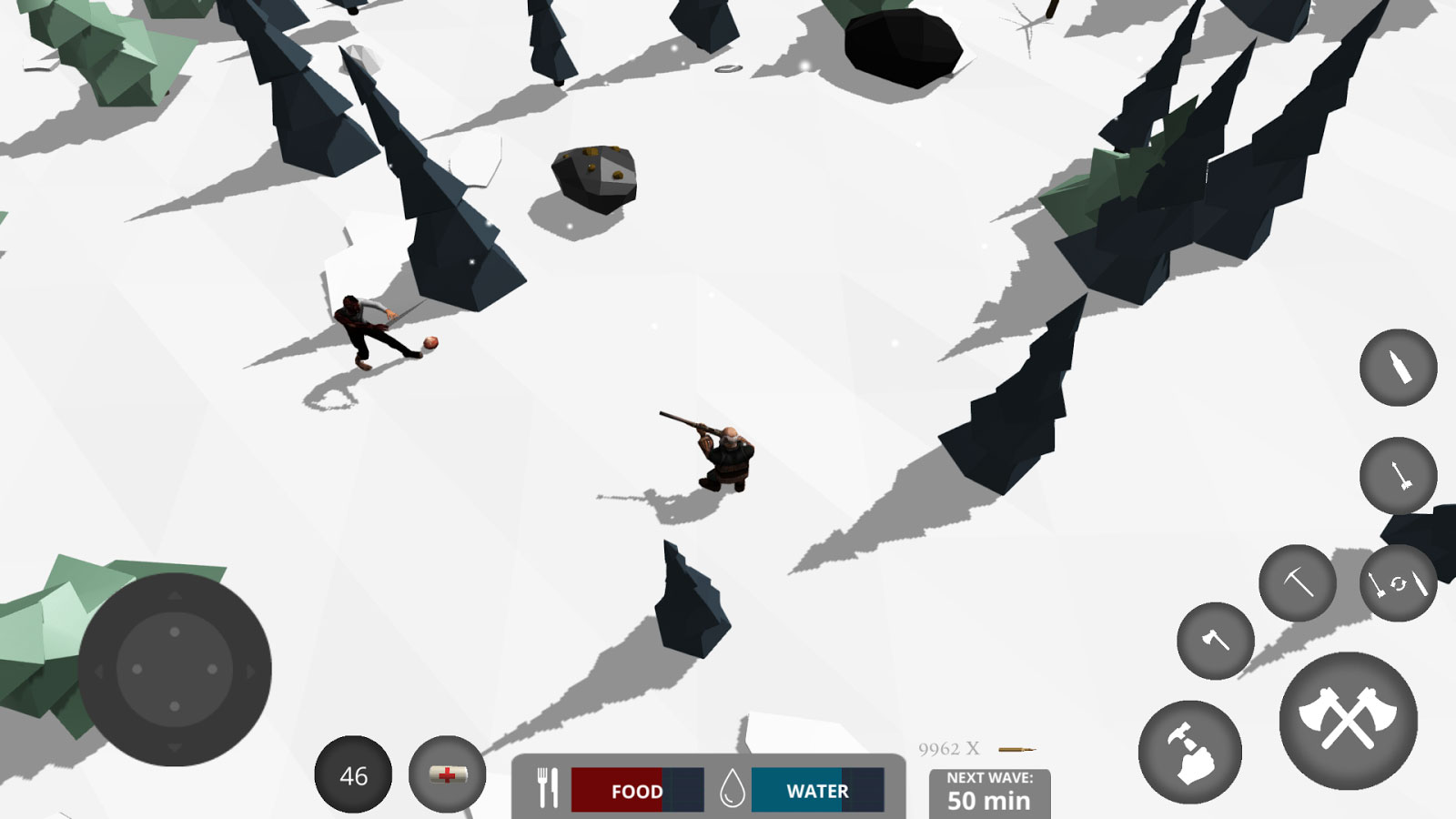
Zombie Watch – Zombie Survival is a new and entertaining adventure survival game from Wildlak studio for Android. It is available for free on Google Play and has been downloaded over 500,000 times by users worldwide. By popular demand we are excited to introduce the latest version and bring you joy once again! Overall, Zombie Watch – Zombie Survival features 3D graphics, building and construction, survival, exploration, and local multiplayer mode! Build your base around antiques and defend it against waves of zombies attacking from all directions, trying to destroy your base! Gather food, eliminate enemies, and become the survival hero! Cut down trees, mine stones, craft various items, and create the best defense for your base! Build a bed to save your progress! Cultivate your garden and have an independent home! Explore surrounding worlds to find new resources! Fish on the island, brew potions to gain special powers, and heal your wounds faster using a bandage! When you kill a zombie, it drops items useful for your survival; you can even summon a pet lizard to follow you! All your items are accessible in your inventory! Enjoy the challenge of dominating a zombie-infested world! These are the details provided by the game developer for Zombie Watch – Zombie Survival, and we have translated them exactly. If you are a fan of survival games, don’t miss Zombie Watch – Zombie Survival!
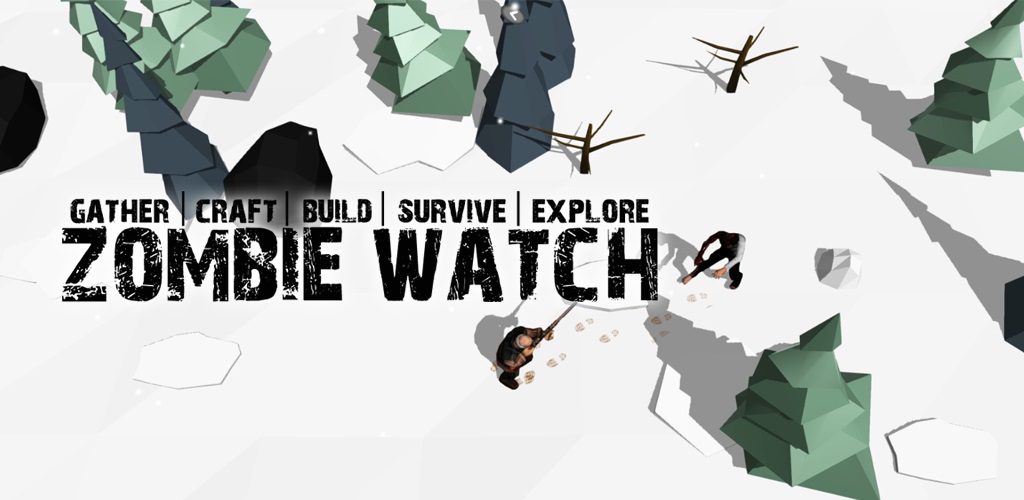
The game Zombie Watch – Zombie Survival has not only received a warm welcome but also earned a good rating of 4.1 out of 5.0. Here at DroidCove, we present the latest version along with the data files for you! The game has been tested on several devices with different Android versions and installs and runs without any issues. You can download it along with the data from our high-speed servers and enjoy the experience.
Version v2.3.7 Changes:
* Various optimizations and bug fixes.
Installation and Running Instructions:
– First, download and install the game APK file.
– Then download the data file, extract it, and copy the folder nebulaxgames.zombiewatch to the Android/obb directory on your device’s internal storage.
– Launch the game.