

Computer File Explorer v2.5 – Professional File Manager with Windows-like Interface for Android
Ad-free and Full Version of the App
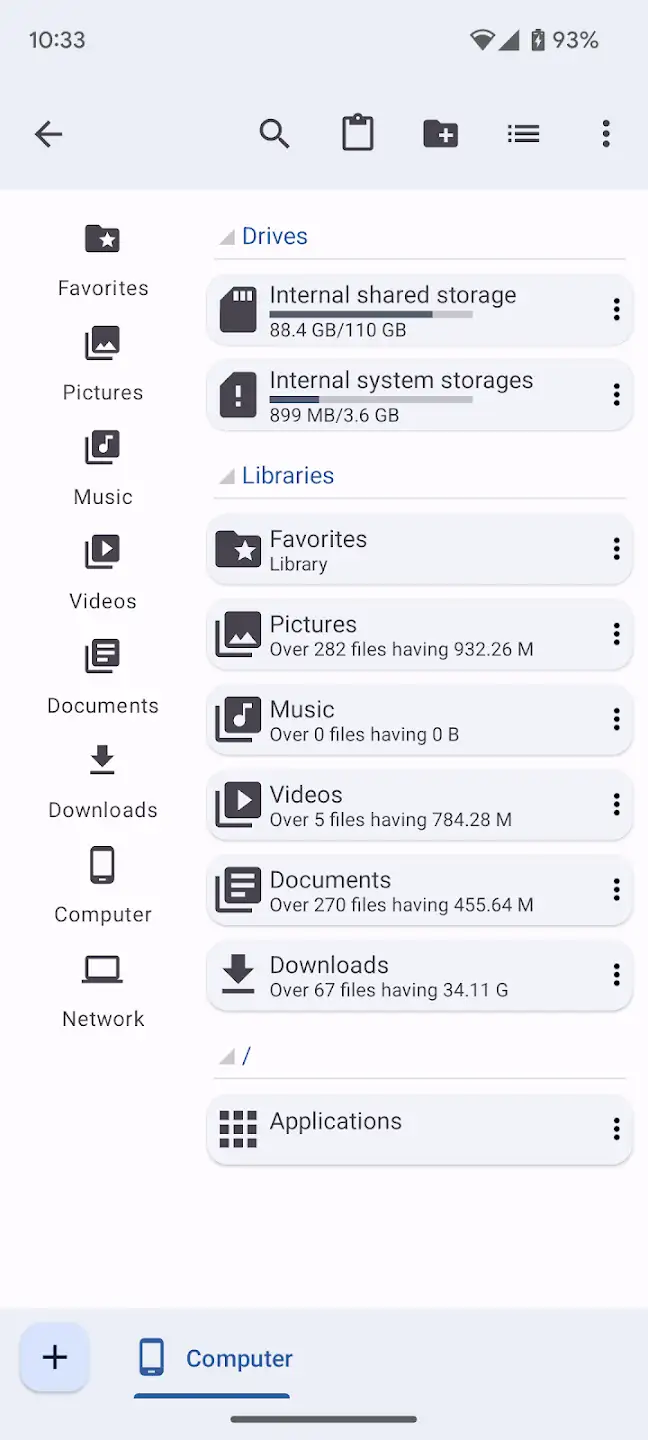
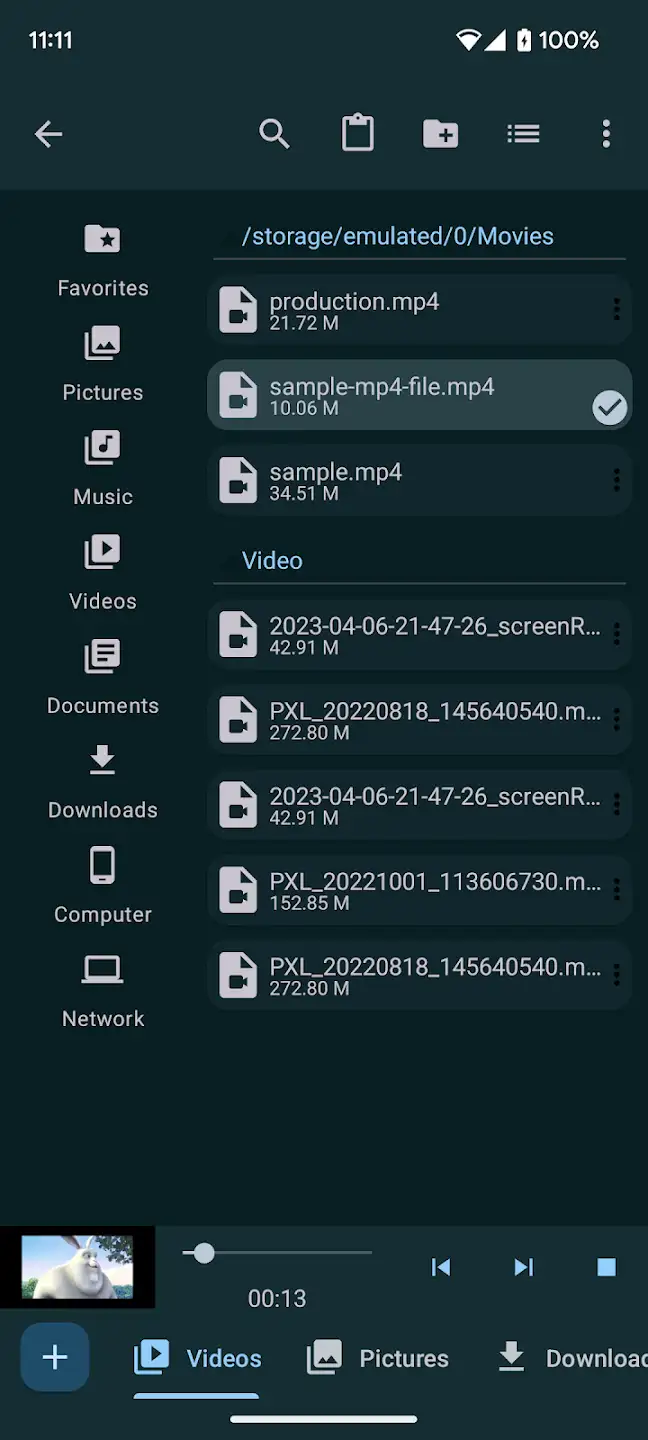
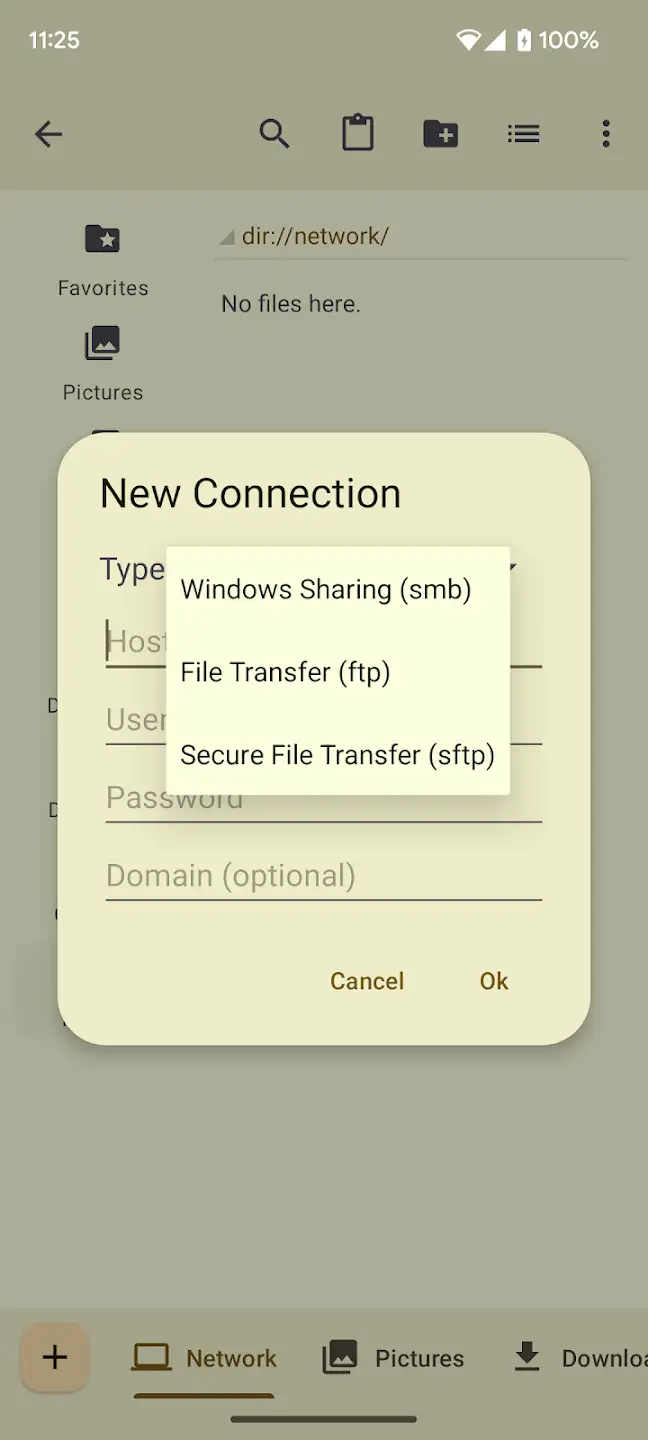
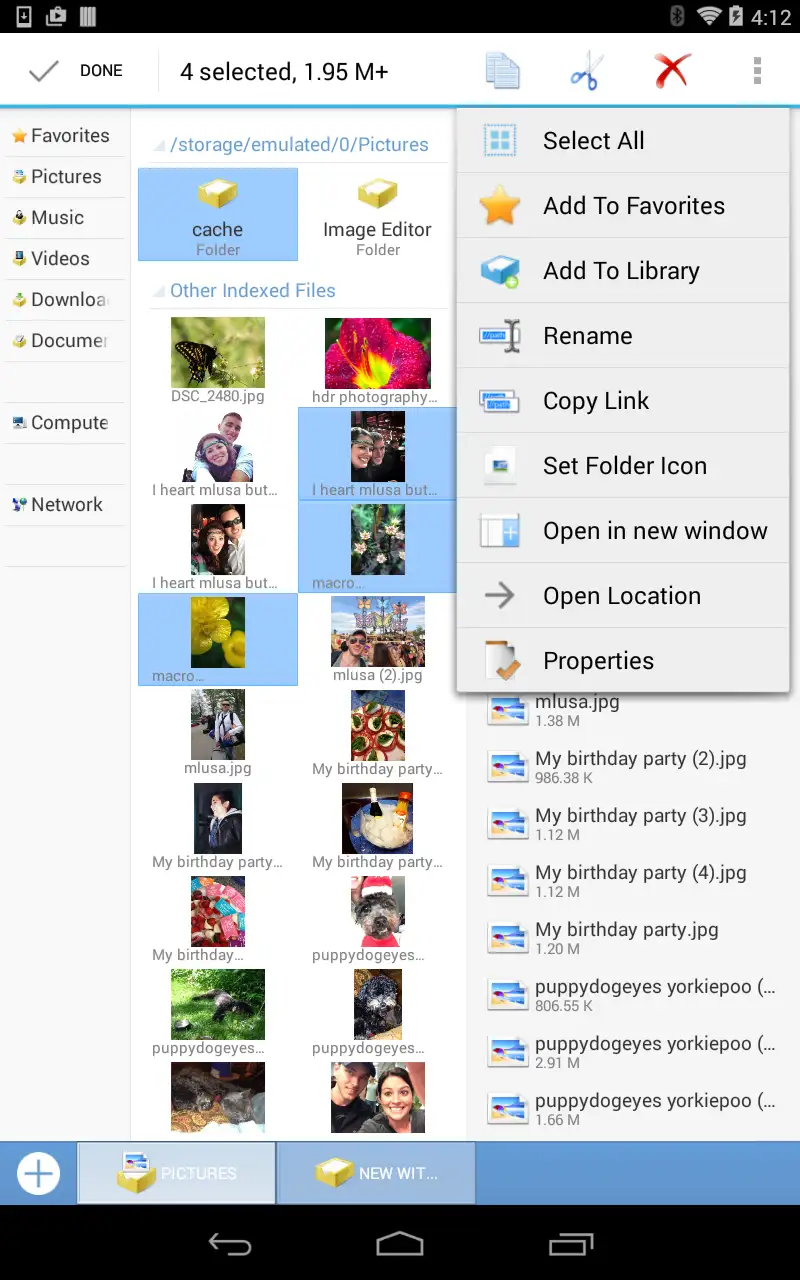
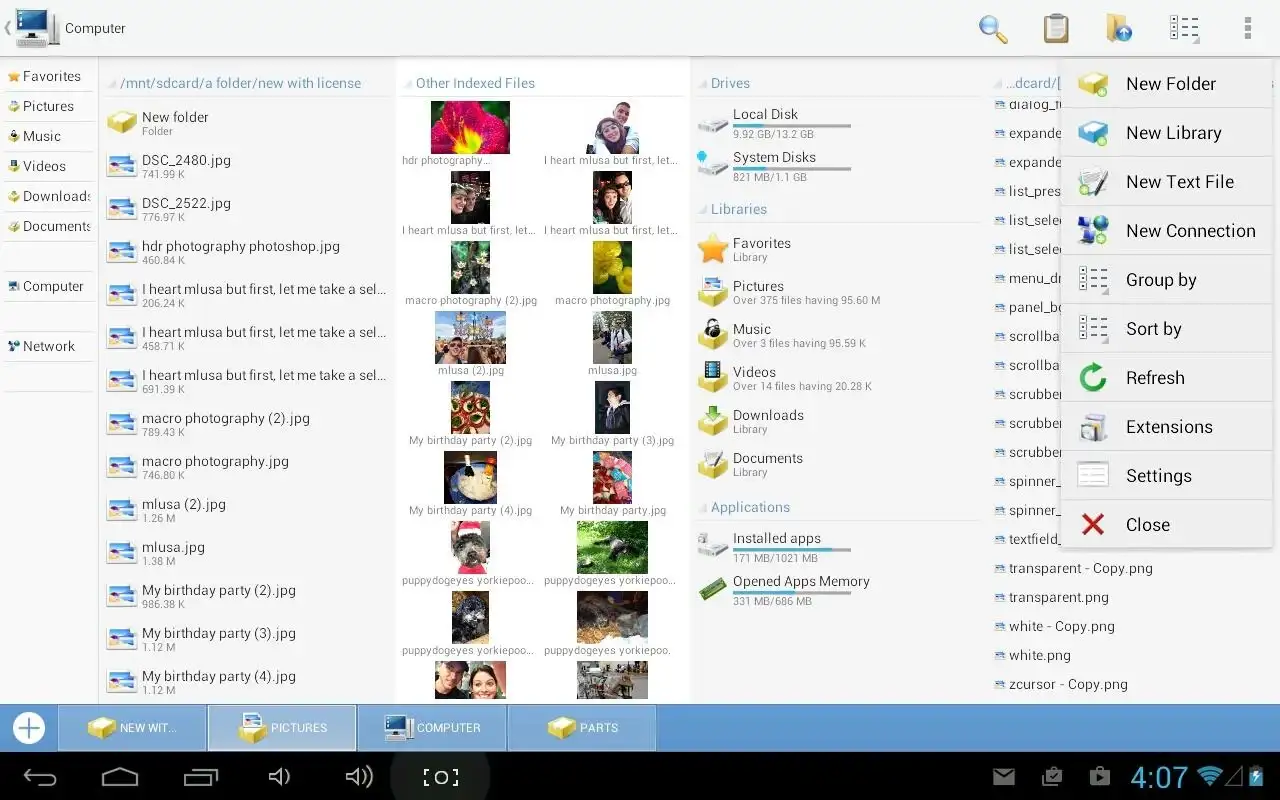
Computer File Explorer is one of the most unique file management applications for Android, offering a familiar and professional experience of browsing and organizing files with a Windows-like user interface design. This app, with its desktop-style appearance, fast performance, and practical features, serves as a complete replacement for the default file managers on Android devices. By installing Computer File Explorer on your Android phone or tablet, you can easily browse, manage, copy, move, delete, or share local files, folders, images, videos, documents, and compressed files. The design of this app recreates the feel of working with Windows File Explorer in the Android environment, making it very appealing for professional users. One of the standout features of this app is its Windows-like design, which is especially attractive to older users or those who prefer a desktop environment. The top toolbar, resizable windows, and classic folder display recreate the computer experience on your phone.
Features and capabilities of Computer File Explorer include:
- Windows-like user interface with classic design and customizable toolbar
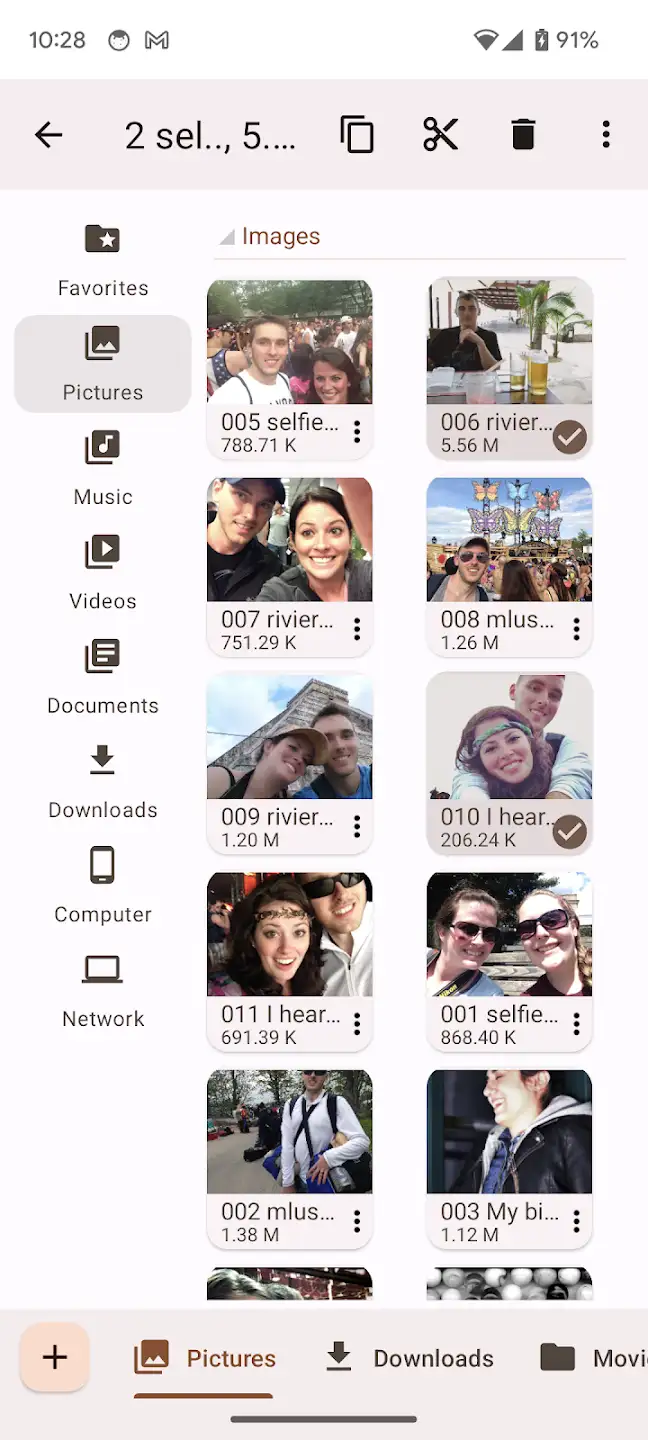
- Fast browsing of files and folders with list or icon view options
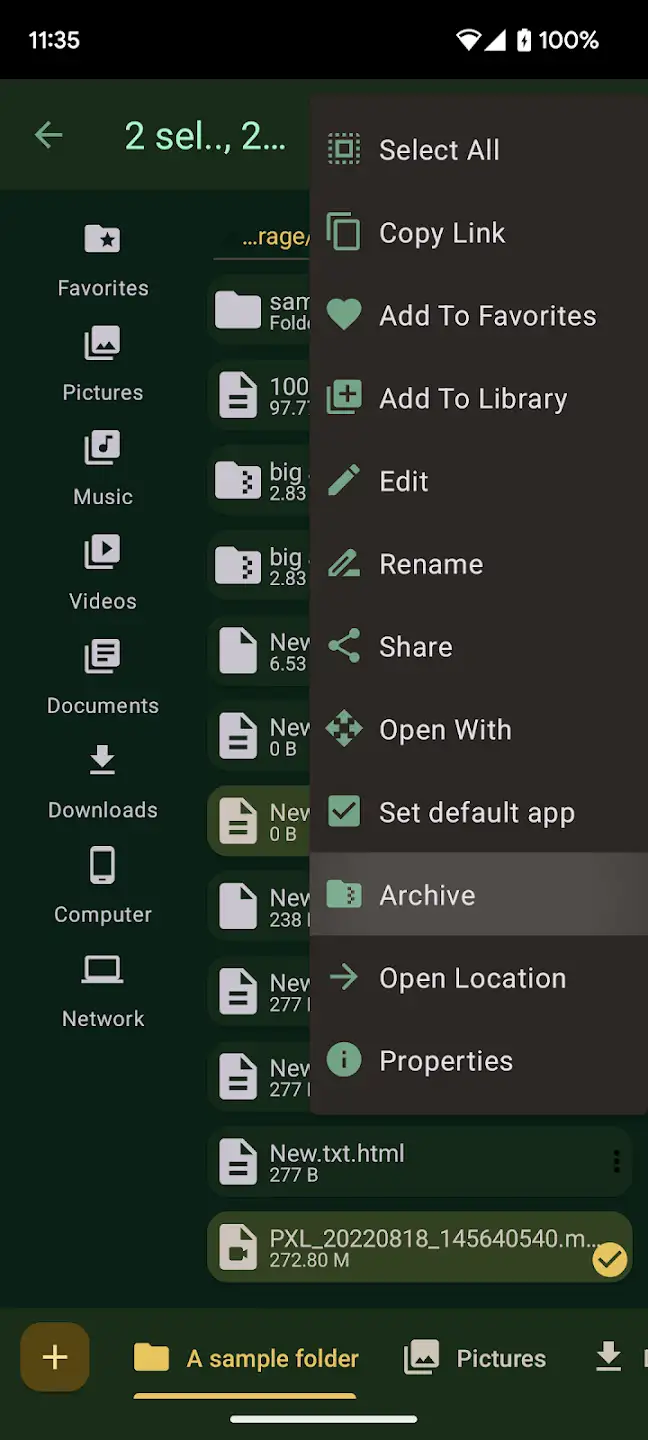
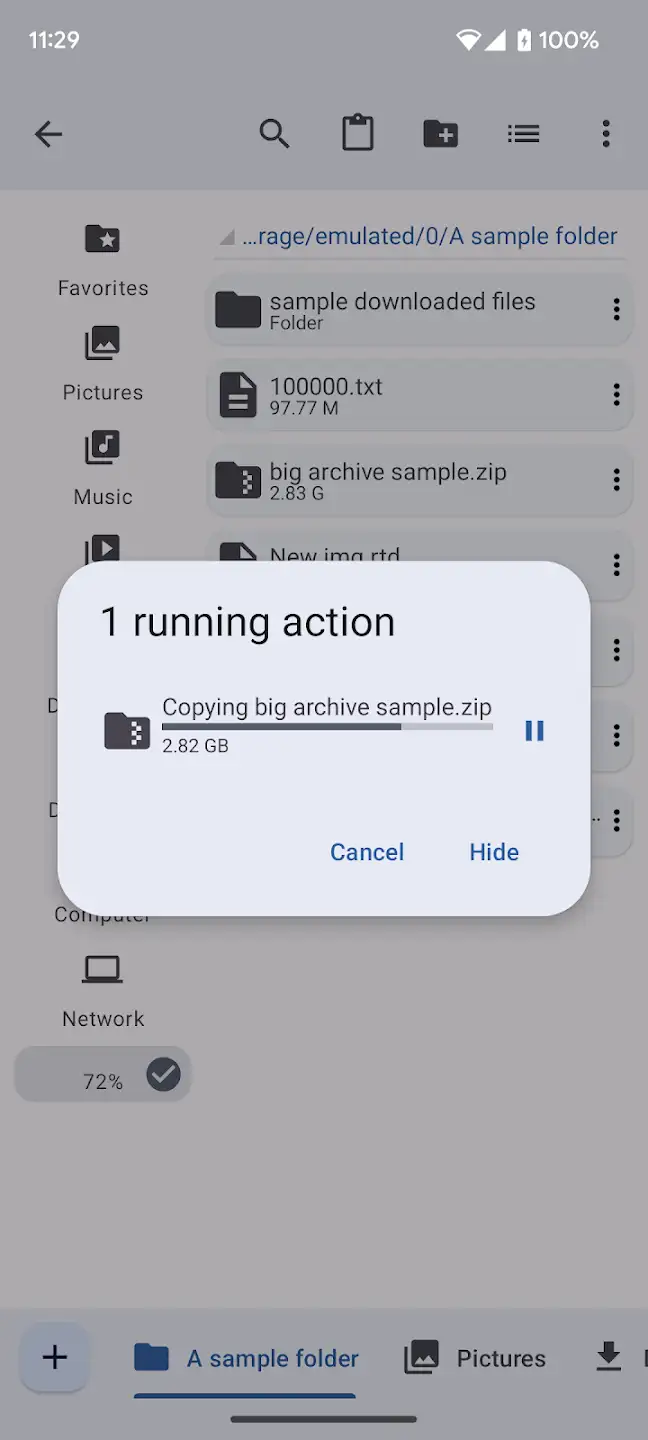
- Support for basic file operations including copy, move, delete, rename, and share
- Automatic file categorization by type (images, videos, documents, music, etc.)
- Support for ZIP and RAR compressed files with direct extraction capability
- Quick file search with advanced filters
- Support for internal storage and SD card with full access to storage paths
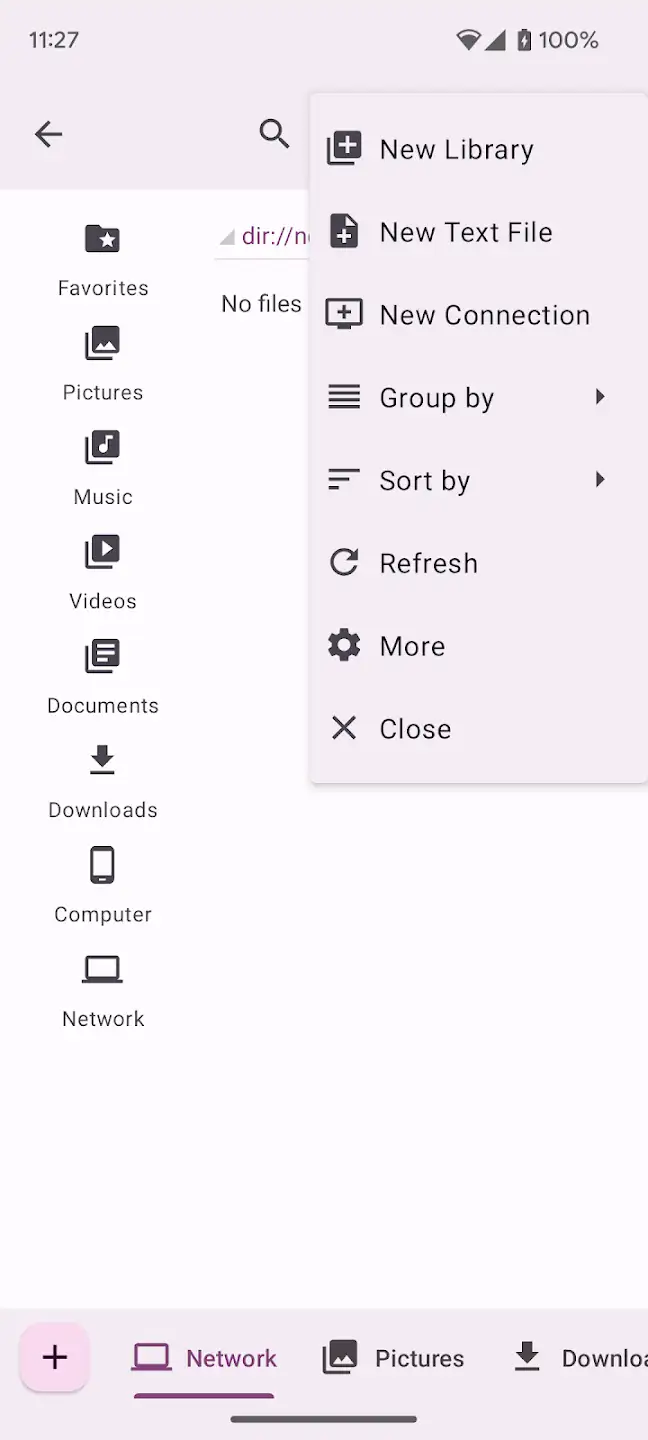
- Ability to create new folders and manually organize files
- Full file details display including size, date, path, and type
- No ads and no internet connection required for full functionality
- Dark Mode support for better experience at night
- Full compatibility with the latest Android versions and smooth performance on mid-range and flagship devices
Computer File Explorer focuses on simplicity, speed, and a familiar design, allowing you to manage your files professionally. Unlike many Android file managers that have complex designs or annoying ads, this app offers a clean, ad-free user interface for a hassle-free experience. The developer team, PCVirt, has created an app that is visually appealing and meets the needs of both professional and general users with a lightweight design and fast performance. Regular updates, bug fixes, and UI improvements demonstrate the team’s commitment to quality and user satisfaction. If you are looking for a powerful, fast, and ad-free file manager for your Android tablet or smartphone, DroidCove recommends Computer File Explorer, which you can download for free with one click! It is worth noting that the version provided by DroidCove is the full version of the app, without any annoying ads and with all features enabled; whereas the version available on Google Play includes in-app ads and does not offer a smooth user experience.




![KineMaster 8.1.13 – Powerful Video Editor for Android [Update]](https://droidcove.com/wp-content/uploads/2026/06/KineMaster-Logo-1-100x100.webp "KineMaster 8.1.13 - Powerful Video Editor for Android [Update] 5")

