


USB OTG File Explorer v1.3.0 (Ad-free) – Android OTG File Management Application
Ad-free version presented for you
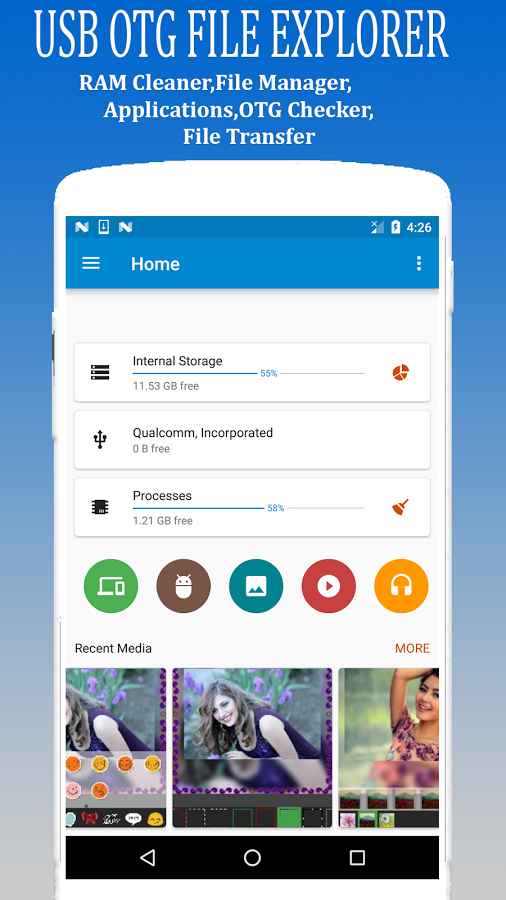
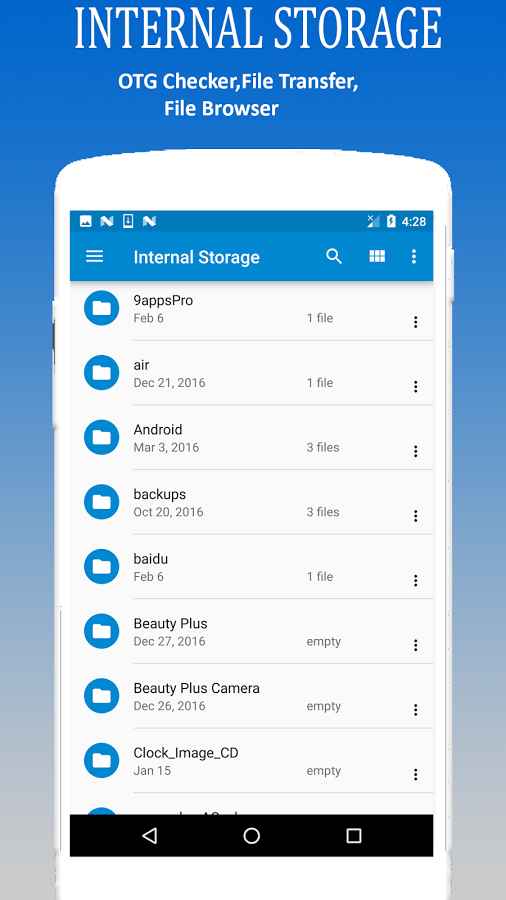
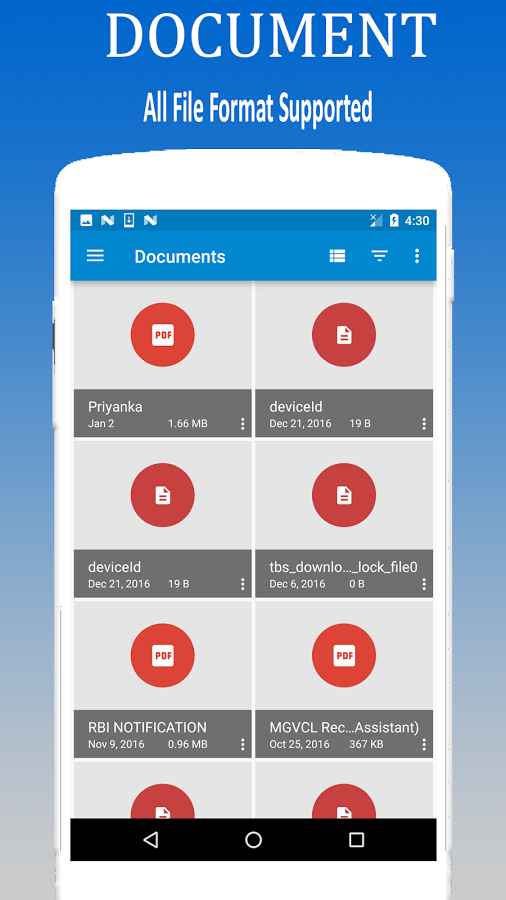
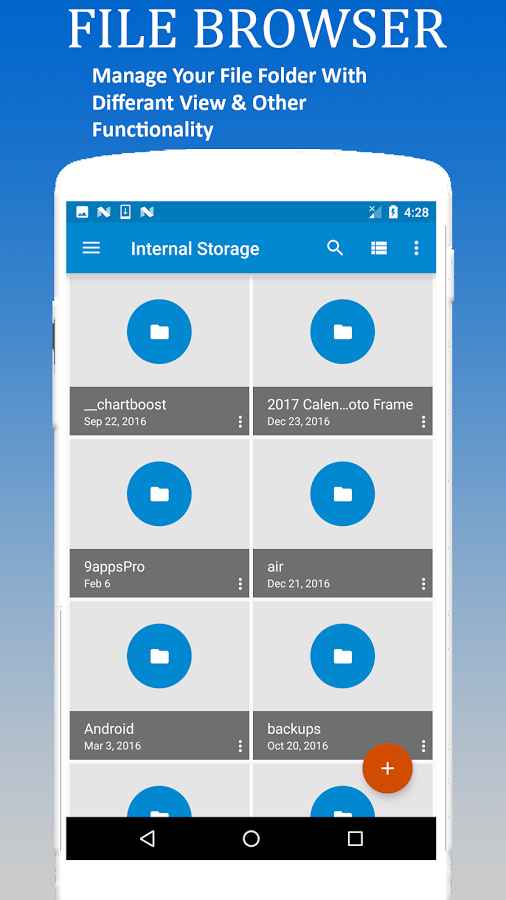
One of the features integrated into the Android operating system is support for various OTG connections, allowing users to connect other devices to their smart device and make the most of them. Among these, one of the most commonly used OTG connections is flash drives, which many people use and are accessible anywhere. On some smartphones, simply connecting a flash drive to the Android device allows easy viewing and management of files stored on the external memory, but some devices do not support this default file management system. If you are facing such a limitation, stay with us in this post. USB OTG File Explorer Ad-Free is a file management application for mass storage devices, specifically designed for Android smart devices, developed by Wardhi and released on the major Google Play market. You just need to connect your desired external storage to your smart device to easily and professionally manage the files stored on it. After connection, the app automatically launches and loads the storage with all its data. A set of common file management options such as copy, move, delete, and more are available in the command list, providing a simple yet practical management system for users. The software supports two file system formats, FAT32 and NTFS, which is exceptional in its category.
The USB OTG File Explorer app, due to its importance for users frequently using OTG cables, has so far achieved over half a million active downloads. You can now download the latest ad-free version of the app from the popular and large website DroidCove.
Version v1.3.0 Changes:
* No changes have been mentioned for this version on Google Play.




![KineMaster 8.1.13 – Powerful Video Editor for Android [Update]](https://droidcove.com/wp-content/uploads/2026/06/KineMaster-Logo-1-100x100.webp "KineMaster 8.1.13 - Powerful Video Editor for Android [Update] 5")

