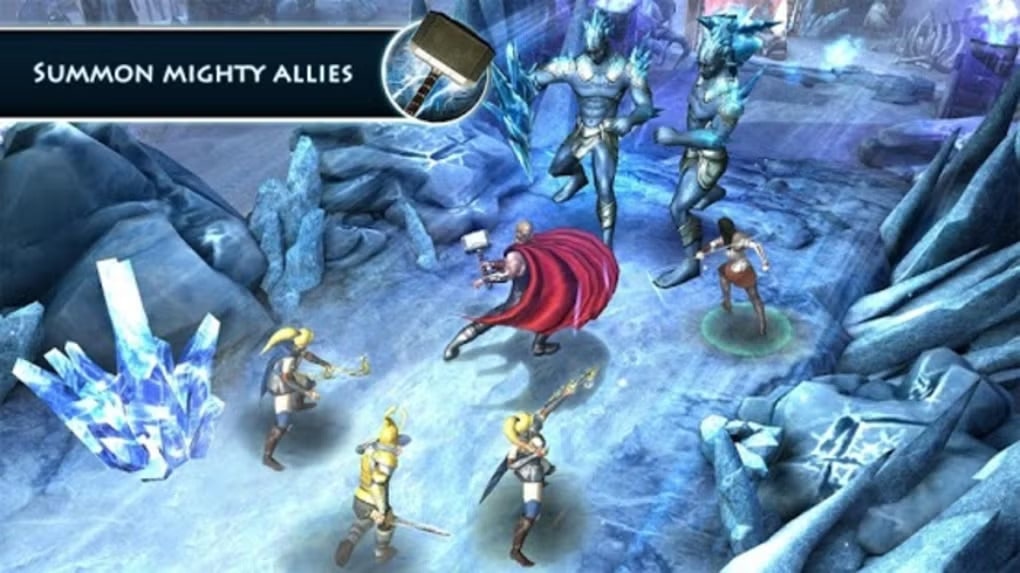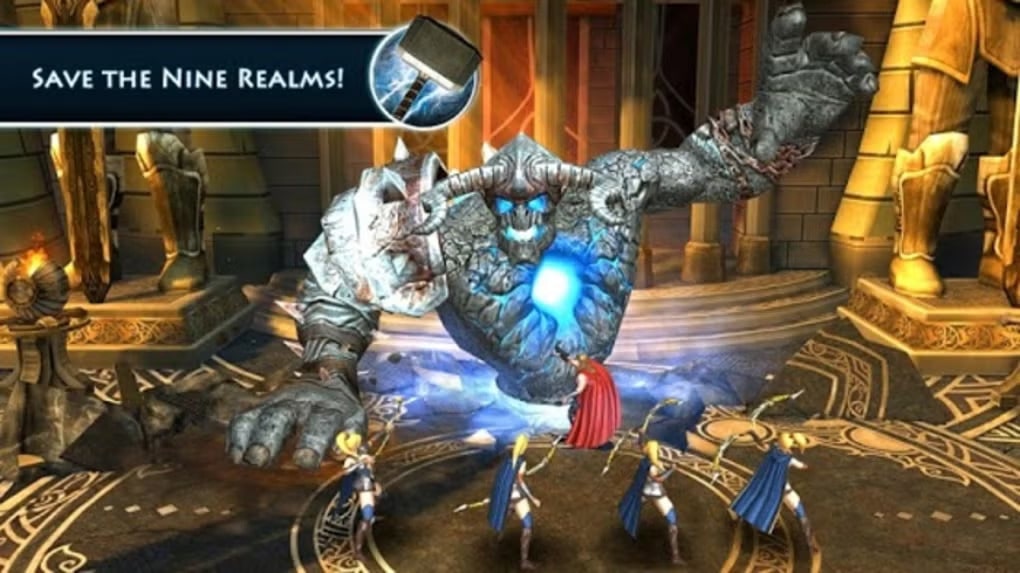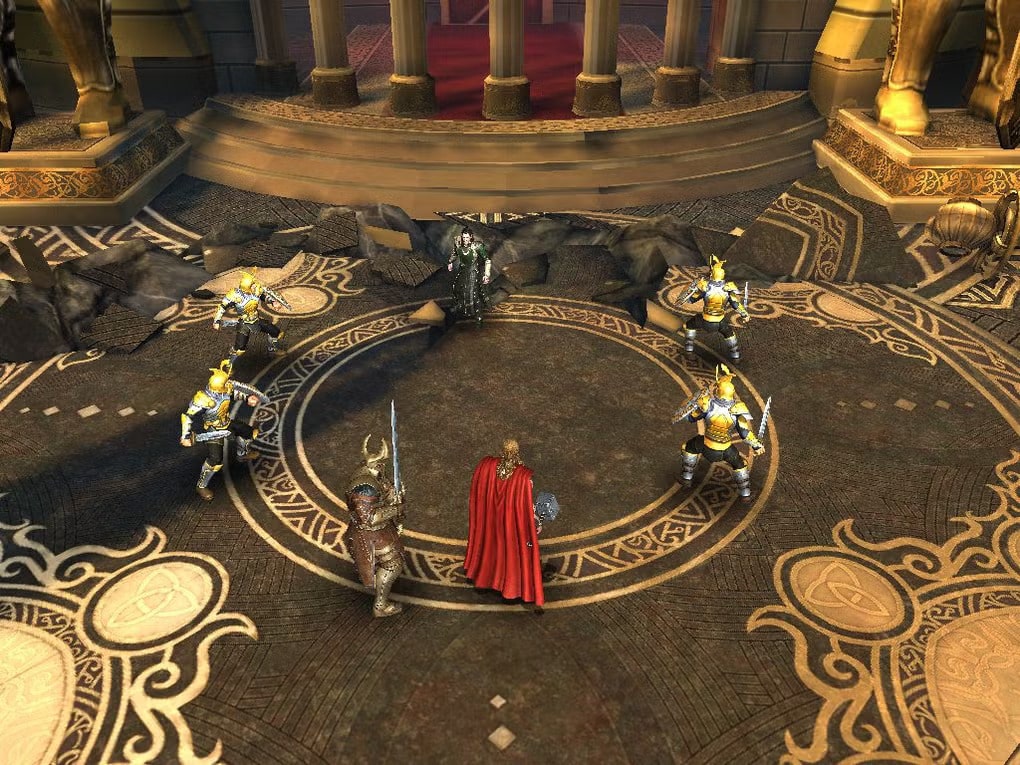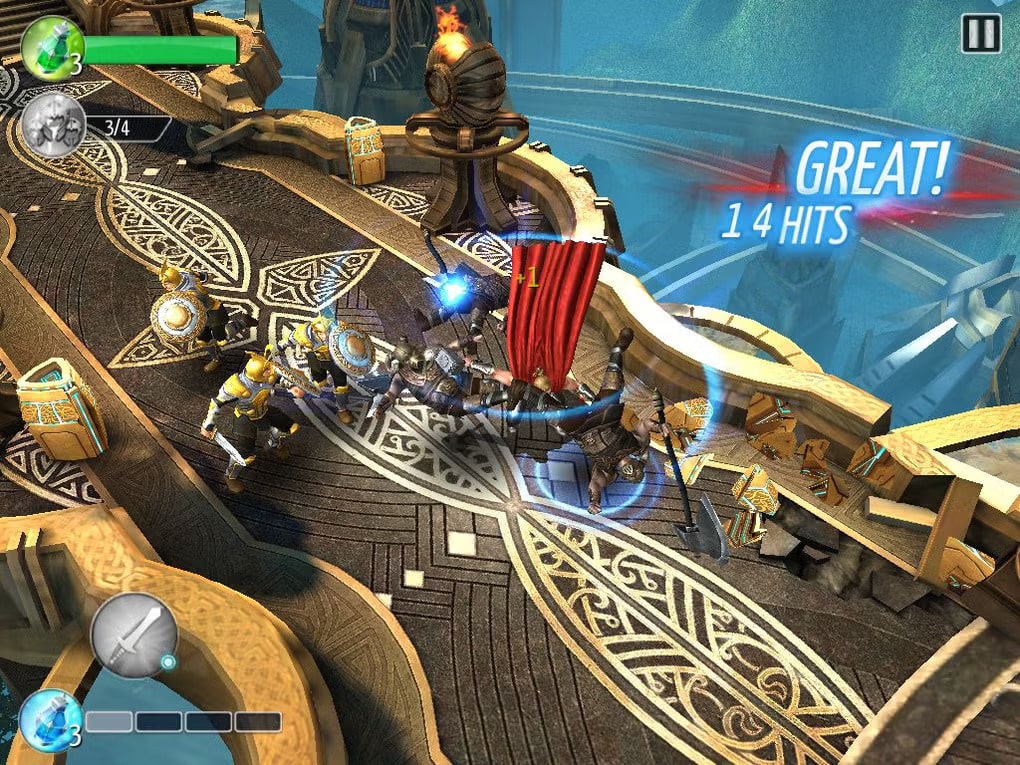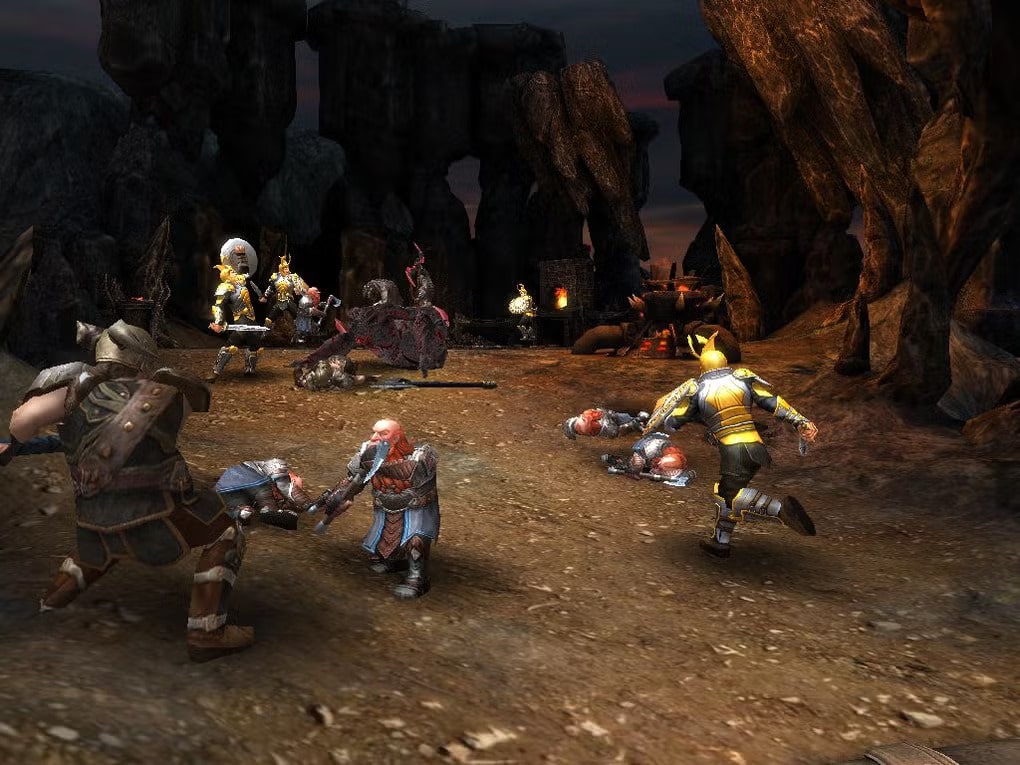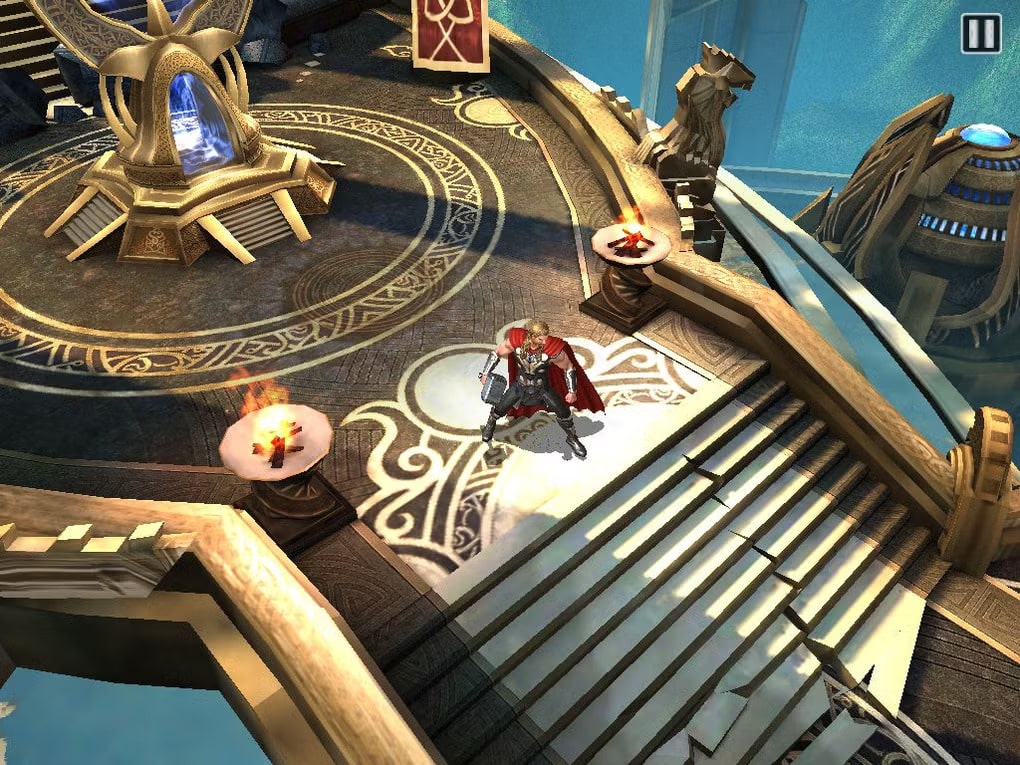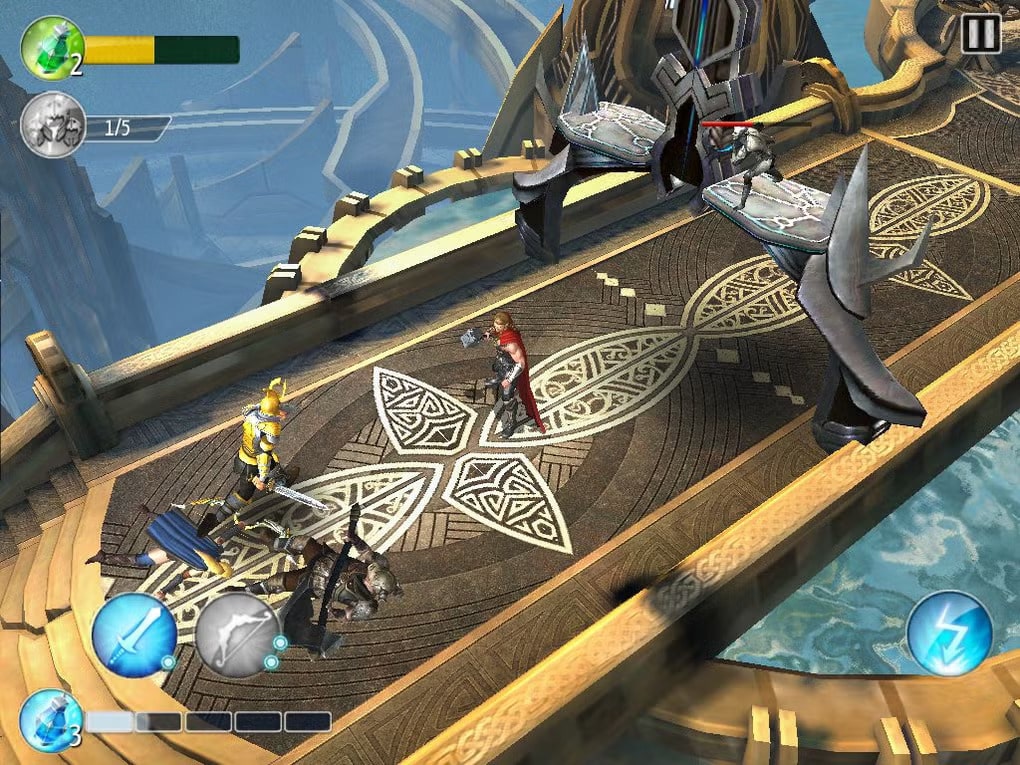
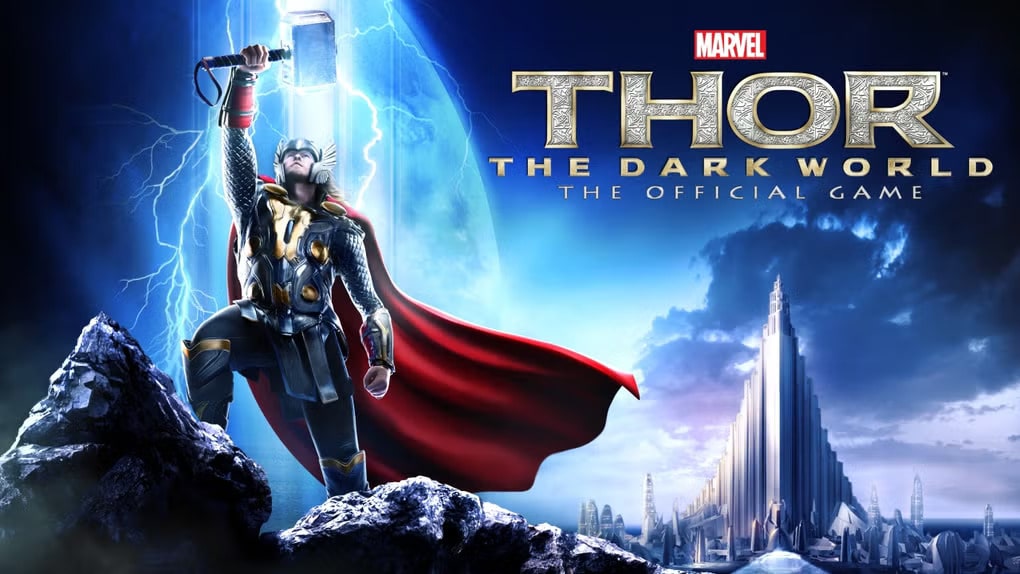
Thor: The Dark World – The Official Game is an action-adventure game with an amazing story and gameplay, developed by the renowned Gameloft company for Android. This game, with its stunning HD graphics and exciting sound effects, will undoubtedly amaze you! In this game, you play as the main character who must take up the sword and devastating weapons to fight the Lord of Darkness! The story is that Malekith, the Lord of Darkness, is trying to destroy the nine realms by attacking them, and Thor, our hero, must prevent this event and stop the worlds from being engulfed in darkness! Now, you must play the role of the main hero and battle various powerful enemies! The game takes place in truly amazing and realistic environments, including inside magnificent palaces and dense forests, and you, along with your allies who will not abandon you, can defeat enemies one by one! Your enemies are all giants who are not easily defeated and must be taken down with consecutive sword strikes! If you want to experience the best and newest epic action role-playing game, there is no doubt that the new Gameloft game, Thor: TDW – The Official Game, is the top choice!
Some features of Thor: TDW – The Official Game for Android:
- Includes 90 diverse missions with various challenging objectives
- Ability to upgrade the character by performing different tasks and making them stronger
- Learn new special skills of Thor the Destroyer to overthrow enemies
- Fight against various enemies including raiders, rock giants, dark elves, and more
- Unlock and upgrade 10 powerful hammers and armor sets
- Battle in truly amazing and realistic locations including dense forests
- Features stunning HD graphics + professional and thrilling sound effects
The game Thor: TDW – The Official Game is available for free on the Play Store and has a rating of 4.5 out of 5.0. We have provided it along with the data file and gameplay screenshots on DroidCove, where you can download it with one click by visiting the continuation of this article…
Installation and Gameplay Instructions:
– Download and install the setup file
– Download the data file and extract it. Copy the folder com.gameloft.android.ANMP.GloftTRHM to the Android/obb directory of the internal storage
– Run the game.