


TeamViewer v15.78.176 – The Latest Version of the Popular TeamViewer App for Android
Separate Versions for Computer and Android
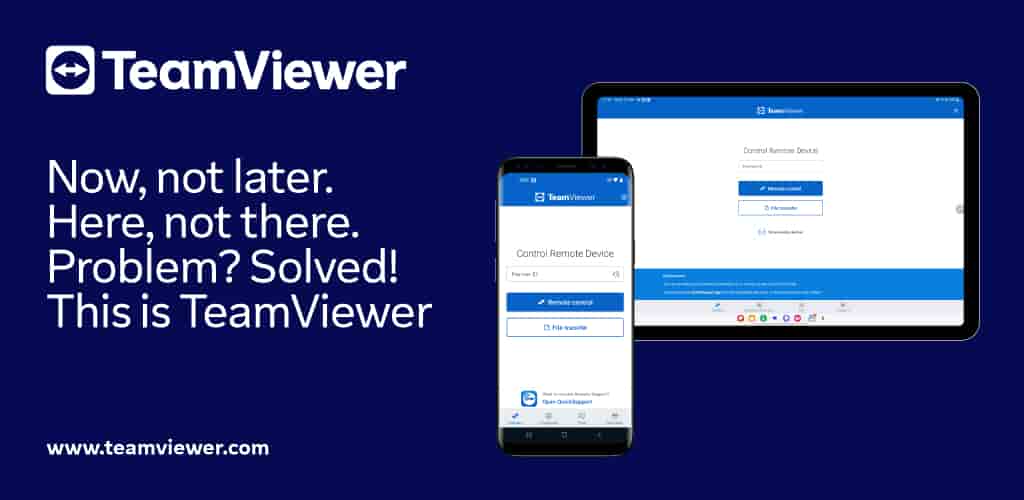
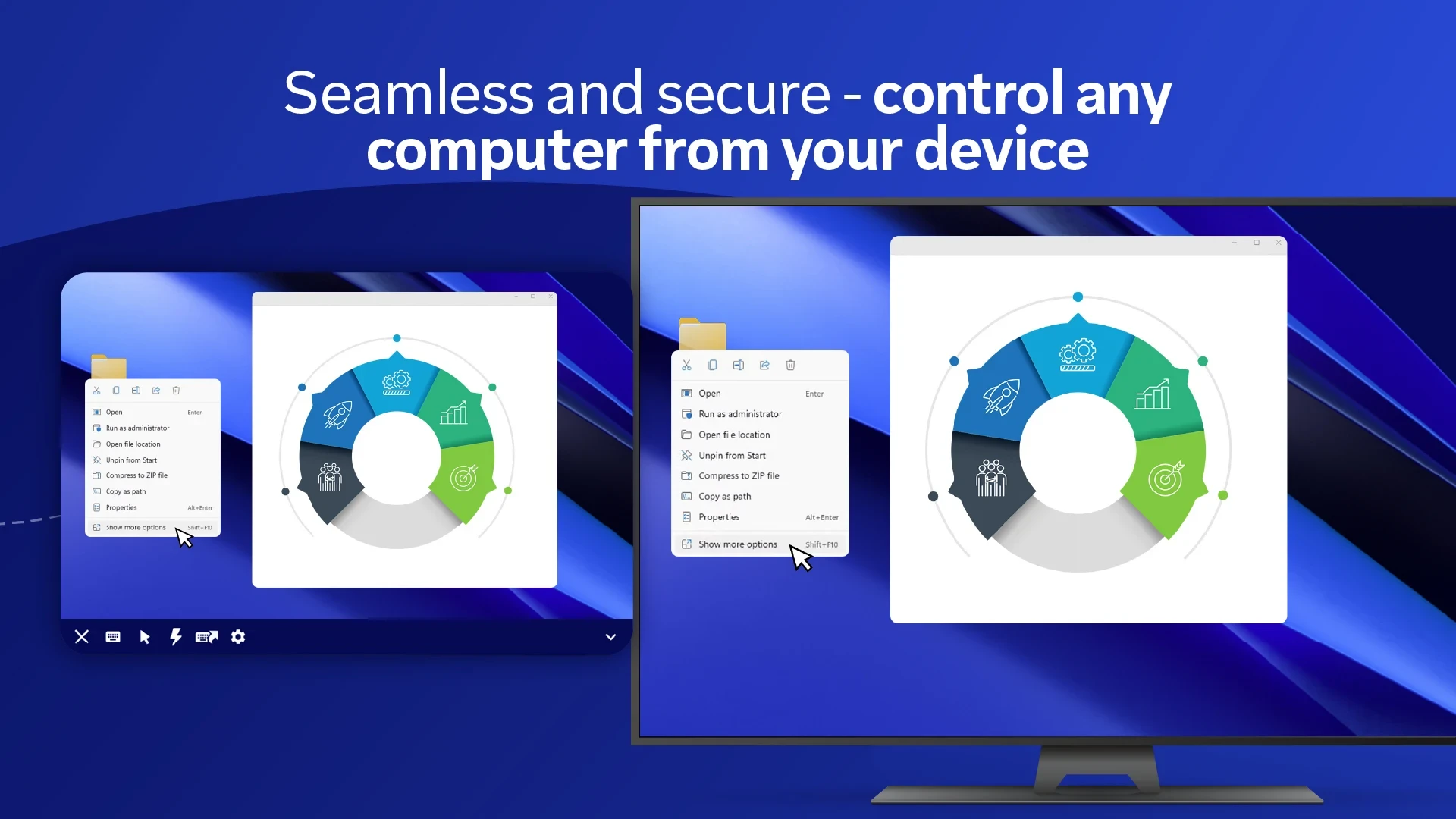
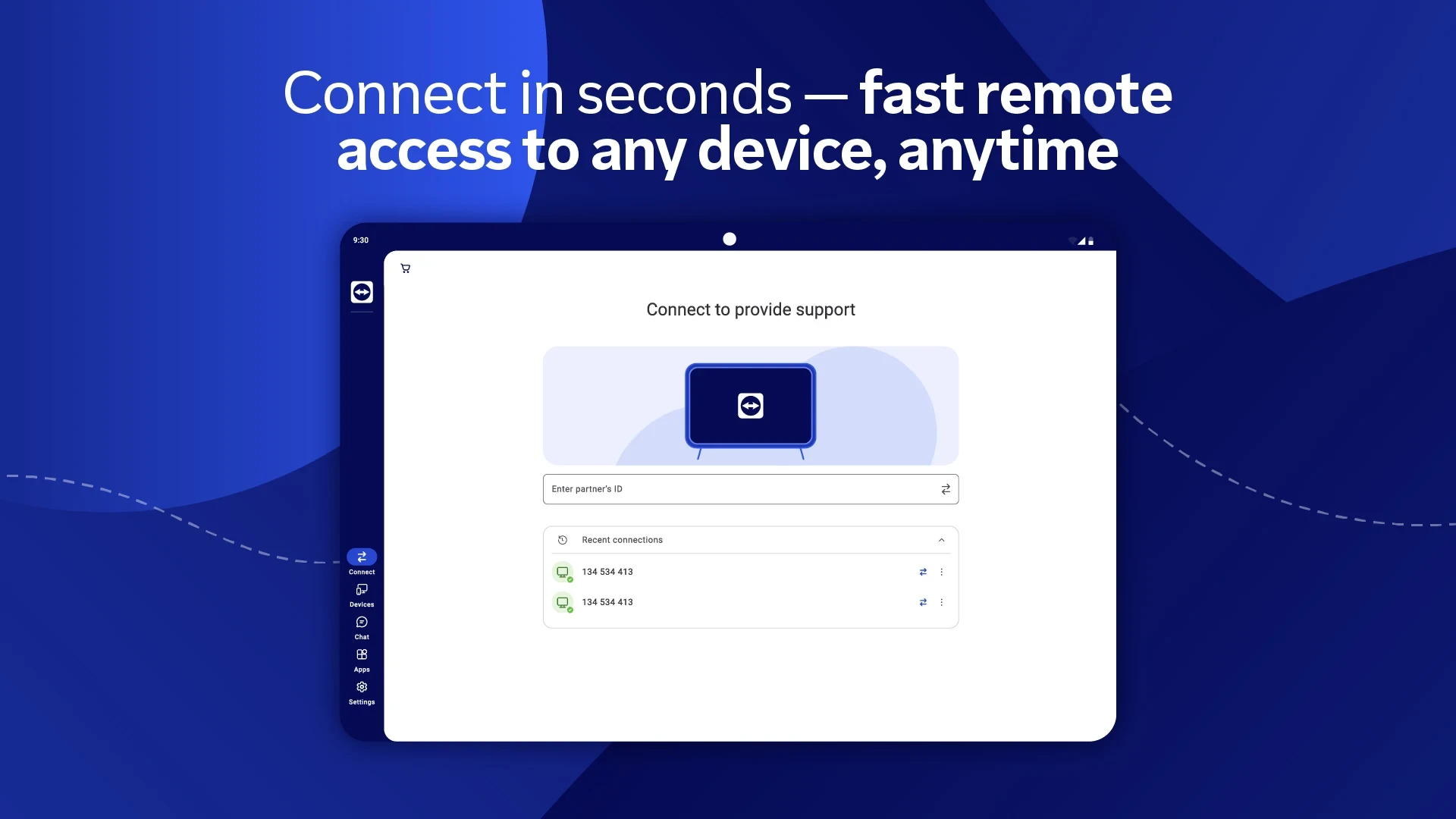
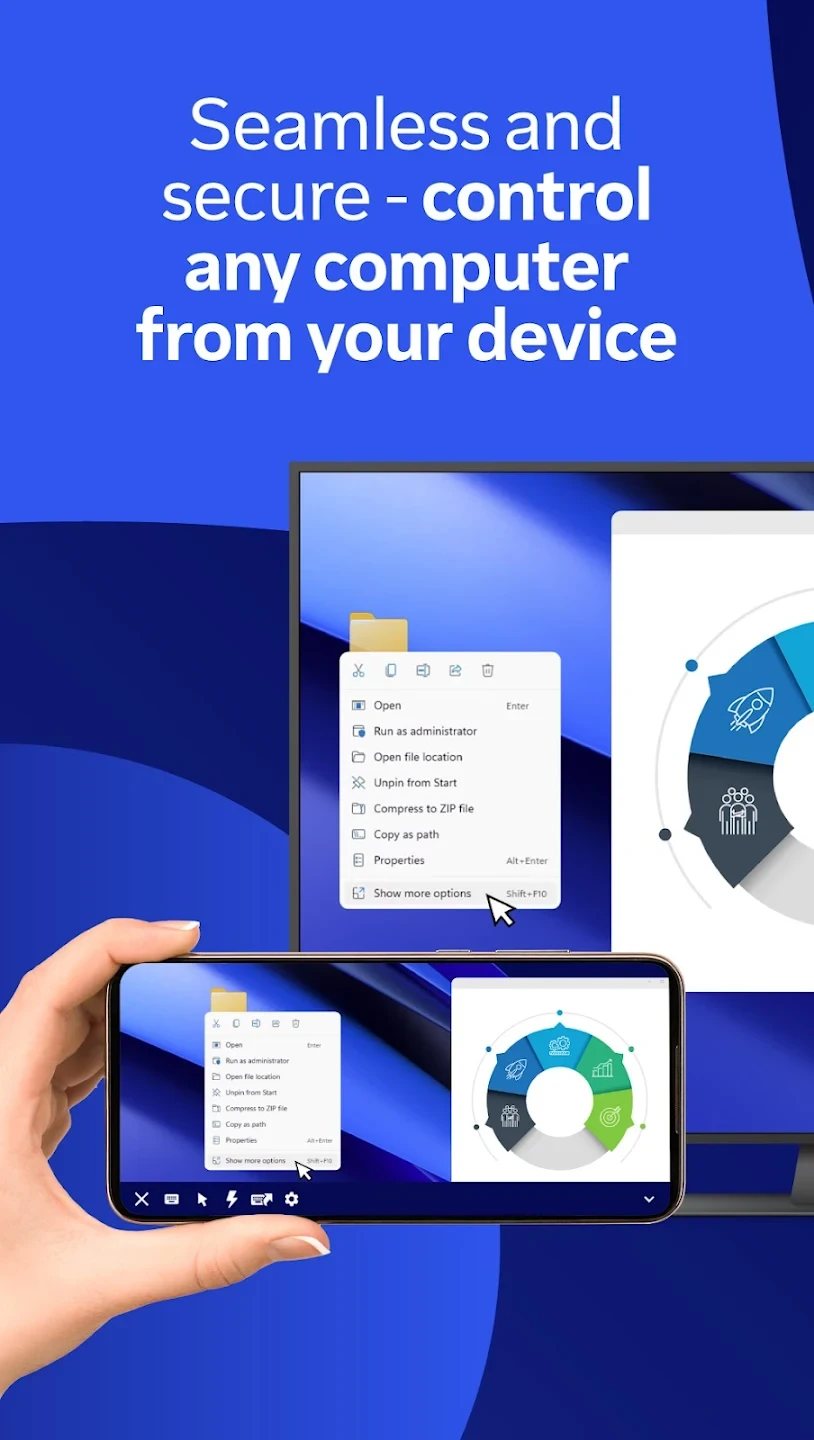
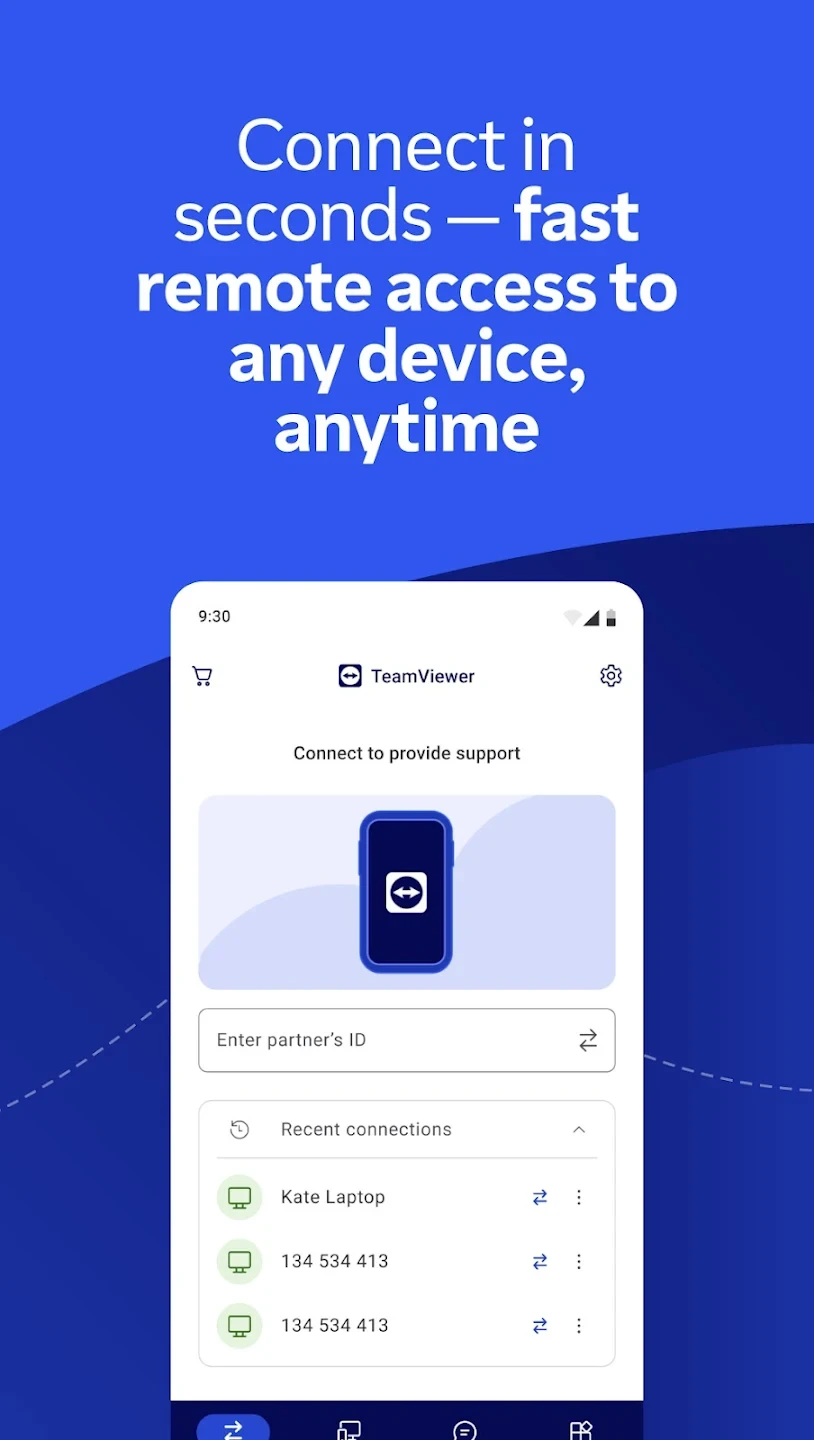
TeamViewer for Remote Control is an excellent and popular software for remote computer control that has long been used for various tasks such as repairing and troubleshooting home computers through an internet connection. The TeamViewer company has released its dedicated app for all operating systems, including Android, so that all users can manage their computers remotely using their devices. With this app, you can fully control your friend’s computer using your mouse and keyboard! Now the Android version of this excellent app is available, allowing Android device owners to easily manage the computers of family members, friends, and acquaintances via the internet from anywhere in the world! This program has a Windows version that must be installed on the other person’s computer, which then provides an ID and password for you to easily connect to their PC and perform your desired tasks effortlessly!
Some features of the TeamViewer Android app:
- Full control over the computer through your Android phone
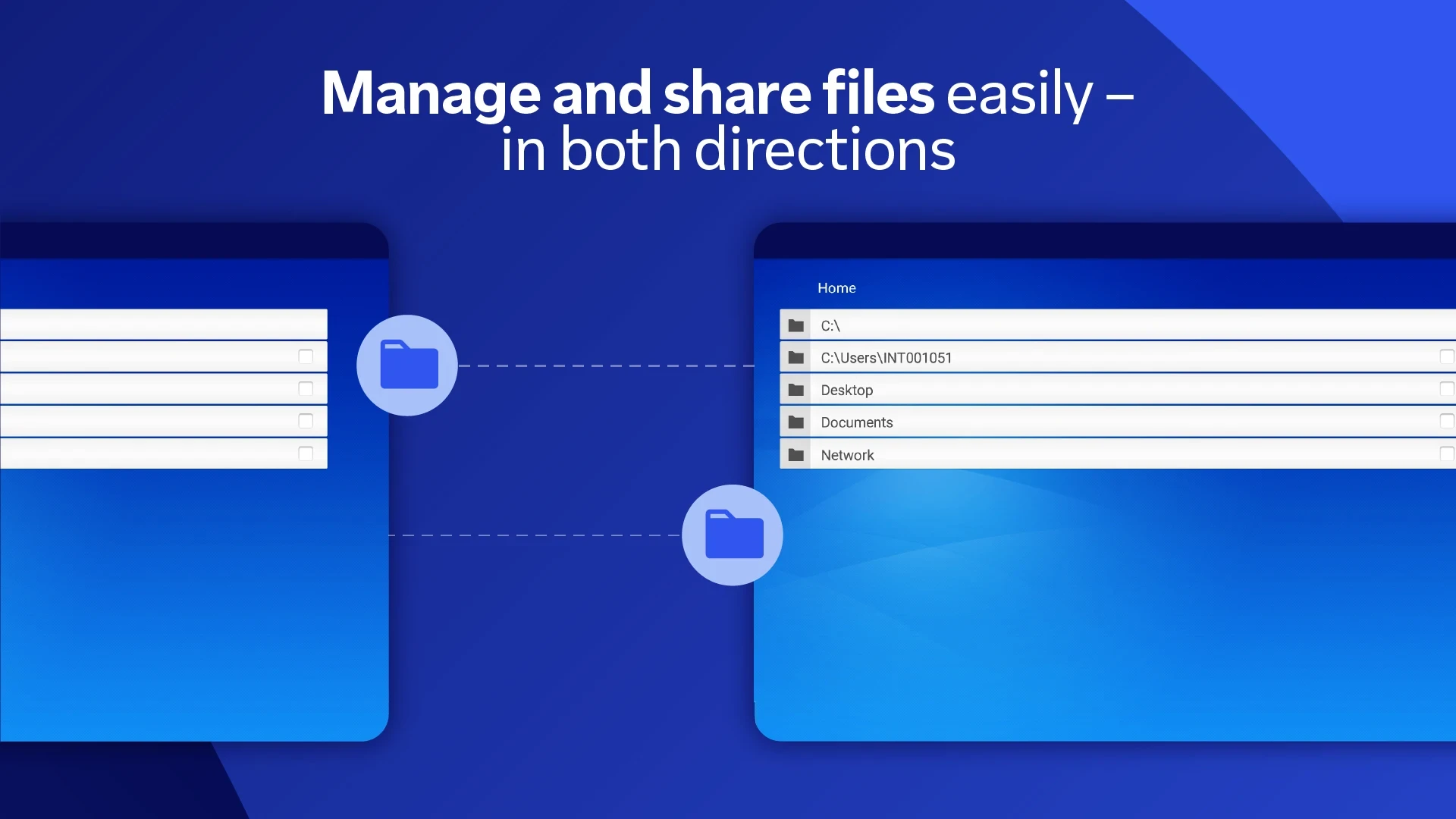
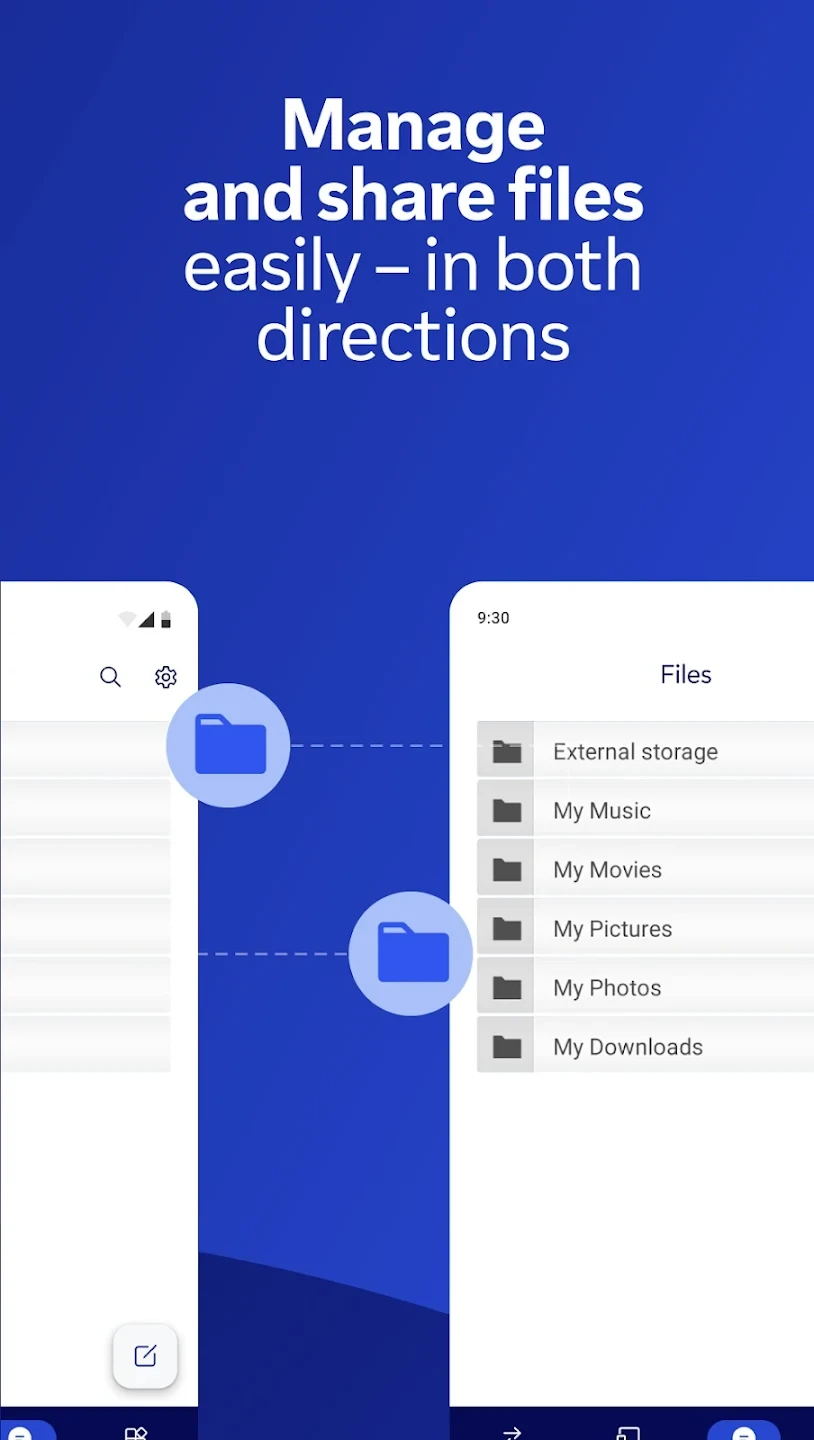
- Ability to transfer data between your phone and the connected computer
- Use of the strongest and highest security protocols
- Support for all Windows versions including 8, 7, XP, and more for connection
- Extremely user-friendly interface with no confusion
The TeamViewer app has been downloaded over 50,000,000 times and holds a rating of 4.4 out of 5.0. We at DroidCove provide the latest version upon user request, which you can download with a single click! This app is offered completely free of charge and does not require any hacked, unlocked, or modded versions.
How to use TeamViewer in three steps:
Step 1: Download and install the Android version on your device.
Step 2: Download and install the Windows version on the computer.
Step 3: Enter the TeamViewer Windows ID and password into your phone.







![KineMaster 8.1.13 – Powerful Video Editor for Android [Update]](https://droidcove.com/wp-content/uploads/2026/06/KineMaster-Logo-1-100x100.webp "KineMaster 8.1.13 - Powerful Video Editor for Android [Update] 5")

