


Smart Receipts Plus v4.64.0.1860 – Financial and Receipt Tracker App for Android
Purchased and full version priced at $14.99
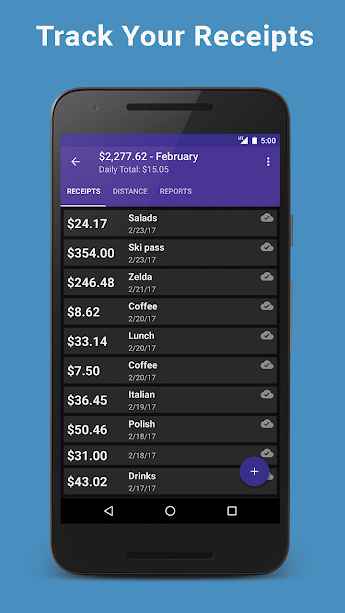
Among us, there are individuals responsible for managing financial matters! These reviews may relate to personal finances or a very large company. Such individuals have a strong need for financial management tools to prevent wasting time and to perform audits without the slightest error. Smart Receipts Plus is a financial and receipt tracking application developed by Smart Receipts LLC for Android and released on Google Play. This software helps you prepare and send accurate financial reports along with receipts to your employer at any time. The smart receipts in this suite report more than 20 different types of information, which helps provide a complete and precise understanding. Organize your expense reports into various folders so you never get confused when searching for them. The existing management system organizes your activities by adding different categories and offers you a new experience. The exchange rate for each currency is processed intelligently, and reports are presented based on a specific criterion.
Some features and capabilities of Smart Receipts Plus for Android:
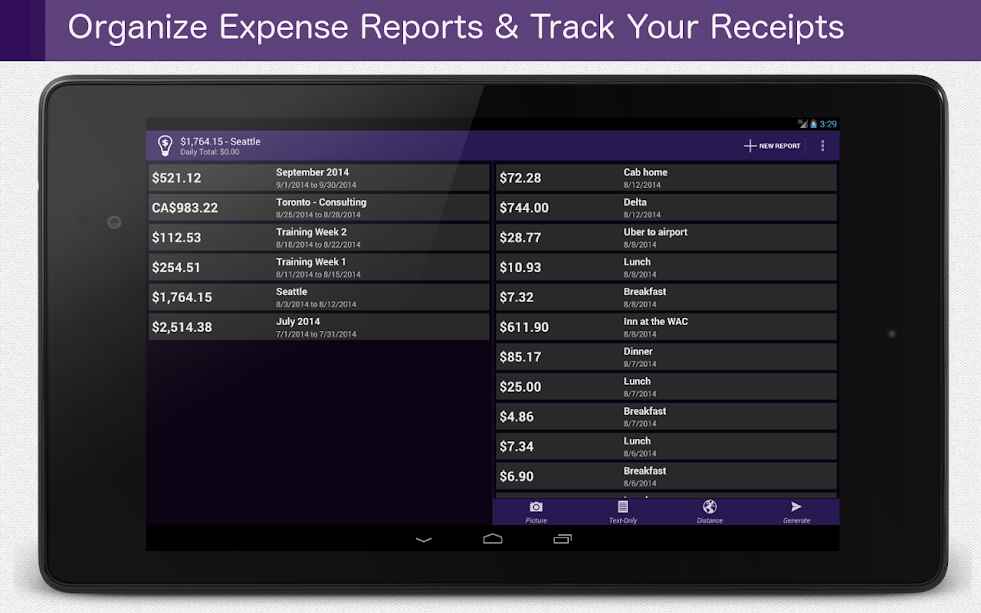
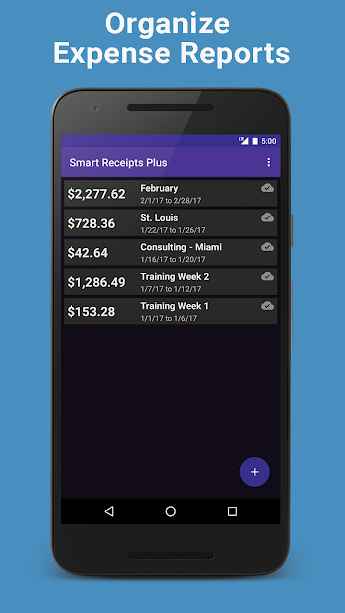
- Organize expense reports into specific folders
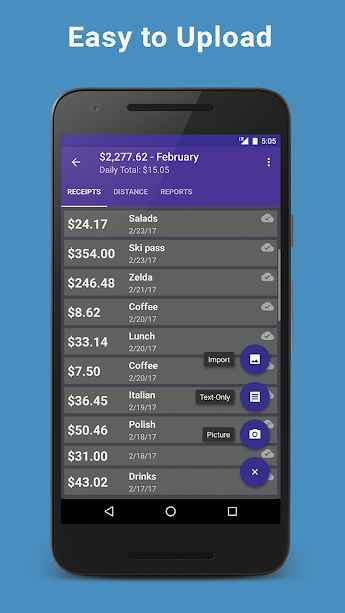
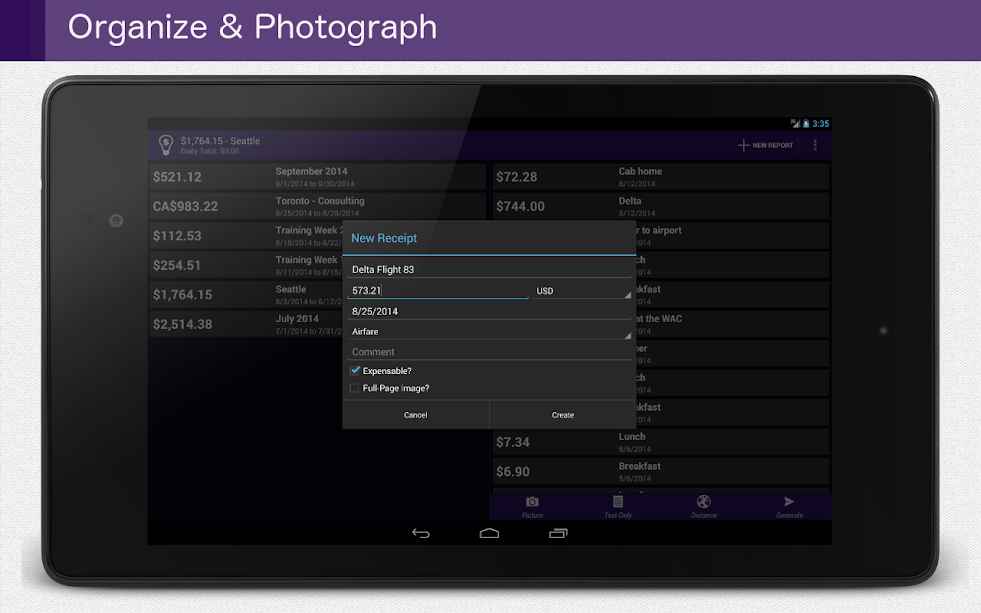
- Capture receipt images using the device camera
- Import images from smartphone storage
- Import various information through PDF files
- Save expenses on receipts, taxes, and currency
- Create, edit, or delete receipt categories
- Calculate mileage for reimbursement!
- Automatic currency rate processing
- Smart forecasting based on past income
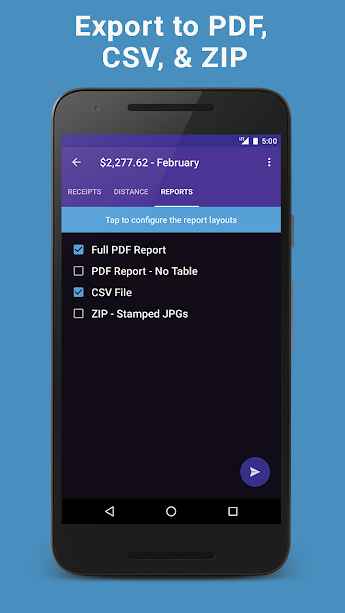
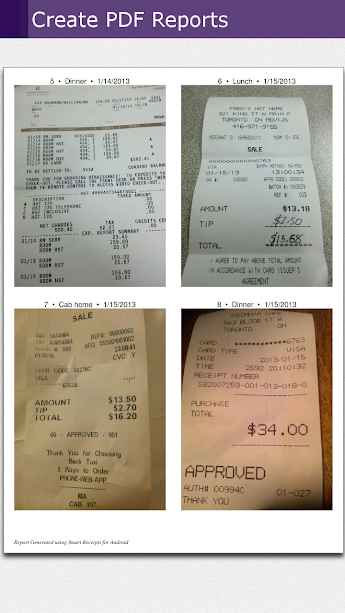
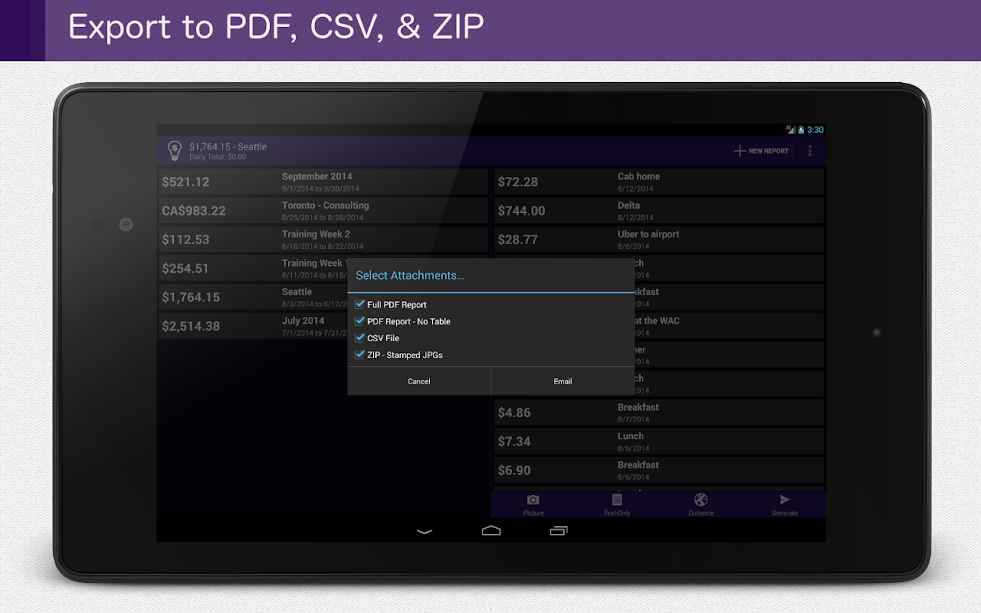
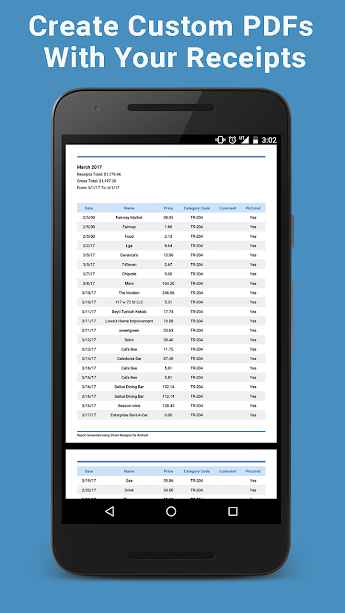
- Create PDF, CSV, and ZIP reports
- Automatic data backup on cloud servers
- Backup for photo-to-text conversion!
The Smart Receipts Plus app, with dozens of diverse features in financial management, has earned a 4.7 out of 5.0 rating from Google Play users at a price of $14.99. You can now download the latest purchased version from the DroidCove website.
Note: The installation file format is Apks – to install the app, a PDF file is included in the app folder to guide you through the installation process.




![KineMaster 8.1.13 – Powerful Video Editor for Android [Update]](https://droidcove.com/wp-content/uploads/2026/06/KineMaster-Logo-1-100x100.webp "KineMaster 8.1.13 - Powerful Video Editor for Android [Update] 5")

