


Screen Draw Screenshot Pro v1.0 build 29 – Feature-Rich Android Screen Capture Application
Purchased version available for $1.99
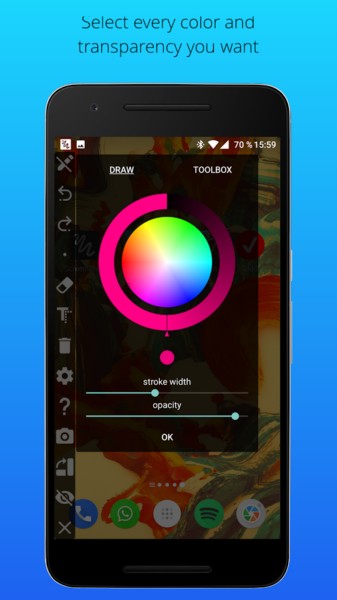
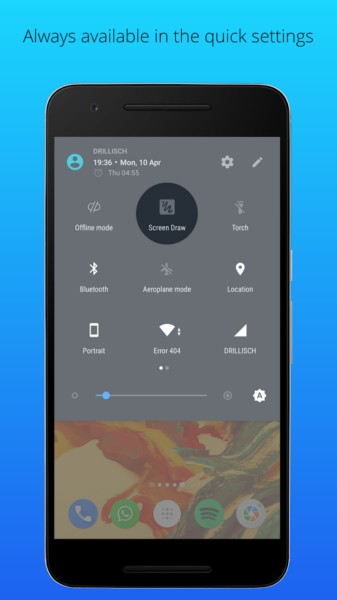
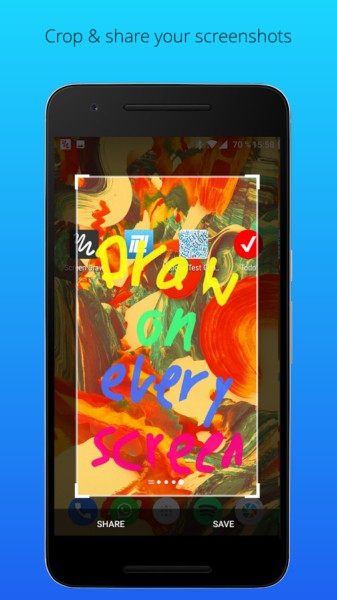
Undoubtedly, one of the most frequently used features on Android devices is capturing images or, in other words, taking screenshots. This capability is built-in by default on these devices but lacks special features. Screen Draw Screenshot Pro is an app designed for taking screenshots with various features, developed by Kewitschka and priced at $1.99 for Android. Simply tap the screen once to capture a clear image of your device’s display. After taking a screenshot, numerous editing options are available, allowing users to apply various edits such as adjusting color, contrast, saturation, and more. The ability to add text on images enables users to write notes on the screenshot to remember their tasks or decisions later. Easily rotate images or crop the parts you need. After installing the app on Android Nougat, an option appears in your device’s notification bar that simplifies screenshot capture and minimizes the need for using key combinations.
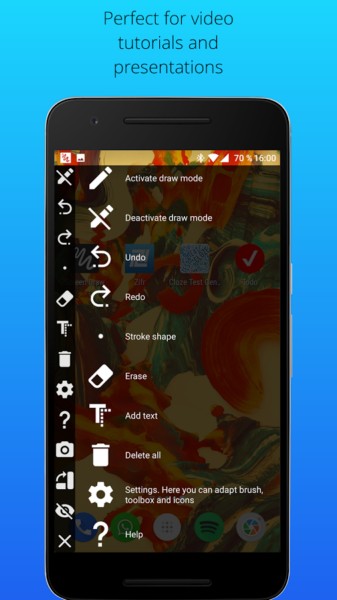
Some features and capabilities of Screen Draw Screenshot Pro for Android:
- Capture screenshots without complicated steps or key combinations
- Ability to rotate or flip images
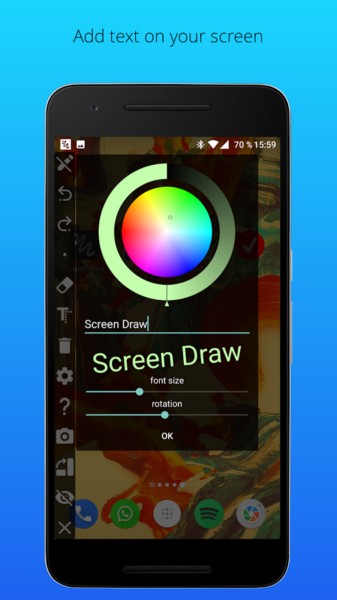
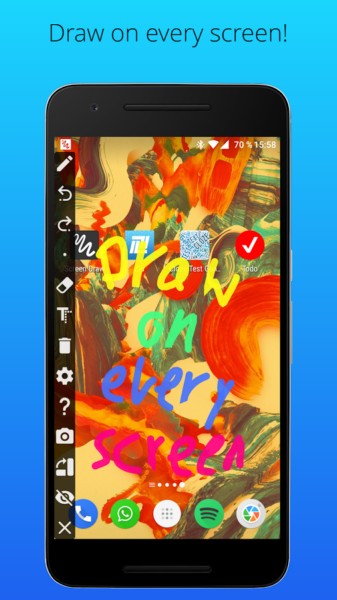
- Add text anywhere on the captured screenshot
- Resize screenshots
- Hidden mode!
- App accessible anytime and anywhere
- Screenshot icon added to the notification bar (only on Android 7.0)
The Screen Draw Screenshot Pro app, considering its features and $1.99 price, has earned a 4.6 out of 5.0 rating from Play Store users. You can now download the latest purchased version of this practical software from the DroidCove website.
Changes in version v1.0 build 29:
* Added screenshot capture option in settings
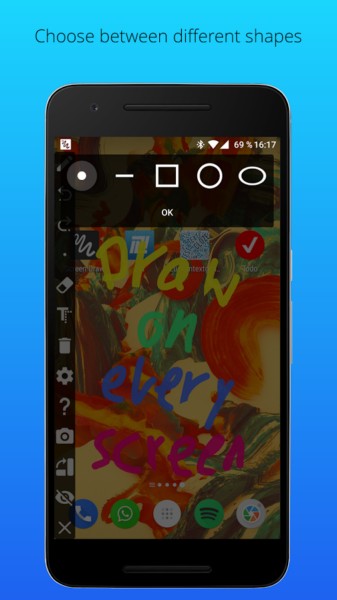
* Added additional shapes
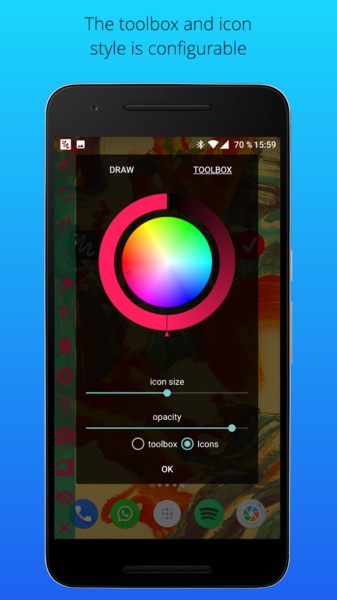
* Icon size adjustment
* Added ability to write text on images
* Icon color adjustment
* Bug fixes



![KineMaster 8.1.13 – Powerful Video Editor for Android [Update]](https://droidcove.com/wp-content/uploads/2026/06/KineMaster-Logo-1-100x100.webp "KineMaster 8.1.13 - Powerful Video Editor for Android [Update] 5")

