Samsung Calendar v12.7.06.17 – Samsung Mobile Calendar App
Official Original Version of Samsung Calendar
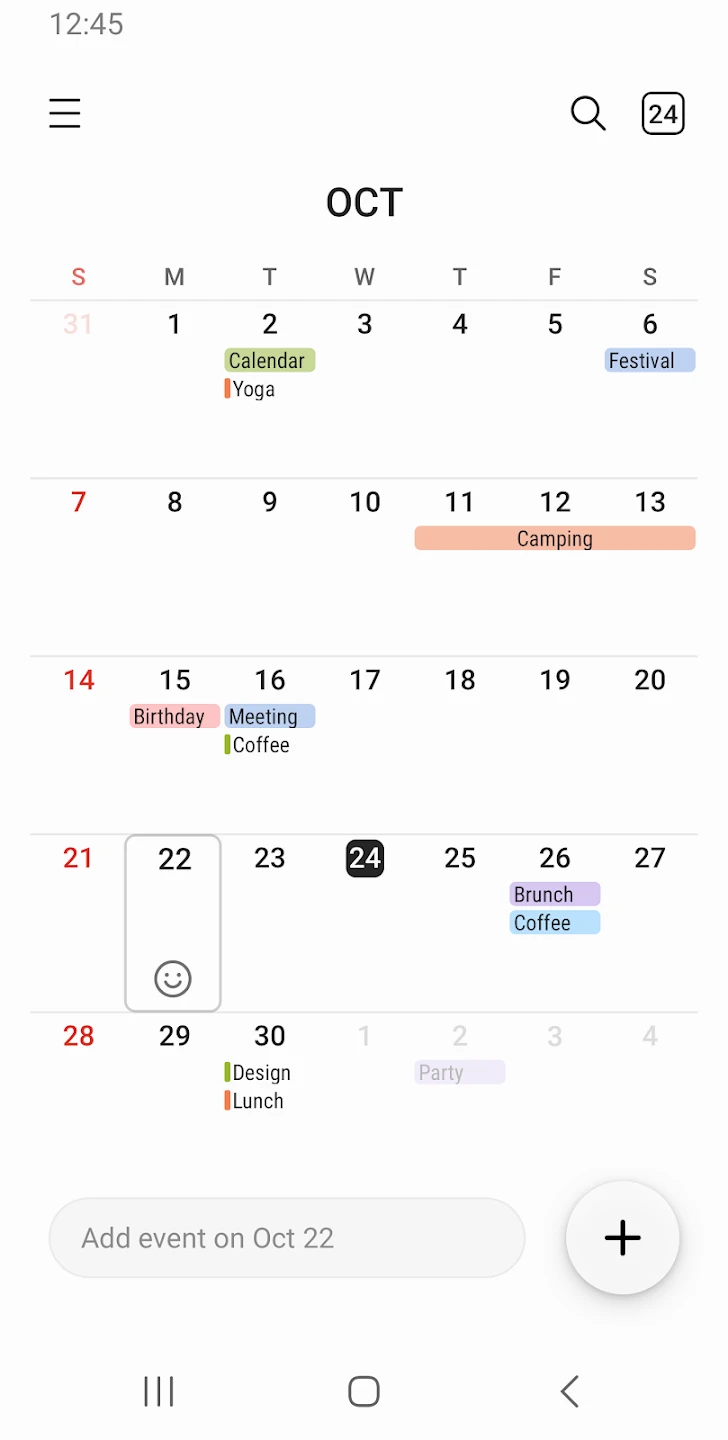
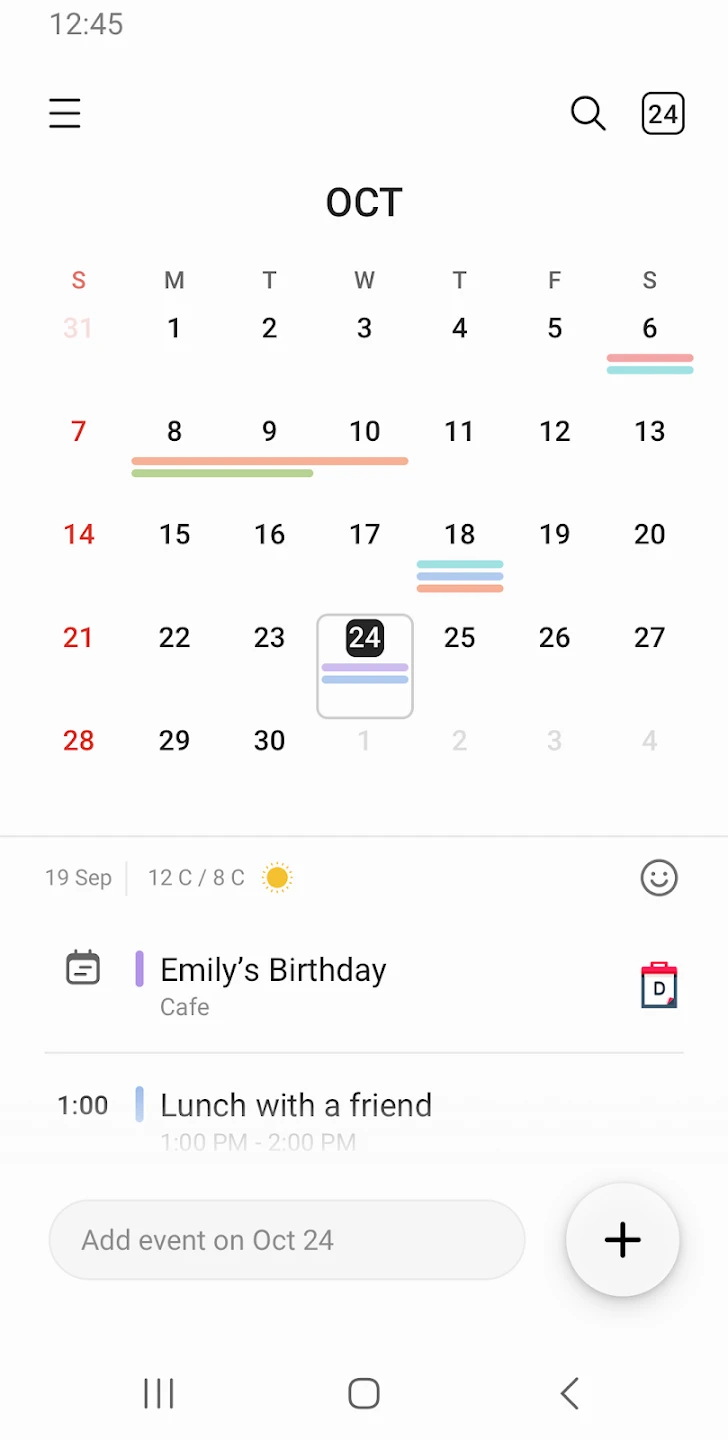
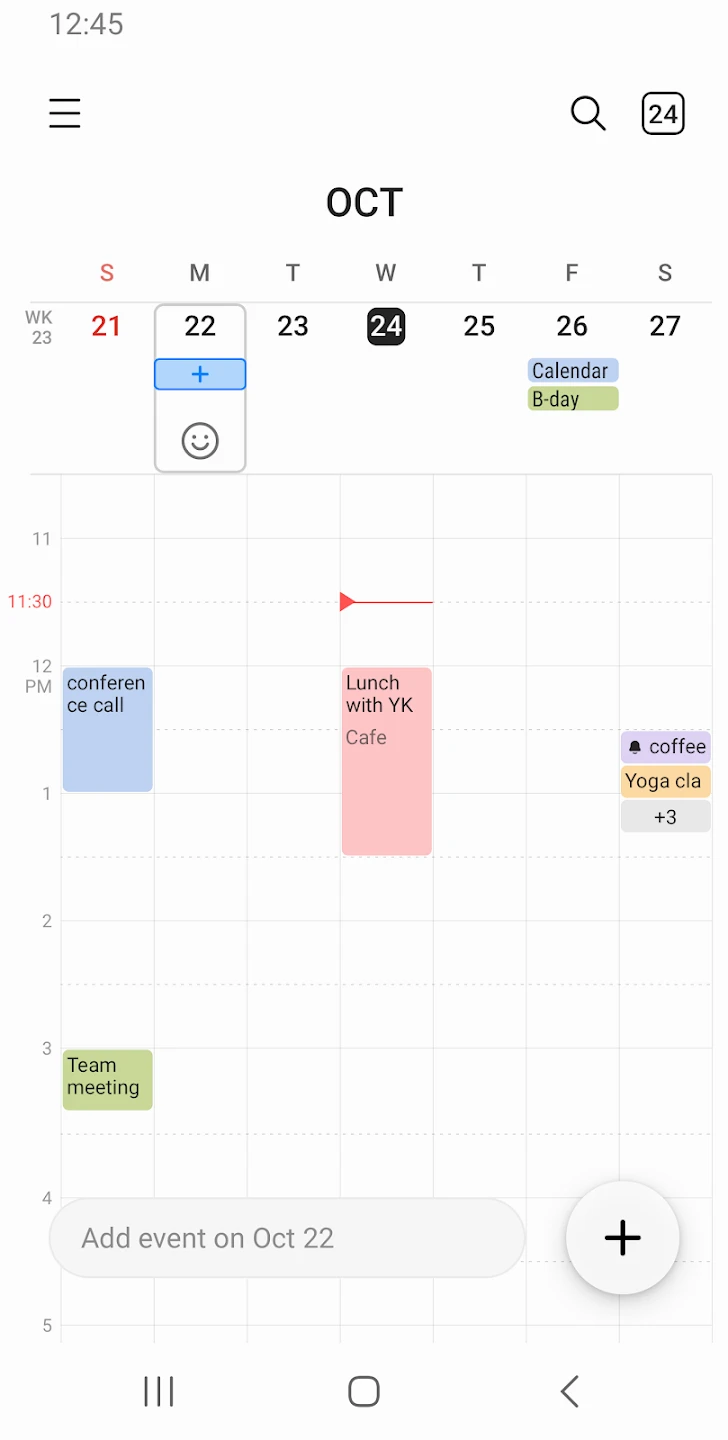
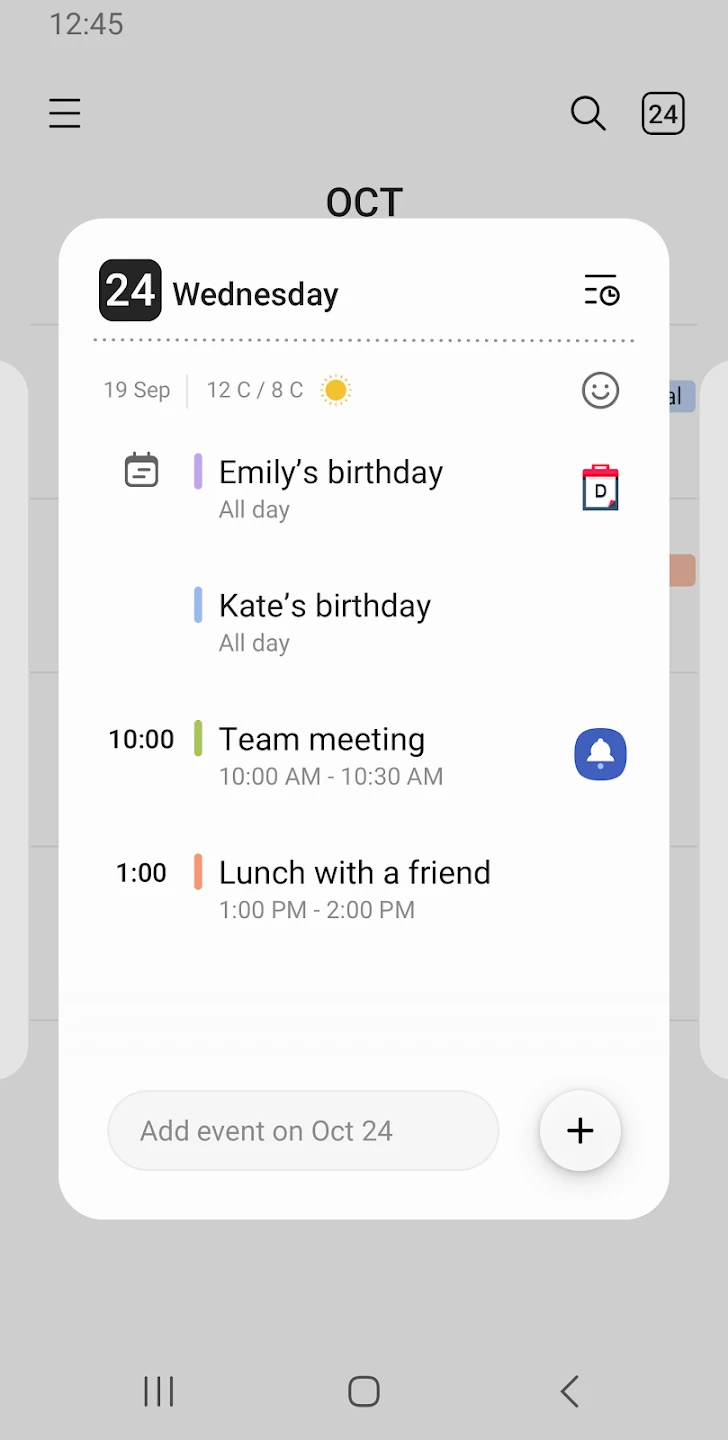
Samsung Calendar is Samsung’s smart calendar with a beautifully designed user interface and many features such as adding tasks for each day on your mobile device. This startup app, with its simple user interface, helps you have a broad view of all the days of the year and allows you to properly plan your long-term work or leisure schedules. You can add your activities on any day of the week so you never forget to complete them. The app lets you use different colors to indicate the importance of your activities and assign a color to each day based on its significance. To avoid forgetting the type of activity, you can add details to them. As you know, many of us may forget some of our activities; fortunately, Samsung Calendar provides an internal reminder system to prevent forgetting any tasks and allows your activities to proceed according to the set schedule. Synchronizing information with Google Calendar is another feature of the app. This also helps save your time by importing your data from Google Calendar to Samsung Calendar with just one tap. Displaying weather information for each day helps you make the right decisions and complete your tasks on time so that none of your important activities are delayed. Finally, the widgets provided by Samsung Calendar help you access a list of your activities on different days anytime simply by turning on the display of your Android smartphone.
Some features and capabilities of the Samsung Calendar app for Android:
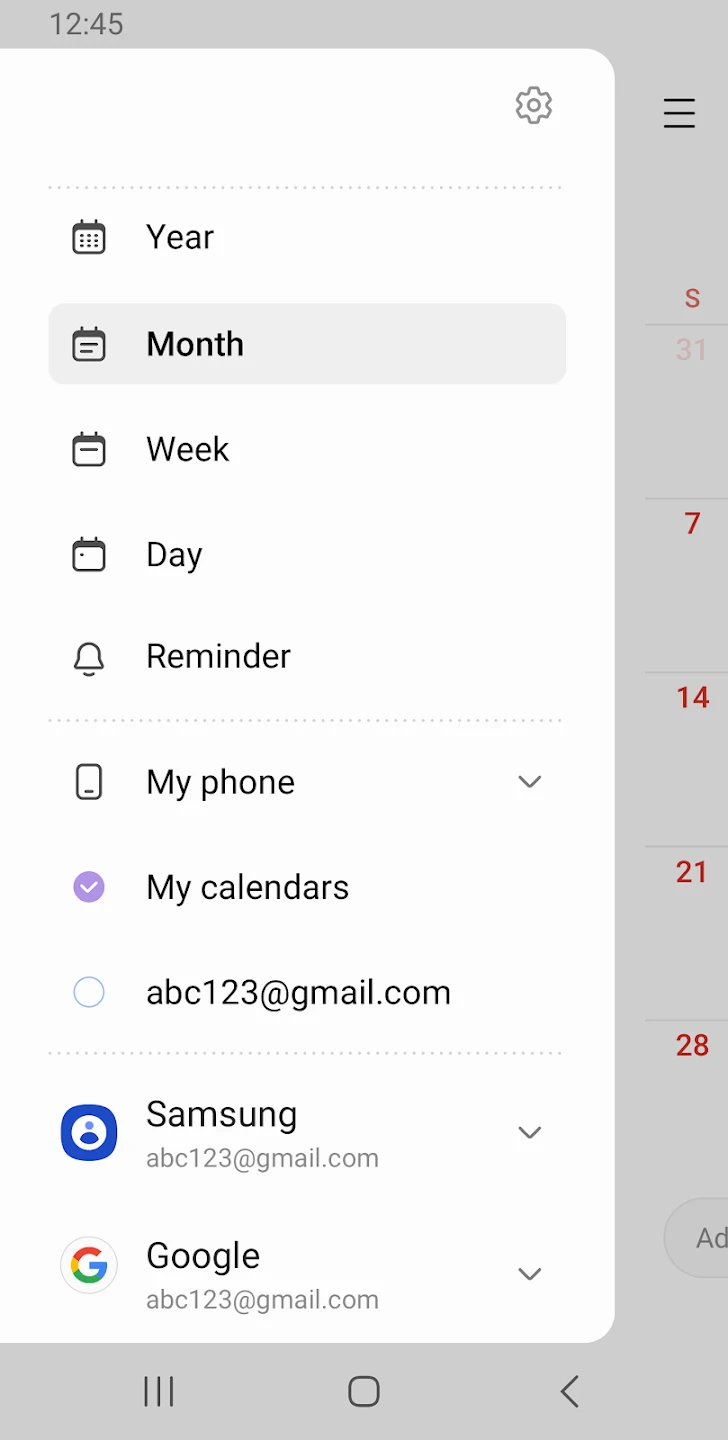
- View calendar in yearly, monthly, or daily mode
- Add important events to specific days each year
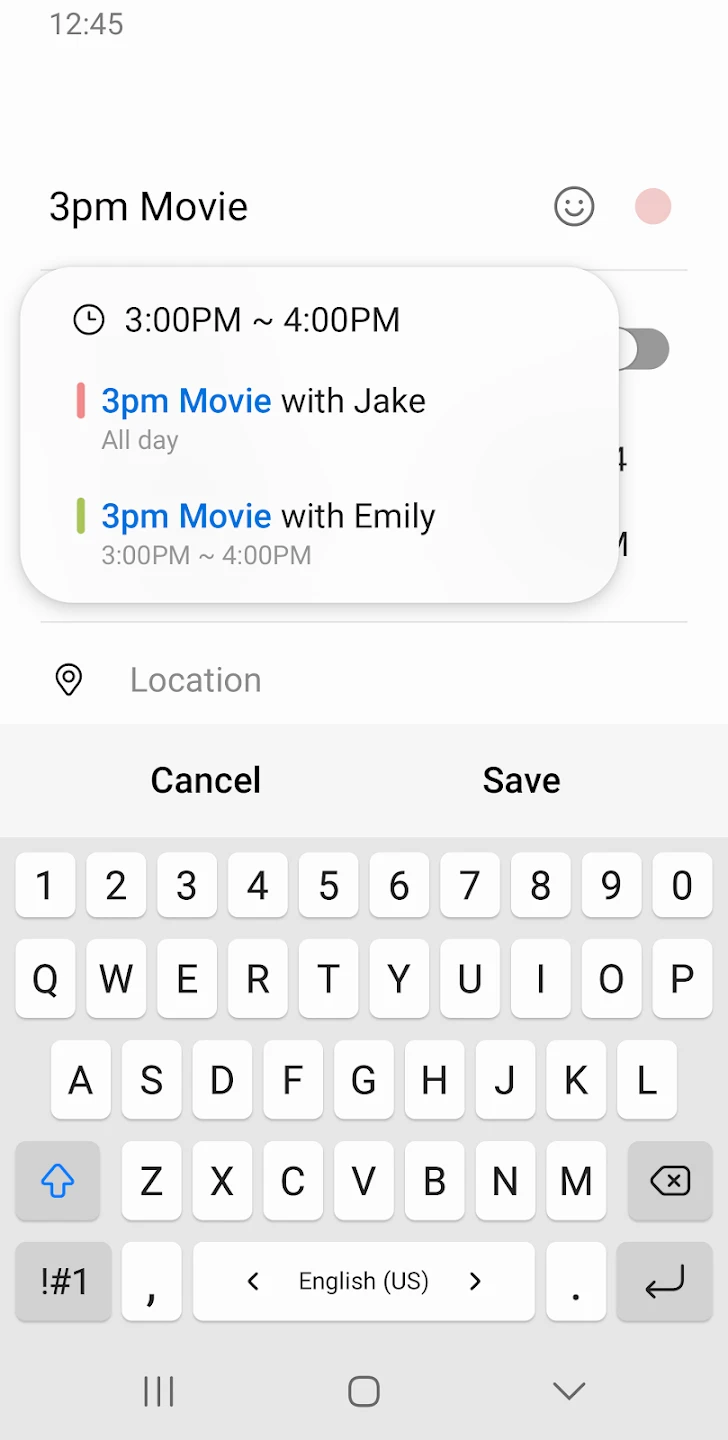
- Option to add your activities to each day for a clear work schedule
- Sync with Google Calendar and import data with one tap
- Display weekly weather information for a long-term view of your activities
- Built-in reminder to prevent forgetting your tasks
- Main screen widget for quick information access
The Samsung Calendar app, with its unique set of features and capabilities for managing work schedules and daily activities, is offered for free by its developer on Google Play and has received a rating of 4.3 out of 5.0 from users. You can now download the official original version of this smart calendar from DroidCove.