

Rufus v4.12.2314 | Rufus – Bootable USB Creation and Operating System Installation Tool for Windows
A fast, lightweight, and professional software for preparing bootable USB drives
Rufus is one of the most well-known and practical Windows tools for creating bootable USB drives and preparing USBs for operating system installation. This program is designed with a focus on speed, simplicity, and precise performance, allowing users to create a bootable USB for installing Windows, Linux, or system repair tools with just a few clicks. Due to its very small size, fast execution, and broad support for various ISO files, Rufus has become one of the most popular operating system installation tools. This software is made for users who want to create a bootable USB without complexity or extra settings. Many users need to transfer ISO files to a USB when installing Windows or Linux, but simple copying is not enough; the USB must be formatted as bootable. Rufus performs this task fully automatically and applies all necessary settings precisely. This simplicity makes the program a suitable choice for both beginners and professional users.
Features and capabilities of Rufus software:
- Create bootable USB drives for installing Windows and Linux
- Support for various ISO files
- Very high speed in formatting and preparing USB drives
- Simple and straightforward user interface
- Very small size and fast execution
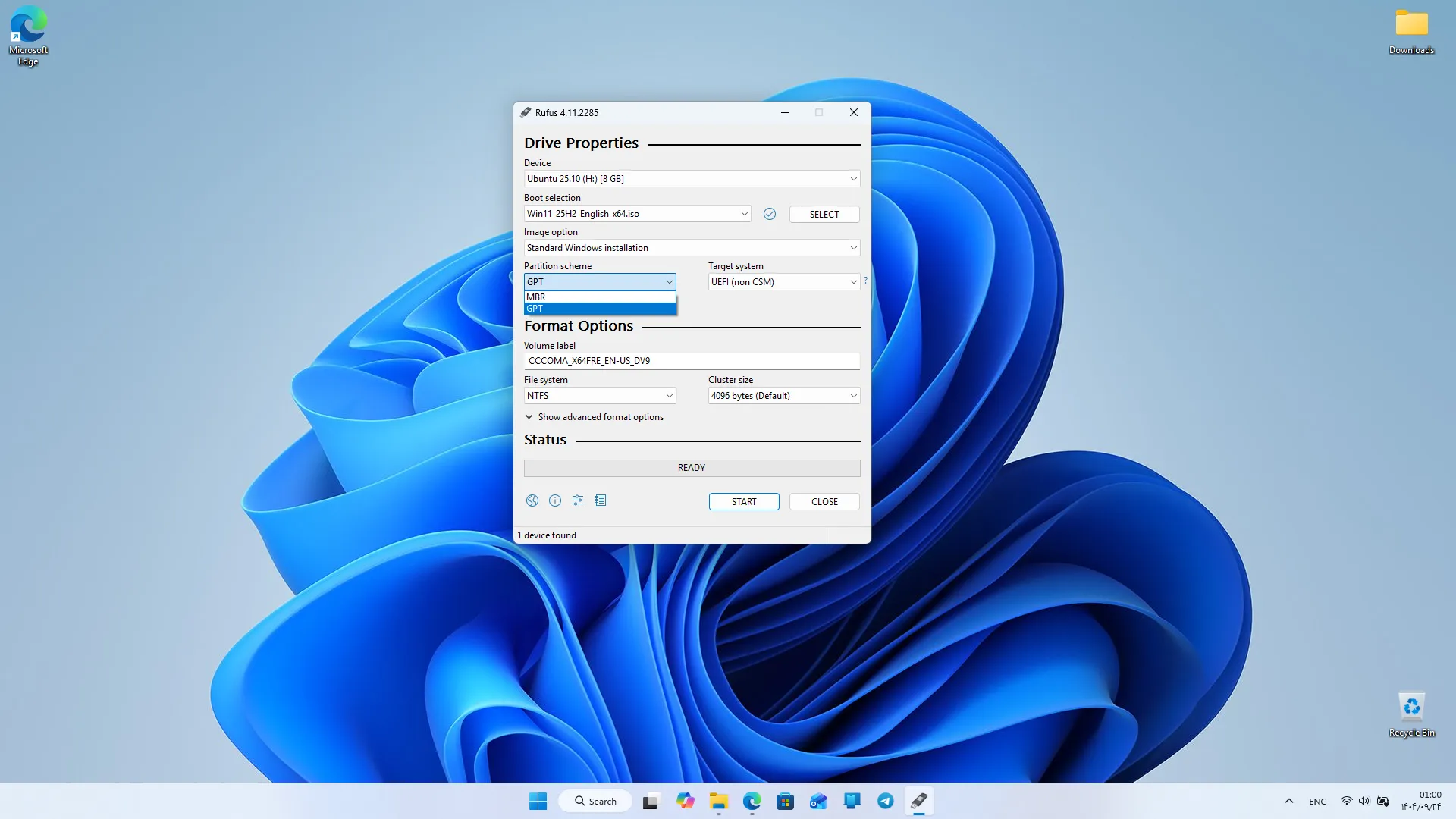
- Support for MBR and GPT for compatibility with different systems
- Ability to create bootable disks for system repair tools
- Support for UEFI and Legacy BIOS
- No installation required and portable execution
- Ability to check USB errors before creating the boot
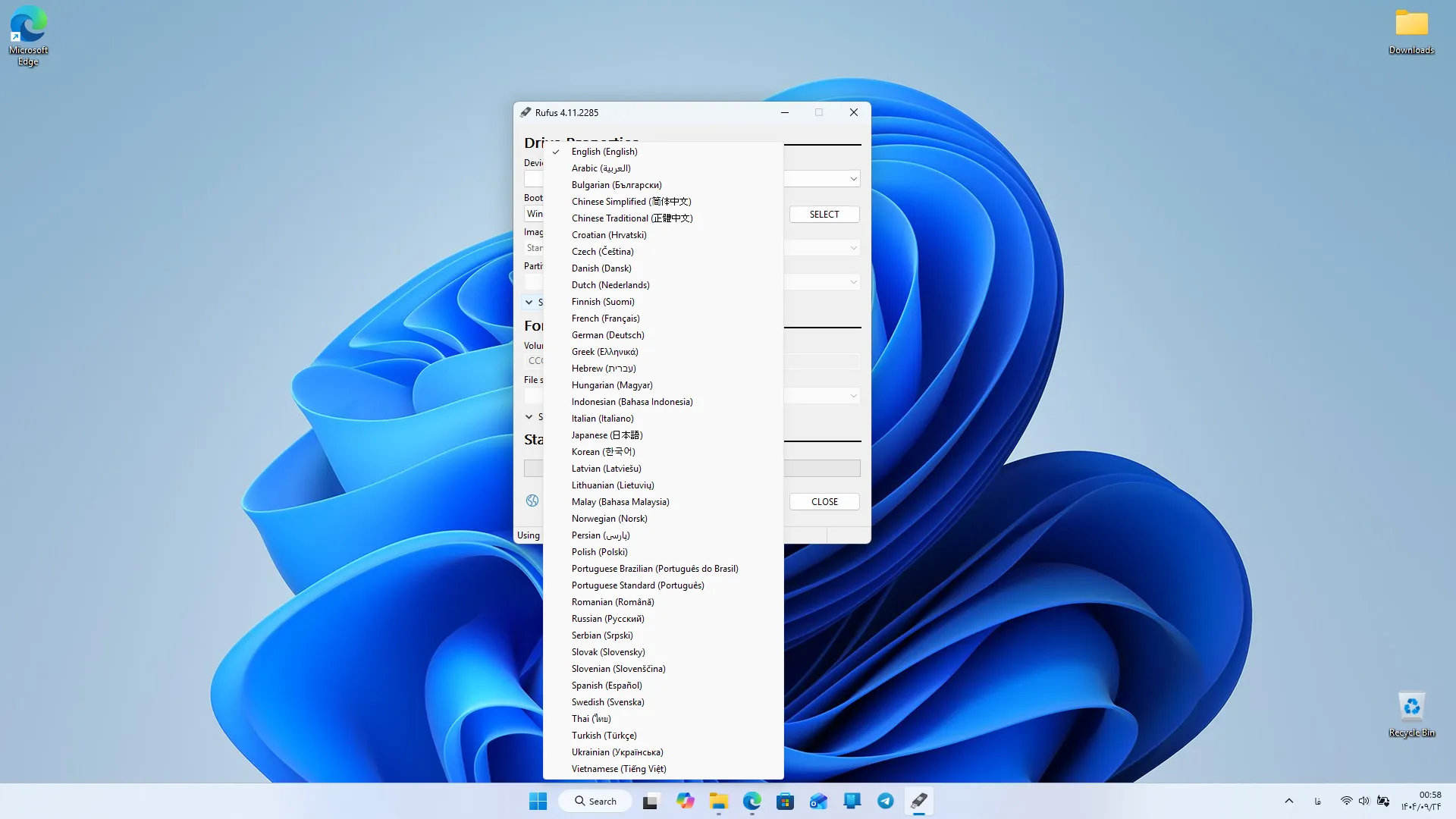
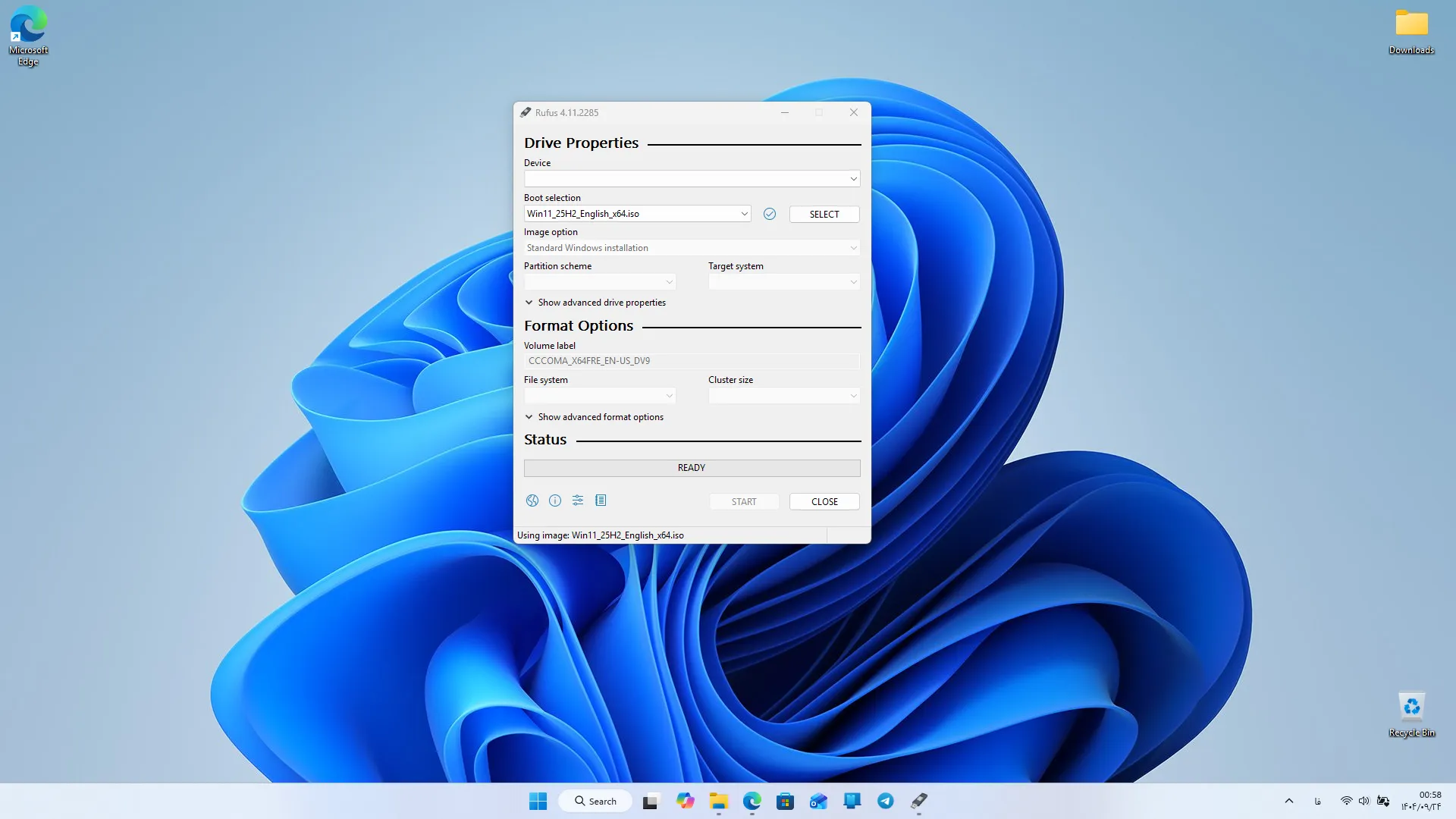
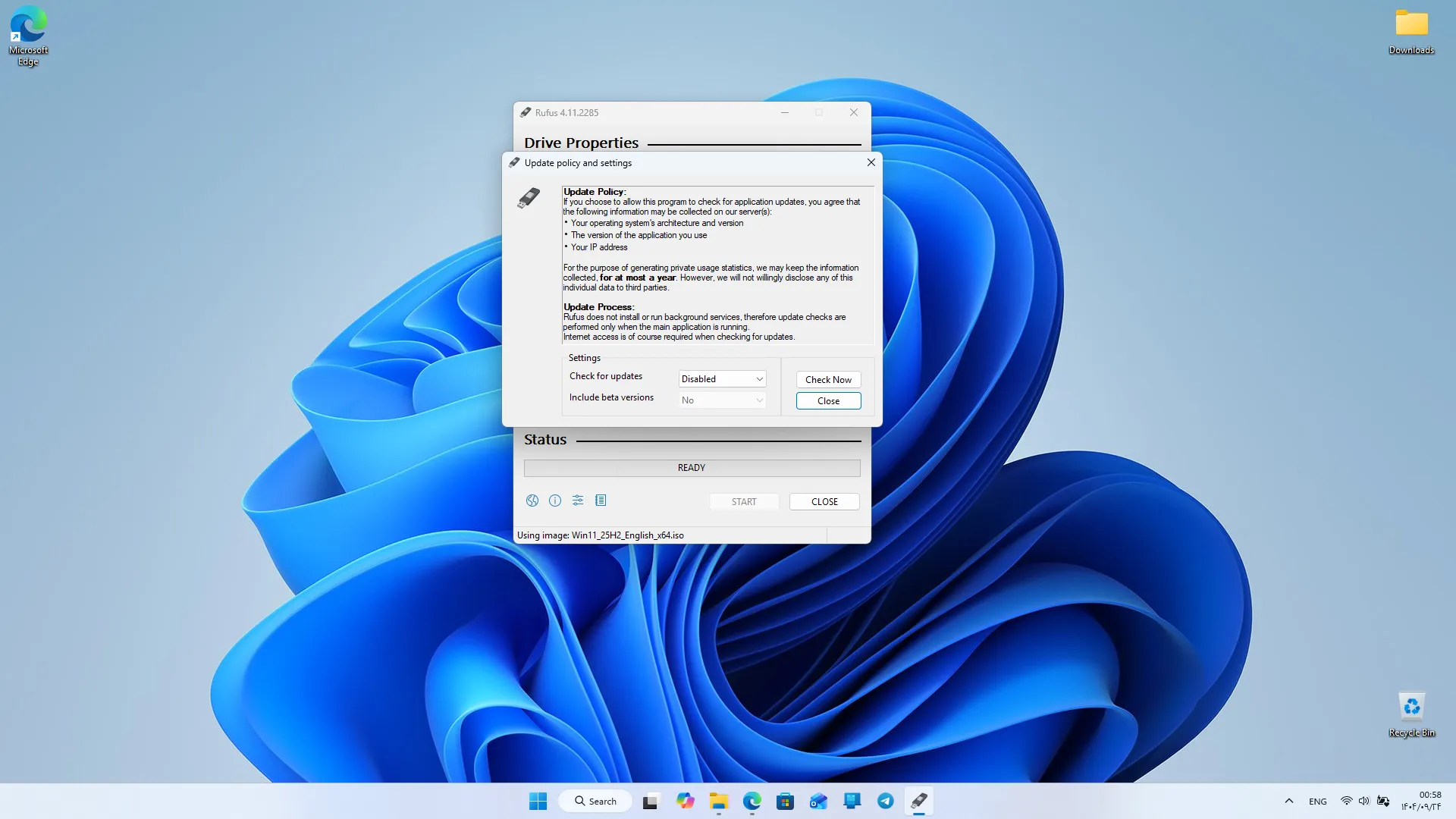
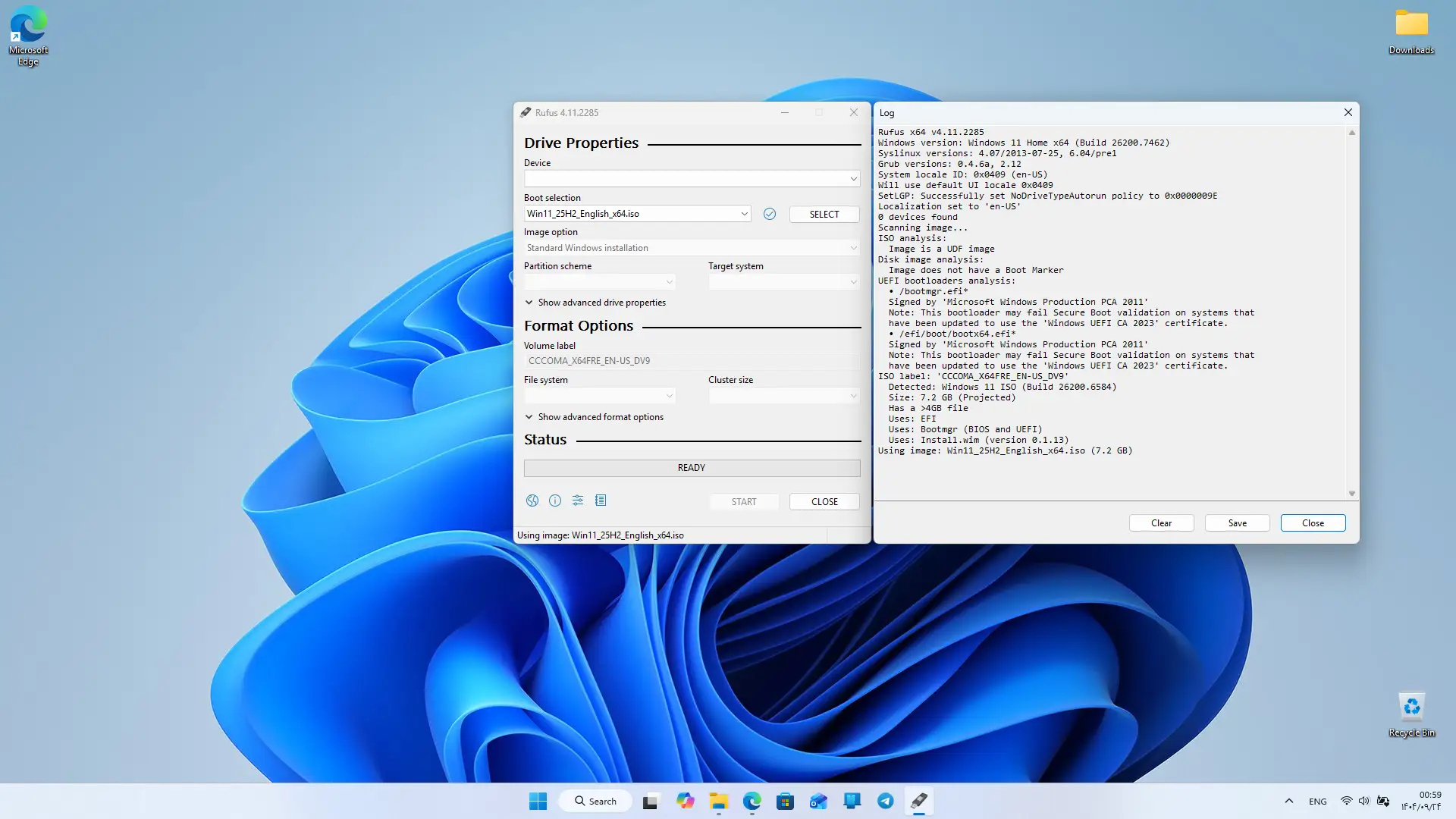
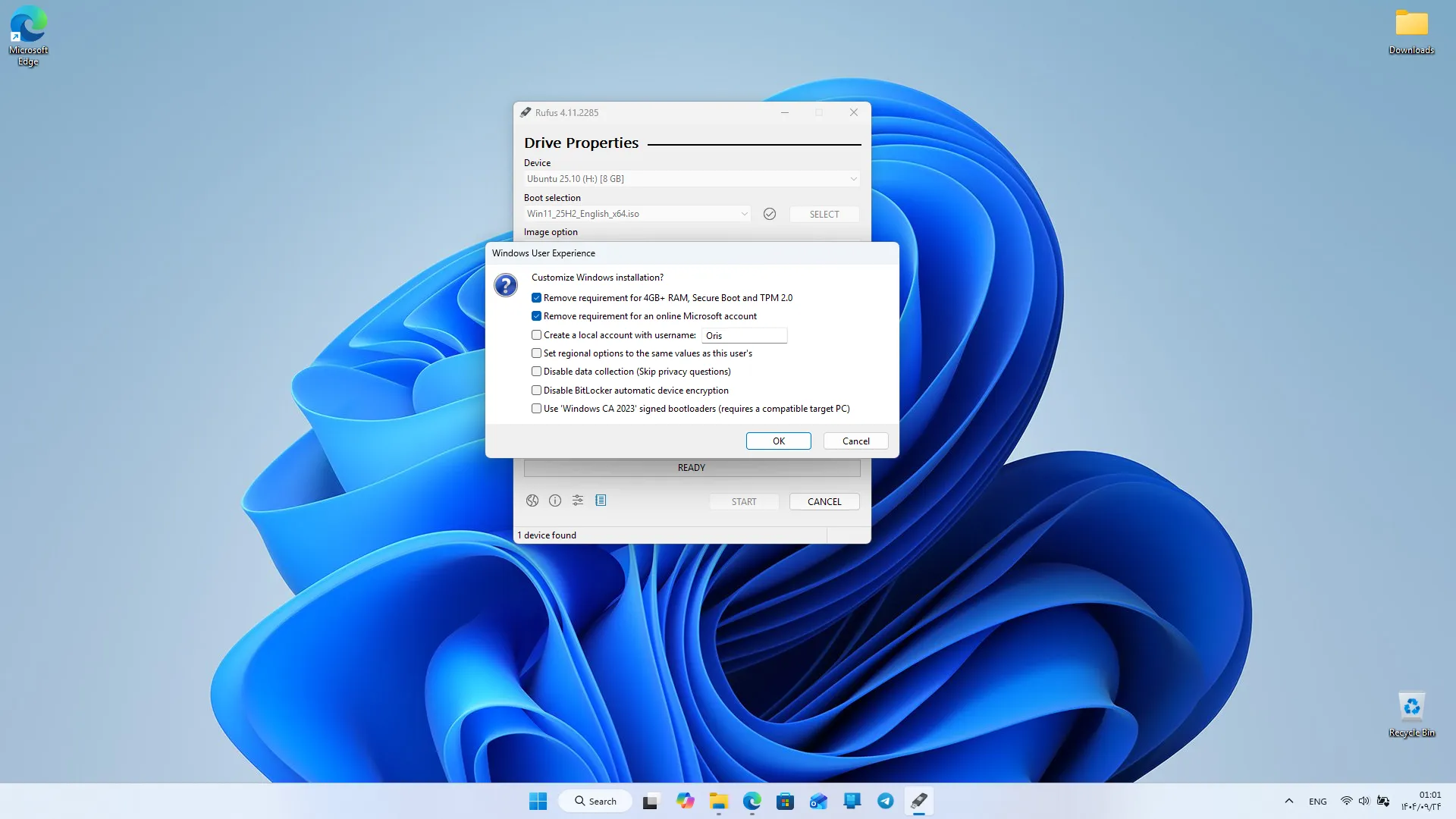
Rufus focuses on speed, providing an experience that allows users to prepare their USB drives in the shortest possible time. This program operates significantly faster than many similar tools and processes even large ISO files quickly. This feature is valuable for those who frequently install operating systems or work with system repair tools. One of the key strengths of this program is its support for various boot modes. Users can prepare the USB in MBR or GPT mode depending on their system type. This capability makes Rufus compatible with both old and new systems, allowing users to create a bootable USB suitable for their device without compatibility concerns. Support for UEFI and Legacy BIOS also adds more flexibility to the program. Rufus is also very suitable for creating bootable disks for system repair tools. Many users use bootable tools to fix Windows issues, recover data, or scan their systems. This program can easily place the ISO files of these tools on the USB and make it bootable. This feature has made Rufus an essential tool for technicians and professional users. The software is also designed with a very simple user interface. All options are located in a small window, and users only need to select their USB, load the ISO file, and click start. The program automatically applies all necessary settings without requiring complex technical knowledge. This simplicity makes Rufus fully usable even for beginners.
Rufus being open-source is another important feature. Users can be confident that the program has no hidden behaviors, and the developer community continuously improves and fixes issues. This transparency has given the program a special place among similar tools and earned users’ trust. Compared to other tools, Rufus has significant advantages. Many bootable USB creation programs are either heavy or slow, but Rufus offers a complete and reliable experience with its small size, high speed, and broad support. These features make this program one of the best choices for installing Windows, Linux, and system repair tools. Overall, Rufus is a fast, lightweight, and reliable tool for creating bootable USB drives on Windows that offers a professional experience with practical features, support for various boot modes, and precise performance. If you are looking for a program that can create a bootable USB for operating system installation in the shortest time possible, this software is one of the best options. You can download the official version directly from DroidCove.



![KineMaster 8.1.13 – Powerful Video Editor for Android [Update]](https://droidcove.com/wp-content/uploads/2026/06/KineMaster-Logo-1-100x100.webp "KineMaster 8.1.13 - Powerful Video Editor for Android [Update] 5")

