

Remote Phone Call v6.3 – Remote Calling Application for Android
Purchased version available for $5.40
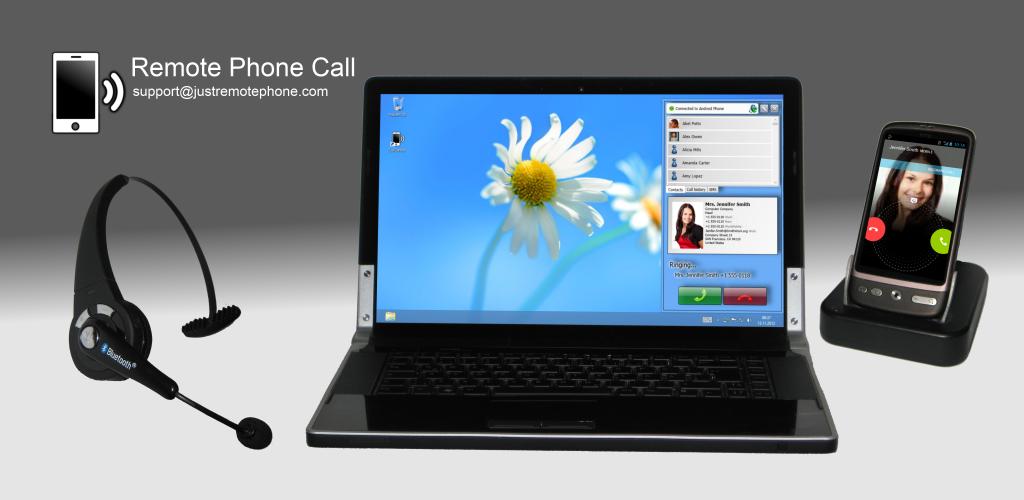
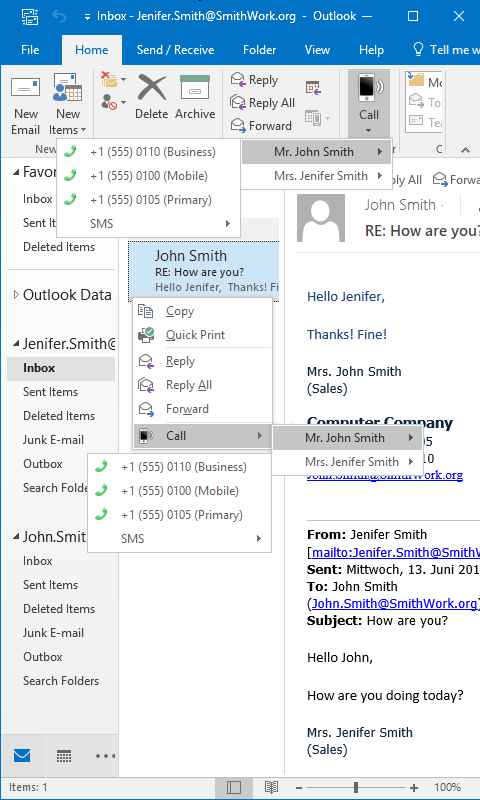
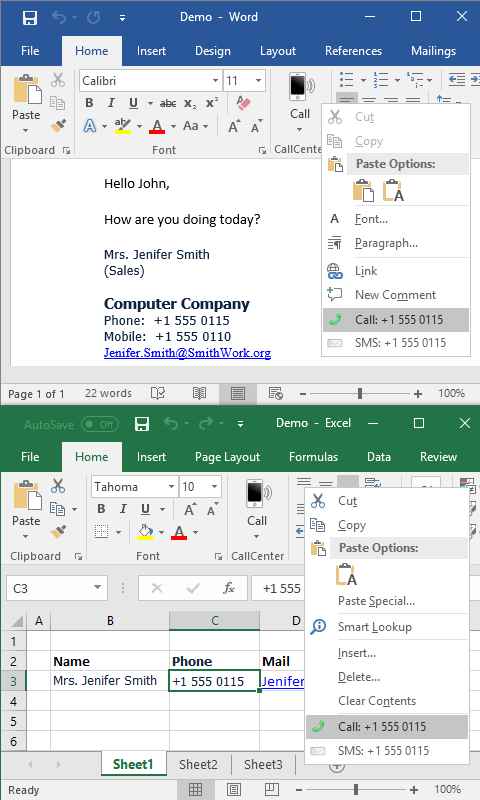
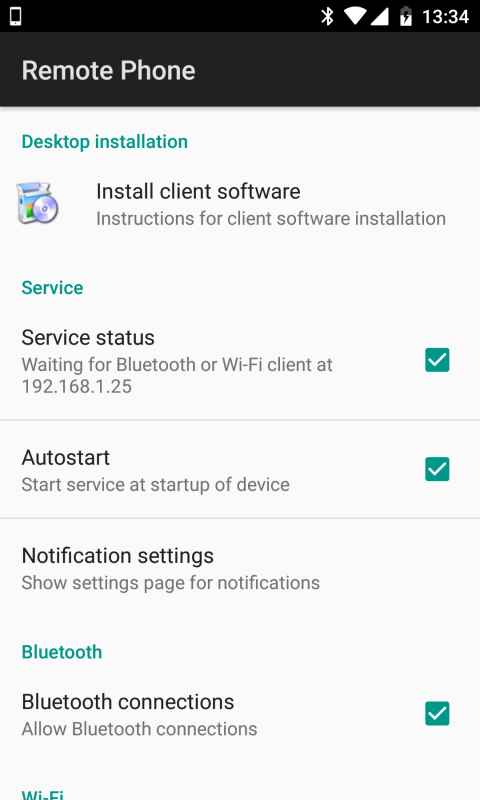
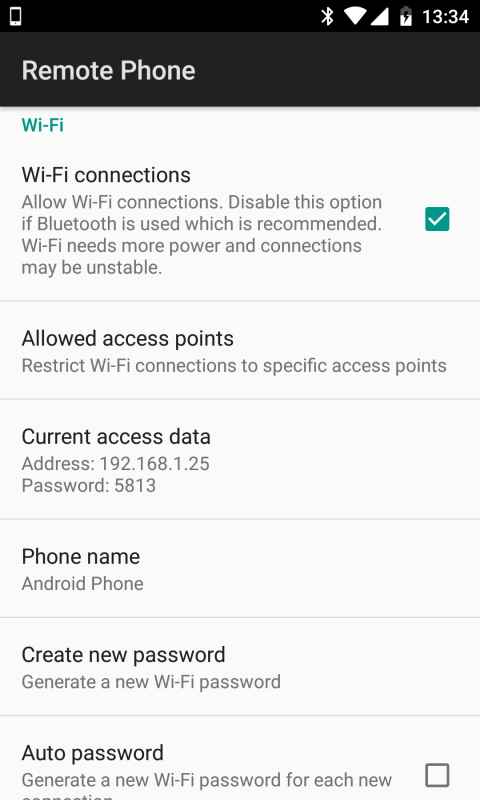
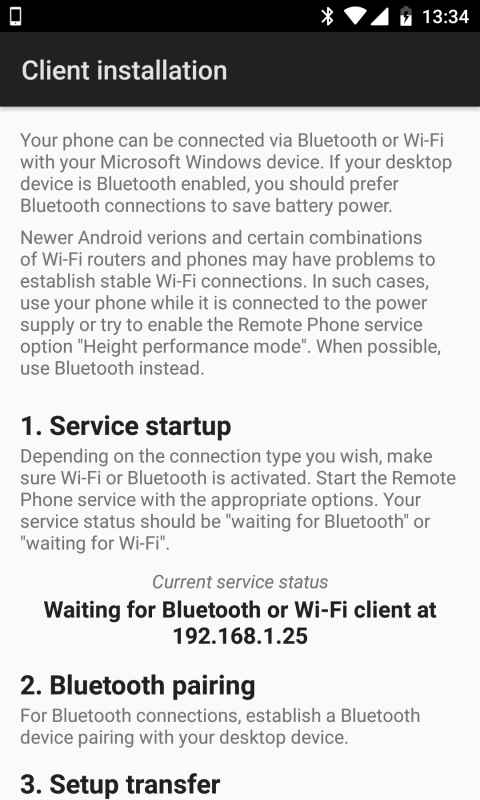
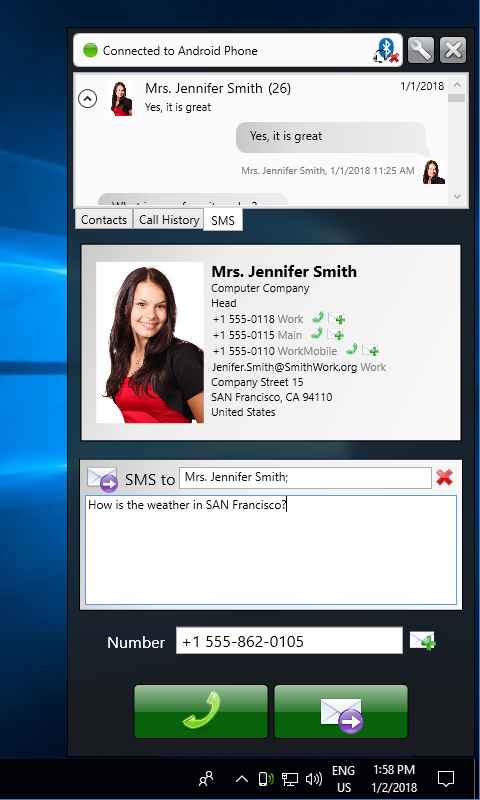
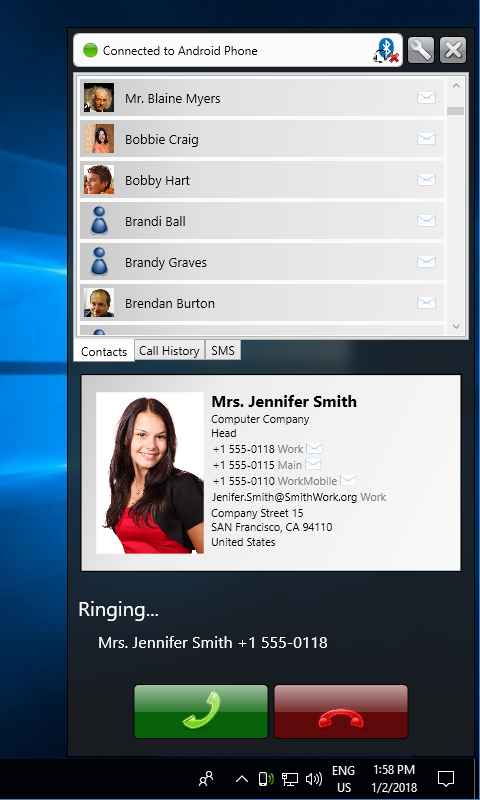
One of the main features available on smartphones that we use several times a day is making calls and sending and receiving text messages. Many of us have missed important calls due to being busy or working on a personal computer. In this post, we aim to keep you connected to your Android device’s calling system and synchronize it uniquely with personal computers. Remote Phone Call is a smart application for making and managing calls and text messages remotely, developed by justRemotePhone for Android and released on Google Play. Sync this amazing software with your Windows PC and access everything including making calls and sending text messages directly from the Windows environment. Simply enter the desired number and click the call button to make the call remotely. This smart tool offers various features, including the ability to view contacts stored on your smartphone. Additionally, the app integrates with Outlook, Word, and Excel, allowing you to send and receive text messages through these programs.
Some features and capabilities of Remote Phone Call for Android:
- View the list of all contacts on the Android device
- Access the list of all incoming and outgoing calls
- Ability to dial numbers from the Windows environment
- Write and read text messages
- Search contacts for quicker access
- Popup window for incoming calls and text messages
- Manage audio settings
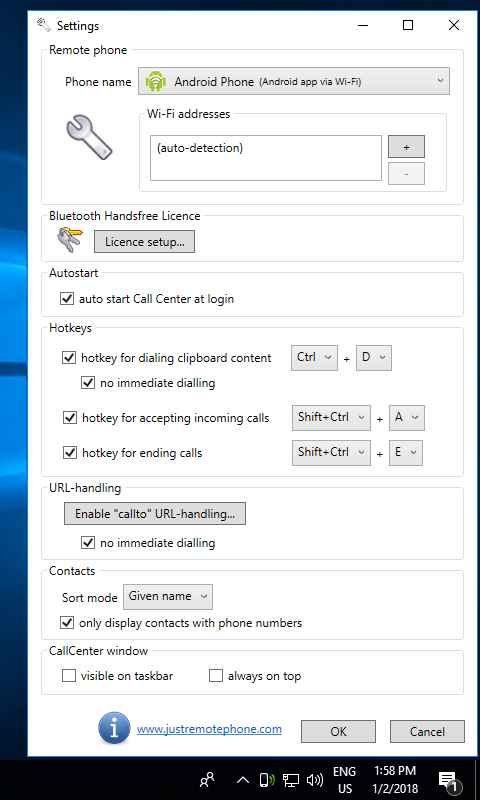
- Shortcut key for dialing from clipboard
- Shortcut key to answer incoming calls
The Remote Phone Call app has earned a 4.1 out of 5.0 rating from Google Play users thanks to its special features and $5.40 price. You can now download the latest purchased version from the high-speed links on the DroidCove website; our version provides all features for free.
Version v6.3 changes:
* Fixed issue with answering calls on Android 8.0



![KineMaster 8.1.13 – Powerful Video Editor for Android [Update]](https://droidcove.com/wp-content/uploads/2026/06/KineMaster-Logo-1-100x100.webp "KineMaster 8.1.13 - Powerful Video Editor for Android [Update] 5")

