Rapid Clash v16.3 Full – Popular Rapid Battle Strategy Game for Android with Data + Trailer
An interesting and popular strategy game similar to the famous Clash Royale
Online and internet-based game
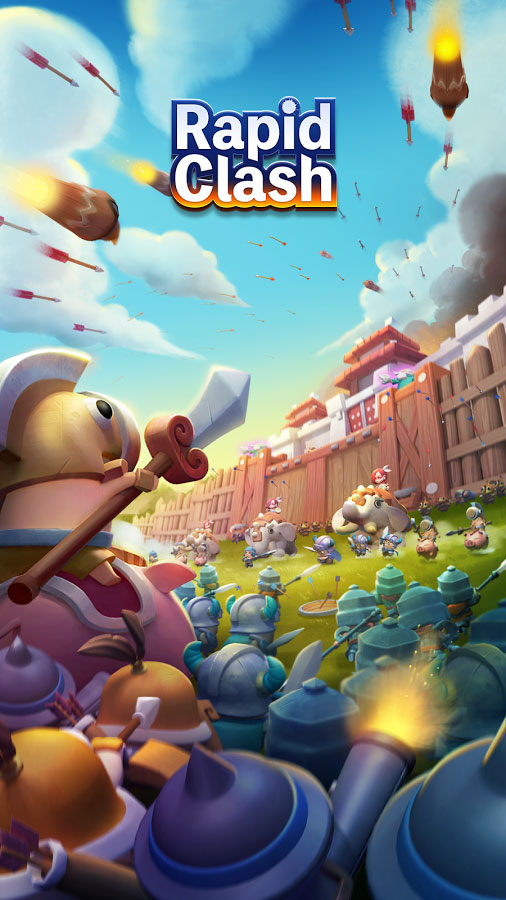
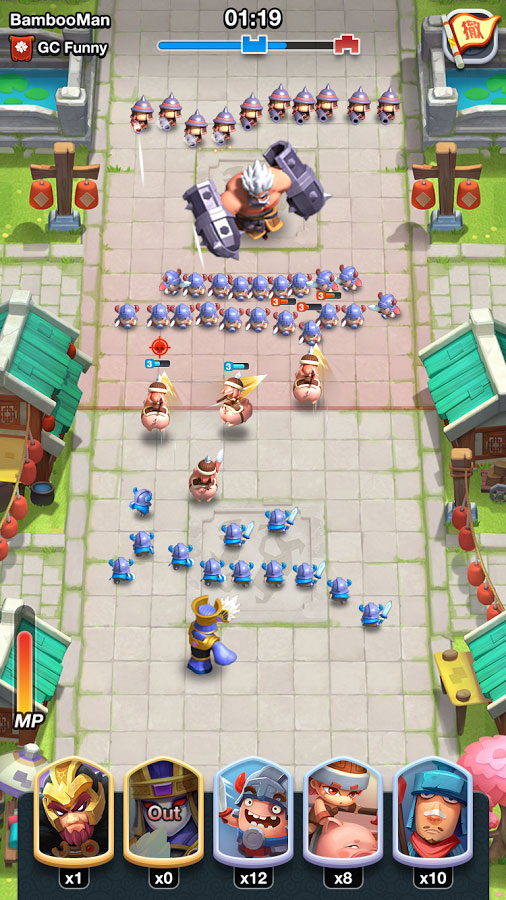
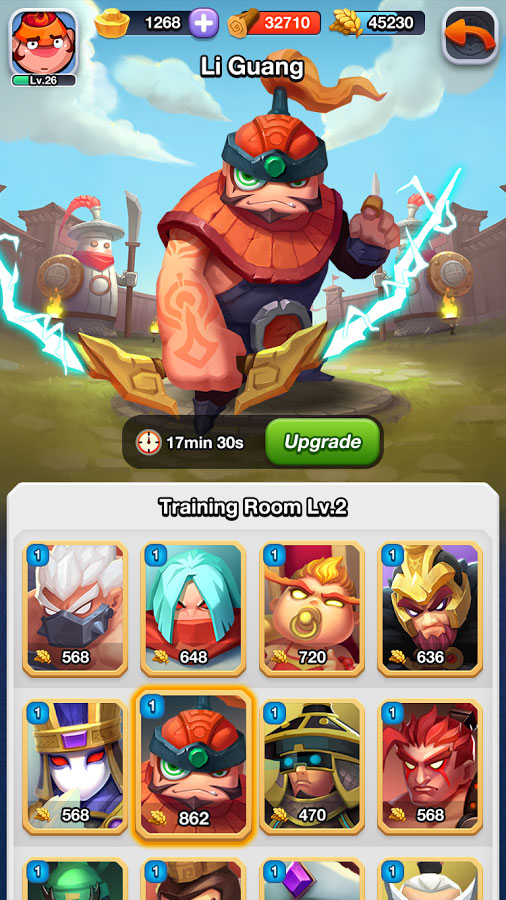
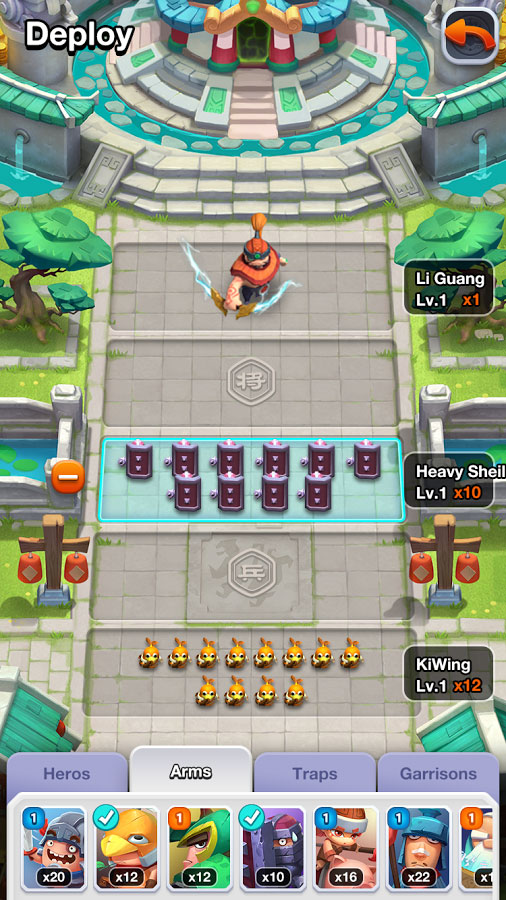
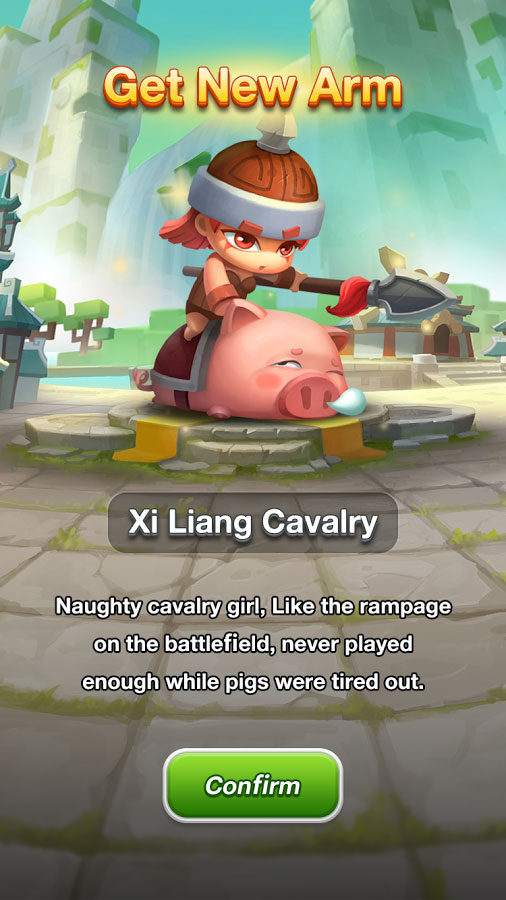
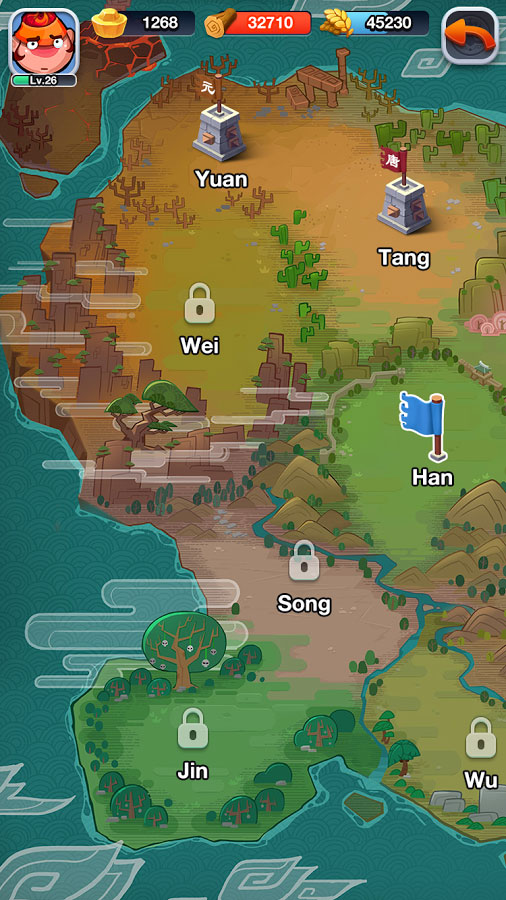
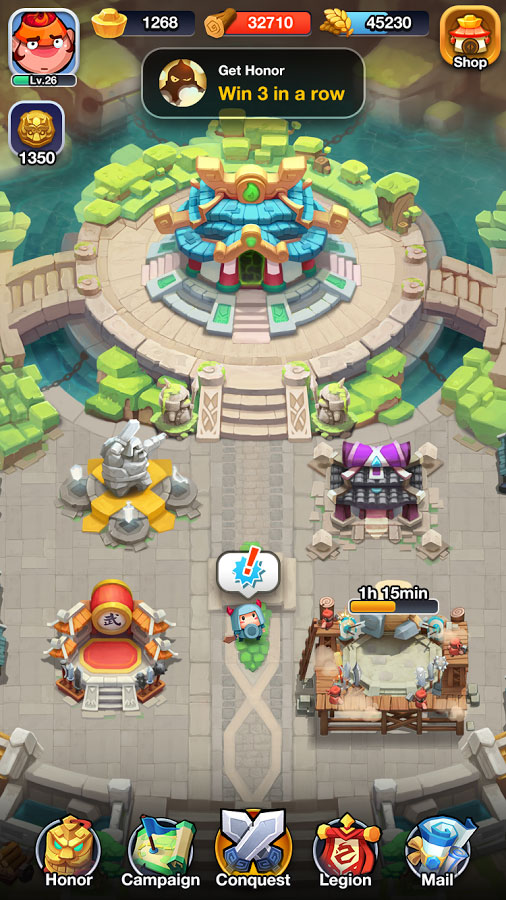
Rapid Clash – Rapid Battle is a new, interesting, and entertaining strategy card game designed similar to the famous Clash Royale, from the game studio Xiamen So Funny Technology Co., Ltd for Android, and its latest update is now available for you! If you are a fan of strategy games, Rapid Clash will definitely catch your attention; install it on your Android device and get ready for a journey to the 5,000-year history of ancient China! All empires, armies, and heroes have come back to life and chaos has spread across the world; form your powerful army and prepare to end this chaos and wars and bring peace back to the land! It is your decision how to end the chaos and establish peace and tranquility! More than 36 heroes, 24 weapons, and 18 traps are at your disposal to help you build an invincible army so that on one hand you can protect your castle against other competitors and on the other hand defeat enemies one by one with great power! If you feel you can bring peace and tranquility back to China, do not miss Rapid Clash!
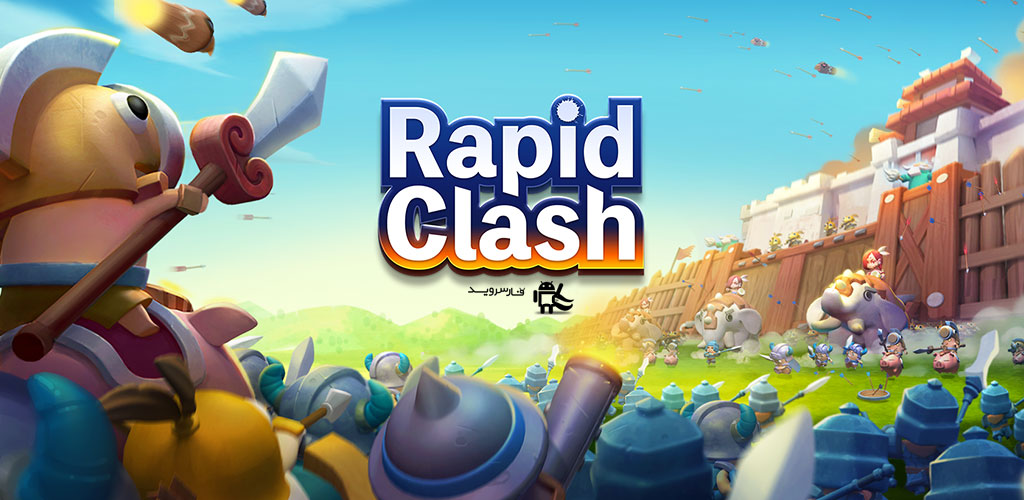
The game Rapid Clash has been downloaded less than 1 million times by Android users worldwide so far, and here at DroidCove we have provided the latest version along with data for download at the request of many users. You can first view screenshots and a gameplay trailer, and finally, if you wish, download it with one click from the site’s high-speed servers.
Additional Notes:
1 Rapid Clash is an online and internet-based game
2 Rapid Clash cannot be hacked or modded – please do not ask
3 Always download the latest Rapid Clash update simultaneously from this page.
Version v16.3 Changes:
* Added new features + various optimizations.
Installation and Game Execution Instructions:
– First, download and install the APK file.
– Download the data file and extract it. Copy the folder com.SoFunny.RapidClash to the Android/obb directory of your device’s internal storage.
– Finally, run the game.