


PicFrame v3.7.5 – Image Framing App for Android
Purchased and full version available for $0.99
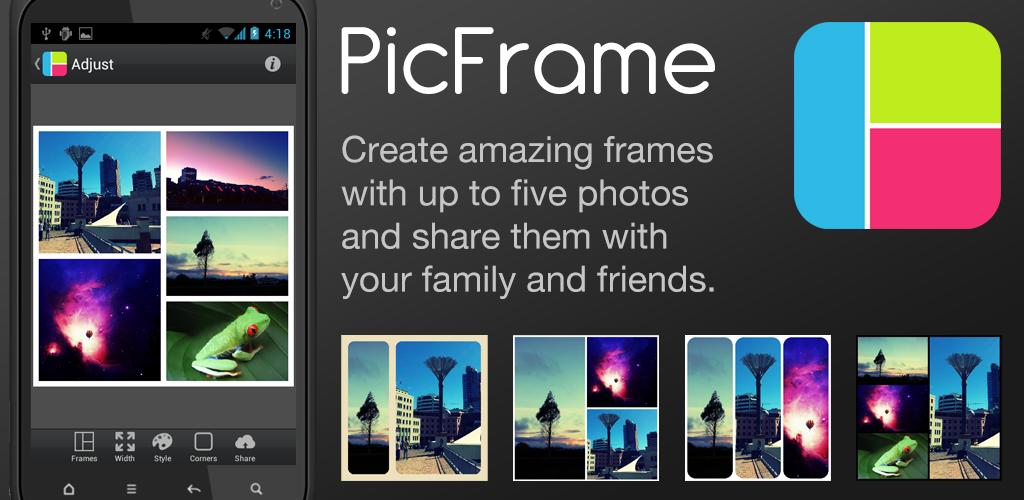
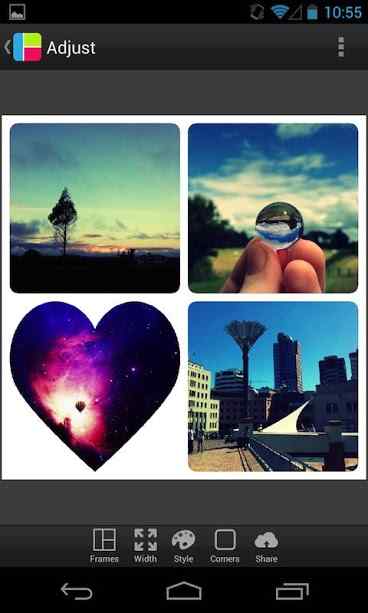
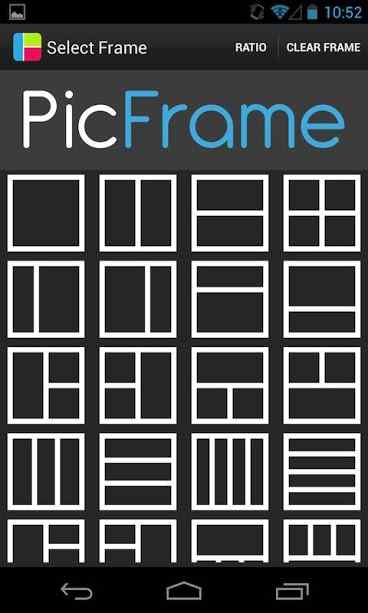
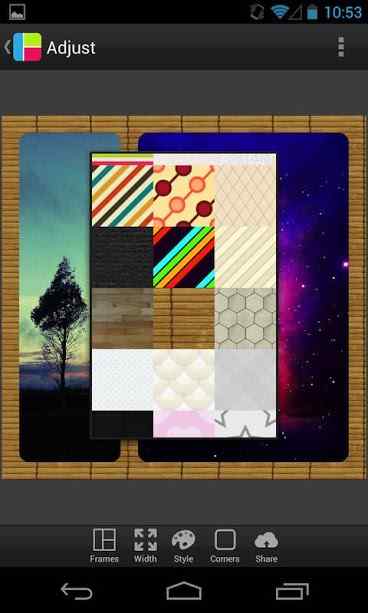
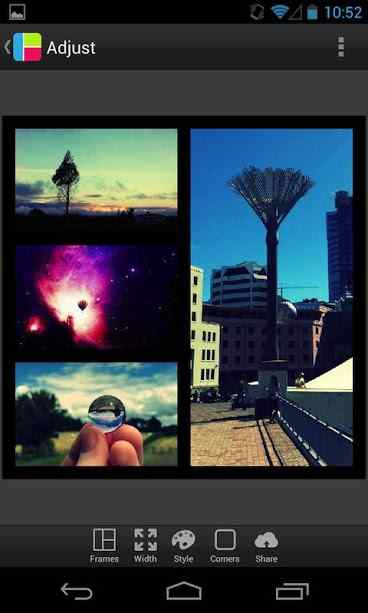
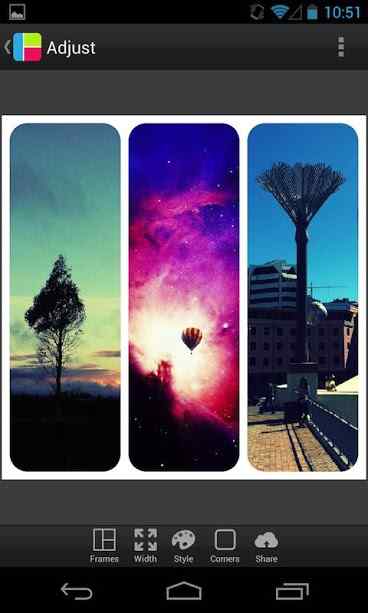
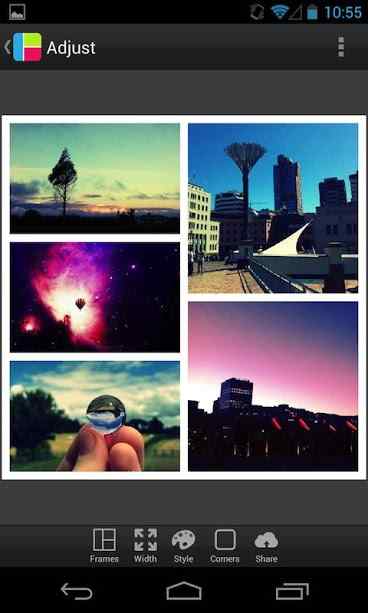
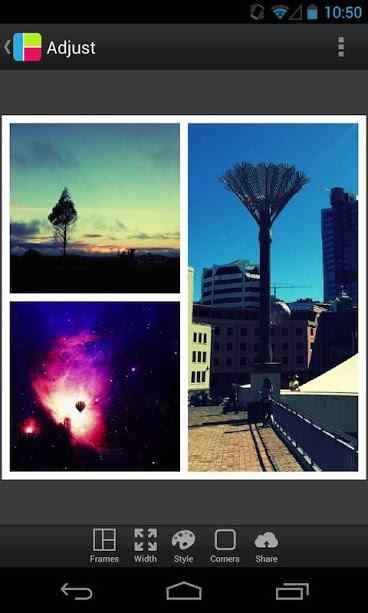
As mentioned many times, editing tools each have special features and transform images in unique ways. Among all these startup apps, photo editing programs are among the most popular and may be used multiple times daily by users. One common feature in photo editing software is adding frames to photos, which unfortunately many developers overlook. PicFrame is an app designed for placing images into frames, developed by Active Development for Android and released on Google Play. This software provides users access to a collection of frames, helping you place your desired photos into frames with various styles. One of the most important features of this app is the ability to place multiple images within a single frame, which can also be considered a collage maker. More than 52 background patterns for frames are available for anyone to use according to their needs. Choose frame corners as square or rounded, and make necessary adjustments to contrast or color saturation without needing additional tools.
Some features and capabilities of PicFrame for Android:
- 36 customizable frames allowing up to 5 photos side by side
- Rounded corners
- Adjust border width according to your preference
- Choose border colors
- 52 different background patterns for frames
- Adjust brightness, contrast, and saturation of each photo
- Ability to select image aspect ratios
- Save final images in high quality
The PicFrame app, with its various features and capabilities, has earned a 4.3 out of 5.0 rating from Google Play users for its $0.99 price. You can now download the latest purchased version without any limitations from the popular website DroidCove. This app is introduced upon your request.
Version v3.7.5 changes:
* Select multiple images simultaneously



![KineMaster 8.1.13 – Powerful Video Editor for Android [Update]](https://droidcove.com/wp-content/uploads/2026/06/KineMaster-Logo-1-100x100.webp "KineMaster 8.1.13 - Powerful Video Editor for Android [Update] 5")

