


Panels v1.544 – Sidebar Launcher for Fast Access and Professional Customization for Android
Professional version of the app, smart management and full customization of apps from the edge of the screen
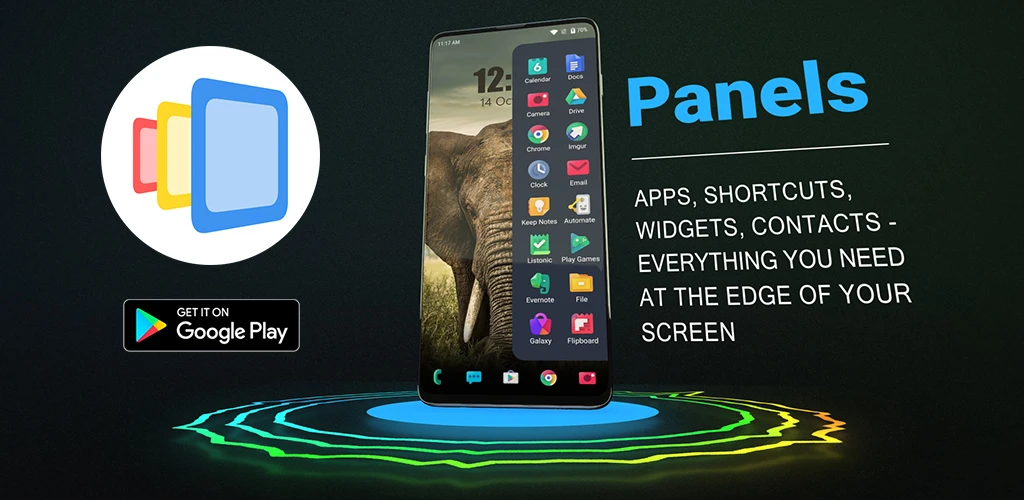
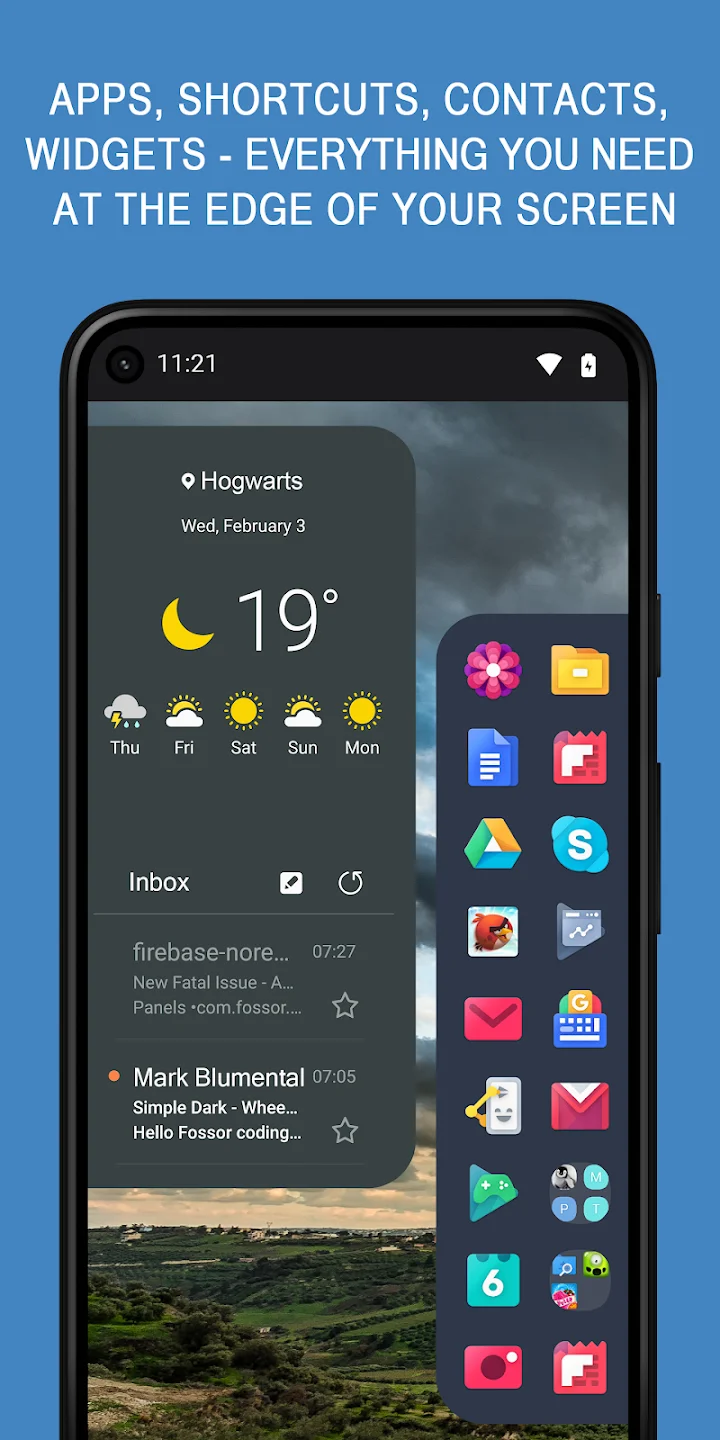
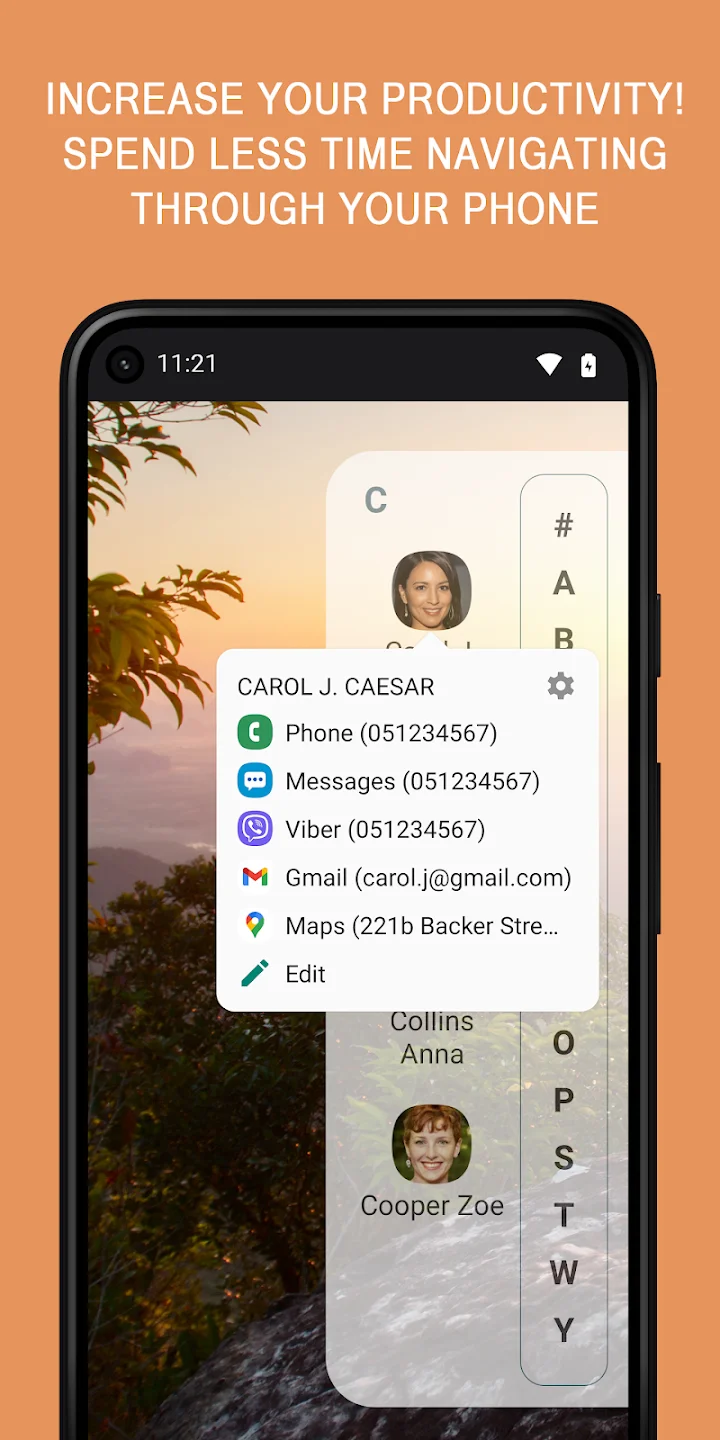
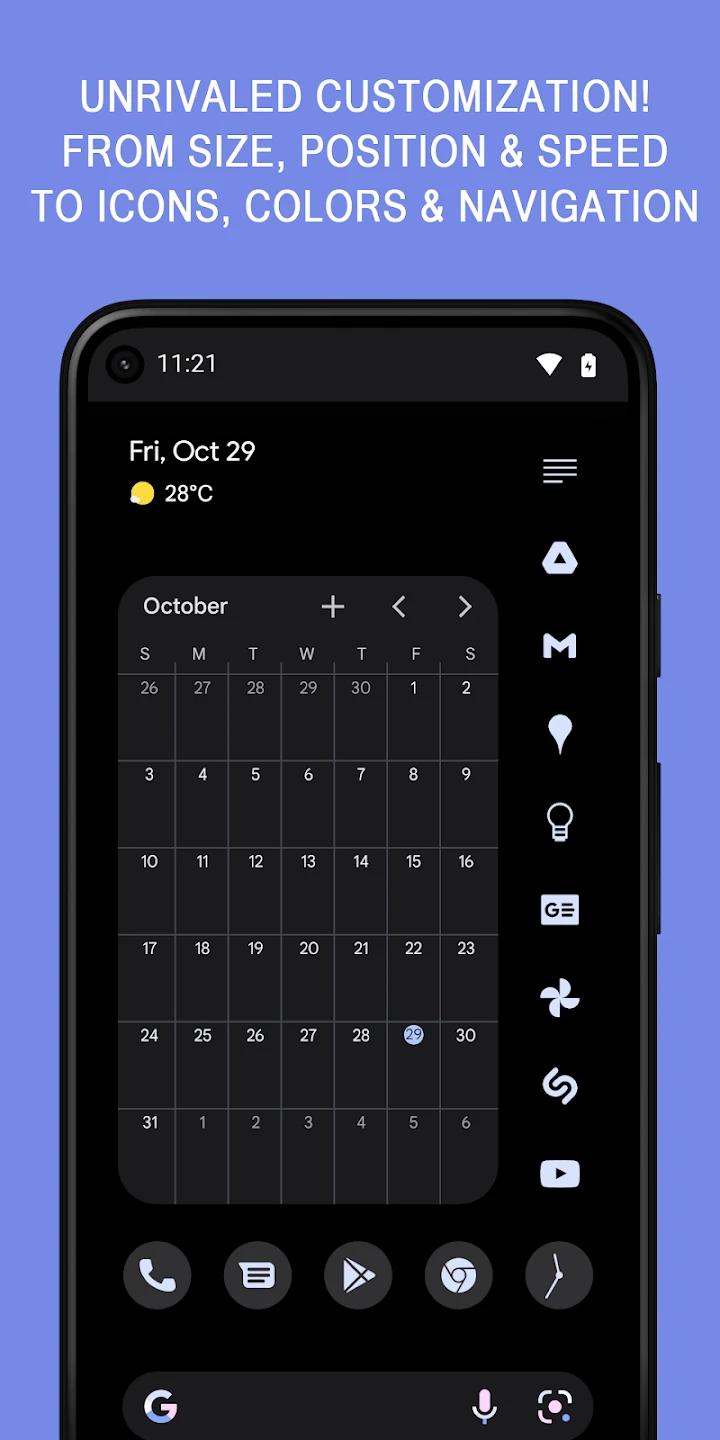
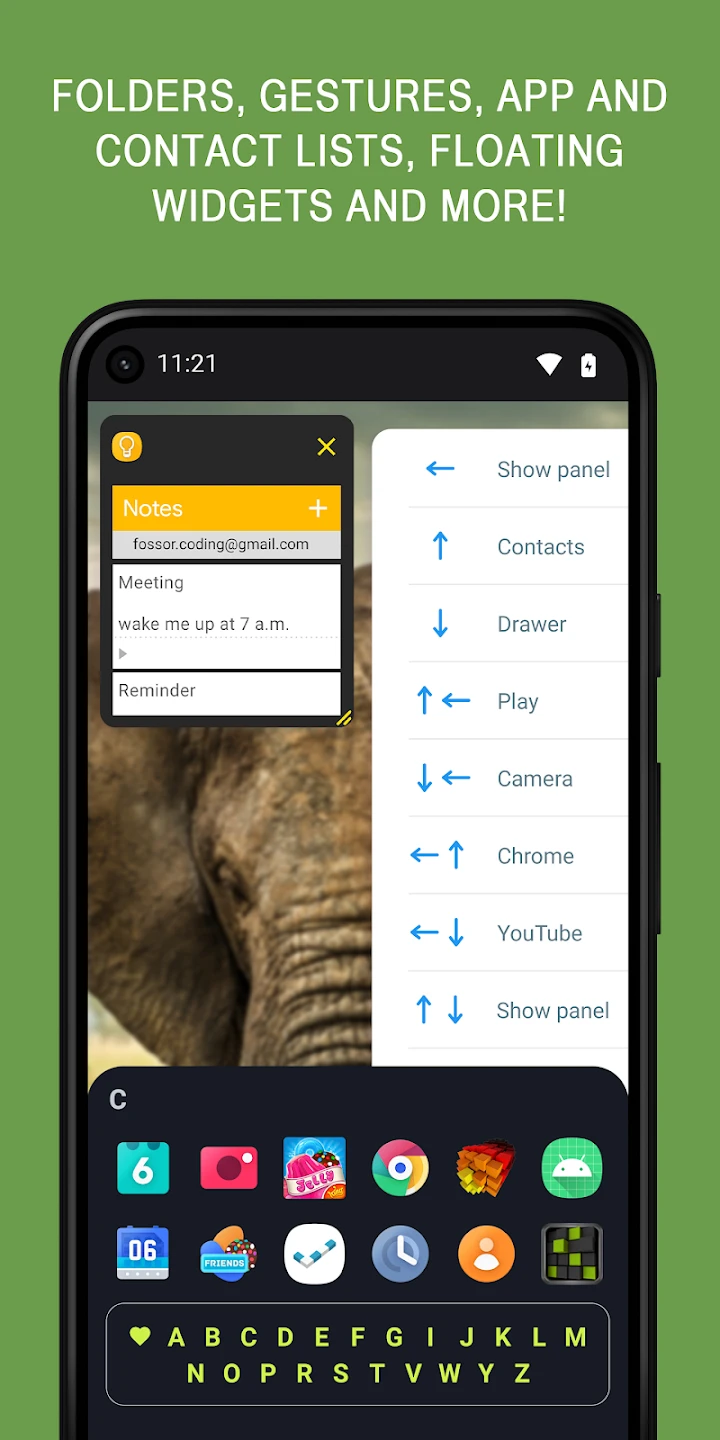
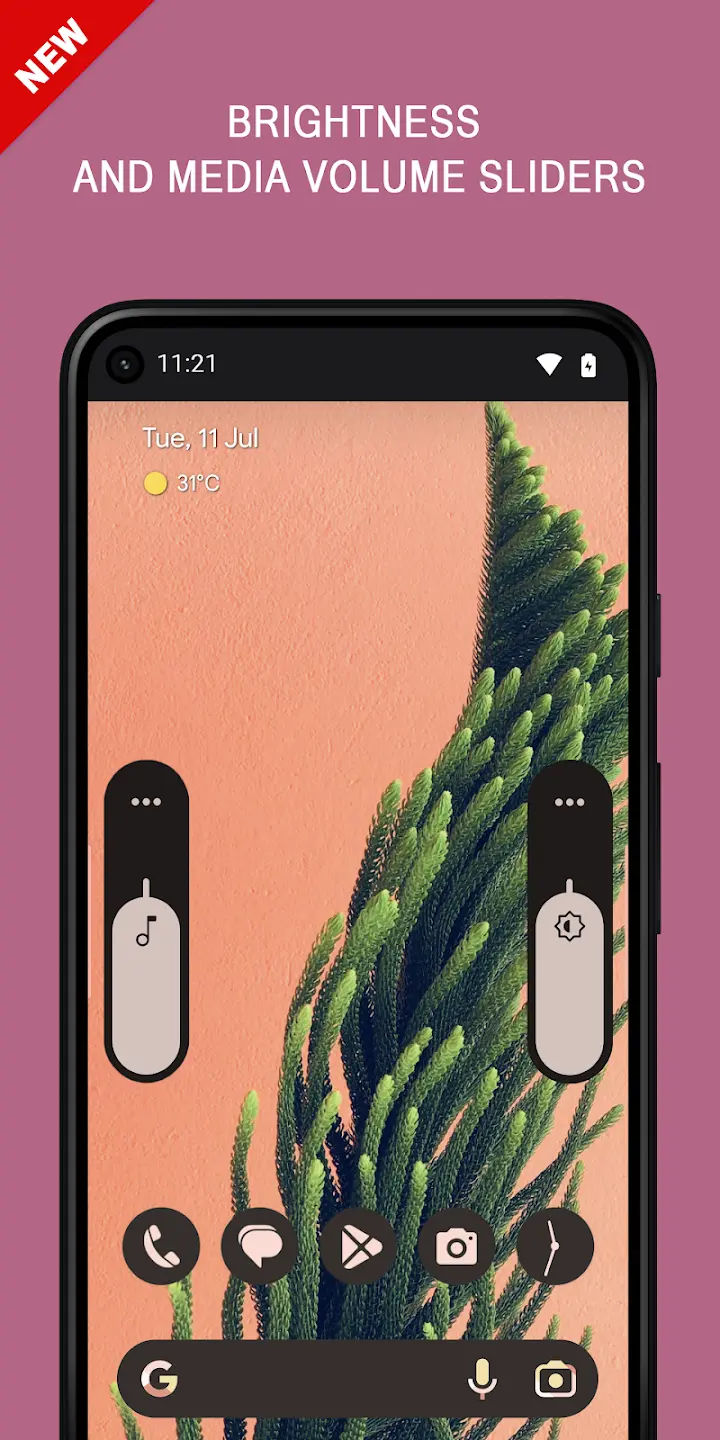
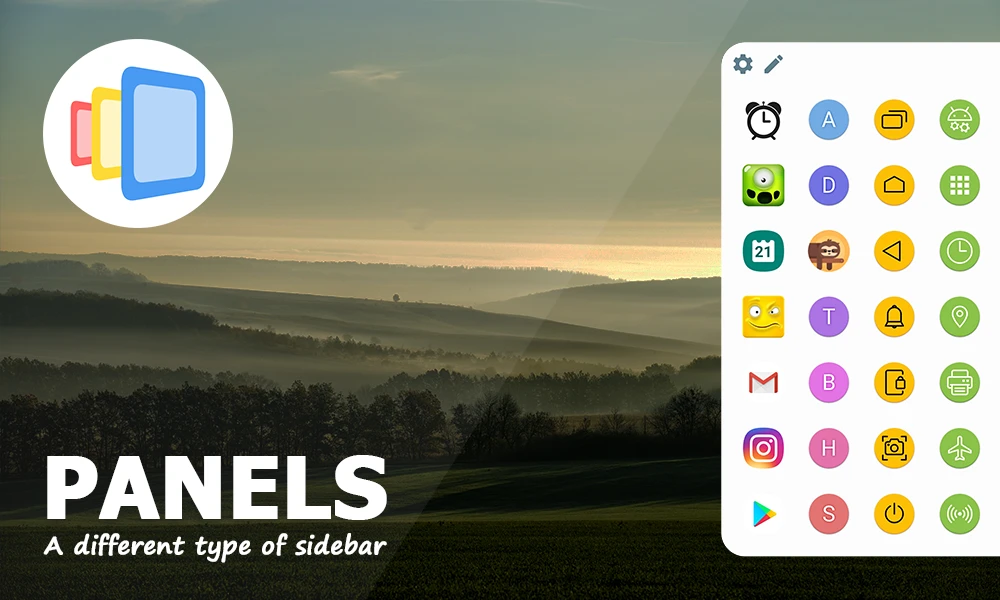
If you are looking for a fast, organized, and professional way to manage your Android phone’s apps and tools, Panels – sidebar launcher is exactly what you need. This sidebar launcher, positioned at the edge of the screen, provides instant access to apps, contacts, system shortcuts, and widgets. Panels offers a minimal design, optimized consumption, and smooth performance, delivering a unique and practical experience for Android users. One of the most attractive features of Panels is the ability to run widgets as floating windows over other apps. This feature allows you to use tools like calculator, note-taking, or calendar without leaving the current app. You can also minimize widgets to small icons and reopen them when needed. This functionality provides an experience similar to freeform windows and enhances your daily productivity. Panels lets you customize the appearance and behavior of the panels exactly to your liking. You can choose the display position, set the number of items, change icon colors and sizes, and even define custom gestures to open the panels. This level of control ensures the phone interface perfectly matches your needs. In addition to apps, you can add your favorite contacts to the panels for one-touch calling, texting, or launching your preferred messenger. This feature is very useful and time-saving for those with frequent daily communications. Panels also supports system shortcuts; actions like back, home, lock screen, taking screenshots, or opening quick settings can easily be added to the panels. These features help you gain full control over your device without relying on physical buttons or complex menus.
Features of Panels – sidebar launcher:
- Display customizable panels on the left, right, or bottom edge of the screen
- Add apps, contacts, widgets, and system shortcuts to the panels
- Support for floating widgets over other apps with the ability to minimize to small icons
- Quick execution of functions like Home, Back, Recent, Screenshot, and Lock Screen
- Full customization of panel appearance: color, icon size, font, position, and number of rows
- Support for Google Play icon packs and custom gesture controls
- Full compatibility with all Android launchers without replacing the main launcher
- Very low battery and system resource consumption
- Auto-start after boot and support for automation apps like Tasker
- Backup and restore settings via local storage or Google Drive
Panels’ compatibility with automation apps like Tasker and MacroDroid is another strength. You can call panels through external shortcuts or automate specific actions. Also, the auto-start feature after device boot ensures Panels is always available. If you frequently change your ROM or device, the ability to backup and restore Panels settings via local storage or Google Drive will be very useful. This feature allows you to keep your customized settings and restore them anytime. Panels – sidebar launcher is a powerful, lightweight, and customizable tool to increase speed and productivity on Android. With diverse features, professional design, and smooth performance, this app is a smart choice for those seeking more organization, speed, and control in daily phone use. You can download the professional and full version directly from DroidCove.



![KineMaster 8.1.13 – Powerful Video Editor for Android [Update]](https://droidcove.com/wp-content/uploads/2026/06/KineMaster-Logo-1-100x100.webp "KineMaster 8.1.13 - Powerful Video Editor for Android [Update] 5")

