


Panda Keymapper – Gamepad, mouse, keyboard v1.2.0 App for connecting gamepad, mouse, and keyboard to Android for gaming
Purchased version of the app priced at $3.99 on Google Play
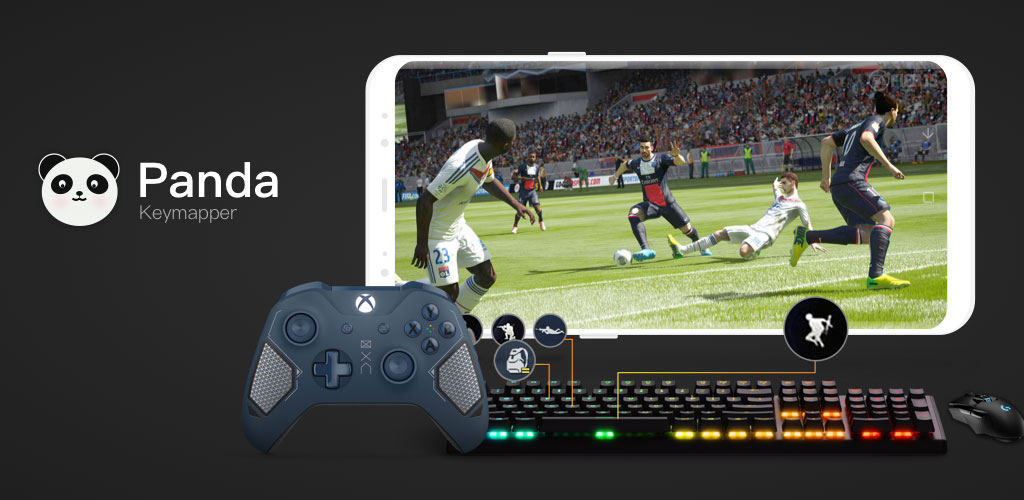
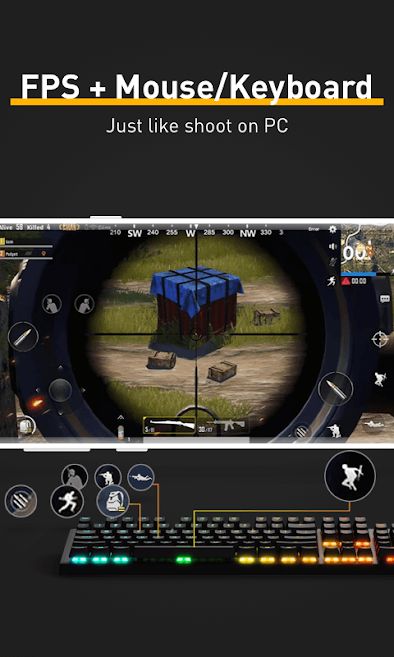
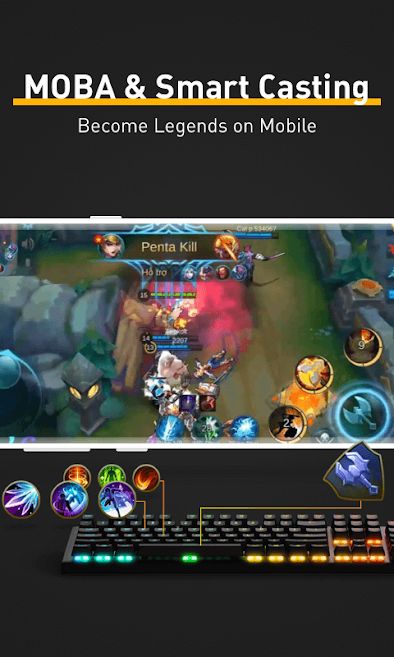
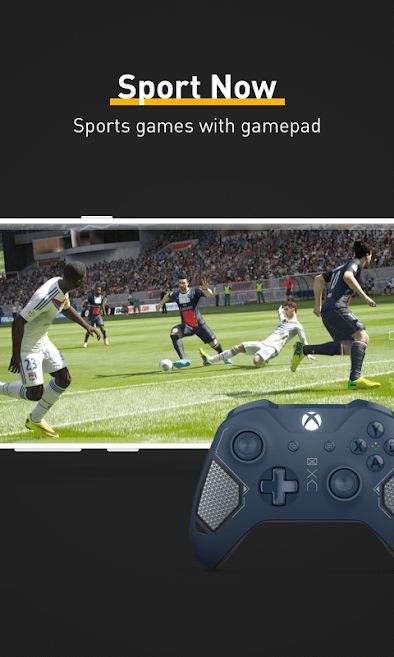
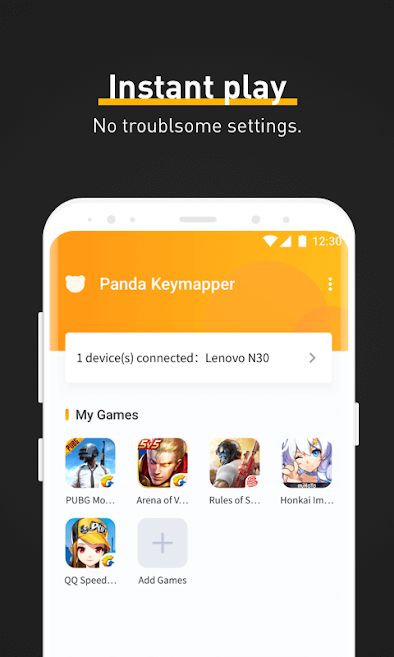
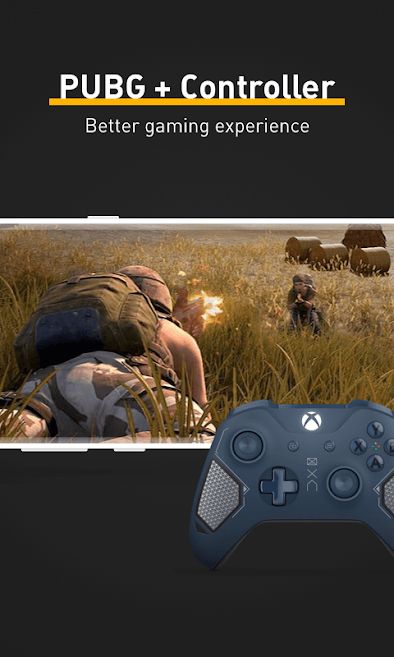
Video games first emerged in the 1980s as a way to use computers for entertainment and quickly gained immense popularity. This enthusiasm led major technology companies to develop video games and dedicate large, specialized teams to this effort. The games at that time were very simple and mostly ran on gaming consoles like Nintendo and personal computers. Gradually, the industry expanded, and alongside advancements in hardware and computers, video games saw significant improvements. The launch of the first PlayStation marked a turning point for the video game industry. With the introduction of the first PlayStation, the video game industry became a multi-billion dollar sector, and game development companies turned into new giants in the technology field. These giants release a variety of games every year using the best technologies available, offering the highest possible quality. The next milestone was the rise of smartphones and tablets. Before that, the only way to play video games was on computers or gaming consoles, but smartphones ushered in a new era for video games. Today, smartphones and tablets are very powerful and can run high-quality 3D games. Each year, games comparable to console titles are released for mobile operating systems. According to statistics, most people use their phones for gaming, making smartphones the largest gaming platform worldwide. However, gaming on mobile devices has its challenges, one of which is difficult game control. Mobile games are controlled via touchscreens and virtual buttons, which can be uncomfortable and prevent users from playing for long, continuous periods. Fortunately, the app we introduce today completely solves this problem. Panda Keymapper – Gamepad, mouse, keyboard is an application that allows the use of a mouse, keyboard, and gamepad to play games on Android devices. Developed by Panda Gaming Studio and priced at $3.99 on Google Play, this app lets you easily use your mouse, keyboard, or gamepad wirelessly or wired (via OTG) to play various Android games. Simply add your desired game to the app, connect your controller, and start playing. The app is very easy to use and does not require complicated settings to connect your controller.
Some features and capabilities of Panda Keymapper – Gamepad, mouse, keyboard for Android:
- No root access required
- Supports various games and gamepads
- Over 30 preset configurations for popular games
- Automatic operation without the need to configure controllers
The Panda Keymapper – Gamepad, mouse, keyboard app has received a 2.0 out of 5.0 rating from Google Play users. You can now download the purchased version of this app with all features and capabilities completely free from DroidCove. This app is introduced at the request of many DroidCove users.
Version changes v1.2.0:
* Fixed bugs that caused the app to crash



![KineMaster 8.1.13 – Powerful Video Editor for Android [Update]](https://droidcove.com/wp-content/uploads/2026/06/KineMaster-Logo-1-100x100.webp "KineMaster 8.1.13 - Powerful Video Editor for Android [Update] 5")

