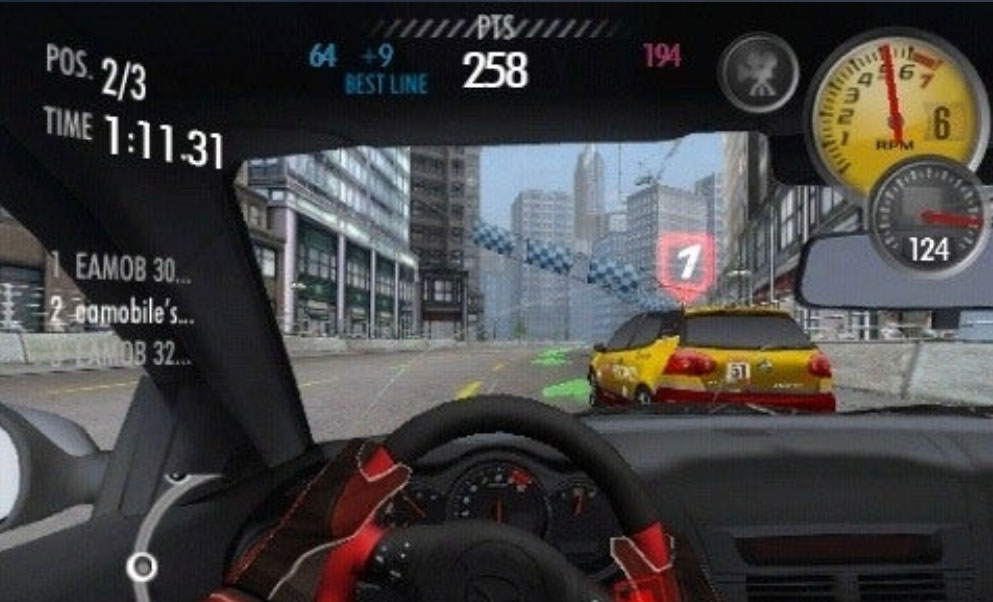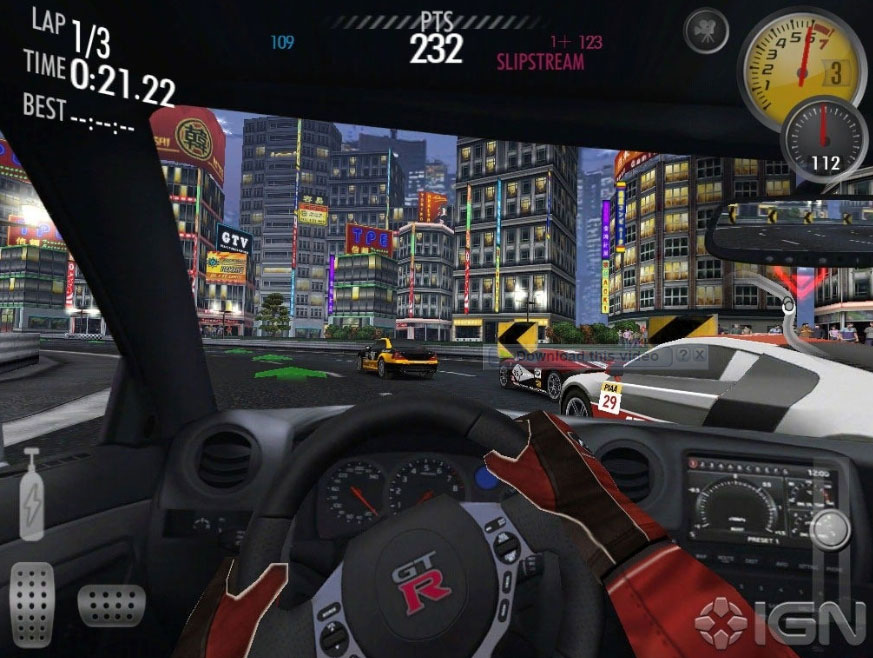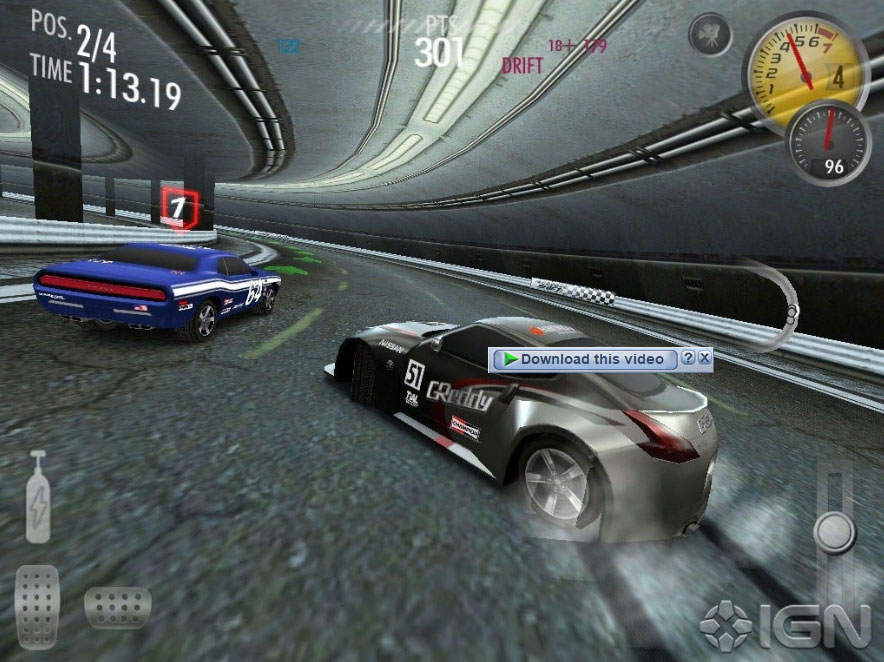
NEED FOR SPEED™ Shift – Speed Madness Shift is one of the most graphically impressive and thrilling car racing games from EA Games for Android, allowing you to drive various cars and race at high speeds! As you know, the Need for Speed series has long been one of the most popular and talked-about racing game franchises, with EA Games releasing a new version every year, including titles like Most Wanted, Undercover, and more! If you want to experience a tough battle for first place on your tablet or smartphone, don’t miss NEED FOR SPEED™ Shift! The game starts like other racing games with a simple car on a basic track and a few competitors, which may seem simple and repetitive at first. However, it cannot be denied that racing with any car in the NFS series is truly exciting! You will start with a BMW, and while the beginning may feel familiar as if you have seen these scenes in previous NFS titles or similar games, as you progress and unlock new cars, you will see that the game is very exciting and diverse, ready to bring you the best and most extraordinary car racing experience on your mobile device!
Some features of the classic racing game NEED FOR SPEED™ Shift for Android:
- Drive in 18 diverse and amazing locations including Chicago, London, and Tokyo
- The sound of tire screeches, car exhaust, and amazing collision sounds for a truly thrilling experience
- Realistic day and night changes to make the races feel more authentic
- Ability to customize and upgrade your car with changes to rims, paint, and more
- Various racing modes available for players to choose from
- Control the car using touch buttons or accelerometer!
- Stunning HD graphics combined with exciting sound effects
NEED FOR SPEED™ Shift is currently sold on the Android market for $2.99. Here at DroidCove, we have provided the latest version for you to download. You can watch the game trailer first and download it with one click if you wish.

Installation and Gameplay Instructions:
– First, download the installation file.
– Download the data file and extract it. Copy the folder named com.eamobile.nfsshift_row_wf to the Android/obb directory on your device’s internal storage.
– Run the game offline.