

Muscle and Bone Anatomy 3D v1.2.1 – Skeletal and Muscular System Anatomy Application for Android
Purchased and full version available for $4.99
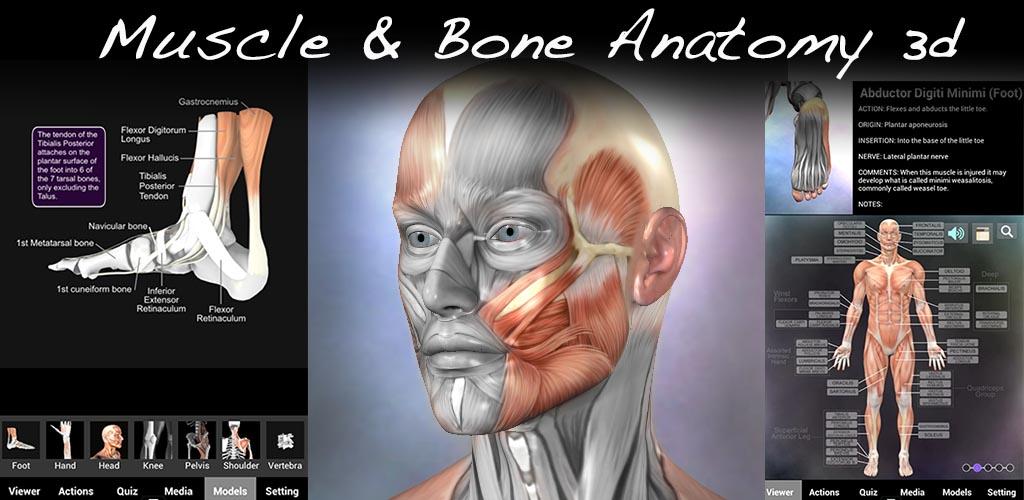
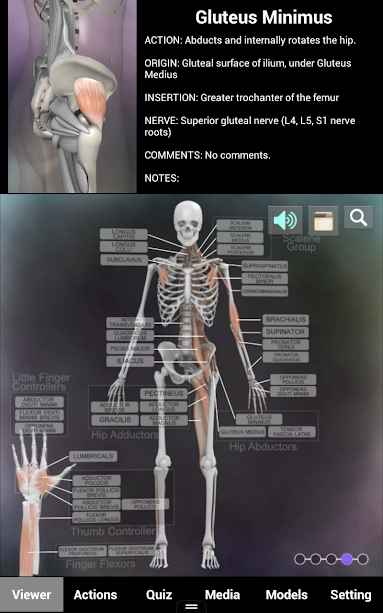
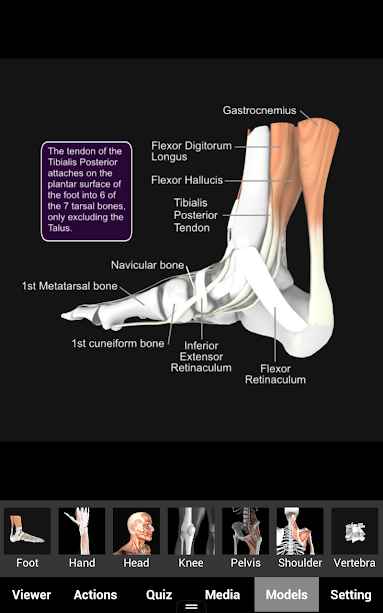
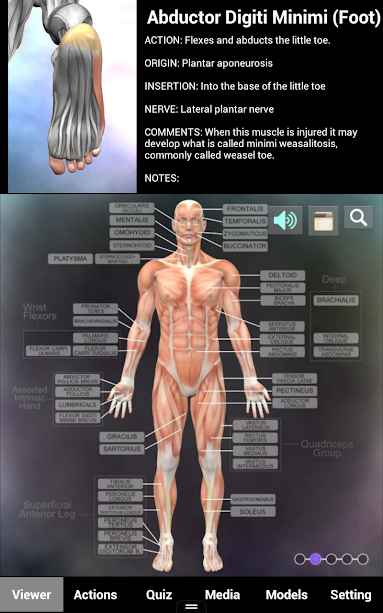
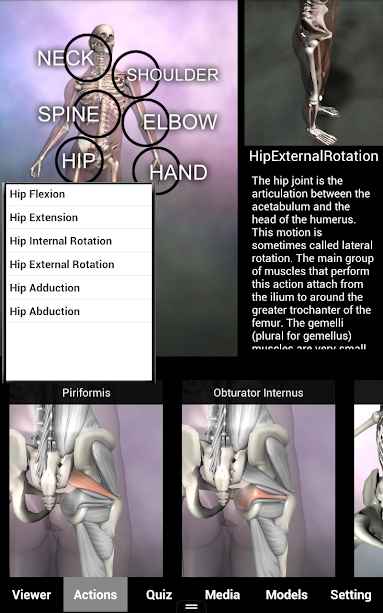
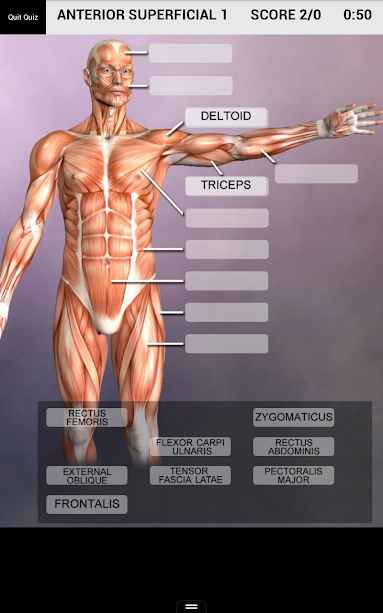
The human body is composed of a unique skeletal and muscular system, and familiarity with it is essential in medical sciences. Many people have comprehensive knowledge in this area and strive to increase their understanding day by day. Using visual models is one of the best ways to learn, as it helps to firmly embed information in the mind. Muscle and Bone Anatomy 3D is an anatomy application for the skeletal and muscular system developed by Real Bodywork for Android and published on Google Play. This software uses 5 different methods to enhance your abilities in this field and enables you to answer any question at any time! Users of this app are allowed to access a 3D model and learn detailed information about 145 different muscles. All the information in this collection is categorized into specific groups and 37 different body actions, making learning much easier. Additionally, quizzes are provided to assess your learning progress and help you evaluate your skills.
Some features and capabilities of Muscle and Bone Anatomy 3D for Android:
- Teaching and learning skeletal and muscular anatomy through 5 different methods
- Access to comprehensive information on 145 muscles throughout the body
- Organizing all information into various groups and 37 different actions
- Seven diverse 3D models for detailed educational presentations
- Control over 3D models according to your needs
- Six different types of quizzes to assess your learning progress
- Very simple and easy-to-use interface
The Muscle and Bone Anatomy 3D app, benefiting from comprehensive muscular system information, has received a 4.1 out of 5.0 rating from Google Play users at the price of $4.99. You can now download the latest purchased version without any restrictions from the popular and content-rich website DroidCove. We have provided the paid version of this app along with its database for download.
Version v1.2.1 changes:
* Bug fixes and performance improvements
Installation and running instructions:
– First, download and install the application file.
– Download the data file and extract it. Copy the folder muscleandboneanatomy.viewer to the android/obb directory on internal storage.
– Run the application.



![KineMaster 8.1.13 – Powerful Video Editor for Android [Update]](https://droidcove.com/wp-content/uploads/2026/06/KineMaster-Logo-1-100x100.webp "KineMaster 8.1.13 - Powerful Video Editor for Android [Update] 5")

