


MiLight White – A professional collection of colorful icons with white backgrounds to enhance your Android user interface
With over 4,400 icons and 370 wallpapers, suitable for popular launchers and professional customization
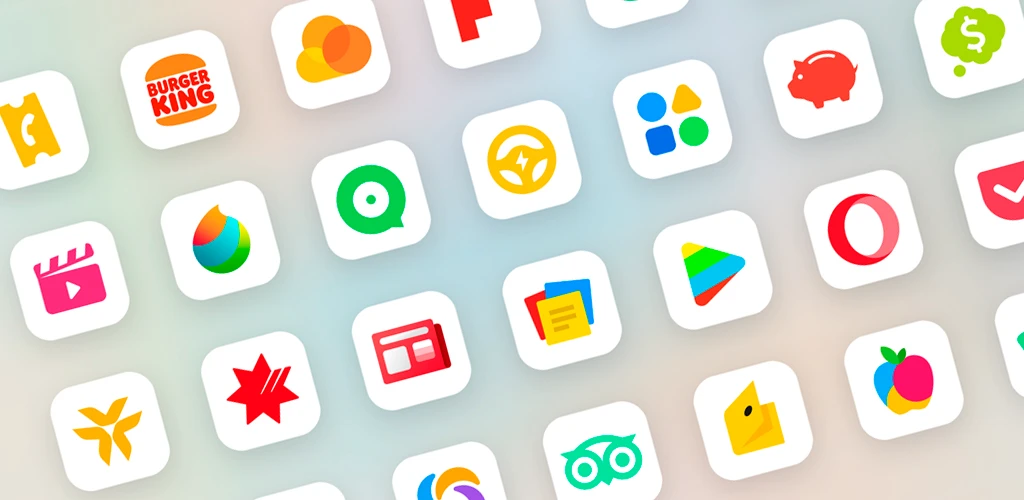
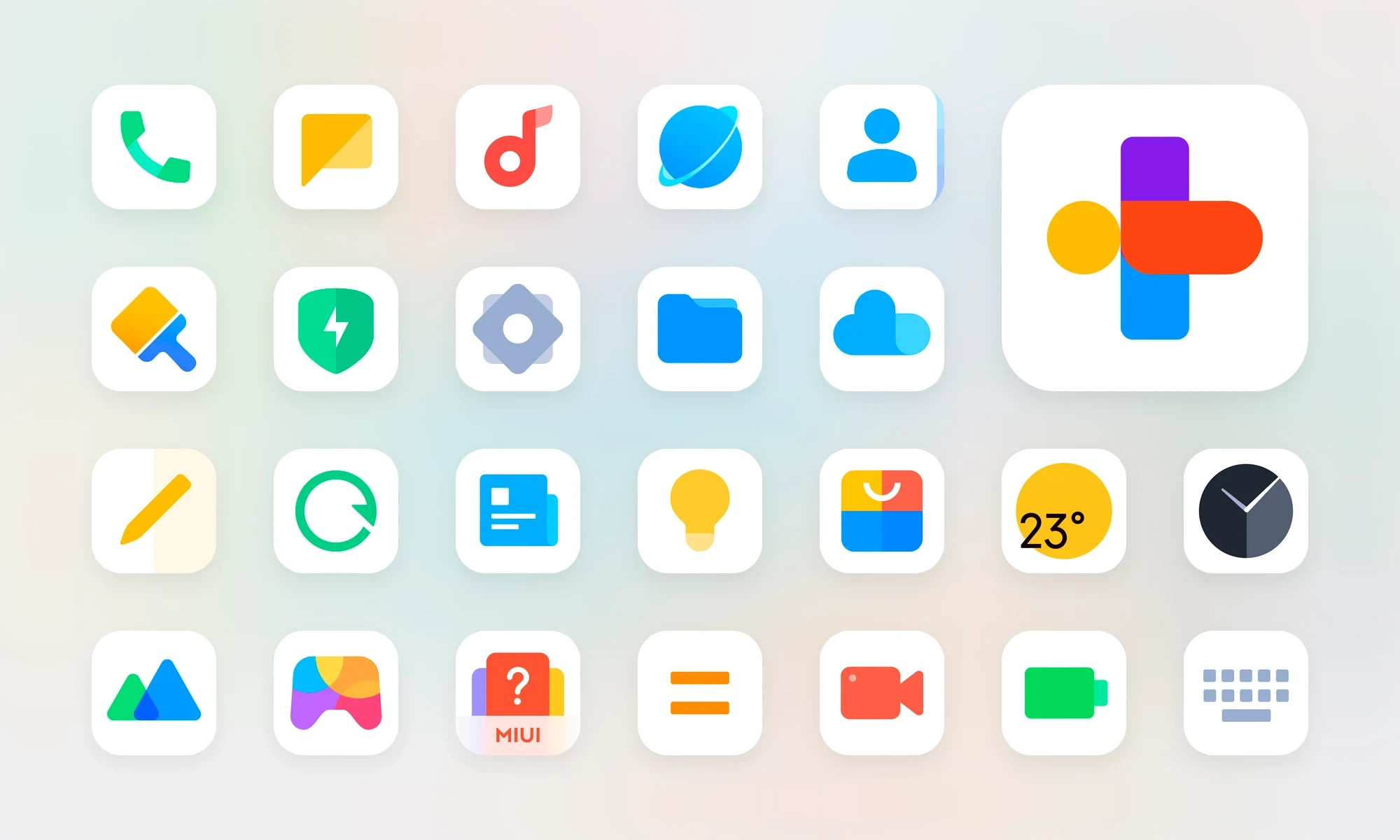
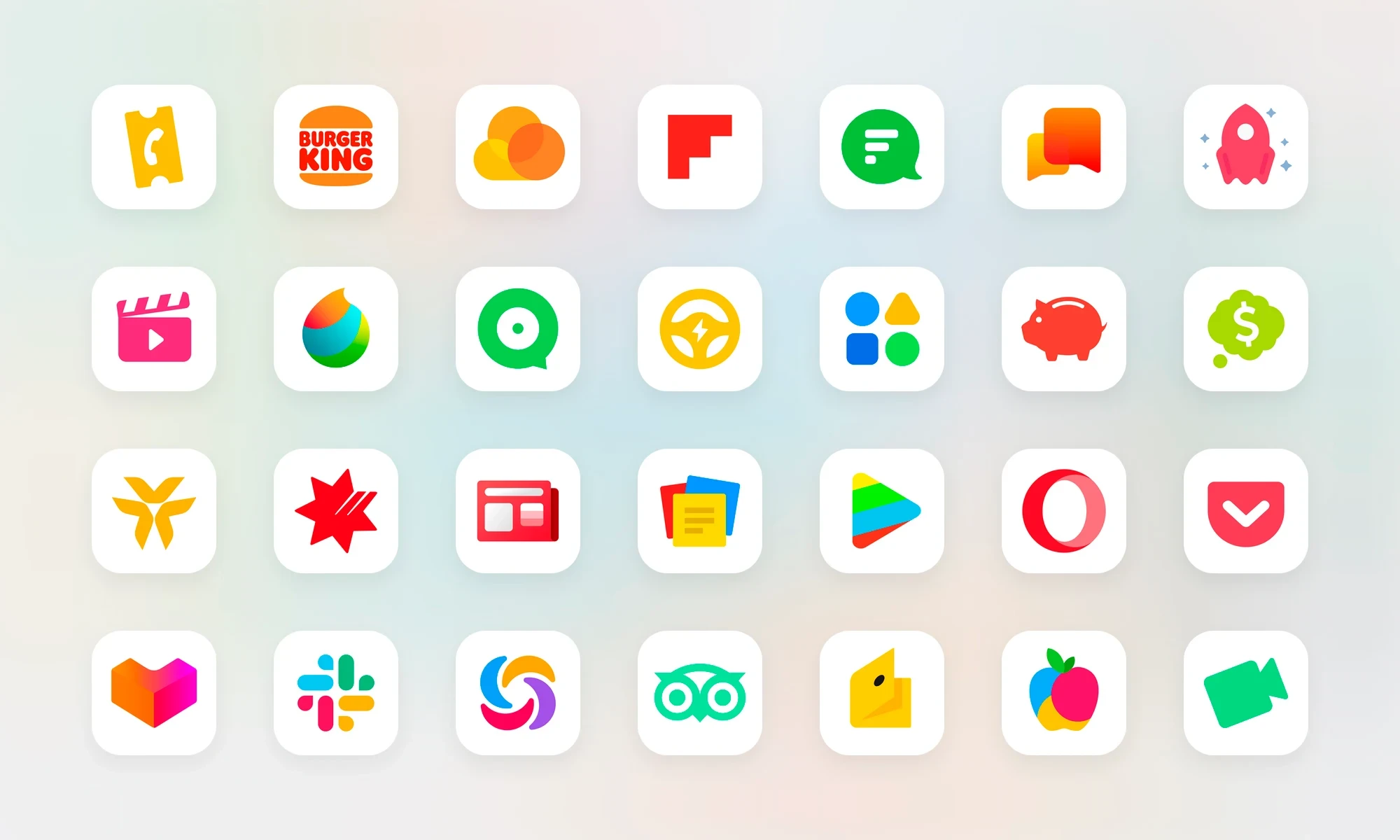
If you are looking for a unique, clean, and eye-catching icon pack for your Android phone, the MiLight White – Icon Pack app is a professional and complete choice for you. This collection, with over 4,400 colorful icons with white backgrounds and more than 370 wallpapers, offers a unique customization experience for users. Minimal design, compatibility with popular launchers, and support for dynamic calendars are just some of the features of this powerful pack. MiLight White focuses on clean and minimal design, providing icons with white backgrounds and colorful details that match any wallpaper or phone theme. This design style gives your home screen a modern, bright, and organized look. Unlike many icon packs that use dark colors or complex shapes, MiLight White offers a calming and professional experience with simplicity and clarity. One of the strengths of MiLight White, is its full compatibility with popular Android launchers. Users can easily apply this icon pack on launchers such as Nova Launcher, Lawnchair, Evie, Hyperion, and many others. For Samsung users with the OneUI launcher, a dedicated solution is provided through the Good Lock and Theme Park apps, enabling the use of these icons. This level of compatibility allows users with any launcher and personal settings to benefit from MiLight White.
Features and capabilities of MiLight White:
- Over 4,400 colorful icons with white backgrounds and unique design
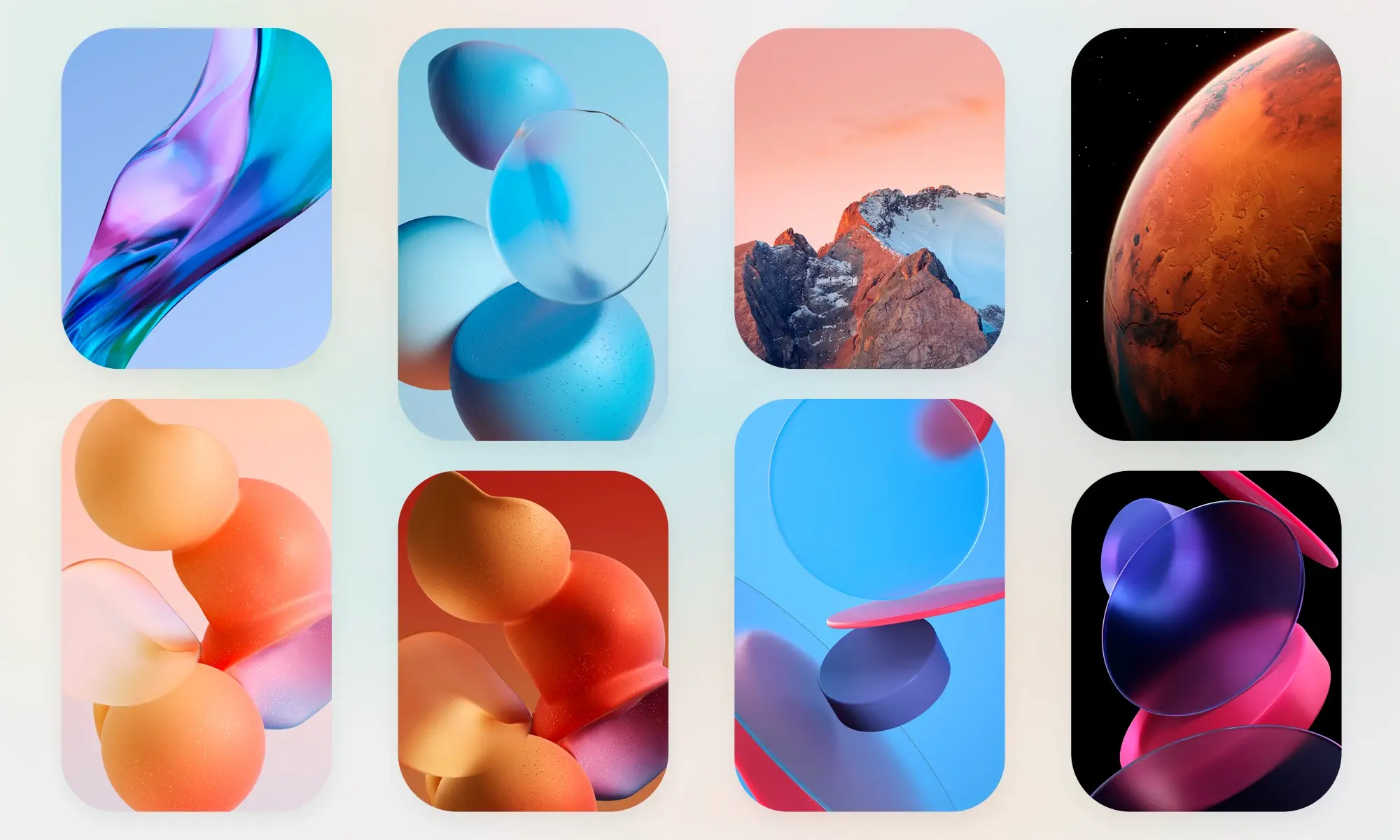
- More than 370 high-quality wallpapers perfectly matching the icons
- Support for dynamic calendar and date display on icons
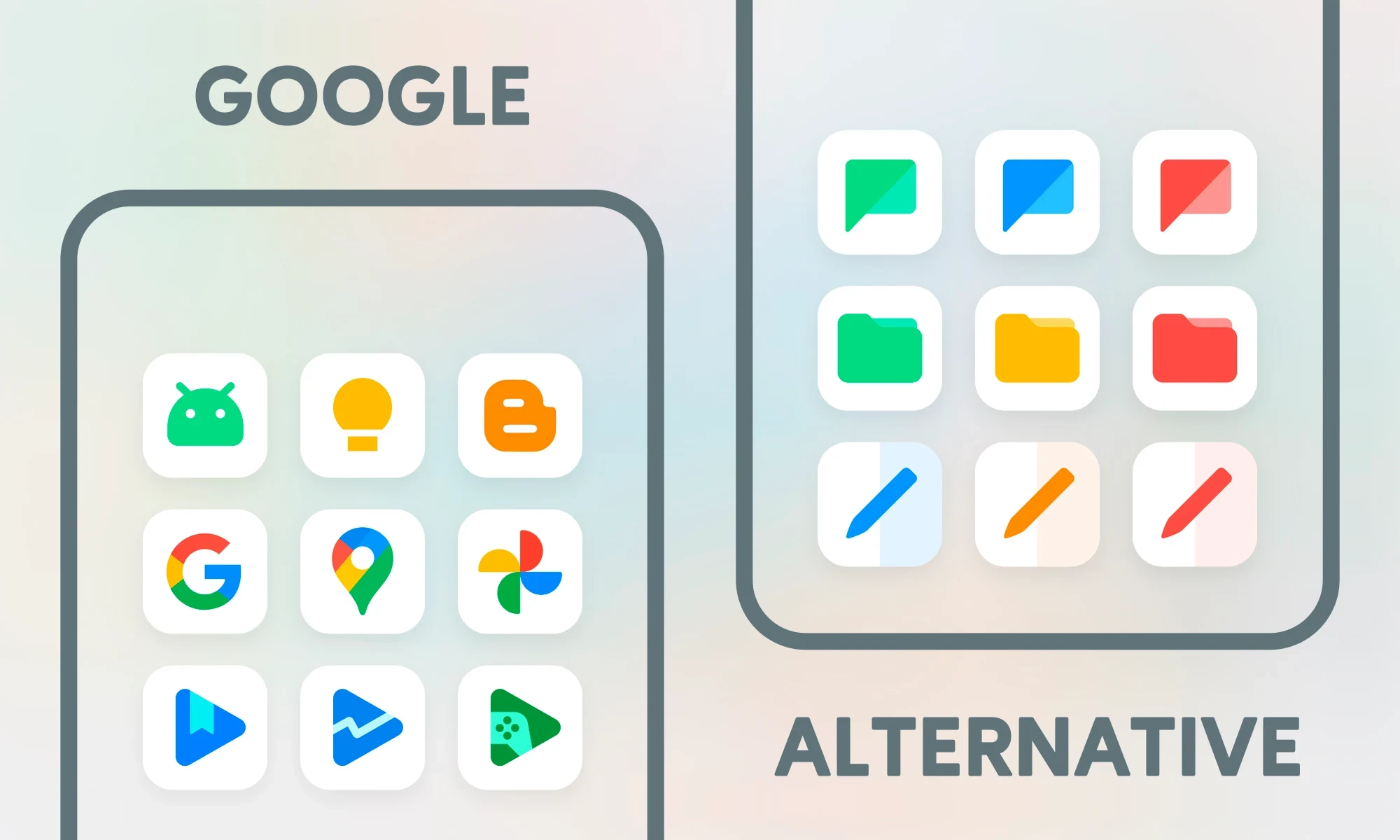
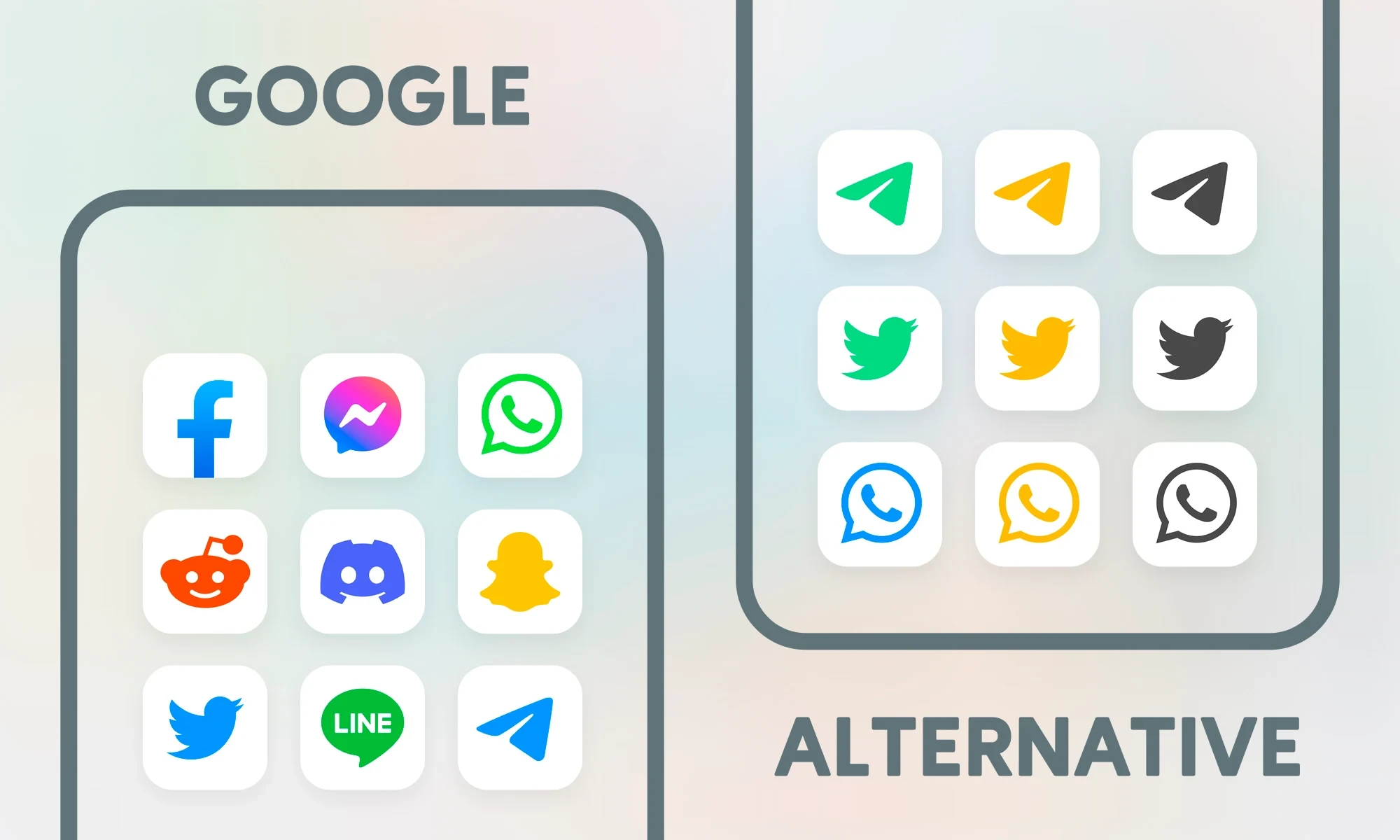
- Alternative options for many icons for greater variety
- Ability to request icons for unsupported apps
- Compatibility with popular launchers such as Nova, Lawnchair, Evie, Hyperion, and other theme-supporting launchers
- Complete guide for use with Samsung OneUI launcher via Good Lock and Theme Park apps
- Professional dashboard for managing icons, wallpapers, and requests
- Lightweight, smooth design without intrusive ads
- Regular updates and active developer support
The MiLight White app features a professional and user-friendly dashboard that makes browsing, selecting, and applying icons and wallpapers easy. Users can view alternative icons, choose and apply wallpapers, and even request icons for apps that do not yet have dedicated icons. This dashboard also provides complete information on how to use the icon pack with various launchers, ensuring a smooth and hassle-free experience. Alongside the icons, MiLight White offers a collection of high-quality wallpapers with coordinated designs. These wallpapers are designed to harmonize with the white and minimal style of the icons, creating a seamless look for your home screen. Users can select their favorite wallpaper from hundreds of options and create a unique visual combination. The developer of MiLight White regularly adds new icons and fresh wallpapers through updates. Users can also submit icon requests for new apps via the app dashboard, confident that these requests will be considered in future versions. Active support and quick responses are additional strengths of this app, earning user trust and ensuring a professional experience. The MiLight White – Icon Pack app is a complete package for customizing Android phones. With its white and minimal design, over 4,400 colorful icons, hundreds of wallpapers, broad launcher compatibility, and professional dashboard, this app has earned a special place among users who want to beautify their phone’s user interface. If you are looking for a unique, clean, and professional icon pack to enhance your phone’s appearance, MiLight White is a smart choice. You can download and install the purchased version of this app directly from DroidCove.



![KineMaster 8.1.13 – Powerful Video Editor for Android [Update]](https://droidcove.com/wp-content/uploads/2026/06/KineMaster-Logo-1-100x100.webp "KineMaster 8.1.13 - Powerful Video Editor for Android [Update] 5")

