


Microsoft Edge for Windows – Fast, Secure, and Optimized Browser for Modern Web Browsing
A lightweight, stable browser equipped with new technologies for a smooth and professional experience
Download the latest software updates always from DroidCove
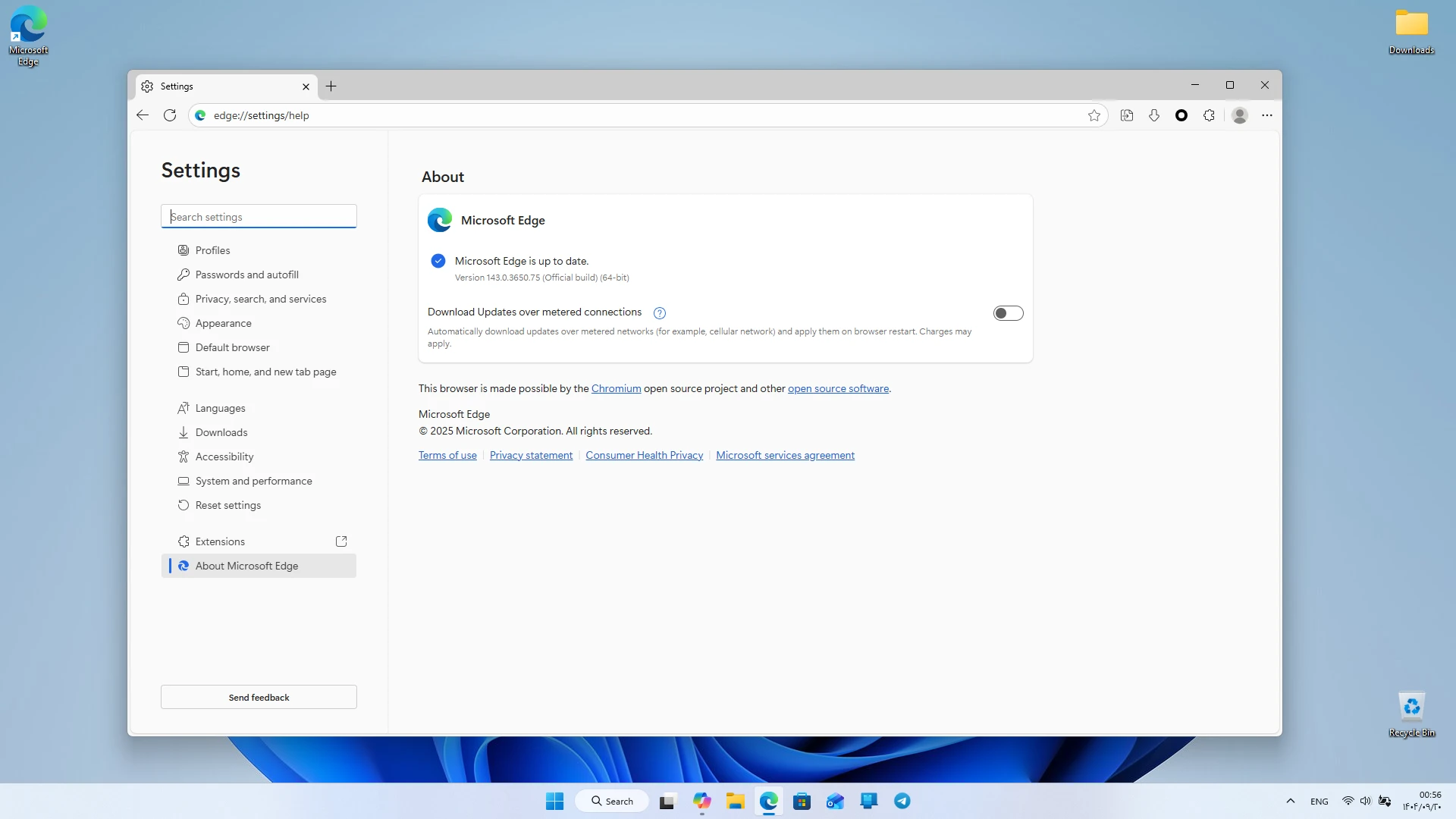
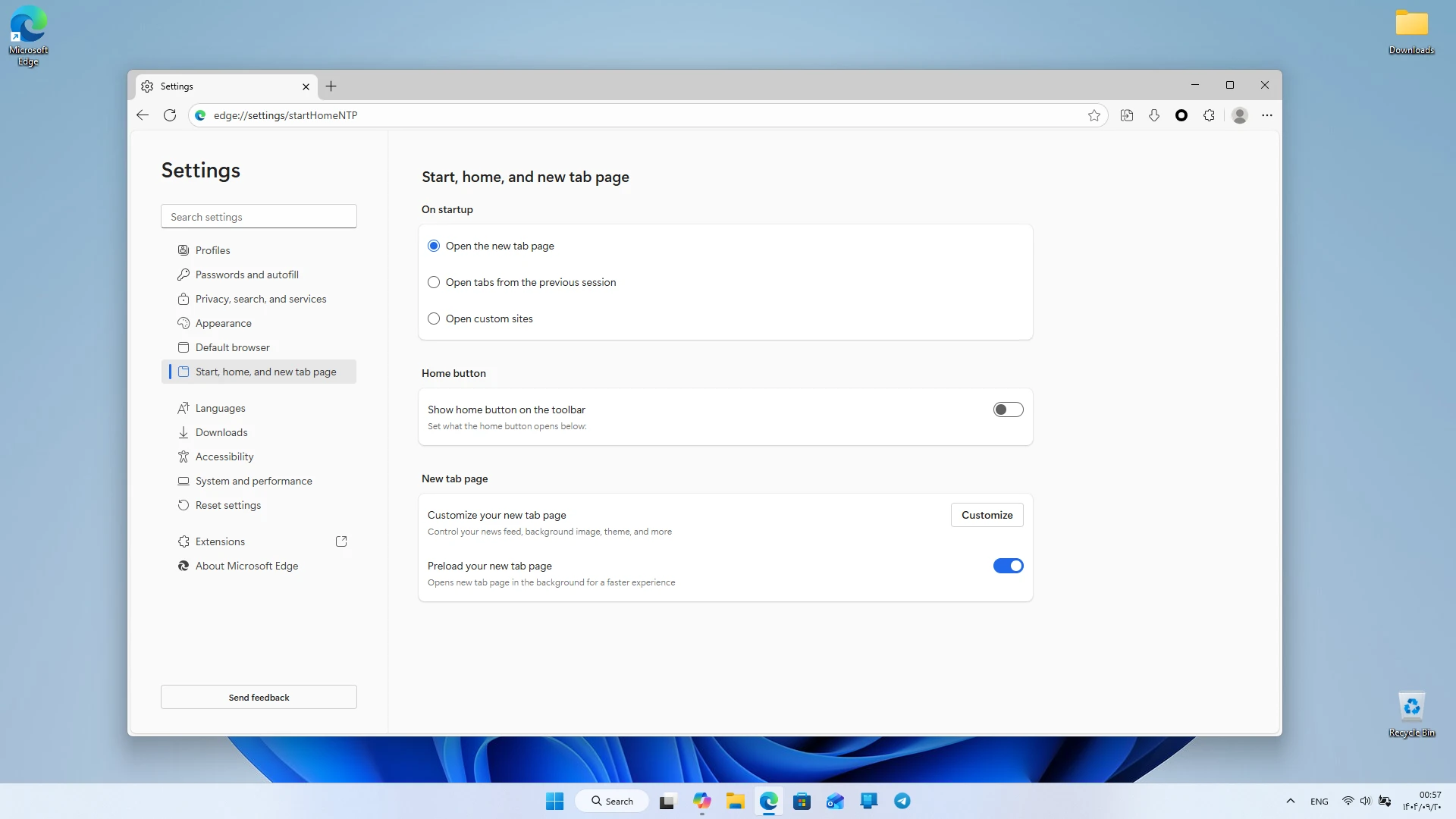
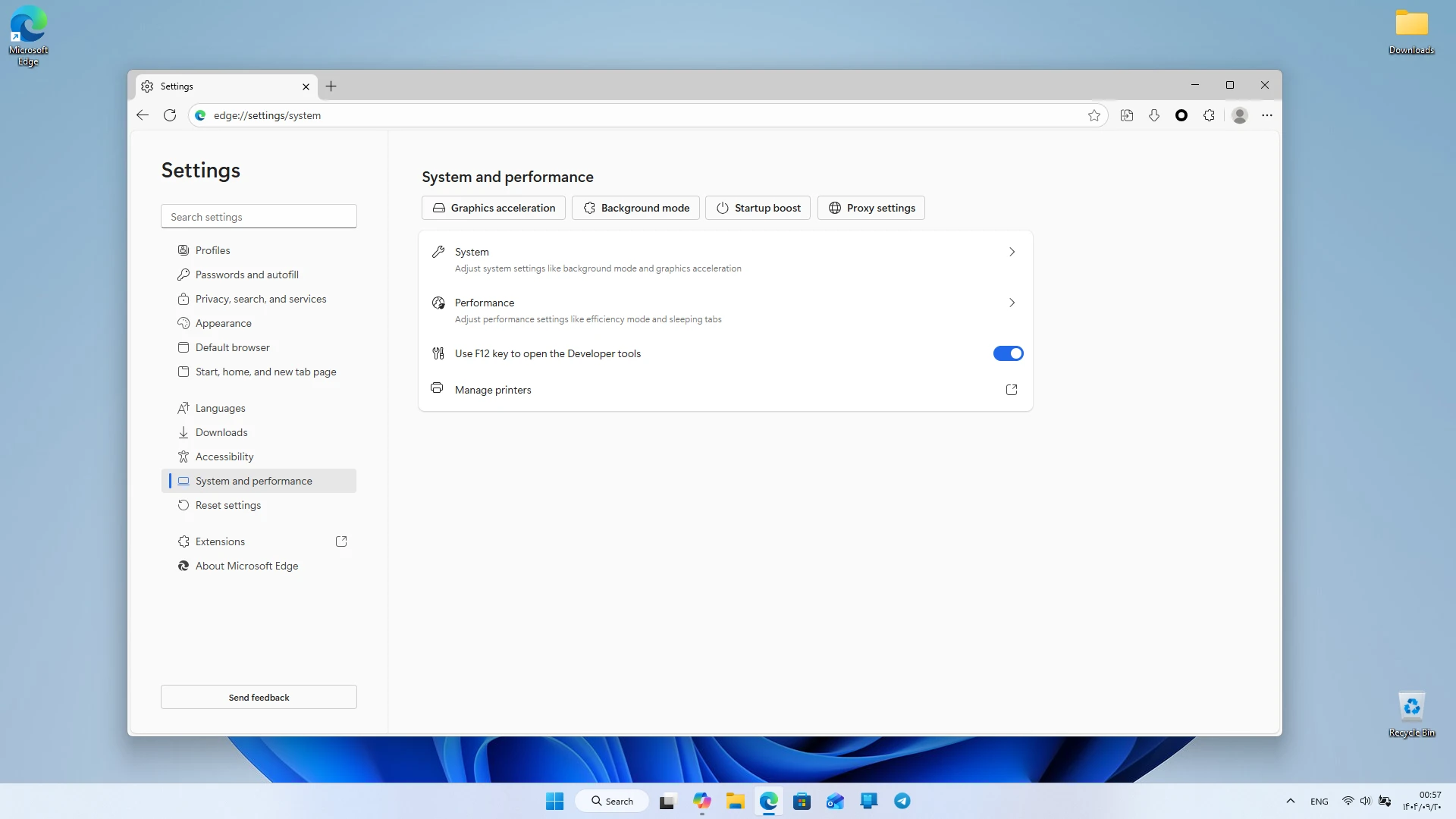
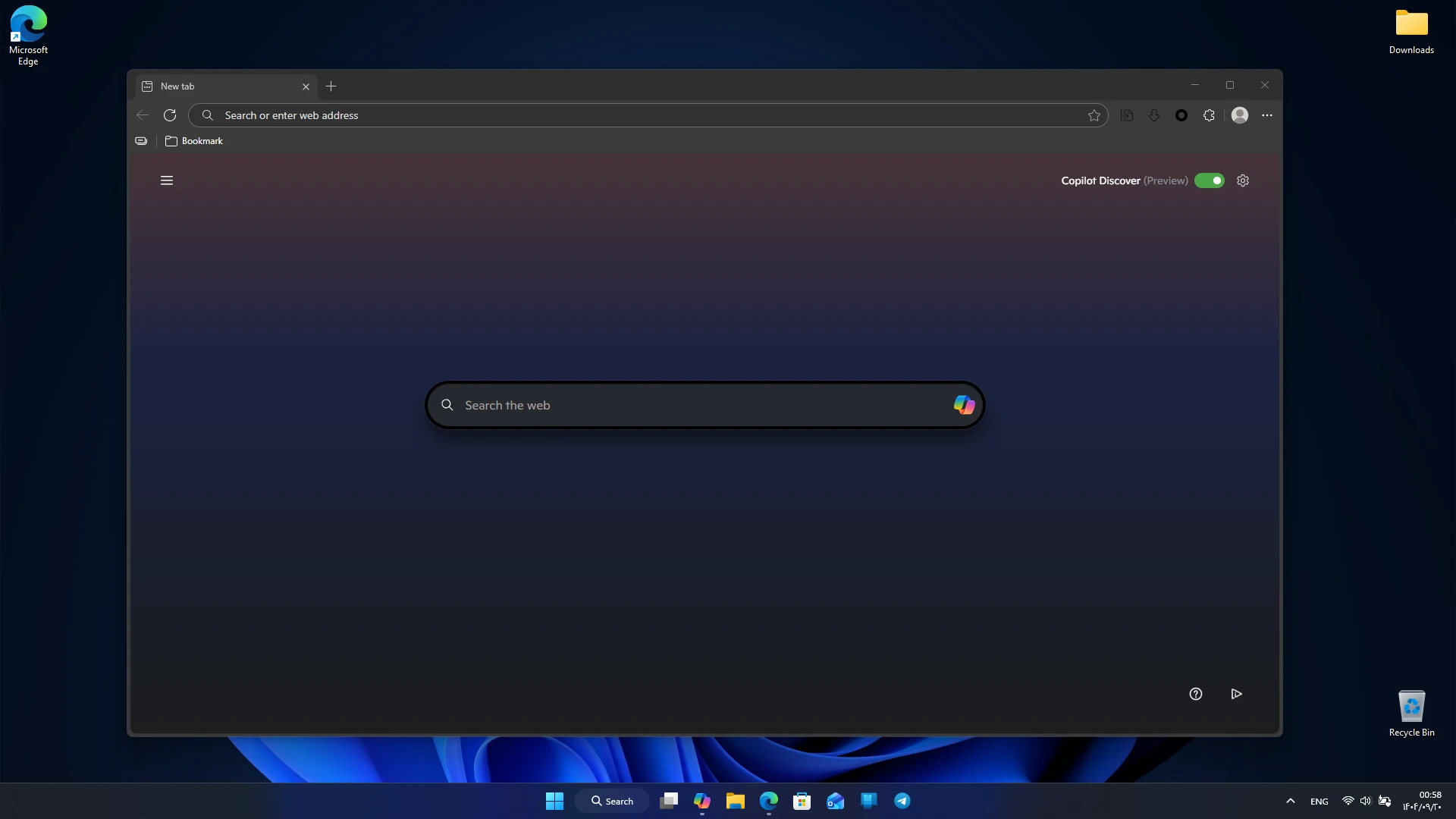
The Microsoft Edge Windows version is one of the most powerful and fastest browsers available today, designed to provide a modern, secure, and user-friendly experience tailored to current user needs. Developed by Microsoft, this browser offers high-speed web page loading with its powerful processing engine and provides a clean and intuitive environment through its simple and practical design. Edge is built for users seeking a stable, fast browser equipped with smart features. Microsoft Edge is continuously updated to ensure its security, speed, and features remain at the highest level. The Windows version works seamlessly with the operating system, delivering a smooth and error-free experience and maintaining stable performance on both low-end and high-end systems. Due to its optimized resource consumption, the browser maintains speed even with many tabs open.
Features and capabilities of Microsoft Edge for Windows:
- High speed in loading web pages
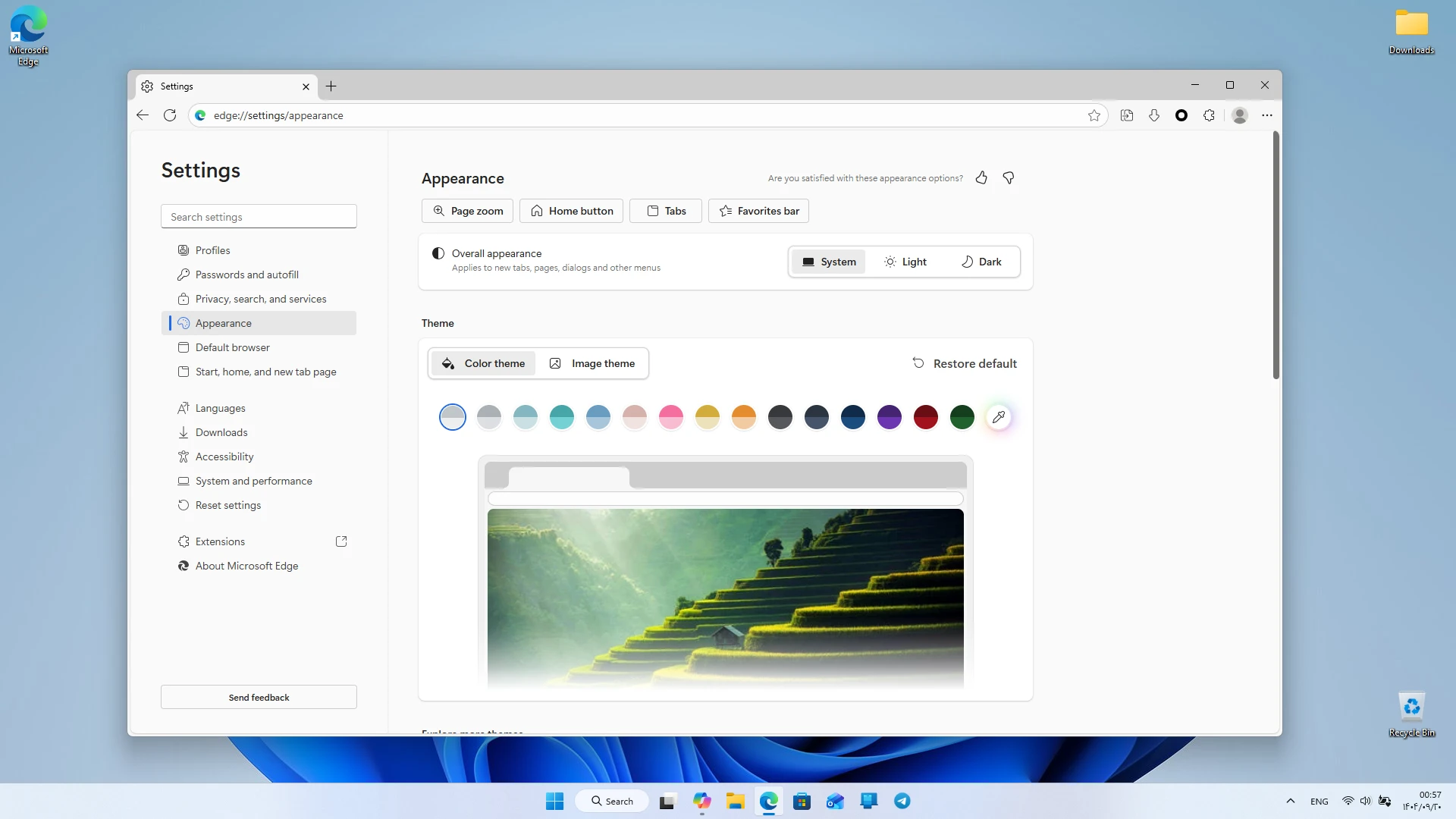
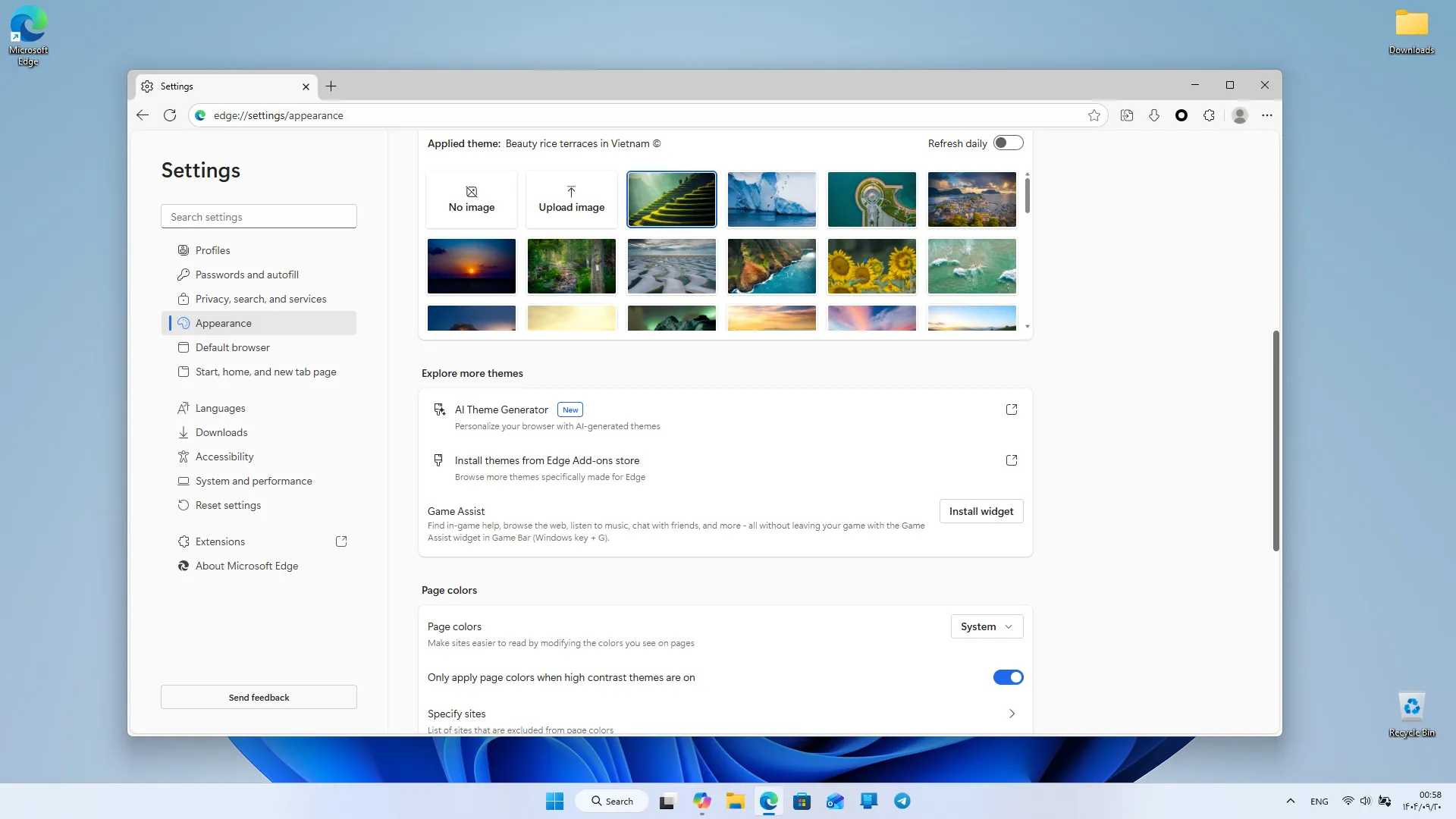
- Simple, modern, and user-friendly design for all users
- Optimized memory and processor usage for smooth operation
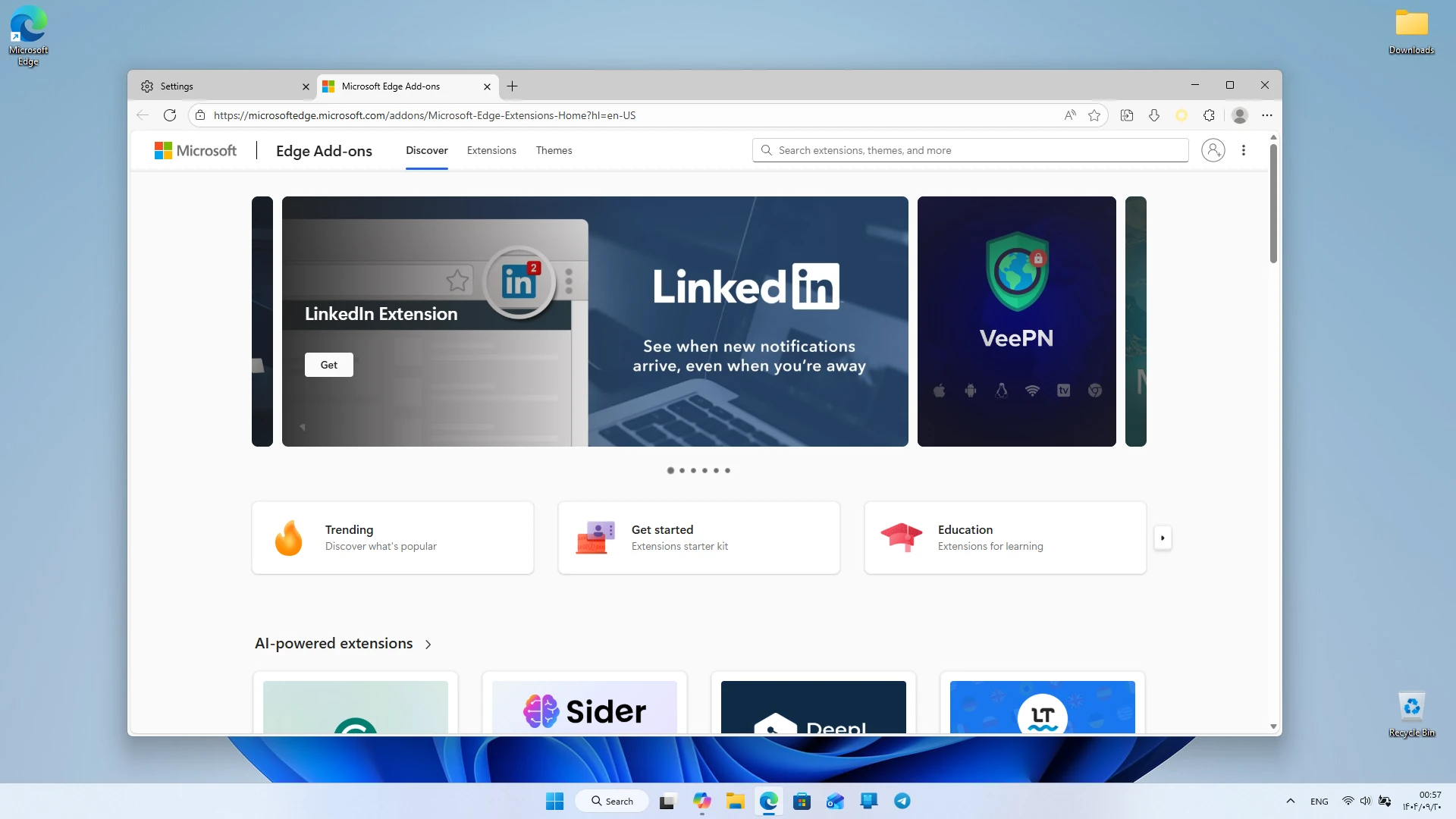
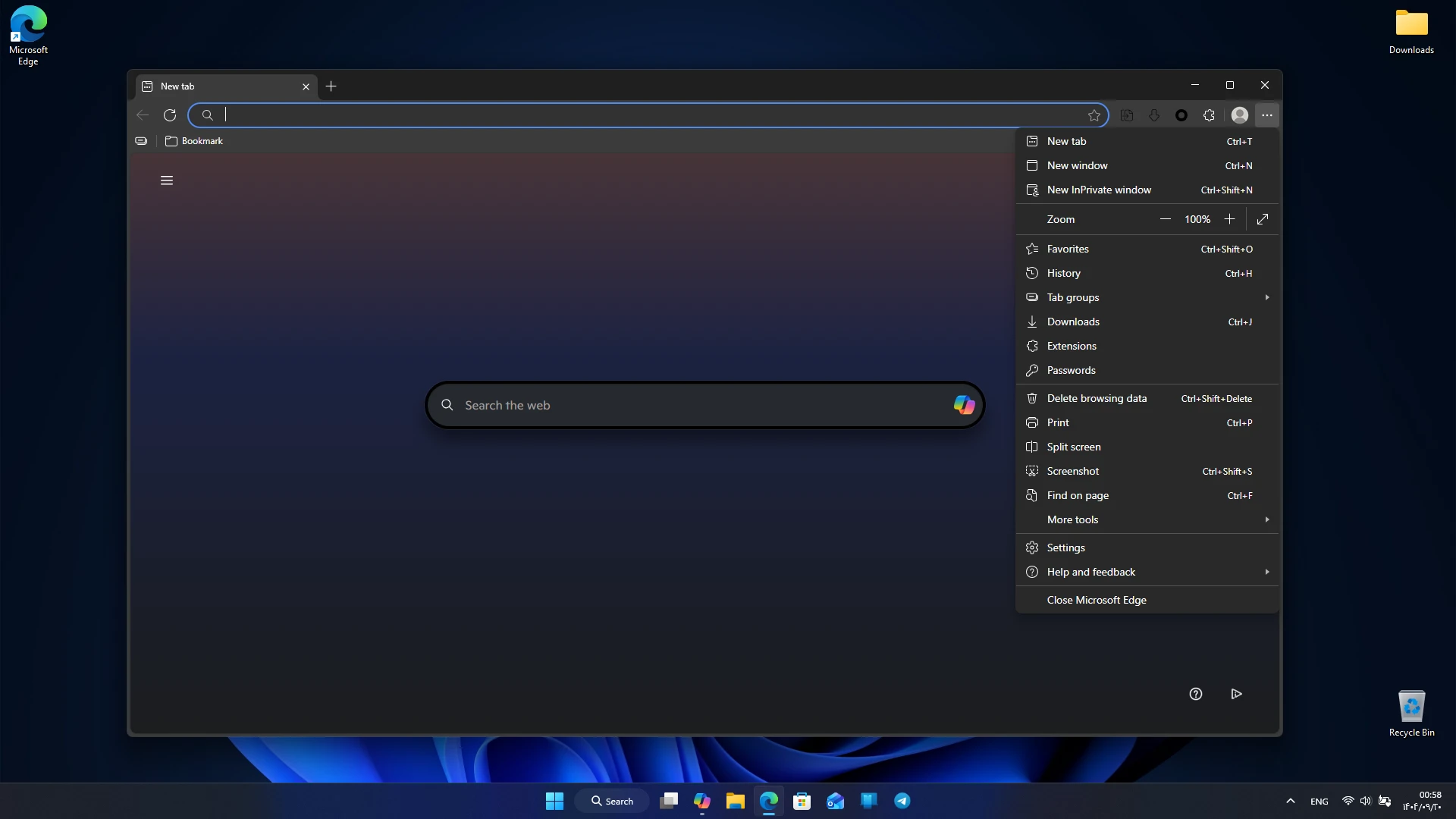
- Support for a variety of extensions from Microsoft Store and Chrome Web Store
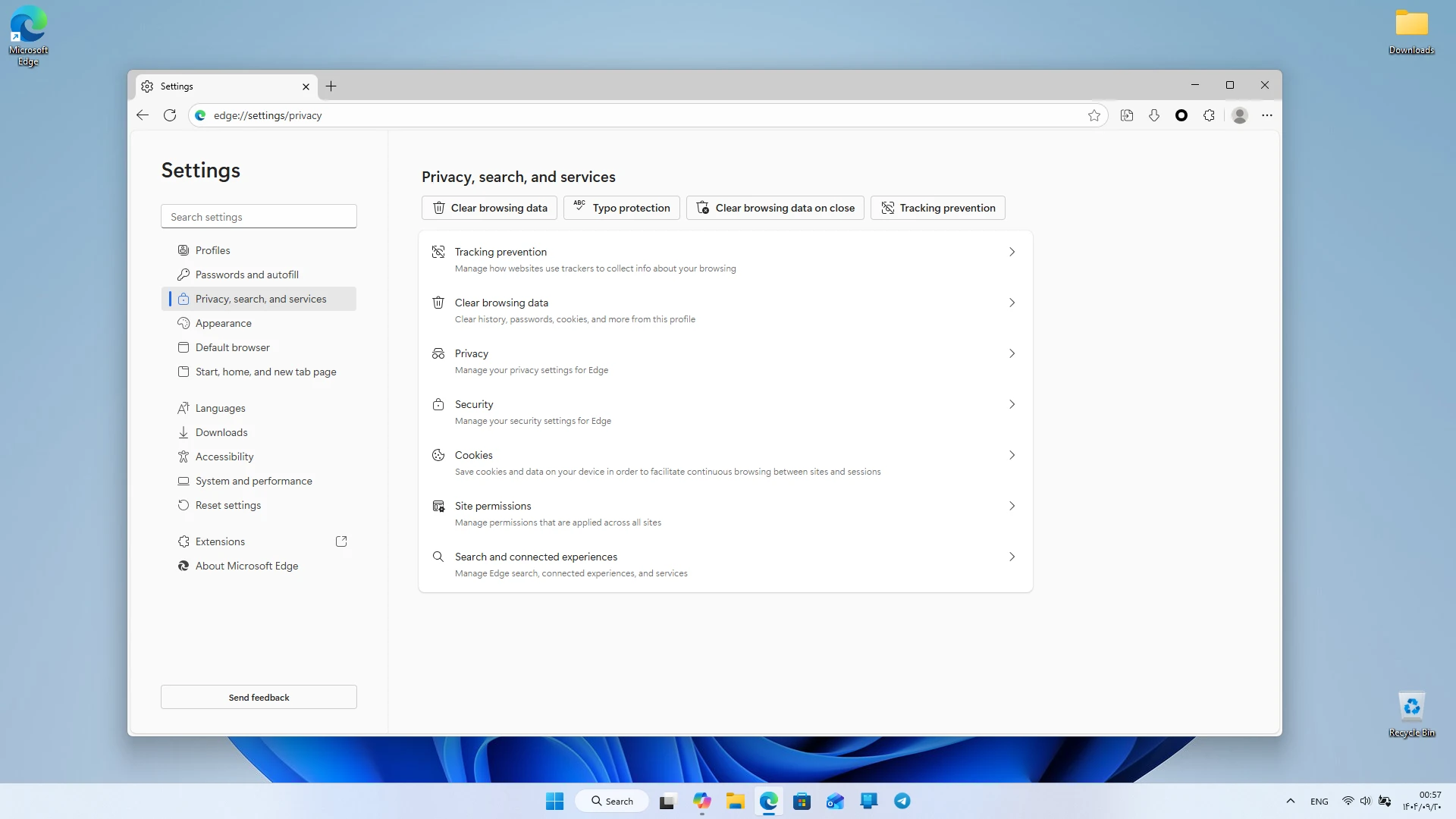
- Advanced security with protection against malware and malicious websites
- Automatic updates to enhance security and performance
- Full integration with Microsoft services such as Outlook, OneDrive, and Office
- Ability to sync bookmarks, passwords, and history across devices
- Support for private browsing mode without saving data
- Easy reading of pages with Read Aloud and Immersive Reader modes
- Support for user profiles to manage multiple accounts
- Password storage and management with Password Monitor
- Support for new web standards and advanced developer tools
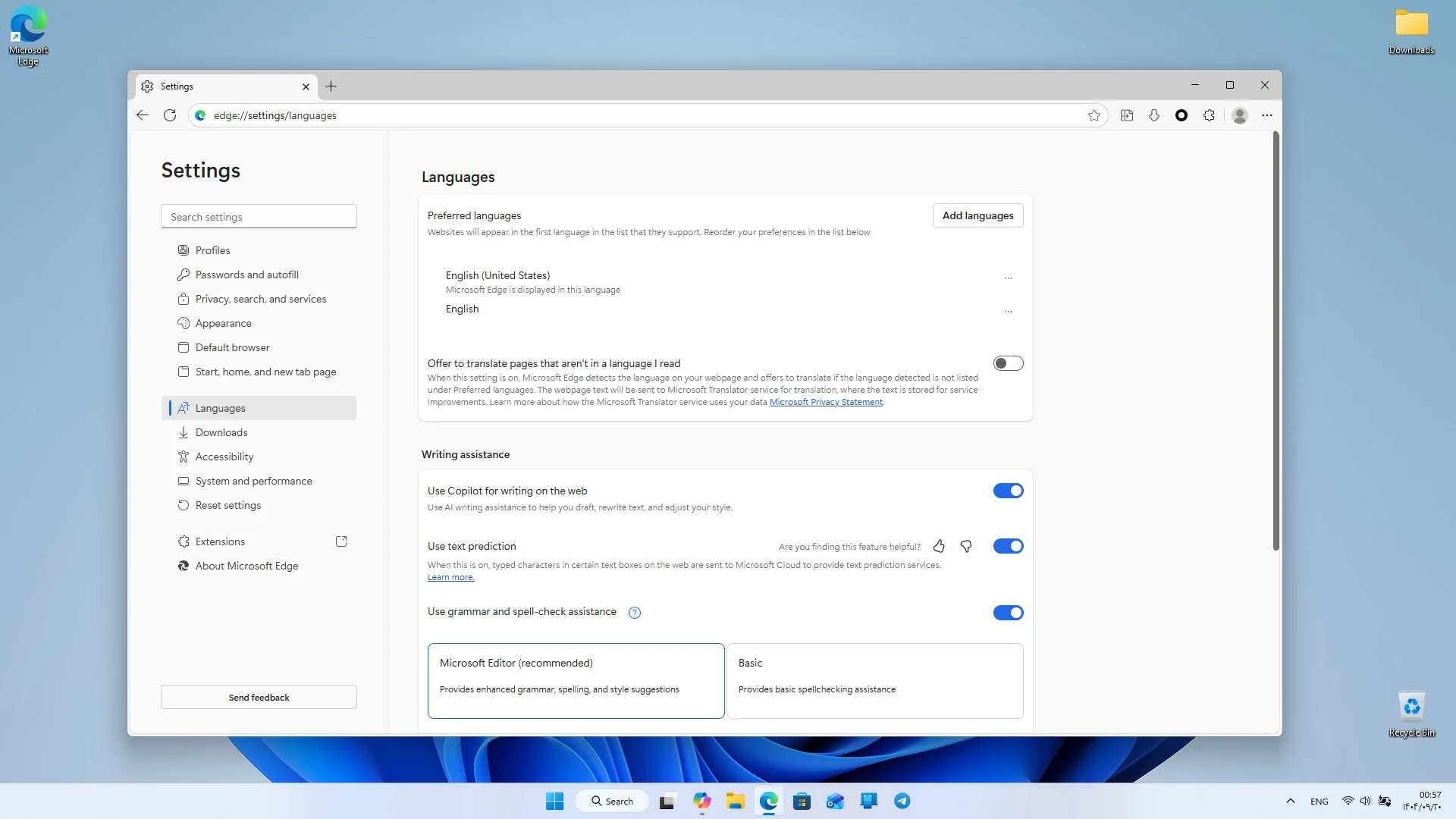
Microsoft Edge focuses on speed and efficiency, offering a different web browsing experience. Its powerful processing engine ensures web pages load in the shortest possible time, and even heavy websites display without issues. Edge’s minimal and modern design allows users to utilize its features without confusion. One of the key strengths of Microsoft Edge is its high security. The browser uses a multi-layer protection system to safeguard users against malware, phishing sites, and harmful content. The SmartScreen feature intelligently identifies dangerous sites and prevents access to them. Private browsing mode allows users to surf the web without saving history, cookies, or personal information. In terms of practical features, Microsoft Edge offers a wide range of tools. Users can use various extensions for password management, ad blocking, productivity enhancement, web development, and many other purposes. Support for Chrome Web Store extensions means Edge has no limitations regarding extensions, allowing users to easily install any extension. Syncing is another important feature of Microsoft Edge. Users can sign in with their Microsoft account to sync bookmarks, saved passwords, history, and even browser settings across multiple devices. This feature is very useful for those who use multiple devices such as laptops, desktops, and mobile phones.
Microsoft Edge also offers special features for reading and content consumption. The Immersive Reader mode removes unnecessary page elements, displaying text in a clear and clean format. The Read Aloud feature reads page text aloud with a natural voice, which is very helpful for long reading sessions or visually impaired users. Compared to similar browsers, Microsoft Edge has significant advantages. Many browsers either consume high memory or have limited smart features. But Edge combines high speed, strong security, optimized resource usage, and smart features to provide a complete and professional experience. These features have made this browser the first choice for many Windows users. Edge also offers advanced developer tools that are very useful for programmers and web designers. These tools allow inspection of elements, responsiveness testing, performance analysis, and viewing network requests. Support for new web standards also makes Edge suitable for developing and testing modern projects. Overall, the Microsoft Edge Windows version is a fast, secure, stable browser equipped with practical features, making it the best choice for daily web browsing, professional tasks, and using online services. If you are looking for a browser that offers high speed, strong security, and smart features together, Microsoft Edge is one of the best options for you. You can download and install the Windows version of this browser with a direct link from the DroidCove website.



![KineMaster 8.1.13 – Powerful Video Editor for Android [Update]](https://droidcove.com/wp-content/uploads/2026/06/KineMaster-Logo-1-100x100.webp "KineMaster 8.1.13 - Powerful Video Editor for Android [Update] 5")

