


MEmu Play v9.3.1.1 – MEmu Play | Fast Android Emulator for Windows
Smooth running of Android games and apps on PC
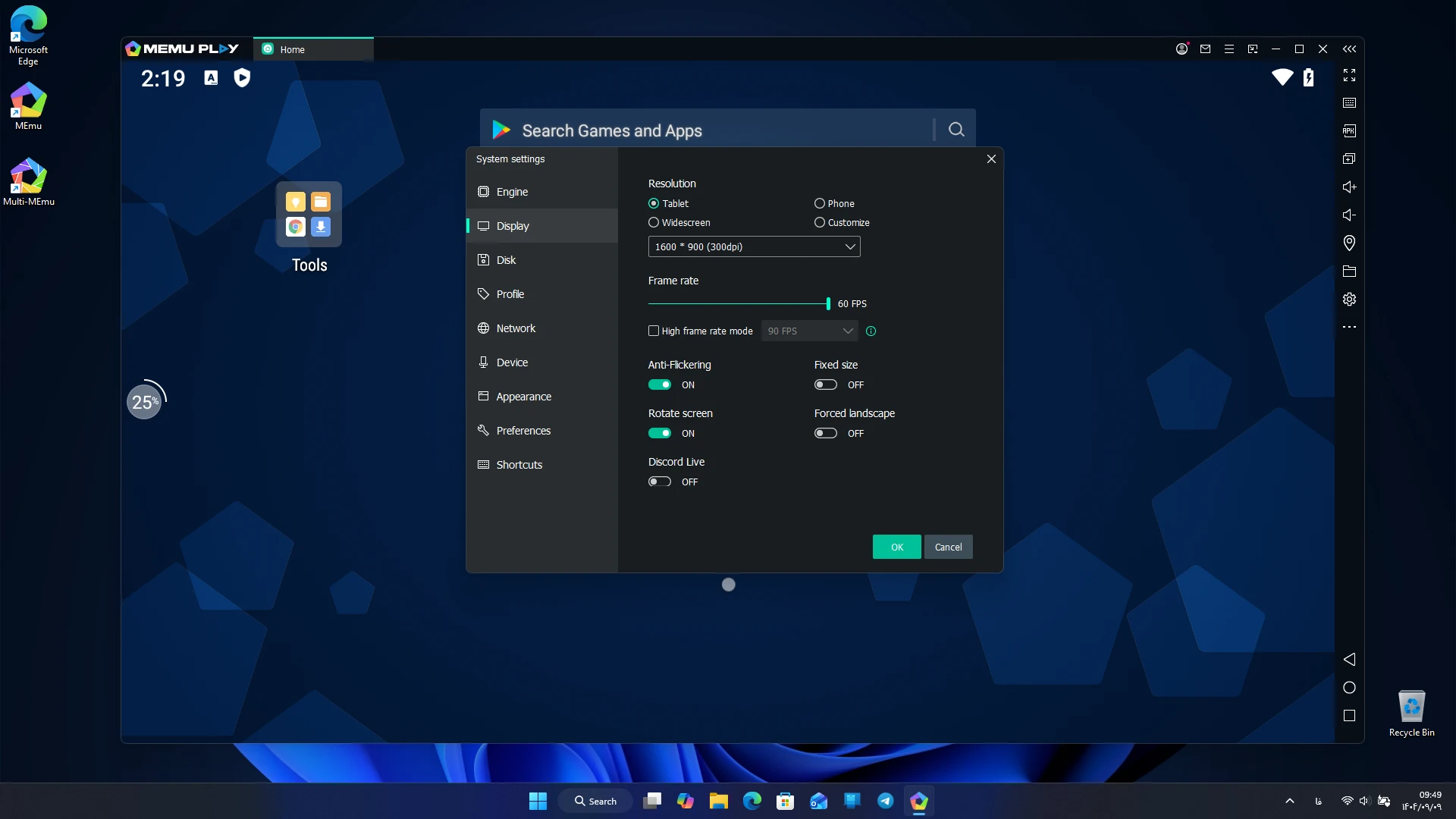
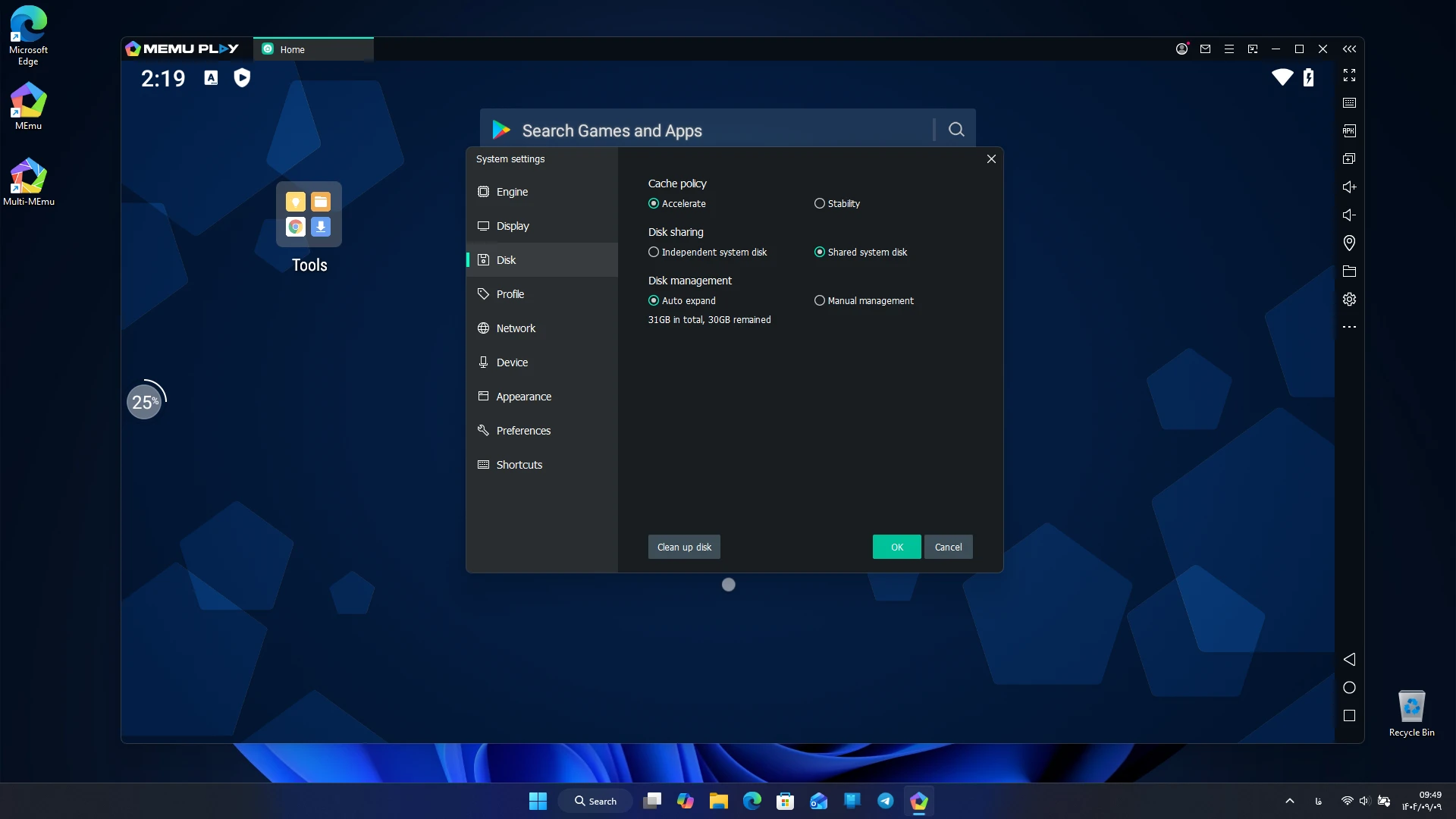
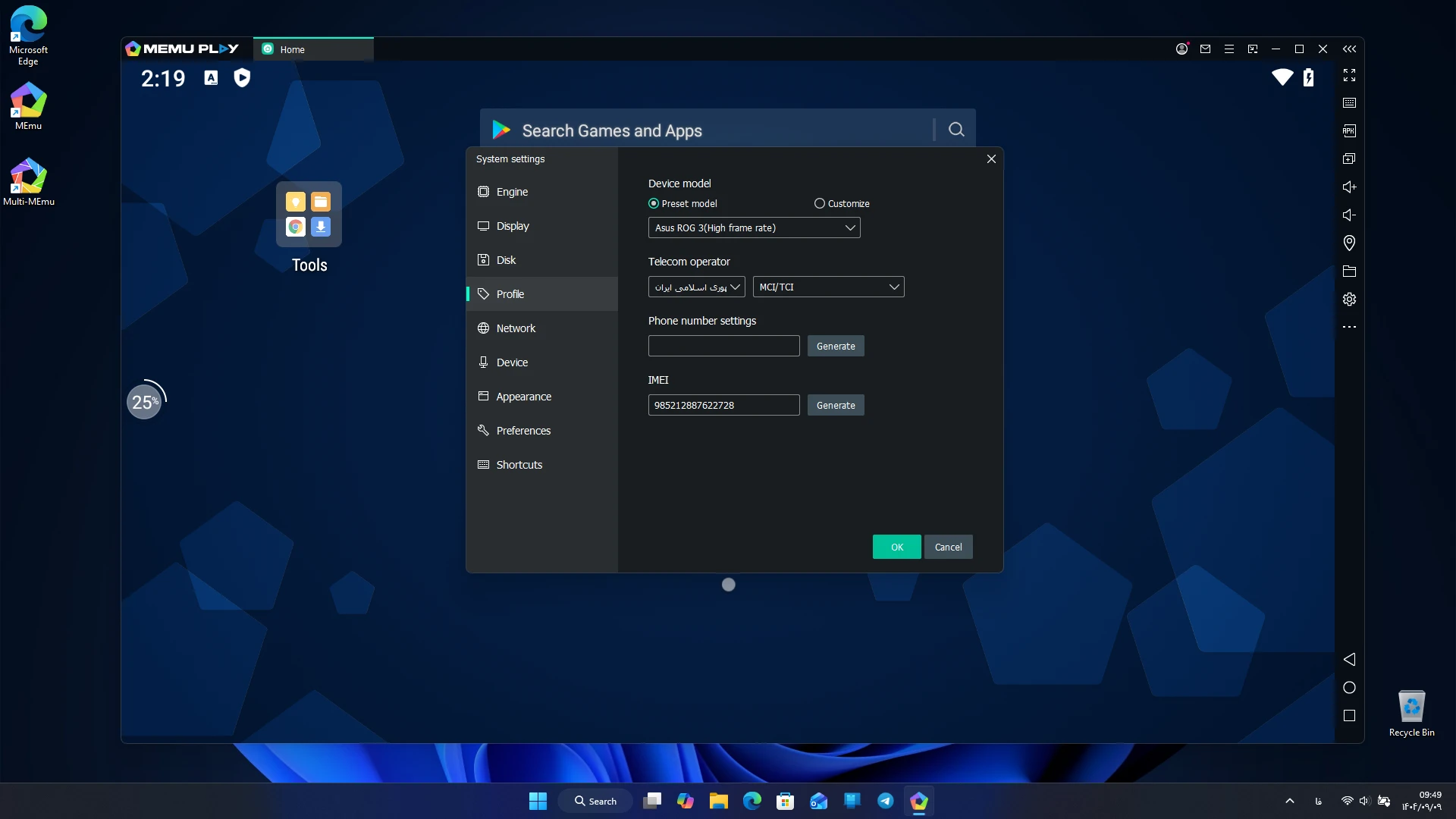
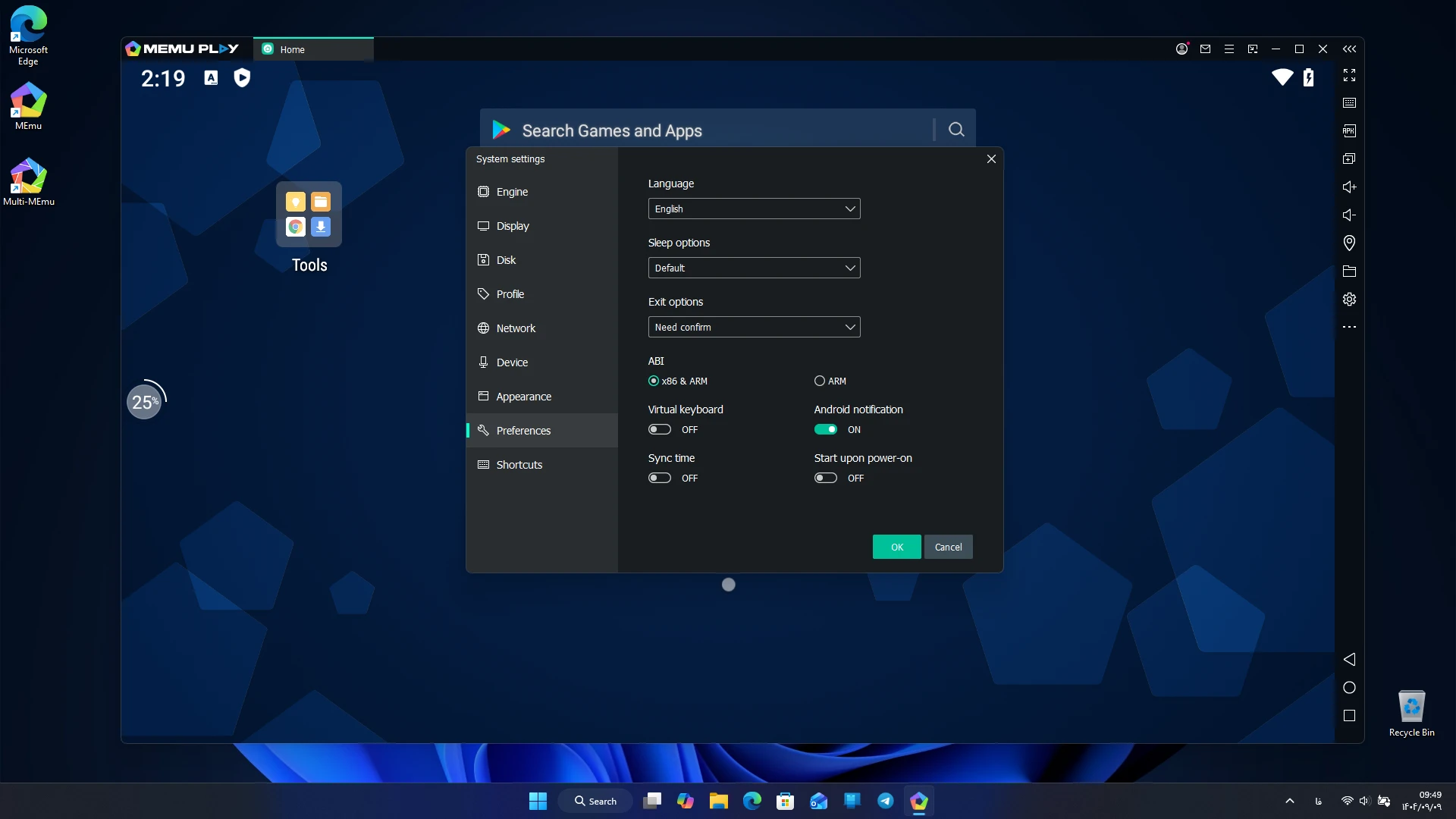
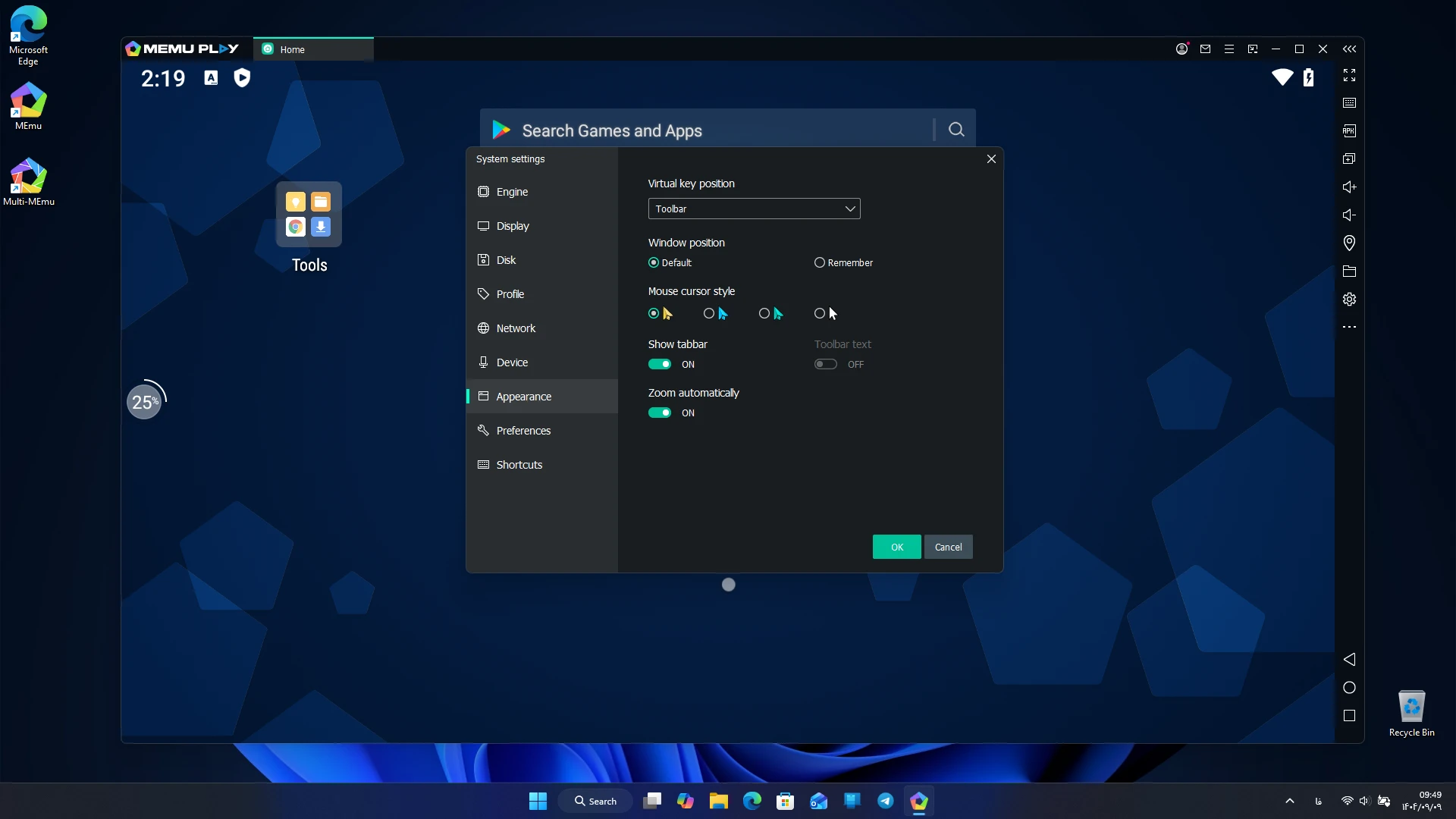
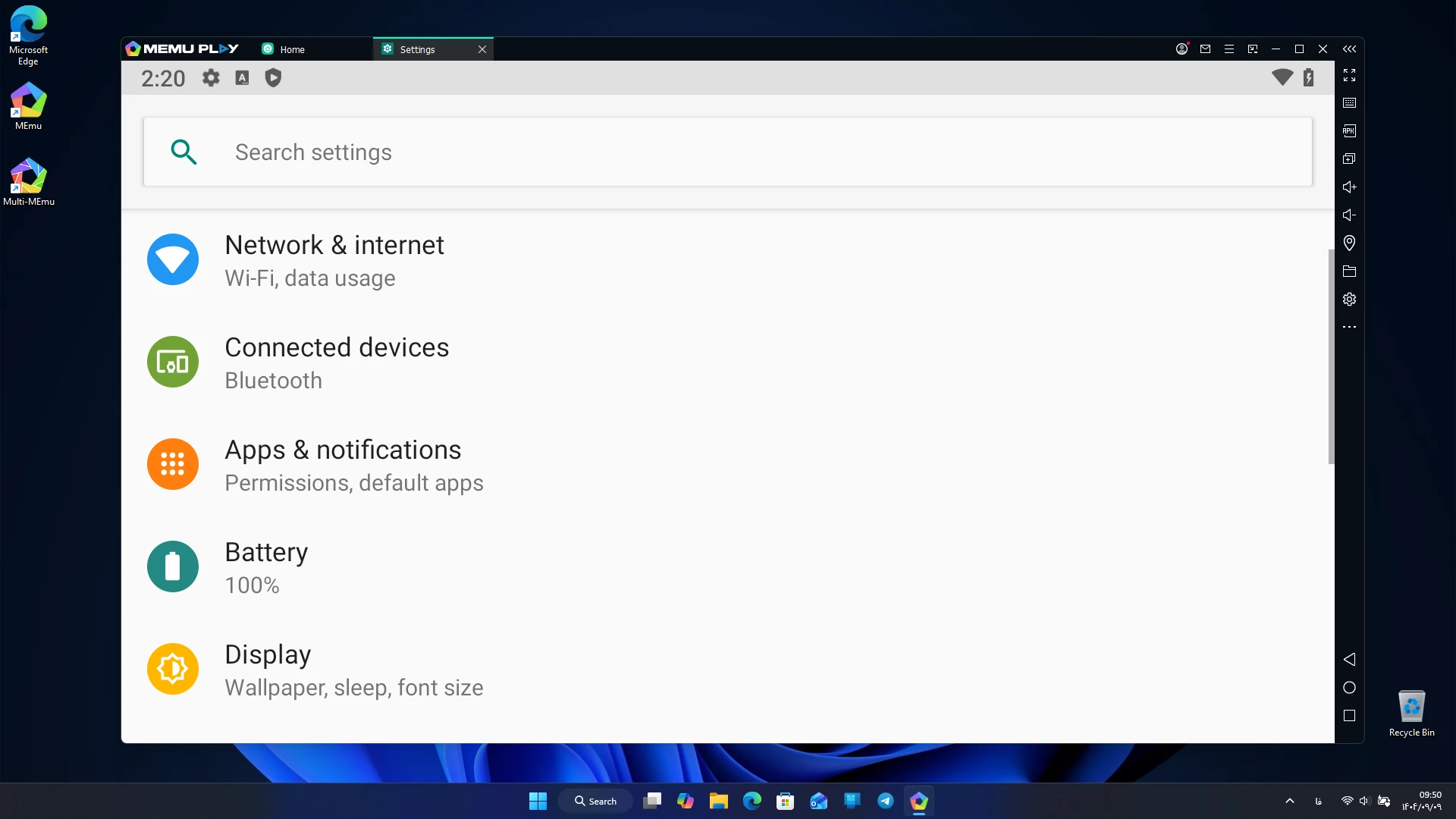
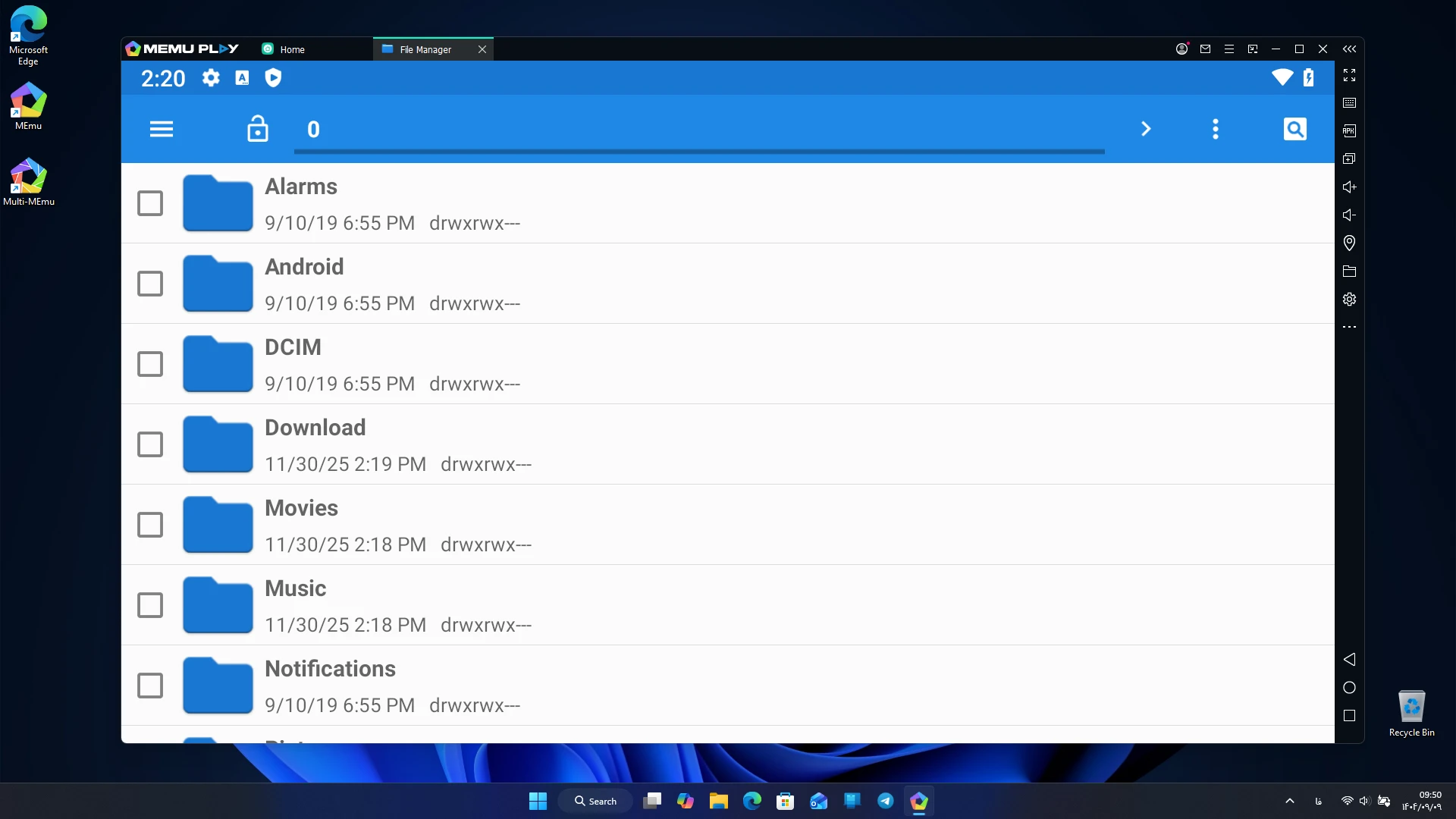
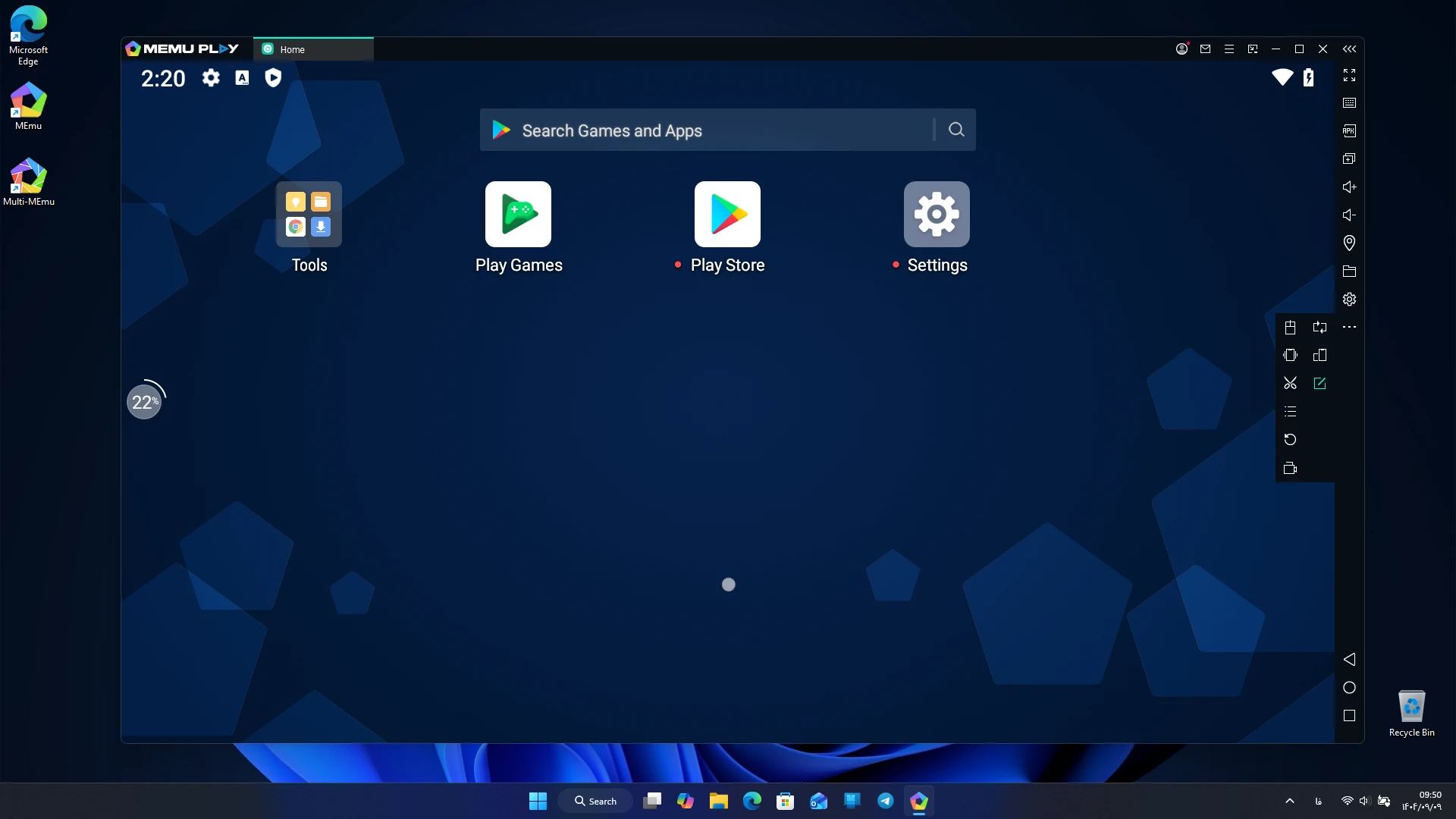
The MEmu Play app is one of the most powerful Android emulators for Windows, offering a complete Android experience on PC with high speed, optimized graphics, and the ability to run multiple games or apps simultaneously. Android emulators on Windows have long been popular tools for gamers and professional users. Many prefer to play mobile games on a larger screen with more precise controls. Among these, MEmu Play stands out as one of the best options. This free software, with over 100 million downloads worldwide, provides advanced features for running Android games and apps on Windows.
Features and capabilities of MEmu Play software:
- Fast game and app execution: optimized performance using virtualization technologies and support for Intel and AMD processors.
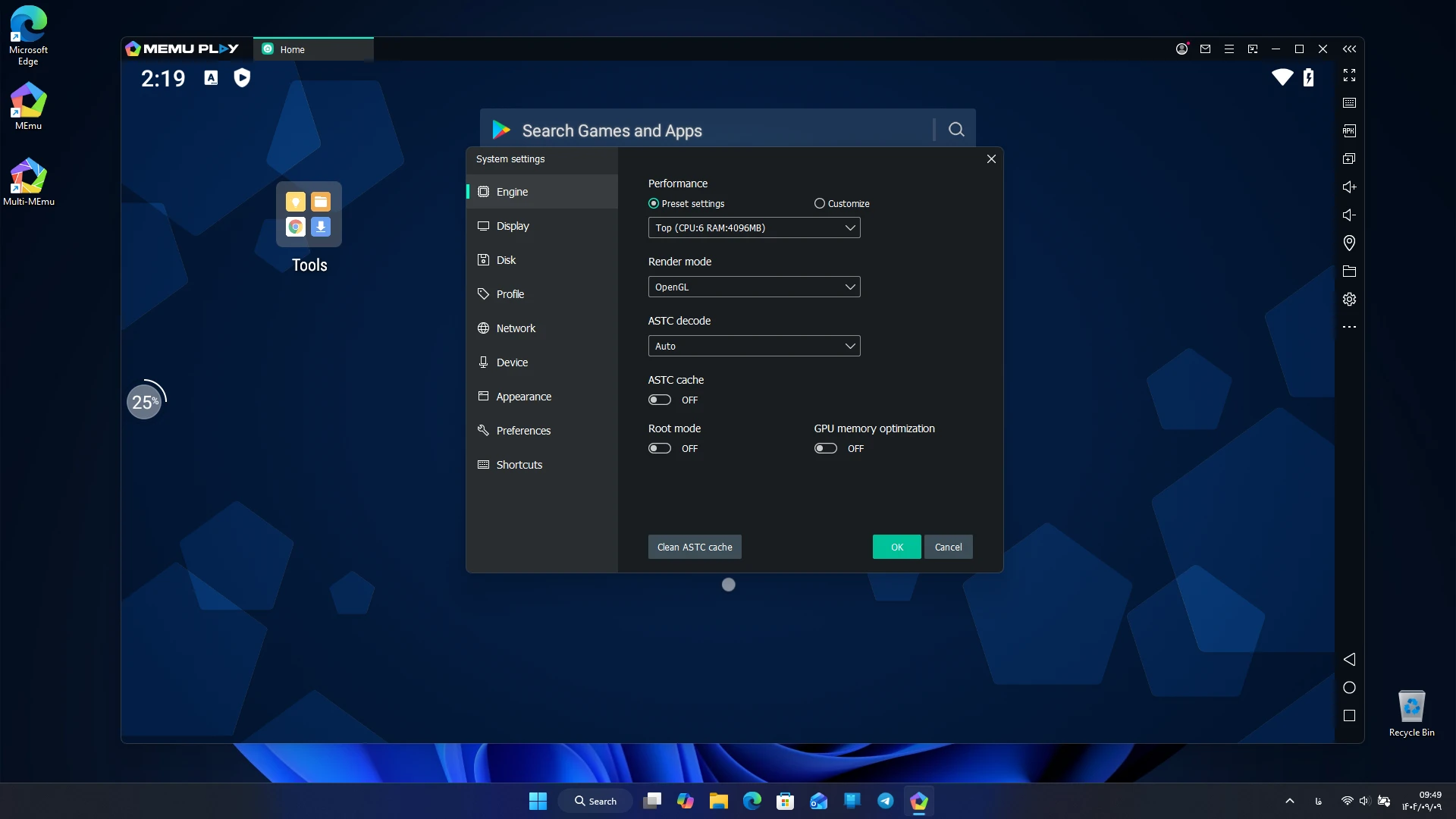
- Advanced graphics: utilizing OpenGL and DirectX to deliver high-quality images and high frame rates.
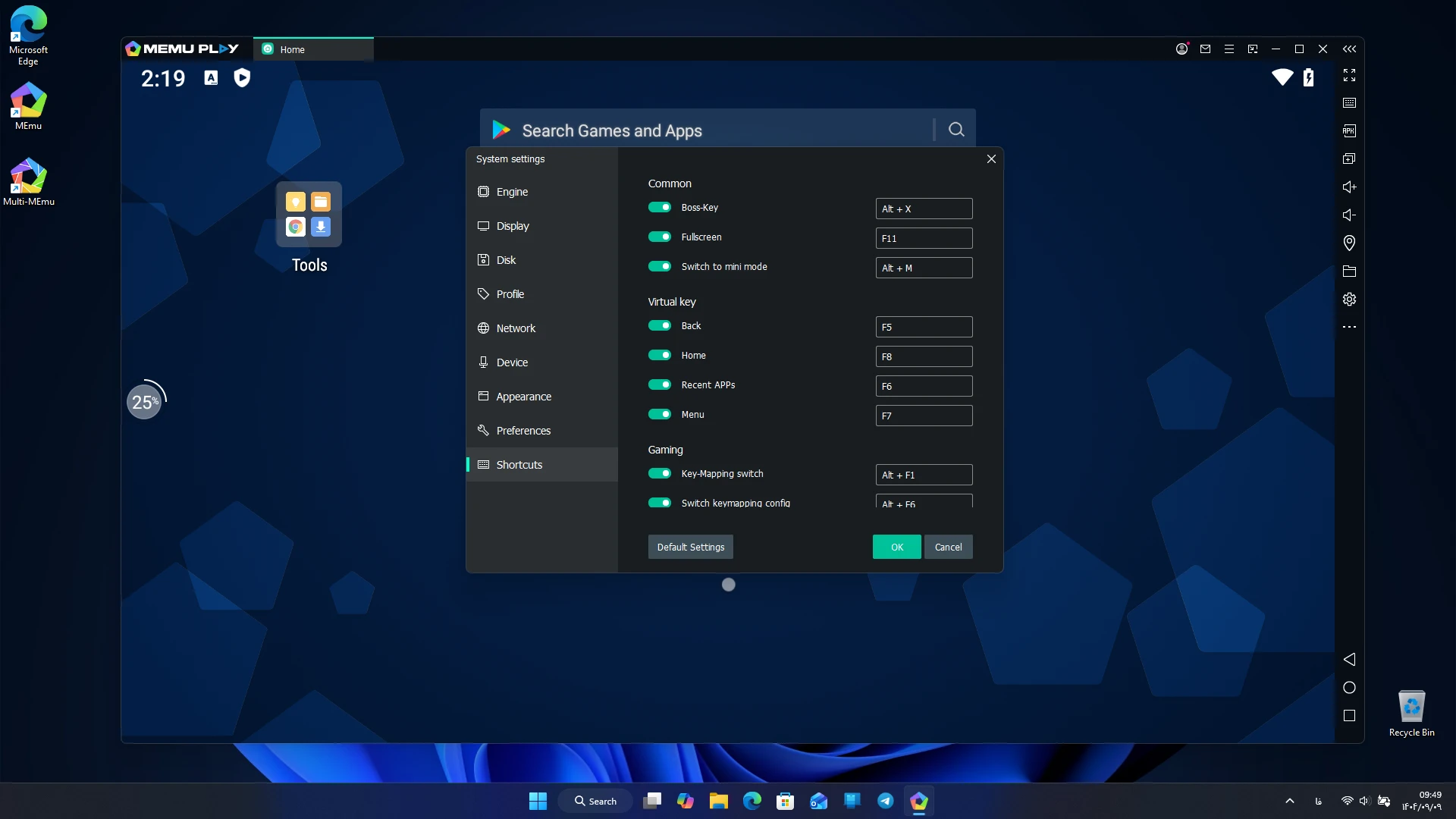
- Smart controls: support for mouse and keyboard with predefined keys and customization options.
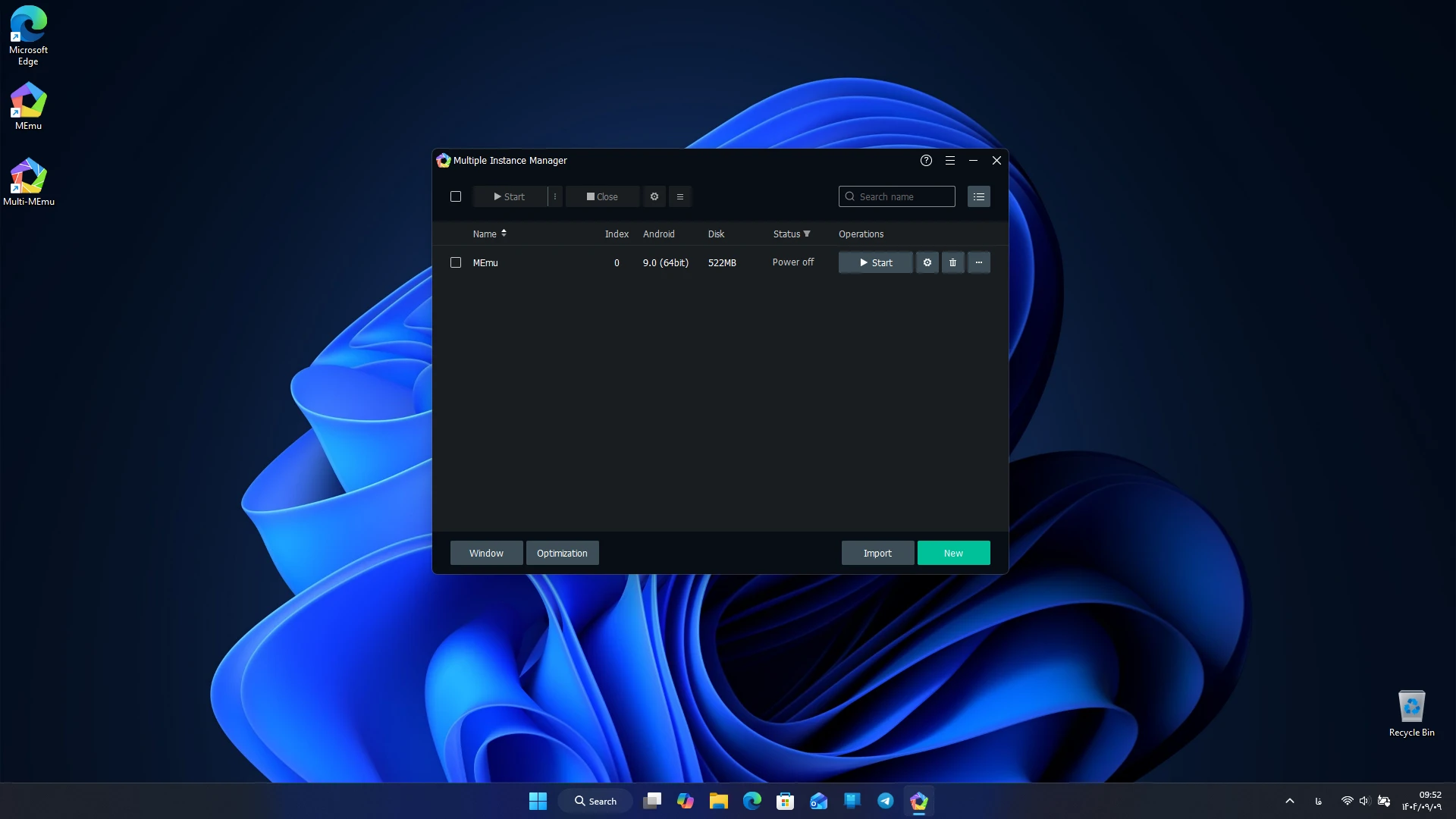
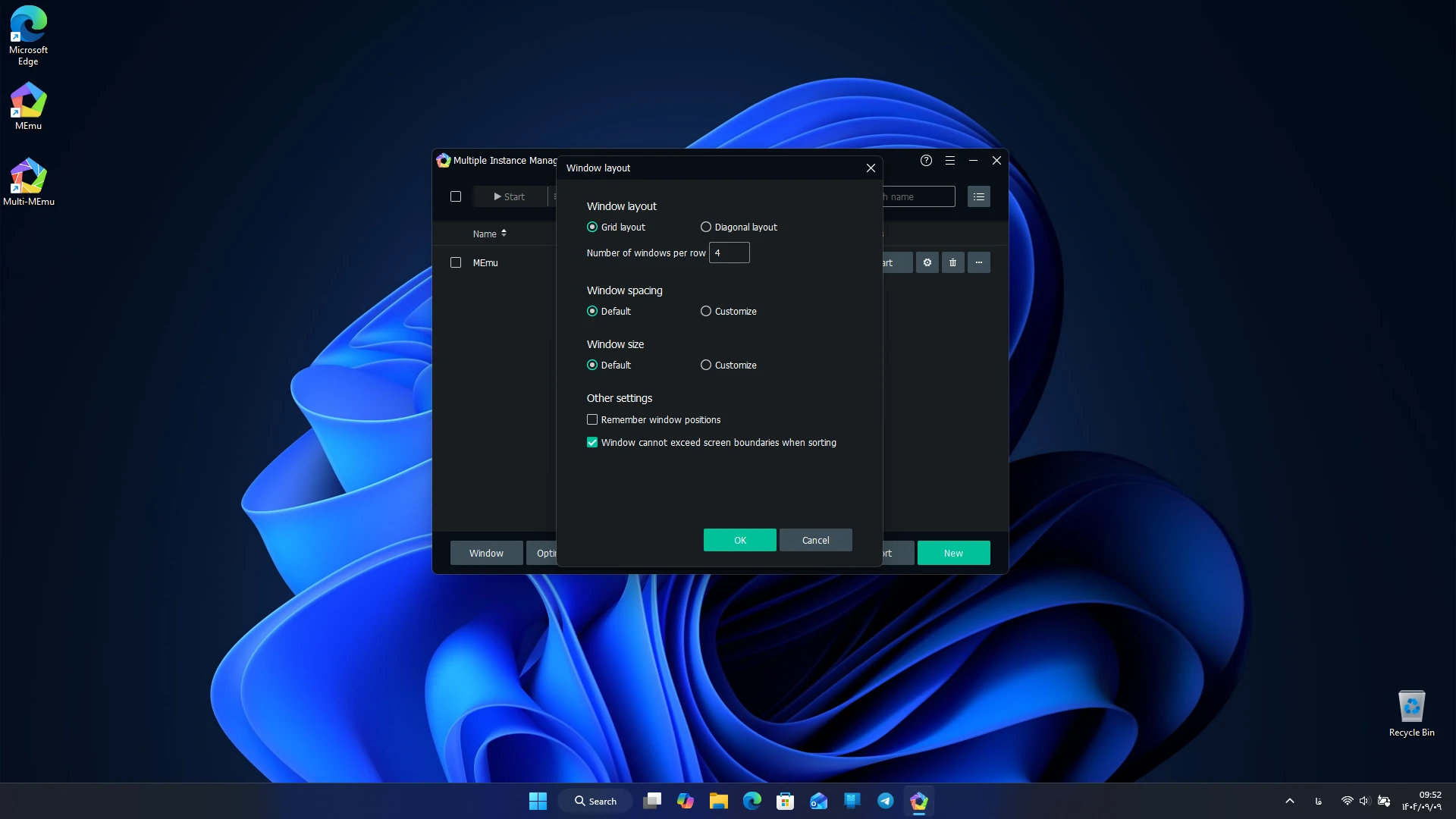
- Multiple instances simultaneously: ability to run multiple user accounts or games at the same time with Multi-Instance Manager.
- Wide compatibility: ability to run millions of popular games such as PUBG Mobile, Free Fire, Call of Duty Mobile, and Clash Royale.
- Simple user interface: lightweight and user-friendly design for quick access to features.
- Continuous updates: new versions released with improved performance and added features.
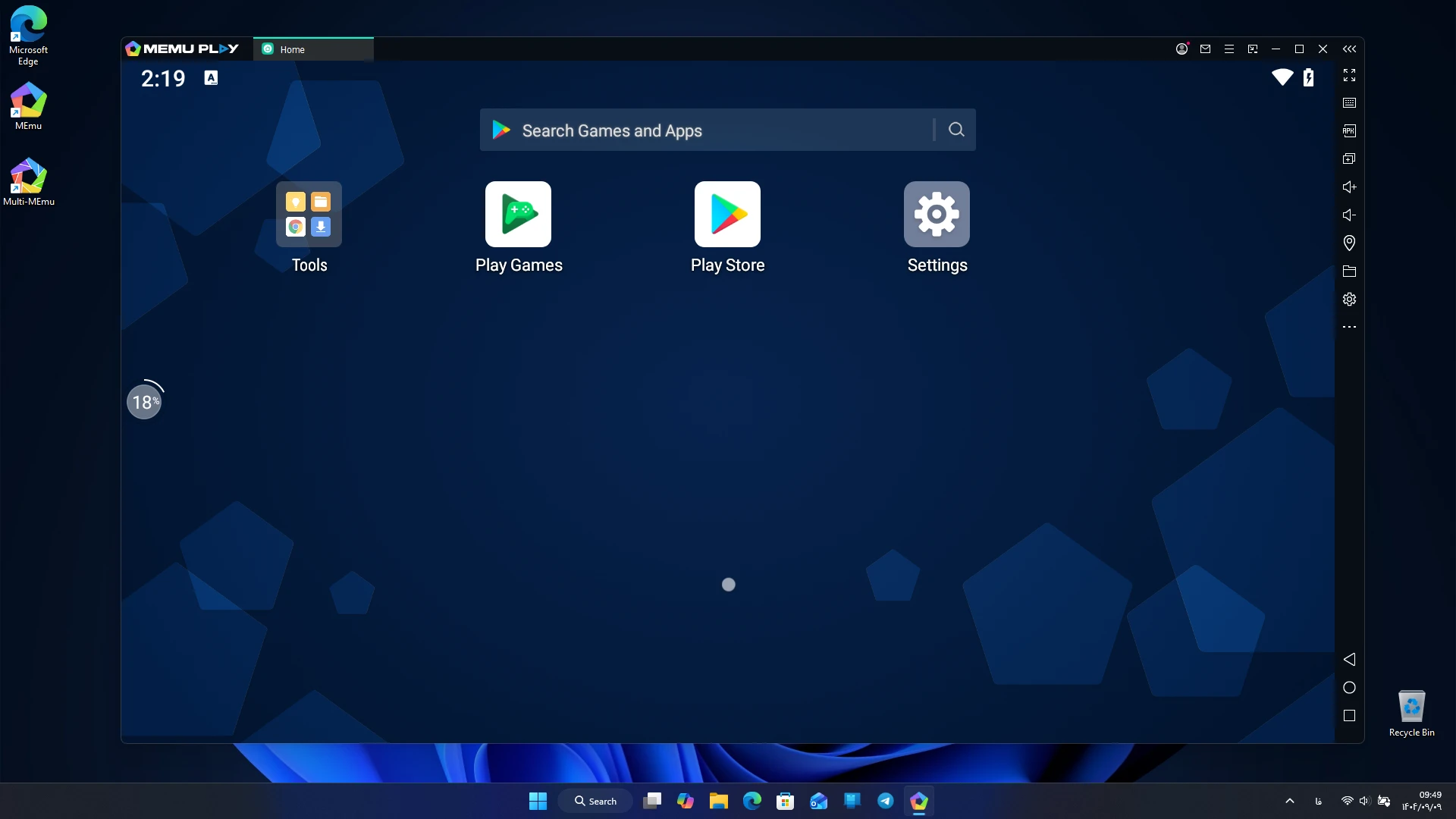
MEmu Play launches quickly after installation, allowing users to install their desired app or game simply by dragging and dropping the APK file. This feature makes the installation process much simpler than many other emulators. Users have reported that heavy games like PUBG Mobile or Call of Duty Mobile run smoothly with high frame rates and no lag. Additionally, customizable key mapping provides an experience similar to consoles or gaming PCs. Another strength of MEmu Play is the ability to run multiple instances simultaneously. For example, a user can play a game in one window while running a social media or messaging app in another. This feature is very useful for those who need to manage multiple accounts. Compared to emulators like BlueStacks or NoxPlayer, MEmu offers faster performance and lower resource consumption. Independent tests have shown that MEmu scores higher on Geekbench multi-core benchmarks than its competitors. Furthermore, its lightweight interface and multi-instance capability are advantages that many other emulators lack.
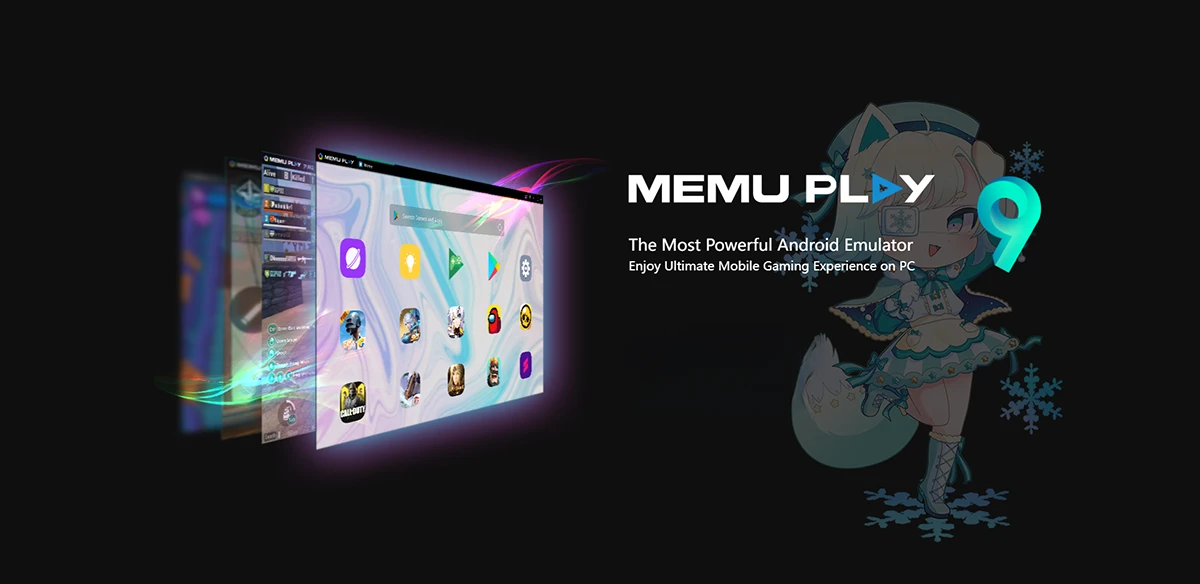
MEmu Play is not only for gamers; it can also be useful for app developers. The ability to quickly test apps in a simulated Android environment without the need for physical devices simplifies the development process. Regular users can also run popular apps like WhatsApp, Instagram, or Snapchat on their computers and enjoy the benefits of a larger screen and easier controls. The MEmu Play app is one of the best Android emulators for Windows, offering high speed, advanced graphics, and the ability to run multiple apps simultaneously, providing a complete Android experience on PC. Whether for playing popular mobile games or using everyday apps, MEmu is a smart choice. You can download the official version of this program with a direct link from DroidCove and enjoy a different experience of running Android on Windows.



![KineMaster 8.1.13 – Powerful Video Editor for Android [Update]](https://droidcove.com/wp-content/uploads/2026/06/KineMaster-Logo-1-100x100.webp "KineMaster 8.1.13 - Powerful Video Editor for Android [Update] 5")

