LEGO® Star Wars™: TFA v1.29.1~4 + Mod – Amazing and Unique LEGO: The Force Awakens Android Game with Data + Trailer
Standard Full Version + Full Mod Version with Unlimited Money Available Separately
Tested with 100% Offline Play
Special Offer
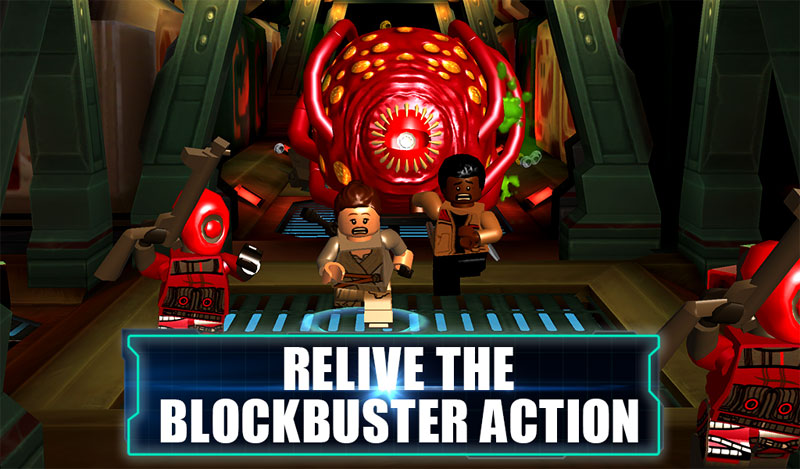
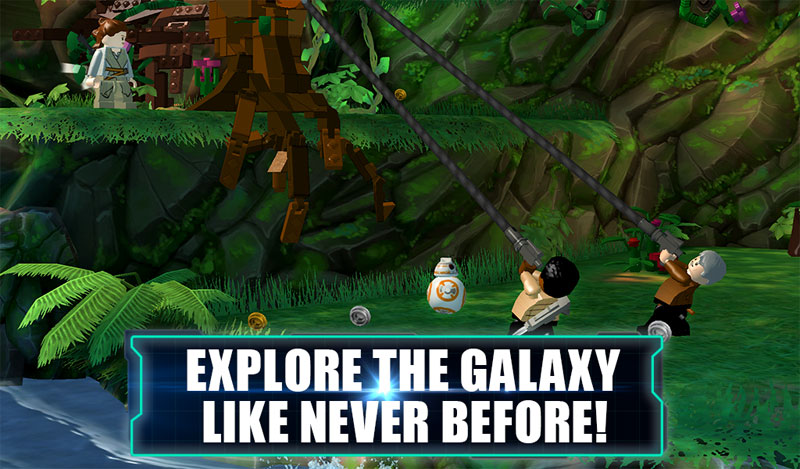
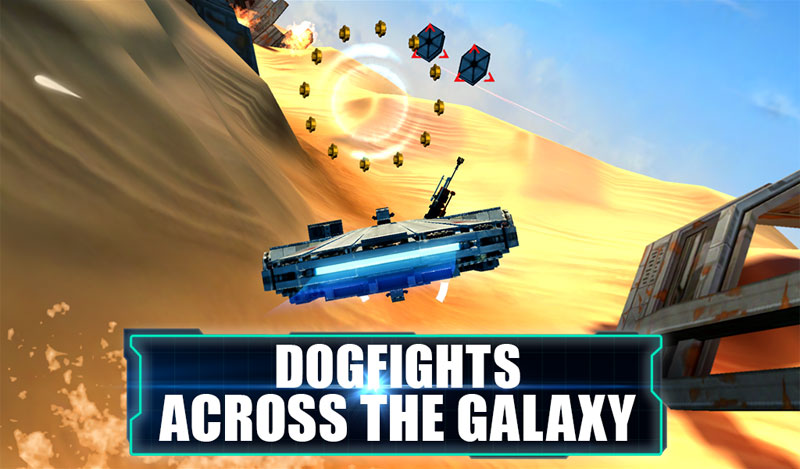
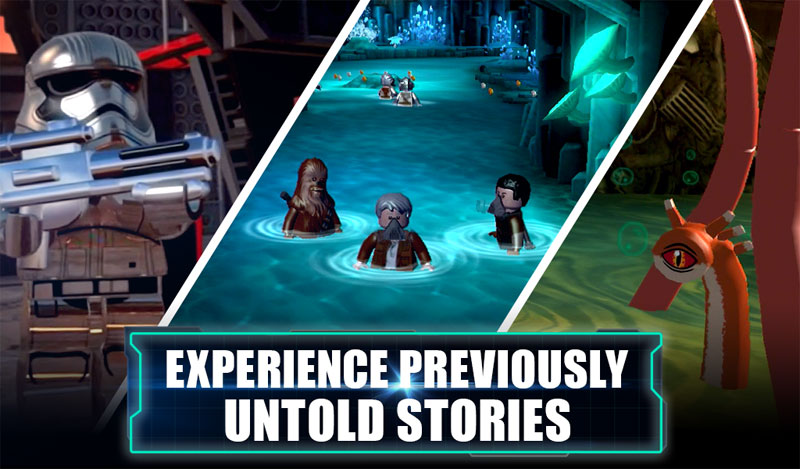
LEGO Star Wars: The Force Awakens, abbreviated as LEGO Star Wars: TFA, is the latest amazing LEGO game series from the renowned Warner Bros studio for Android, just released for free on the Play Store. Install this game on your Android device to start a new adventure with beloved LEGO characters named Rey, Finn, Poe Dameron, Han Solo, Chewbacca, C-3PO, and BB-8, and experience one of the most beautiful LEGO games to date! Your adventures take place in various diverse locations, and according to the developer, the gameplay is designed so uniquely that no other LEGO game has matched it! If you are a fan of LEGO Android games that feature an incredible and addictive story and gameplay with stunning HD graphics, and are a product of the famous company behind games like Injustice: Gods Among Us, Mission: Berlin and MORTAL KOMBAT X, do not hesitate to download LEGO Star Wars: TFA!
The game LEGO Star Wars: The Force Awakens, like other LEGO games, is offered with 4 installation files and data, and you must download the game according to your device’s GPU (graphics processor). The game is available for free on the Play Store but only includes 1 chapter, and to unlock further chapters, payment is required. However, here on DroidCove, we have provided the full paid version of the game along with the mod version separately for download; in the standard unlocked version, all chapters are accessible with no purchases needed, and in the mod unlocked version, besides all chapters being unlocked without purchase, unlimited money is available! The Adreno version of the game has been tested by us on an LG G3 device with Android 5 and runs offline; testing and confirming the game’s performance on other devices is up to you! To view screenshots, trailers, and download for free from high-speed servers, stay with DroidCove.
Version v1.29.1 Changes:
* Initial release of the game on Google Play and DroidCove.
Installation and Running Instructions for LEGO Star Wars: TFA Games:
– First, download and install the installation file that matches your device’s GPU.
– Download the data file matching your device’s GPU and extract it. Copy the folder com.wb.googl,legoswtfa to the Android/Obb directory on your internal storage.
– Launch the game.
Click here to check your device’s GPU (graphics processor) …