


KMPlayer v2026.1.26.43 – Powerful and versatile player for Windows 32 and 64-bit with support for all formats
Professional Windows player with subtitle support, video recording, and online downloading
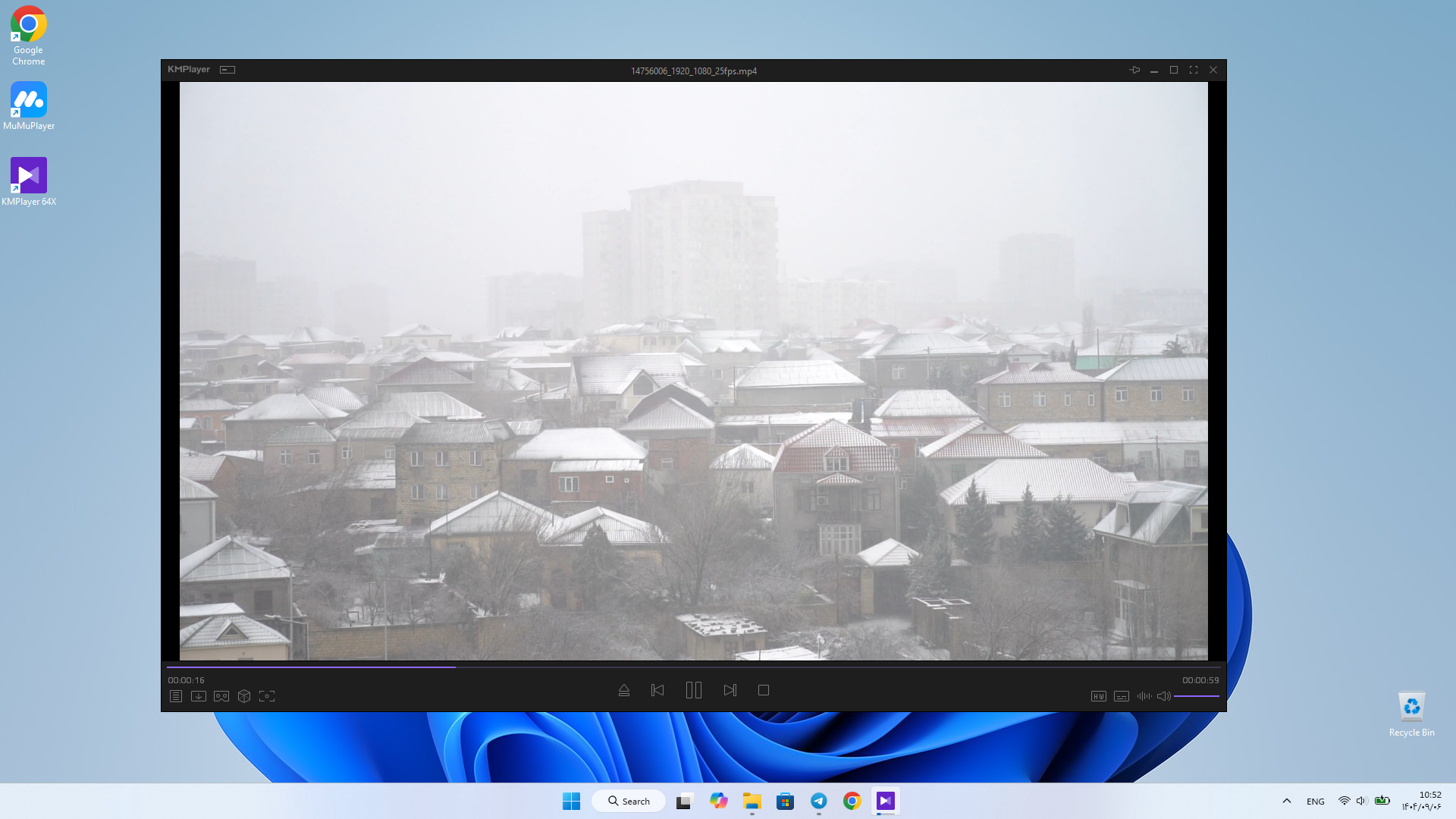
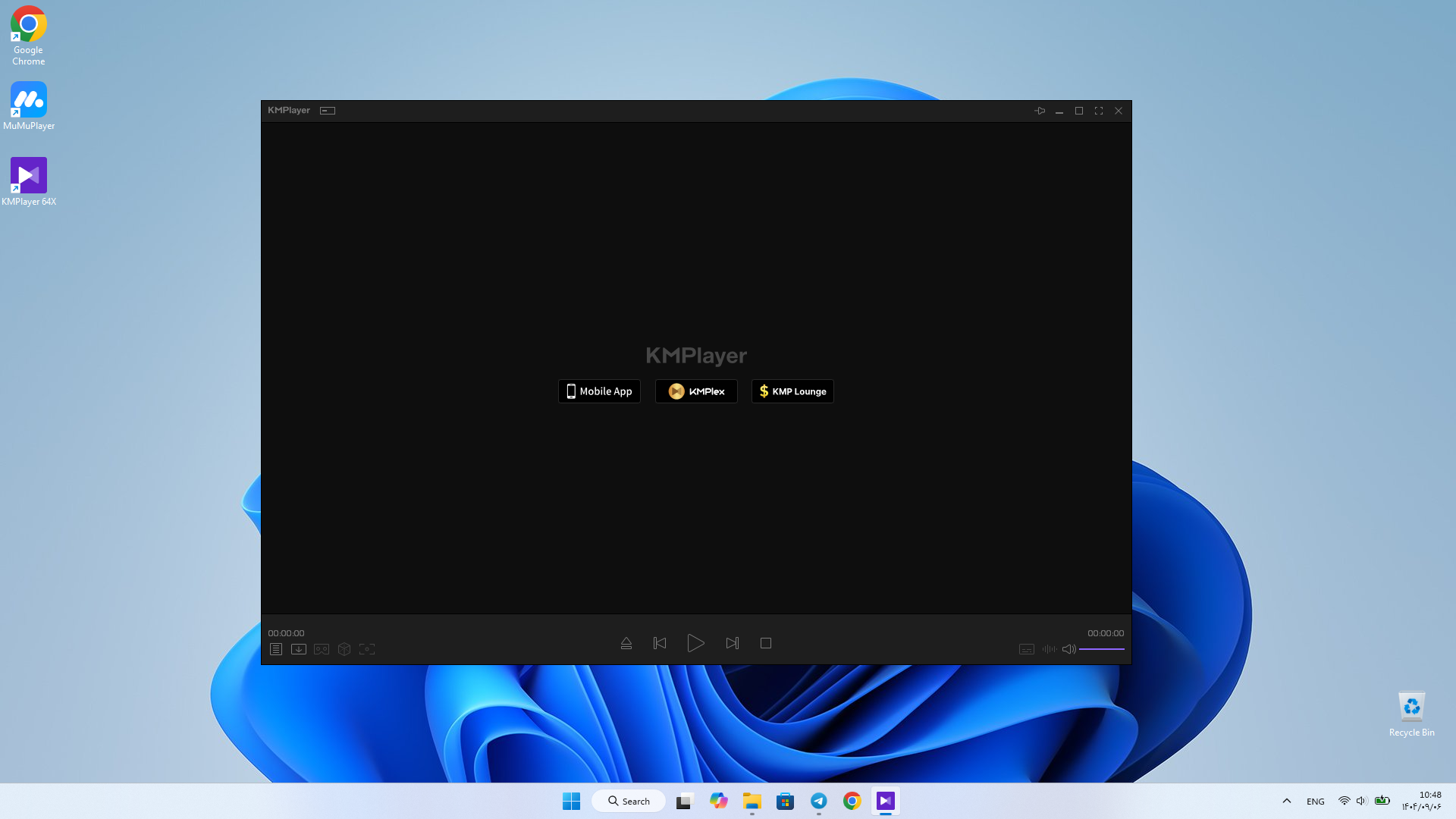
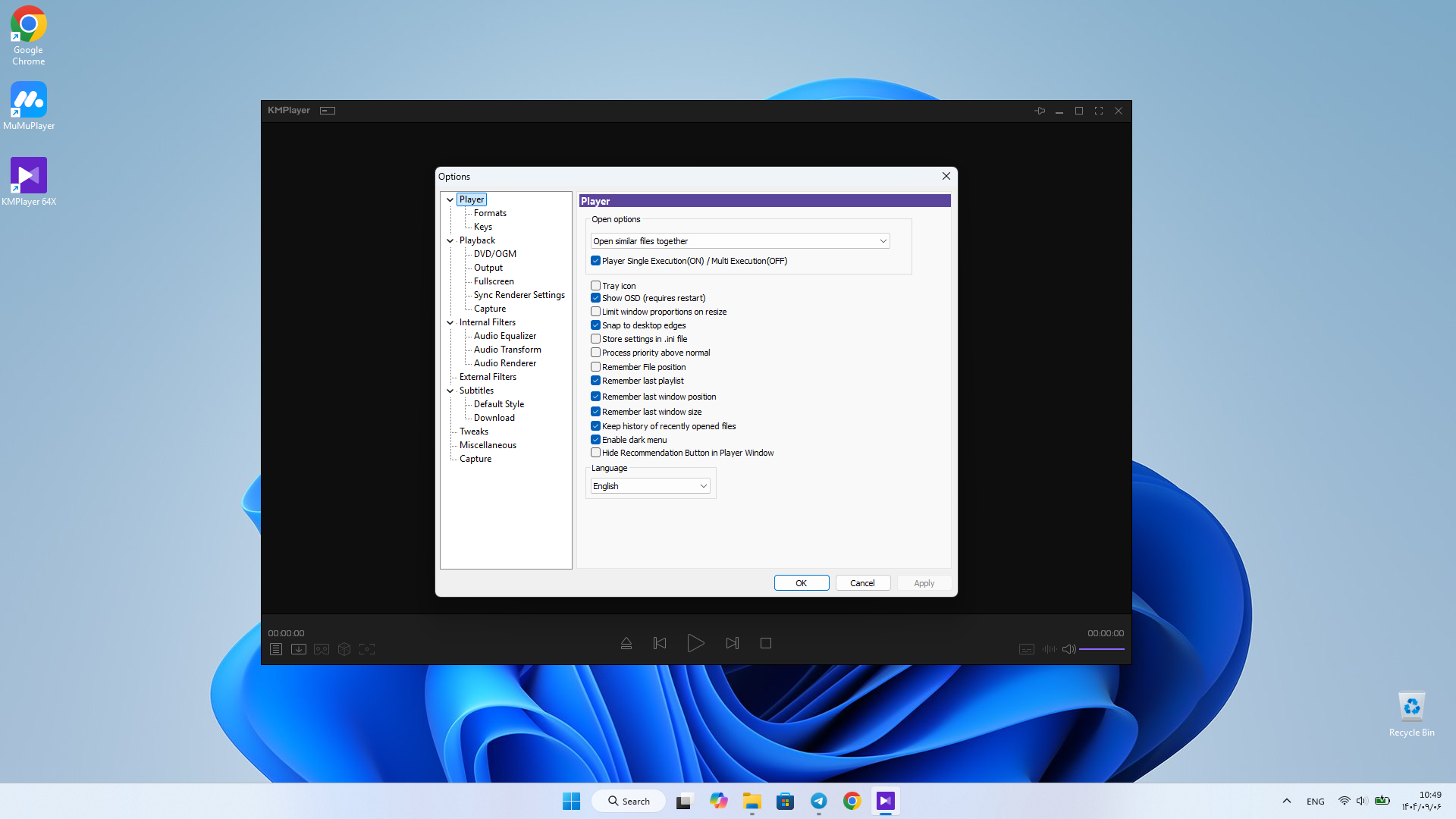
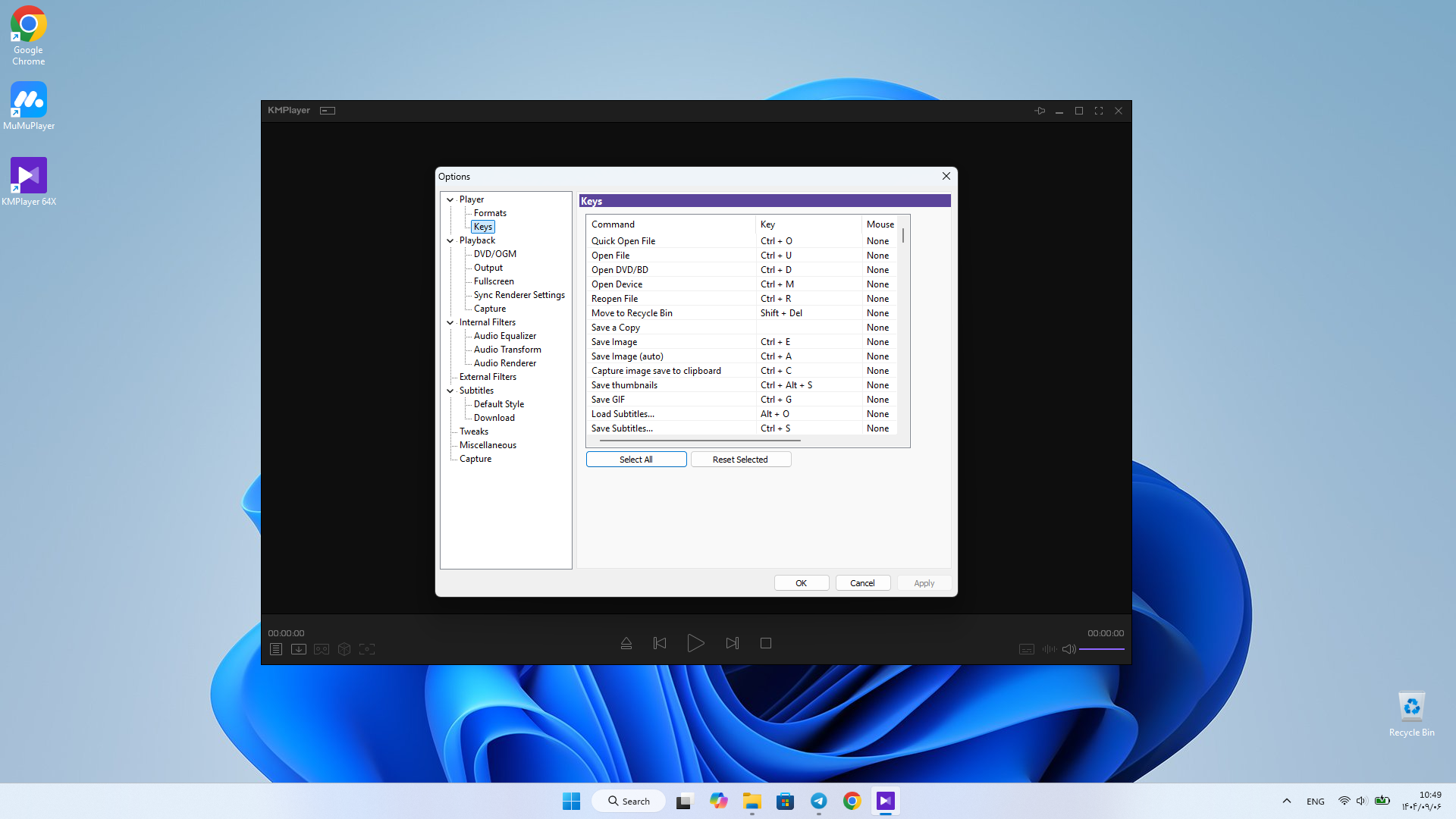
If you are looking for a multimedia player software that can play almost any video and audio format, KMPlayer is one of the best options. This program has been popular among users for over 20 years, and its Windows version offers advanced features and a modern user interface, providing a complete experience for watching movies and listening to music. KMPlayer is a free player for Windows (32 and 64-bit) that enables playing high-quality videos such as 4K, 8K, UHD, and even 60FPS. In addition to supporting a wide range of formats, this software offers special features like screen recording, online streaming, and subtitle management. Windows users of KMPlayer appreciate the software’s high speed and stability. The simple yet professional user interface design makes it easy for even beginners to use its advanced features. The video recording and GIF creation capabilities are popular features that distinguish KMPlayer from many other players.
Features and capabilities of KMPlayer software:
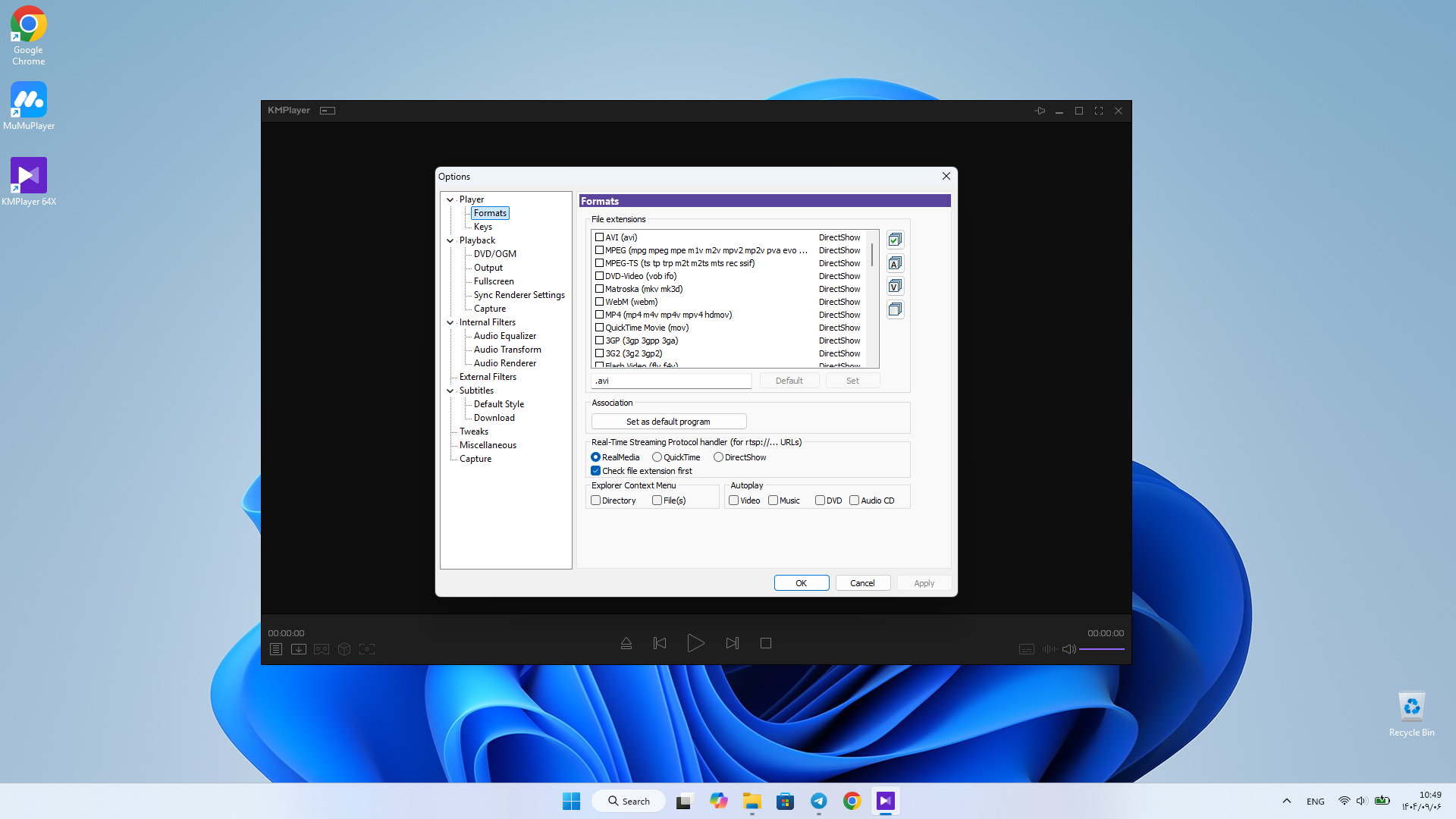
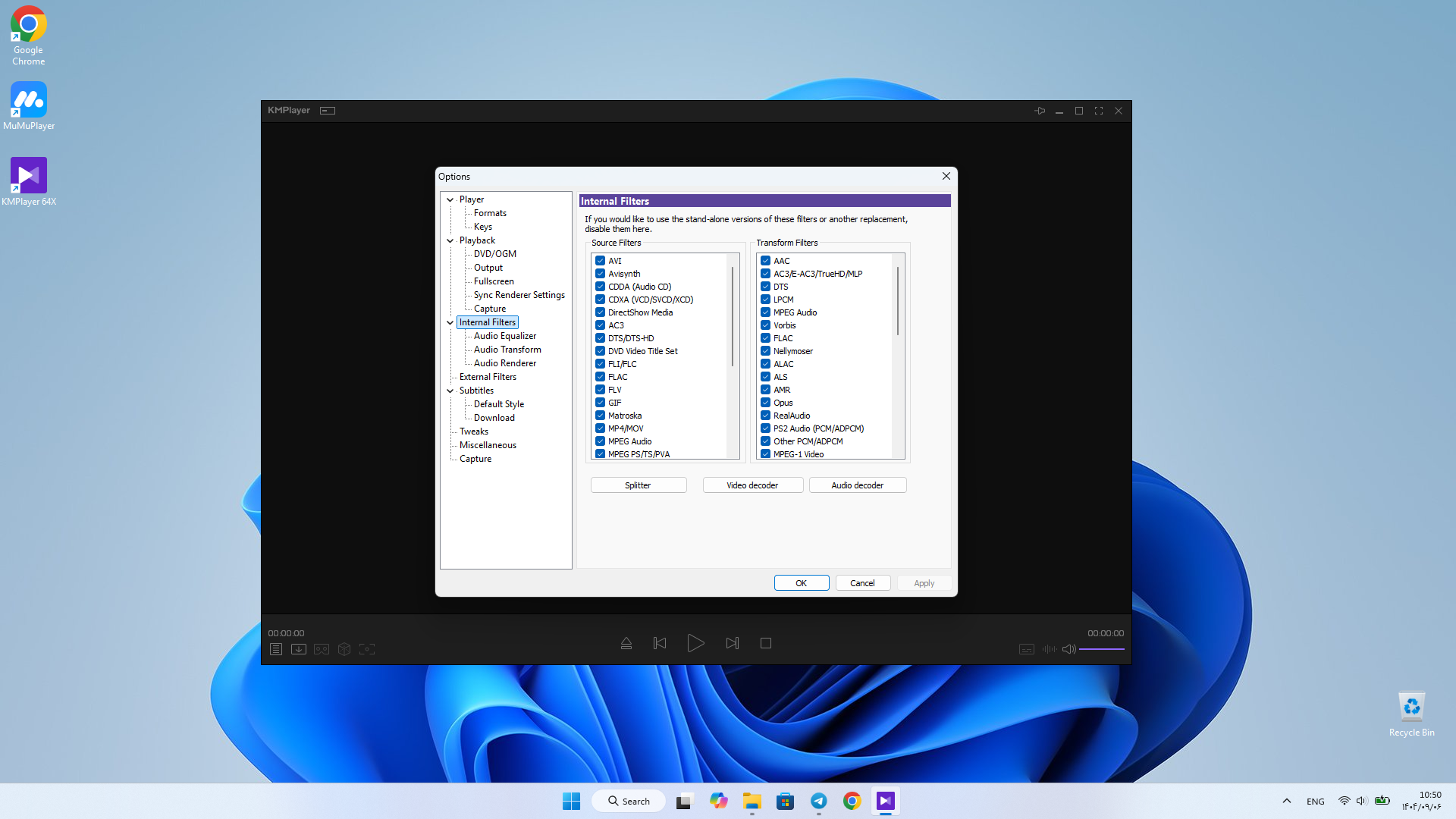
- Support for all formats: AVI, MPEG, MKV, MP4, WEBM, MOV, FLV, WMV, MP3, and many more.
- High-quality video playback: Smooth playback of 4K, 8K, and UHD videos at 60FPS.
- High-quality video rendering: Use of advanced rendering engines for accurate color and detail display.
- Video downloading: Ability to download directly from platforms like YouTube, Instagram, and DailyMotion.
- Online streaming: Support for streaming URLs for internet radio and videos.
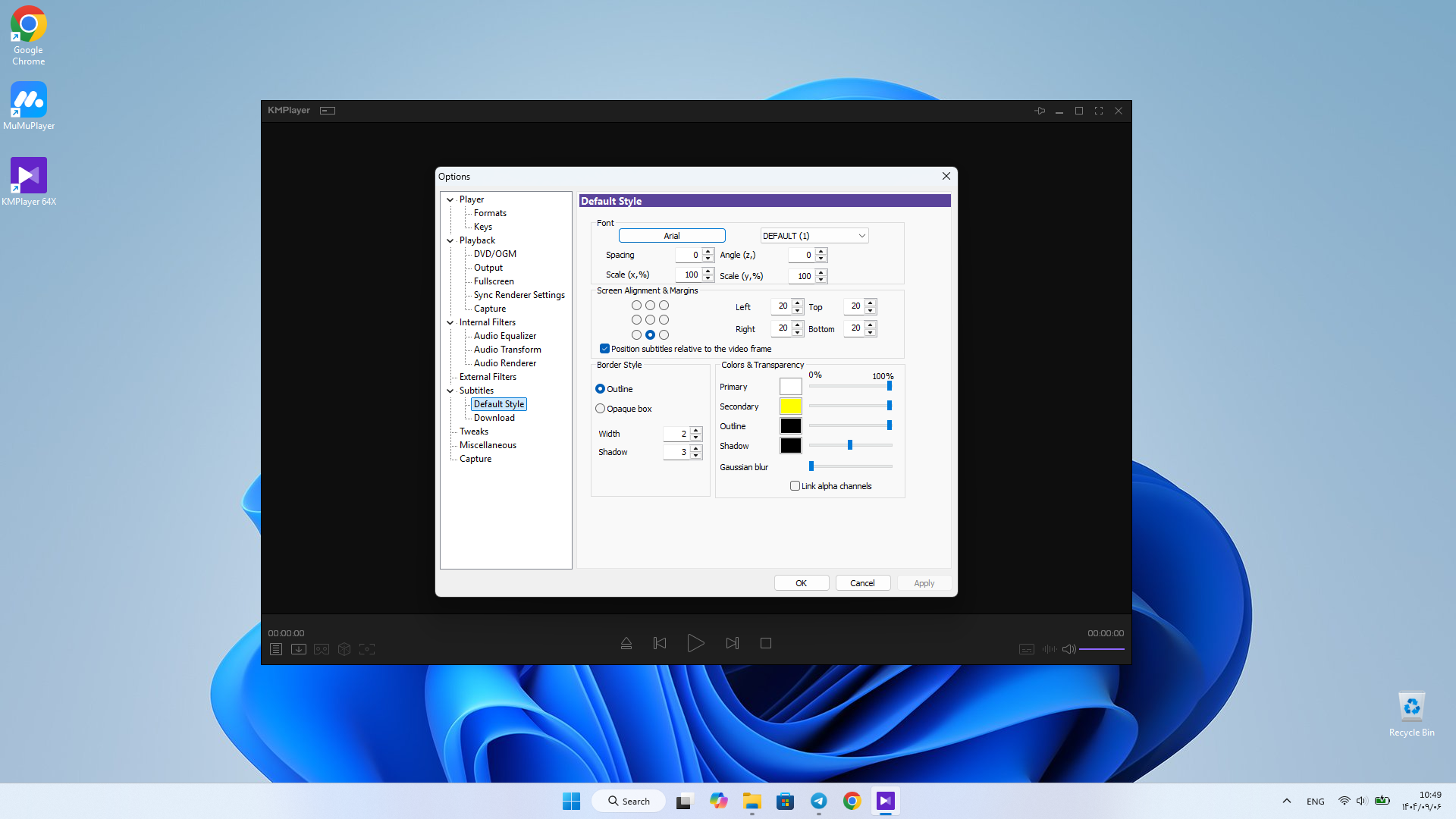
- Subtitle support: Customize subtitle size, color, and position as desired.
- Recording and capture capabilities: Save parts of videos or convert them to GIFs for various uses.
- 3D playback: Ability to play 3D videos for a different experience.
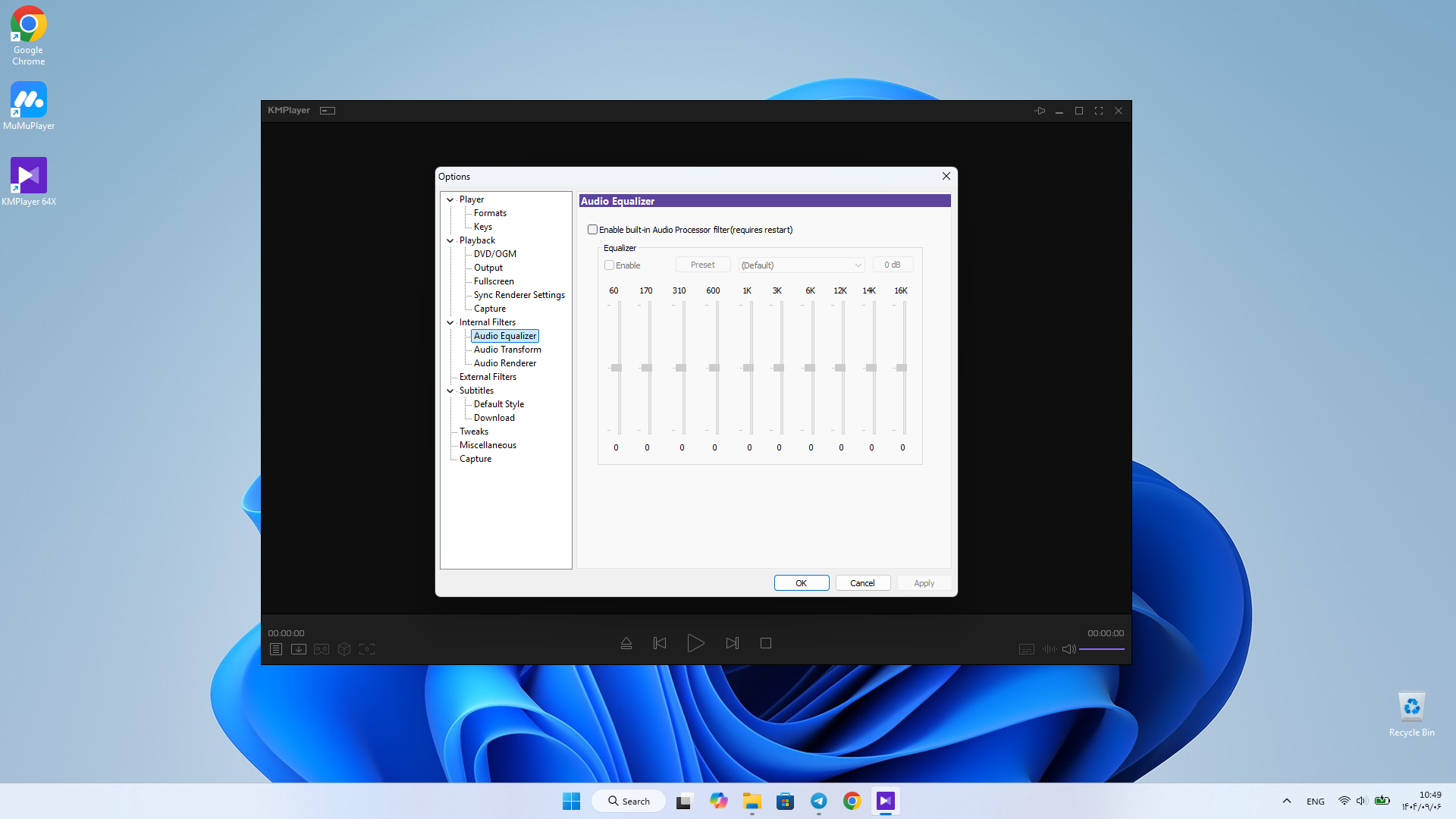
- Audio equalizer: Adjust sound quality with EQ, Preset, and Normalize for a better listening experience.
- Optimization for low-end systems: Use of hardware acceleration for smooth playback even on older computers.
KMPlayer offers more customization options for video and audio compared to software like VLC or Media Player Classic. The direct video download feature from social networks is also a rare feature among other players. KMPlayer for Windows is a powerful and versatile player that supports almost all audio and video formats, high-quality video playback, and special features like recording, downloading, and online streaming, providing a complete digital entertainment experience. If you are looking for software that is both lightweight and professional, KMPlayer is a smart choice. You can now download the official version of this software with a direct link from DroidCove.




![KineMaster 8.1.13 – Powerful Video Editor for Android [Update]](https://droidcove.com/wp-content/uploads/2026/06/KineMaster-Logo-1-100x100.webp "KineMaster 8.1.13 - Powerful Video Editor for Android [Update] 5")

