


Video Downloader v2.6.5 – Feature-Rich Video and Music Download App for Android
Professional Version – Unlocked Social Video Downloader App
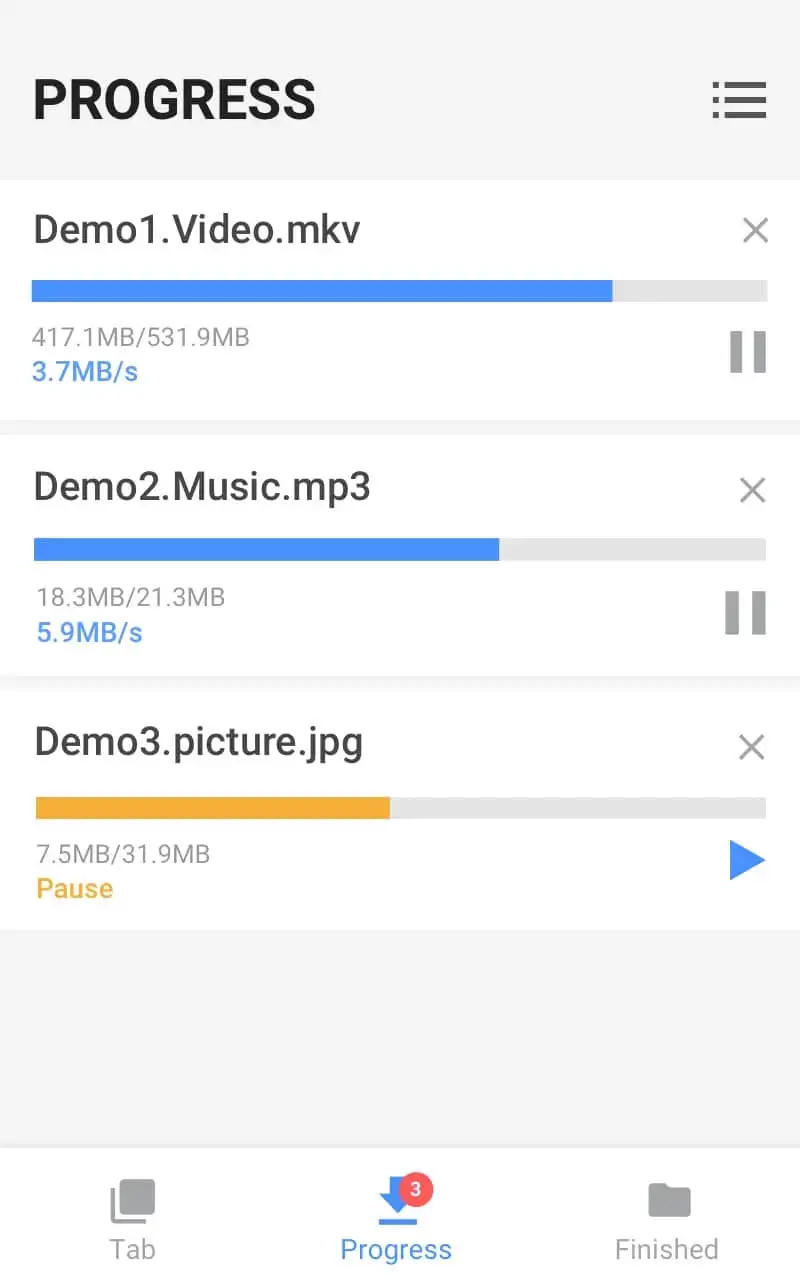
Video Downloader is a feature-rich video and music download application developed by the well-known company InShot. Inc and released on Google Play. Download managers are among the software that quickly attracted users’ attention. Most of us first experienced download managers on Windows. Now, with the growth of Android developers, these apps are also available on Android devices. One common issue with Android download managers is their lack of support for videos and music on web pages! For example, sometimes when browsing certain websites with educational clips, we cannot download or save them. One of the best solutions to overcome this limitation is to use dedicated tools and managers. If you face this problem when downloading clips from web pages, we recommend using Video Downloader. Android users can quickly download videos or music from pages and save them to their device storage using this app.
Video Downloader: A Way to Download Videos on Android
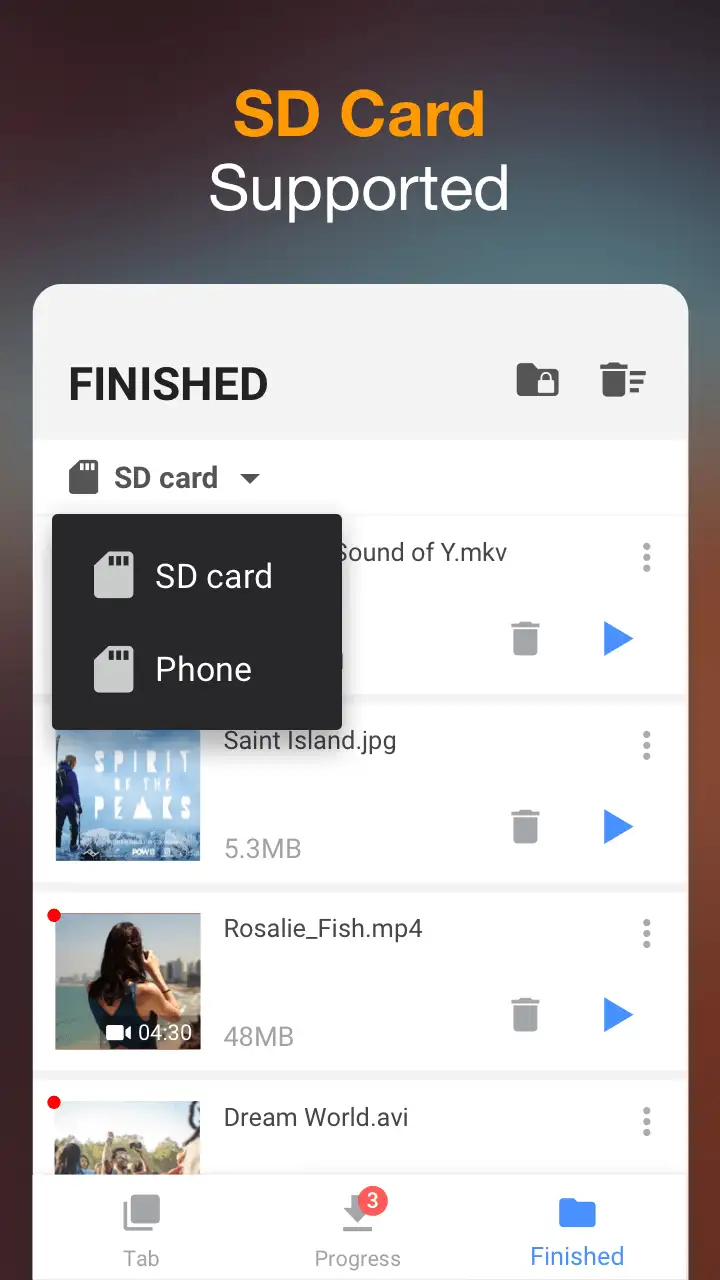
As mentioned above, the primary feature of this app is the ability to download videos from web pages. With this app, you can easily download clips in a short time. One of the most important features not found in similar apps is downloading clips in the highest possible quality. All downloaded clips are saved to internal storage or SD cards, and you can access them through the gallery.
Support for Various Formats
Video files are among the most popular file types for smart device users. Moreover, these clips come in various formats. The creator or editor chooses the format based on experience or goals when exporting. It is often seen that some video downloaders support only specific formats. This is exactly what the developer of Video Downloader has addressed to meet all user needs in this area. The app supports formats such as mp3, m4a, mp4, m4v, mov, avi, wmv, doc, xls, pdf, txt, and more, allowing you not only to download images and video files but also other files in their common formats.
Protection of Downloaded Files
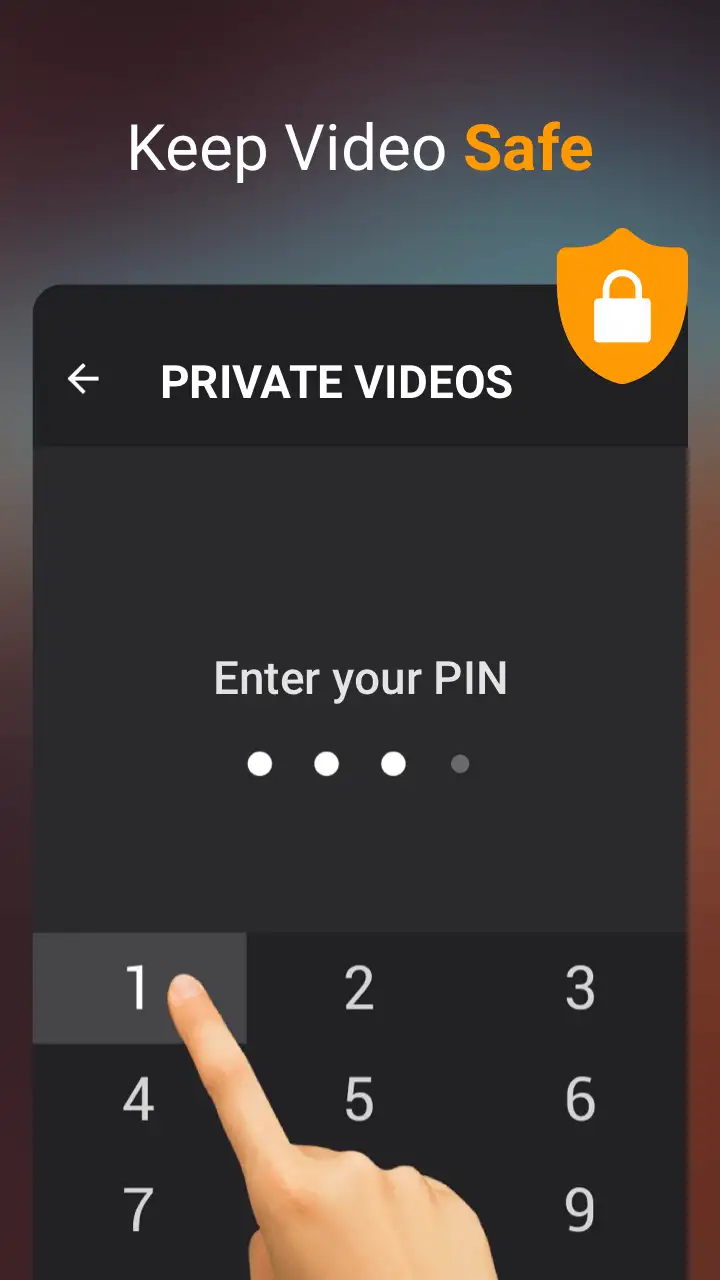
Sometimes among the files we download, there are special files that require restricted access. Usually, download managers allow anyone to find and access the storage location of files. However, Video Downloader provides a way to protect downloaded videos and images. Users can set a password for the storage folder so that no one can access the downloaded files. Additionally, the app interface is very simple, making it easy for even beginner users to operate.
Some Features and Capabilities of Video Downloader for Android:
- Download various videos and images from web pages
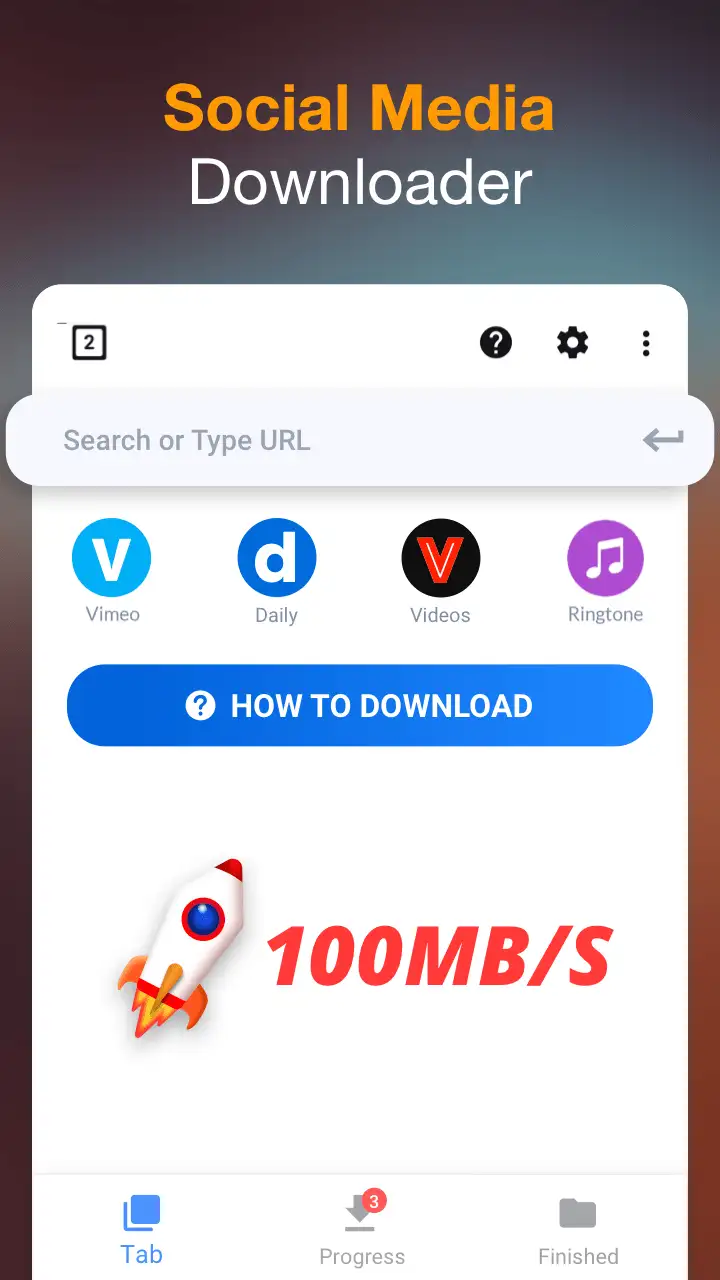
- Play and view different video clips using the built-in browser
- Offline video player for downloaded videos
- Support for multiple file formats such as mp3, m4a, mp4, m4v, mov, avi, wmv, doc, xls, pdf, txt, and more
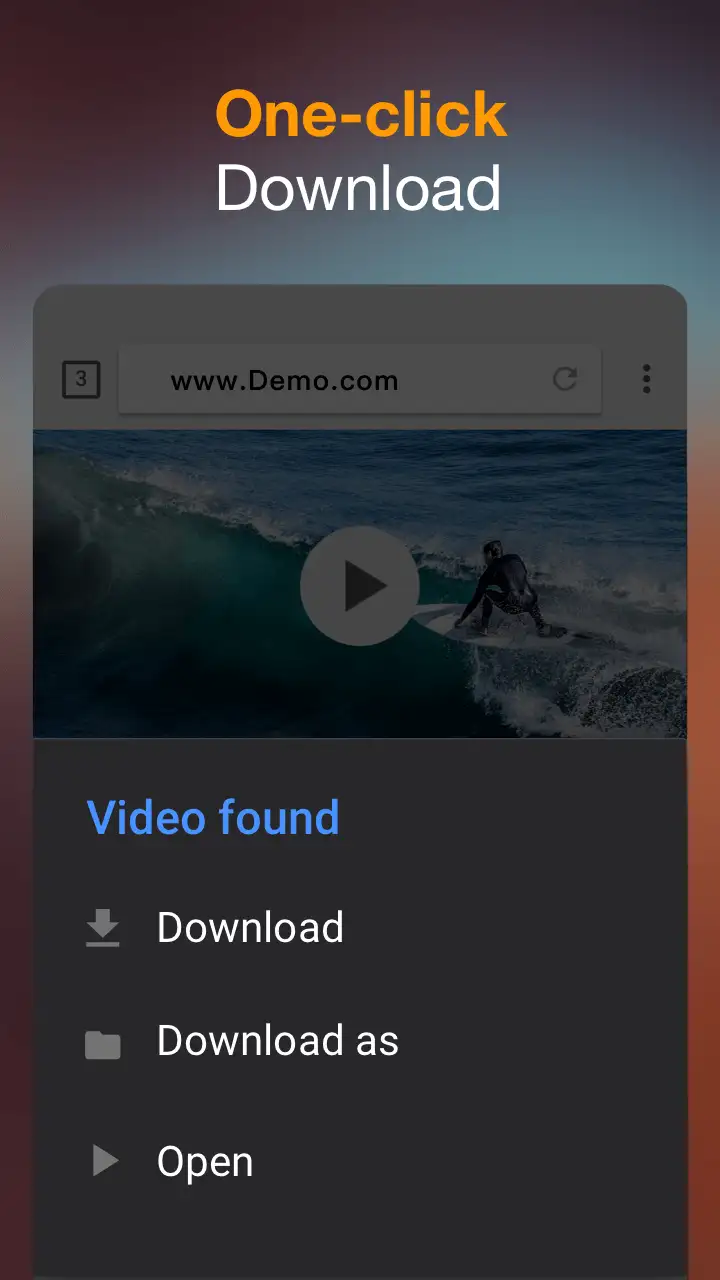
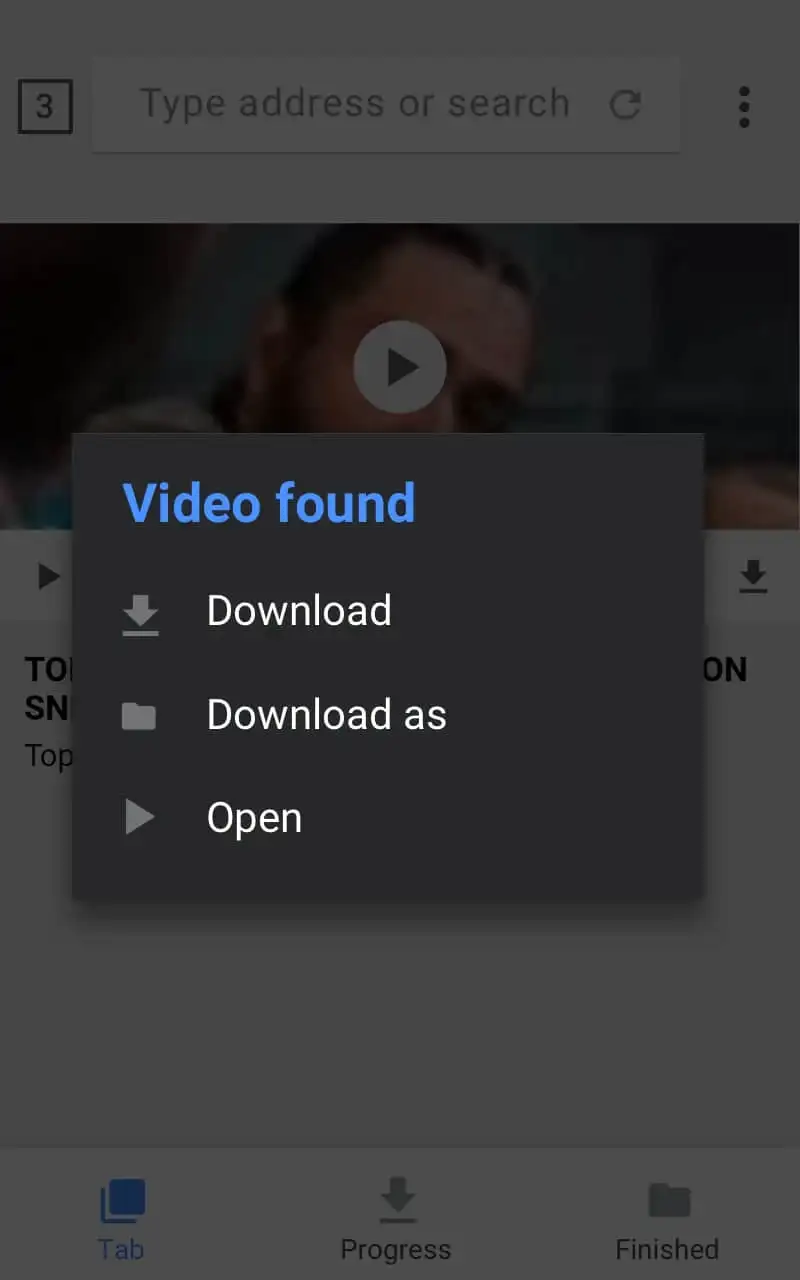
- Automatic detection and download of clips on web pages
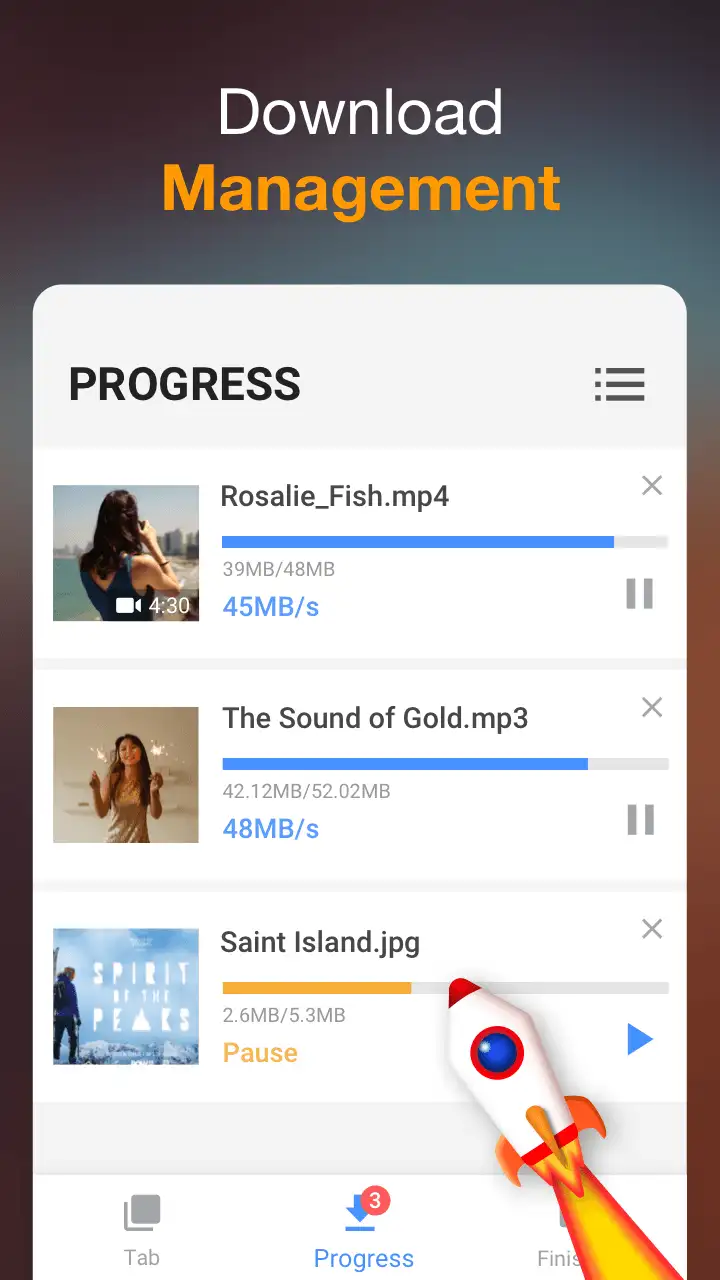
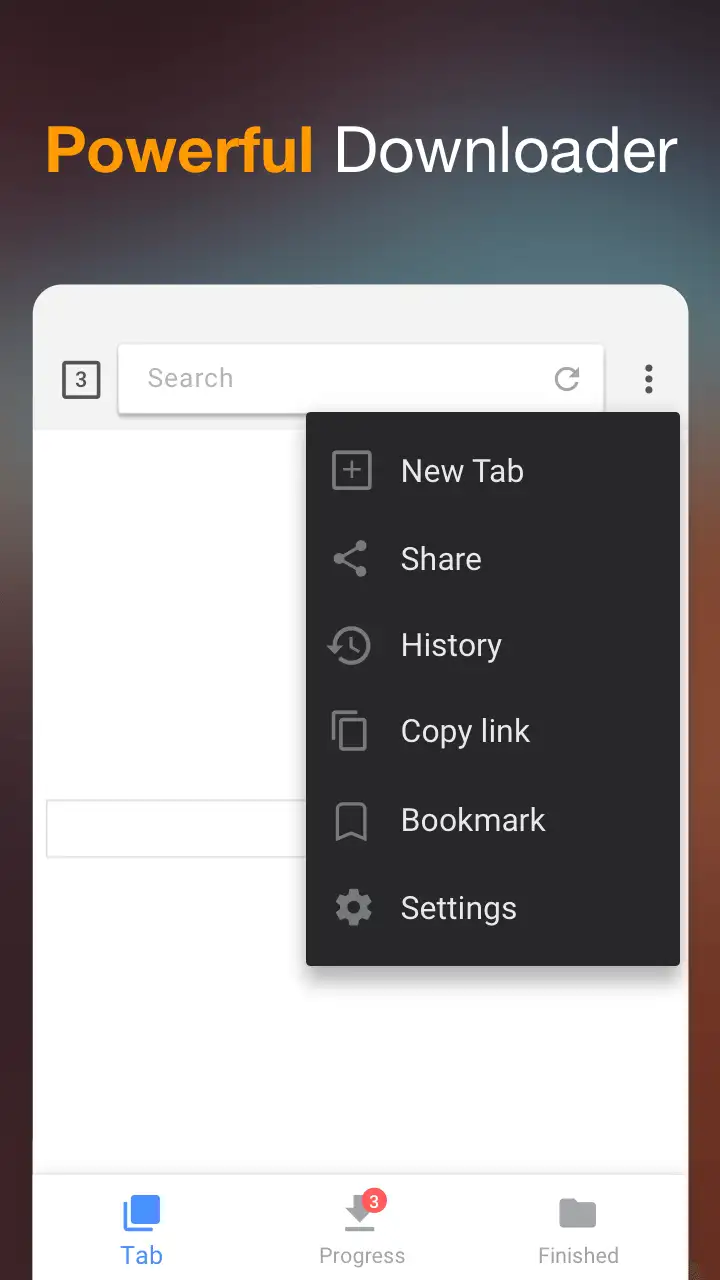
- Various management options for a professional download experience
- Ability to download multiple files simultaneously
- Protection of downloaded files in a dedicated folder with password
- Support for background downloading and saving files to SD card
- Download video files in the highest possible quality
- No limitations on downloading large files
- Add web pages to favorites list
The Video Downloader app, with its diverse features and capabilities, is offered for free with in-app purchases by its developer and has received a 4.8 out of 5.0 rating from users. You can now download the latest professional version of this app from the extensive database of the website DroidCove.



![KineMaster 8.1.13 – Powerful Video Editor for Android [Update]](https://droidcove.com/wp-content/uploads/2026/06/KineMaster-Logo-1-100x100.webp "KineMaster 8.1.13 - Powerful Video Editor for Android [Update] 6")

