


For a while now, Google has been delivering app install files on the Play Store as split (multi-part) APKs. The goal is to compress install files further and shrink the size of app updates. This change created problems when installing apps from sources outside the Play Store, and many users ran into trouble with these multi-part files. The good news: the XAPKS Installer app solves it completely. It lets you install every split format such as XAPK and APKS with a single tap, and run them without issues. On DroidCove we provide the original APK package whenever possible, but some games and apps can only be offered as an XAPK file, which this app installs and runs easily.
Install an XAPK file on Android (all brands)
Step 1: Download and install the XAPKS Installer app.
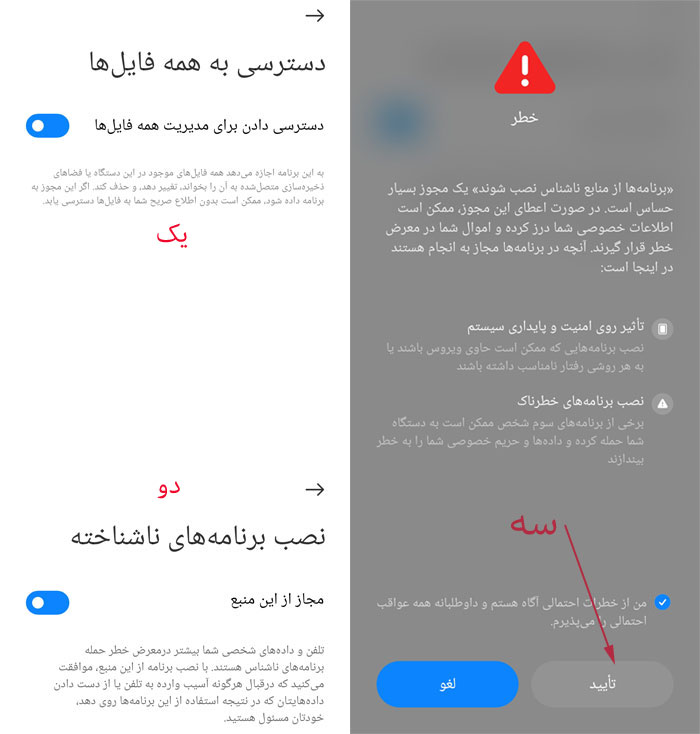
Step 2: Open the installed XAPKS Installer, grant it permission to manage files, allow installing unknown apps, and confirm.
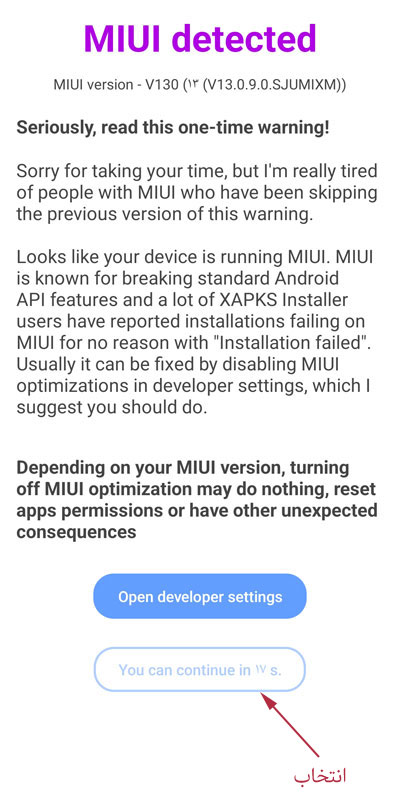
Step 3 (Xiaomi phones only): Stay on this screen until the Continue button appears at the very bottom, tap it, and allow file access.
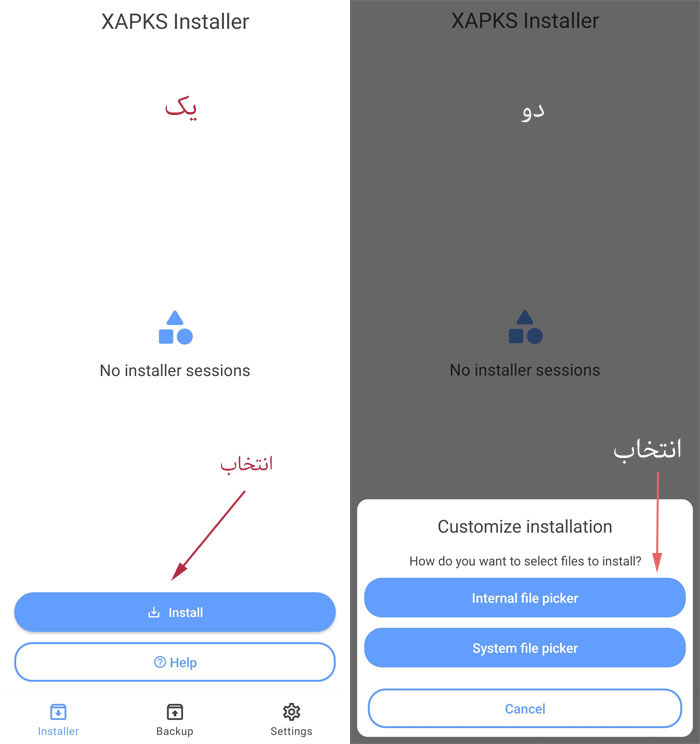
Step 4: Tap the blue Install button, then choose Internal file picker.
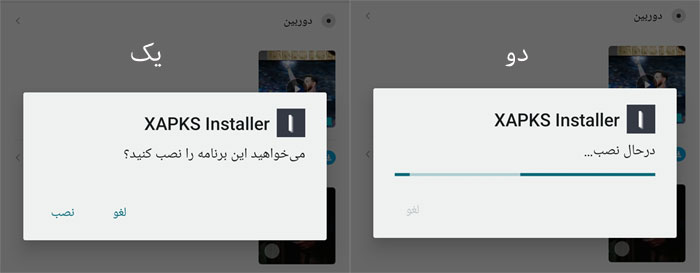
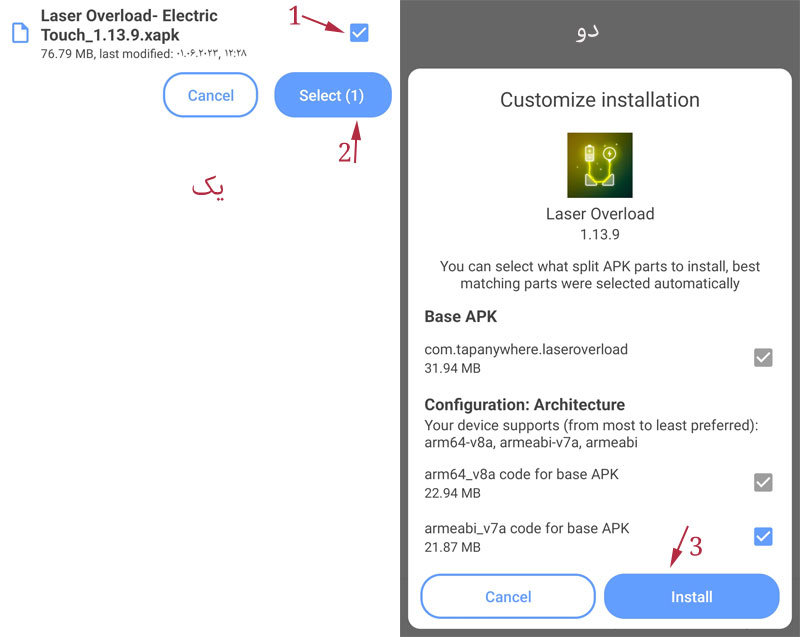
Step 5: Select the XAPK file of the game or app you downloaded from DroidCove, tap Select and then Install. Wait a moment for it to install.
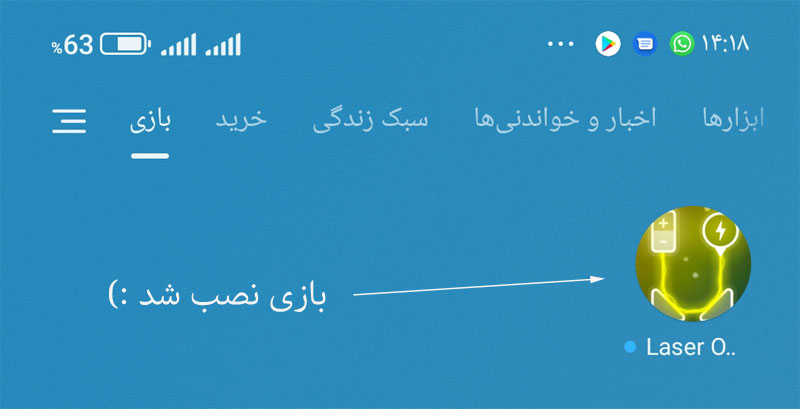
Step 6: After a few seconds, your game or app is installed successfully.
Important extra tips
- Whatever format you downloaded, in Step 5 you must select only the XAPK file, not a ZIP or any other format.
- Because the XAPK is an original package, updating is just as easy: pick the new version’s XAPK the same way, and an Update option appears during install. Confirm it to update over the old version, with no need to uninstall the old one first.