Latest paid version of the game + team kits, logos, flags, player photos + famous teams exclusively licensed! 🙂
Football Manager 2020 Mobile v11.1.0 + Mod – Popular “Football Manager 2020” Game for Android
Original version + Mod version (unlocked) available separately
Tested with offline play
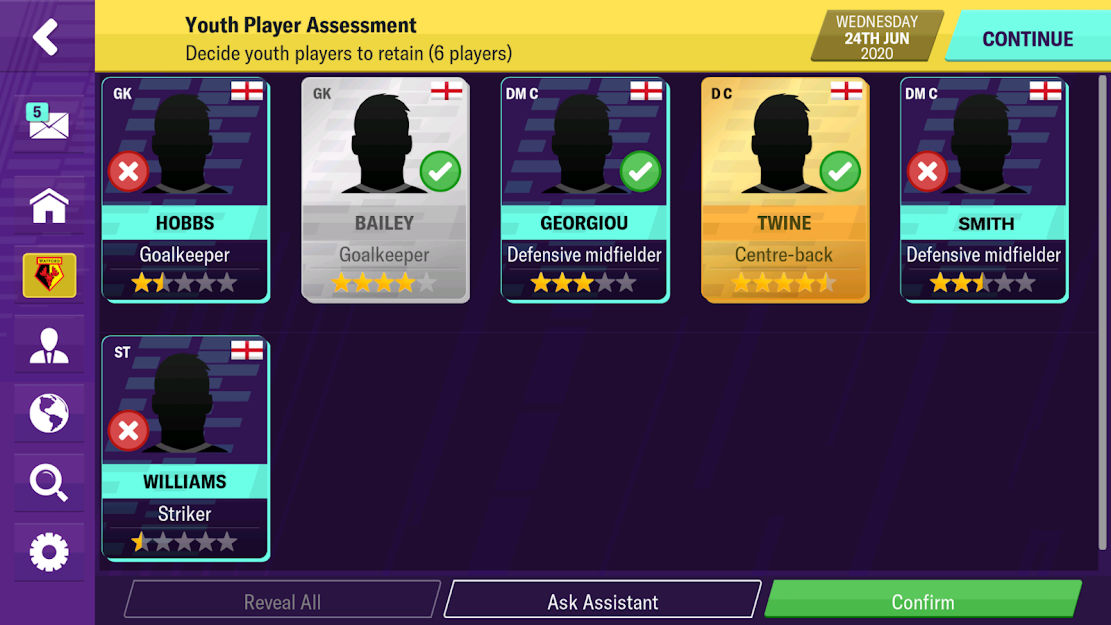
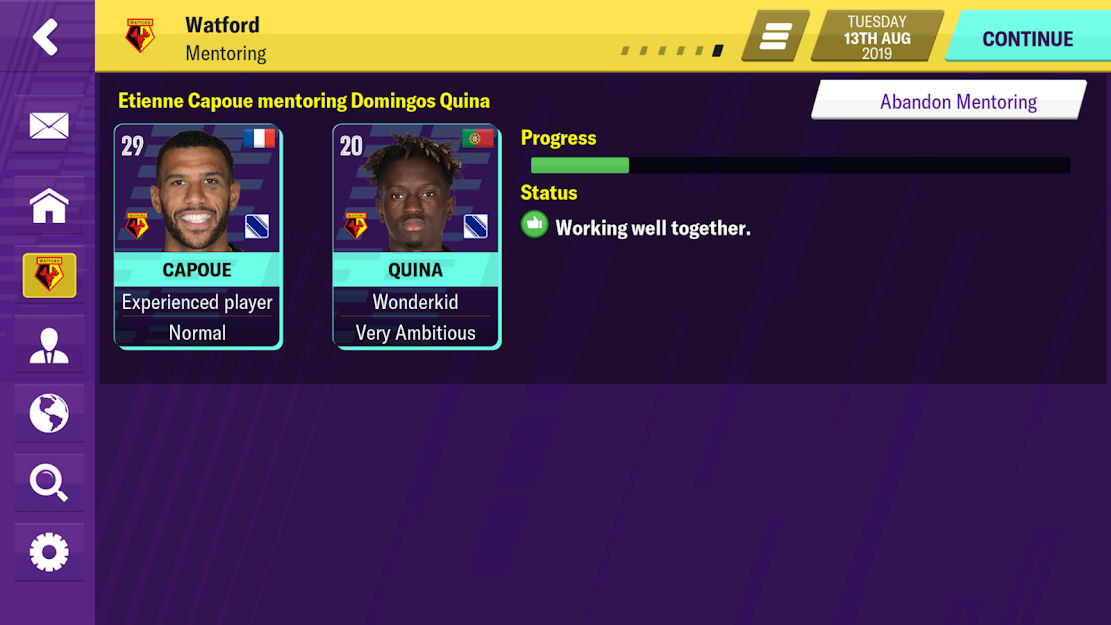
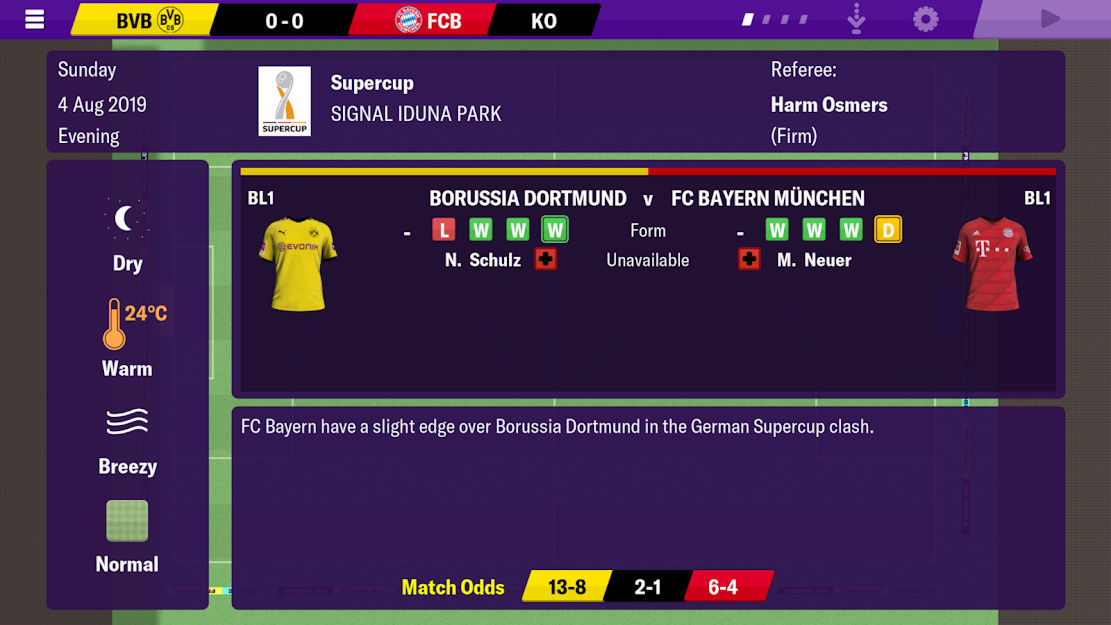
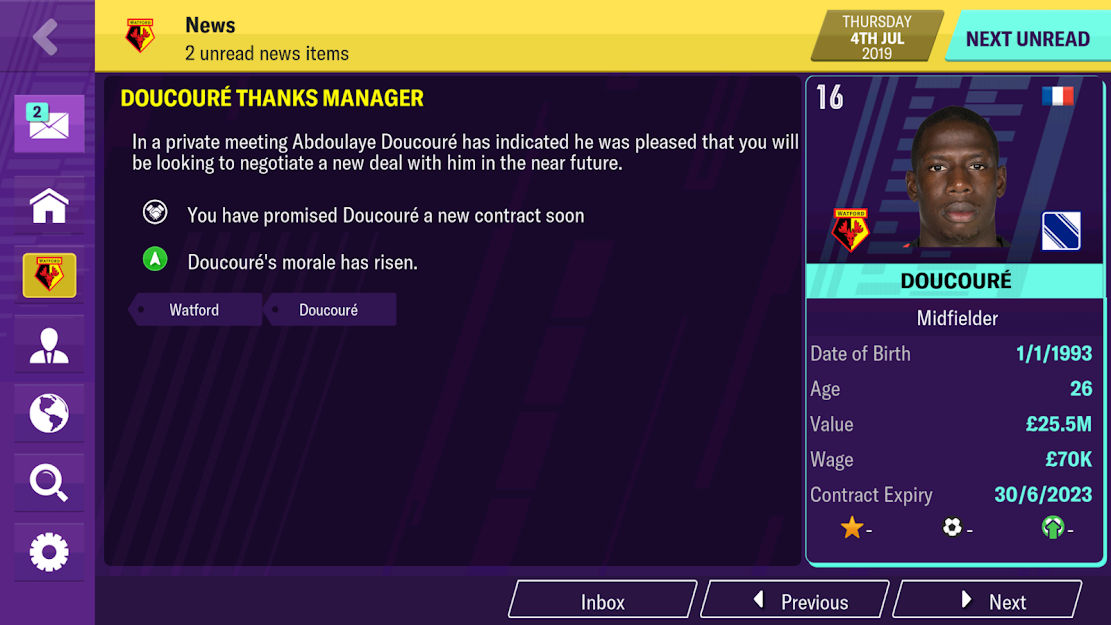
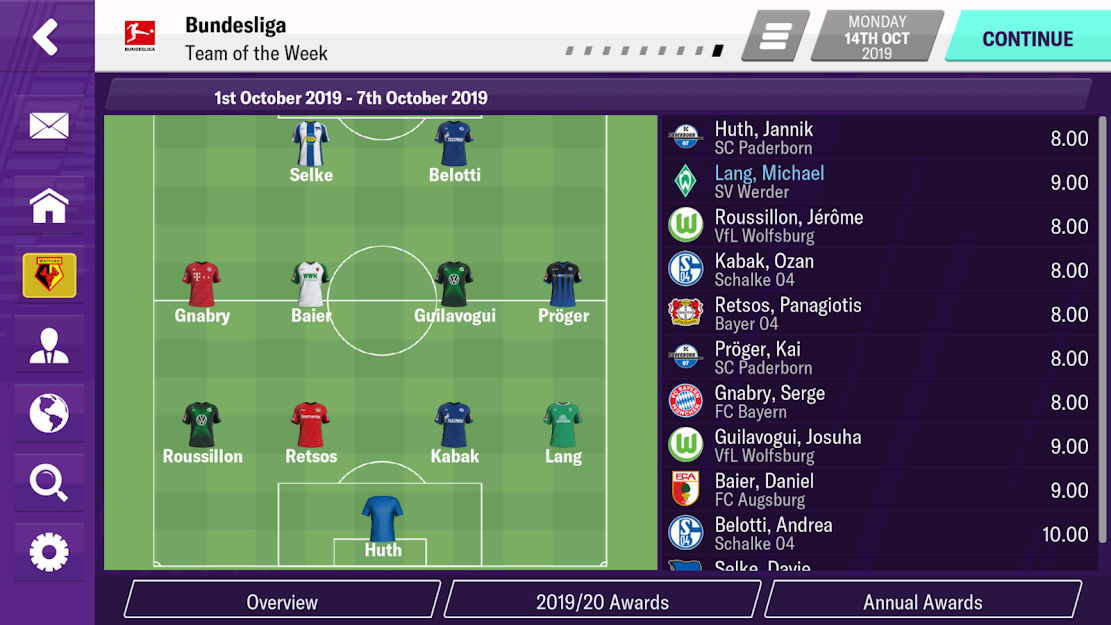
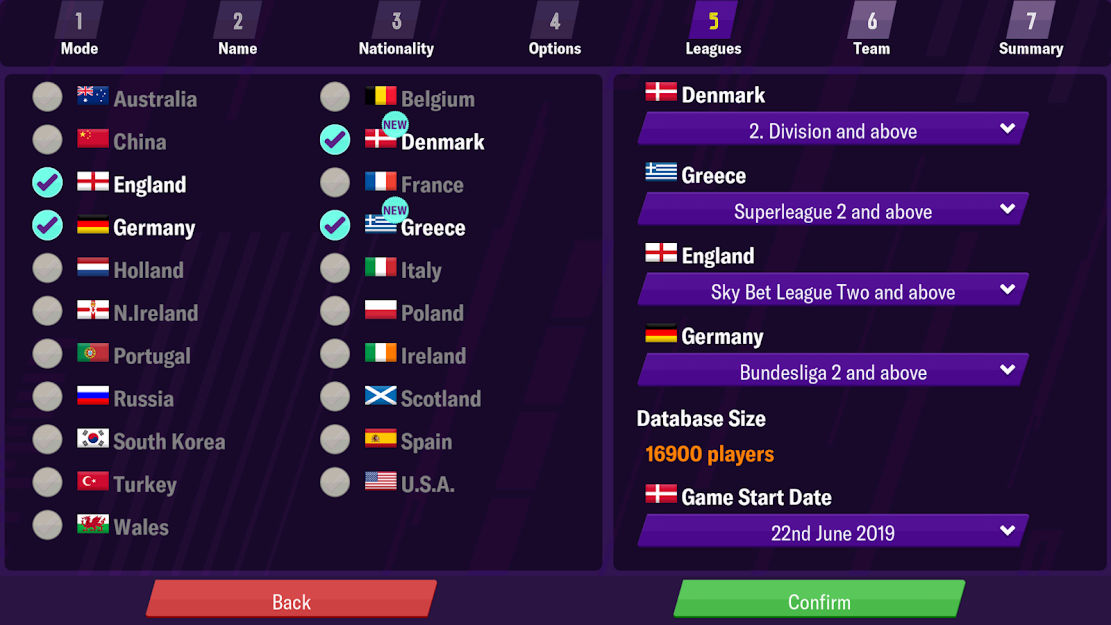
Football Manager 2020 Mobile – Football Manager 2020 is another installment in the popular, well-crafted, and professional Football Manager series from the renowned SEGA company. Following the success of previous versions like Football Manager Mobile 2018, Football Manager Mobile 2017, and Football Manager Mobile 2019, it was released near the start of the new year. As always, we decided to prepare and offer the final complete version of this game for free download for fans of football management games. SEGA has become the leading company in this genre with this series. Whenever football management and coaching games are mentioned, the first thing that comes to mind for gamers is the Football Manager series. Featuring the latest updates from the exciting world of football, Football Manager 2020 Mobile has been released and is now available to users. This game includes the latest changes such as recent player transfers, kits, coaches, player abilities, rankings, and everything else needed in a football game. So you can confidently download this game, enjoy the latest updates, and become a real football coach!
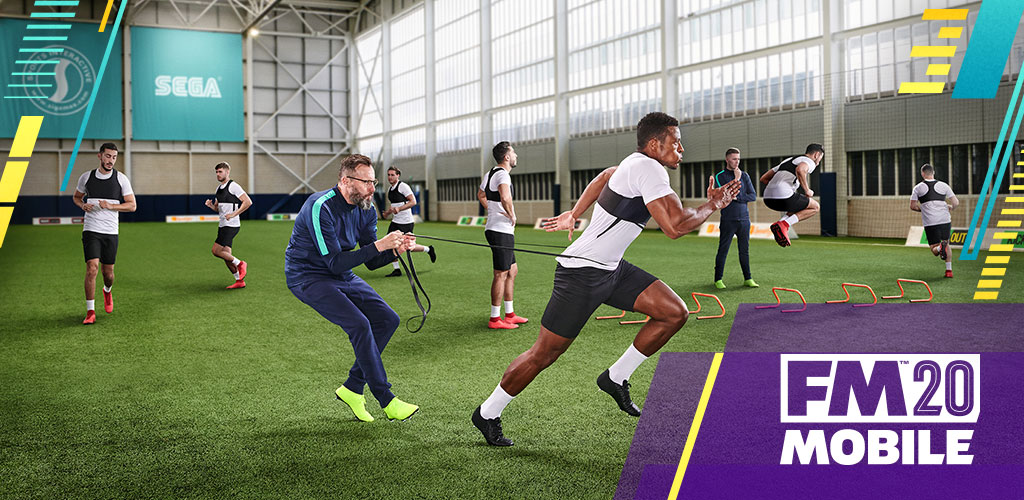
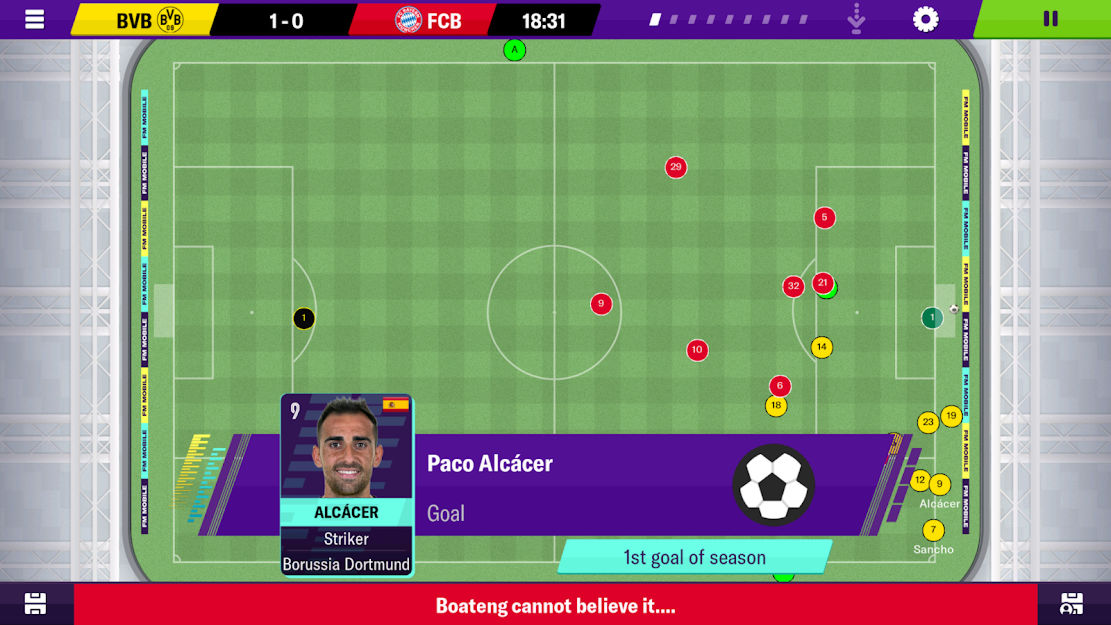
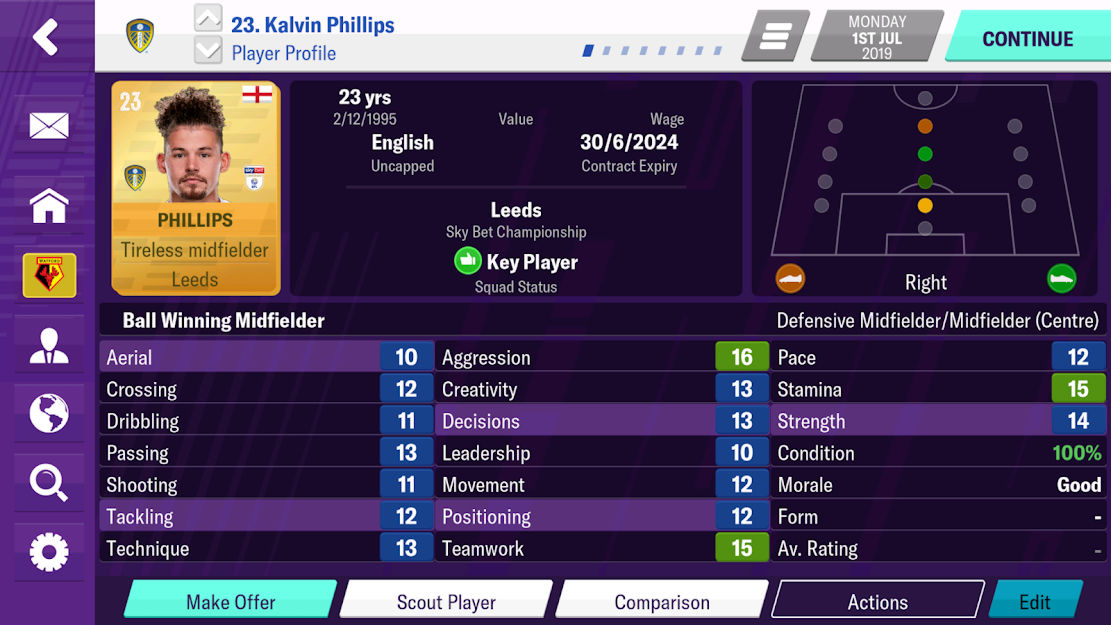
In Football Manager 2020 Mobile, you play as a professional coach tasked with building your dream team or managing real-world teams. You must do everything necessary to strengthen and lead your football team to victory. This includes managing players, buying them from other teams, or selling your own players to other teams to maintain a flawless business alongside team management. After building and managing your team well, it’s time to test your team and players! You can participate in various competitions such as leagues and exciting tournaments. You can watch matches live from a coach’s perspective (as movements of pieces on the field) to follow the game moment by moment. An interesting feature in Football Manager 2020 Mobile is the display of the latest player news so you can stay updated with recent changes. Over 2000 different players are designed in this game, almost all with complete and accurate details including player attributes and photos. Overall, Football Manager 2020 Mobile transforms you into a professional coach. This game is intended for fans of football management games and may not appeal much to casual or amateur players. You can now download the latest tested update of Football Manager 2020 Mobile in both regular and modded versions from the high-speed servers of DroidCove and strive to become the greatest football coach!
Version v11.1.0 Changes:
* Fixed some game issues such as unexpected crashes
Installation and Running Instructions:
– First, download and install the APK file.
– Download the data file and extract it. Copy the folder com.sega.soccer to the Android/obb directory on your device’s internal storage.
– Launch the game.
Additional Important Notes [Exclusive to DroidCove]:
** License Fix:
If you encounter a license error in the game, simply download the package below and copy the changes.txt file to the following paths: Android/Data/com.sega.soccer/files/installed and Documents/Sports Interactive/Football Manager Mobile 2020/normal [Download changes.txt package]
** Fixing Team Kits:
You have two options for kits: Light and Mega. As the names suggest, the Light package contains fewer kits, and the Mega package contains more. Download whichever fits your device’s internal storage space:
Download Kits Package – Light – 84 MB
Download Kits Package – Mega – 196 MB
After downloading the kits package, extract it and copy the pictures folder to android/data/com.sega.soccer/files/installed/graphics [If the graphics folder does not exist, create it yourself and move the pictures folder inside it.]
** Fixing Team Logos and Flags:
Similar to kits, there are two packages for logos and flags: Light and Mega. Download whichever you prefer:
Download Logos and Flags Package – Light – 27 MB
Download Logos and Flags Package – Mega – 643 MB
After downloading the logos and flags package, extract it and copy the pictures folder to android/data/com.sega.soccer/files/installed/graphics [If the graphics folder does not exist, create it yourself and move the pictures folder inside it.]
** Fixing Player Photos:
Like kits and logos/flags, there are two packages for player photos: Light and Mega. Download whichever you prefer:
Download Player Photos Package – Light – 35 MB
Player Photos Package – Mega – 3800 MB (Coming Soon)
After downloading the player photos package, extract it and copy the pictures folder to android/data/com.sega.soccer/files/installed/graphics [If the graphics folder does not exist, create it yourself and move the pictures folder inside it.]
** Choosing the Team to Coach:
Select the team you want to coach. Download the corresponding team file and copy it to Documents/Sports Interactive/Football Manager Mobile 2020/normal/games:
Since there are many teams, only popular teams are provided:
After downloading and copying the files, the final step is to launch the game. Then go to Settings, then View, then User Interface, and finally tap Reload Skin in the Skin section. Wait for the game to load the files, then load the team file you downloaded from Load Game, and that’s it! Your game is fully licensed.
We thank Seyed Mohammad Reza Zoghi Torbati for providing these files exclusively on DroidCove.