

![File Manager: Folder Shortcuts [PRO] 2.0 – Smooth Android File Manager App](https://droidcove.com/wp-content/uploads/2025/12/File-Manager-1-110x110.png "File Manager: Folder Shortcuts [PRO] 2.0 – Smooth Android File Manager App 1")
File Manager: Folder Shortcuts [PRO] v2.0 – Smooth Android File Manager App
Purchased version priced at $1.99
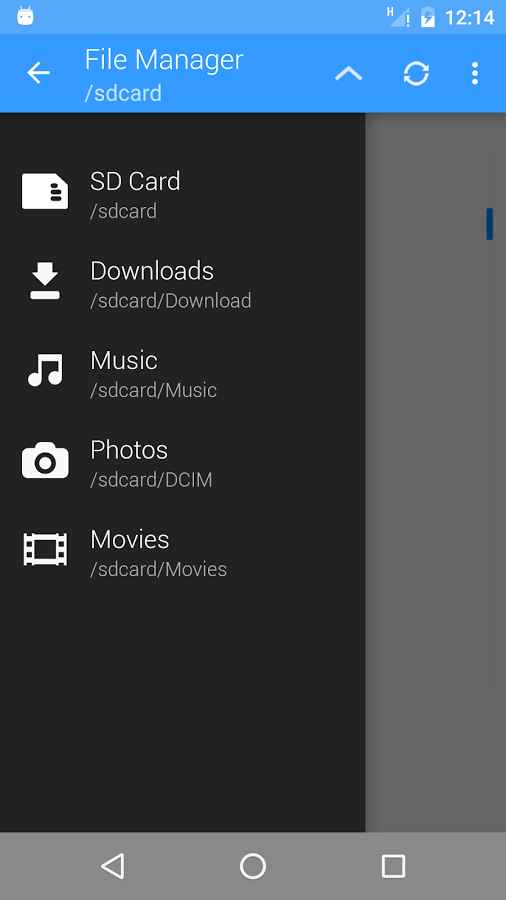
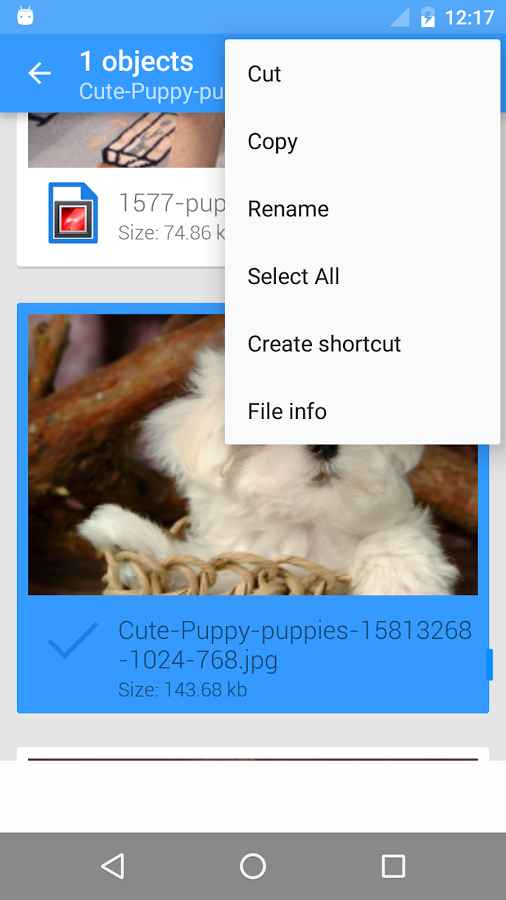
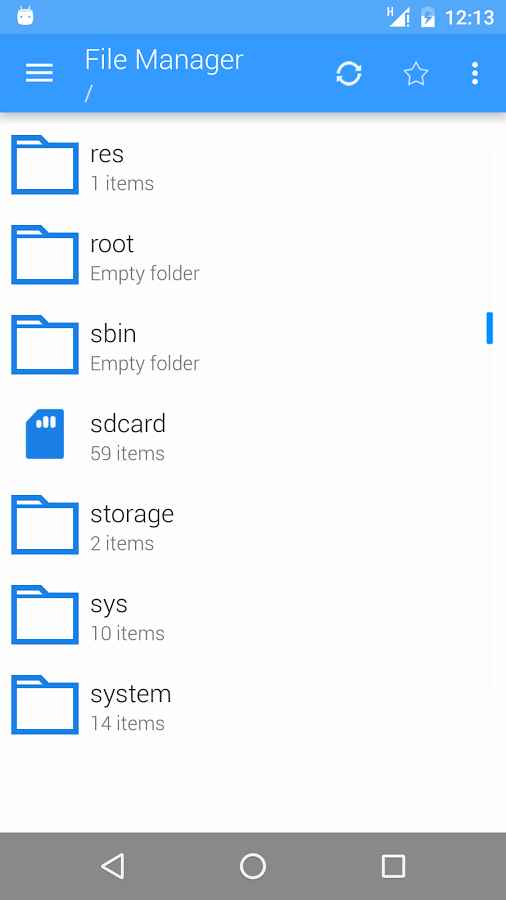
Each of the file managers released for the Android operating system has unique features and capabilities that attract users and lead to continuous success. This competition among developers has resulted in special management features in these apps that sometimes surprise users! File Manager: Folder Shortcuts is a smart file management tool with special and practical features designed specifically for Android, developed by AJK Labs and published on Google Play. This software offers a smooth management system with unique capabilities, allowing you to quickly access your files and folders. One of the best features of this smart app, as its name suggests, is the incredible ability to create shortcuts, enabling you to place shortcuts to important and frequently visited folders on your device’s home screen for easier access. View files by type and open them without any complicated categorization.
Some features and capabilities of File Manager: Folder Shortcuts for Android:
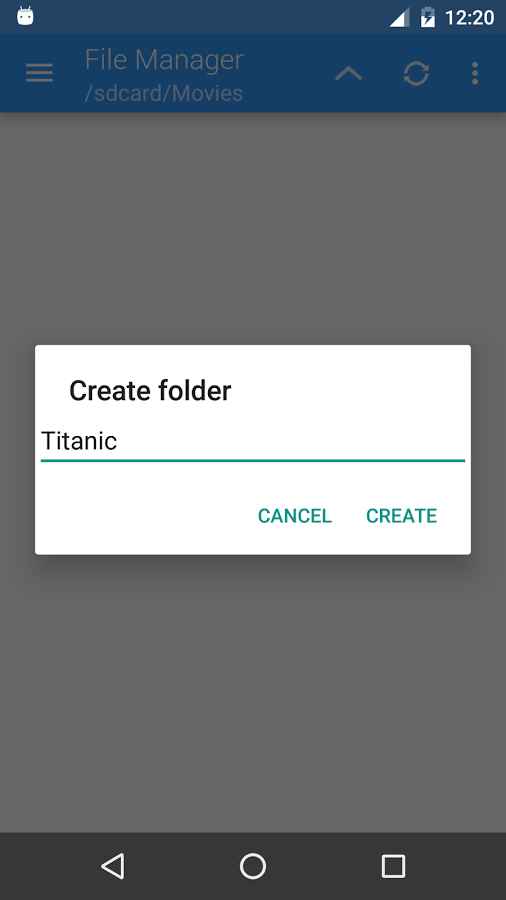
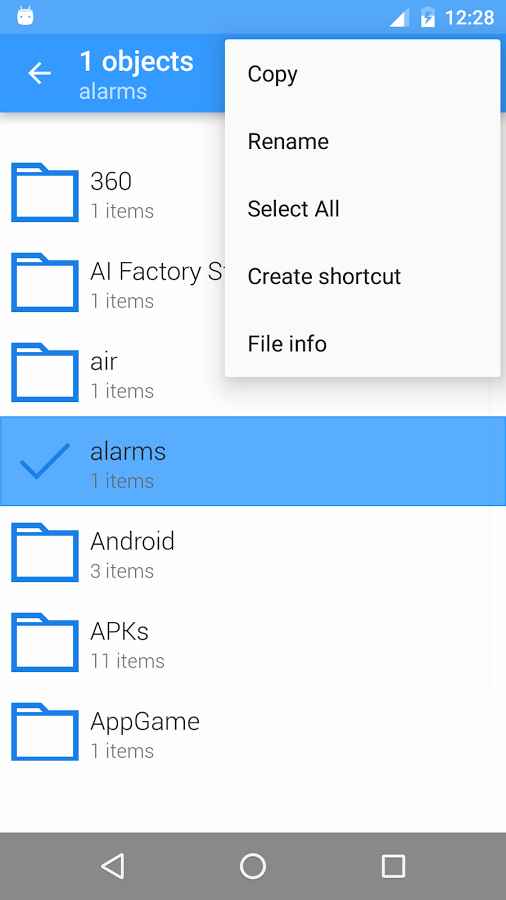
- Special and practical features such as copy, move, rename, search, and more
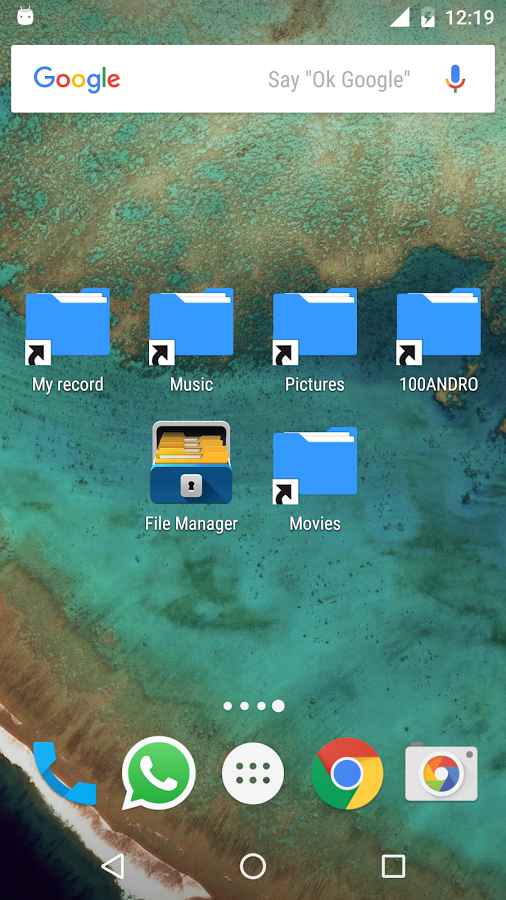
- Incredible ability to create shortcuts for files and folders on the home screen
- Add frequently used folders to favorites for faster access
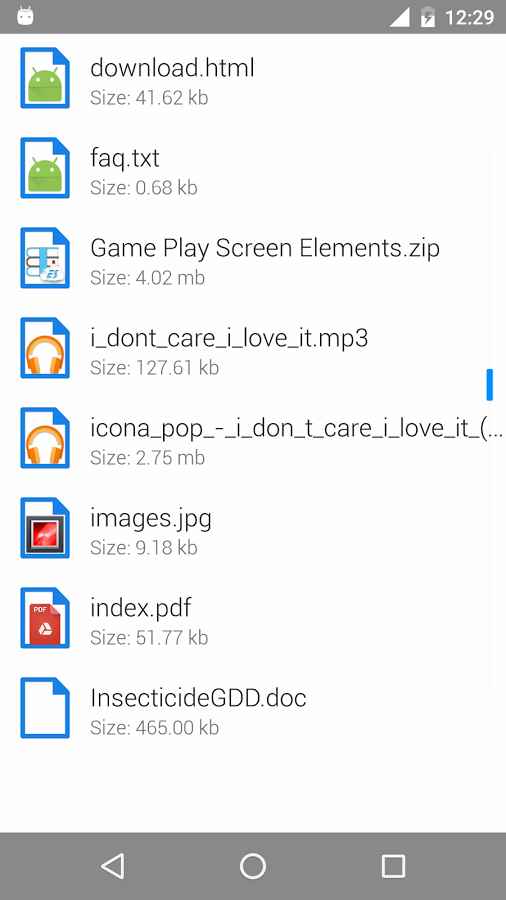
- View your files based on their type (image, audio, video, etc.)
- Option to set the app as the default file manager
- No advertisements within the app
The File Manager: Folder Shortcuts app, with its simple yet practical features, is offered by its developer at a price of $1.99 on Google Play. You can now download the latest purchased version from the extensive database of the major website DroidCove; our version includes all features and you can use them without any time limitations.
Version v2.0 Changes:
* Bug fixes and performance improvements + new features




![KineMaster 8.1.13 – Powerful Video Editor for Android [Update]](https://droidcove.com/wp-content/uploads/2026/06/KineMaster-Logo-1-100x100.webp "KineMaster 8.1.13 - Powerful Video Editor for Android [Update] 5")

