


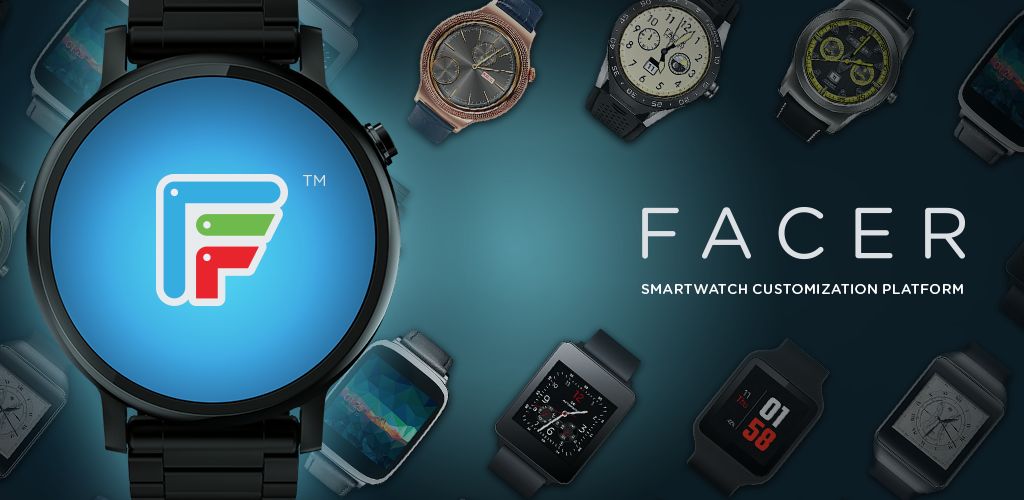
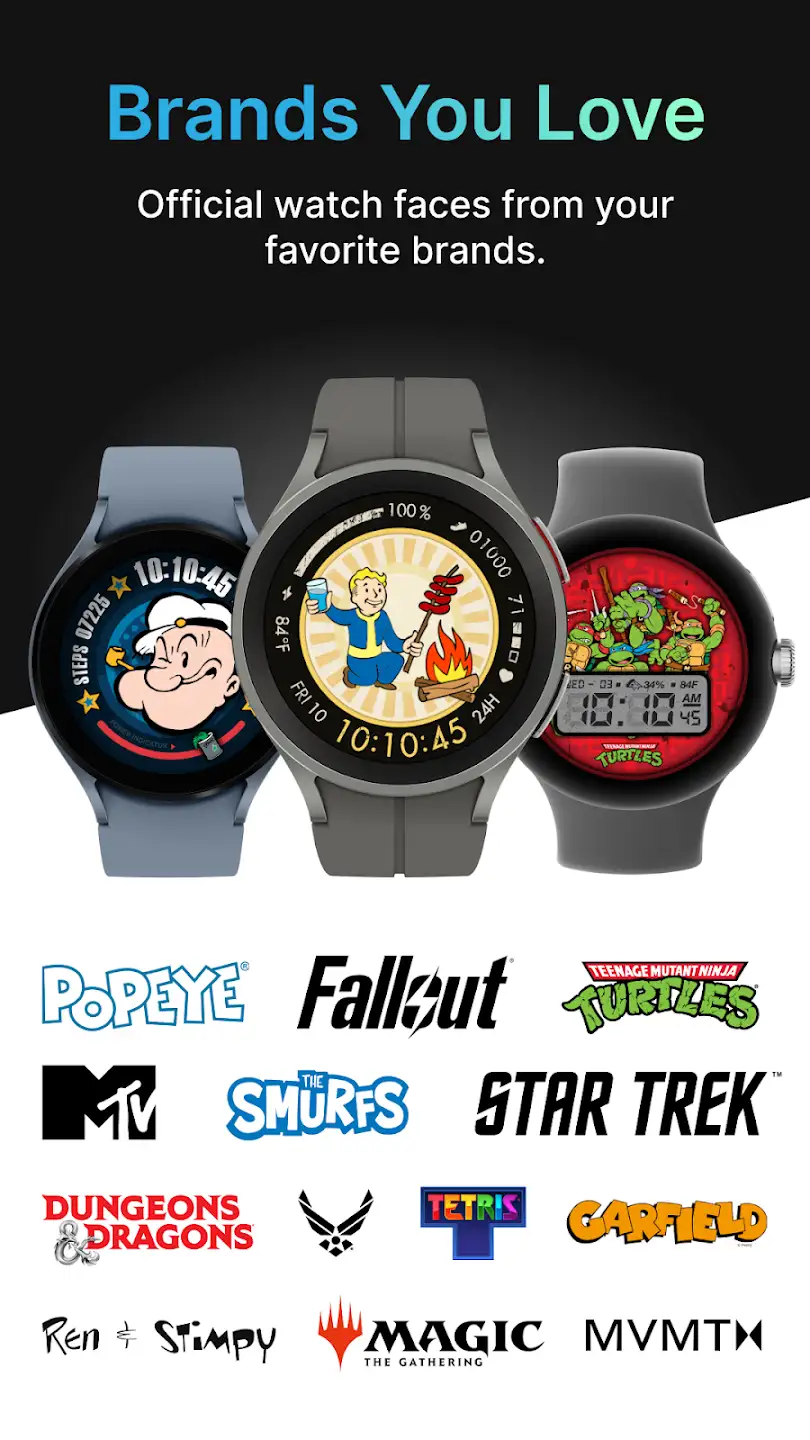
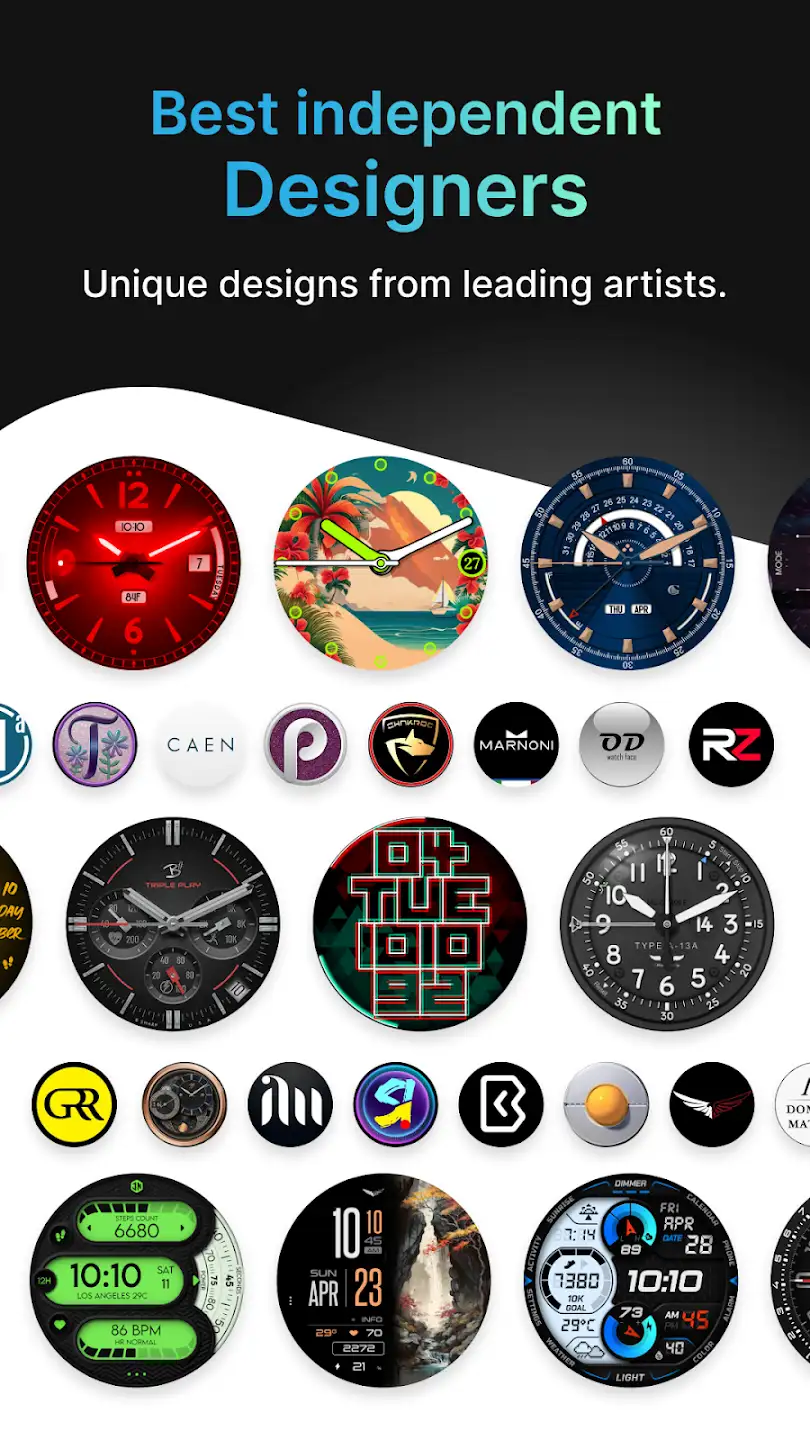
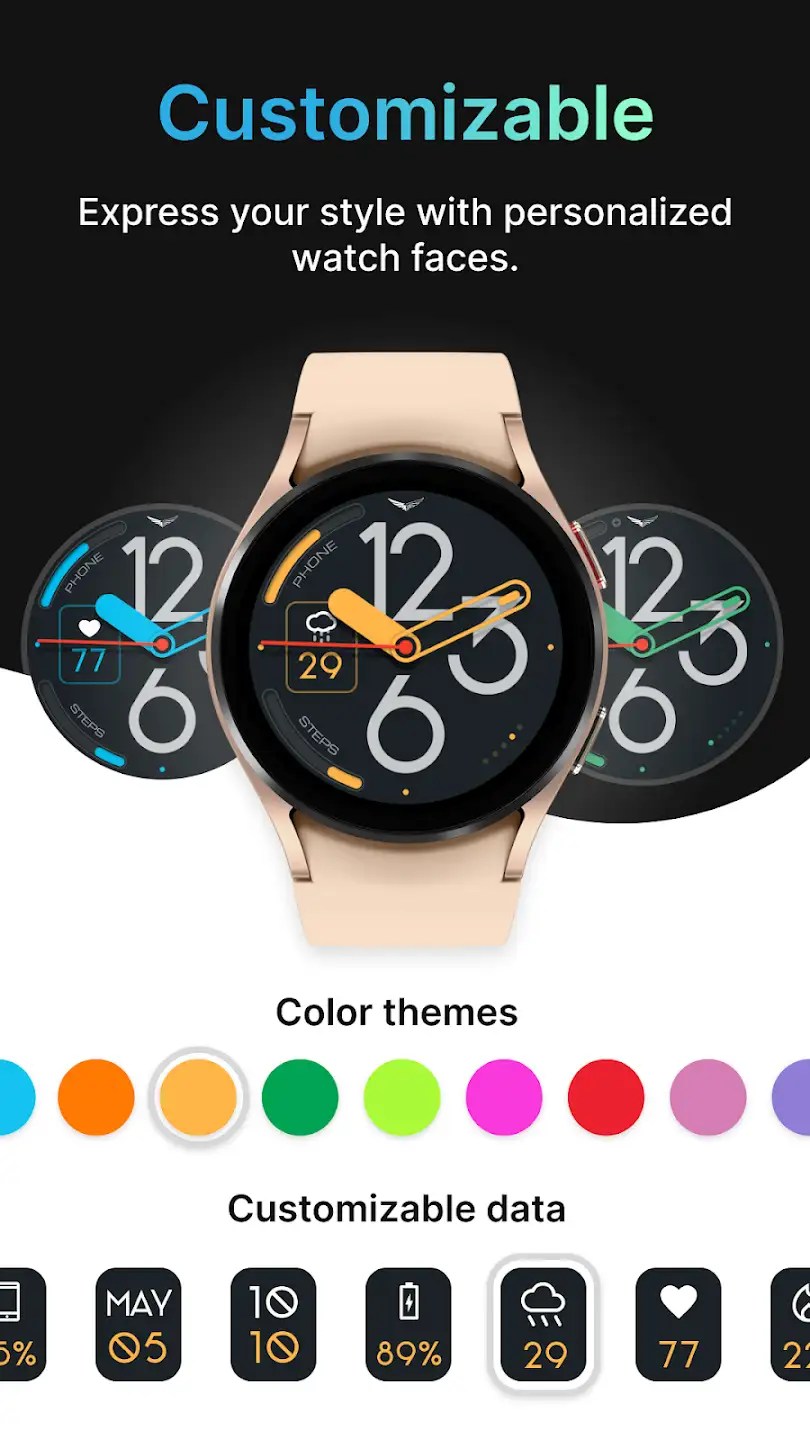
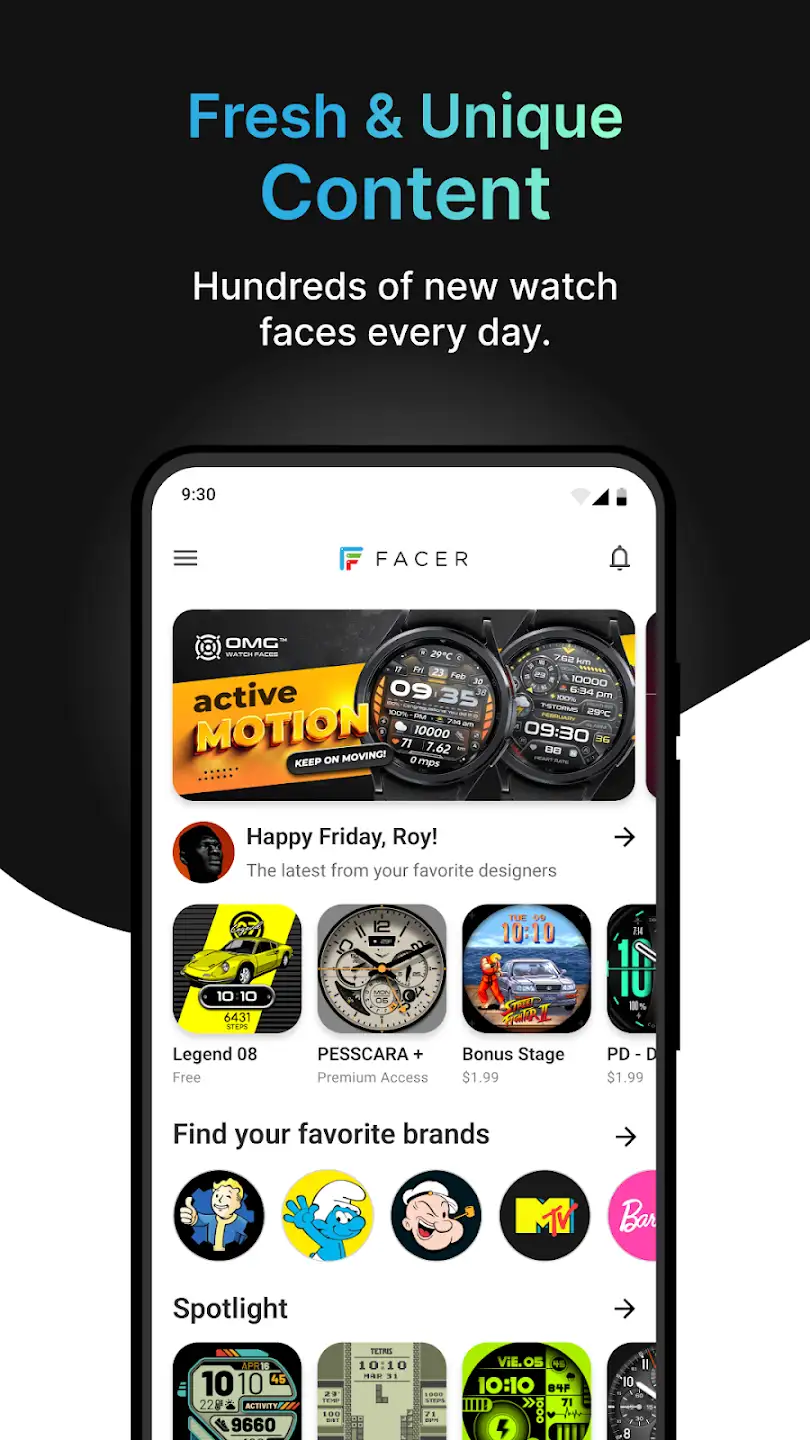
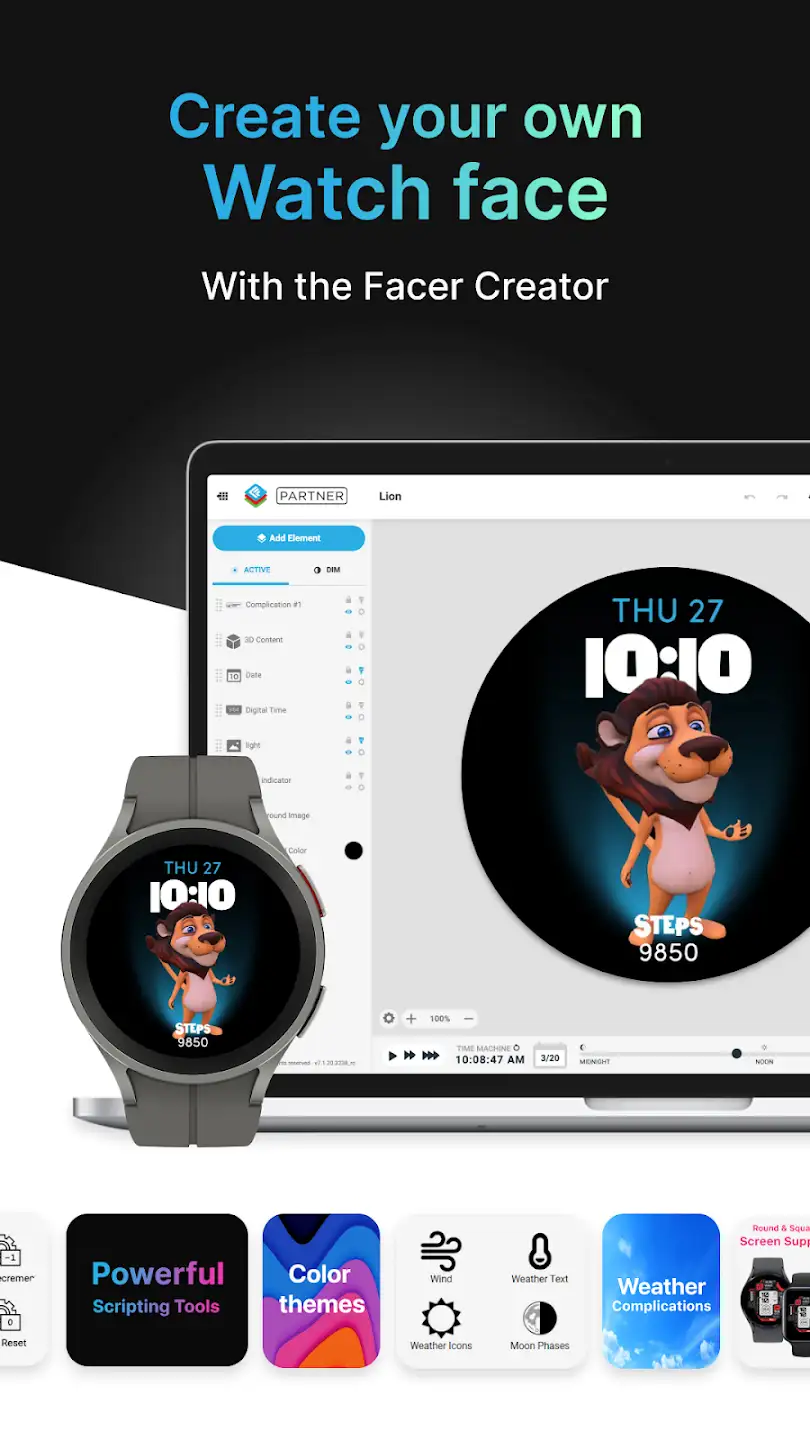
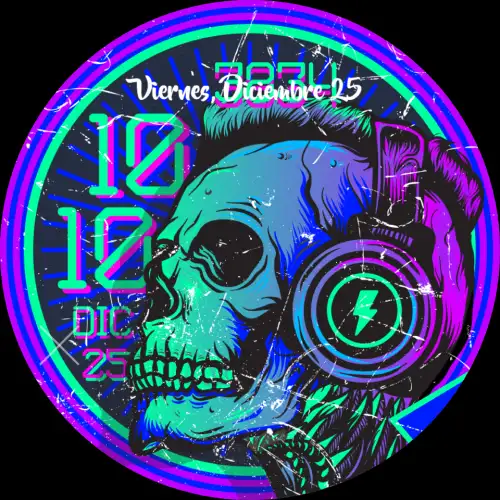
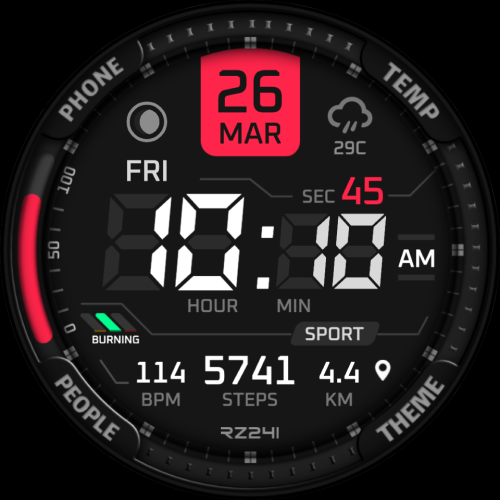
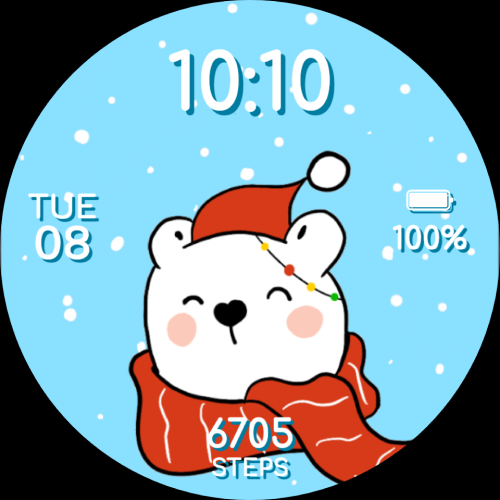
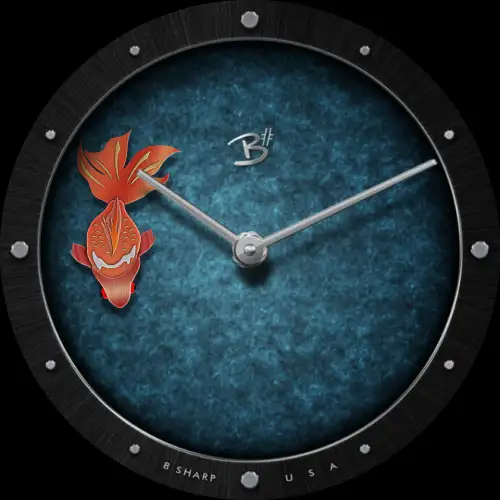
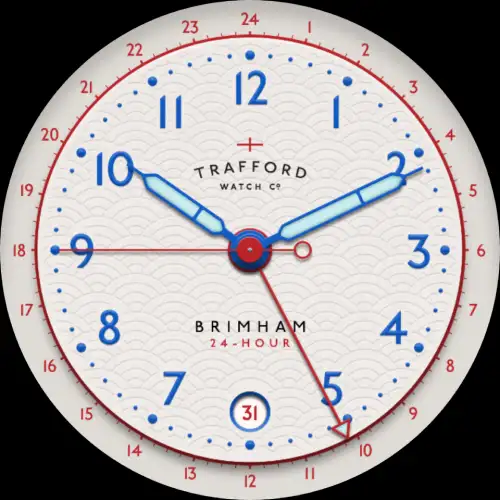
Facer Watch Faces is a popular and professional app for customizing and personalizing smartwatches from Facer Studios for Android. Overall, Facer Watch Faces is a watch face creator app with personal preferences for WearOS and Tizen smartwatches. Do you want to create your own watch face designs and publish them through Facer to reach thousands of smartwatch users? Facer Watch Faces provides everything needed for customizing and personalizing your watch; in this app, you can create your desired watch faces and share them with the world using the creator tools. The app includes hundreds of premium faces from leading global brands such as Space Pioneers, Garfield, Ghostbusters, American Dad, and more, with new brands continuously updated and available. With this app, you don’t have to stick to defaults. Facer offers everything you need to create your own personal style on your smartwatch. Facer Watch Faces currently supports Samsung devices and can be downloaded and installed from the Google Play Store. The app is offered by Little Labs for free with in-app purchases and is recognized as one of the popular watch face creation apps, with the unlocked / premium version now available.
Some features and capabilities of the Facer Watch Faces Android app:
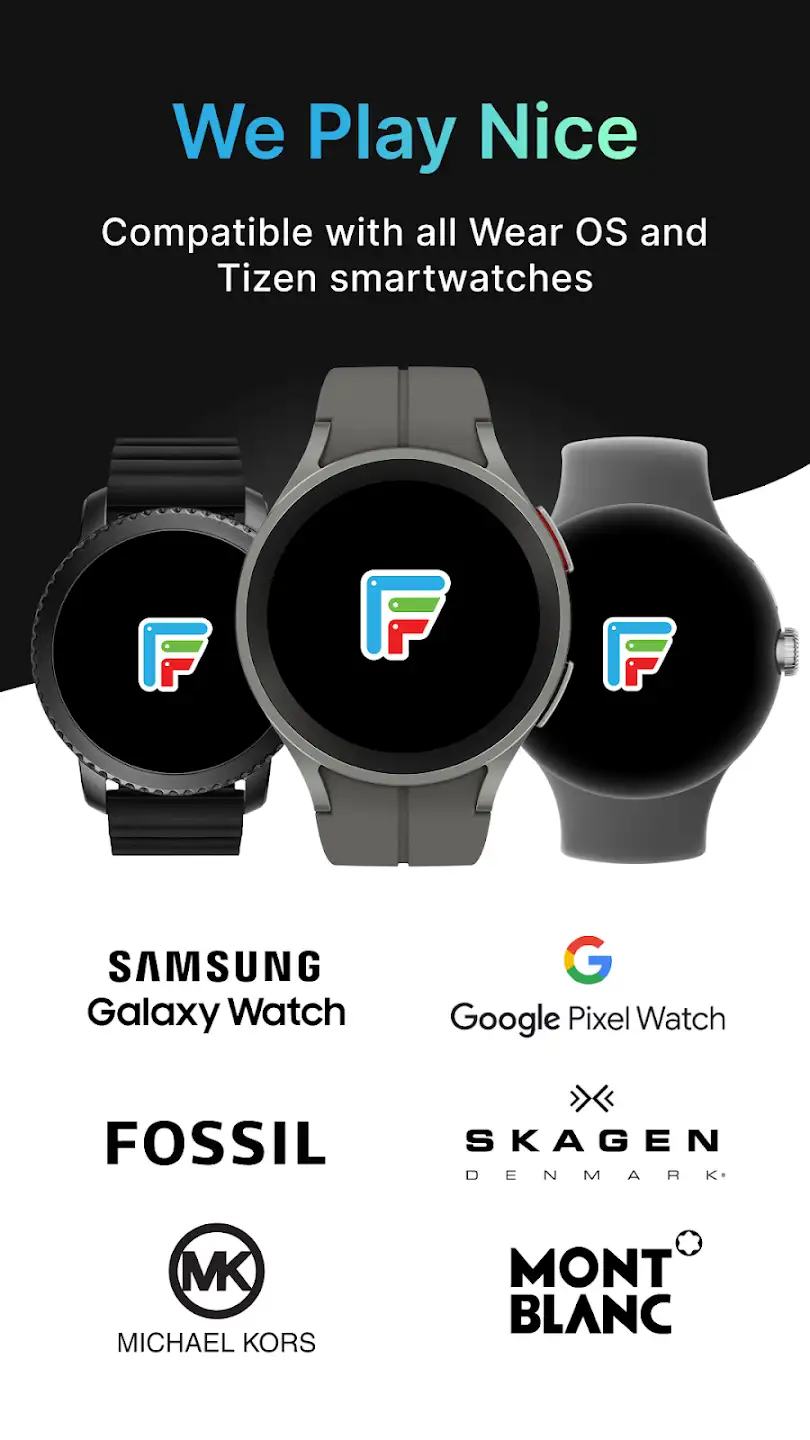
- Compatible with all WearOS and Samsung watches
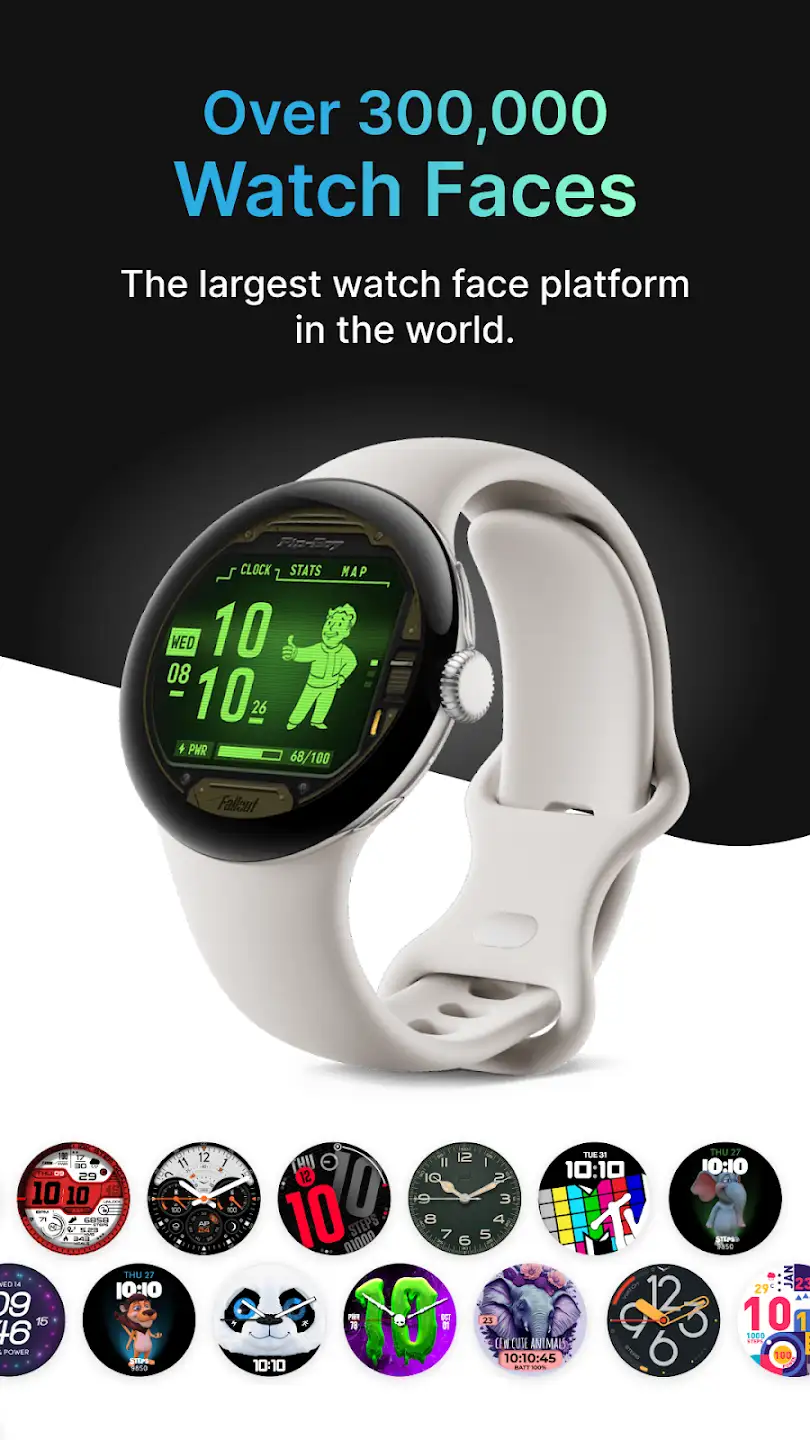
- Includes 100,000 free and premium watch faces from leading brands and artists as prototypes
- Search feature to find the perfect watch face for personal needs
- Tools for creating and editing selected images
- Contains a large collection of custom fonts and free watch hands
- Multiple time and date layouts
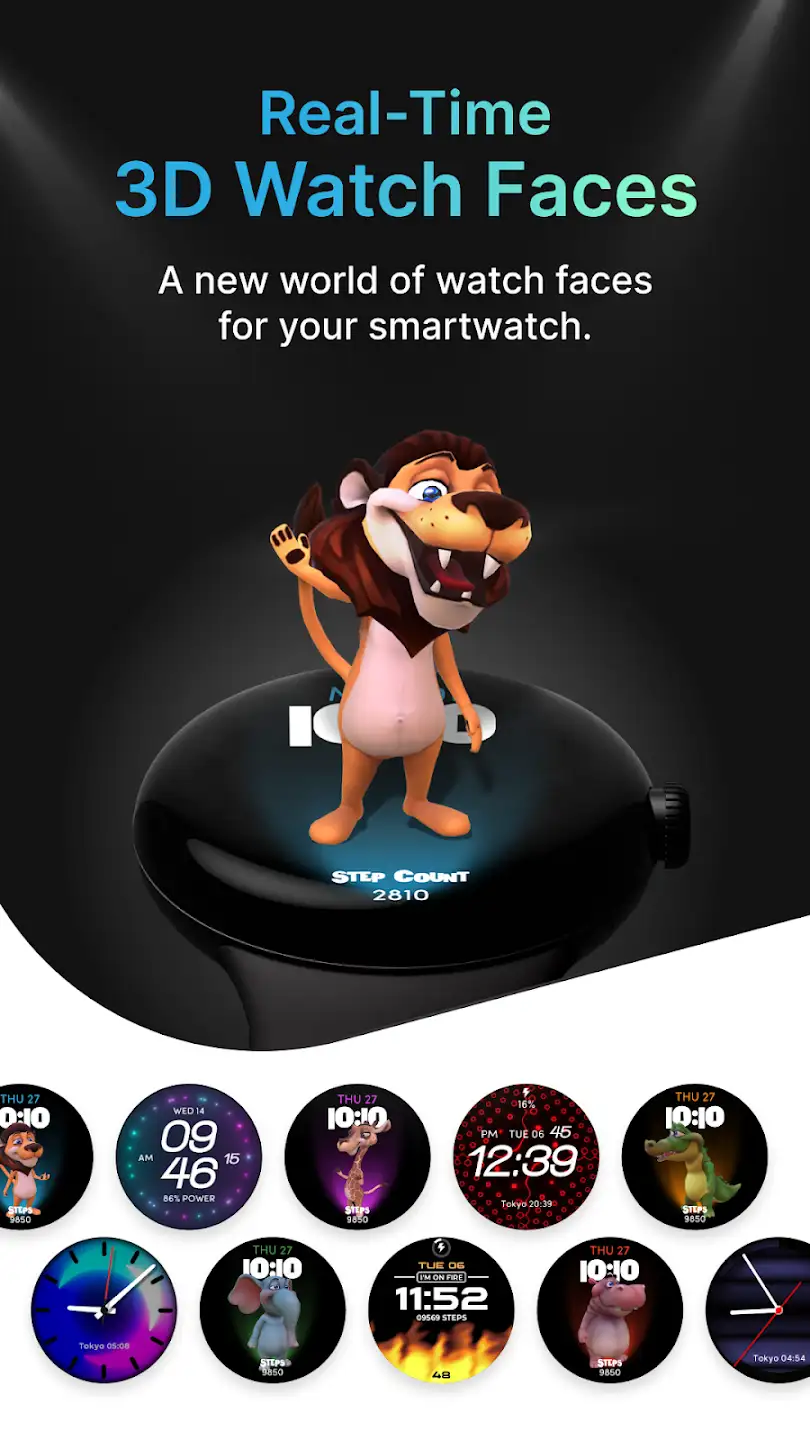
- Includes interactive and animated design capabilities
- Displays weather conditions with Fahrenheit and Celsius units
- Shows battery level of the phone or smartwatch
- Includes step counter, Wi-Fi indicator, and dynamic backgrounds
To install the Facer Watch Faces app, first ensure your Samsung watch is connected to your smartphone via the Galaxy Wearable app. Make sure Bluetooth on both your phone and smartwatch is turned on. Then download and install Facer Companion from the Samsung Galaxy app store for your Samsung watch. Next, press and hold your smartwatch face for a long time and scroll (swipe up and down, left and right) to select Facer as your watch face. After that, open the Facer app on your phone and enjoy the Facer experience with over 100,000 watch faces. You will see a list of watch faces where you can select one and change your watch face to your chosen design. Note that Facer watch faces are compatible with the latest WearOS and Samsung devices, including Nixon Mission, Polar m600, Michael Kors Smartwatch, Asus Zenwatch 3, Moto 360 Sport, Casio WSD-F10, Tag Heuer Smartwatch, Moto 360 1, Moto 360 2, Asus Zen 1 & 2, Sony Smartwatch 3, LG G, LG G R Android watch, and more. For downloading the latest full version of the app, stay with DroidCove.






![KineMaster 8.1.13 – Powerful Video Editor for Android [Update]](https://droidcove.com/wp-content/uploads/2026/06/KineMaster-Logo-1-100x100.webp "KineMaster 8.1.13 - Powerful Video Editor for Android [Update] 5")

