


Super File Manager Explorer Pro v1.5.6.1 – Simple, Advanced, and Feature-Rich Android File Manager App
Professional and Complete Version of the App
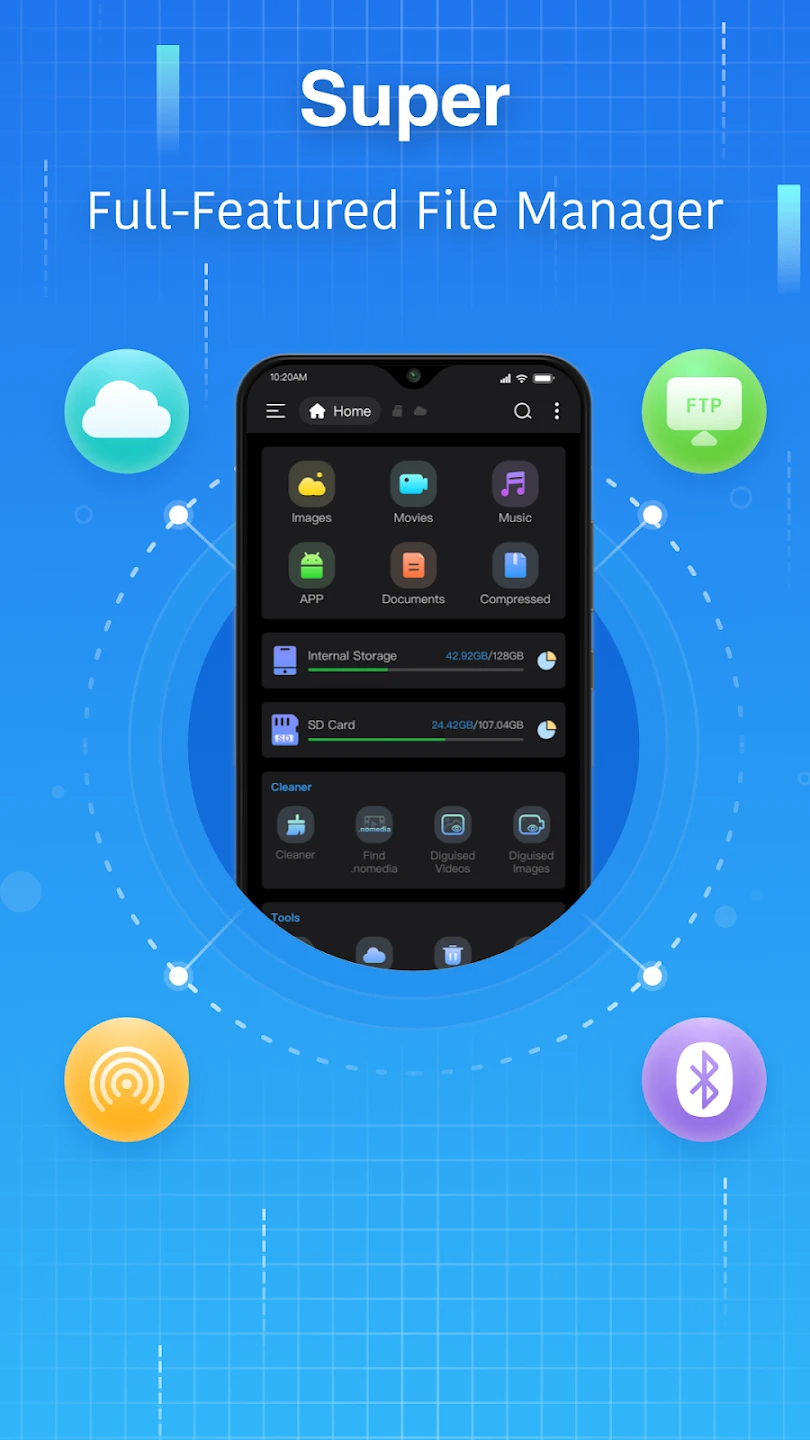
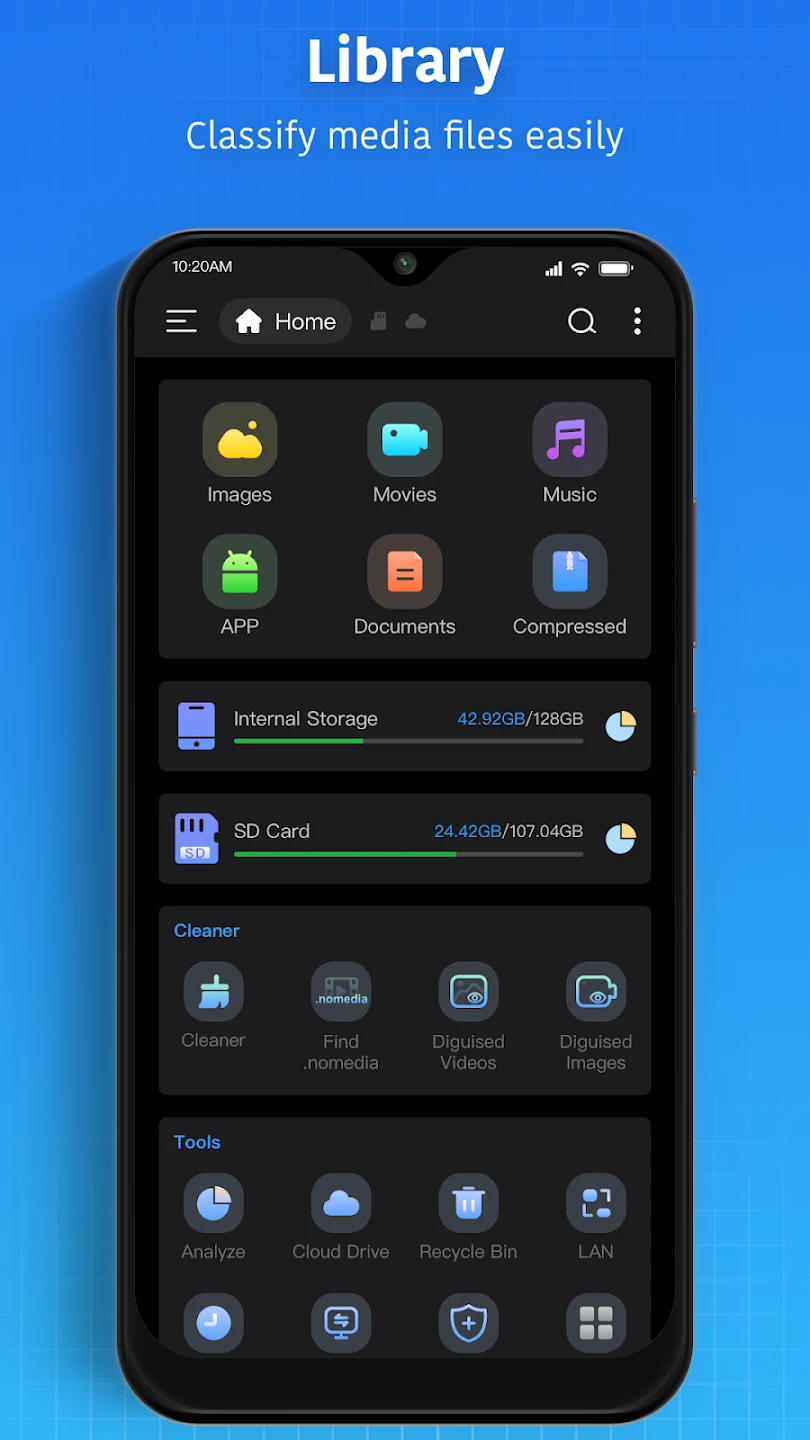
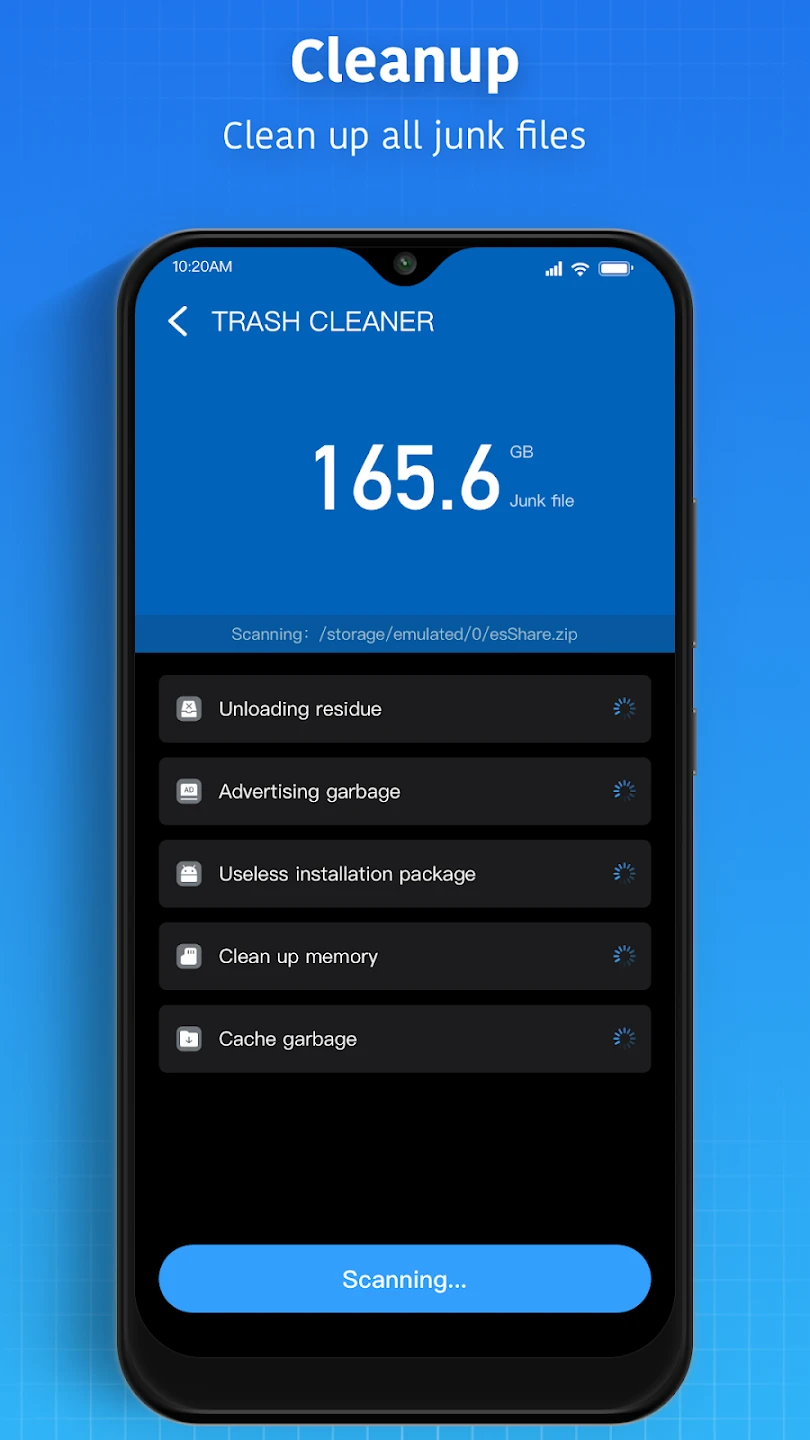
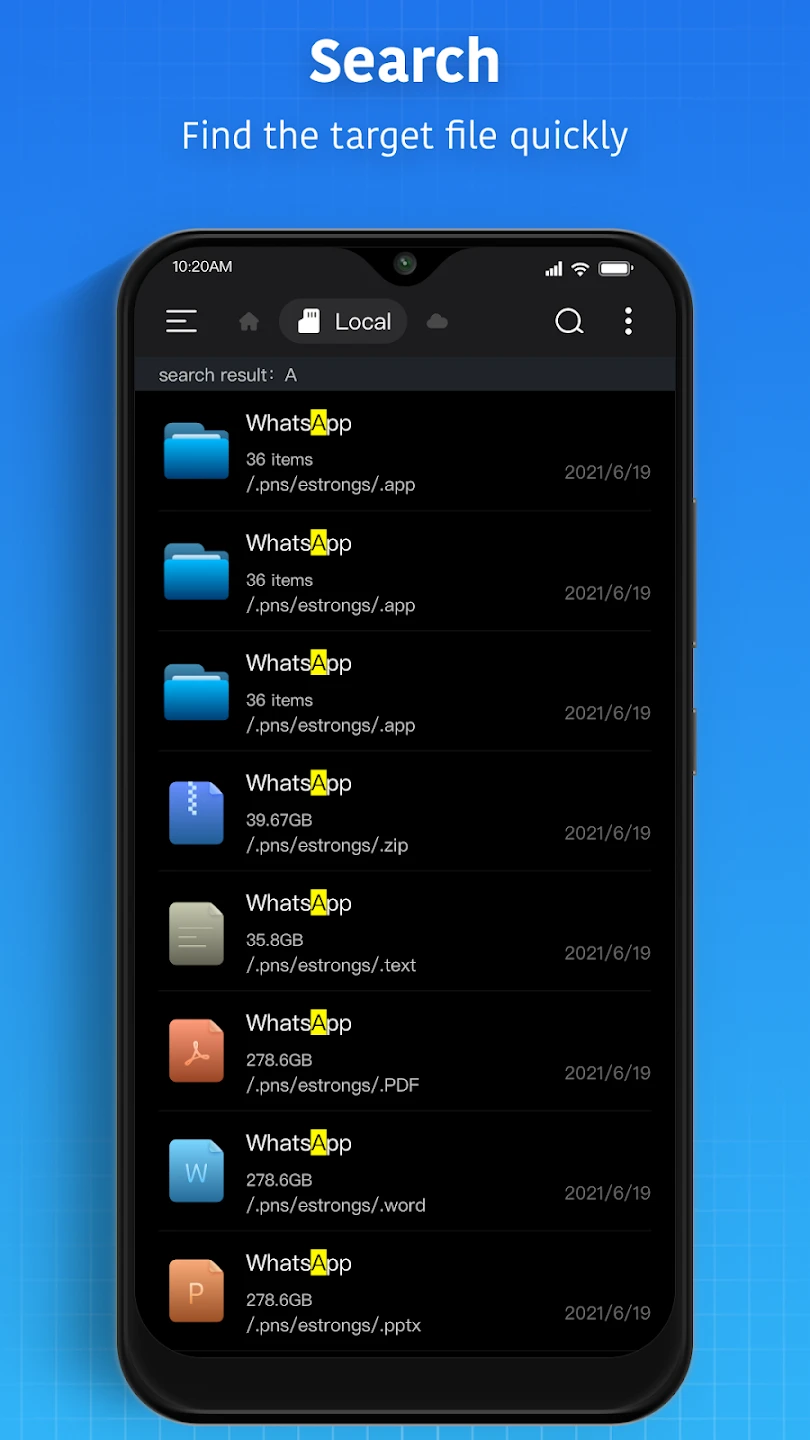
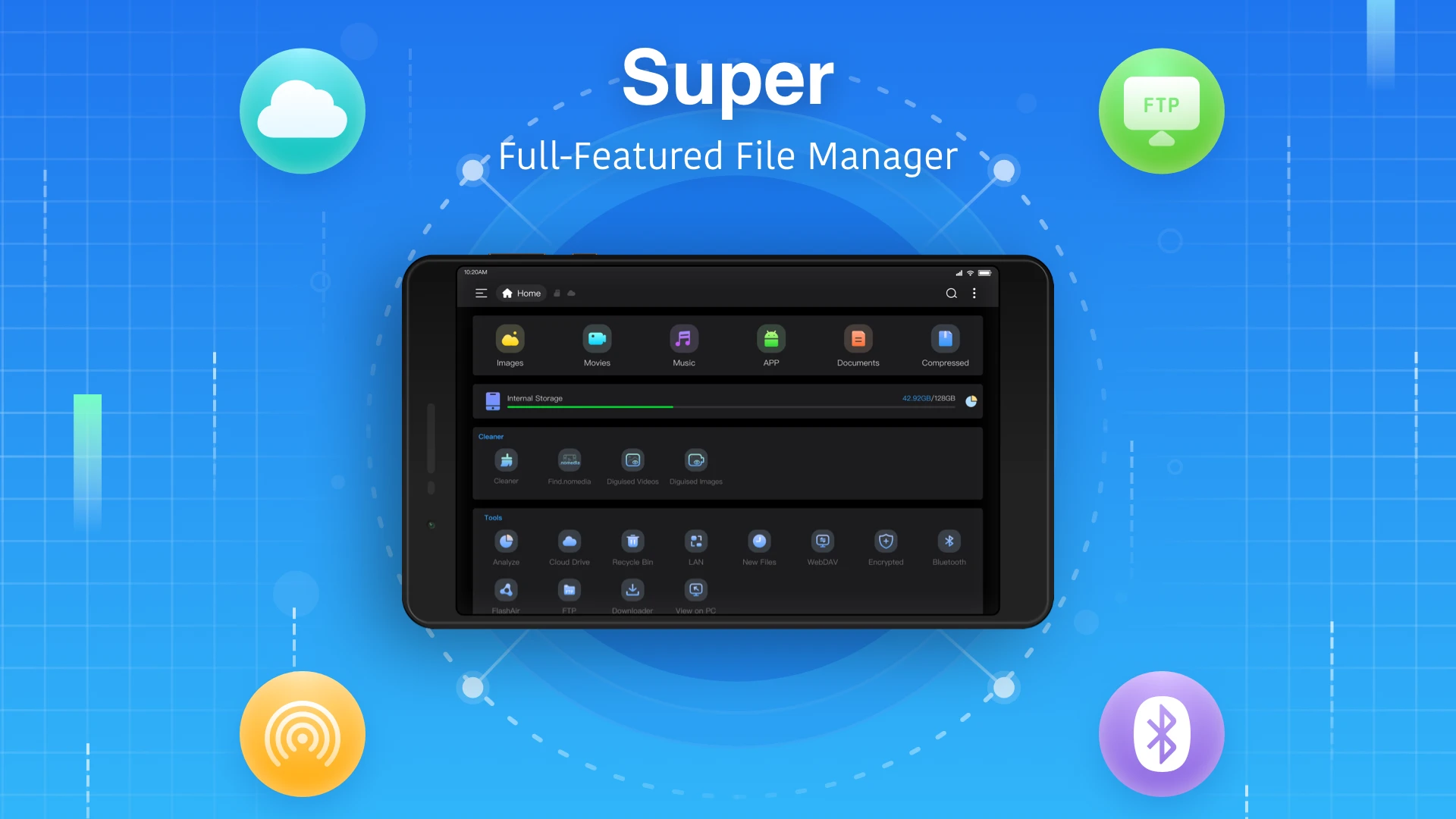
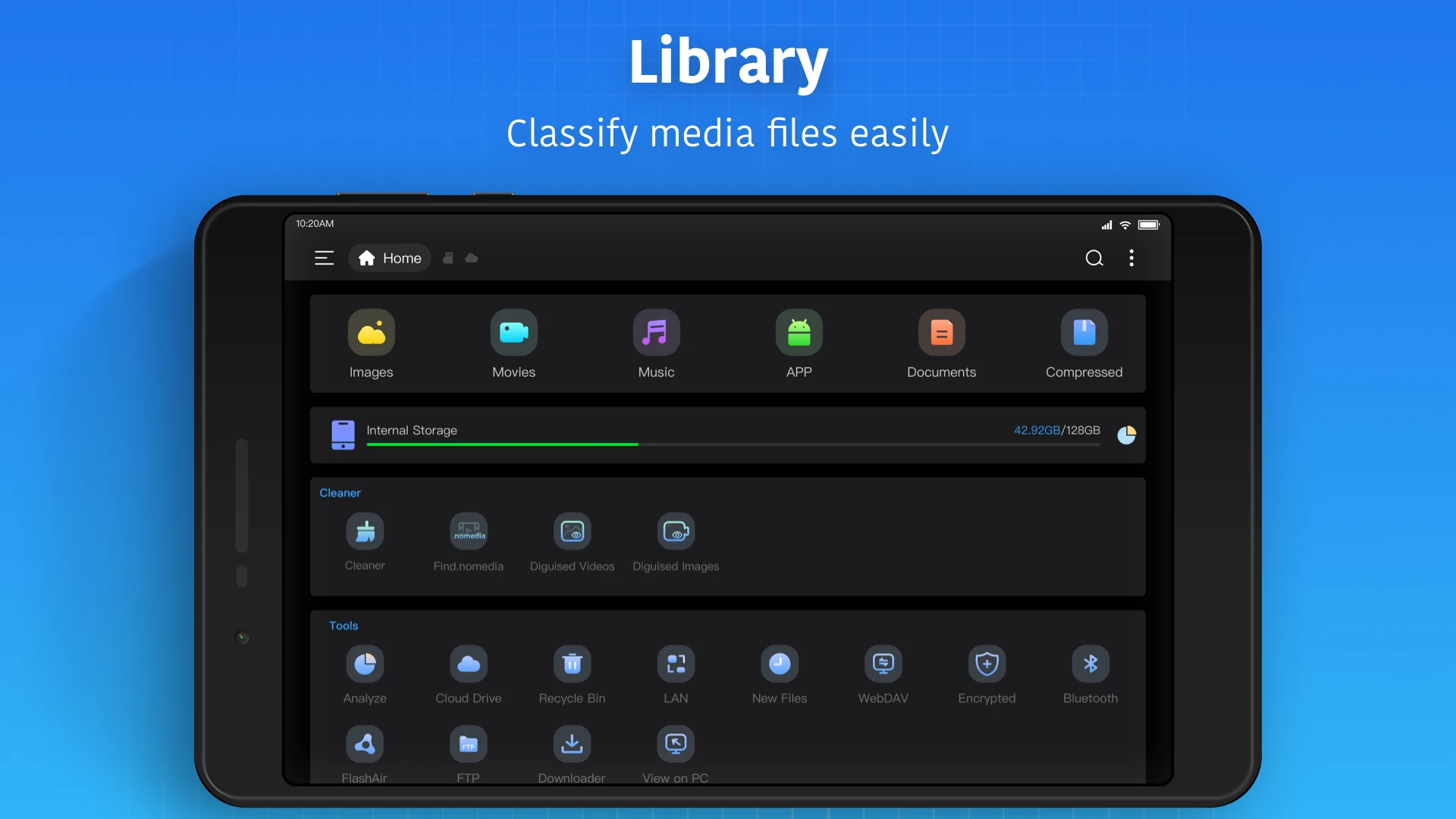
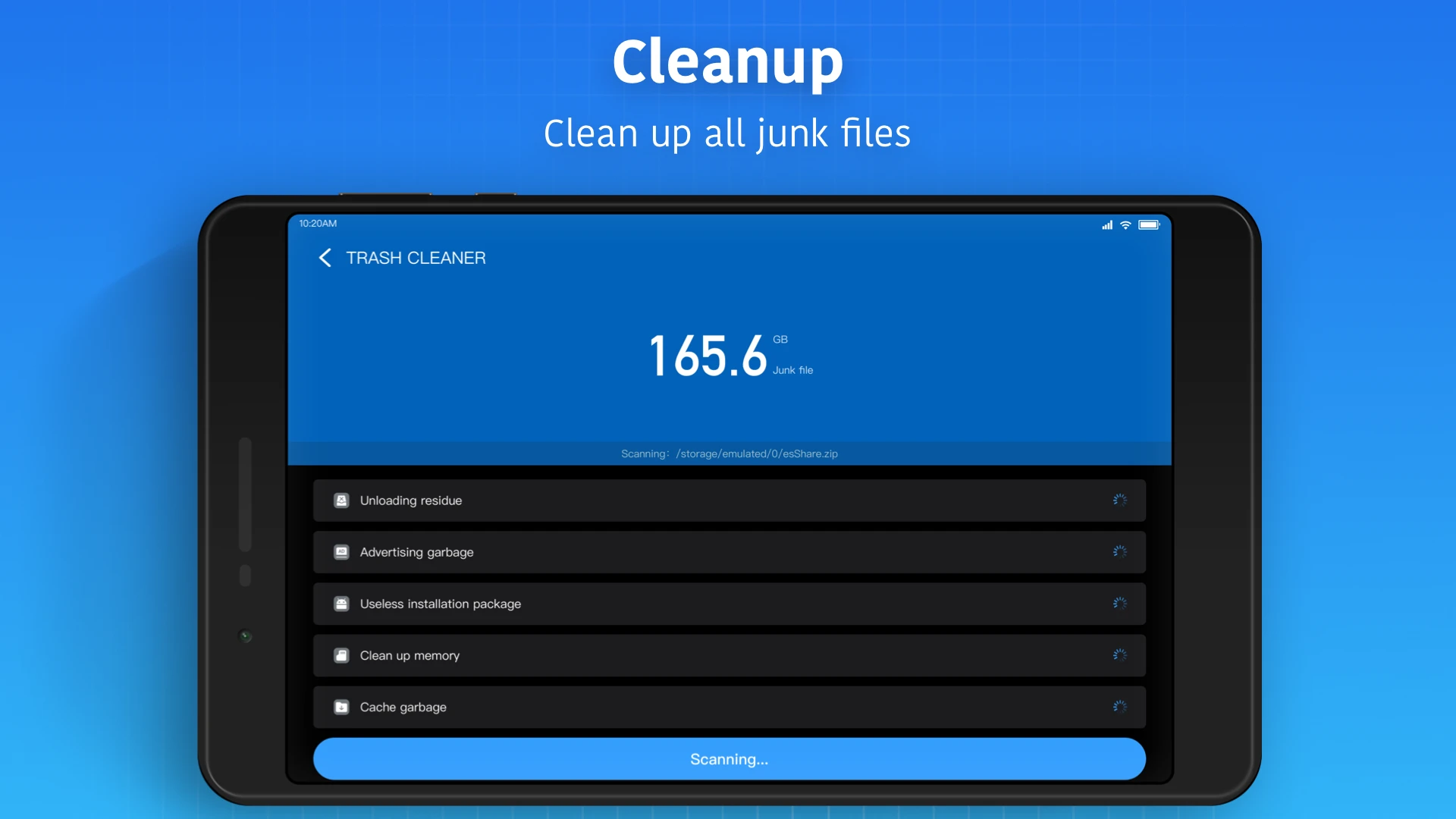
The increasing storage capacity of Android smartphones leads users to accumulate more and more files without considering deleting them! The excessive growth of files makes it difficult to manage them normally, so having an advanced management tool is a desirable option! Super File Manager Explorer is a simple, advanced, and feature-rich file manager developed by ESTRONGS LIMITED and published on Google Play. As the title suggests, the main feature of this app is its simplicity combined with advanced management options. After installation, you can easily access all your data and files stored on your Android device and make the necessary changes. Besides the common management options usually available in default file managers, this app offers special features such as compressed file management. You no longer need external tools to view compressed files; with just a few taps, you can extract ZIP or RAR files and access all their contents. Another popular feature is the built-in booster. This booster stops unnecessary background apps to increase your smartphone’s speed. Just tap one option, and the app will intelligently identify all junk files and remove them to free up storage space. Another notable feature is the ability to connect to cloud servers and support for FTP, which is exceptional in its category. Super File Manager Explorer offers many other features and capabilities that will be discussed further below.
Some features and capabilities of Super File Manager Explorer for Android:
- Simple, easy, and intelligent management of files on Android smartphones
- Access to a variety of command and management options
- Create shortcuts for your favorite apps or files
- Built-in cleaner and optimizer system to boost phone speed
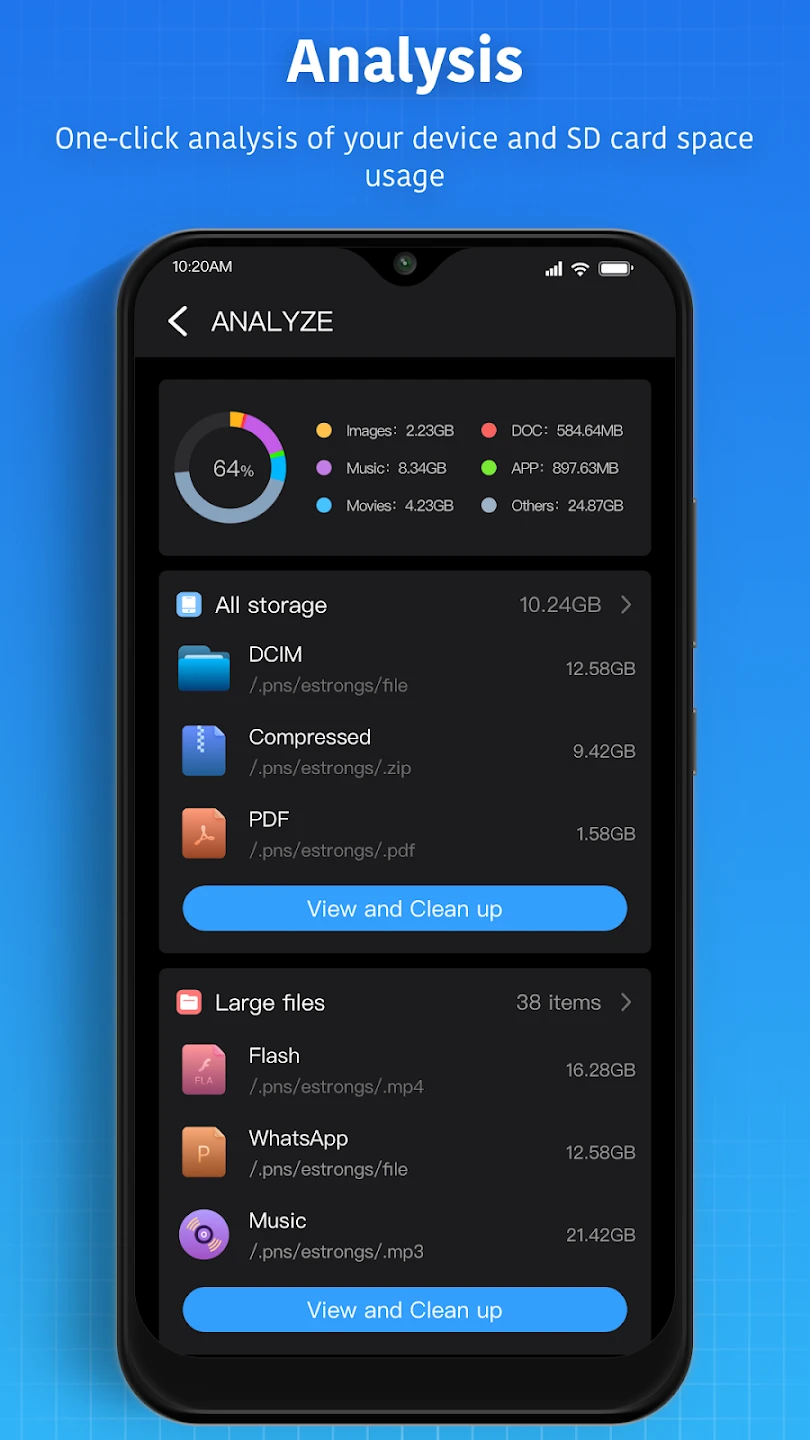
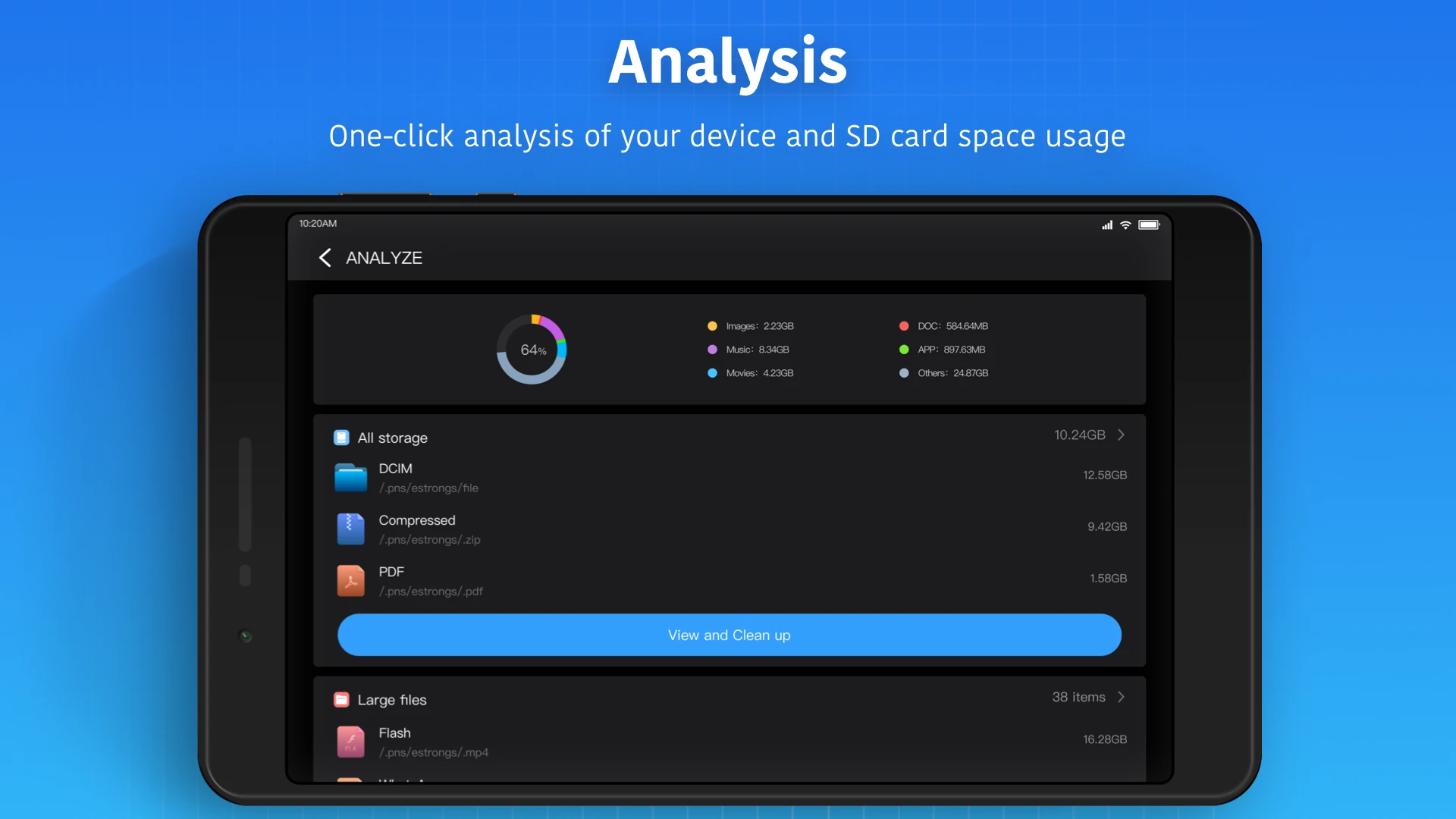
- Memory analysis and comprehensive information about storage
- Support for communication protocols such as FTP, HTTP, HTTPS, SFTP, and more
- Connect the app to cloud servers for easy access to files
- Support for various compressed file formats
- Built-in media player for flawless audio and video playback
- Support for OTG connections and access to files on USB drives
- Simple user interface combined with an attractive UI design
Super File Manager Explorer is offered for free by its developer with in-app purchases and has received a 4.1 out of 5.0 rating from users. You can now download the latest professional version without any restrictions from the direct links on the DroidCove website.




![KineMaster 8.1.13 – Powerful Video Editor for Android [Update]](https://droidcove.com/wp-content/uploads/2026/06/KineMaster-Logo-1-100x100.webp "KineMaster 8.1.13 - Powerful Video Editor for Android [Update] 5")

