


LDPlayer v9.5.15.1 – Download the Latest Version of LDPlayer: The Best Android Emulator Software on Windows
Download the latest version of LDPlayer emulator software for PC with direct link
LDPlayer: Smoothly run Clash of Clans without crashing
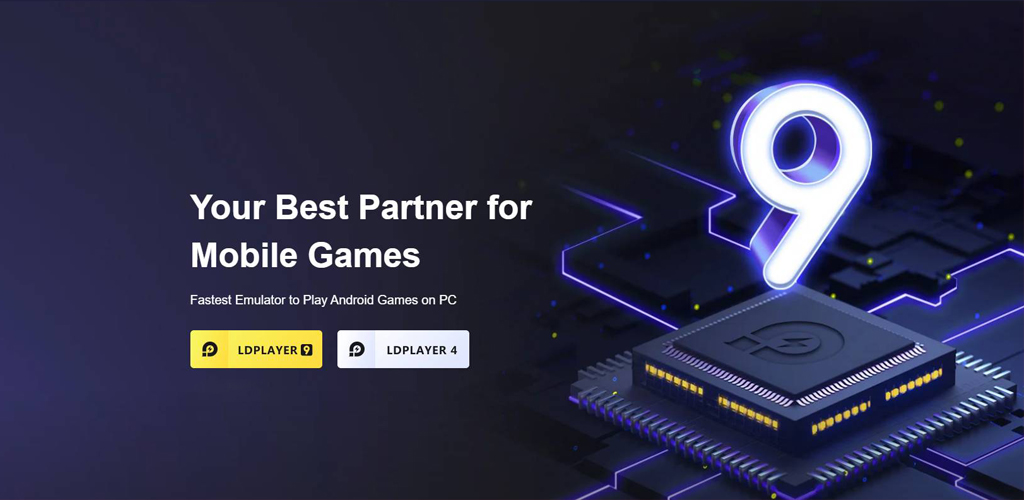
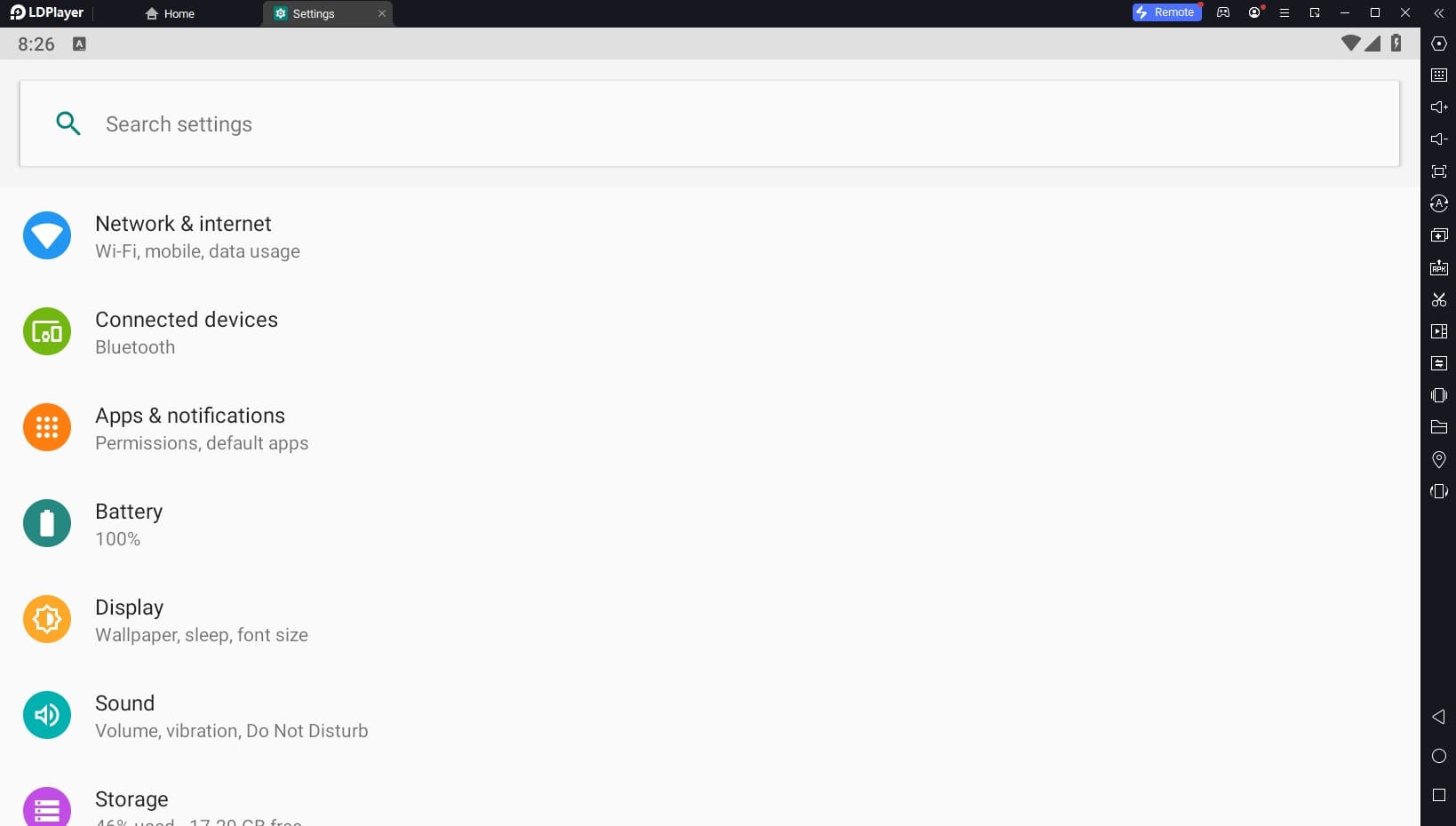
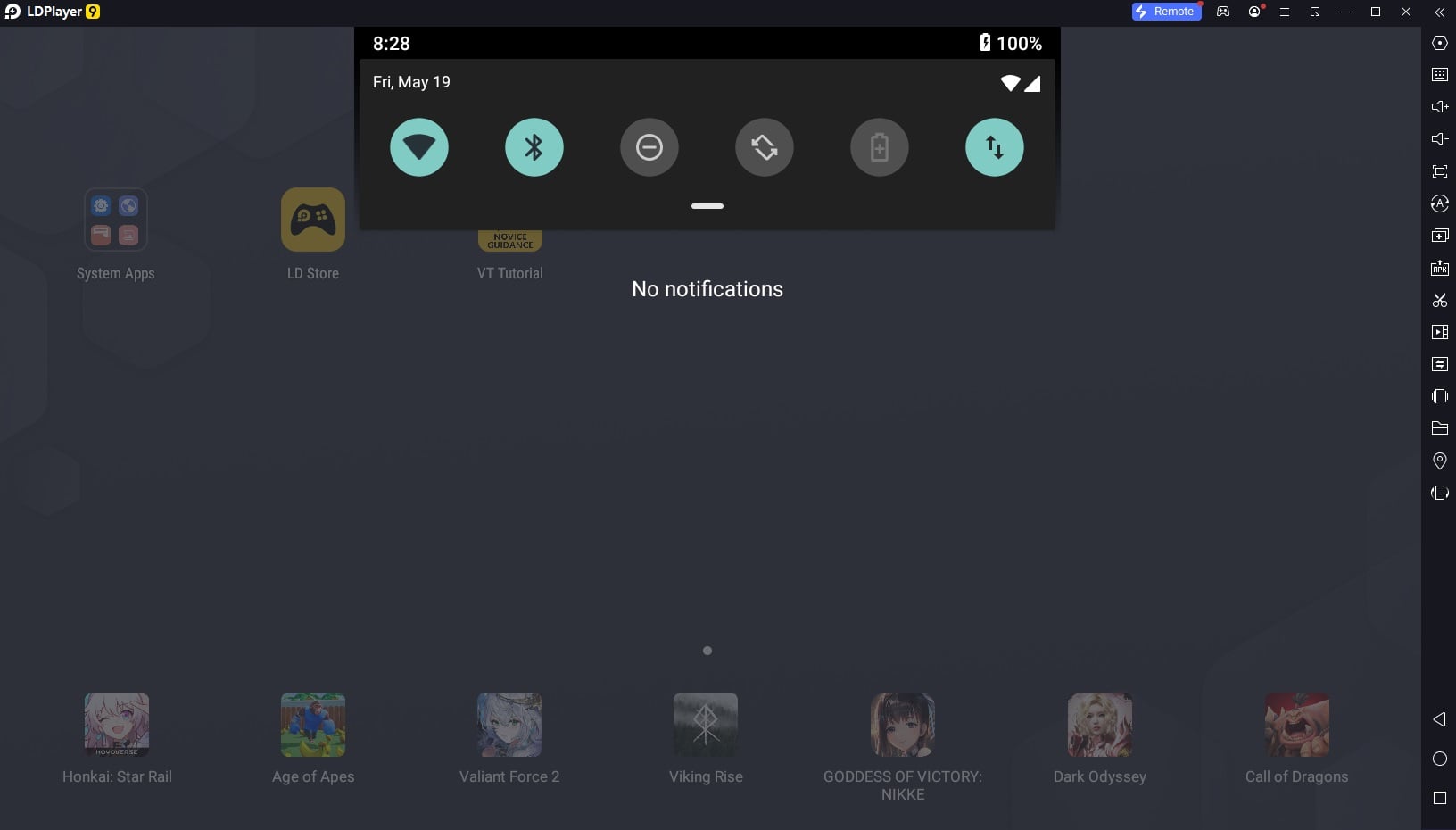
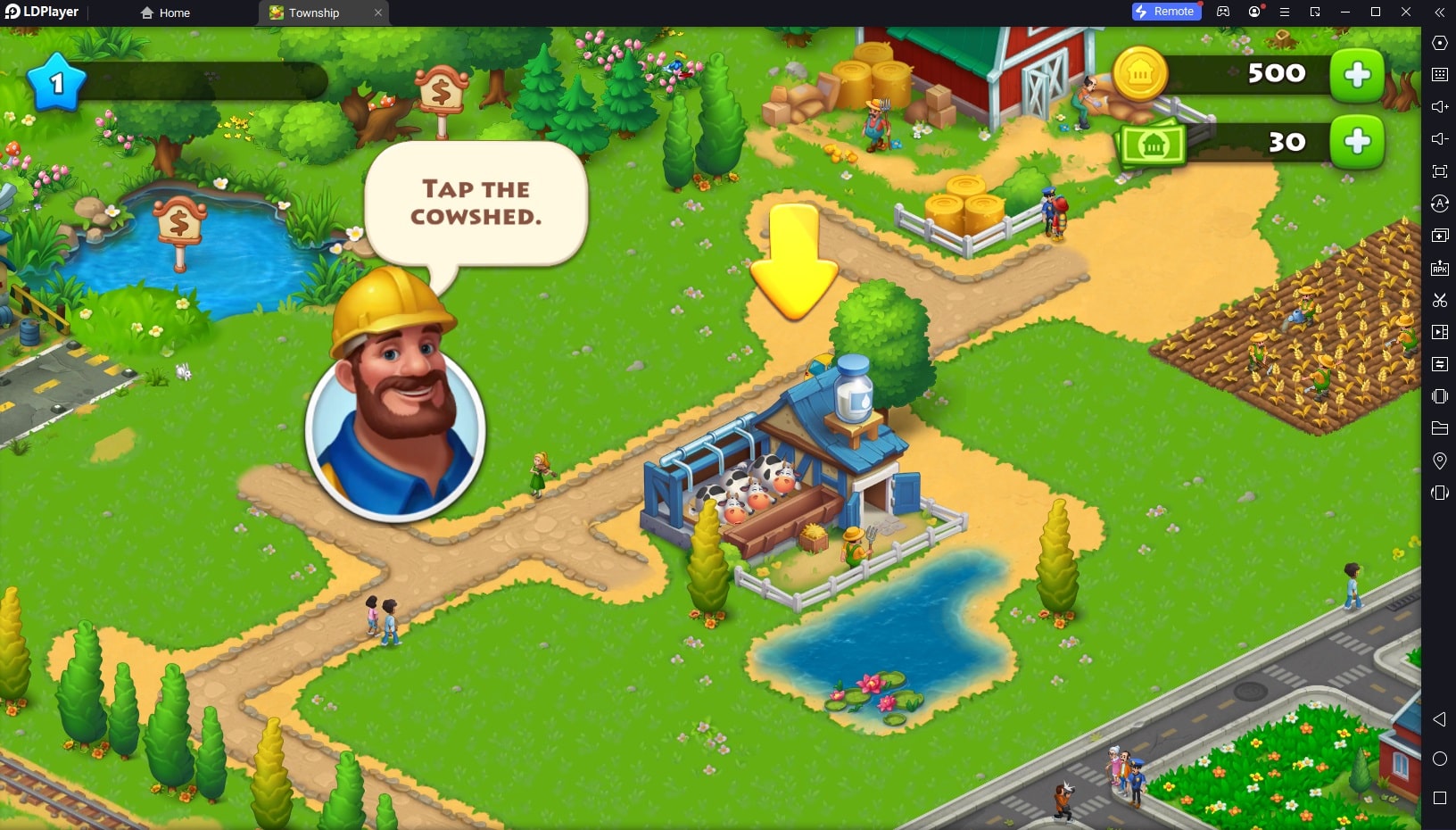
The gaming industry is one of the most popular industries that has seen remarkable progress in recent years. From computer games made for popular consoles to games released for smartphones, all have significantly advanced in graphics and storytelling. It can even be said that this industry is especially vibrant in the Android world! Day by day, we see companies striving to outpace their competitors and attract the attention of users and professional gamers. Many gamers today stream Android games on video sharing platforms and share their gameplay with others. But have you ever thought about running Android games on Windows? If you are a gaming enthusiast, you surely know that our reaction speed is higher on personal computers, and using a mouse and keyboard provides a better gaming experience. Fortunately, running Android games on Windows is very easy thanks to emulators! Nowadays, many companies offer and introduce Android emulators for Windows. These emulators allow users to experience the Android operating system within Windows. You can easily run your favorite Android games using these emulators or use practical apps to meet daily needs such as photo editing, bill payments, and more! But is every emulator reliable and feature-rich? Unfortunately, despite extensive advertising by some developers of Android emulators for Windows, many of these emulators lack necessary functionality. However, there is no need to worry because, as always, we are here to introduce one of the best and most popular software to you. LDPlayer is one of the best and smoothest Android emulator software for Windows, developed and introduced by XUANZHI INTERNATIONAL. With LDPlayer, you can easily simulate the Android operating system environment on Windows and experience running high-graphic games and useful Android apps on your PC with just a few clicks. After installing this software, you will face no limitations because you essentially have a virtual smartphone that can run any app effortlessly. Since LDPlayer supports all apps and the latest Android games, it is considered one of the best and most popular virtualization options. However, as mentioned, some users find it difficult to choose between emulators! So if you want to get familiar with this software, stay with us to make the best decision when selecting an Android emulator for Windows.
LDPlayer User Interface: Android Emulator on Windows
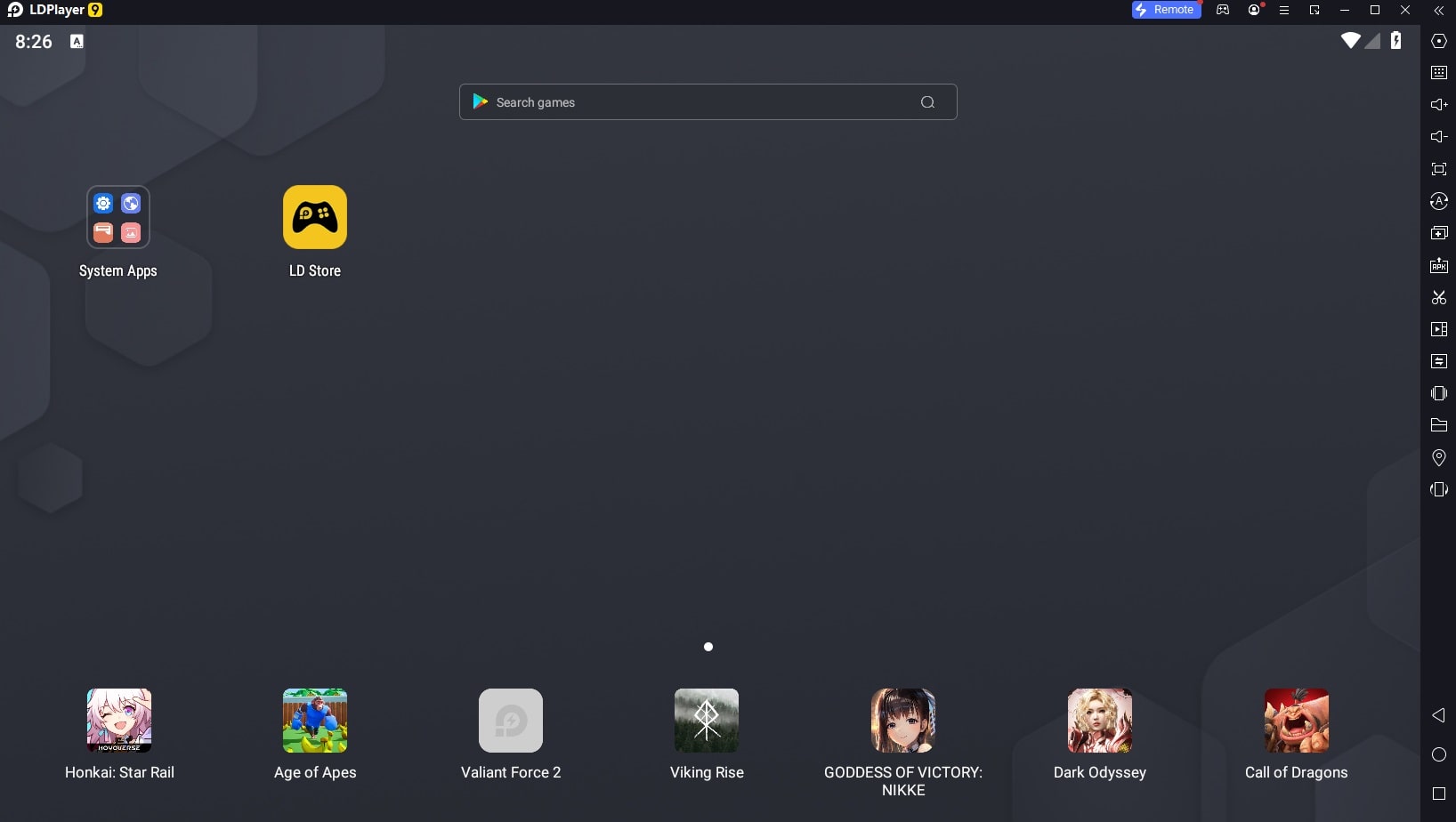
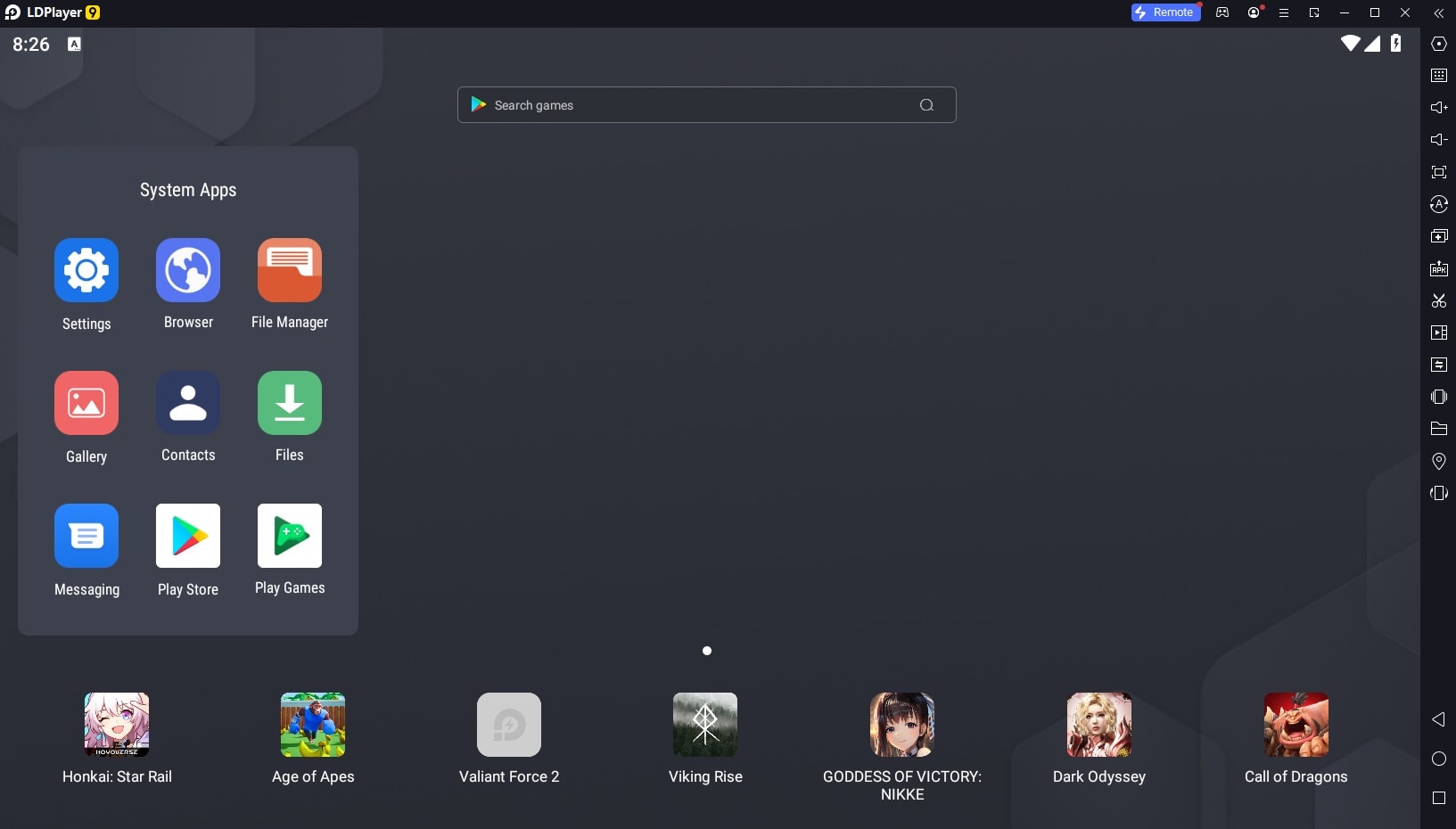
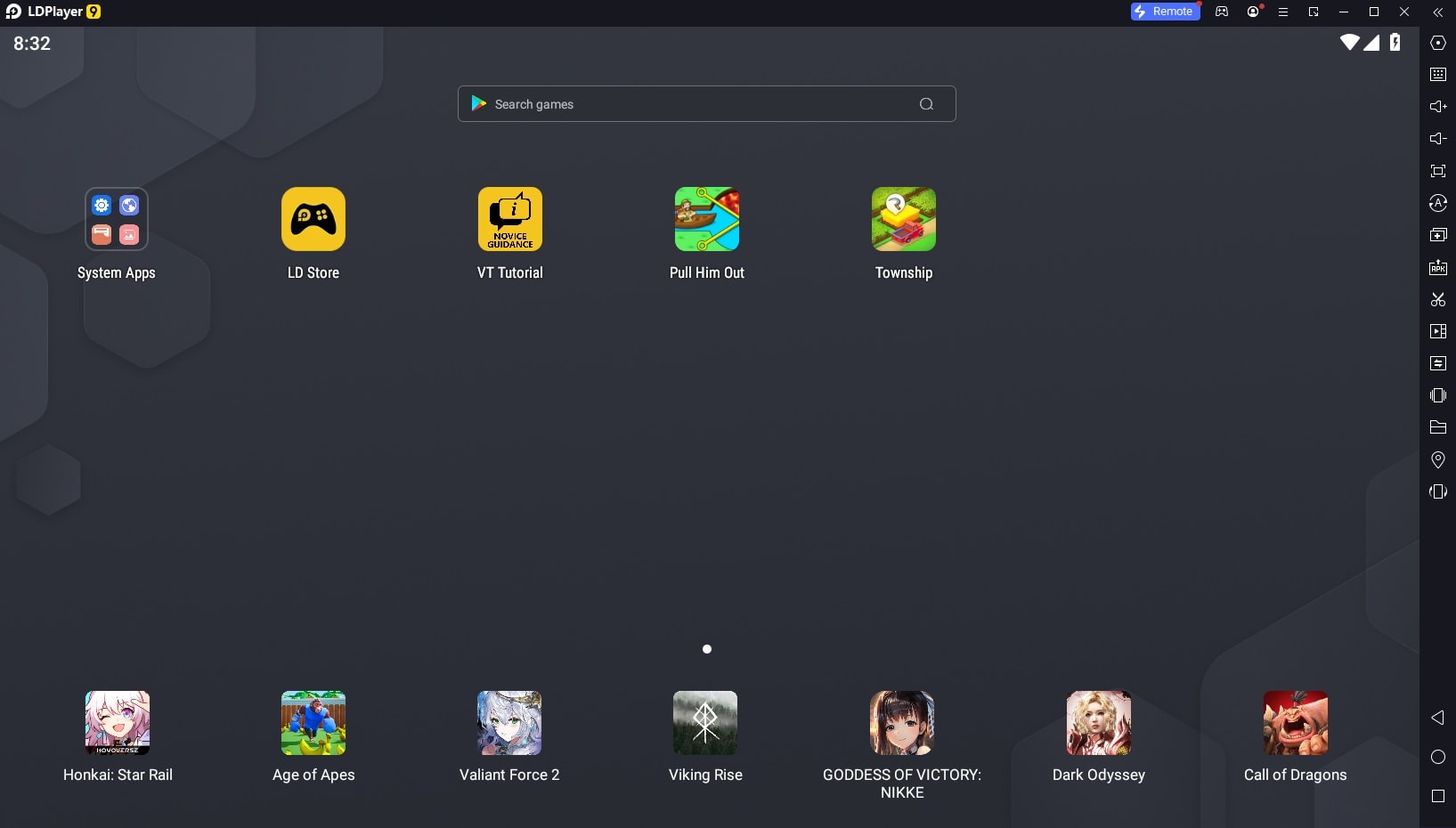
One of the main strengths of the LDPlayer software, which some users consider a weakness, is its user interface. The interface of this emulator is very simple and does not use any complex or graphical elements. Although some users sometimes look for flashy designs, we must say that we do not rely heavily on the interface; we all run an Android emulator, select the desired software or game, and then start our personal activities! As explained, the software’s user interface is simple and smooth; some consider this a strength, while others see it as a weakness. In any case, the UI of any program depends on your taste, but you should know that the LDPlayer interface is very attractive and user-friendly and is not inferior to its competitors!
Very Low Size Compared to Other Competitors
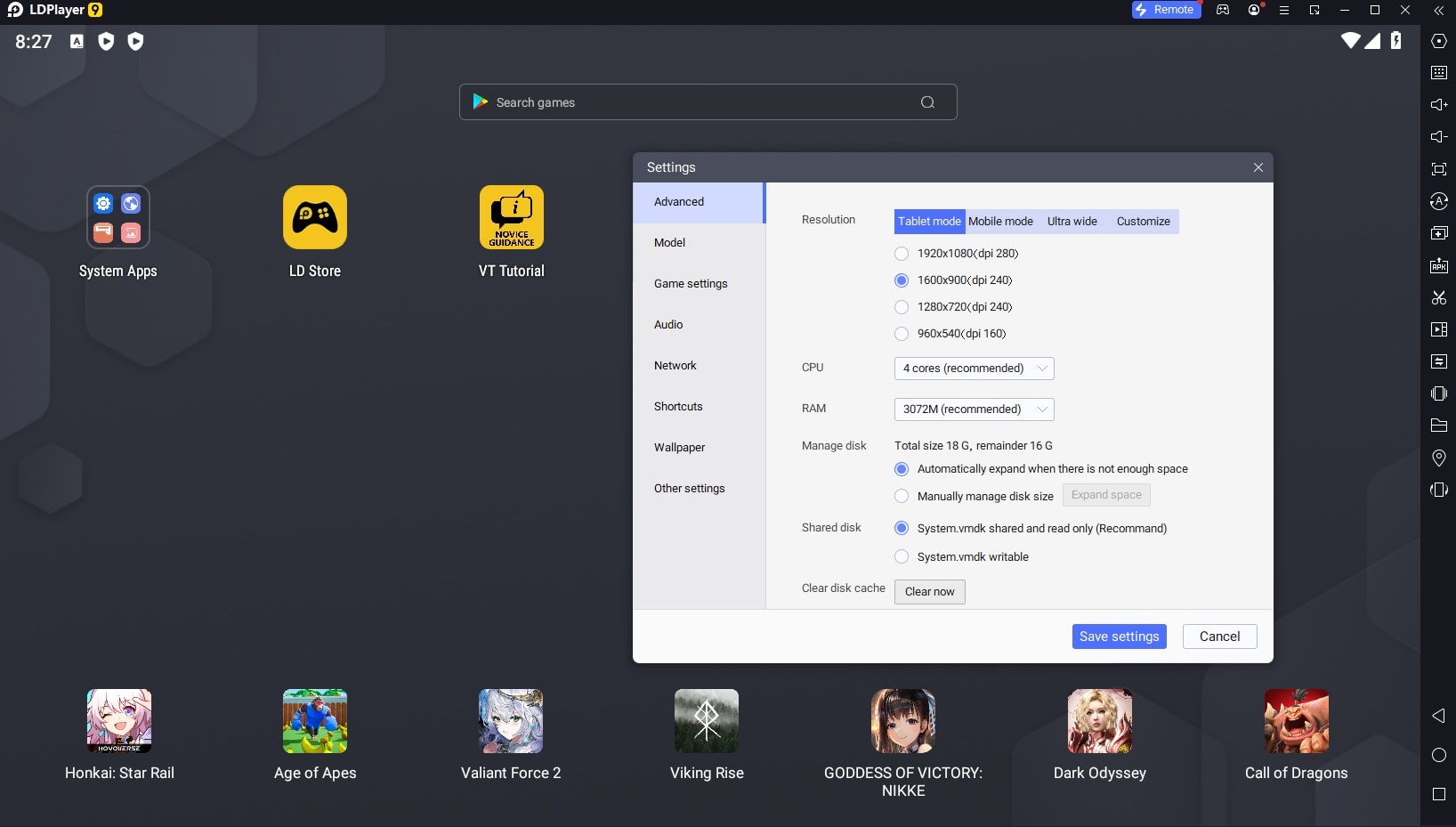
Another feature of LDPlayer is its very low size compared to other competitors. Unlike many Android emulator software for Windows, LDPlayer’s size is very small, which helps you make the most of it even when your hard drive is nearly full. One point we forgot to mention earlier is the program’s high ability to customize the UI; this means you can place various shortcuts on the emulator screen or adjust the resolution to the highest or lowest level depending on your PC’s graphics processor. Enjoy your favorite wallpaper and gain a new experience. The only point that might bother some users is that LDPlayer supports older Android versions; for example, this emulator currently simulates Android 9.0, which might prevent some users from running their favorite apps.
LDPlayer Performance: Android Emulator on Windows
One of the main questions users have about this emulator is its performance. Fortunately, we must say that in our tests and reviews of LDPlayer, we observed excellent performance. With this software, we were able to run the newest and most graphic-intensive Android games very smoothly and play for hours without any lag. Although no software, especially emulators, is flawless, LDPlayer performed better compared to other competitors like BlueStacks. In any case, the performance of this emulator depends on your PC’s hardware capabilities. The stronger your computer’s graphics and central processor, the better performance you will experience. Additionally, to run games at the highest possible quality on LDPlayer, you should have a powerful GPU.
Final Words
In conclusion, if you are an Android gaming enthusiast and want to run games on your Windows PC, LDPlayer is undoubtedly one of the best options for you. As mentioned, the performance of this software depends on your PC’s hardware, and the better your hardware, the better the performance. Furthermore, the developers and the company behind LDPlayer assure you that they highly respect your privacy, allowing you to use the software without any concerns about privacy violations. Regular users can always download the latest version of LDPlayer from the high-speed servers of DroidCove.



![KineMaster 8.1.13 – Powerful Video Editor for Android [Update]](https://droidcove.com/wp-content/uploads/2026/06/KineMaster-Logo-1-100x100.webp "KineMaster 8.1.13 - Powerful Video Editor for Android [Update] 5")

