


Double Tap – Home Gestures v1.5.9 – Android Two-Tap Shortcut Application
Purchased version priced at $1.99
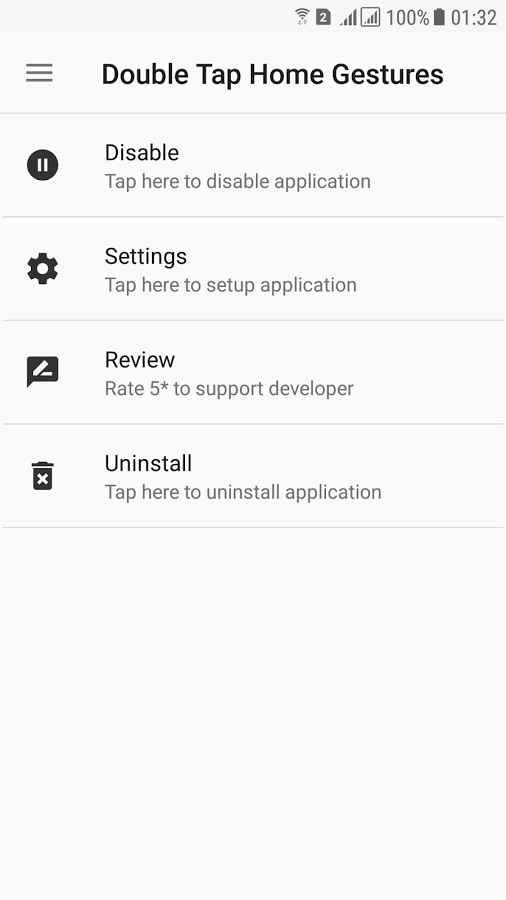
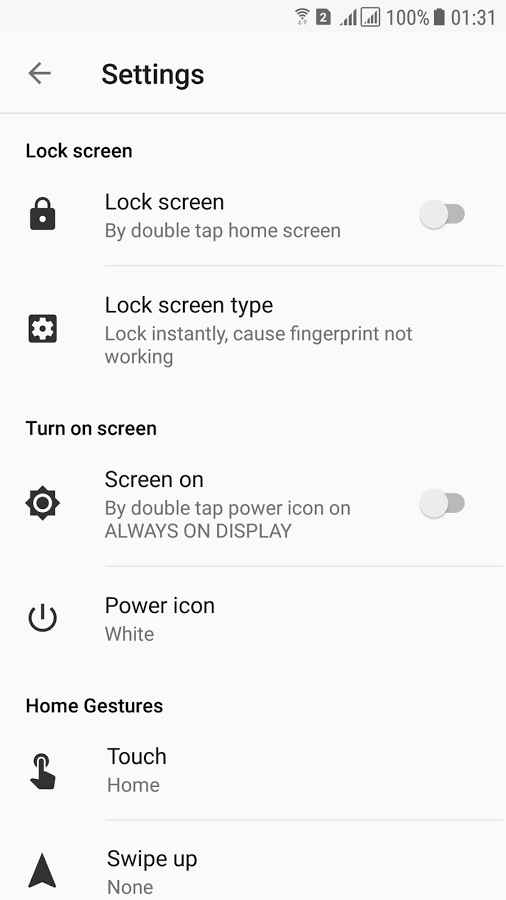
One of the popular features of the Android operating system is its high capability to create various shortcuts, allowing users to quickly launch specific settings or applications with just a single tap on the screen, or complete a complex process! Therefore, developers have created various software to utilize these practical shortcuts, and this time we introduce an interesting app in this field. Double Tap – Home Gestures is a unique and practical application for creating two-tap shortcuts, developed by TTH Studios for Android and released on the large Google Play market. Everything is in your hands; just double tap on your device’s screen to activate the lock screen and turn off the display. Besides tapping the screen to turn the device’s LCD on and off, the proximity sensor is also available, and by waving your hand over it, the screen quickly turns on. If you are a Samsung smartphone user, tapping the fingerprint sensor will take you back to the home screen, saving you a significant amount of time.
Some features and capabilities of Double Tap – Home Gestures for Android:
- Turn off the screen with just two taps
- Use the proximity sensor to turn on the screen
- Access an icon to turn off the screen
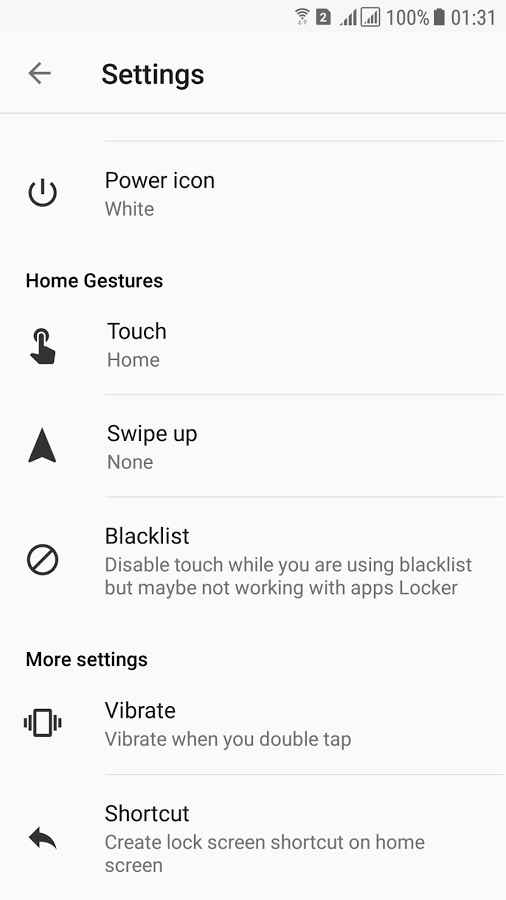
- Return to the home screen by tapping the fingerprint sensor (Samsung devices only)
- Simple and easy user interface for everyone
The Double Tap – Home Gestures app, with a simple yet practical feature, has received a 4.2 out of 5.0 rating from Google Play users at the price of $1.99. You can now download the latest purchased version from the major website DroidCove; our version provides all features without any time limitations.
Version v1.5.9 changes:
* No changes have been listed for this version on Google Play.



![KineMaster 8.1.13 – Powerful Video Editor for Android [Update]](https://droidcove.com/wp-content/uploads/2026/06/KineMaster-Logo-1-100x100.webp "KineMaster 8.1.13 - Powerful Video Editor for Android [Update] 5")

