


DeskDock PRO v1.1.8.2 -pro – Application for Sharing Computer Mouse and Keyboard with Android
Purchased version available for $5.49
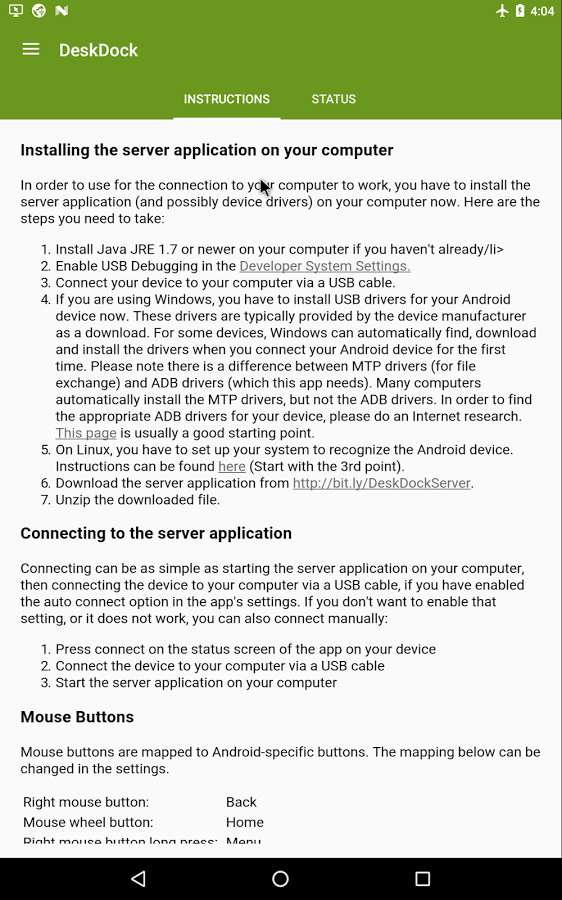
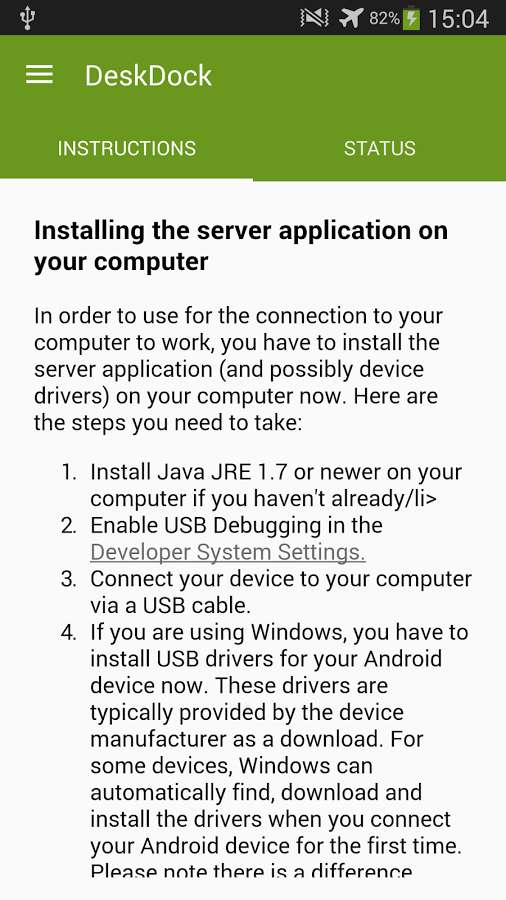
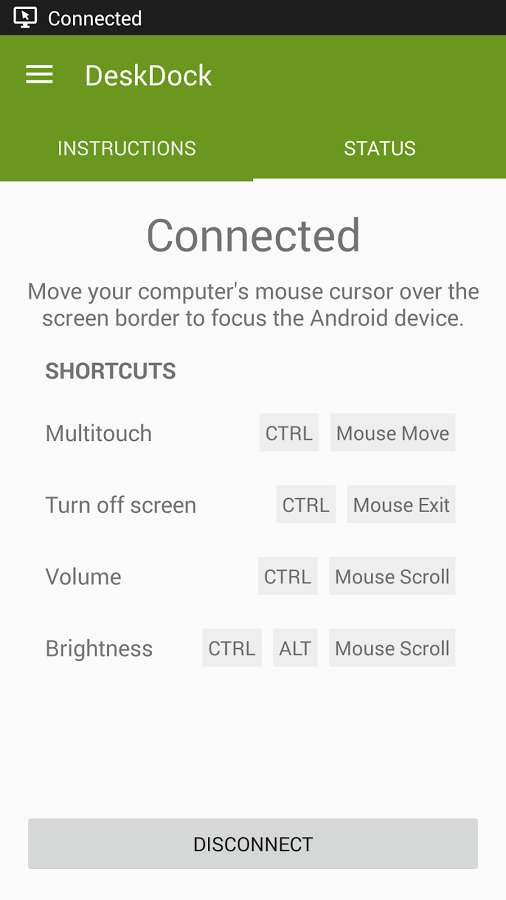
If you have been a regular user of DroidCove, you surely know that in previous posts we have introduced various apps for turning Android devices into mouse and keyboard; but today we intend to provide you with an app that works in the opposite way. DeskDock PRO is an amazing app for managing the Android operating system using a mouse and keyboard, developed by Florian Draschbacher and priced at $5.49. This software requires only a USB cable to connect and use the mouse and keyboard, easily supporting various types of mice and keyboards, and allows you to manage your Android device using a separate monitor. One of the best features of this app is its support for clipboard sharing; enabling you to easily use notes saved on the Android device or copied notes from Windows. All keyboard button commands and mouse effects are executed flawlessly, providing an excellent experience. Additionally, DeskDock does not require any root access.
Some features and capabilities of DeskDock PRO for Android:
- Manage Android device using mouse and keyboard
- Share keyboard input from international keyboards
- Simultaneous clipboard sharing between Android device and computer
- Drag and drop apps on Android device using the computer
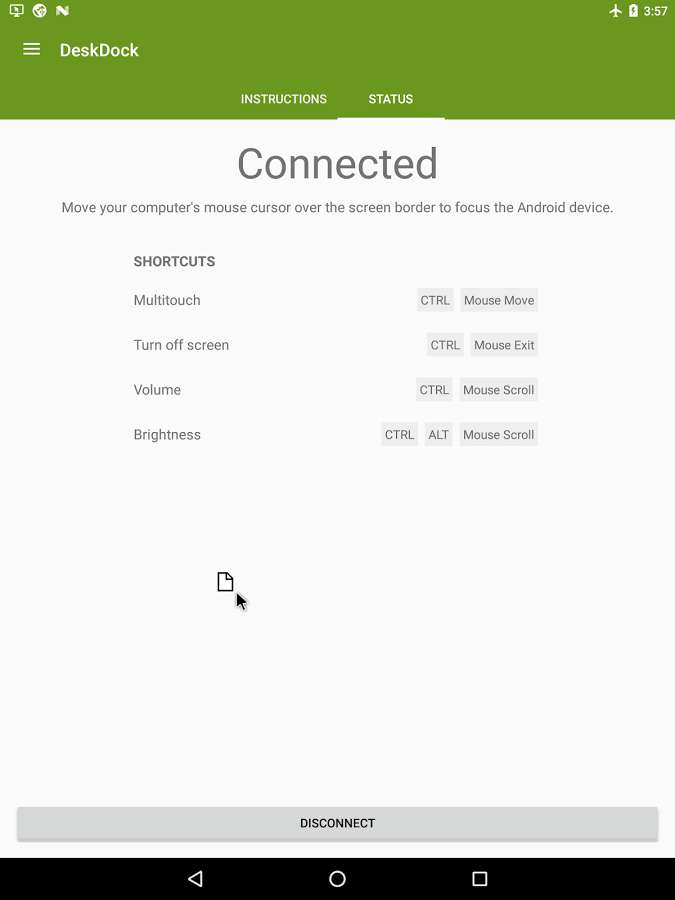
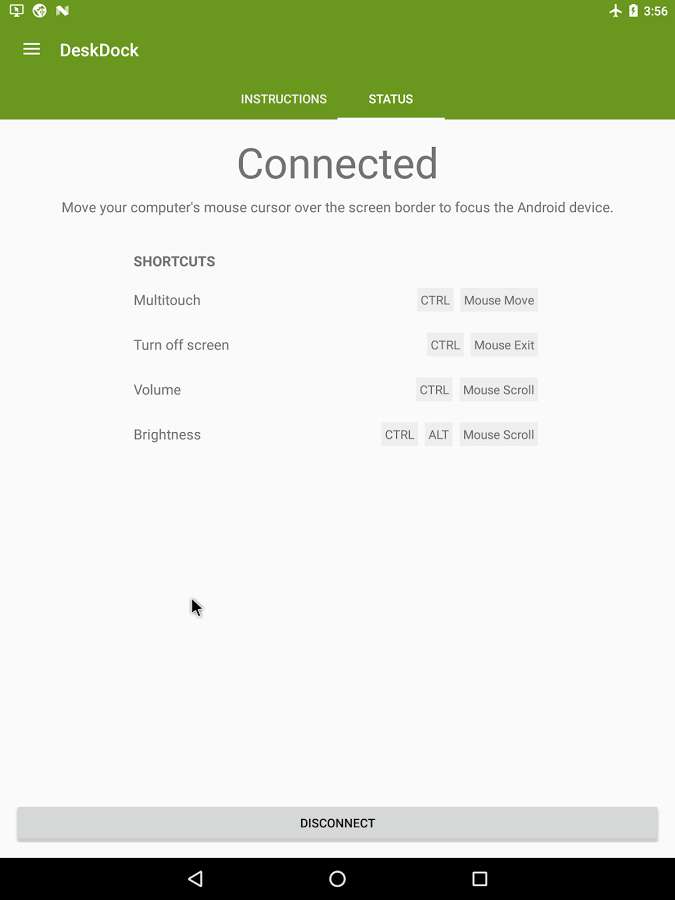
- Create various shortcuts for multi-touch features
- Support for various keyboard and mouse commands
- Ability to connect multiple Android devices to one computer
- Adjust mouse pointer speed
The DeskDock PRO app, due to its functionality and importance for a group of users, has received a 4.6 out of 5.0 rating from Play Store users. You can now download the latest purchased version of this app from DroidCove; in our version, all features are accessible without any time limitations.
Changes in version v1.1.8.2:
* Improved software capabilities.



![KineMaster 8.1.13 – Powerful Video Editor for Android [Update]](https://droidcove.com/wp-content/uploads/2026/06/KineMaster-Logo-1-100x100.webp "KineMaster 8.1.13 - Powerful Video Editor for Android [Update] 6")

