


CalenTile Calendar Quick Tile v5.3 – Quick Event Display Tool for Android
Experience a Lightweight and Professional Solution for Instant Calendar Access
Purchased Version of the App
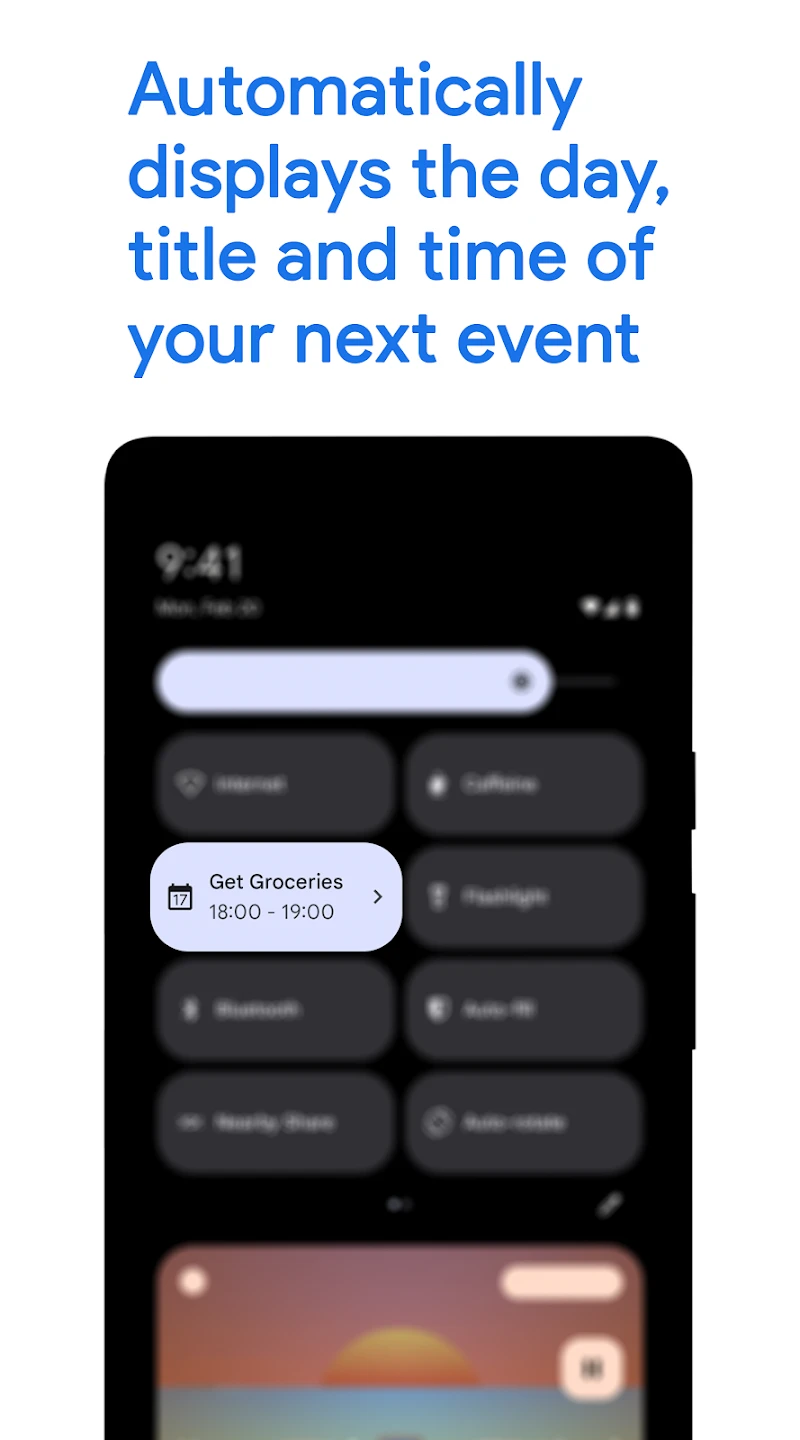
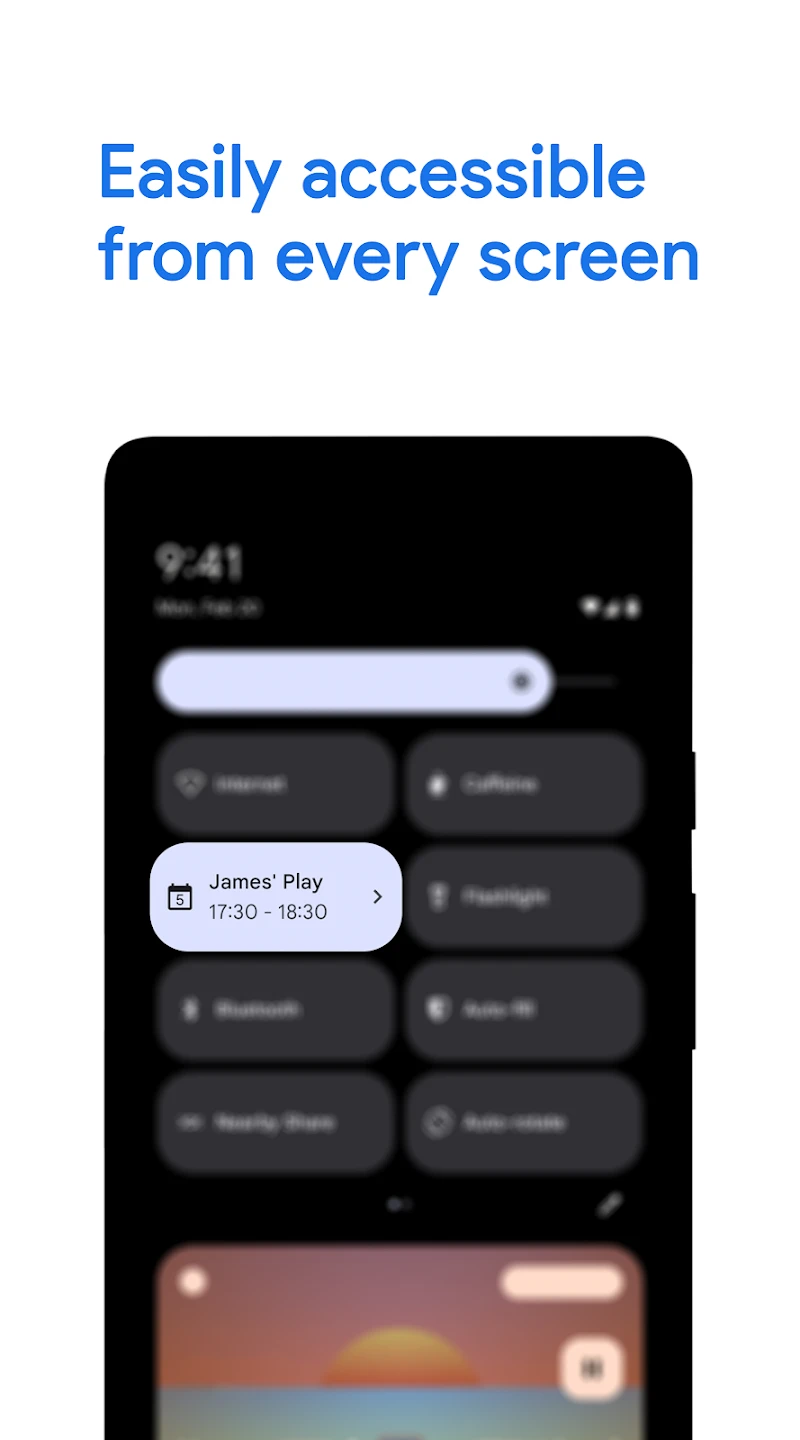
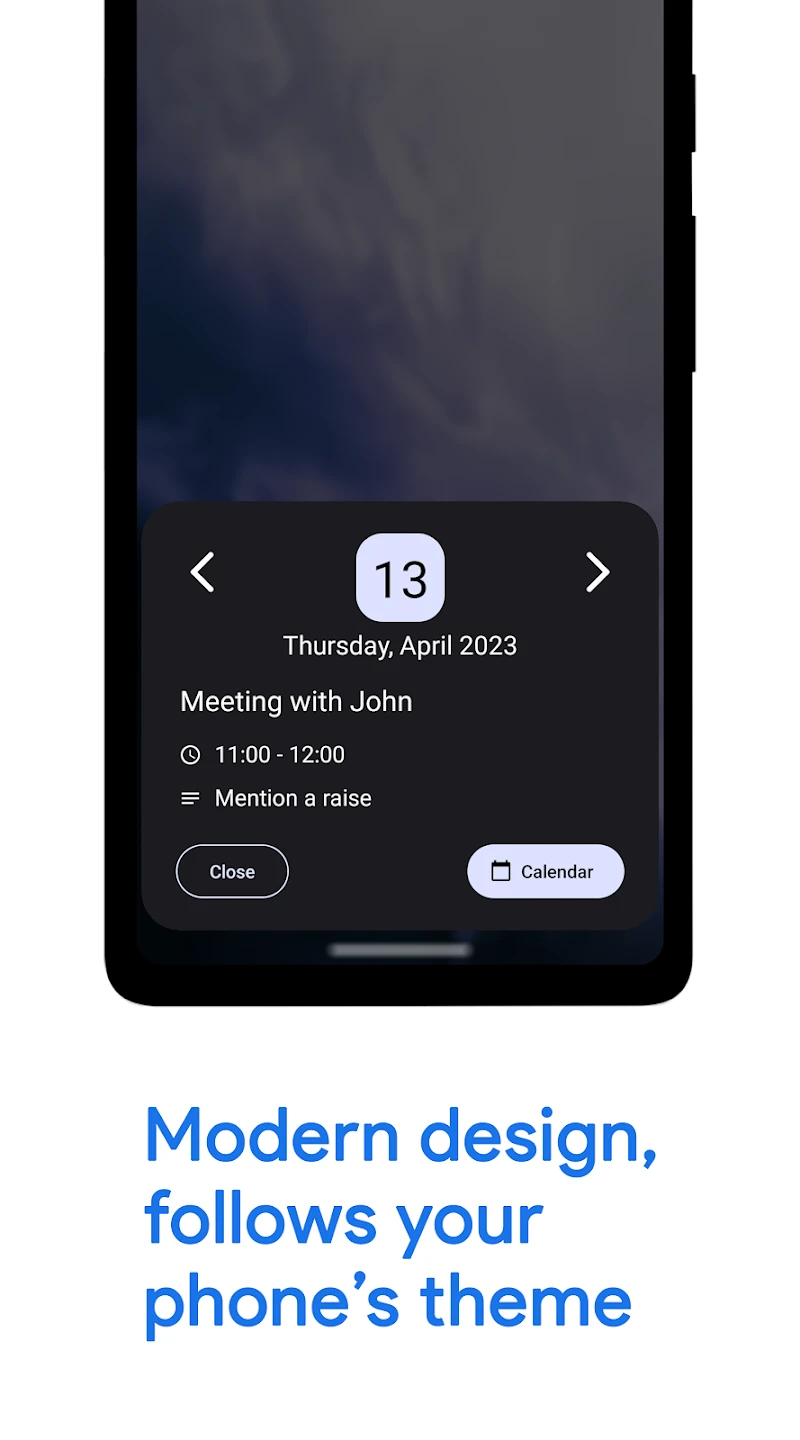
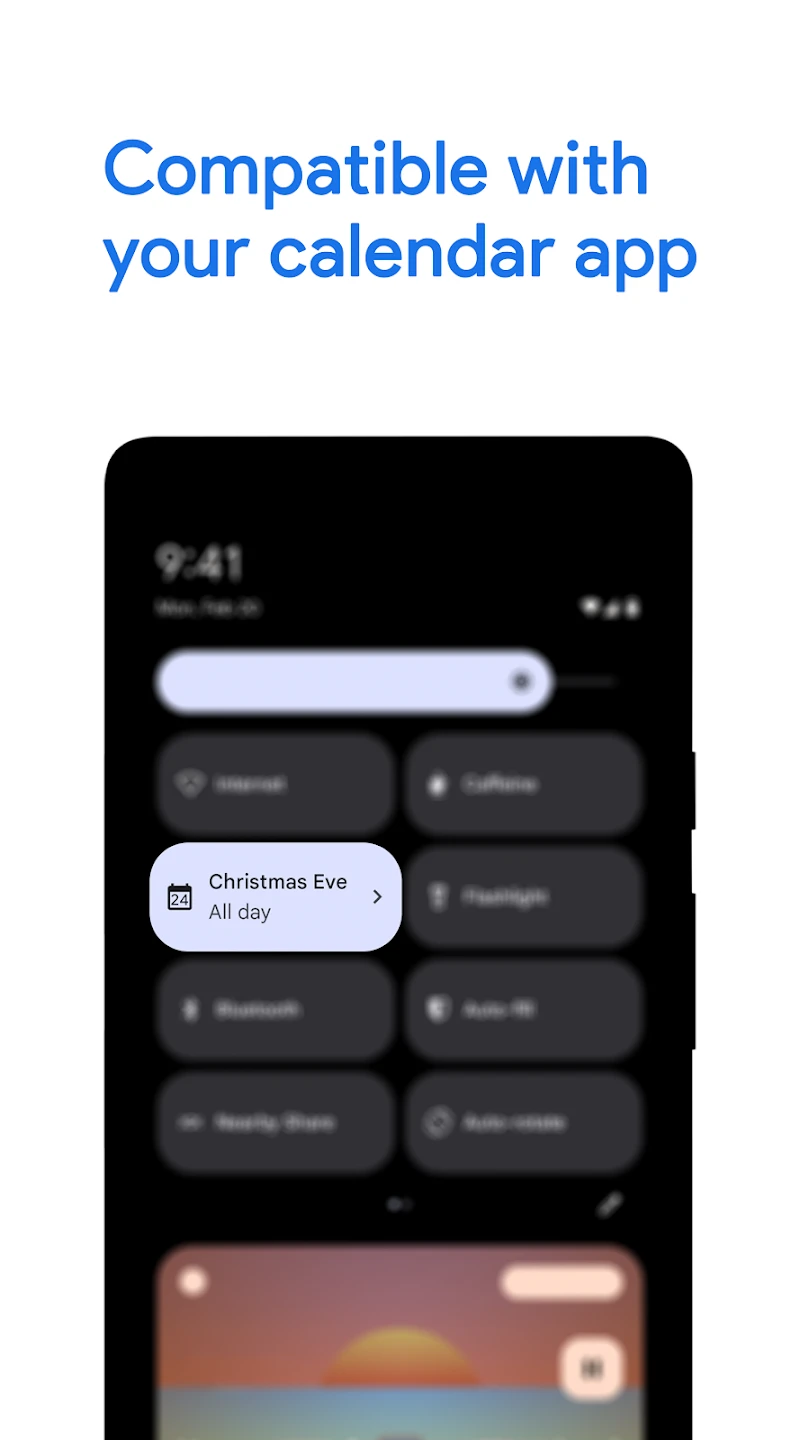
The CalenTile Calendar Quick Tile app, developed by Gustavo’s Apps team, has earned a high rating from users and secured a special place among Android productivity tools. This app is designed with a simple yet smart approach to solve a common problem for many users: quick and hassle-free access to calendar events. In a daily life full of meetings, reminders, and various schedules, having a tool that can provide essential information at a glance becomes very important. The main goal of CalenTile is to reduce complexity and save time. Many users have to open the calendar app or place large and heavy widgets on the home screen to view upcoming events; a method that is both time-consuming and clutters the user interface. This app offers a different solution by using Android’s Quick Settings feature: directly displaying the name, date, and time of the next event right in the quick settings panel. This way, users can stay informed about their upcoming events without opening any app.
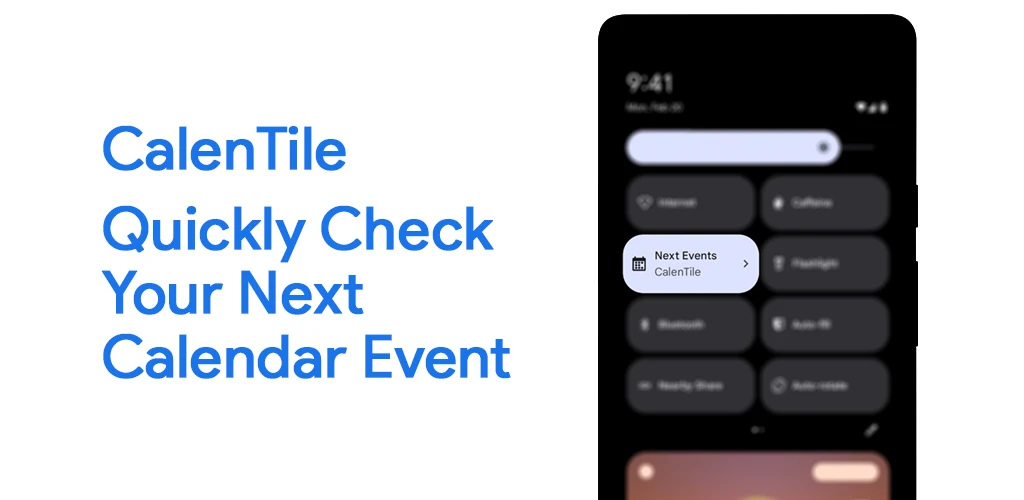
The minimal and lightweight design of CalenTile is another strong point. The developers have aimed to create a smooth and uncomplicated user experience so that even novice users can quickly activate and use this feature. This simplicity combined with high functionality makes the app stand out among similar tools. On the other hand, attention to technical details is also evident in this app. Support for the latest Android versions, compatibility with various calendars including Outlook, and the ability to select specific calendars for display show that CalenTile is not just a simple tool but a professional solution for time management. These features, along with low battery consumption and smooth performance, provide a complete and reliable experience for users.
Features of CalenTile Calendar Quick Tile:
- Display upcoming calendar events in the quick settings panel
- Support for Android 10 and above for accurate event time display
- Compatibility with Outlook via Sync Calendars option
- Lightweight and simple user interface with minimal design
- Regular updates; version 5.3 added the ability to select specific calendars
- Low battery consumption and smooth performance on various devices
- Multi-language support with user participation in translation
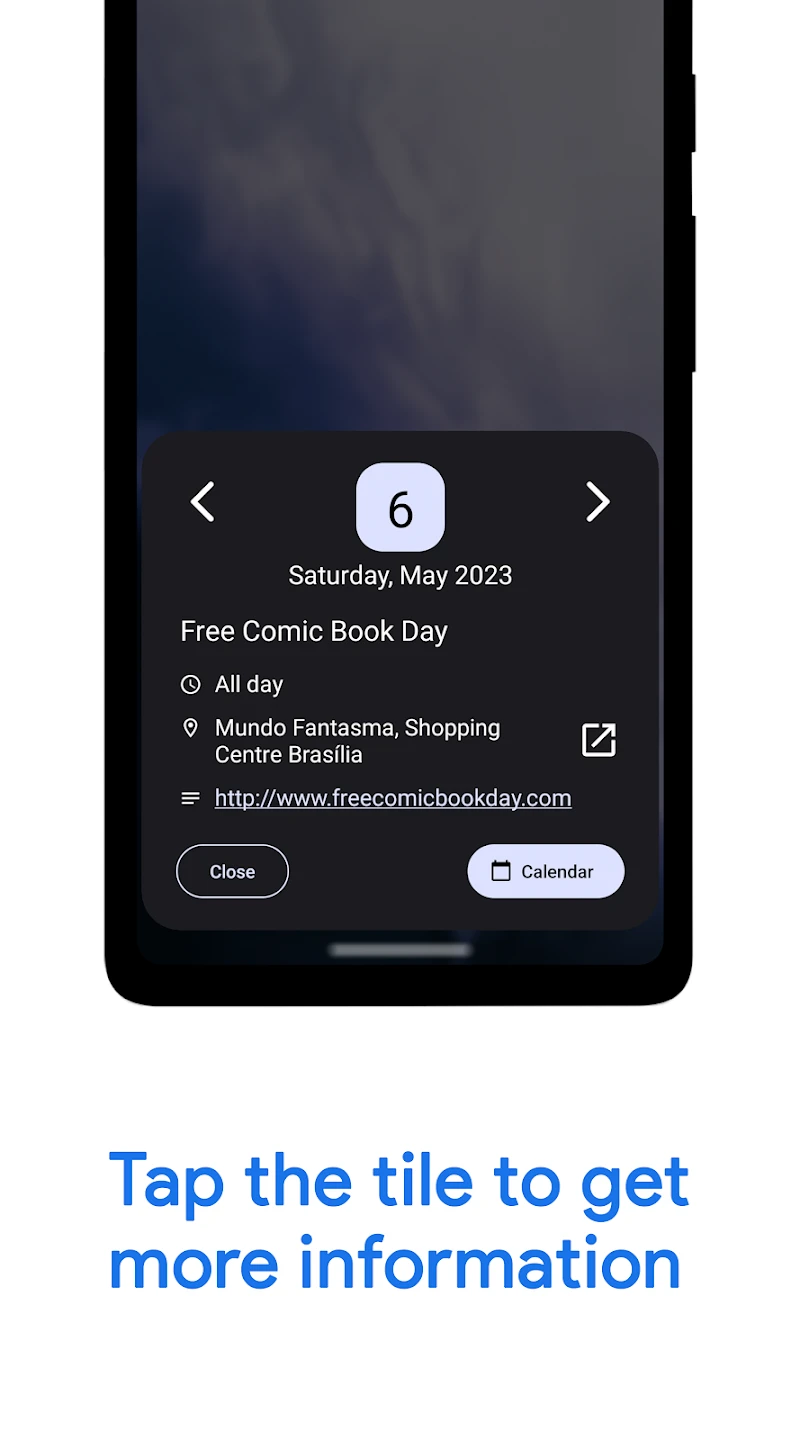
One of the main strengths of CalenTile is its ease of use. To activate it, simply go to Quick Settings, add the CalenTile option, and then grant calendar access. After that, the app automatically displays upcoming events. Regarding security and privacy, CalenTile does not share any data with third parties, and calendar information is used only for display on the user’s device. This approach has increased user trust. Many calendar apps focus on providing large widgets or full applications. However, CalenTile Calendar Quick Tile has found a special place by focusing on one specific need – quick event display. This app is a smart choice for users who value productivity and do not want their phone interface cluttered. Users have reported that CalenTile saves time and reduces the need to open calendar apps. The simple user interface and fast event display create a smooth and uncomplicated experience. Another advantage is support for multiple calendars. Users can choose which calendars to display in the panel; this feature was added in version 5.3, providing greater flexibility. CalenTile, with its minimal design, low resource consumption, and quick event display capability, is one of the best productivity tools for Android. If you are looking for a simple and professional solution for time management and instant access to upcoming schedules, this app is a smart choice, and you can now download the purchased version directly from DroidCove.



![KineMaster 8.1.13 – Powerful Video Editor for Android [Update]](https://droidcove.com/wp-content/uploads/2026/06/KineMaster-Logo-1-100x100.webp "KineMaster 8.1.13 - Powerful Video Editor for Android [Update] 5")

