


Button Master: Assistive Touch v4.6 – Android Shortcut and Quick Control App
Professional tool for device function management with floating touch
Purchased version of the app
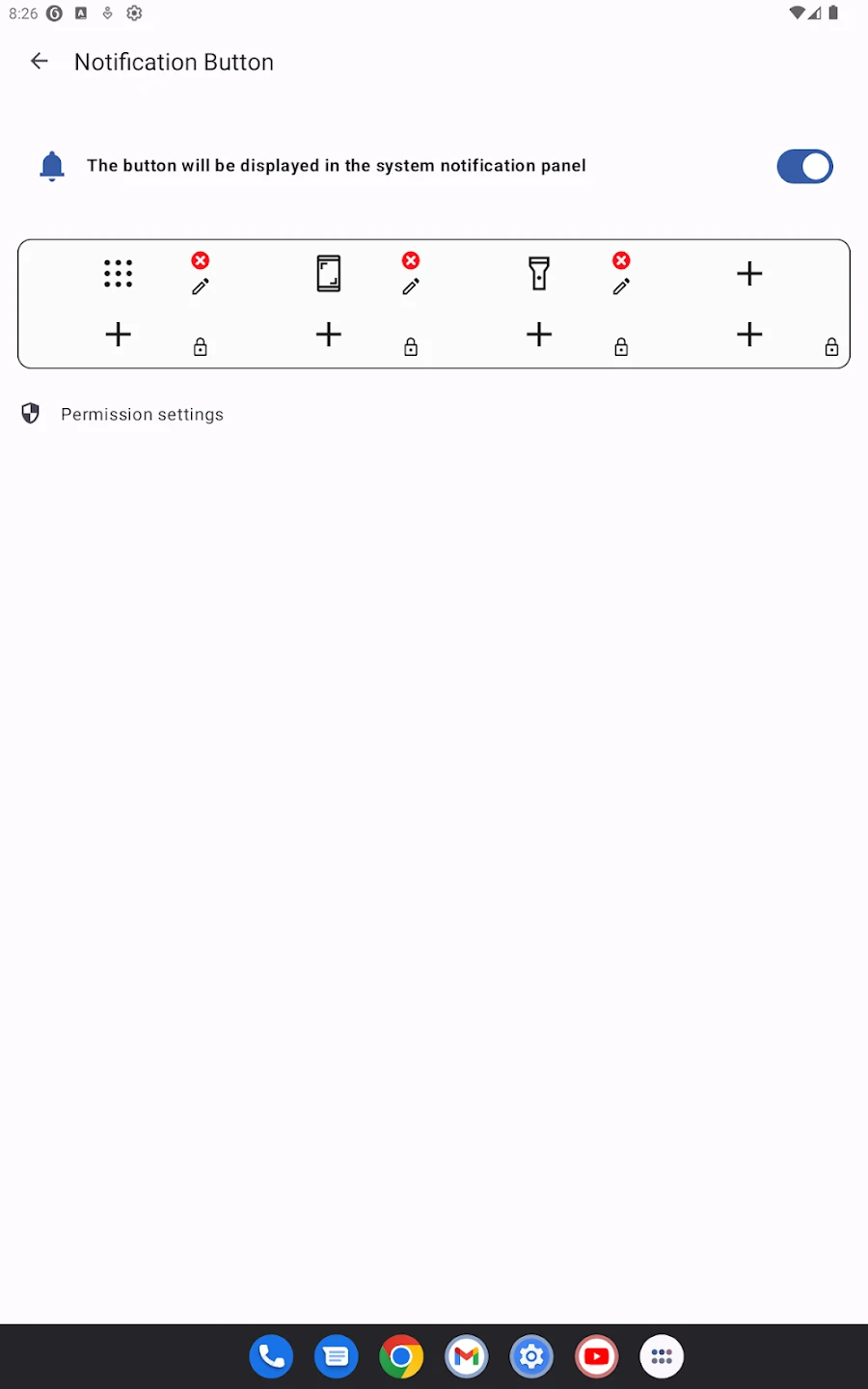
On Android phones, quick access to settings and main device functions is always very important. Many users prefer to access needed features with a simple touch instead of searching through menus or using hardware buttons. The Button Master: Assistive Touch app is designed exactly for this purpose; a practical tool that creates a floating button on the screen, enabling quick management of various phone functions. This app, with its lightweight and smooth design, allows users to create their desired shortcuts and access settings or frequently used apps with just one simple touch. Button Master not only increases the speed of working with the phone but also helps reduce wear on hardware buttons.
Features and capabilities of Button Master Android app:
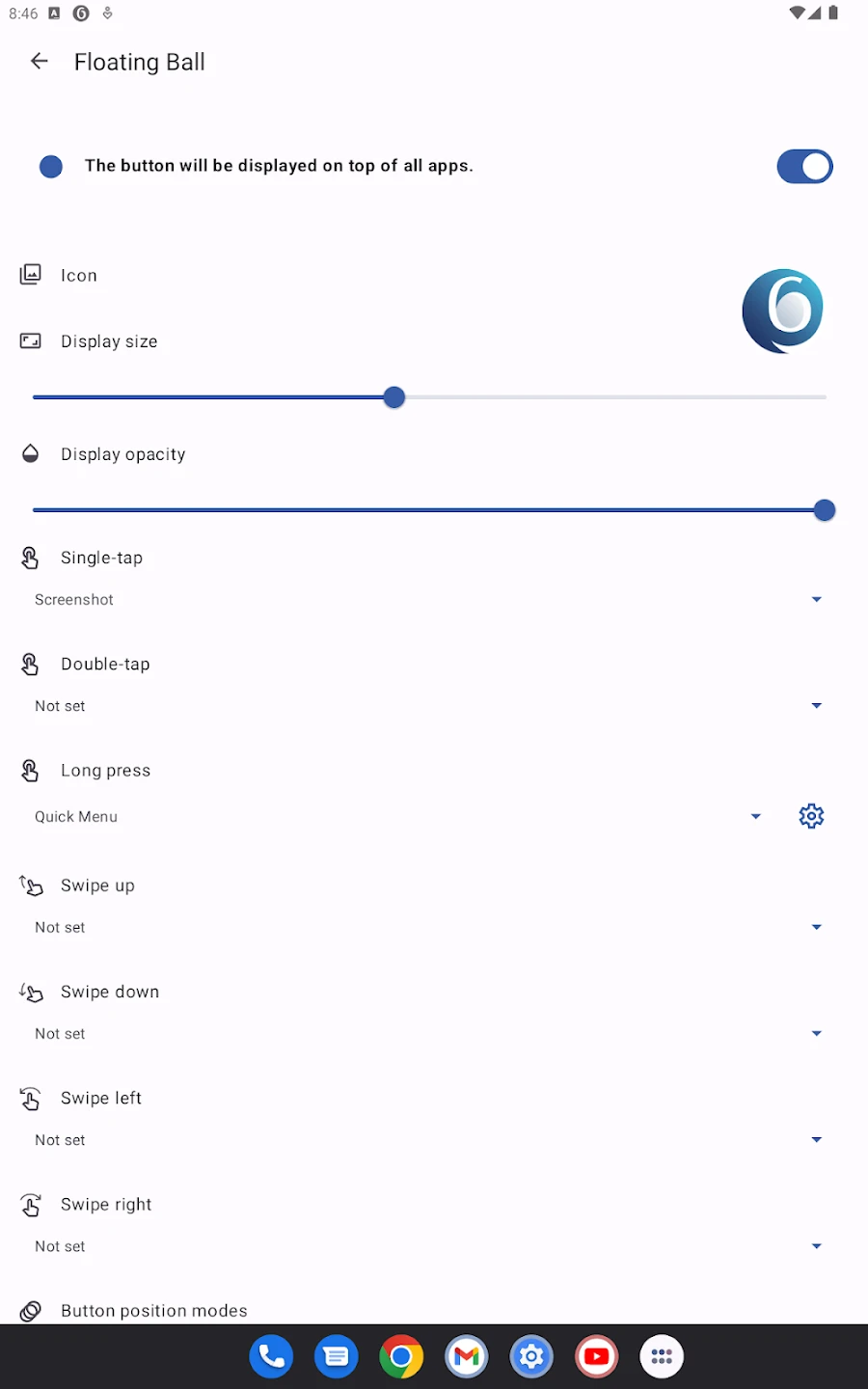
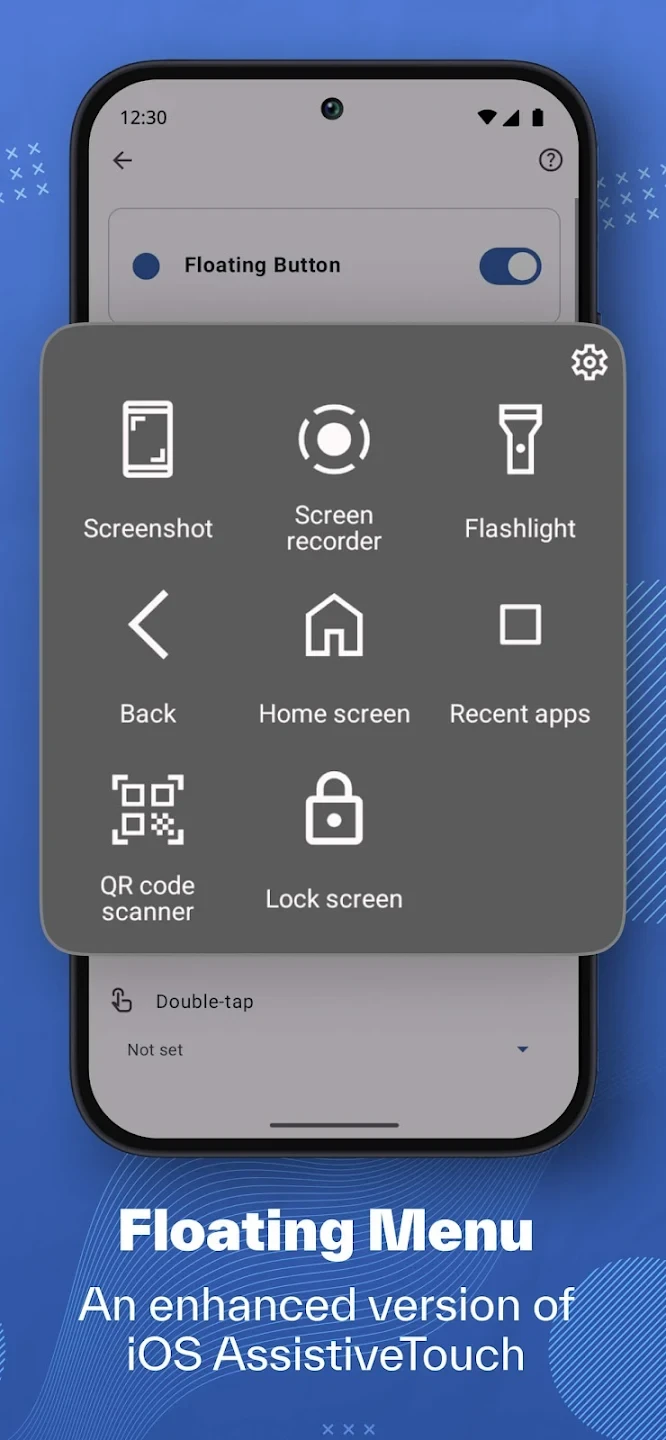
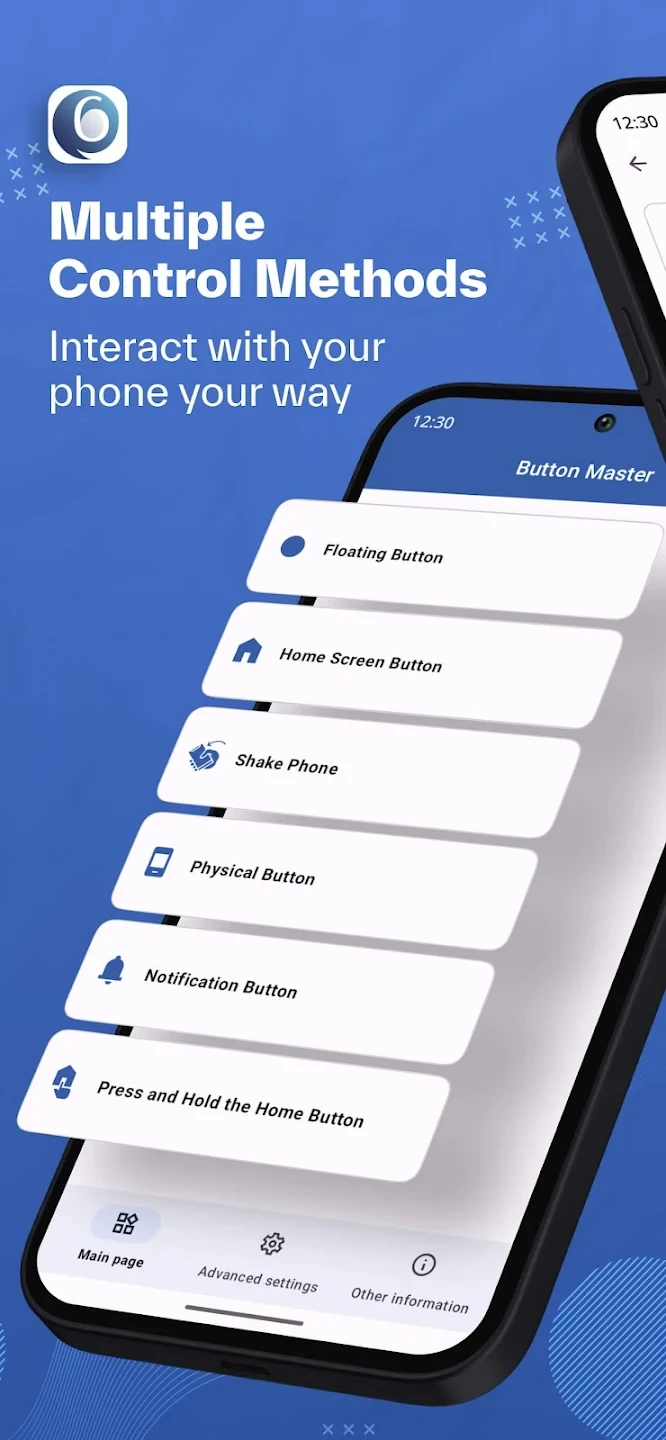
- Create a floating button on the screen for quick access to functions
- Full customization of shortcuts and selection of favorite apps
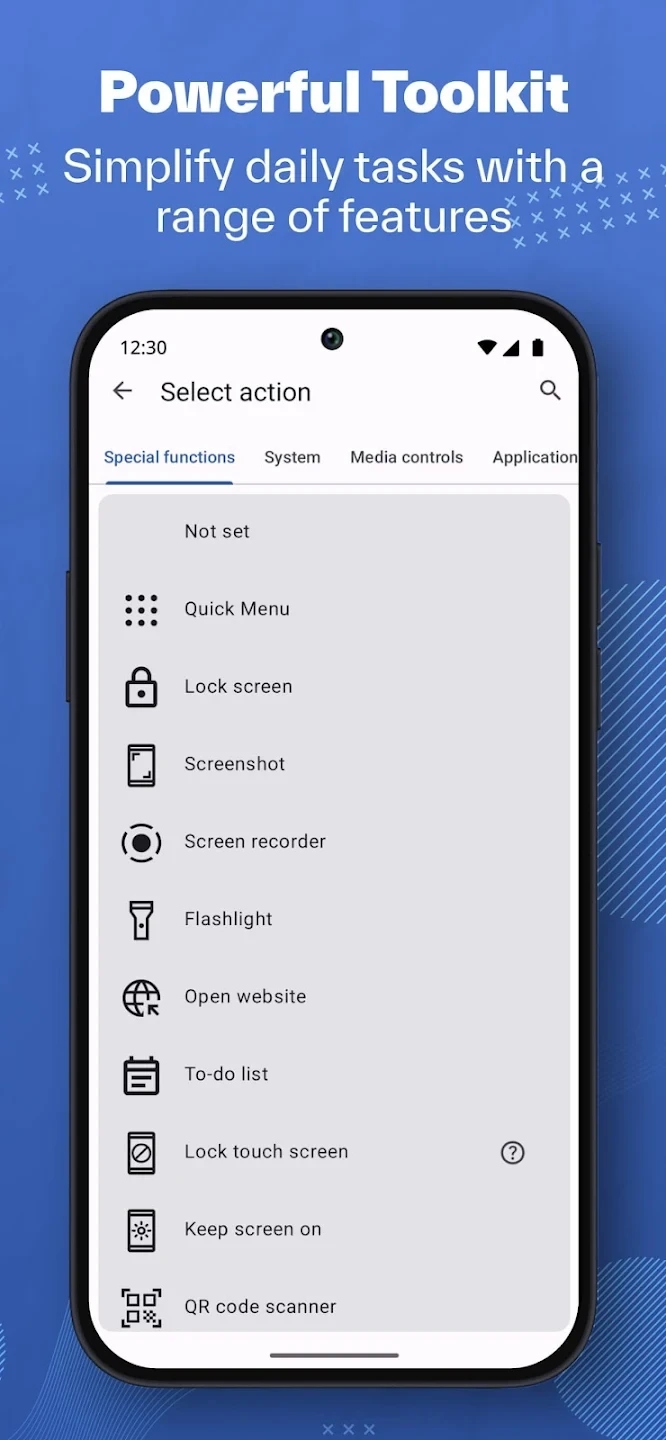
- Quick access to main settings such as Wi-Fi, Bluetooth, brightness, and sound
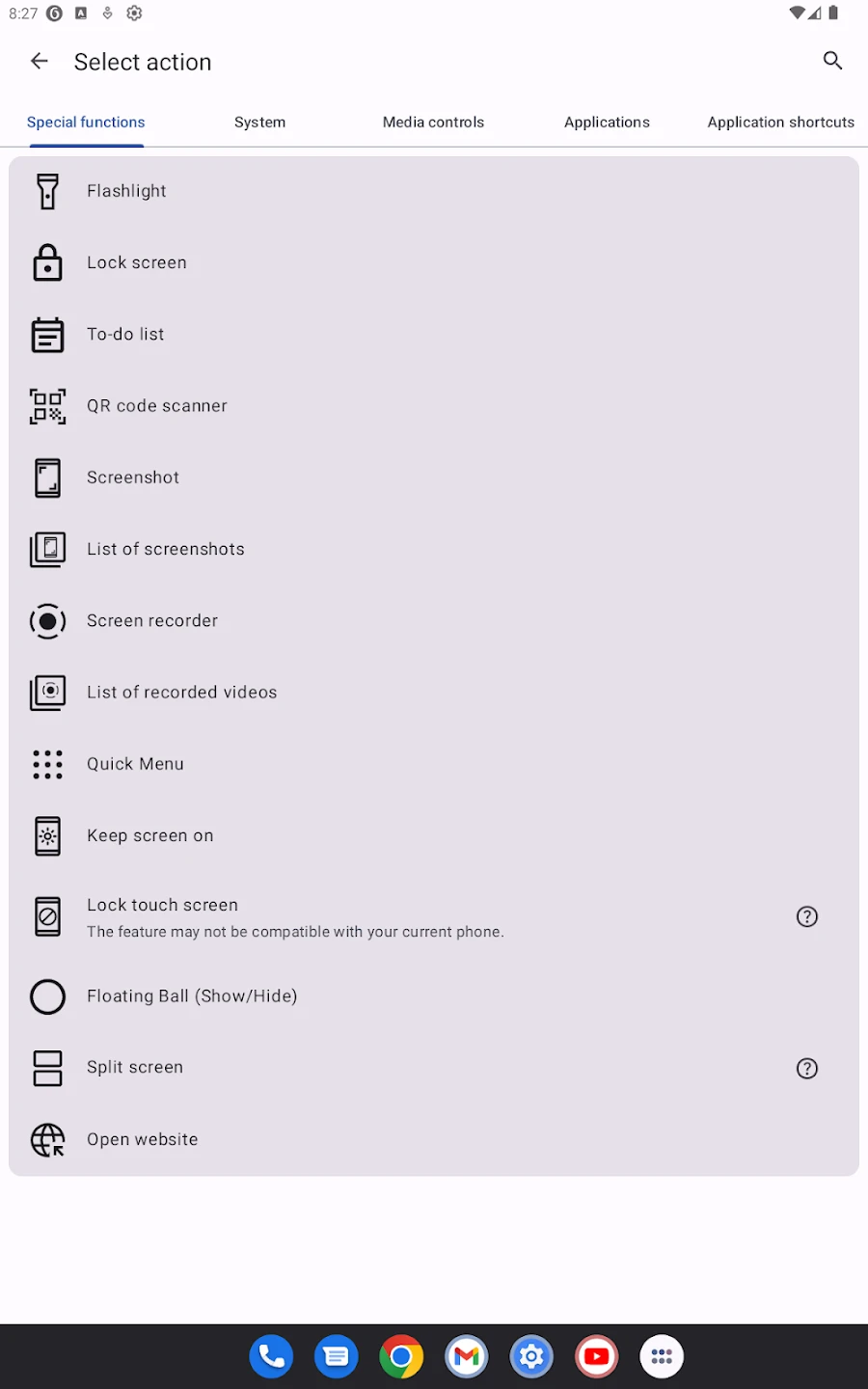
- Ability to execute system commands like screenshot, screen lock, or open recent menu
- Lightweight and smooth design with low device resource consumption
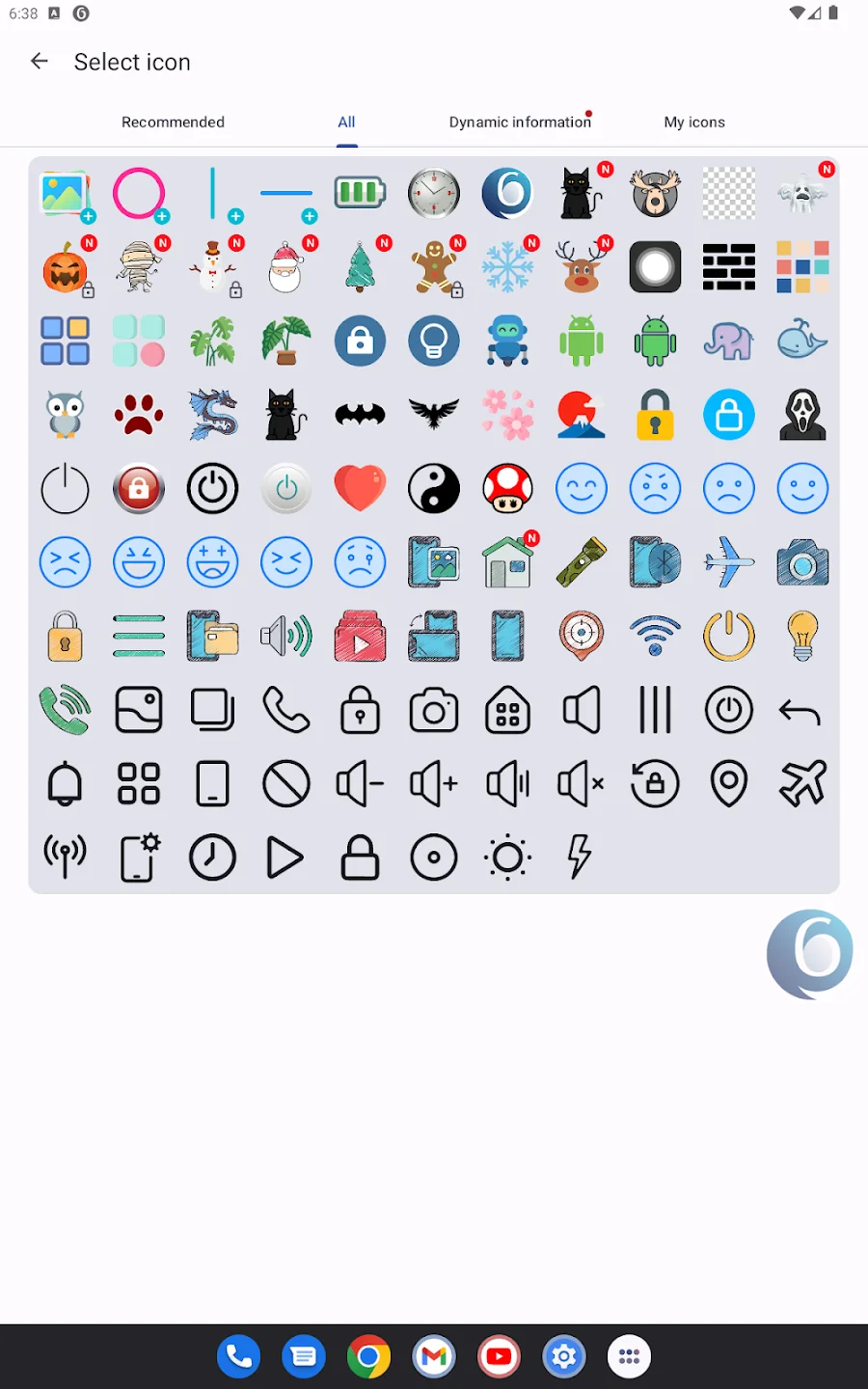
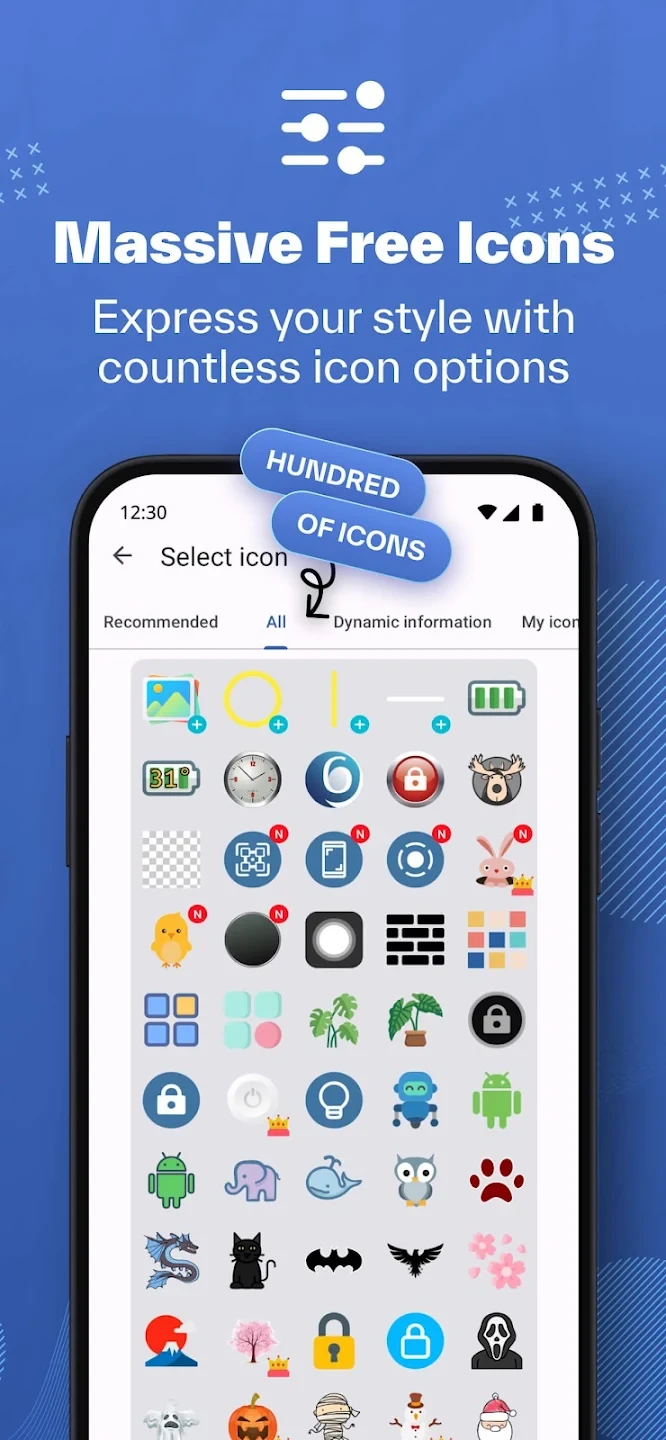
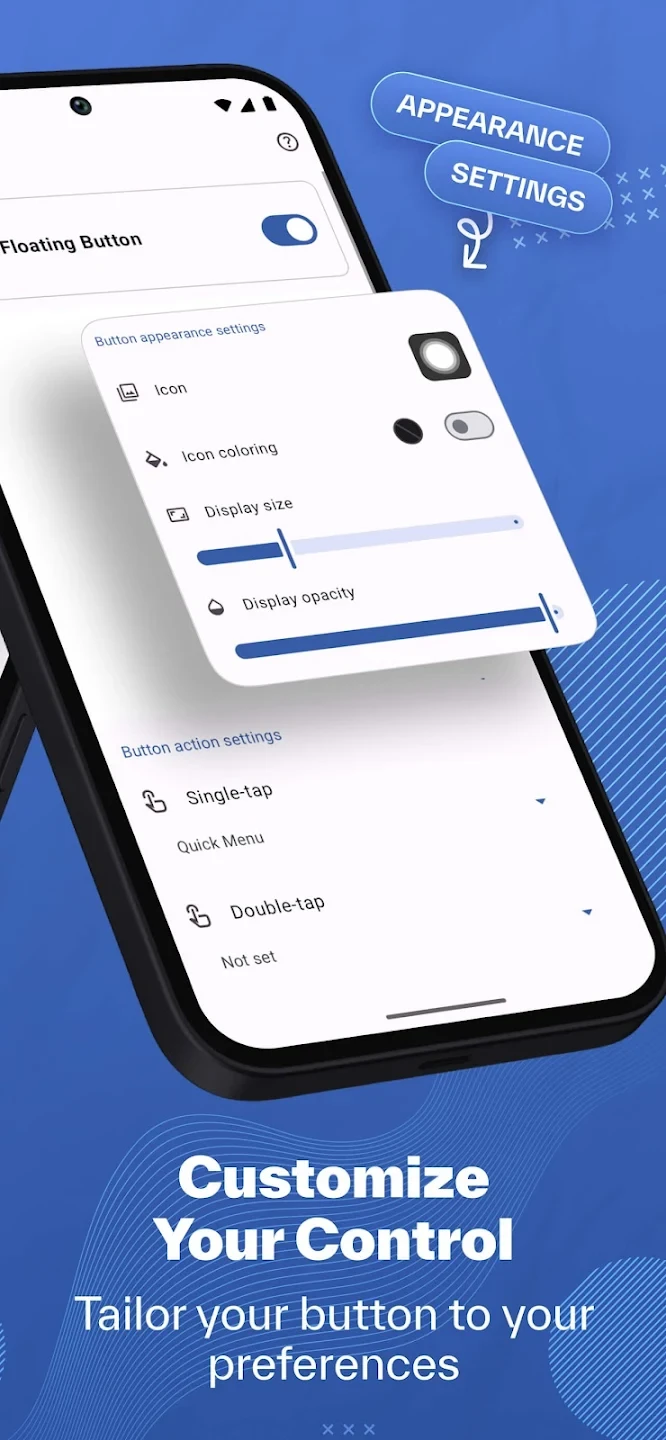
- Ability to change the size, color, and position of the floating button
- Suitable for reducing use of hardware buttons and extending their lifespan
- Support for touch gestures for faster command execution
- Simple and understandable user interface for all users
- Regular updates to improve performance and add new features
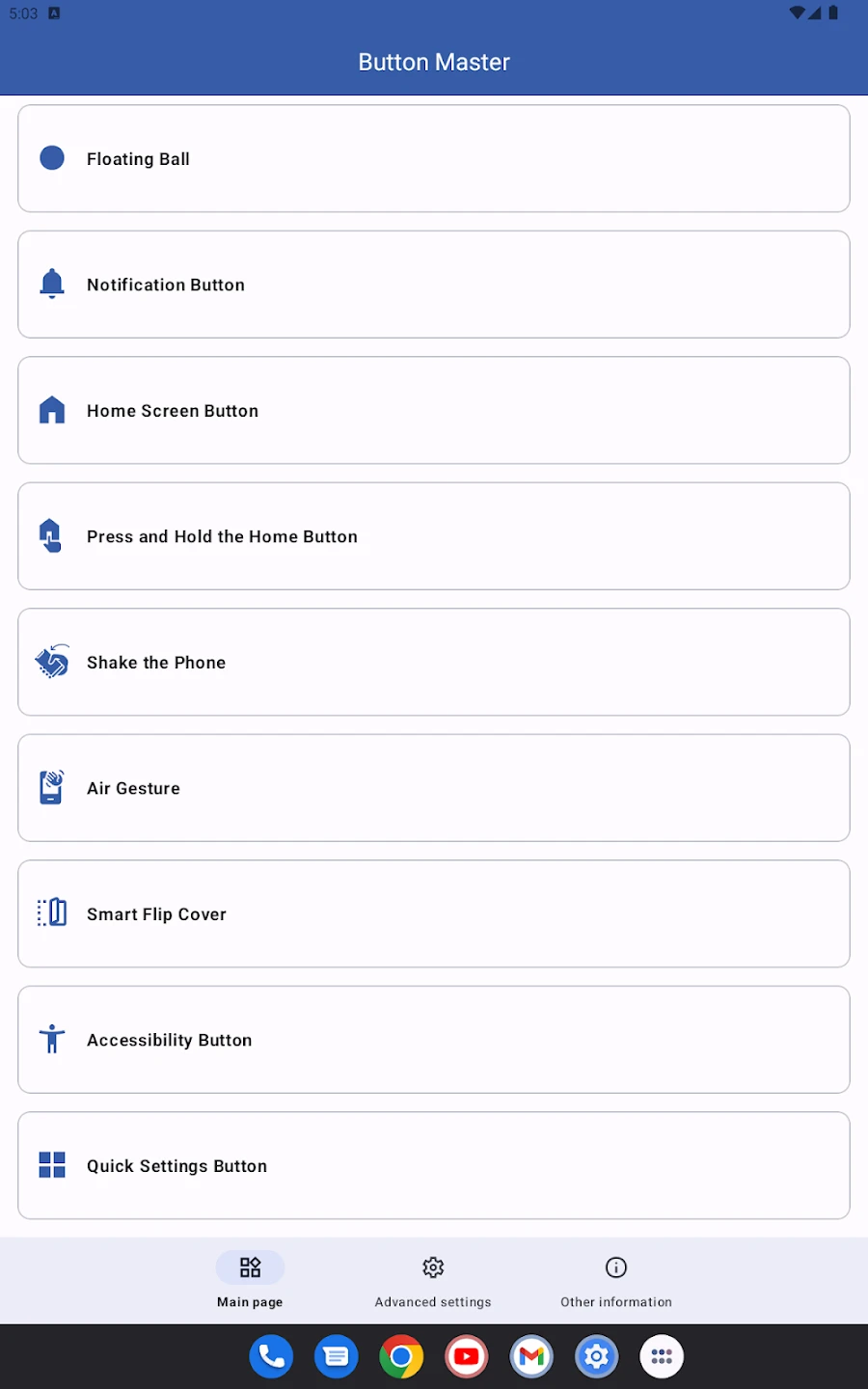
Button Master provides a smooth and fast experience for users with a simple interface and minimalist design. The floating button is always accessible and can be moved to any point on the screen. Extensive customization also allows each user to create the shortcuts they need and manage the phone exactly according to daily requirements. Compared to other Assistive Touch apps, Button Master offers more customization options. Many similar apps have only fixed functions, but in Button Master users can create custom shortcuts and even change the appearance of the floating button. This has made the app very popular among Android users.
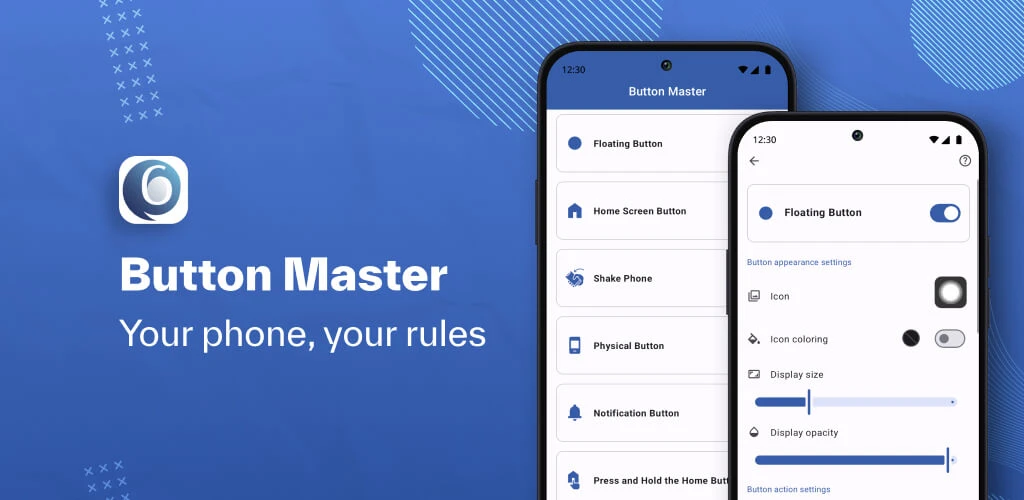
Button Master: Assistive Touch is a practical tool for Android that makes device management faster and easier by creating a floating button and customized shortcuts. So far, this app has received high ratings from Google Play users and has become one of the best options for those seeking quick and easy access to phone features. If you want to simplify your phone experience and access settings and frequently used apps with just one touch, Button Master is a smart choice. You can now download the purchased and full version of this app with a direct link from DroidCove.



![KineMaster 8.1.13 – Powerful Video Editor for Android [Update]](https://droidcove.com/wp-content/uploads/2026/06/KineMaster-Logo-1-100x100.webp "KineMaster 8.1.13 - Powerful Video Editor for Android [Update] 5")

