

AudioUtil – Audio Analysis Tools v2.0 Environmental Sound Analysis Using Various Tools for Android
Purchased version of the app priced at $0.99 on Google Play
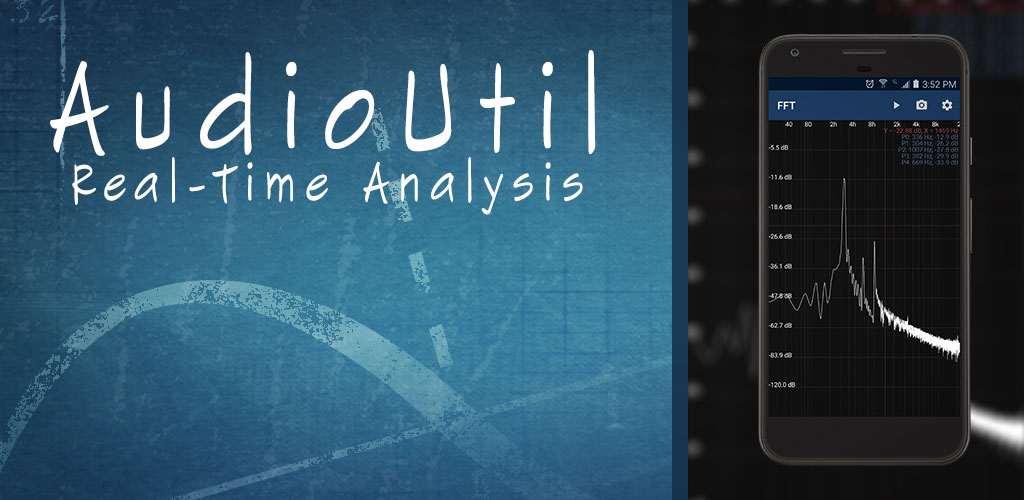
Sound is one of the most important information formats, and we receive much of our brain’s data through sound and the sense of hearing. Over time, many efforts have been made to better utilize sound for various purposes. Devices such as tape recorders, gramophones, telephones, speakers, and more have all been created to improve the use of sound. Thanks to the powerful Android operating system and the advanced hardware of smartphones, many of these tools and devices are now available on our smartphones, and by installing various applications, we can utilize sound in many ways. Sometimes, we want to measure the intensity and strength of sound in the environment. For this purpose, sound measurement tools exist that can perform this task with high accuracy. However, if you do not want to pay a high price for such tools, there is a simpler way. Using the app we introduce today, you can easily and with relatively high accuracy measure and analyze the sound received by the device’s microphone. AudioUtil – Audio Analysis Tools is an application for analyzing and measuring environmental sound using the phone’s microphone, designed for the Android operating system. It is developed by Sound-Base Audio, LLC and is available for $0.99 on Google Play. With this app, you can accurately measure sound intensity in real-time and view it through various charts. Features include displaying sound signals on 2D charts by measuring sound amplitude, showing sound spectrum, and fast Fourier transform. The accuracy of measurements depends on the hardware power and microphone sensitivity of the device, so results may vary across different devices.
Some features and capabilities of AudioUtil – Audio Analysis Tools for Android:
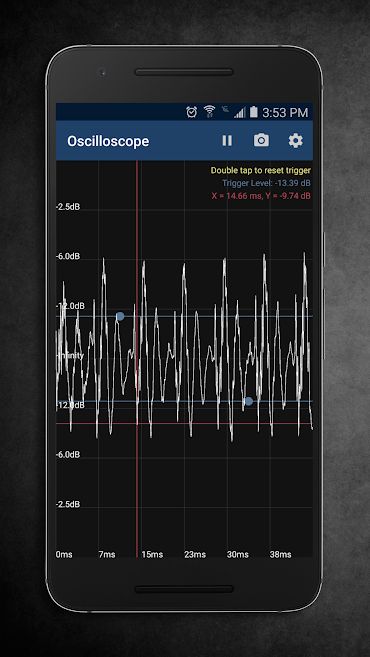
- Display sound wave chart on a time scale
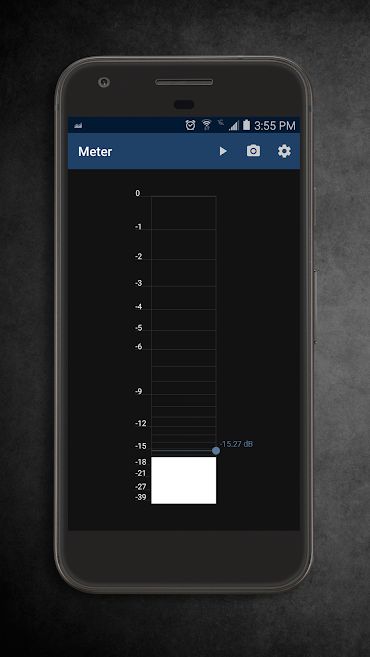
- Show sound amplitude level
- Ability to set sound level to freeze the screen when the sound intensity passes the set threshold
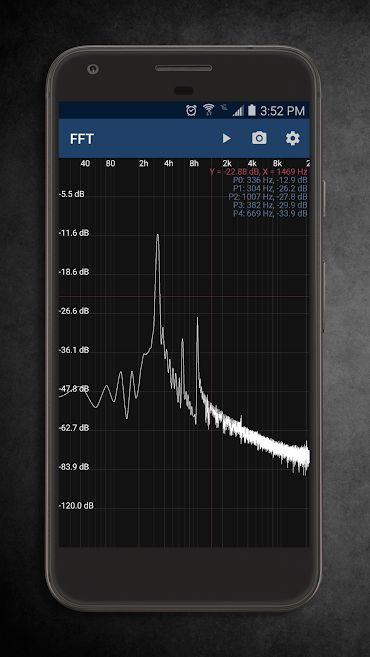
- Display linear chart for fast Fourier transform of the signal
- Show sound frequency
- Ability to set frequency range to zoom in on desired frequencies
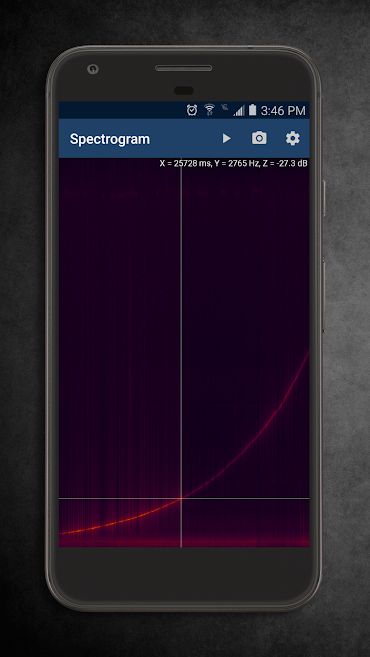
- Display frequency on a time scale
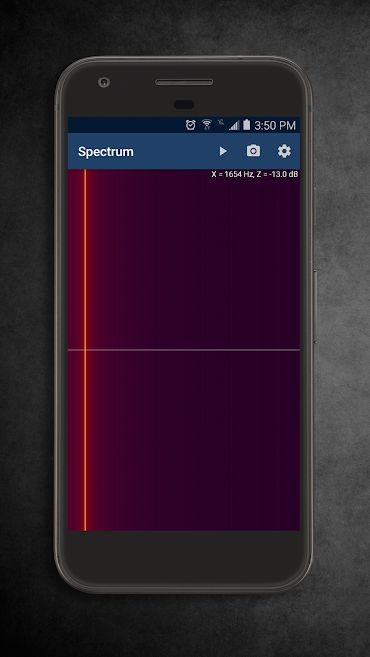
- Show fast Fourier transform analysis in color spectrum
- Color maps with four colors
The AudioUtil – Audio Analysis Tools app is very practical and can be highly useful in the absence of sound measurement tools. The data provided by this app is reasonably accurate and reliable. AudioUtil has earned a 4.2 out of 5.0 rating from Google Play users. You can now download the purchased version of this app with all features completely free from DroidCove.
Version changes v2.0:
* Updated user interface
* Added information menu
* New settings menu
* New sound engine
* Ability to adjust sample rate and buffer size
* More details for all tools
* Larger font size
* Pause button added to the action bar
* Scope trigger level is now adjustable.
* FFT tracks up to 5 wave peaks.
* FFT accuracy improved.
* Spectrum now also calculates amplitude.
* Spectrogram now calculates time and amplitude.
* Spectrogram is faster and more accurate.



![KineMaster 8.1.13 – Powerful Video Editor for Android [Update]](https://droidcove.com/wp-content/uploads/2026/06/KineMaster-Logo-1-100x100.webp "KineMaster 8.1.13 - Powerful Video Editor for Android [Update] 5")

