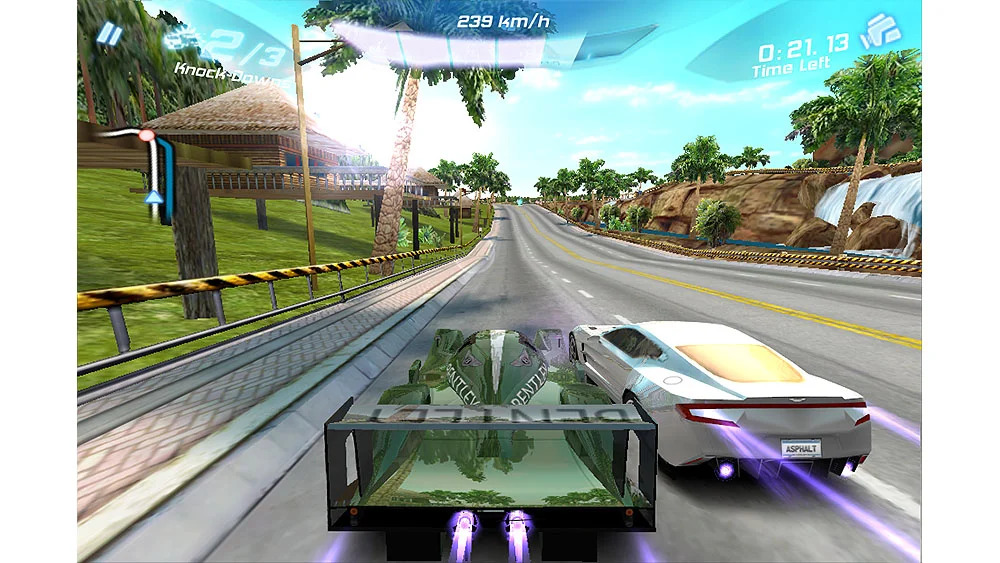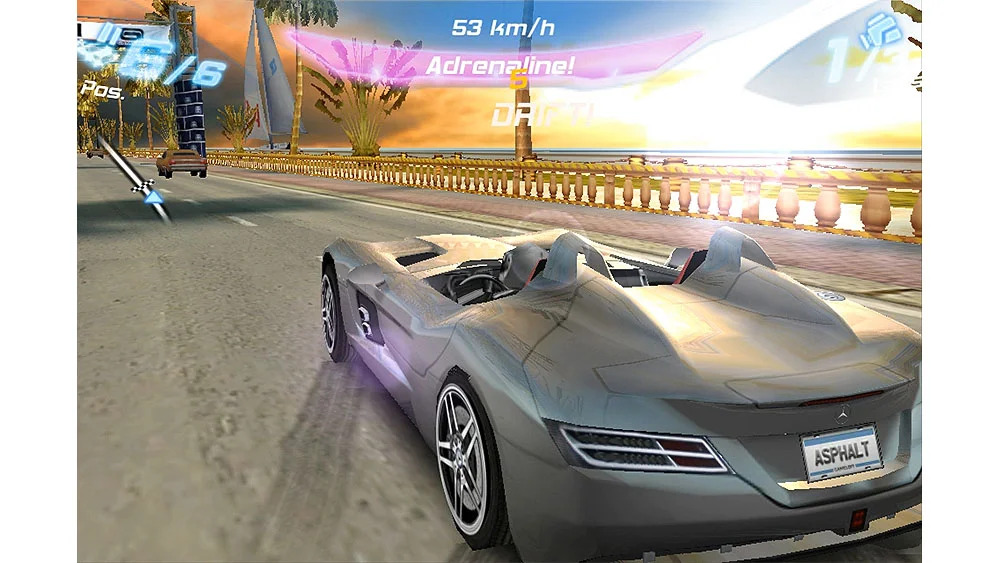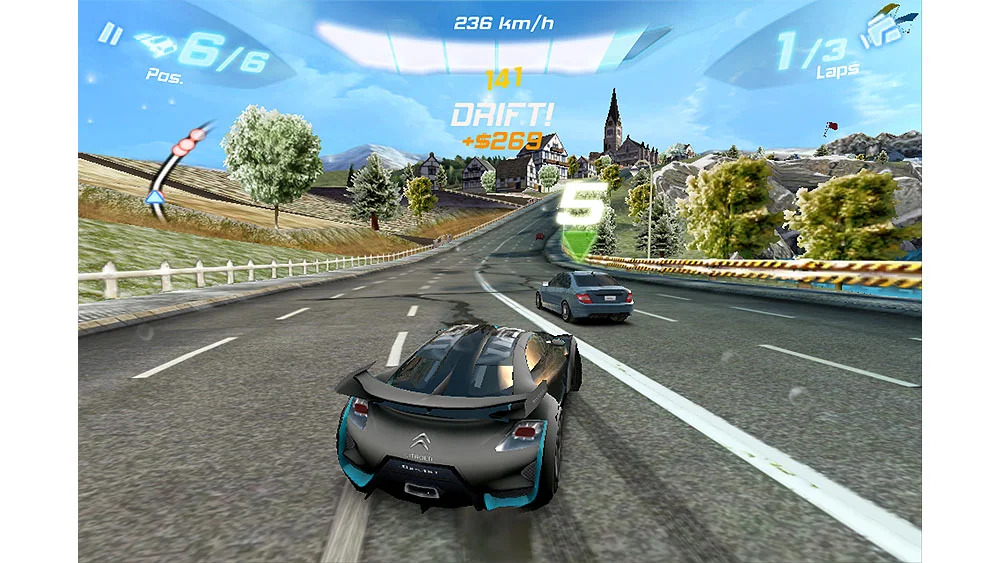
Asphalt 6: Adrenaline is the sixth version of the incredibly beautiful and graphic racing car game Asphalt, a product of the renowned Gameloft company for the Android operating system. It is designed to bring you the best and most thrilling car racing experience on your smartphone or tablet! In this game, 46 different types of cars from various manufacturers such as Ferrari, Lamborghini, Aston Martin, Ducati, and more are available for you to drive and participate in various races! A diverse garage with various tools is at your disposal so you can first customize your car as you wish and finally take them out to drive and speed on different roads! As you know, the Asphalt series is one of the most popular car racing games, played by millions of users worldwide, and even if they have not played it, they have at least heard the name once! The seventh and eighth versions of Asphalt have also been released, which are available on the website with a simple search; the sixth version is provided here specifically upon your request!
Features of Asphalt 6: Adrenaline car racing game for Android:
- Driving various cars from companies like Lamborghini, Ferrari, and more
- Ability to play online and multiplayer with friends supporting up to 6 players
- Experience the best racing game on the streets of Tokyo, Bahamas, and more
- Compete in various races with league mode and 55 different and diverse events
- Various game modes including single-player, multiplayer, training, and adventure
- Different car control modes including accelerometer, pedal, and touch controllers
- Stunning HD graphics along with exciting and excellent sound effects
The game Asphalt 6: Adrenaline is currently sold on the Android market for $0.99 and has been purchased hundreds of thousands of times by users. Today, on DroidCove, we have provided the tested and fully offline version along with the data file for you, hoping it will be to your liking.

Installation and gameplay instructions:
– First, download and install the APK file.
– Download the data file and extract it. Copy the GloftA6HP folder to the gameloft/games directory in the device’s internal storage.
– Run the game offline.