


ARES Touch: DWG CAD Viewer & Editor v19.1.0 An app for working with DWG files on Android
Unlocked and full version of the app
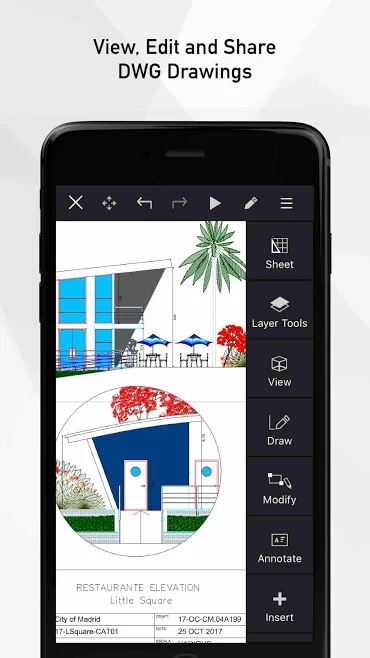
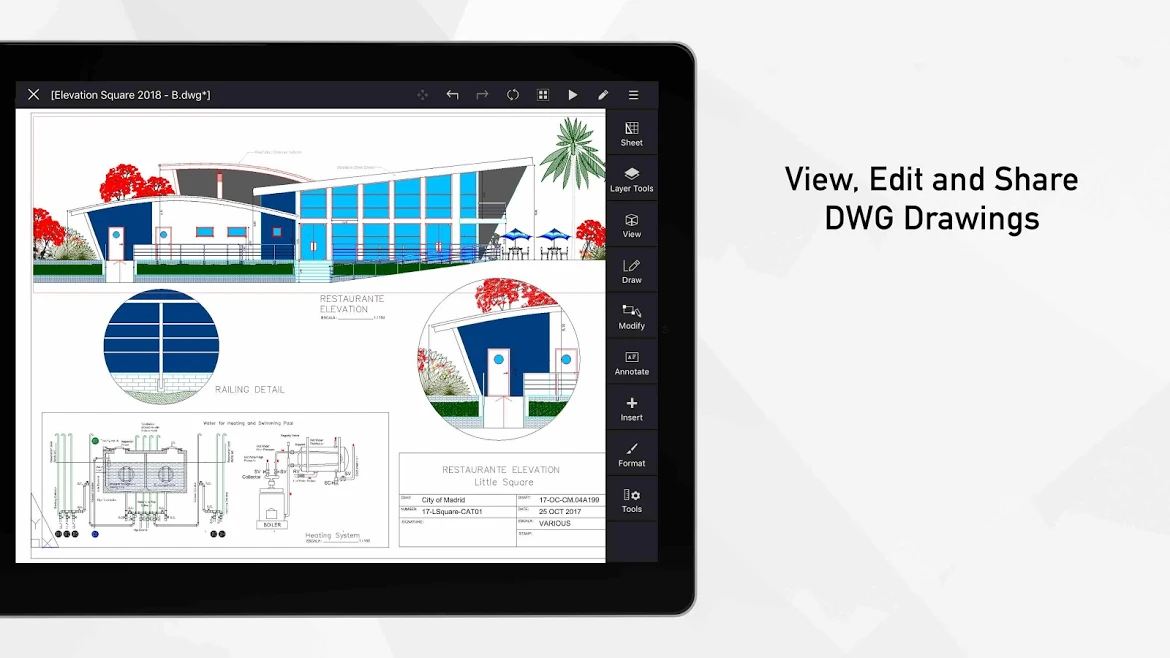
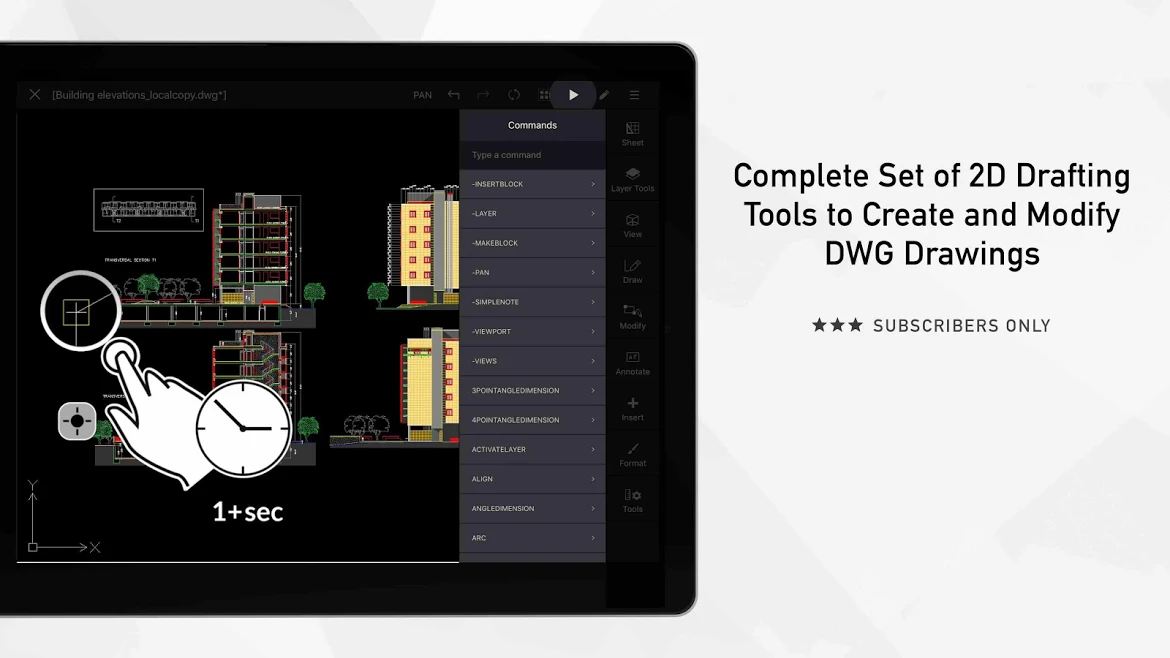
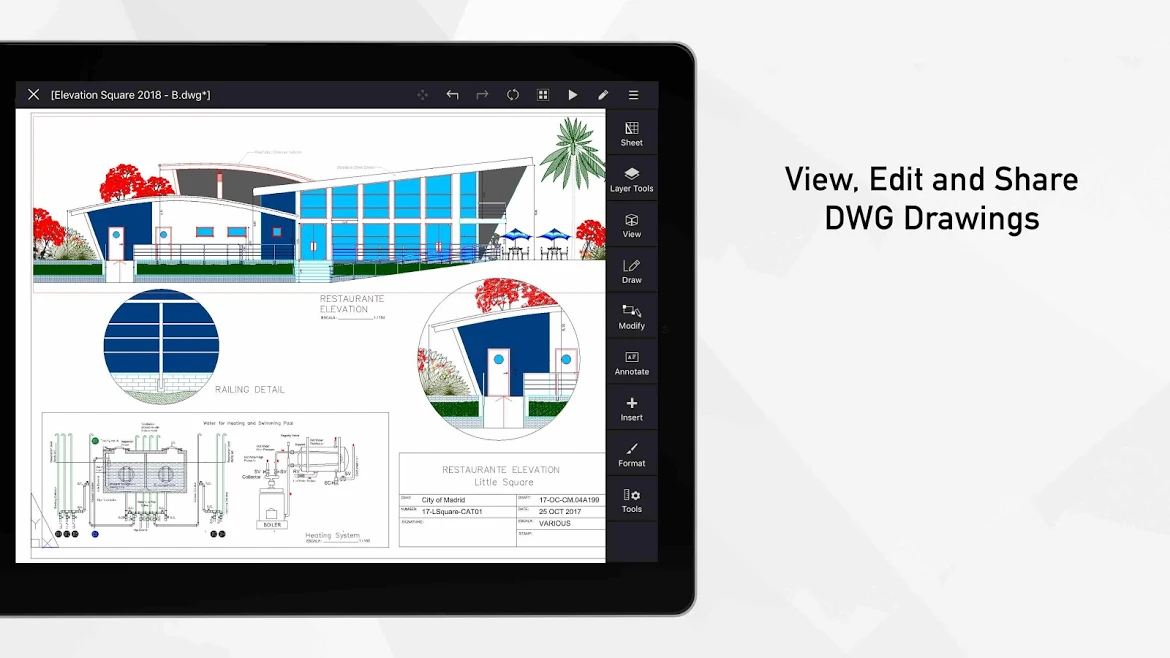
Looking back over the past fifty years, we realize that the most influential factor during these years has been computers. Computers have completely transformed the way we think, live, work, and communicate. Many tasks that were previously done only by hand and mental effort can now be done with computers in much less time and effort. One of these tasks is design. Design includes architectural design, industrial design, and more. In the past, designers drew plans in two dimensions on paper using their creativity, but with the advent of computers, using them for design was a great and extraordinary idea that ultimately led to the creation of CAD (Computer Aided Design) software. AutoCAD is one of the most famous design software used for designing building plans and facades. There are many design software programs that can be used in various fields. The most important common features among all these software are precision in design, 3D design capability, the ability to create models in real relative dimensions, and the ability to simulate different scenarios. Design software usually runs on powerful computers and hardware and produces large files that require such software to open. However, with the app we introduce today, you can open and edit such files on your mobile phone as well. ARES Touch: DWG CAD Viewer & Editor is an app for opening and editing CAD files on the Android operating system, developed by Graebert GmbH and released for free on Google Play. This app is useful for creating, opening, annotating, or modifying DWG drawings on smartphones and tablets. The app is relatively heavy and requires at least two gigabytes of RAM to use.
Some features and capabilities of ARES Touch: DWG CAD Viewer & Editor for Android:
- Freedom: Ability to use the app on unlimited Android devices with one account
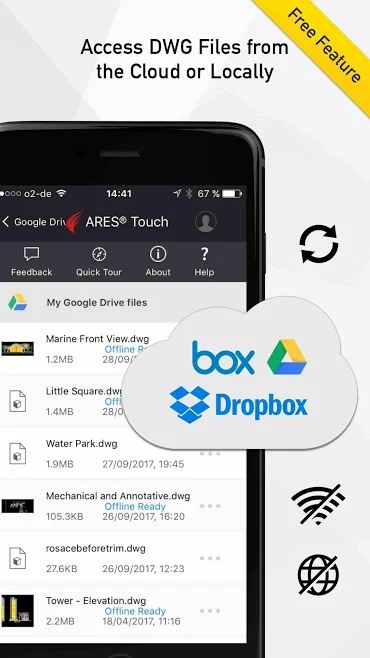
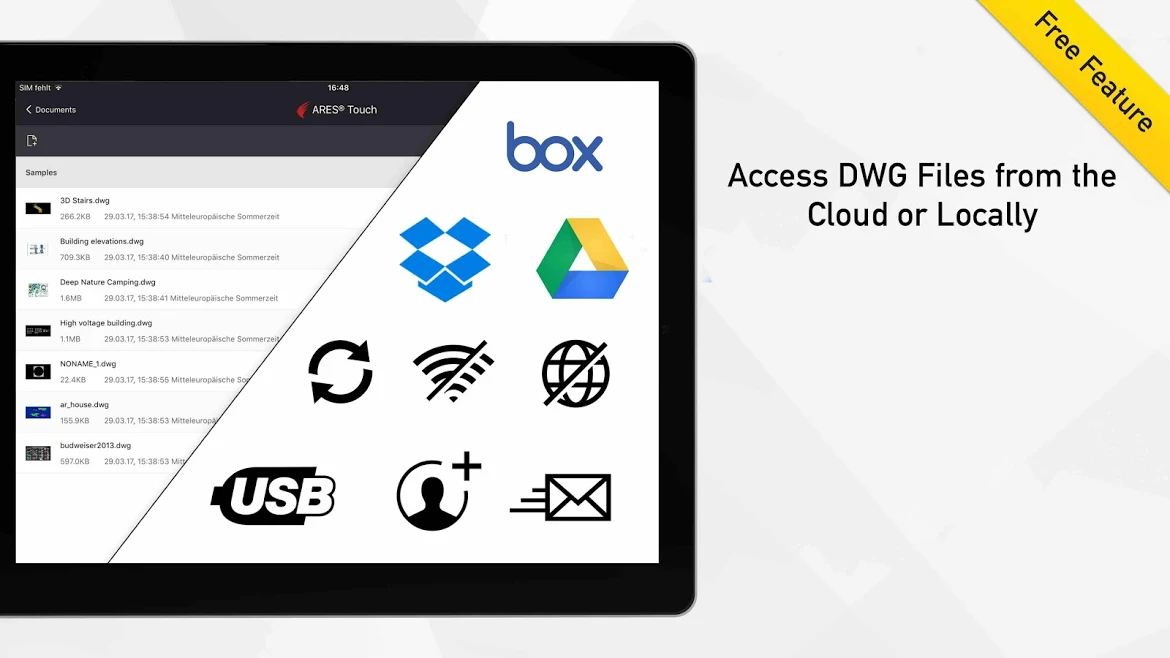
- Control: Files can be uploaded to Dropbox, Google Drive, and Box or saved locally on the device storage.
- Power: No size limit for reading, saving, or sharing 3D and 2D designs in DWG file format
- Global: Ability to save designs as DWG or export them as PDF
- Layer palette + advanced layer tools
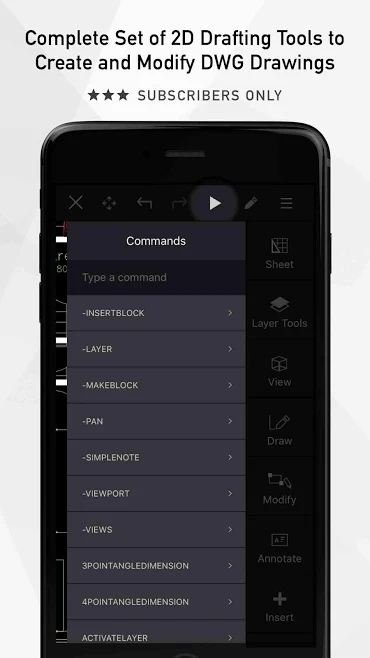
- High precision tools: for selection, loup, snap, tracking, coordinate entry (polar/cartesian, relative/absolute)
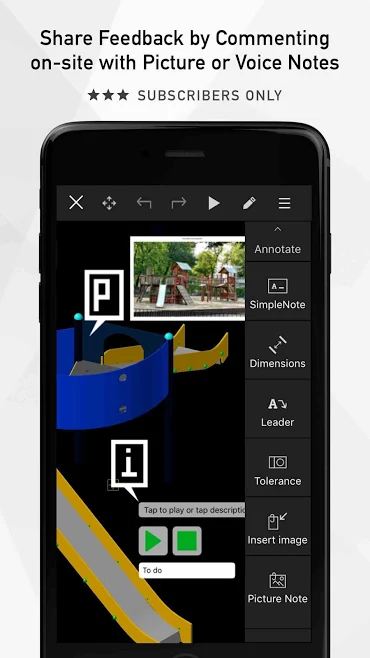
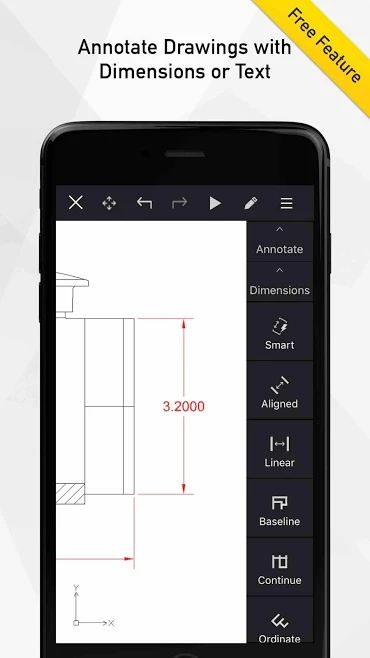
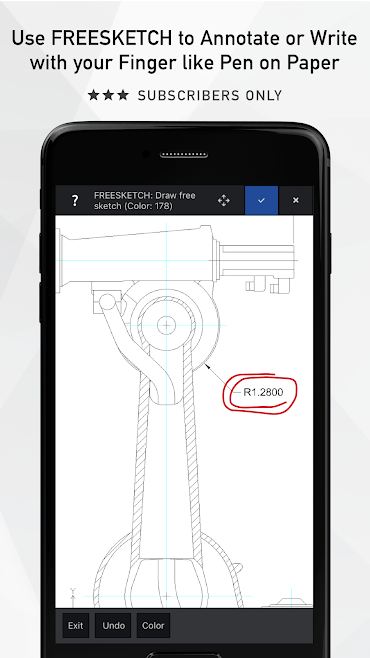
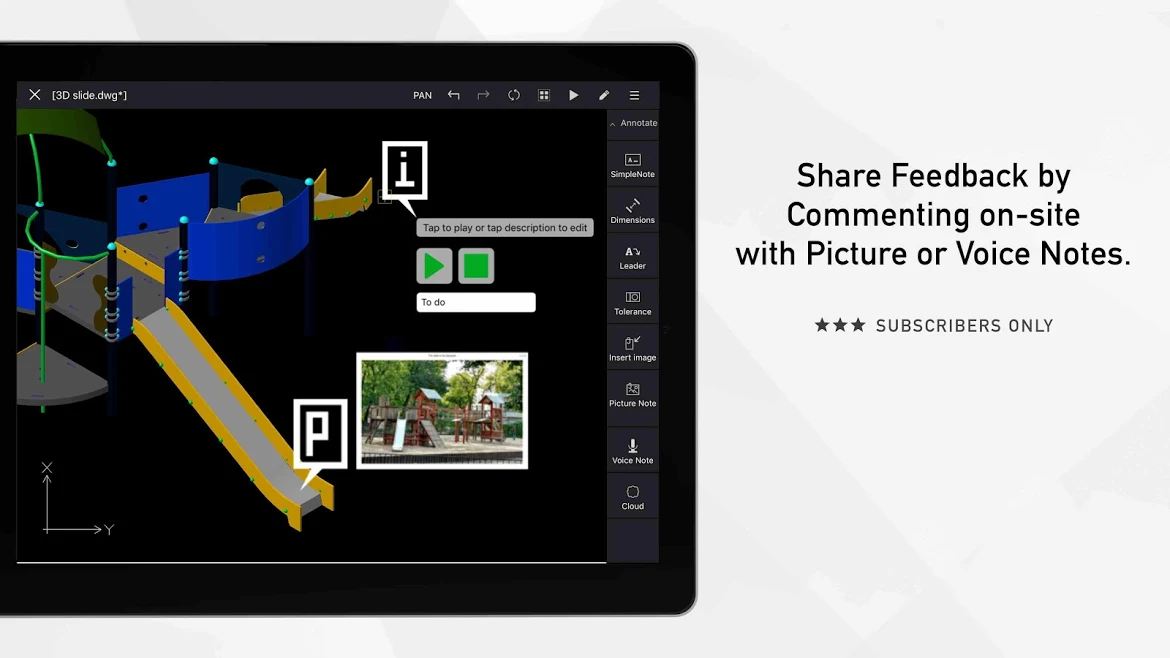
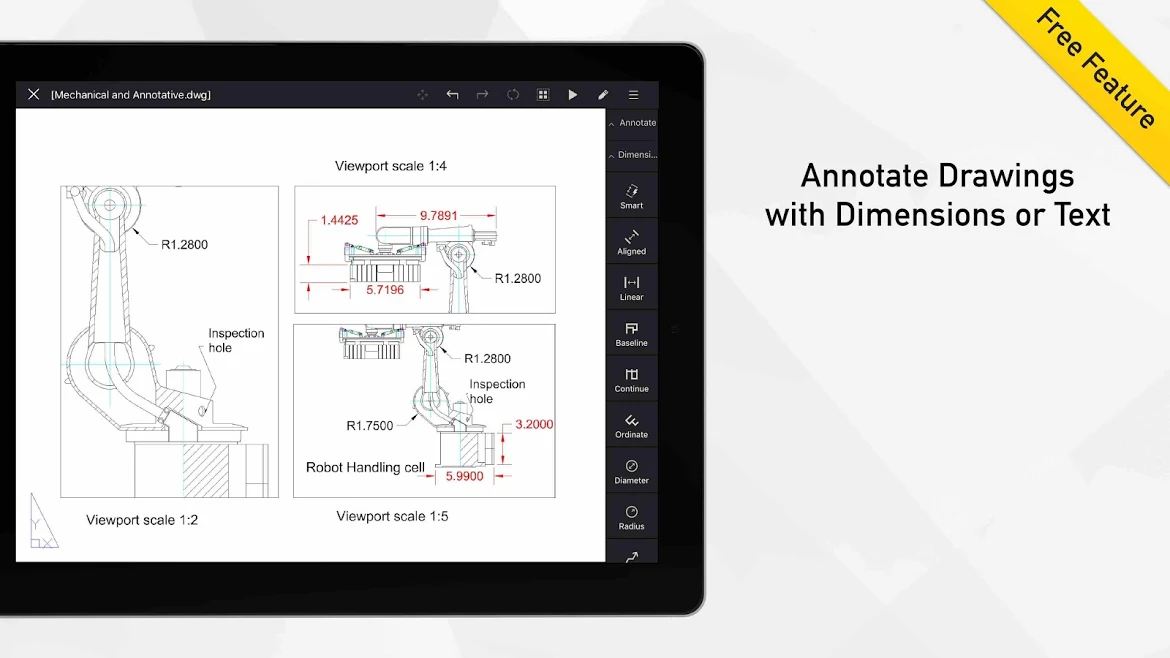
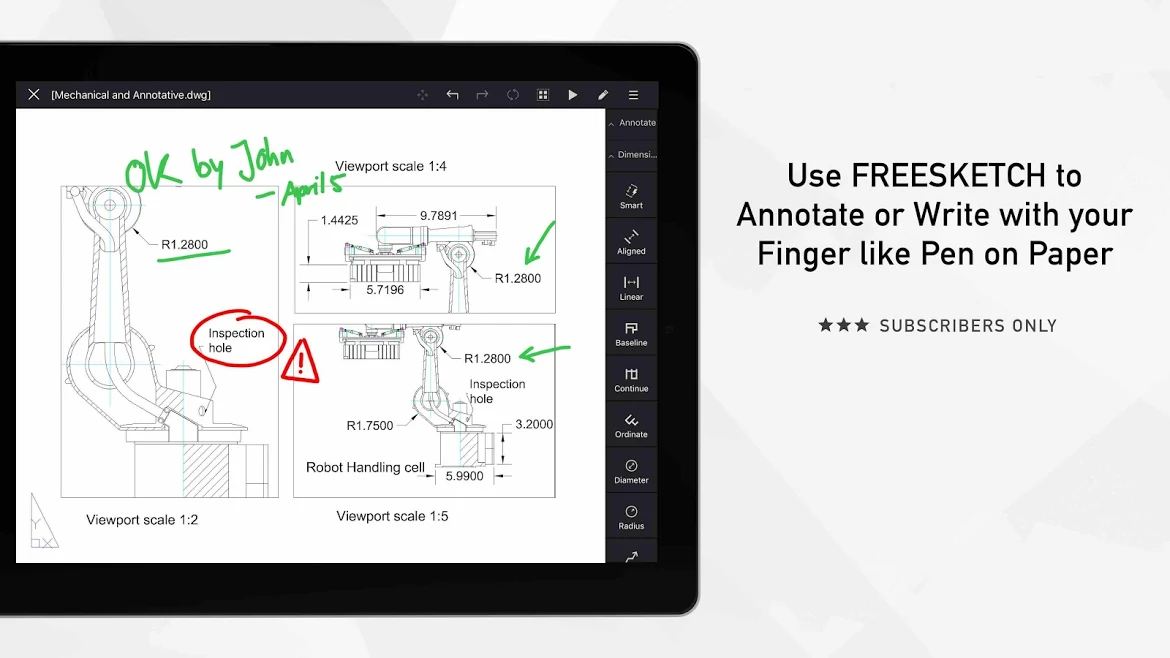
- Annotation in various ways with the ability to add voice notes to different parts of the design
The ARES Touch: DWG CAD Viewer & Editor app has earned a 3.5 out of 5.0 rating from Google Play users. You can now download the unlocked version of this app with all features and capabilities completely free from DroidCove.
Version changes v19.1.0:
* Bug fixes and improvements




![KineMaster 8.1.13 – Powerful Video Editor for Android [Update]](https://droidcove.com/wp-content/uploads/2026/06/KineMaster-Logo-1-100x100.webp "KineMaster 8.1.13 - Powerful Video Editor for Android [Update] 5")

