


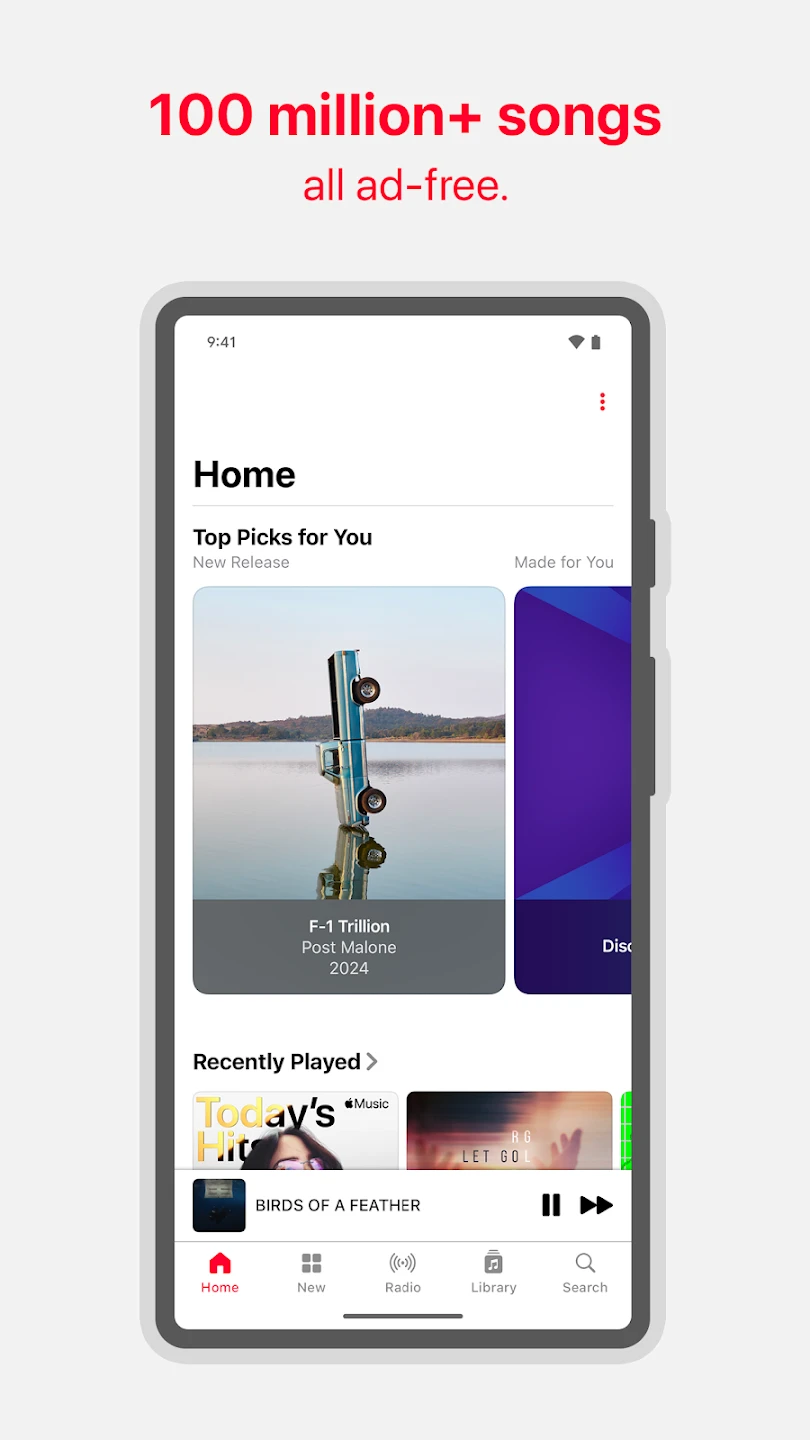
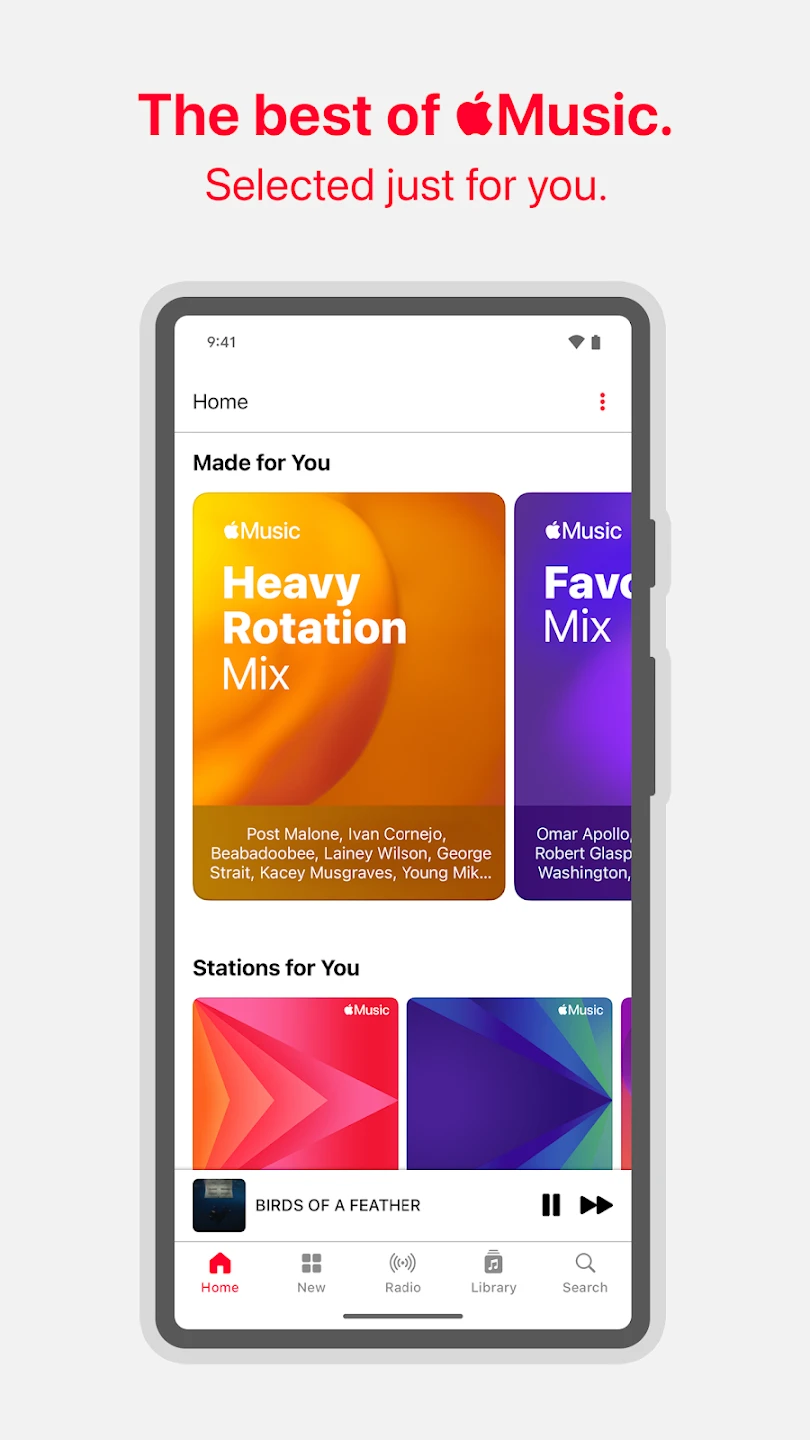
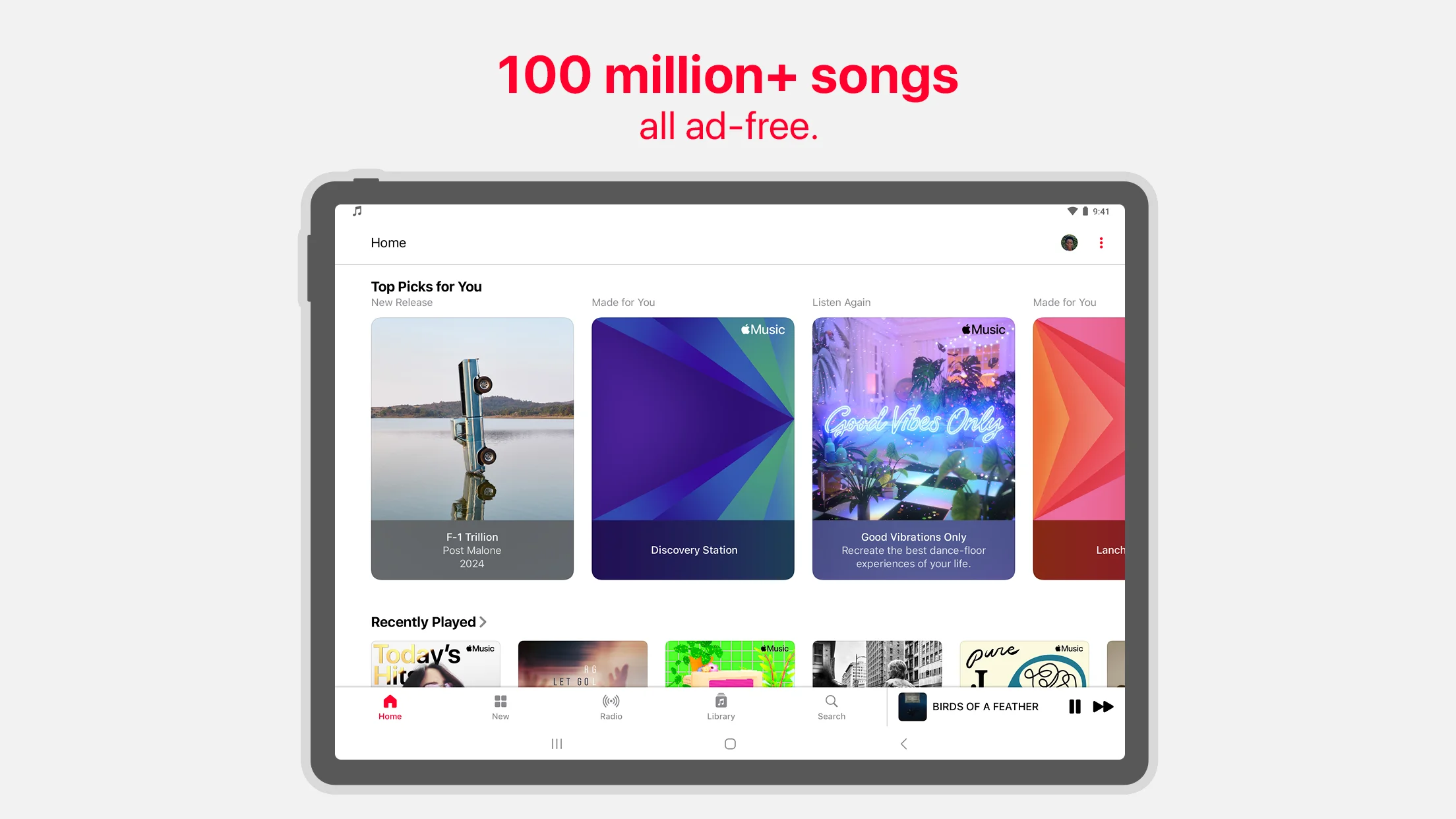
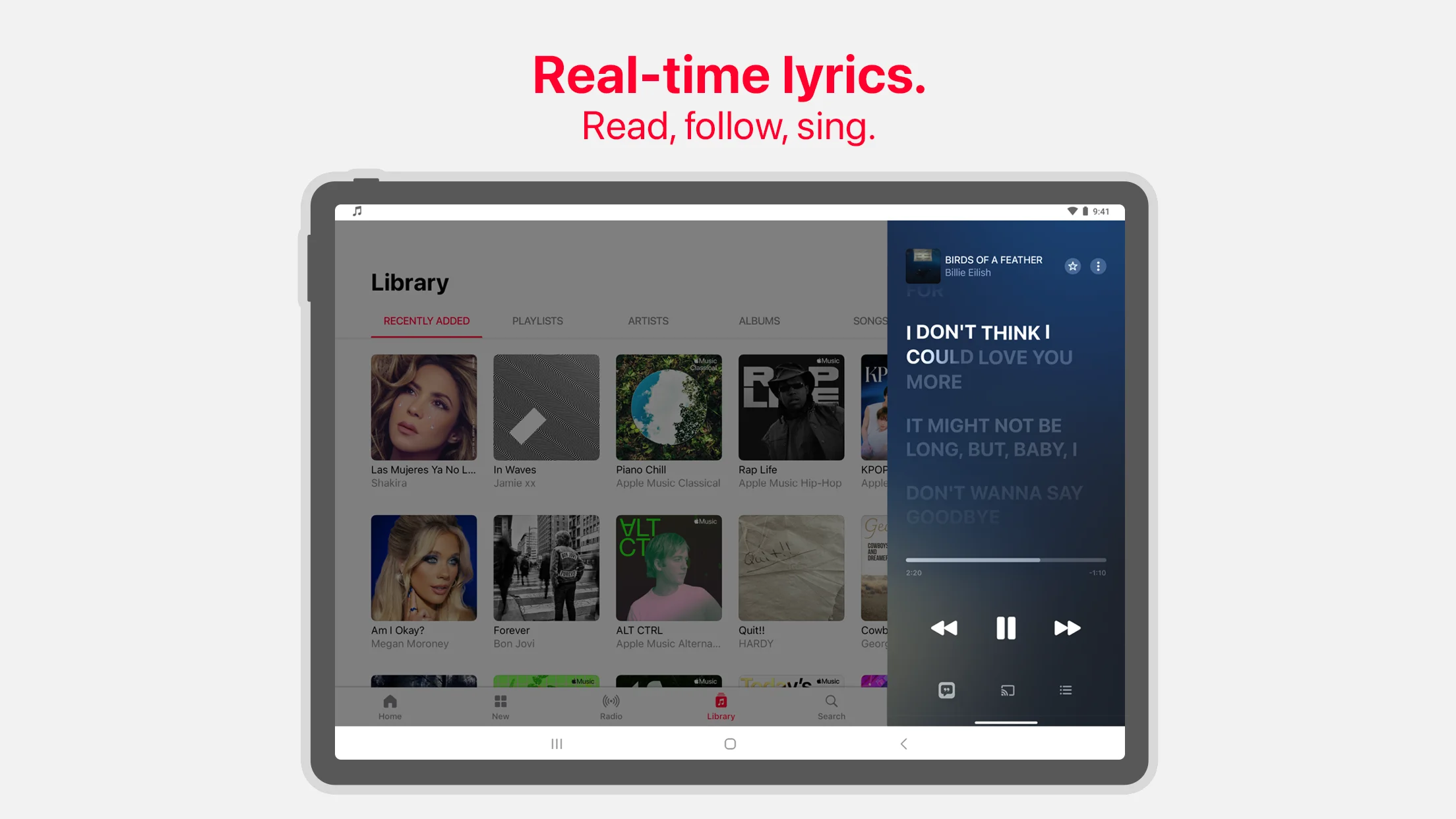
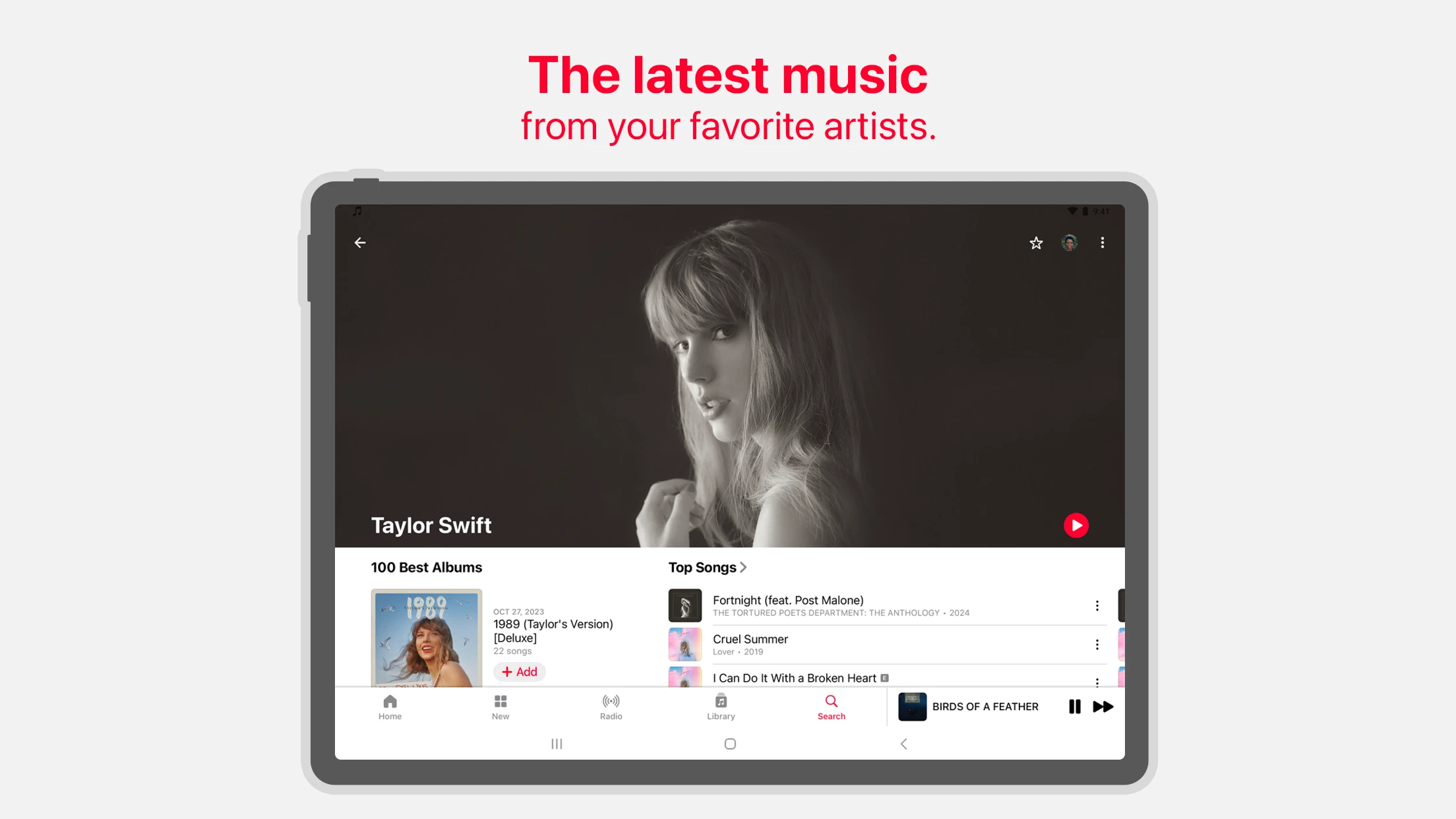
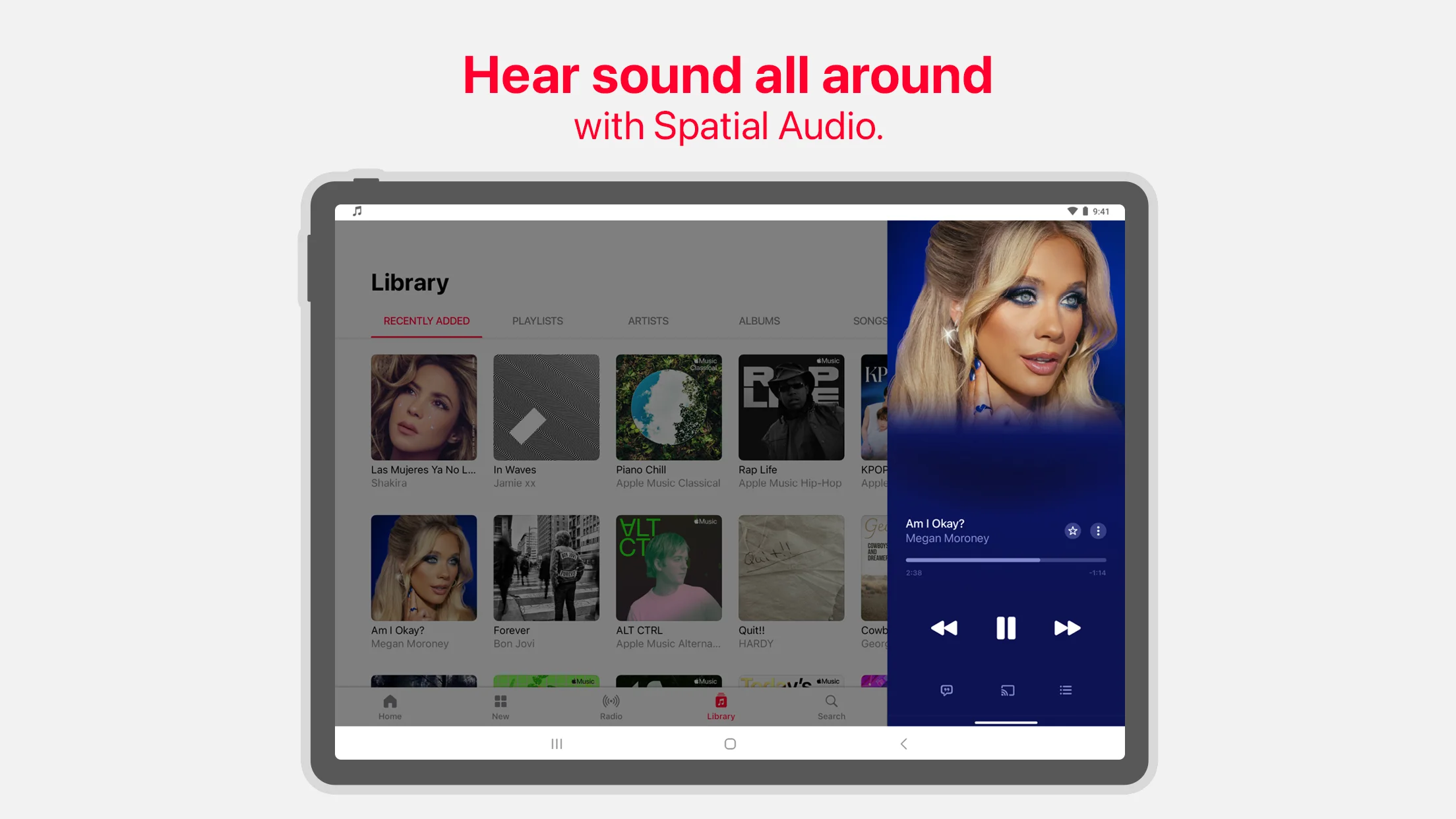
Apple Music is a popular and beloved music player from Apple for tablets and Android phones, offered 100% free on Google Play, and now the latest update is available for you. As the name suggests, the Apple Music app is used on Apple smartphones. But is this app also available for Android phones? Yes, this app runs on both Apple and Android smartphones. With this app, you can easily access your favorite songs, albums, and artists and enjoy listening to your preferred music. Using this app, you have unlimited access to all your songs and music library. All these features are ad-free and hassle-free, and it works on any mobile phone. New users can enjoy Apple Music free for three months. This music app is designed and developed by Apple and has added new and more practical options through continuous updates. Initially, Apple Music did not support shuffle play, but with multiple updates, this feature was gradually added. Below, you will learn more about the features of this app.
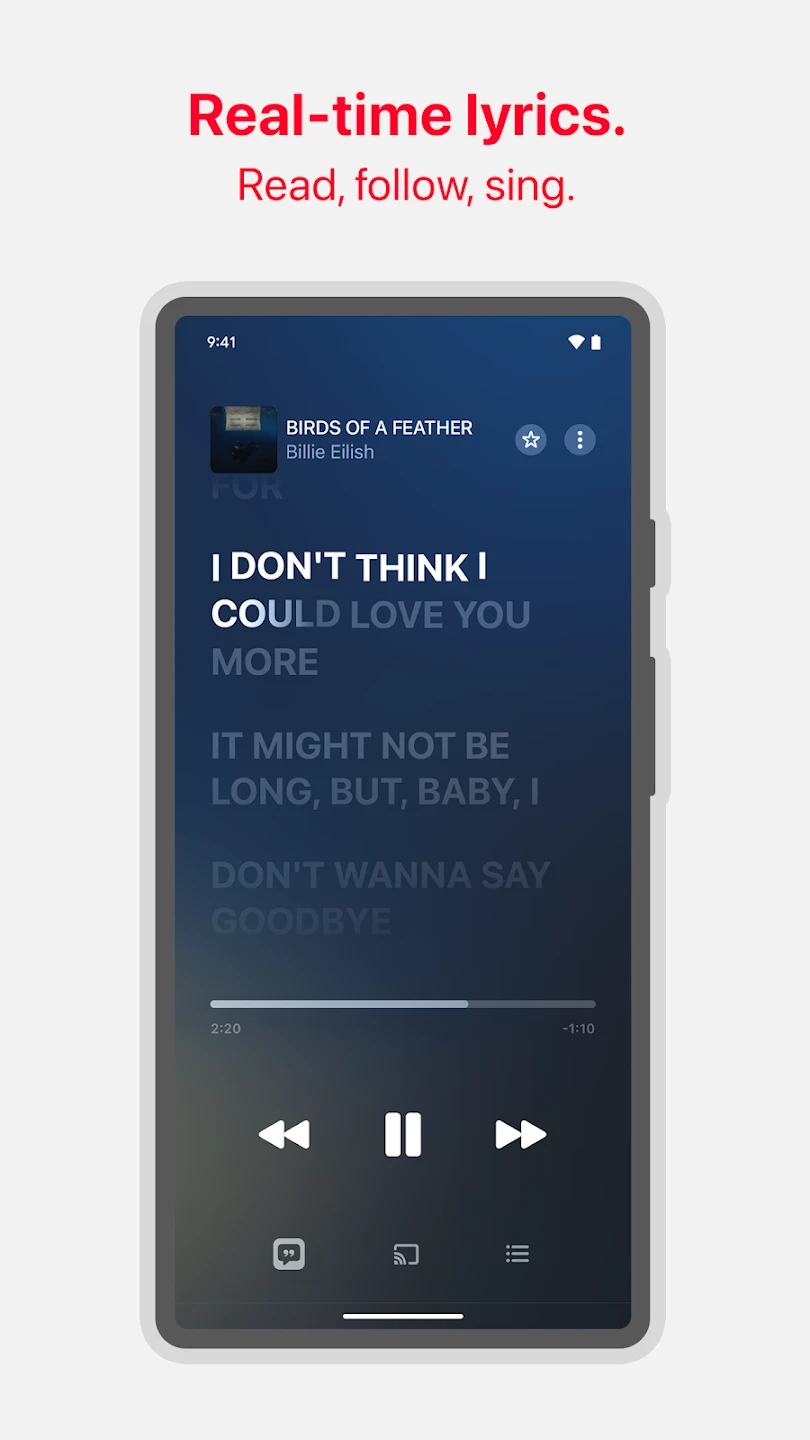
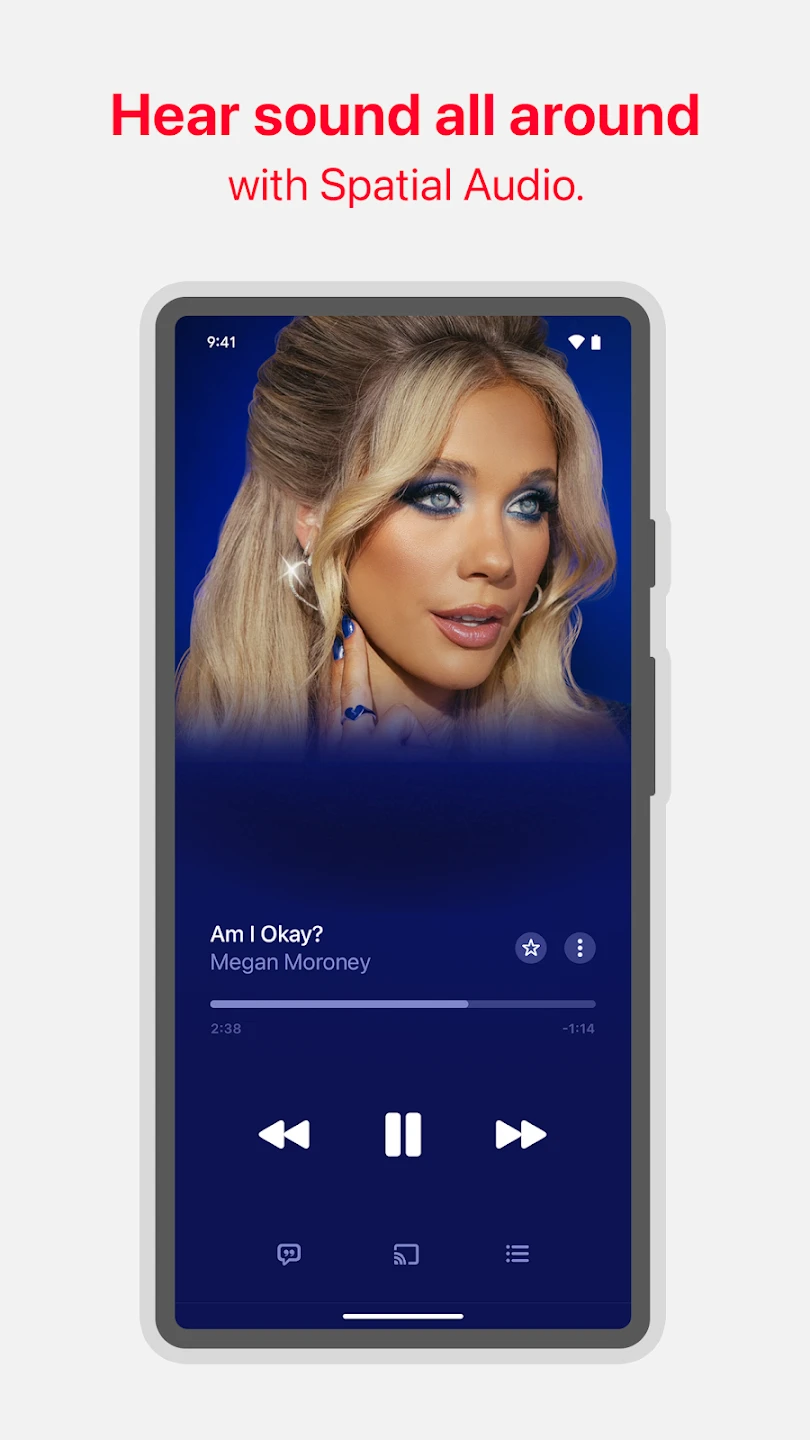
Some features and capabilities of the Apple Music Android app:
- Ability to play over 75 million songs without ads.
- Ability to play your favorite songs via Chromecast.
- Ability to download your favorite songs and play them offline.
- Ability to watch interviews and live performances of singers and artists.
- Easy search for your desired music by entering part of the song.
- Ability to edit your selected playlist.
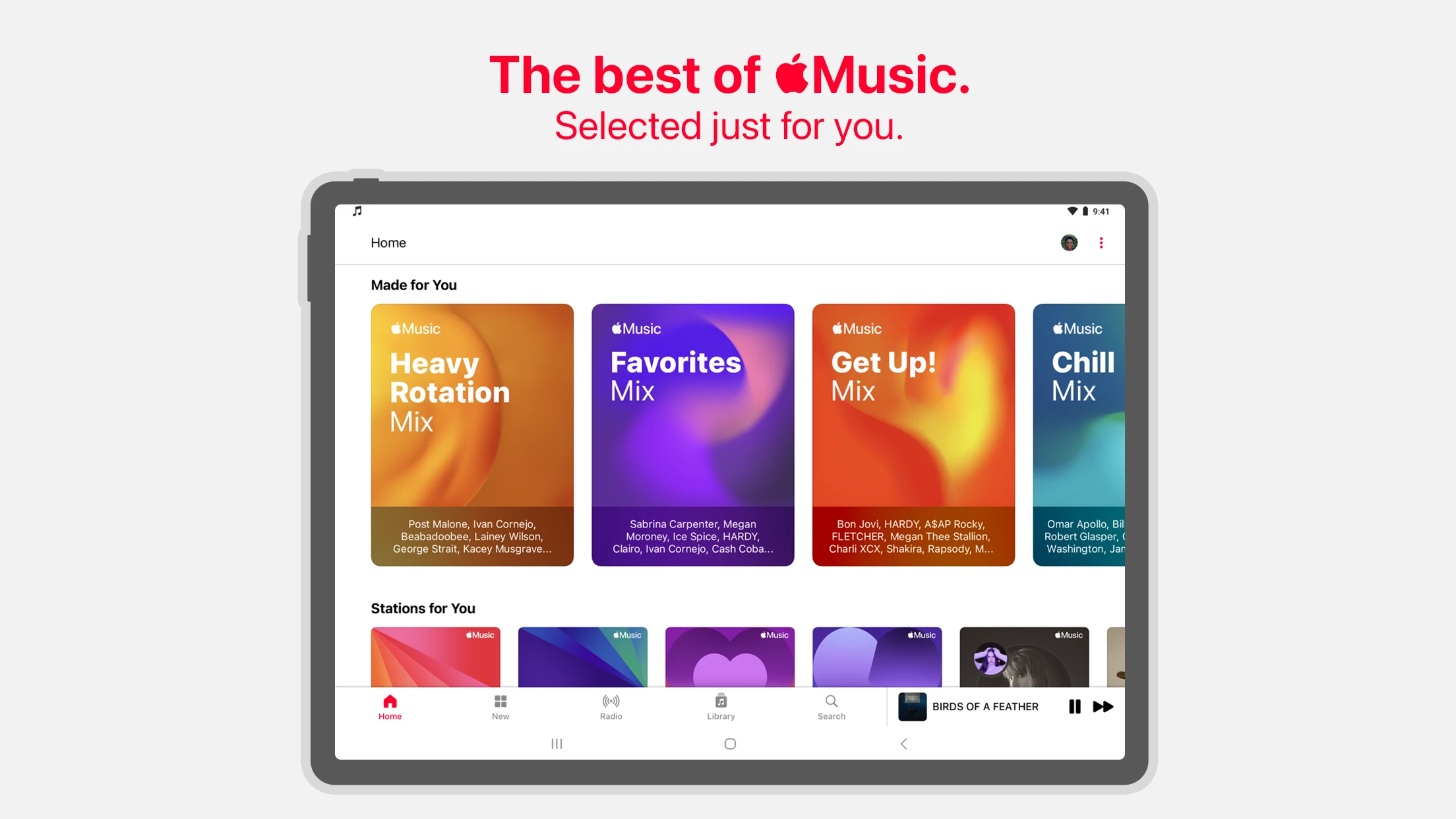
- Ability to like your favorite songs in the app and get recommended songs matching your taste.
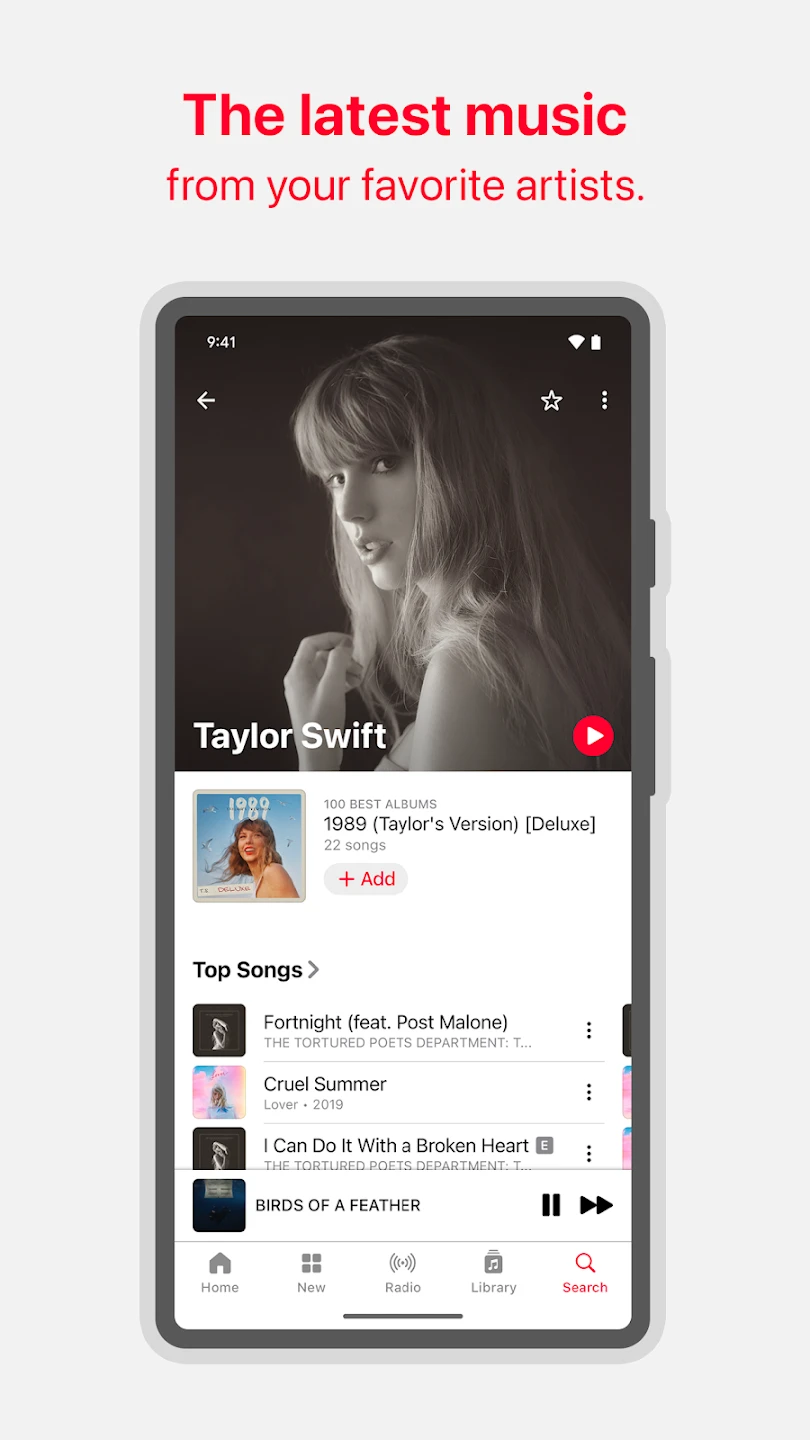
- Filter your favorite music by album or artist.
- Easy access to play songs consecutively or shuffled (shuffle and repeat).
The Apple Music app has been downloaded over 50 million times by Android users worldwide from the Play Store, and now the latest version is offered by DroidCove as the most up-to-date Android source. You can create an account with your desired name in the Connect section of this app. This app allows you to comment on artists’ social media pages with your account and show your interest in songs. To create an account, you only need a profile picture and username, and if you no longer want to have an account, you can easily deactivate and delete it. When you install Apple Music for the first time, you will see various music genres on a page in the app. On this page, you select the music styles you enjoy and what you are interested in. The app will save all your favorite songs and, like artificial intelligence, will display songs you like. After that, the app will easily show all songs matching your taste; additionally, you can easily create your favorite albums with the album add option. Inside created albums, you can add your favorite songs or artists.




![KineMaster 8.1.13 – Powerful Video Editor for Android [Update]](https://droidcove.com/wp-content/uploads/2026/06/KineMaster-Logo-1-100x100.webp "KineMaster 8.1.13 - Powerful Video Editor for Android [Update] 5")

