Android Device Policy v160.40.0 Android Device Security Policies
Original, full, and ad-free version of the Android Device Policy app
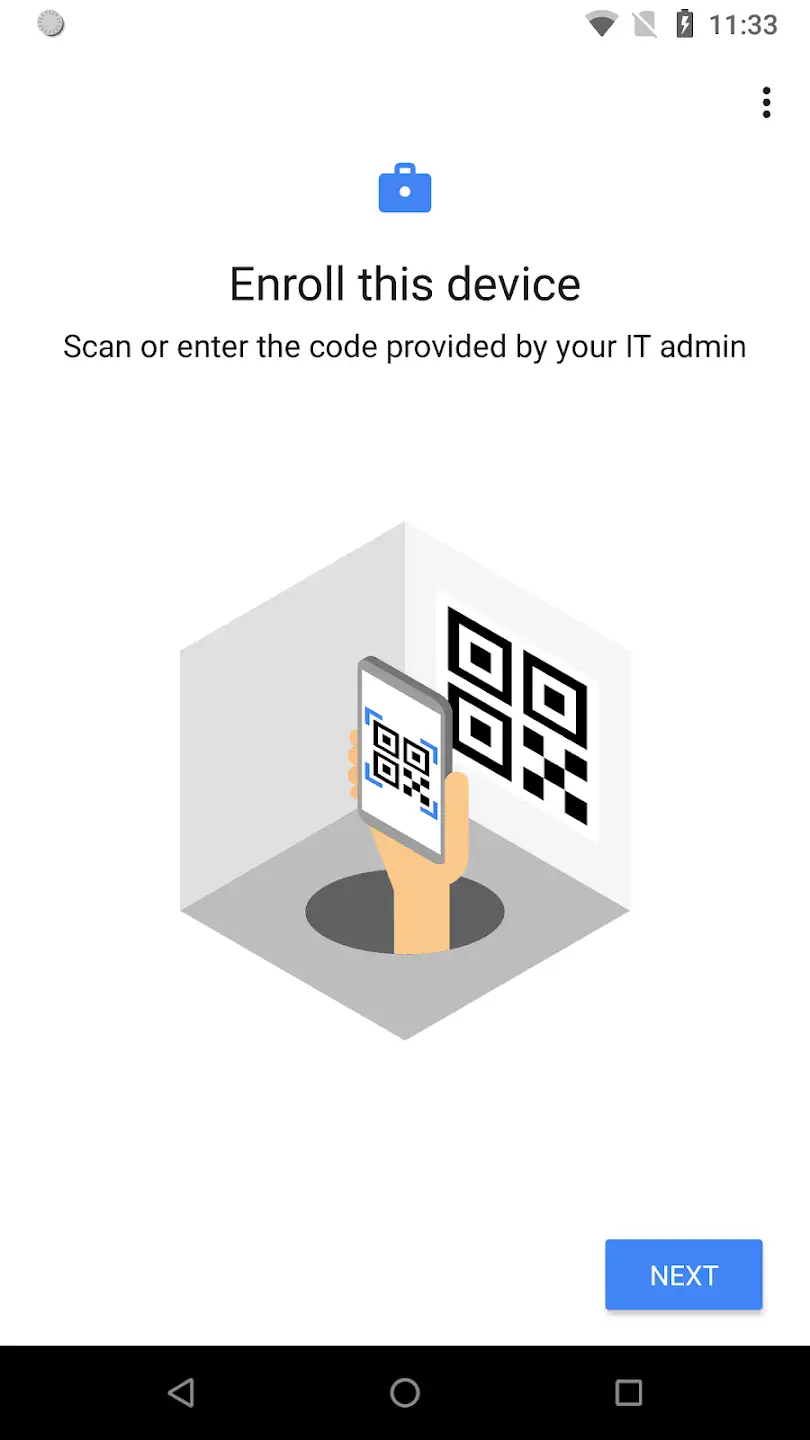
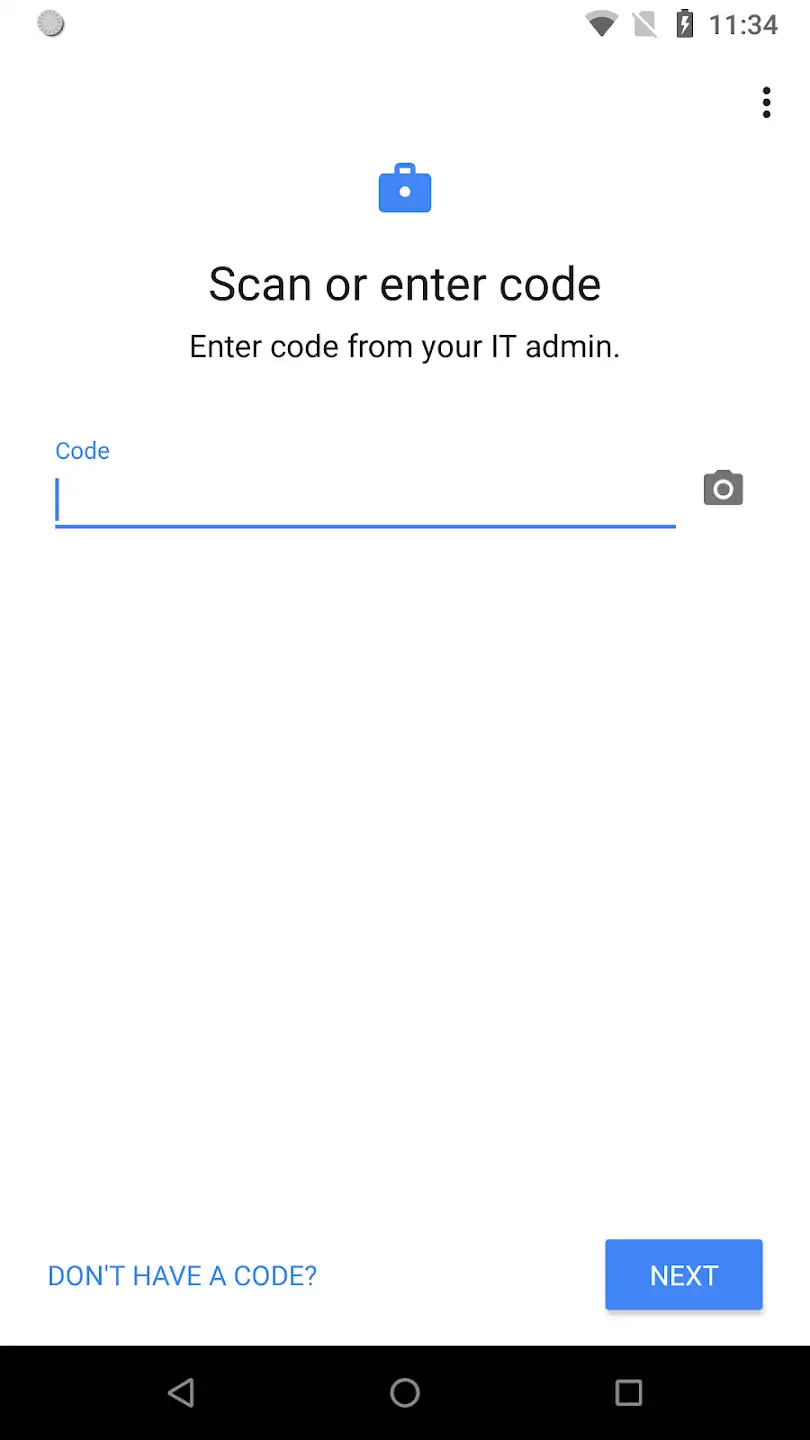
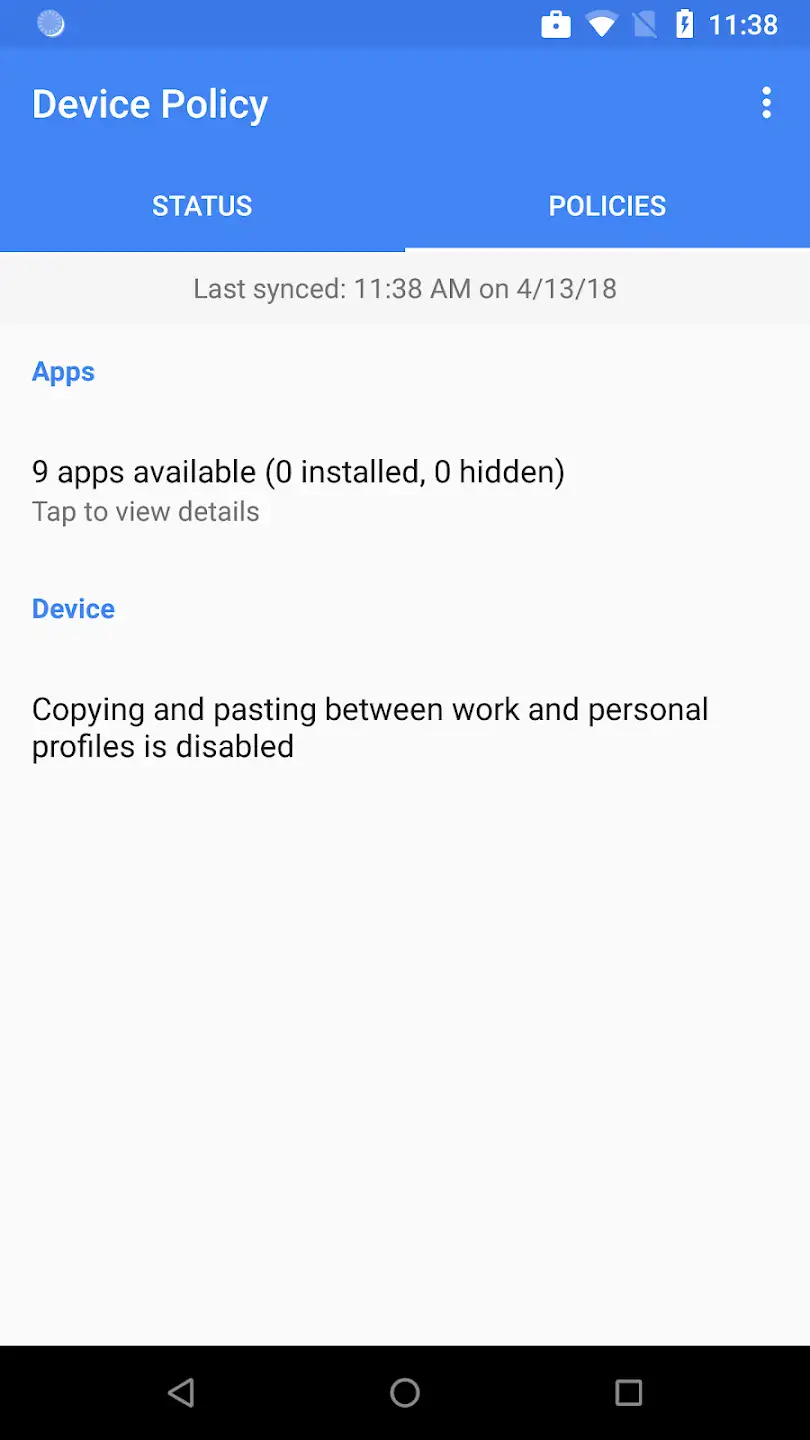
With the introduction of computers into organizations and offices, tasks became much easier and employee productivity increased significantly, but a problem arose that no one initially anticipated. When computers entered organizations and offices, they opened a way for unauthorized individuals to access private organizational information. Hackers could easily infiltrate any of the computers in such places and steal their data. Additionally, many employees used computers for personal tasks, which greatly reduced the security of the computer systems. This issue led various software companies to seek ways to secure organizational information in offices and organizations. Eventually, they developed software that protected data against external and unauthorized access. Google also introduced a service for this purpose known as G Suite. G Suite includes a collection of software that not only secures information but also makes access easy for authorized personnel, offering services like business email, calendar, and more, suitable for any type of office or organization. With the rise of smartphones, organizational data security was again at risk, as employees used organizational documents and files on their smartphones without following security protocols. Google improved the G Suite service to largely address this issue. With new features, IT experts in organizations could impose restrictions on smartphone access within the organization and even enhance the security of the devices themselves through specific settings. Google offers this capability through an application. Android Device Policy is an app designed to enhance smartphone security in work environments, specifically for the Android operating system, developed by Google LLC and available for free on Google Play. Note that this app is only suitable for businesses using G Suite. Using this app, IT experts and managers can enforce settings such as password length, password security level, allowed password usage duration, and more on employees’ phones and tablets. If these requirements are not met by device owners, their access to organizational services and data will be blocked, thereby significantly protecting organizational information security.

The Android Device Policy app is an excellent tool for businesses to secure administrative and organizational information and has earned a 3.3 out of 5.0 rating from Google Play users. You can now download the original, full, and ad-free version of this app with all features and capabilities from DroidCove completely free of charge.