

AGC ToolKit Pro v7.0.7 – Professional AGC Tool | Photo Editing and GCam Settings Toolbox on Android
Specialized application for working with LUT, adding watermark, and managing GCam configs
Purchased version of the application
The AGC ToolKit Pro app is a professional and multifunctional tool for Android users, primarily focused on photo editing, LUT management, and Google Camera (GCam) settings. This app combines various features such as applying LUTs to images, adding custom watermarks, and managing GCam configs, providing a complete experience for customizing and controlling image outputs. In today’s world, where mobile photography has become one of the most important parts of digital life, having a tool that can both enhance image quality and offer professional camera settings management is highly valuable. AGC ToolKit Pro was created with this exact goal and has earned a special place among mobile photography enthusiasts.
Features of AGC ToolKit Pro:
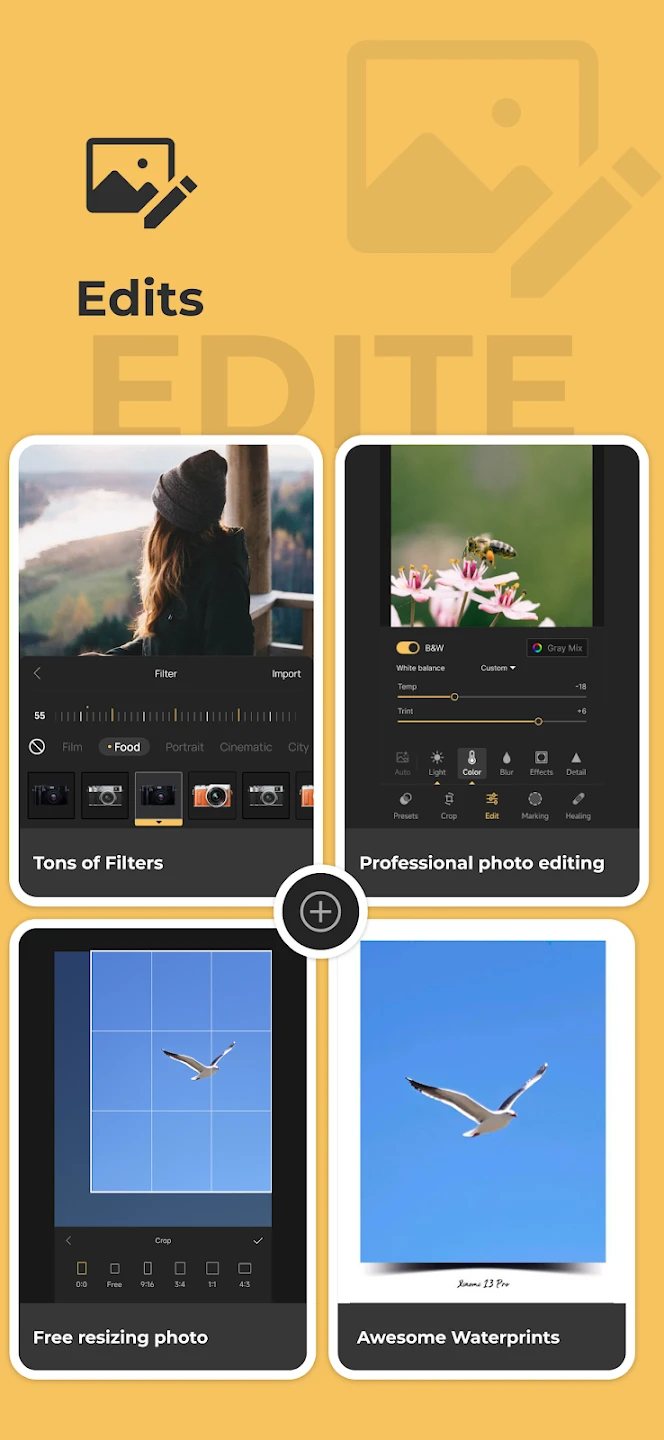
- Applying LUTs to photos: Import and apply LUTs to create cinematic and professional color grading on images.
- Adding watermarks to images: Ability to insert custom watermarks for copyright protection or personal branding.
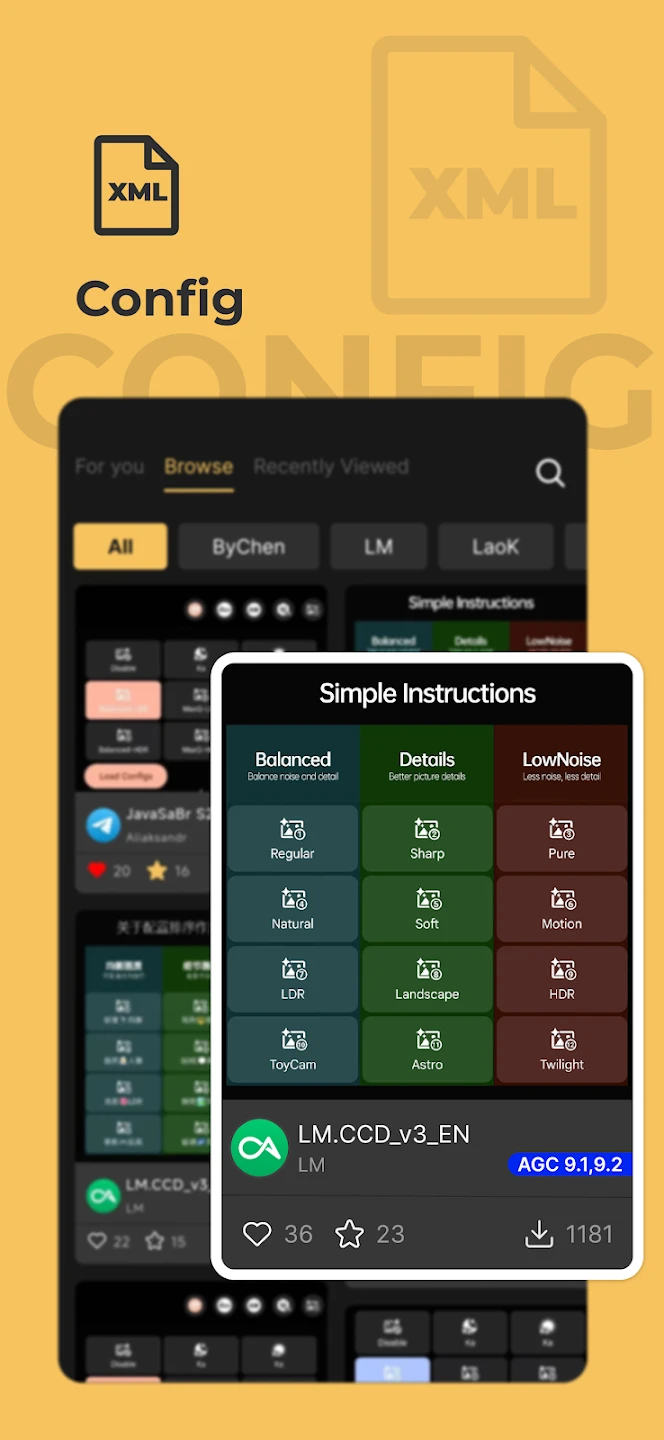
- Managing GCam configs: Edit, share, and adjust Google Camera configuration files to optimize photo output.
- Viewing and managing GCam bookmarks: Quick access to saved profiles and settings.
- Regular updates: Bug fixes and performance improvements in new versions, with the latest update available.
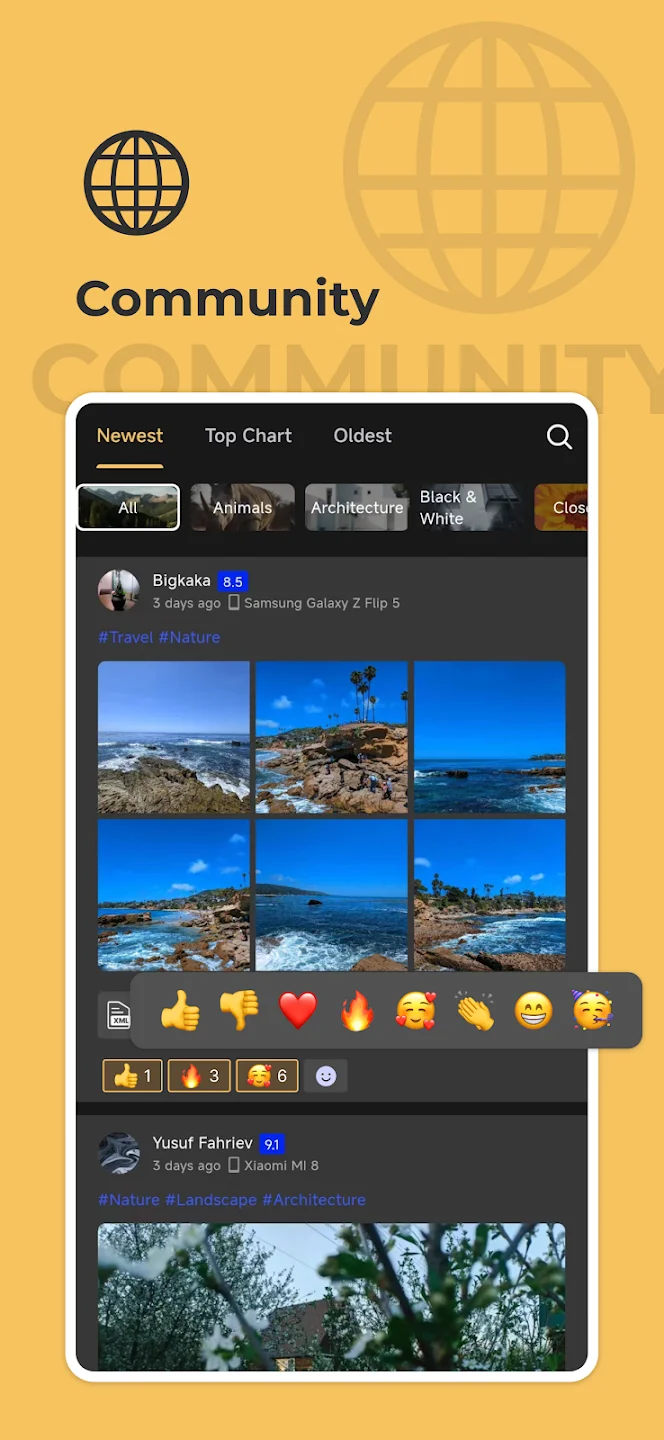
- Simple and modern user interface: Lightweight and smooth design for easy use even by beginners.
- Transparent business model: Paid app priced around $2.99 with over 10,000 downloads.
AGC ToolKit Pro is not just a simple app for adding watermarks or filters; it is a complete toolbox for mobile photographers. Using this app, images can be enhanced with professional LUTs, colors can be transformed into cinematic tones, and high-quality outputs can be produced. One of the main strengths of this app is its support for GCam configs. Many professional users rely on Google Camera to achieve the best photo quality and need to save or share specific settings. AGC ToolKit Pro simplifies this process and provides full config management. Additionally, the watermark adding feature allows users to imprint their personal brand on photos or protect their content from unauthorized copying. This feature is very important for professional photographers and content creators. Many apps exist for photo editing or watermarking, but most offer only a single specific feature. In contrast, AGC ToolKit Pro combines several essential tools into one app, delivering a complete and integrated experience. This has made the app highly popular among professional users and mobile photography enthusiasts.
After installing AGC ToolKit Pro, users will realize how much this app can assist in mobile photography workflows. Its simple and modern interface allows even beginners to easily use various tools. On the other hand, professional users benefit from its advanced features. LUT tools for cinematic color grading, watermarking for content protection, and GCam config management for photo optimization are all gathered in one environment. This combination eliminates the need to install multiple separate apps. AGC ToolKit Pro, with its complete set of photo editing, LUT management, and GCam settings tools, is one of the best options for users seeking a comprehensive and professional Android app. If you want to make your images more professional, transform colors into cinematic tones, or manage Google Camera configs, this app is a smart choice. You can now download the purchased version of this professional tool from DroidCove via direct link and start a different mobile photography experience on Android.



![KineMaster 8.1.13 – Powerful Video Editor for Android [Update]](https://droidcove.com/wp-content/uploads/2026/06/KineMaster-Logo-1-100x100.webp "KineMaster 8.1.13 - Powerful Video Editor for Android [Update] 5")

