


MuMu Player v5.10.4.2205 | MuMu Player: Powerful Android Emulator for Windows and Mac
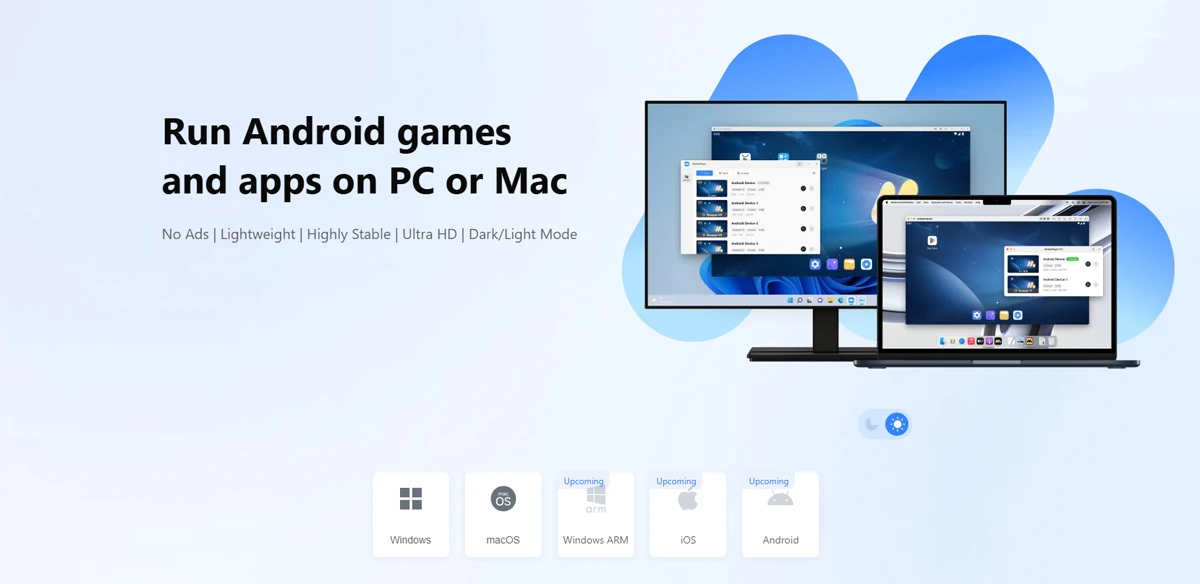
Run Android games and apps with a minimal user interface compatible with Windows 11
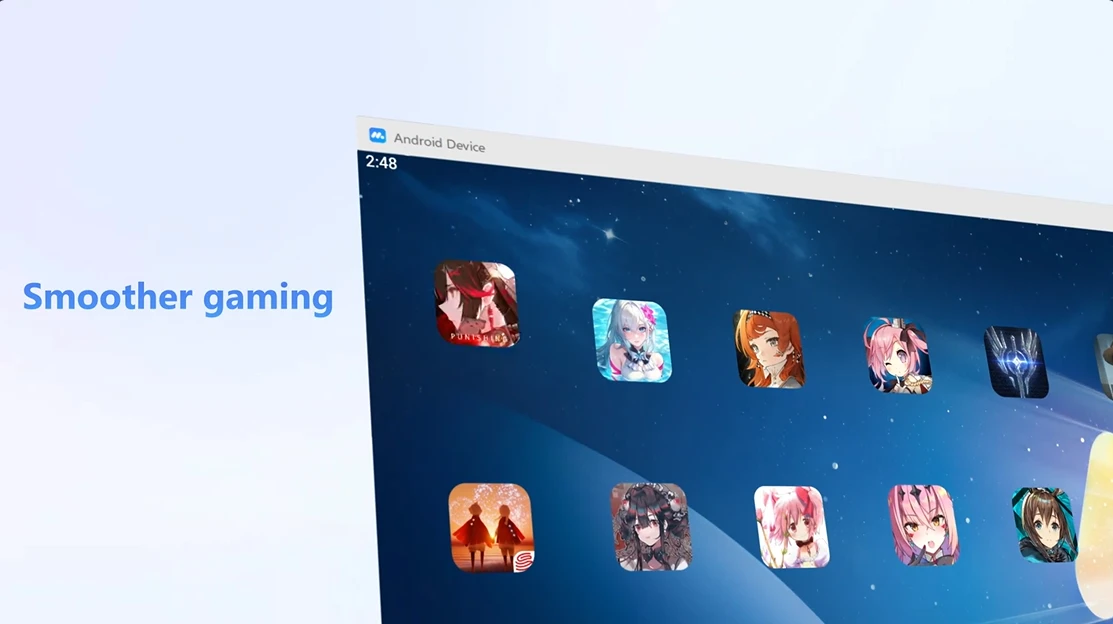
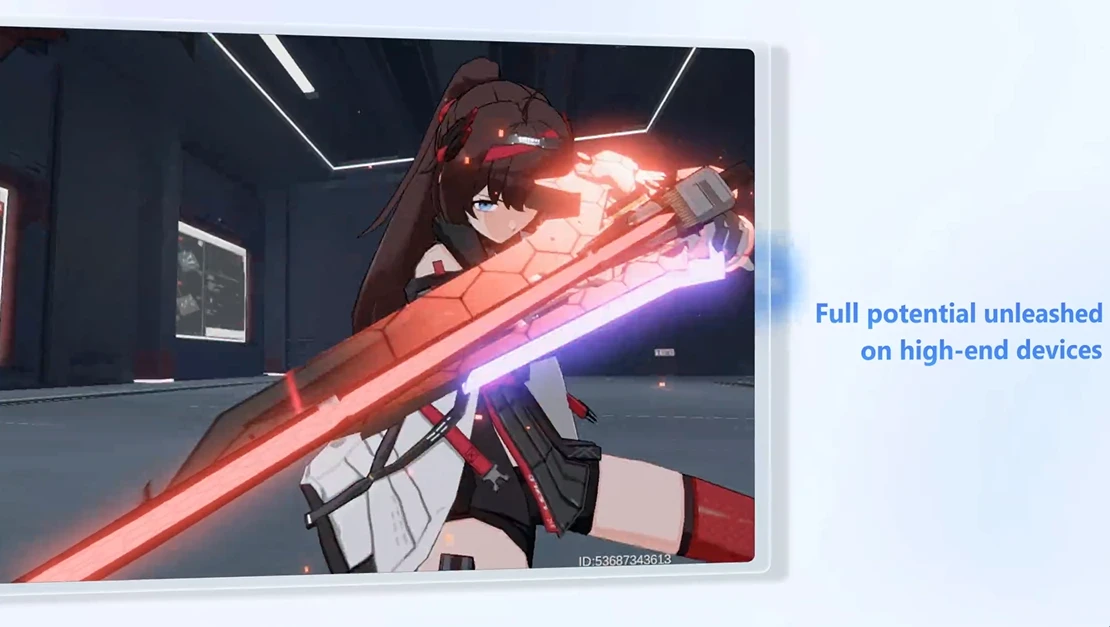
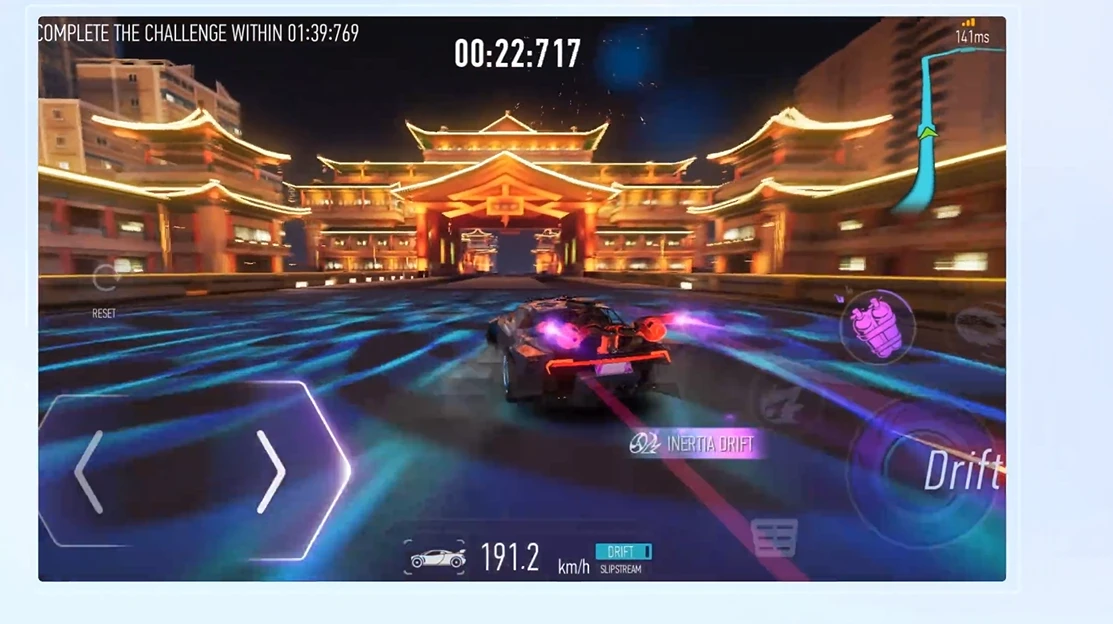
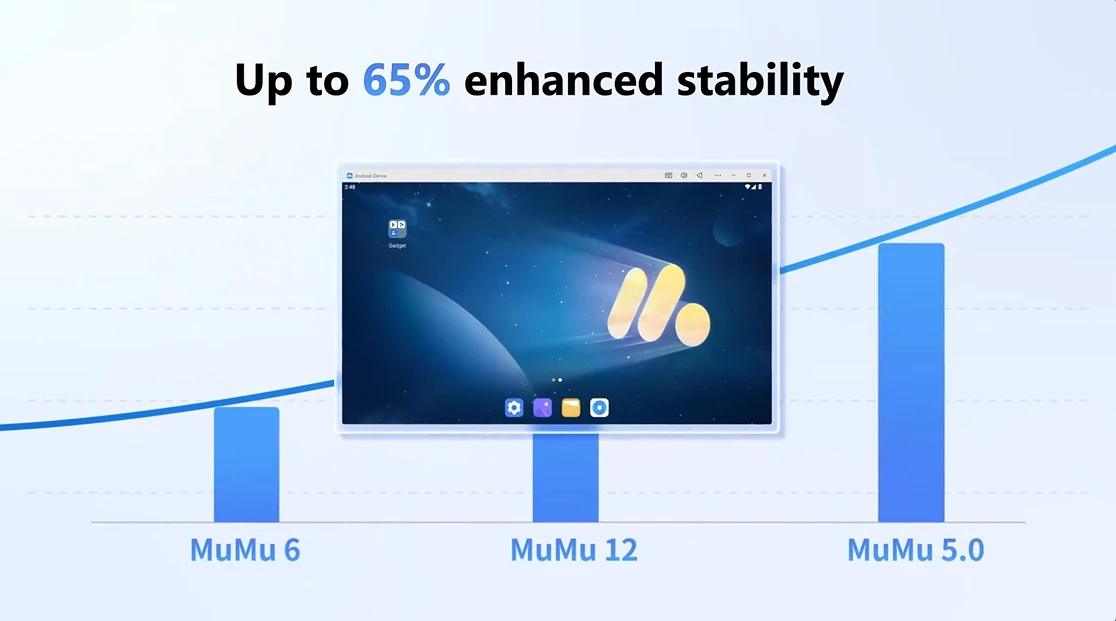
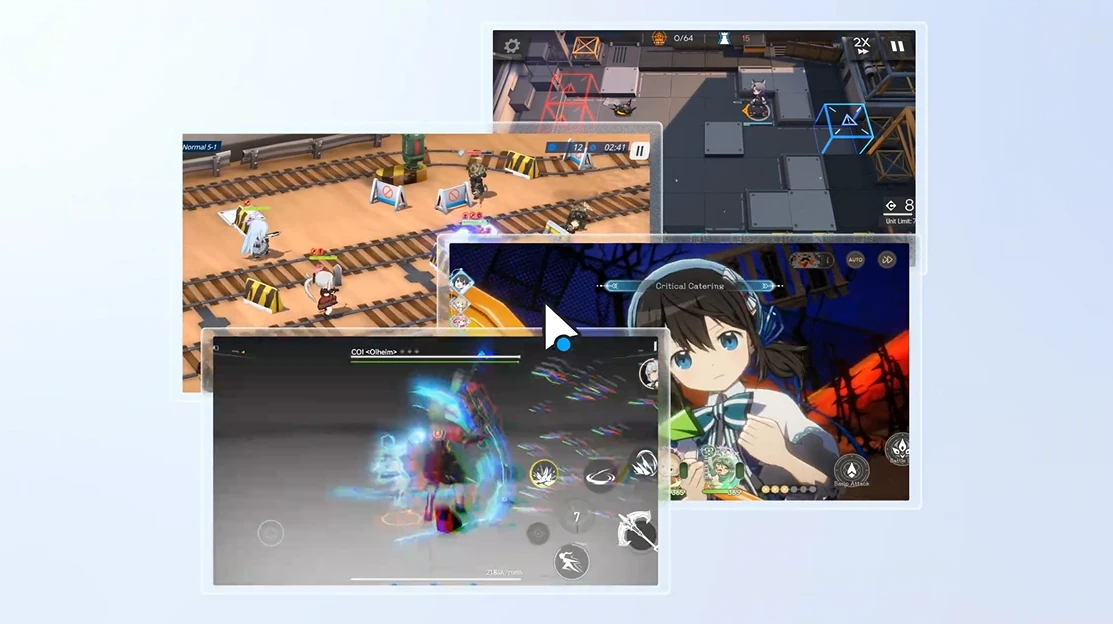
MuMu Player is a product of NetEase and is recognized as one of the most powerful and popular Android emulators for Windows and Mac. This software focuses on high speed, low resource consumption, and a simple, minimal user interface, providing a smooth and stable experience for running Android games and apps on a PC. Users can run heavy and popular games such as PUBG Mobile, Genshin Impact, and Call of Duty Mobile with high quality without worrying about frame drops or excessive CPU and RAM usage. Unlike many emulators that have cluttered environments full of ads and complex interfaces, MuMu Player offers a clean, lightweight, and user-friendly space. This minimal design helps users focus more on gameplay and provides an experience close to using a real Android device. Additionally, support for new graphics technologies such as DirectX 11 and OpenGL 4.x ensures full compatibility with Windows 11 and delivers smooth, lag-free performance. There are many options in the Android emulator market. BlueStacks is the most well-known emulator but has higher CPU and RAM usage. LDPlayer is suitable for running multiple instances simultaneously but experiences frame drops in some games. Nox Player has a simple user interface but is reported to consume more resources. Compared to these competitors, MuMu Player offers lower resource consumption, a minimal user interface, and higher stability, making it a smart choice for running heavy games like PUBG, Genshin Impact, or Call of Duty.
Features of MuMu Player software:
- Minimal user interface without ads
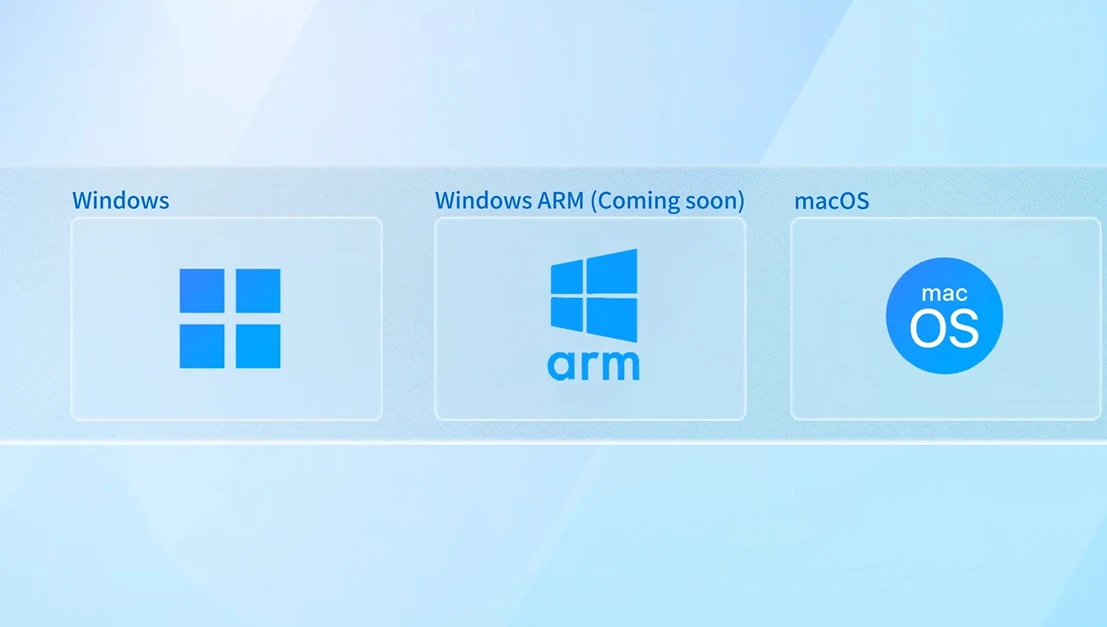
- Full compatibility with Windows 11 and support for DirectX 11 and OpenGL 4.x
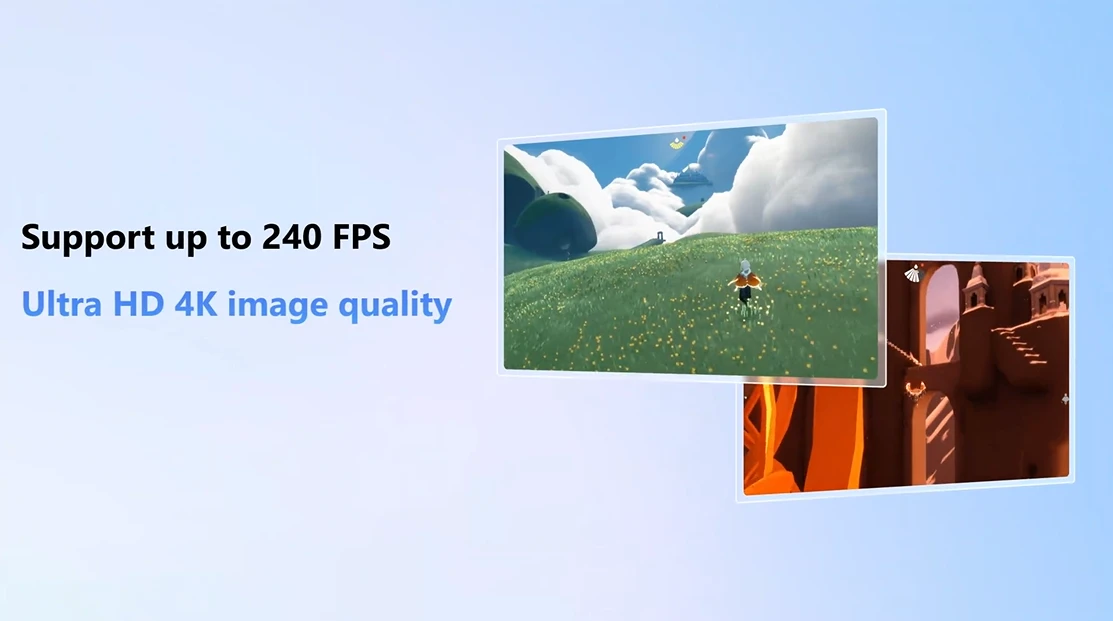
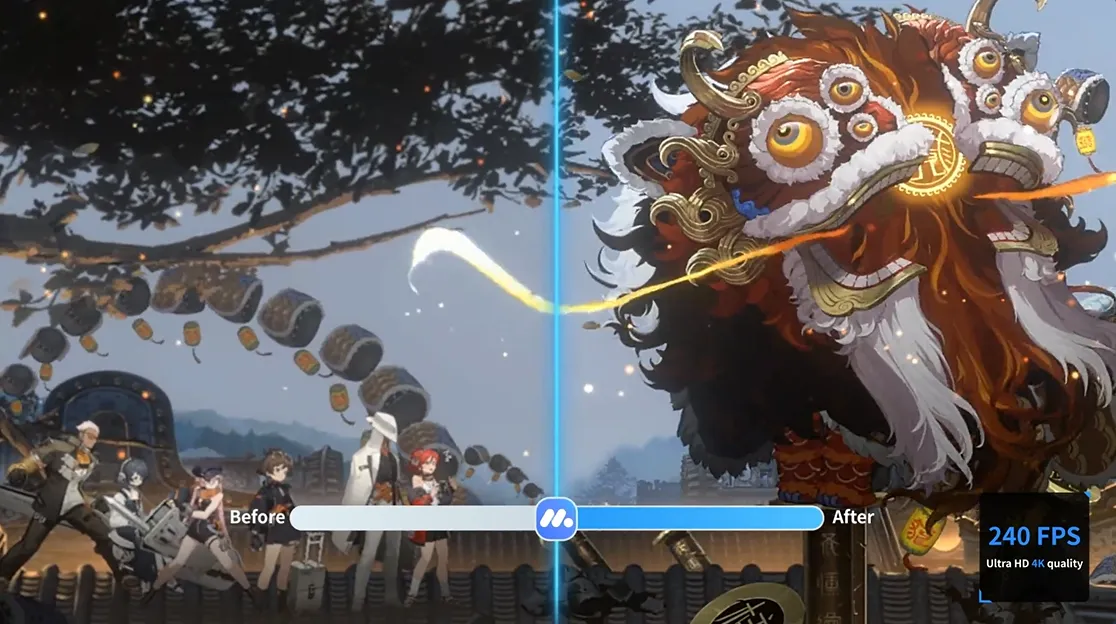
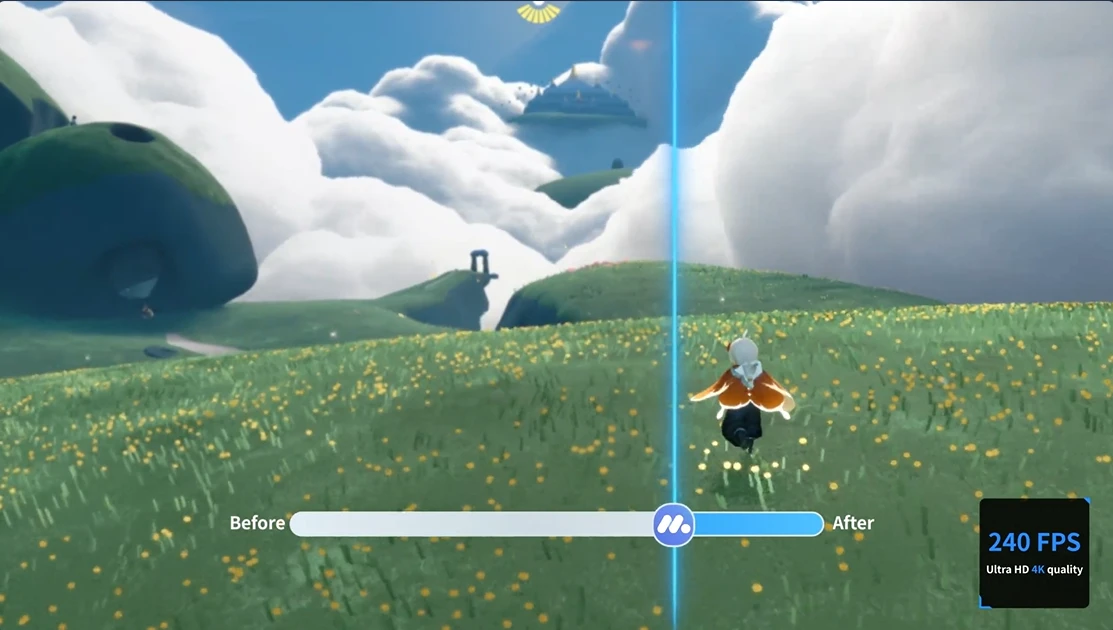
- Ability to run games at high frame rates up to 240 FPS
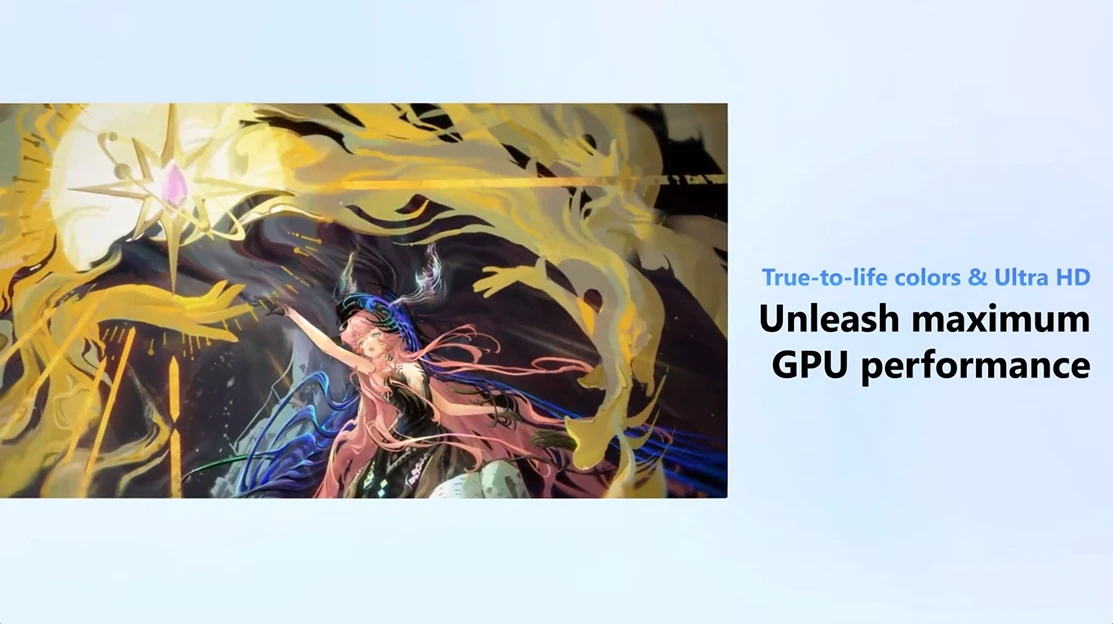
- Support for 4K resolution for a professional visual experience
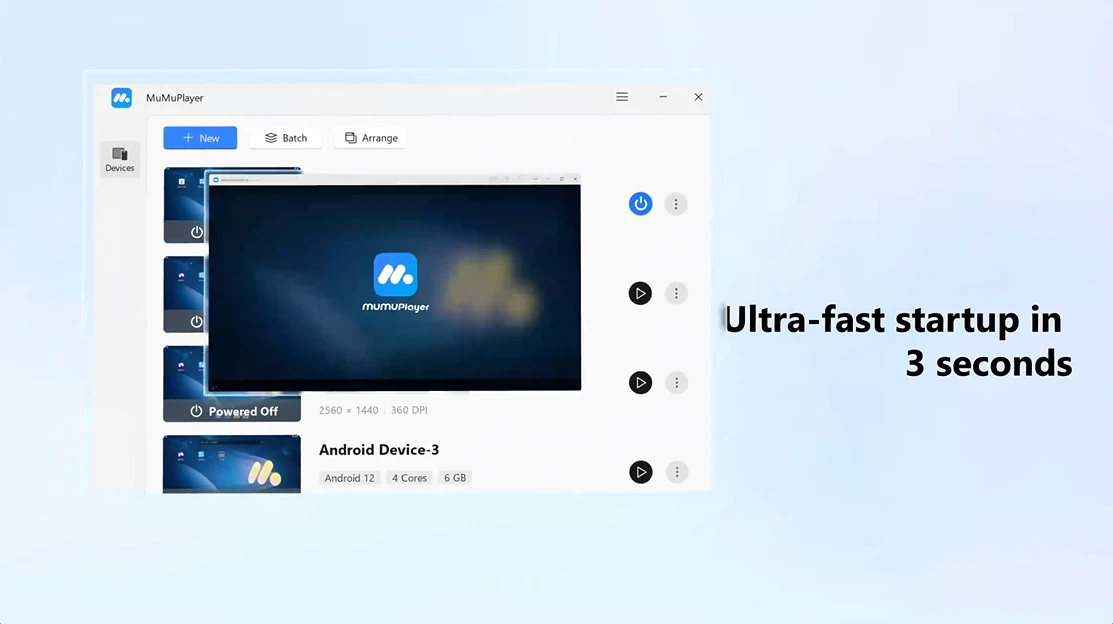
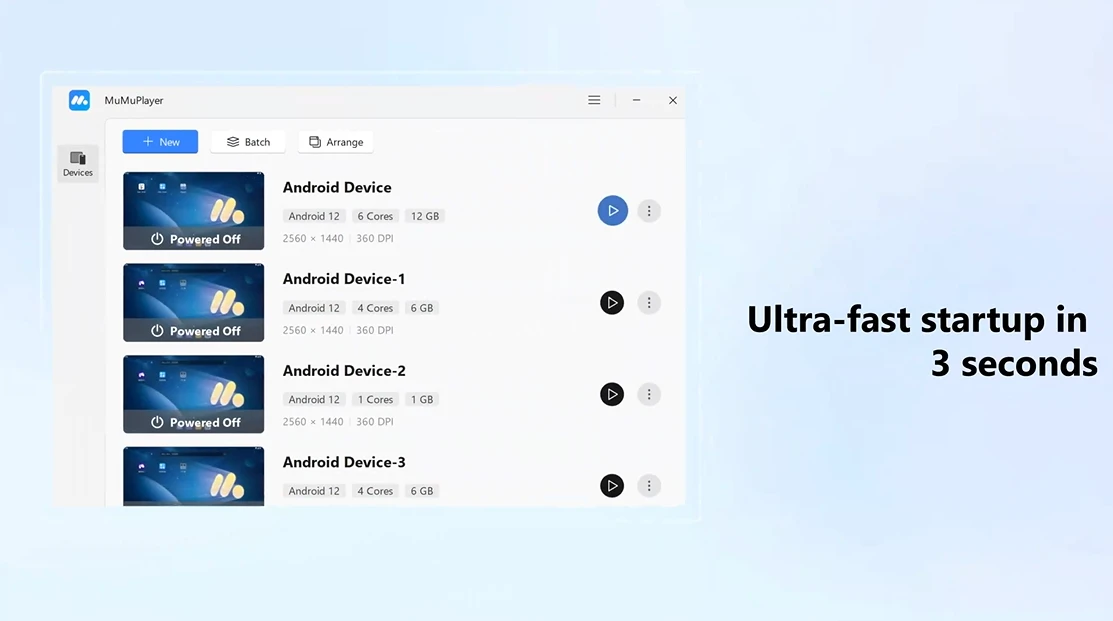
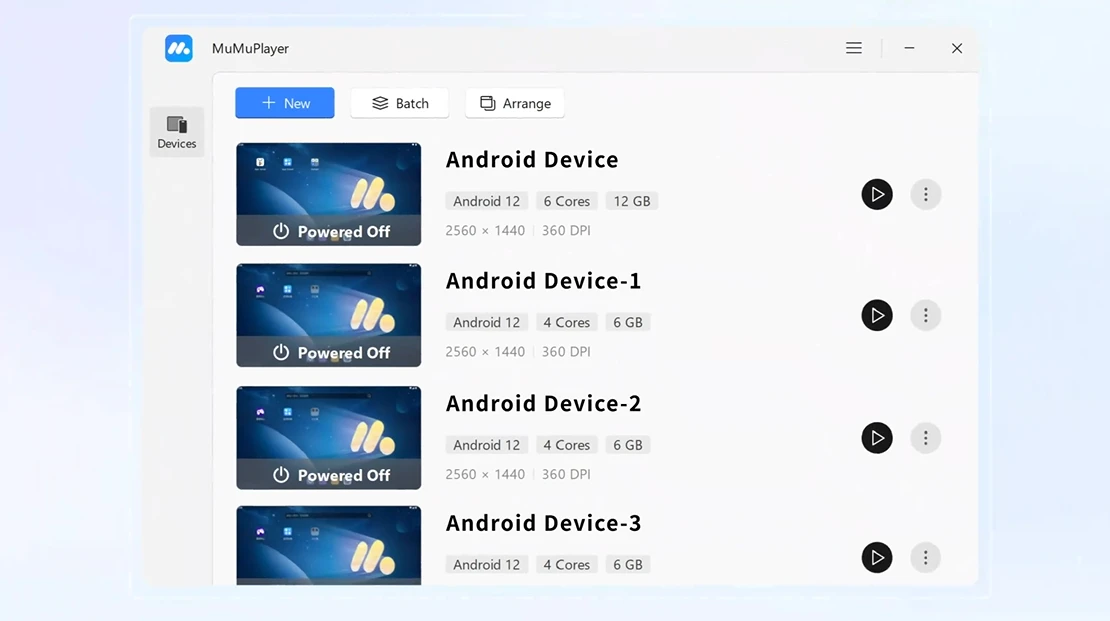
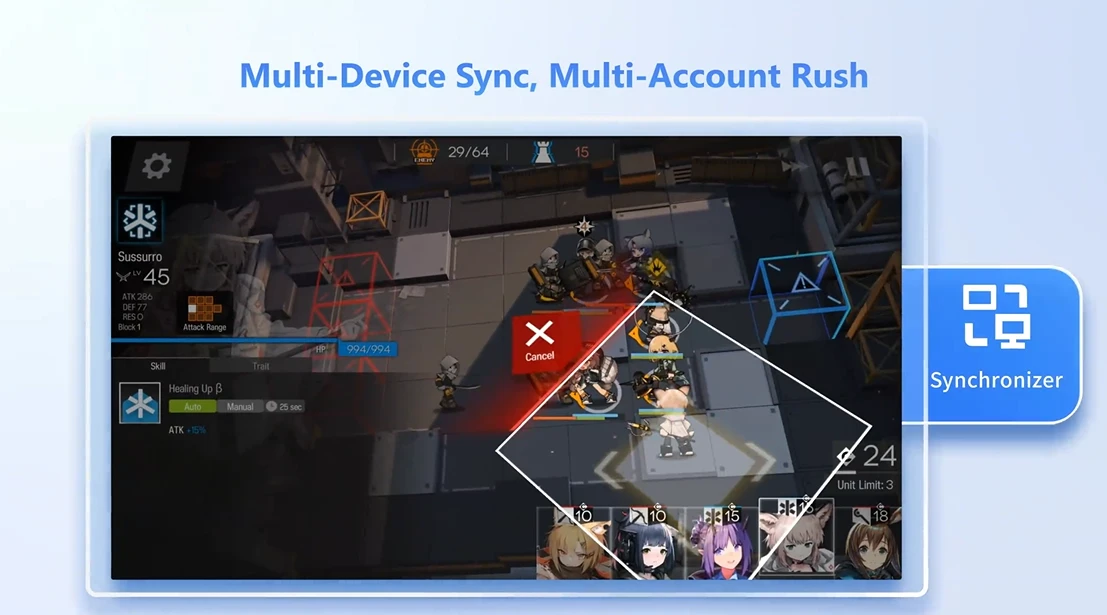
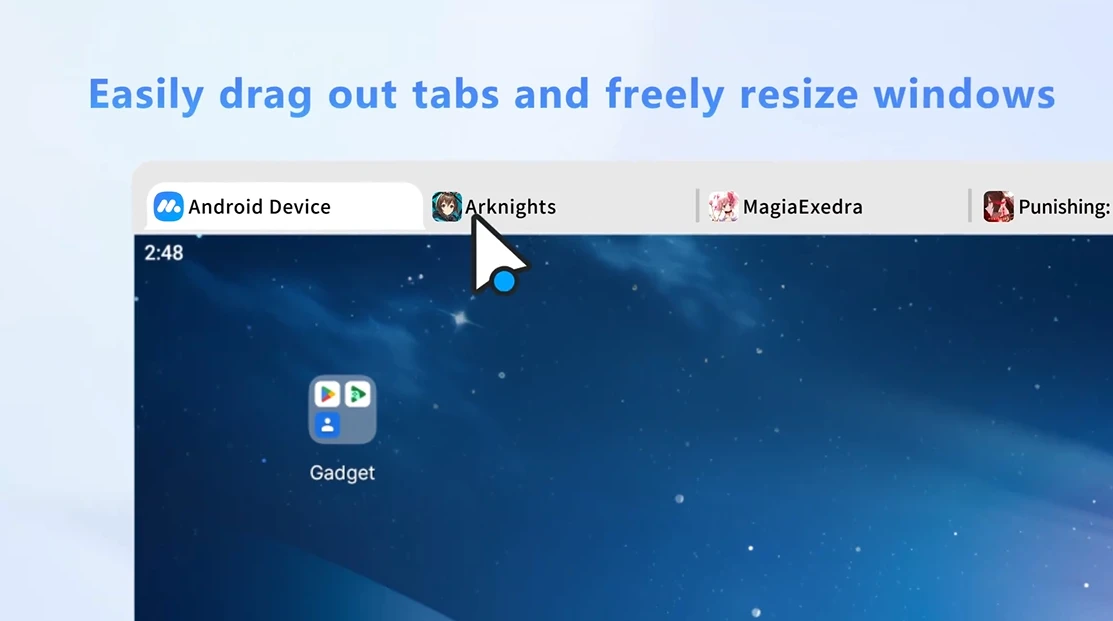
- Capability to run multiple instances of apps and games simultaneously
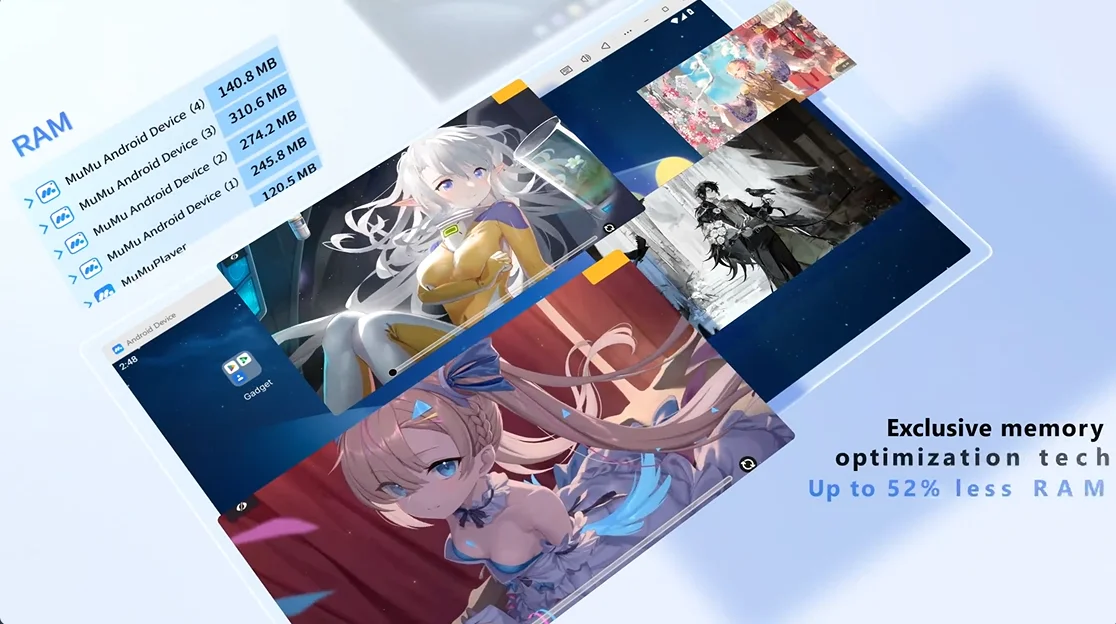
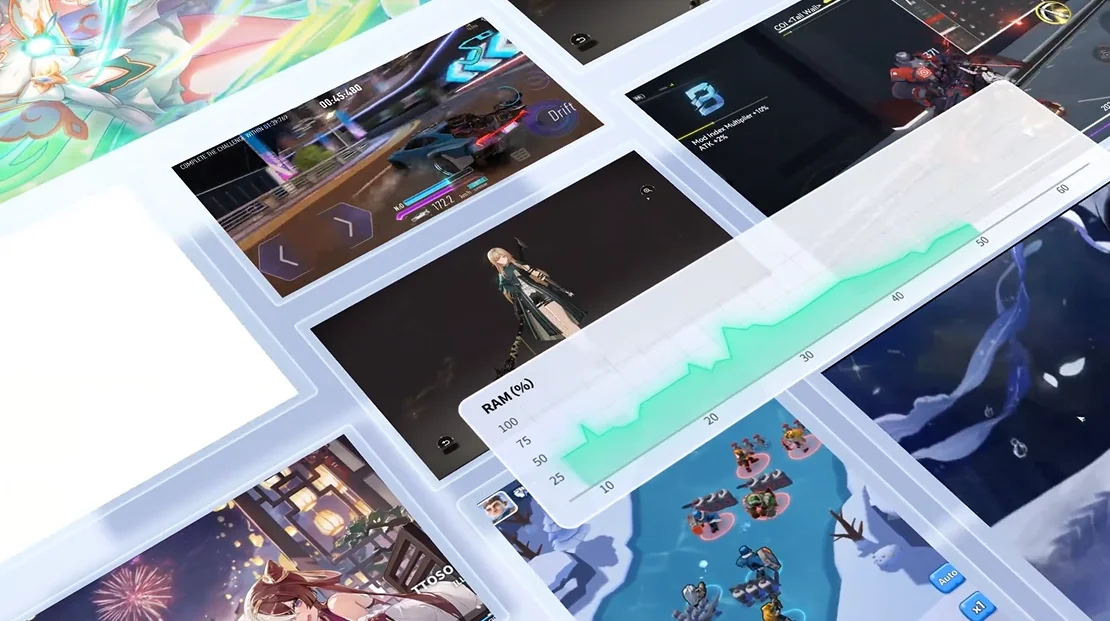
- Low resource consumption and stable performance in the background
- Regular updates to add new features
MuMu Player has gained a special place among Android emulators in recent years and, due to its high speed, low resource consumption, and minimal design, is the first choice for many gamers and developers. This software, with full support for Windows 11 and new hardware, offers a modern and lag-free experience and allows you to run popular Android games on your PC with quality beyond that of a phone. One of MuMu Player’s main strengths is its use of new graphics technologies and minimal design, providing a clean, ad-free environment that helps users focus more on gameplay. Additionally, support for 4K resolution and high frame rates ensures that running heavy games like PUBG Mobile, Genshin Impact, and Call of Duty Mobile is completely smooth and without quality loss. The ability to run multiple instances simultaneously also makes this emulator a professional option for those who want to manage multiple accounts or games in parallel.
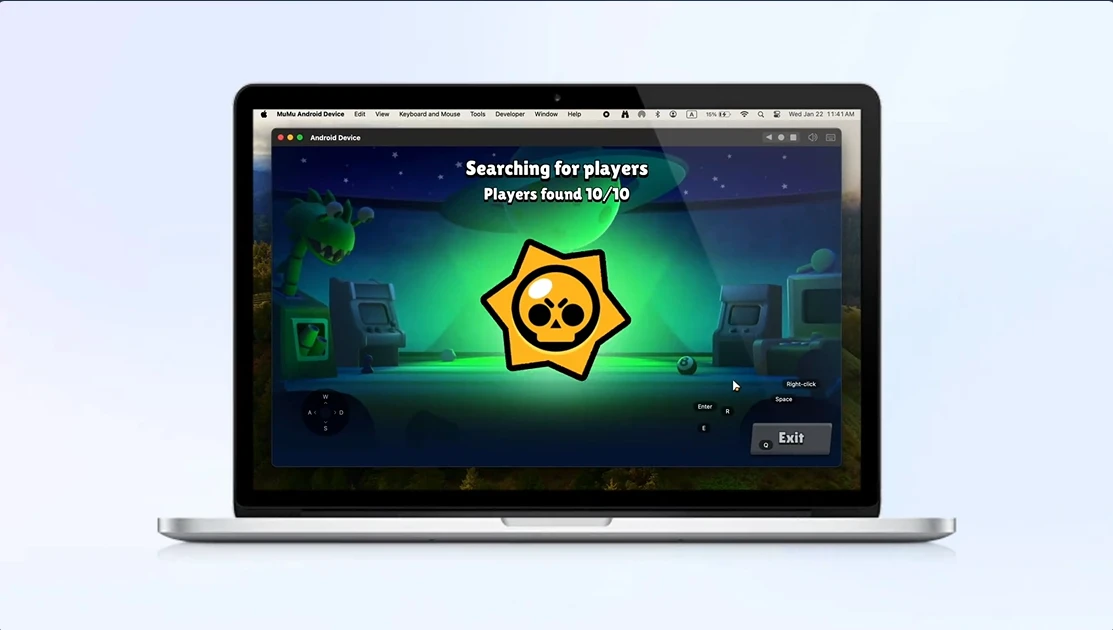
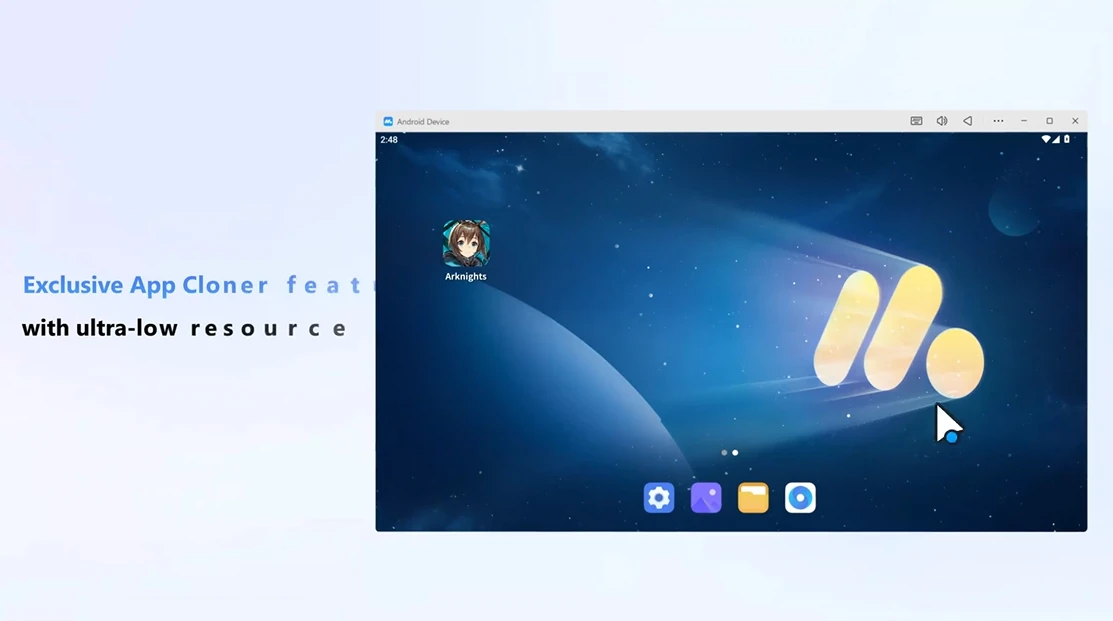
One of the most important features of MuMu Player is the use of Android 12 as the internal operating system. This allows users to run the latest Android apps and games without issues and benefit from the features and optimizations of the newest Android versions. Architecturally, this emulator is designed based on Arm64-v8a, which offers broad compatibility with modern apps and games. This architecture provides not only higher speed but also more efficient resource consumption and a smoother experience compared to older versions. The combination of Android 12 and Arm64-v8a architecture makes MuMu Player suitable not only for running heavy and graphic-intensive games but also provides a stable and up-to-date environment for developers. These features make it one of the most powerful Android emulators on the market. MuMu Player is not just a simple tool for running apps; it is a complete platform for managing and experiencing Android games on Windows and Mac. Its minimal design, full compatibility with Windows 11, low resource consumption, and professional features make it one of the best choices in the emulator market. You can now download the official version of this program from DroidCove via direct link and enjoy a different experience running Android games and apps on your PC. If you are looking for a powerful, stable, and fast emulator, MuMu Player is the option that meets your needs.



![KineMaster 8.1.13 – Powerful Video Editor for Android [Update]](https://droidcove.com/wp-content/uploads/2026/06/KineMaster-Logo-1-100x100.webp "KineMaster 8.1.13 - Powerful Video Editor for Android [Update] 5")

