


7Zip v25.01 | Download 7Zip – Fast, Lightweight, and Open-Source Compression Software for Windows
A powerful tool for managing compressed files with support for various formats
Download the latest software update with direct link
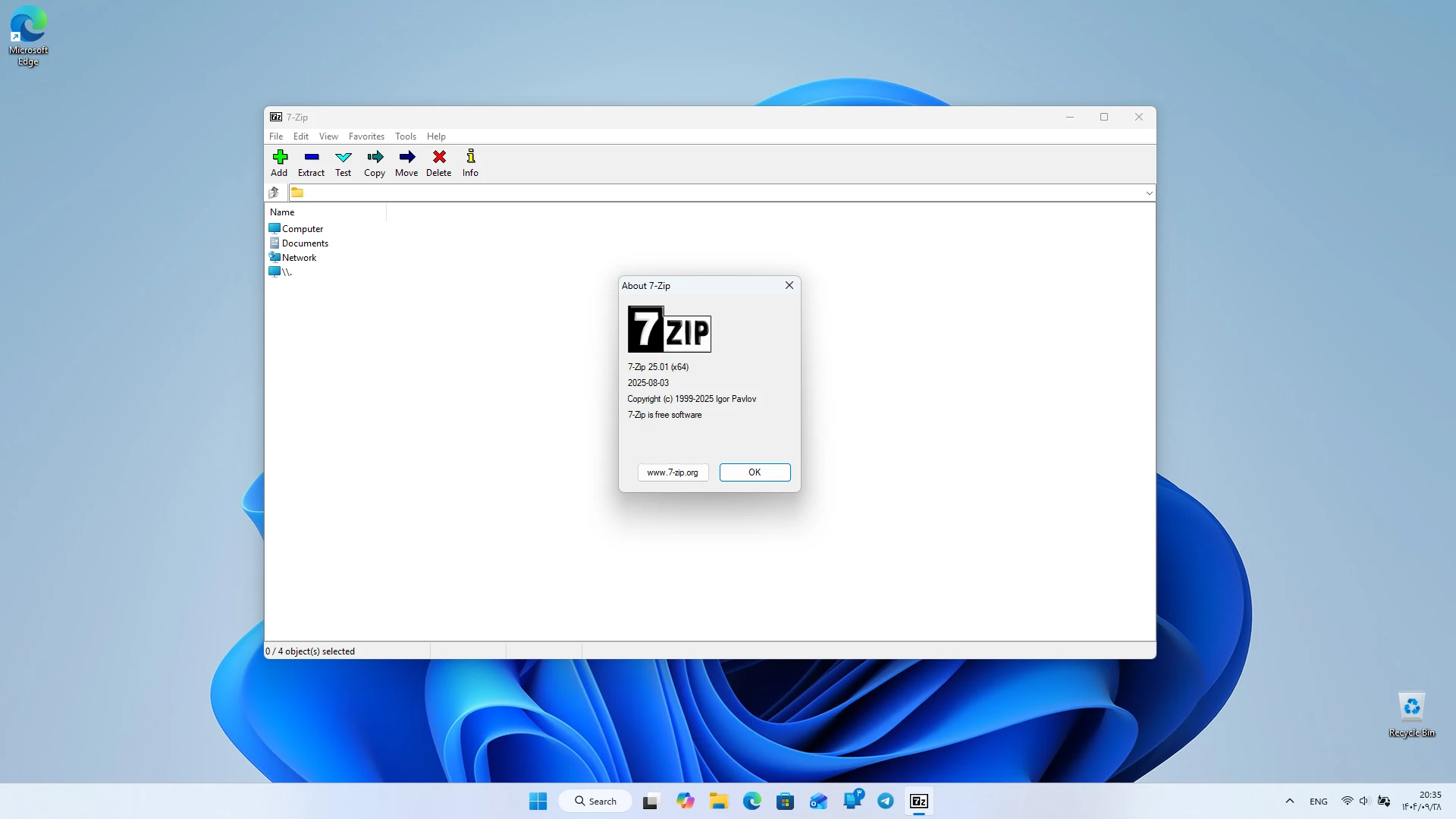
7Zip is one of the most well-known file compression software worldwide, designed with a focus on speed, simplicity, and open-source nature. This software allows users to store their files in smaller sizes, compress them in various formats, and easily extract them. The Windows version of this software, with extensive features and very low resource consumption, has gained a special place among personal computer users. Due to being free and supporting multiple formats, 7Zip is considered one of the most popular tools for managing compressed files. This software is made for users who want to manage their files without complexity and extra costs. Many similar programs have advertisements or commercial restrictions, but 7Zip, with its open-source and free approach, offers a complete and reliable experience. This feature makes this software a suitable choice for both home and professional users. 7Zip offers various features for managing compressed files. Users can compress files in different formats, encrypt them, or split them into multiple parts. Fast file extraction is also available, allowing users to decompress their files with just a few clicks. This capability is very useful for those who regularly work with large files.
Features and Capabilities of 7Zip:
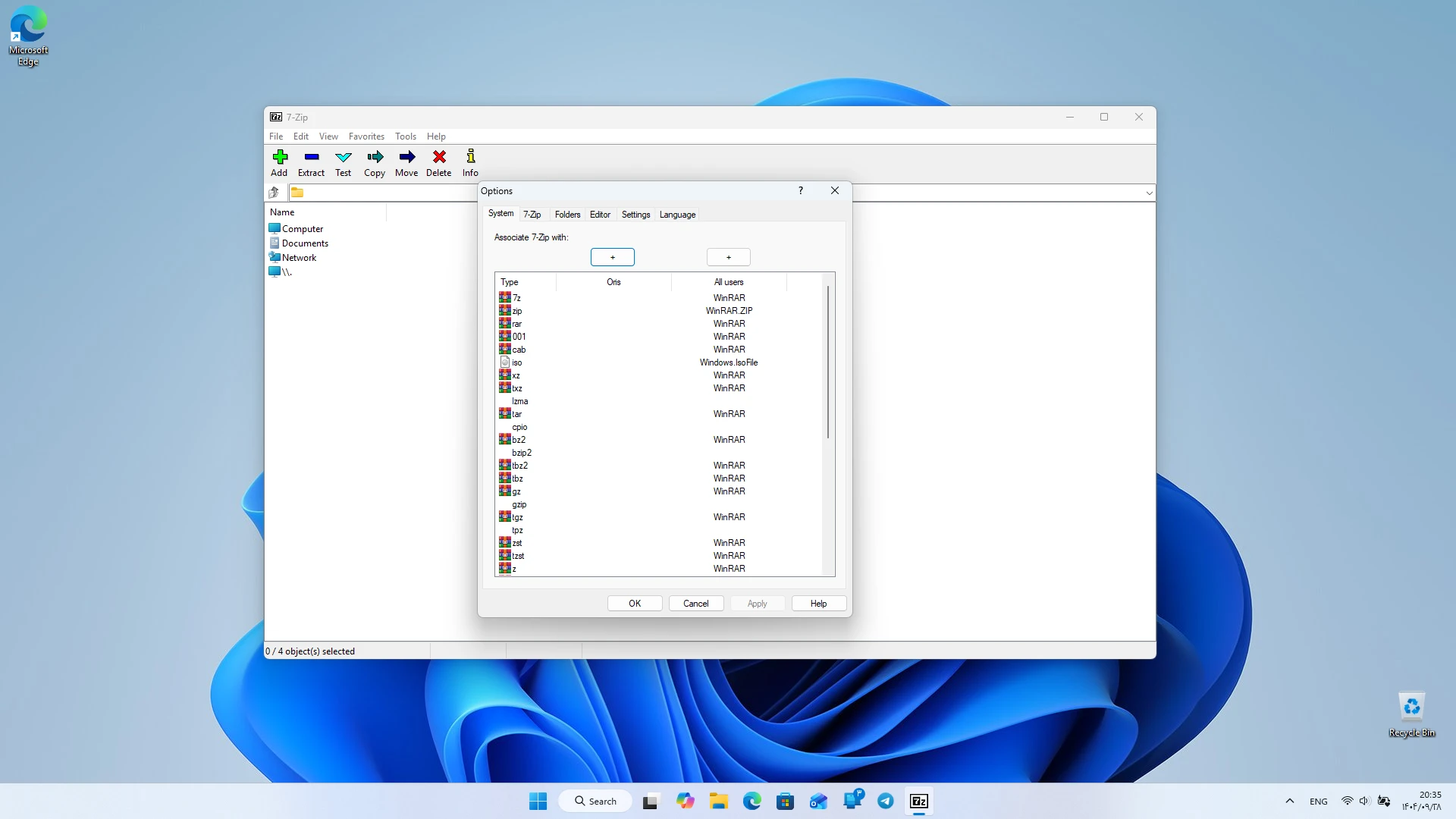
- Support for various formats such as 7z, ZIP, RAR, TAR, and ISO
- High speed in compressing and extracting files
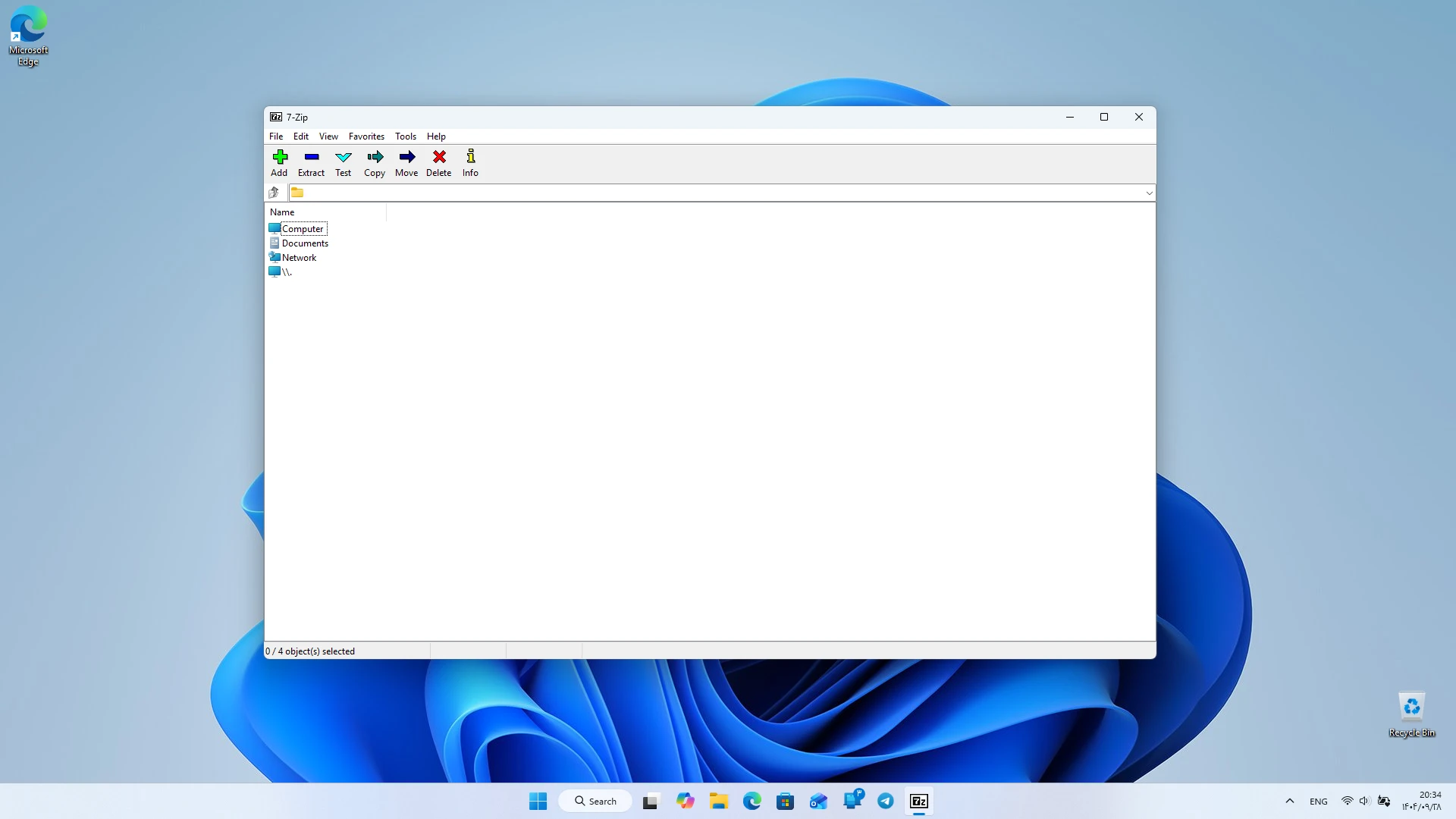
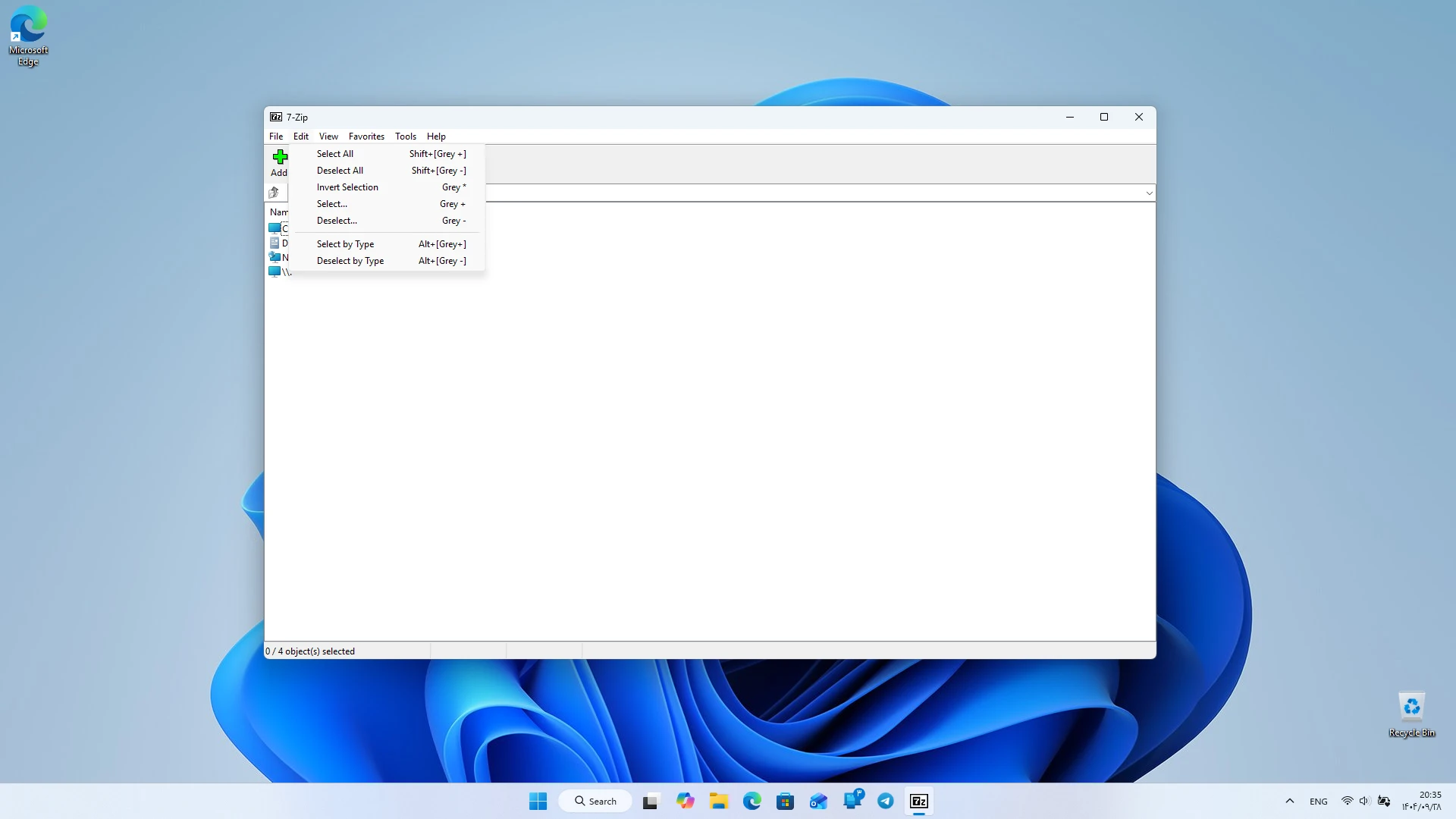
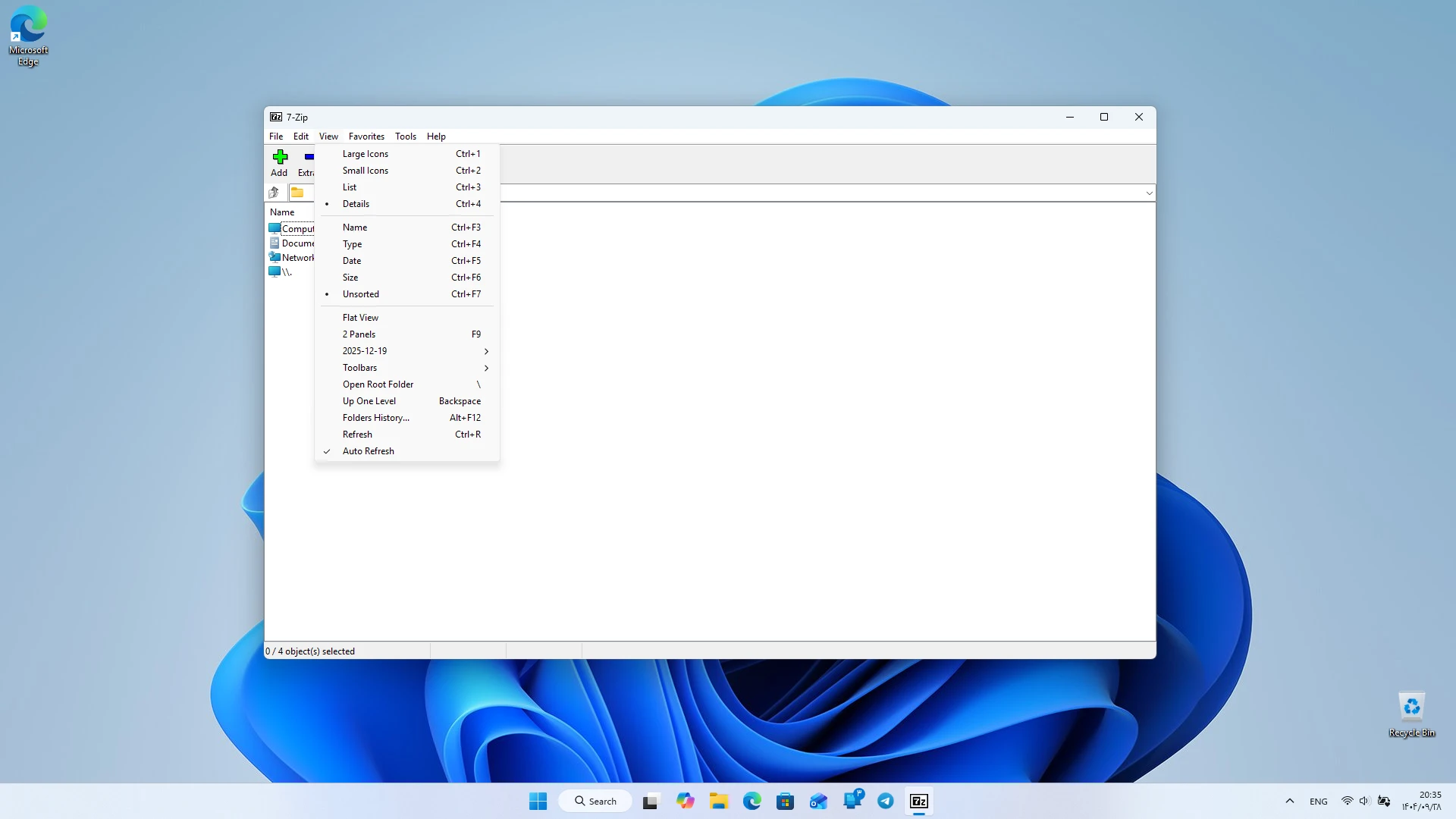
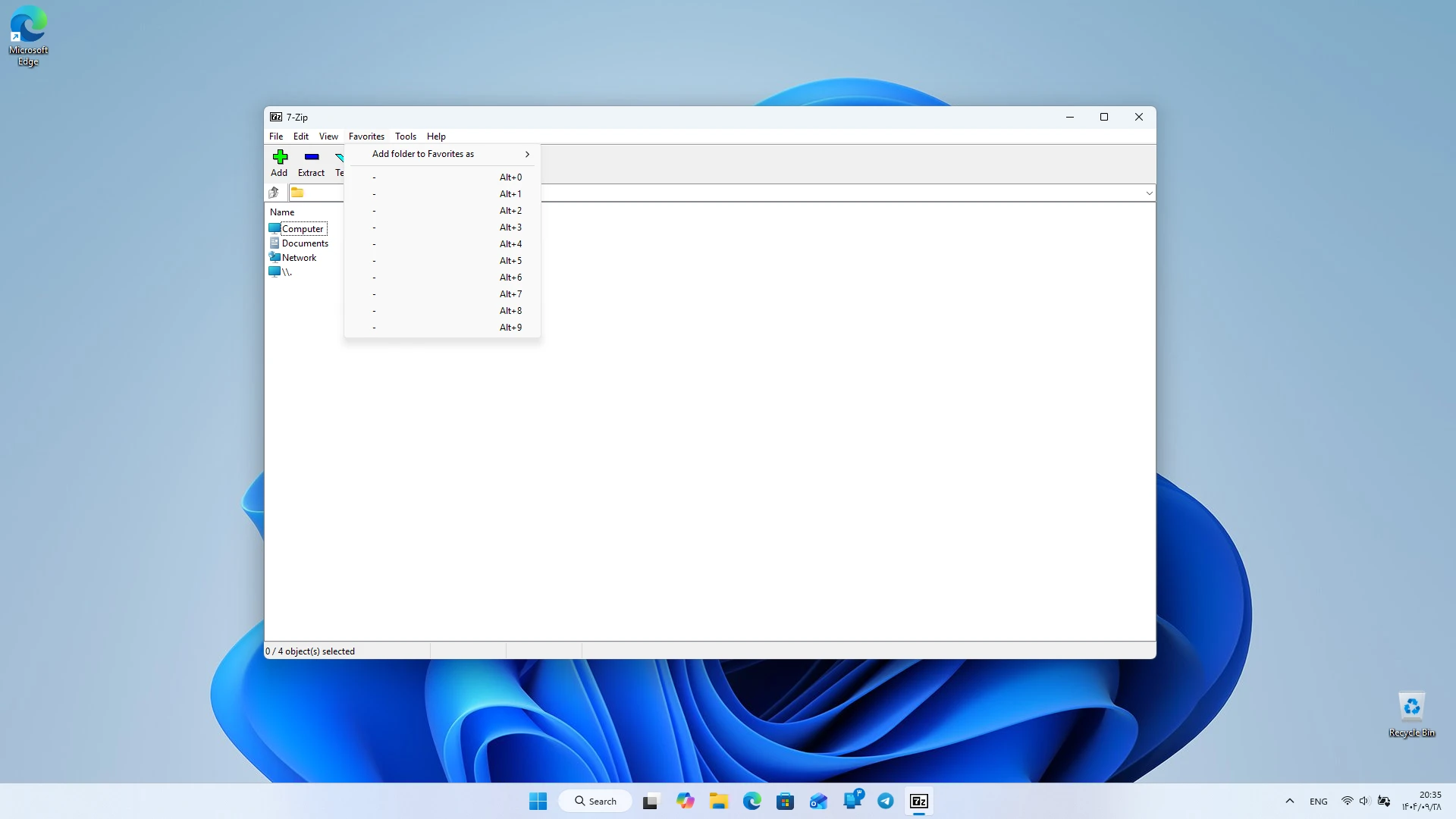
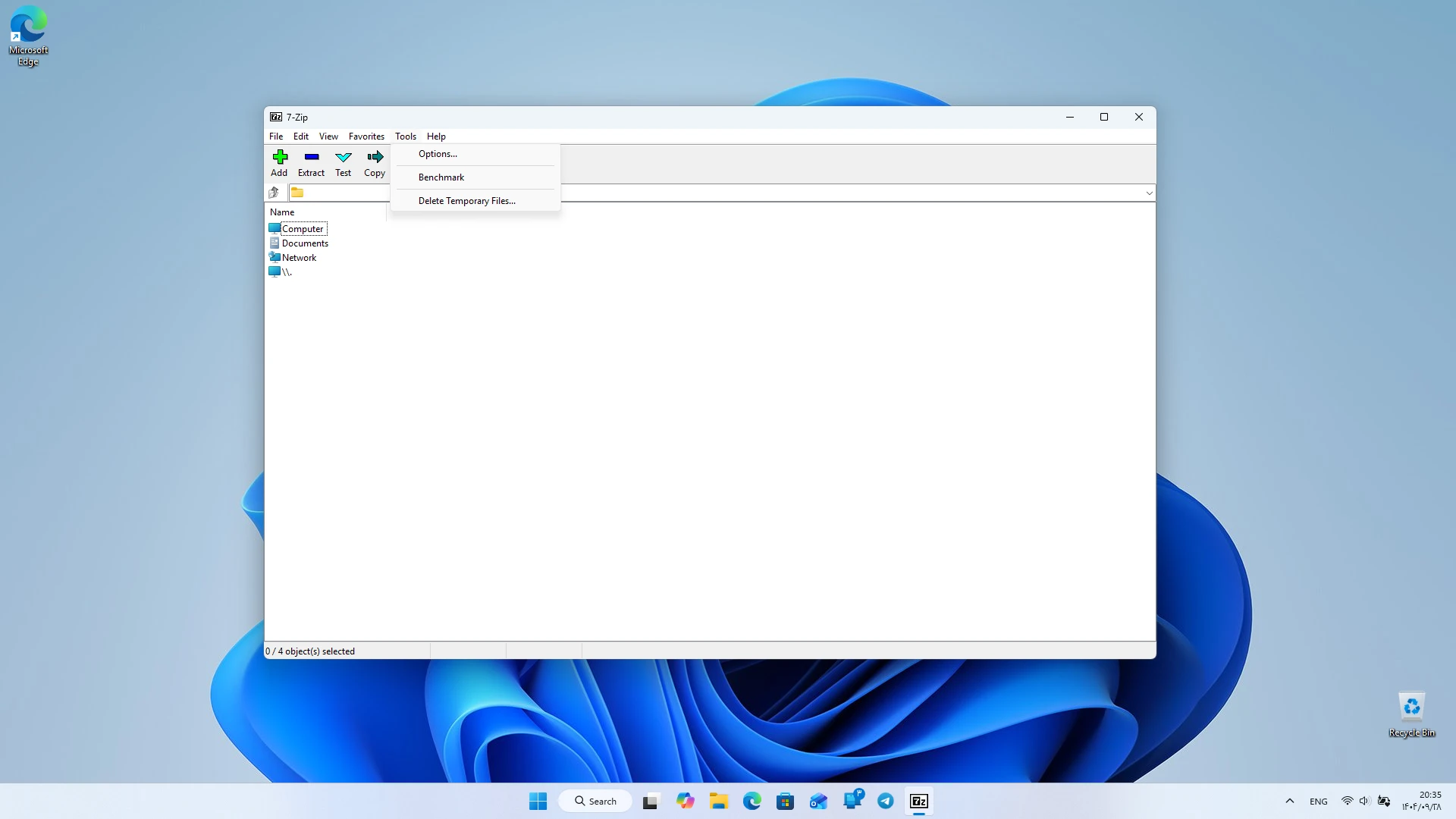
- Simple and understandable user interface
- Ability to encrypt files with AES-256 algorithm
- Capability to split large files into multiple parts
- Very low system resource consumption
- Completely open-source and free
- Command line support for advanced users
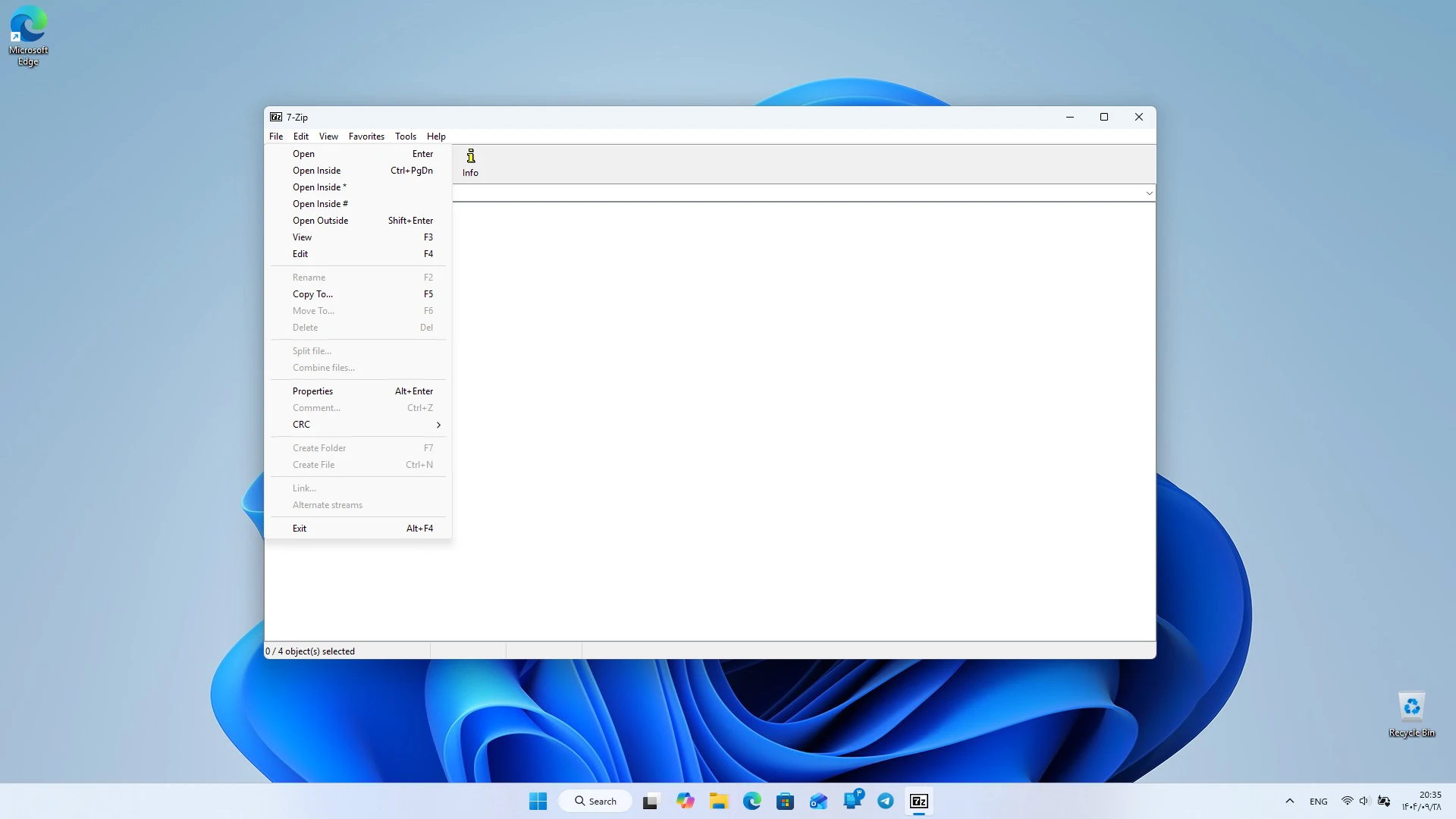
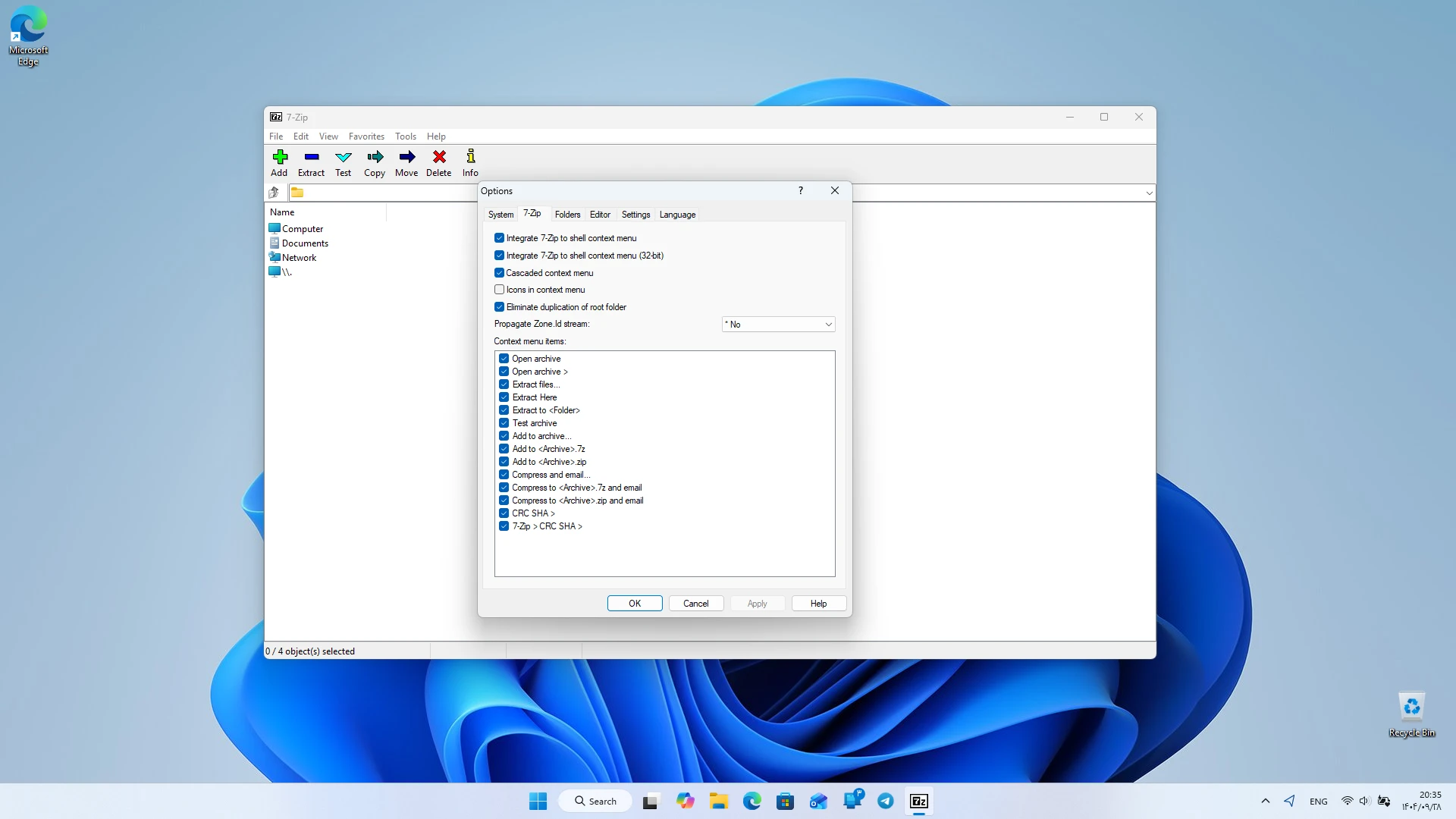
- Integration with Windows right-click menu
- Regular and security updates
One of the important features of 7Zip is its powerful compression algorithm. This software can compress files to a much smaller size compared to many similar programs. This feature is valuable for users who want to optimize their storage space. Also, the ability to encrypt files with the AES-256 algorithm provides high security for sensitive data. 7Zip also supports splitting large files into multiple parts. This feature is very useful for users who want to store or transfer large files in separate sections. The combination of this capability with high compression speed makes 7Zip a suitable option for managing large files. The 7Zip user interface is very simple and easy to understand. Everything is placed in a clean and organized environment, allowing users to access their files without confusion. The minimal design and high speed of 7Zip provide a smooth and delay-free user experience. This feature is very attractive for those tired of the clutter and complexity of other software.

7Zip also supports command line usage. This feature is valuable for advanced users who want to automate compression or extraction operations. Integration with the Windows right-click menu also allows users to perform their desired operations with just one click. This software uses very little system resources and runs well even on low-end systems. The high speed in compressing and extracting files makes 7Zip a suitable choice for users looking for a fast and lightweight tool. Regular updates also ensure the software’s security, and users can be confident they are always using the latest version. Compared to similar software, 7Zip has significant advantages. Many compression programs have commercial limitations or high resource consumption, but 7Zip, focusing on simplicity, speed, and open-source nature, offers a complete and reliable experience. These features make 7Zip a suitable option for professional users and those seeking a secure and fast software on Windows. Overall, 7Zip is a fast, secure, and popular software for Windows that provides a professional and reliable experience with its minimal design, practical features, and open-source nature. If you are looking for software that manages compressed files easily without ads and complexity, this software is one of the best choices. You can download the original version of this software with a direct link from DroidCove.



![KineMaster 8.1.13 – Powerful Video Editor for Android [Update]](https://droidcove.com/wp-content/uploads/2026/06/KineMaster-Logo-1-100x100.webp "KineMaster 8.1.13 - Powerful Video Editor for Android [Update] 5")

