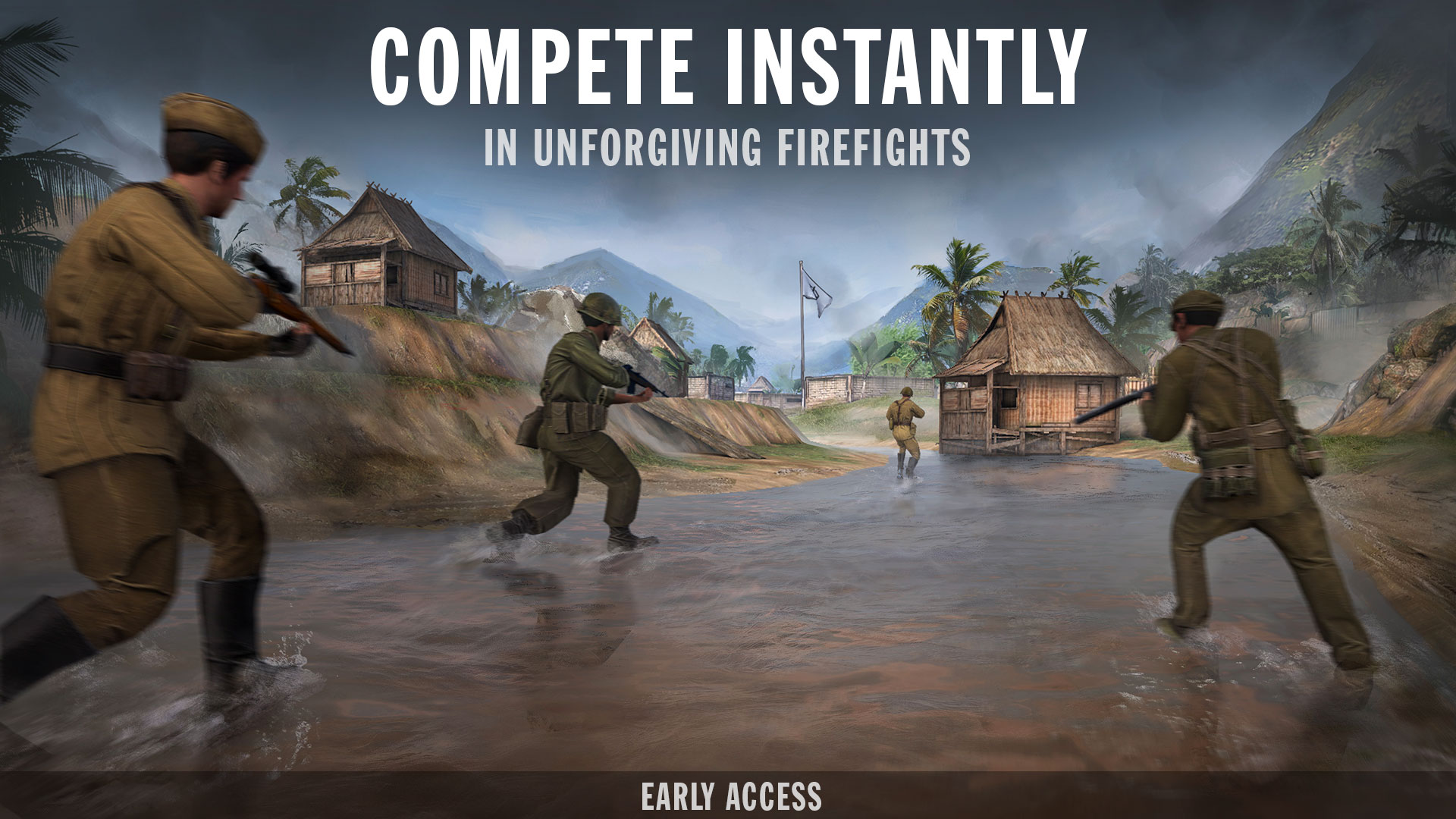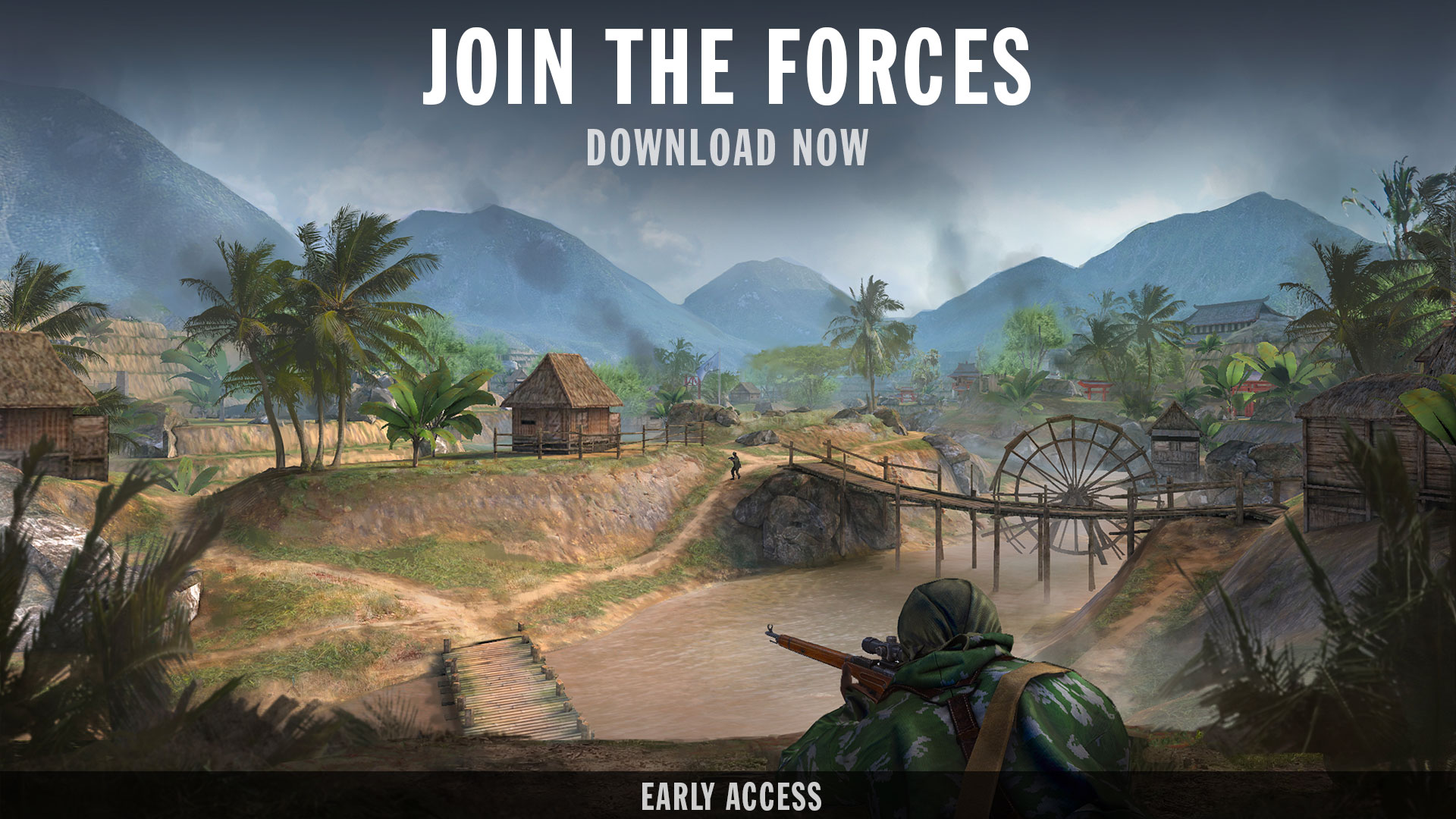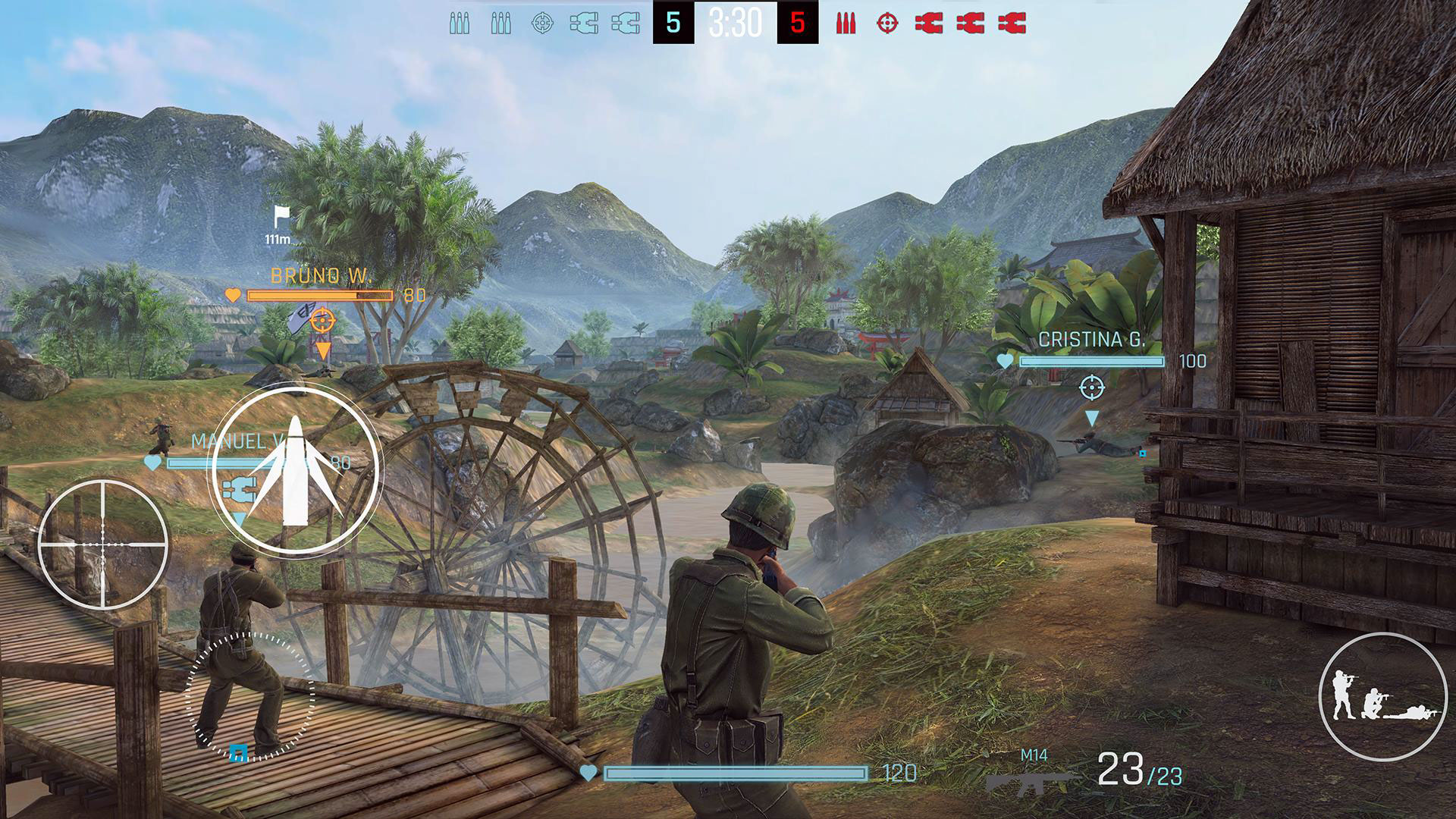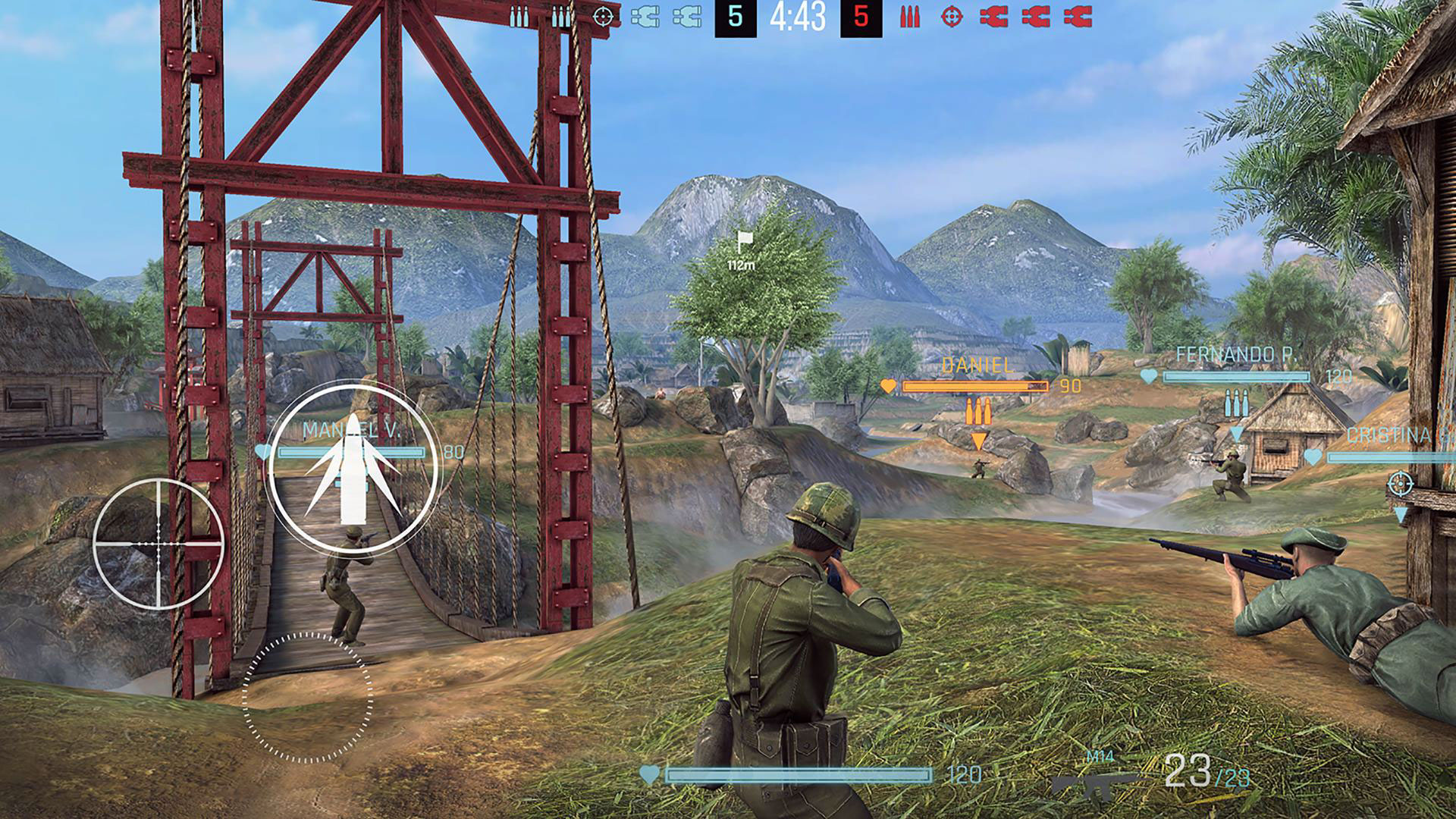
Forces of Freedom (Early Access) is an amazing action game with stunning graphics and excellent design from BRAVOCOMPANY Ltd for Android, available for free on Google Play. The latest update along with data files is now available for download! By installing Forces of Freedom on your tablet or Android phone, you can experience an exciting action game in the shooting genre with the possibility of 5v5 team play online in various environments and modes! Choose your favorite character from soldiers of the 1960s to modern special forces of any nationality and enjoy participating in thrilling battles! Will you be a sniper or a regular soldier with a combat weapon? It doesn’t matter; what matters is that you can serve your team’s objectives! Your battles take place in various environments and locations, and a wide range of different weapons are available to eliminate enemies! If you are looking for a well-made action game for entertainment, try Forces of Freedom!

The game Forces of Freedom (Early Access) has been downloaded nearly 10 million times by Android users worldwide from Google Play and has earned a good rating of 4.4 out of 5.0. We at DroidCove have made the latest update available for download. You can first view images and gameplay videos of Forces of Freedom (Early Access) and finally, if you wish, download it with one click from the site’s high-speed servers.
Additional Notes:
1 The game is online and requires internet connection
2 Playing without a VPN is not possible; a VPN is required
3 Avoid installing versions newer than the DroidCove version; this is the latest official global version
4 Always download the latest game update from this page as soon as it is released.
Version v5.7.0 Changes :
* Added new features + various optimizations.
Installation and Game Execution Instructions:
– First, download and install the game APK file.
– Download the data file and extract it. Copy the folder named com.koyokiservices.FoF into the Android/data directory of your device’s internal storage.
– Run the game with an internet connection and with the VPN enabled.