


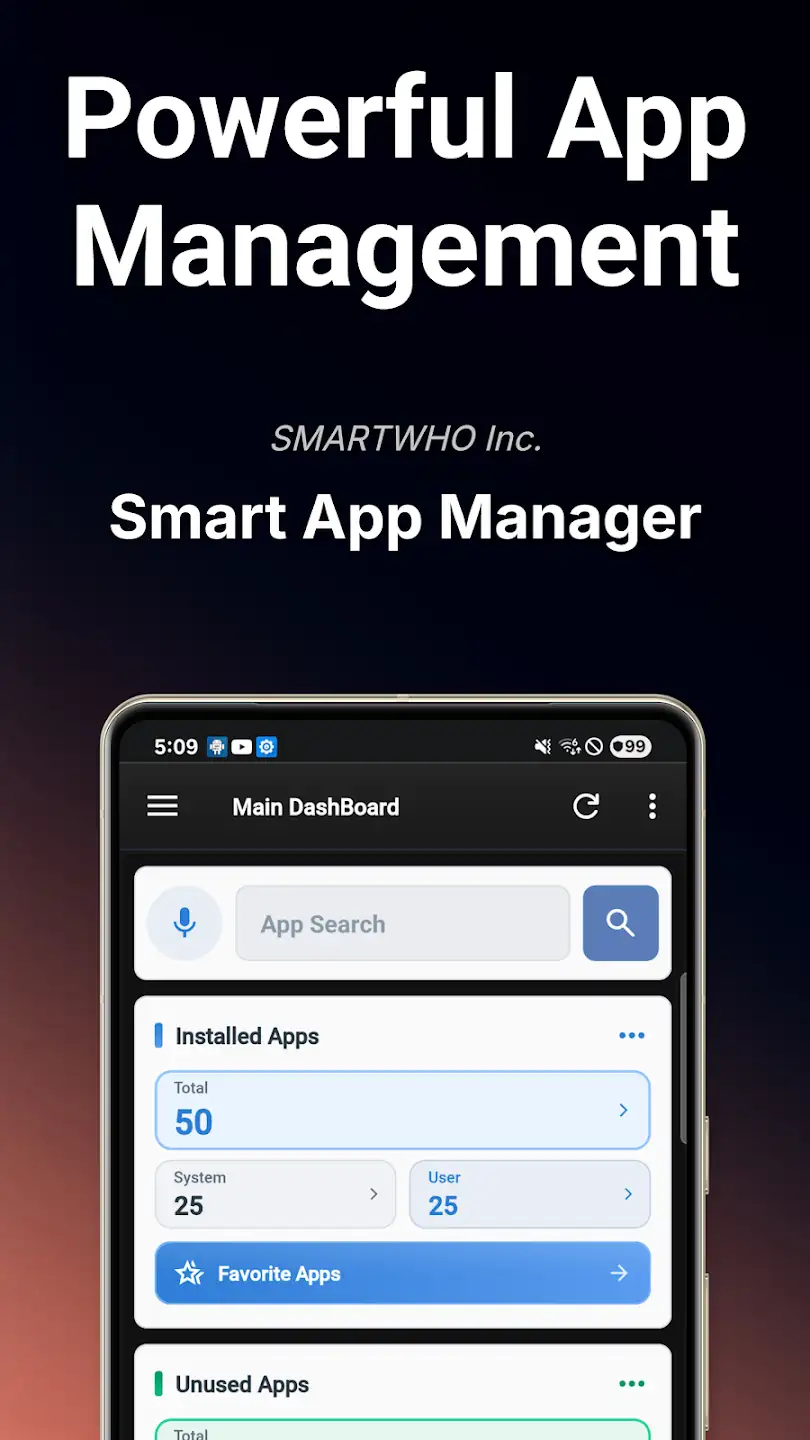
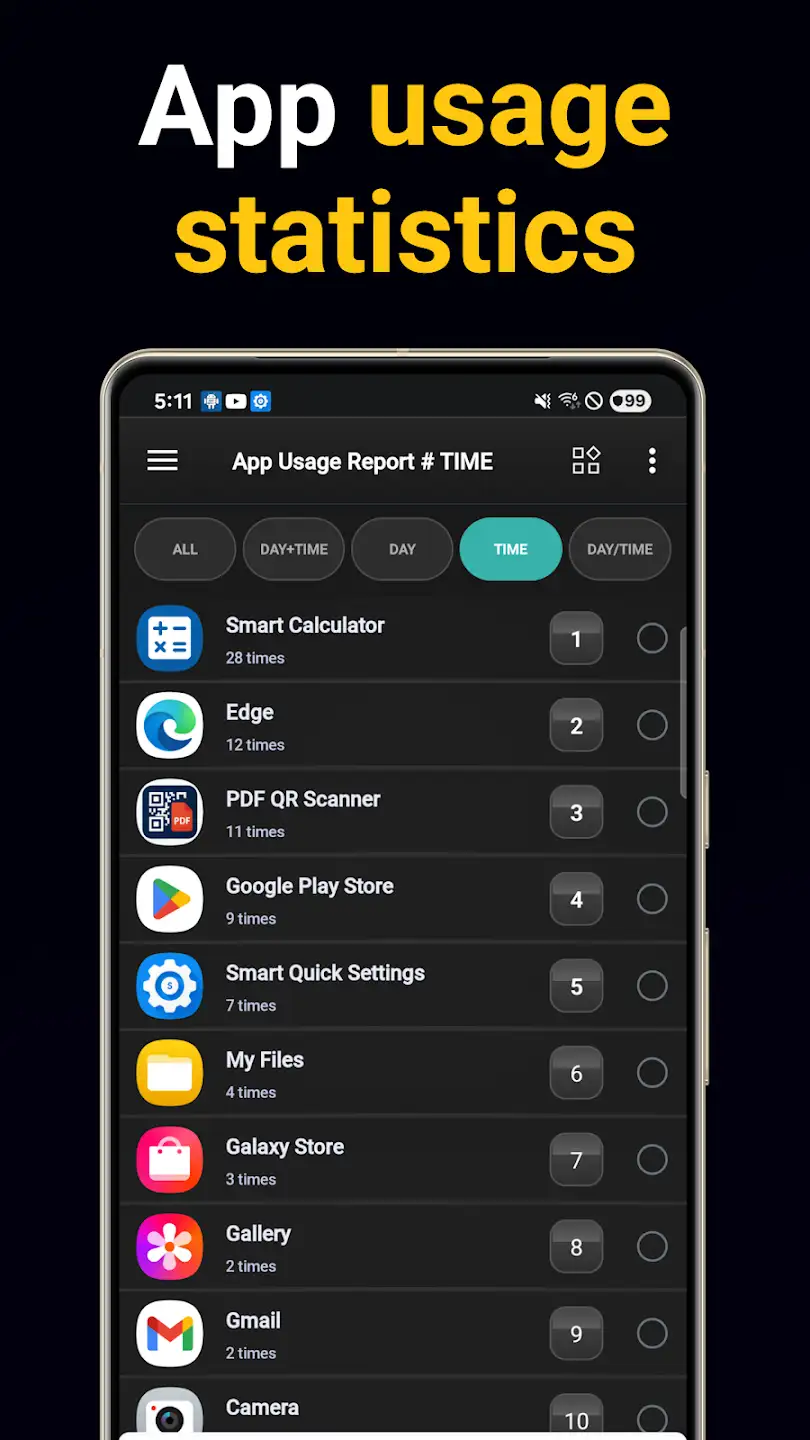
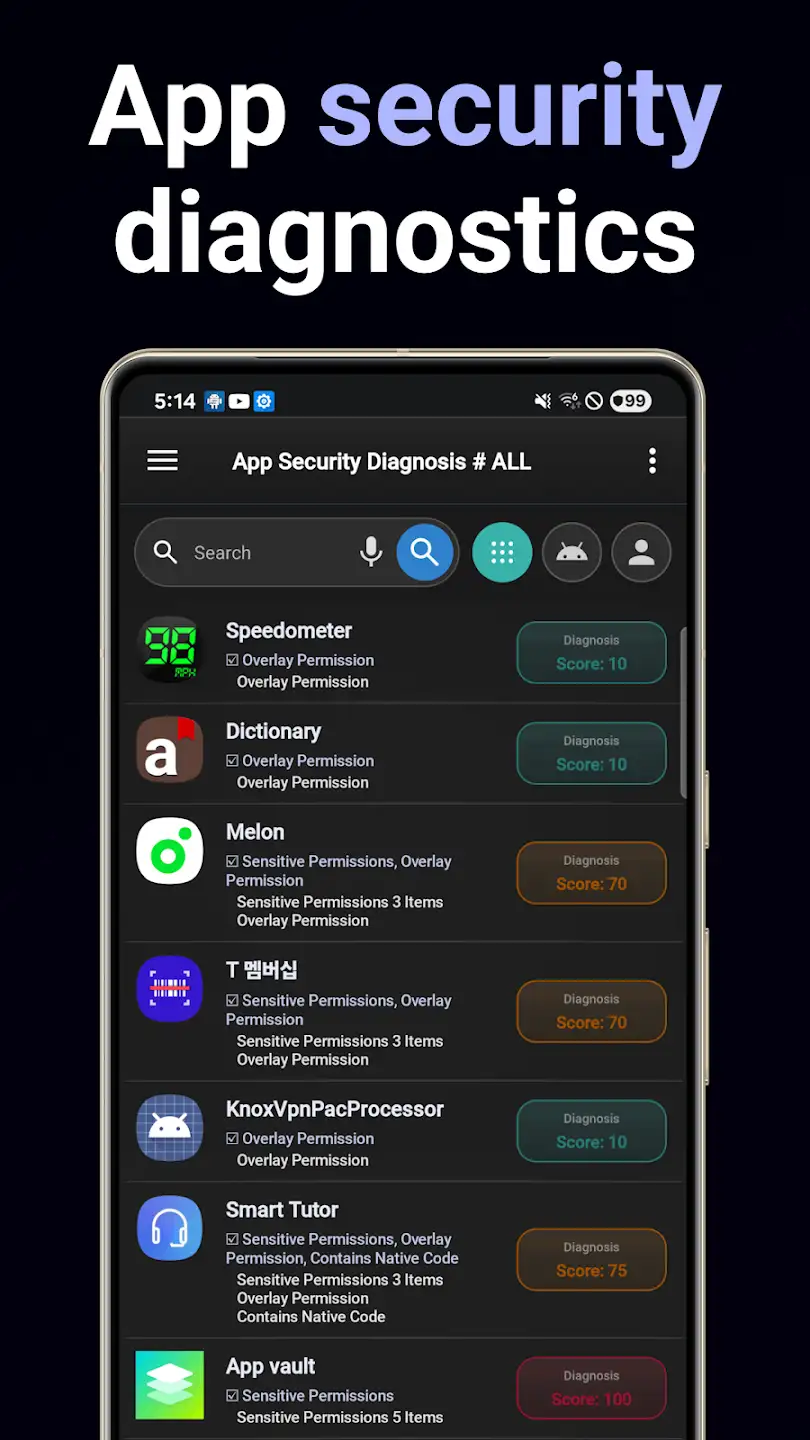
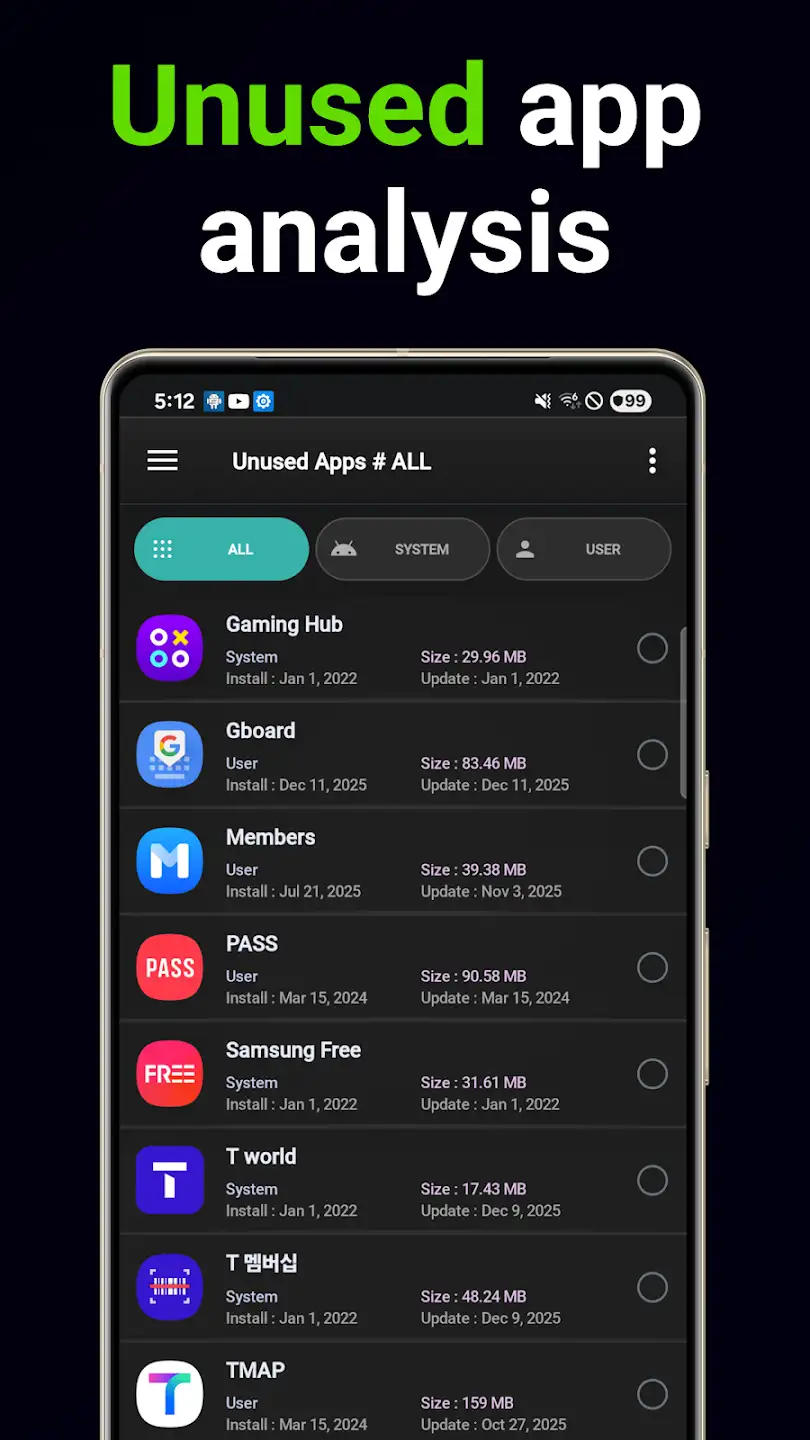
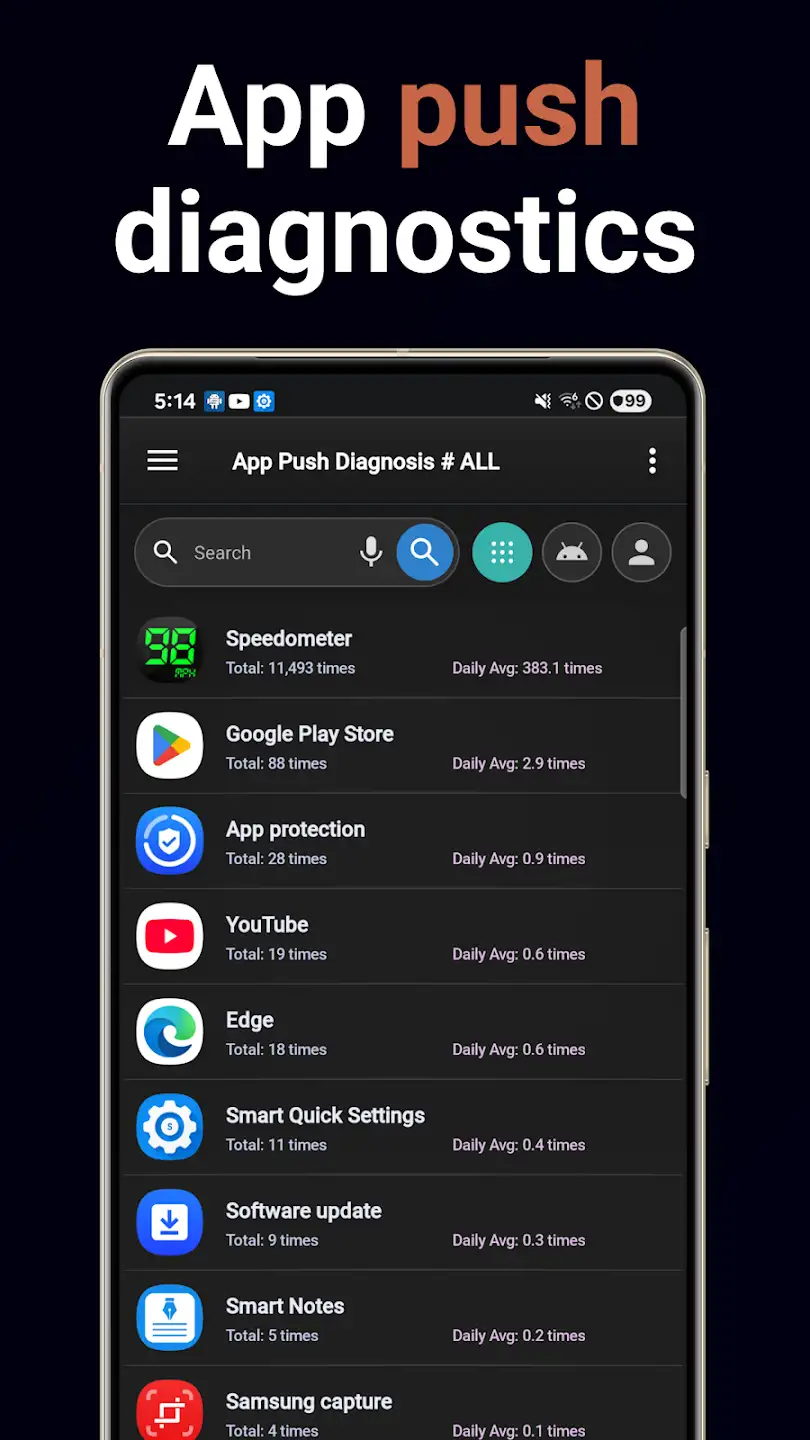
Android App Manager is an excellent and very powerful application for professional management of Android apps from the SmartWho studio for mobile devices. With this app, you can easily and quickly access complete information about your mobile device, including system information, app data usage, and more, and manage them professionally! Overall, the Android App Manager is designed to optimize your Android mobile device and includes all the necessary tools you expect from an app management program! By accessing all installed apps and games on your mobile device in one unified environment, you can perform any action that the operating system allows on them! If you are someone who has many apps installed on your mobile device, you definitely need an App Manager, and this app is the best choice to have!
Some features and capabilities of the Android App Manager app:
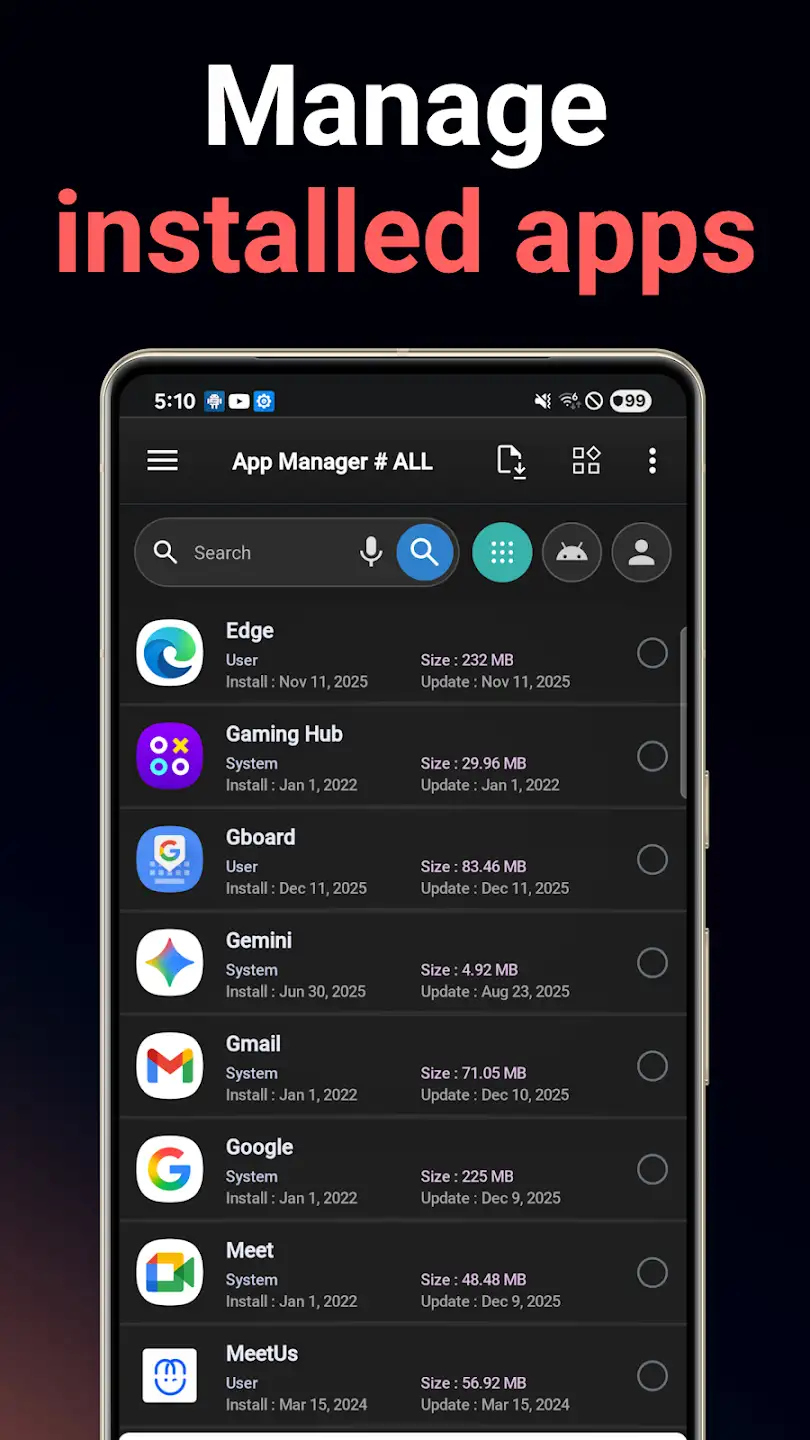
- *Manage apps with search functions, sorting by multiple parameters, and more
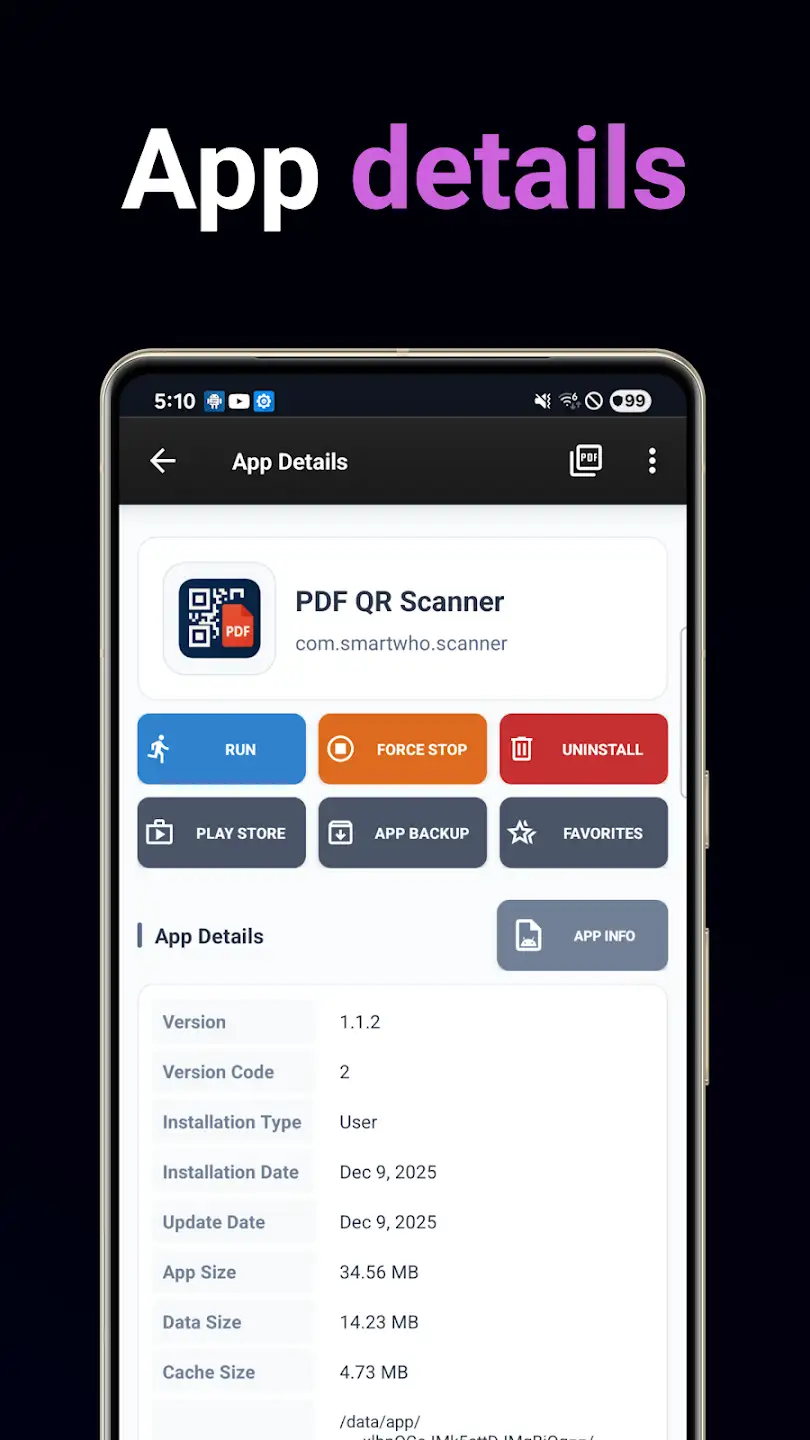
- Display a list of installed applications for launching, uninstalling, viewing information, and other options
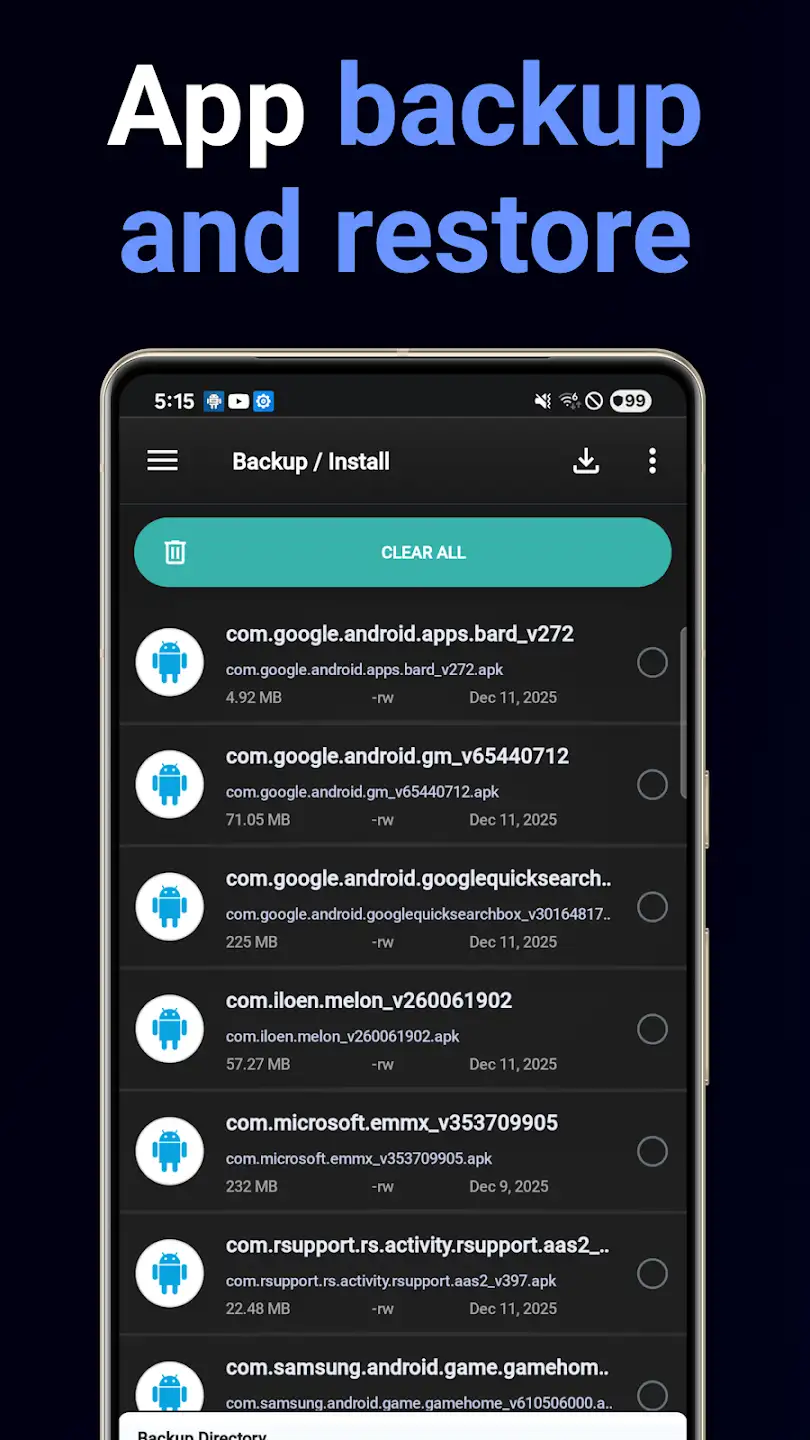
- Ability to select one or multiple apps for batch uninstall, backup, and more
- Ability to back up installed apps with detailed information such as date
- Display complete battery information: temperature in Celsius/Fahrenheit, battery health, and more
- Show detailed RAM information (used space, free space, and total space)
- Includes a dedicated History Eraser for clearing call logs, browser history, clipboard, SMS, and more
- Includes a dedicated widget for placing on the home screen for quicker access to sections
- Favorite App section for your preferred apps, listing them in the app and on the home screen
- Display other information such as system storage, system cache information, CPU status, and more
The Android App Manager app, with a rating of 4.0 out of 5.0 and millions of downloads from the Play Store, is one of the top Android app management programs. Today, we have introduced its latest update here at DroidCove and recommend it to all users. You can download it with just one click.




![KineMaster 8.1.13 – Powerful Video Editor for Android [Update]](https://droidcove.com/wp-content/uploads/2026/06/KineMaster-Logo-1-100x100.webp "KineMaster 8.1.13 - Powerful Video Editor for Android [Update] 5")

