Space Marshals v1.3.2 + Mod – Beautiful Space Marshals Game for Android with Data + Trailer
Regular version + Mod version (Unlimited Equipment) separately
Tested with offline play
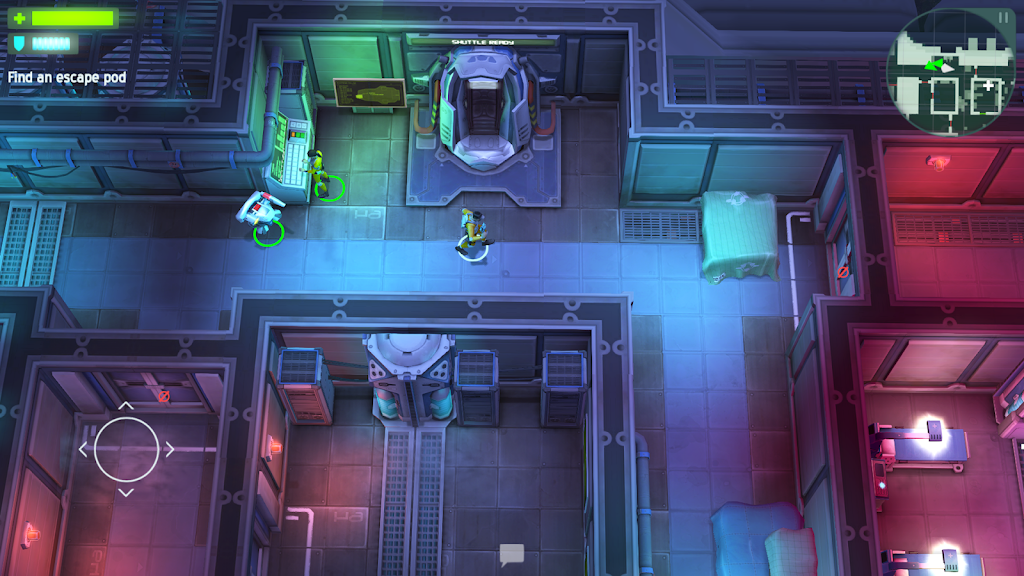
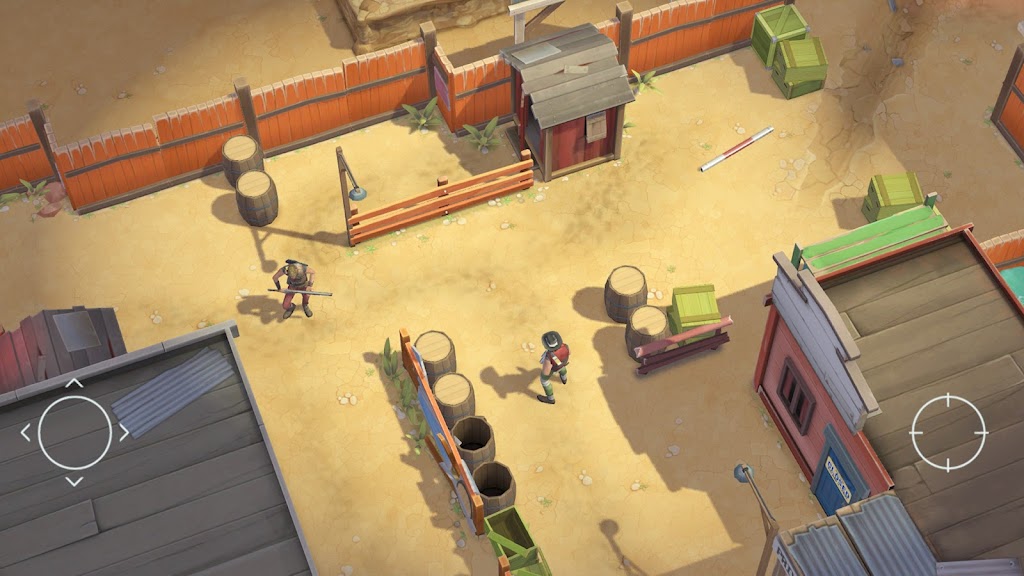
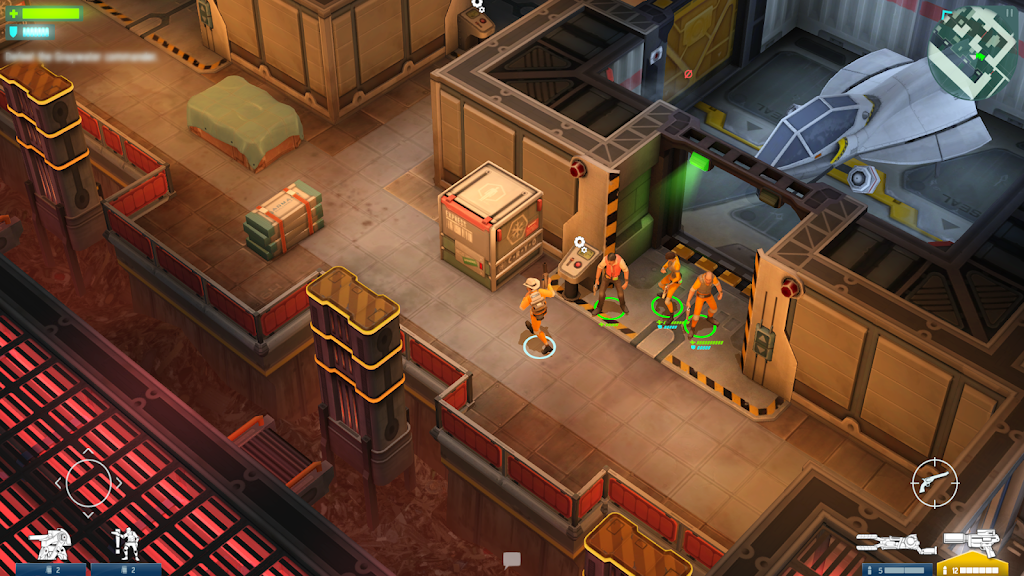
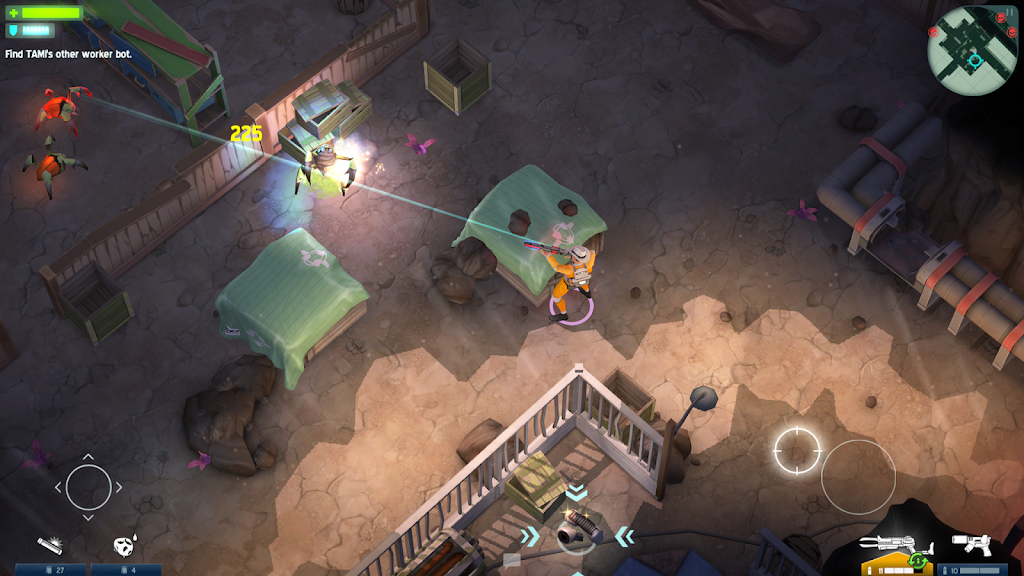
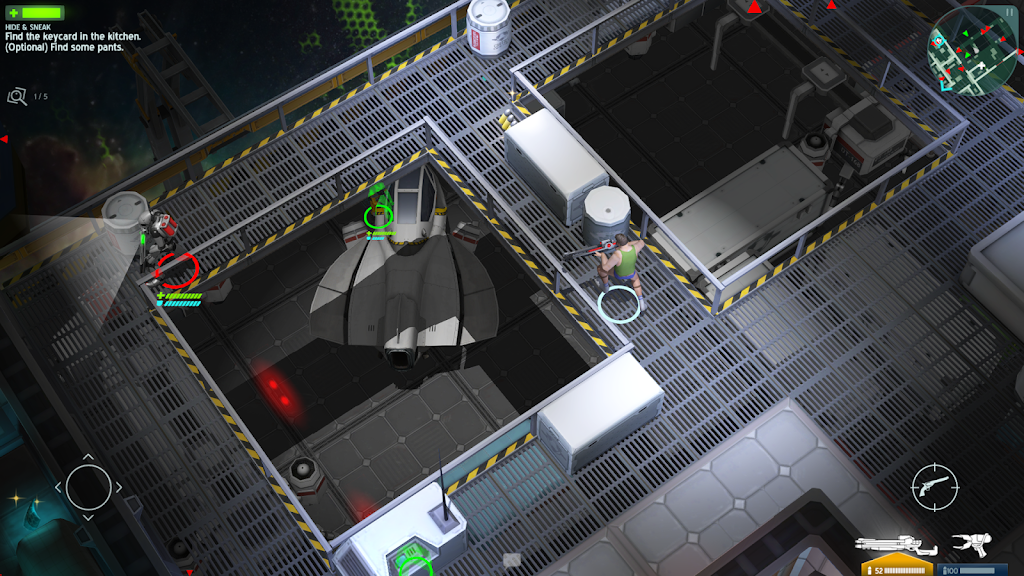
Space Marshals is a new and exciting action game from Pixelbite studio for Android devices. The latest version was released a few hours ago on the Play Store for $4.99, and we decided to introduce it to action and tactical game enthusiasts as soon as possible. This game takes the Wild West adventure into deep space and other planets. You play as a specialist in hunting escaped prisoners, and in your new mission, you are sent to other planets to capture a group of fugitives! Throughout the levels, you will have access to various weapons and equipment to fight different enemies, but keep in mind that confrontation is not always the best way to defeat enemies; sometimes you need to sneak past them without being noticed! Your adventures and battles take place in various locations, and if you are looking for a unique and exciting action game for Android, do not miss Space Marshals.
Some features of the Space Marshals action game for Android:
- Top-down camera view
- Episode-based story in three different seasons
- Wide range of different weapons
- Touch controls with a variety of options
- Support for Google services and leaderboards
- Outstanding HD graphics + exciting sound effects
Space Marshals can be considered one of the most beautiful top-down action games. Today on DroidCove, we have provided the full paid version for download, and we hope you enjoy it. Stay with us to see screenshots and download the game for free. It is worth mentioning that this game has been well received worldwide and has earned a 4.6 out of 5.0 rating.
Note: The game requires OpenGL ES 3.0 or higher.
Changes in version v1.3.2:
* Various optimizations + bug fixes + support for more devices.
Installation and Running Instructions for Space Marshals:
– First, download and install the APK file.
– Download the data file and extract it. Copy the folder com.pixelbite.sg to the Android/obb directory on your device’s internal storage.
– Launch the game.