


The File Converter is an incredibly powerful and practical application for converting various files from the SmoothMobile, LLC studio for the Android operating system. It allows you to convert your files of any format to your desired format with just a few simple clicks, bringing you the best and easiest file converter app experience on your smartphone! This app supports all different formats including images, videos, music, eBooks, compressed files, and more. It ranks among the top apps in the tools category and is listed in the top 100 apps in 34 countries worldwide. Despite being a paid app, it has received great reception with tens of thousands of purchases and holds a rating of 3.7 out of 5.0. We recommend it to all users looking for a powerful file converter! The file conversion processing speed of The File Converter app is amazing and delivers the converted file within seconds so you can save it on your memory.
Some features and capabilities of The File Converter Android app:
- Supports converting all video files to formats such as 3GP, 3G2, FLV, MKV, MP4, MPEG-2, OGG, WEBM, and WMV
- Supports converting all audio files to formats such as MP3, OGG, WAV, WMA, AAC, FLAC, M4A, and MMF
- Supports converting all image files to formats such as JPG, PNG, BMP, EPS, GIF, HDR, EXR, SVG, TGA, TIFF, WBMP, and WEBP
- Supports converting various documents to common formats like PDF, TXT, HTML, Flash, ODT, and Office files
- Supports converting all eBook files to formats such as EPUB, MOBI, PDF, LRF, FB2, LIT, PDB, and TCR
- Supports converting all archive files to popular formats including ZIP, BZ2, 7Z, and GZ
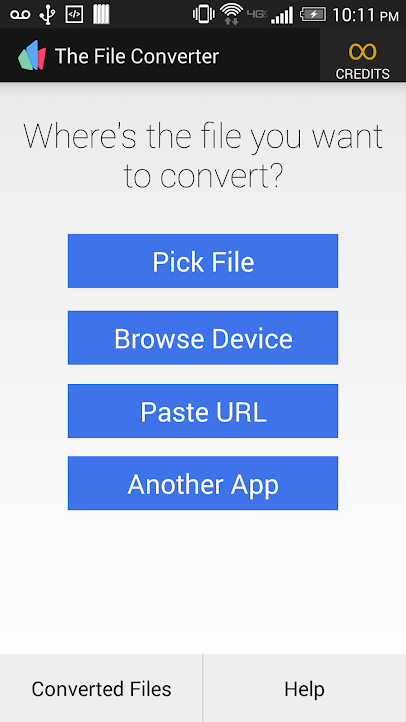
- Features a very simple and classic user interface with no confusion, easy to use for both amateur and professional users
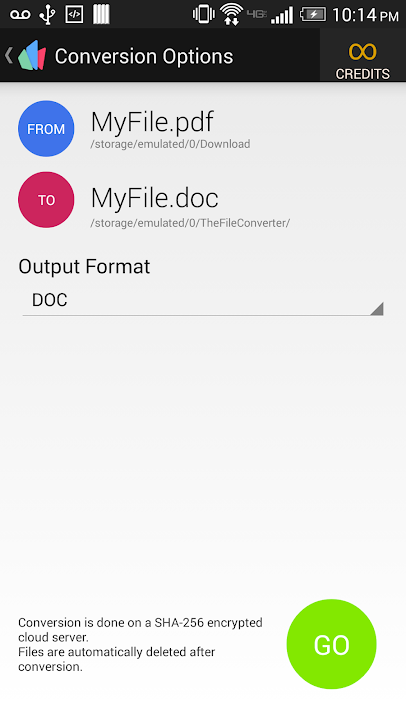
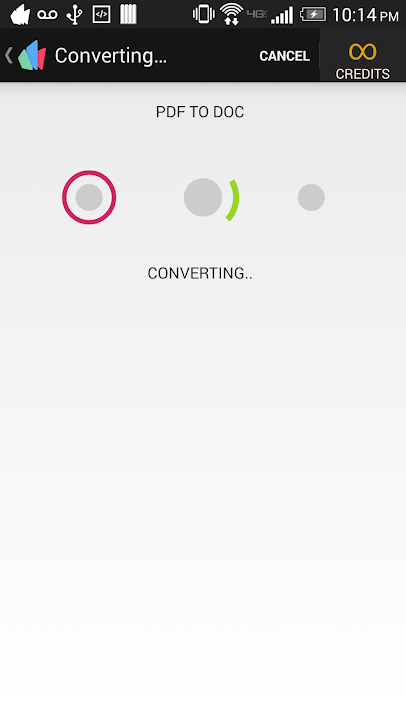
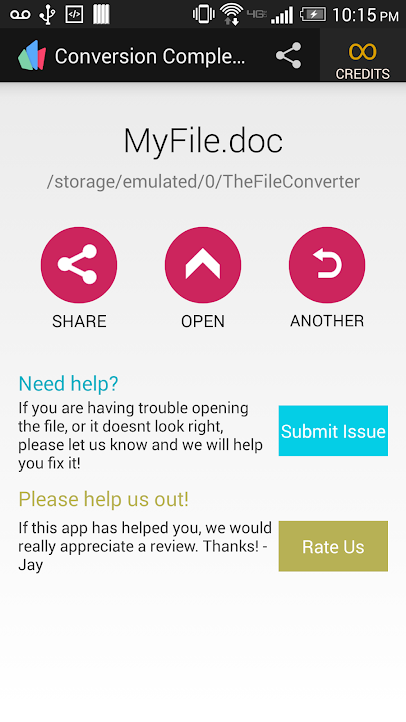
In The File Converter software, when selecting a section from video, image, music, archive, or eBook categories, you will be presented with a screen where you first select your file from storage, then choose the conversion format, and finally receive the converted file. This software is currently sold on the Android market for $2.99, but today on DroidCove, we provide the latest version for free and hope it will be useful.
Note:
* The app requires an internet connection to convert your files, as it first uploads the files to the internet space and then converts them!
* To select files directly from your phone to the app, you must have the OI File Manager app installed on your device. (Download OI File Manager 2.0.2)



![KineMaster 8.1.13 – Powerful Video Editor for Android [Update]](https://droidcove.com/wp-content/uploads/2026/06/KineMaster-Logo-1-100x100.webp "KineMaster 8.1.13 - Powerful Video Editor for Android [Update] 5")

