


Theme Editor For EMUI v1.15.1 Huawei User Interface Theme Editing Application for Android
Professional version of the app with access to all features and capabilities
Huawei is a brand that in recent years has gained many fans and millions of users and customers due to offering high quality at a relatively low price. The smartphones of this company use a proprietary user interface called EMUI. EMUI is a user interface or software shell that runs on the Android operating system of Honor and Huawei devices and is considered one of the most popular skins. This skin makes few changes to the appearance of Android and tries to imitate many features of Apple’s iOS. This user interface is very beautiful but like all other user interfaces, after a while it becomes repetitive and boring, and the user needs to make changes to it. Fortunately, with the features Huawei provides to users, you can change the appearance of your phone by installing your desired themes and give it a new look. Thousands of different themes are available for free in the Huawei market that you can easily download and use. Of course, many themes are also created by various programmers and developers, which usually have a much more beautiful appearance than official Huawei themes. Among them, there are users who are not satisfied even with this abundance of themes and want to edit everything according to their own taste. If you are also one of these users, the application we introduce today can be a good help for you. Theme Editor For EMUI is an application for editing Huawei EMUI user interface themes specifically for the Android operating system, developed by MixApplications software group and released for free on Google Play. Using this app, you can make desired changes to your downloaded themes and give your Android device a unique and exceptional appearance.
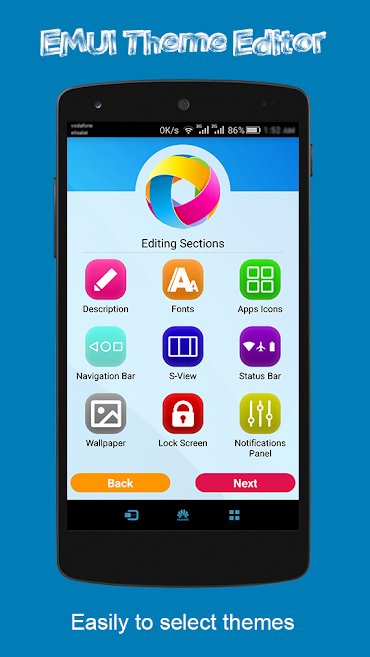
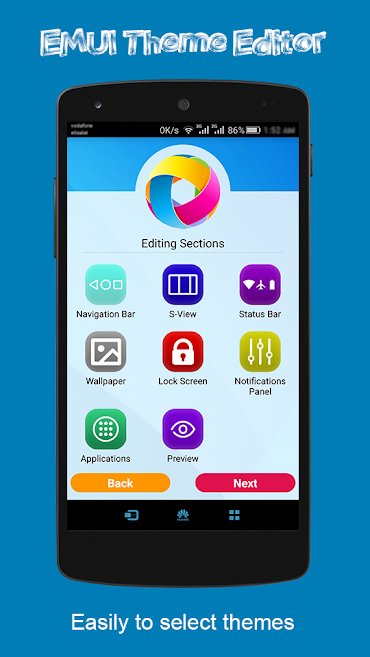
Some features and capabilities of the Theme Editor For EMUI app for Android:
- No need to root the device
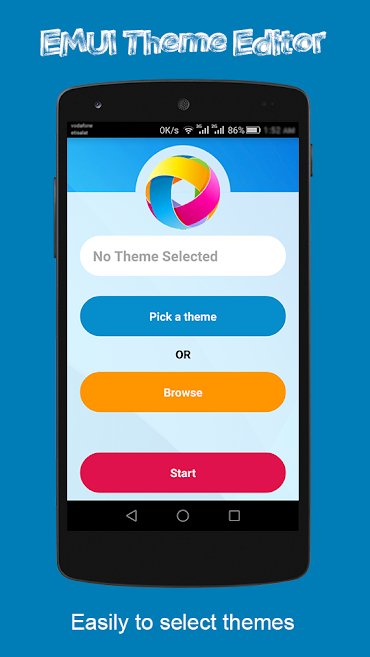
- Ability to select themes from the theme manager or directly select their files
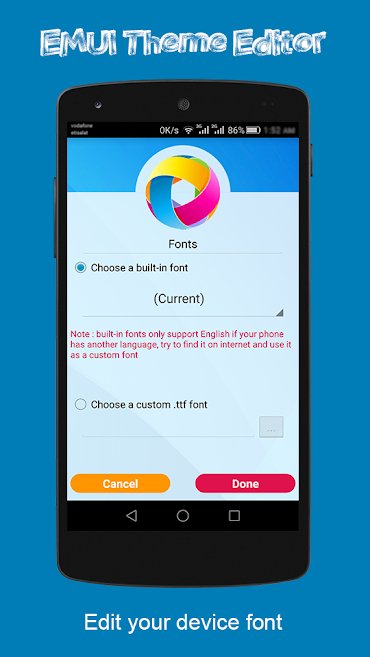
- Edit system font and choose desired font (select font from app fonts or choose a custom font file)
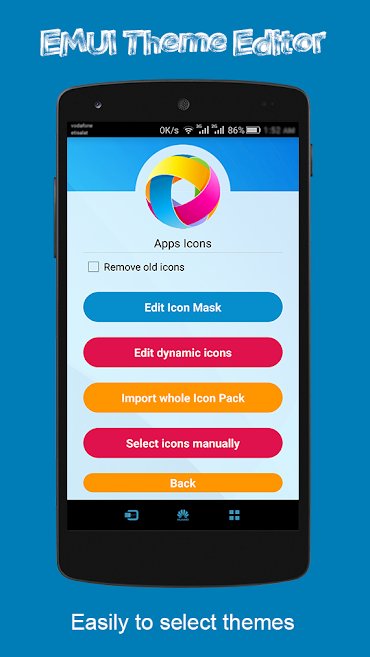
- Apply various customizations on icons (with the ability to select icons from icon packs or individually change each icon as desired)
- Ability to edit navigation bar icons
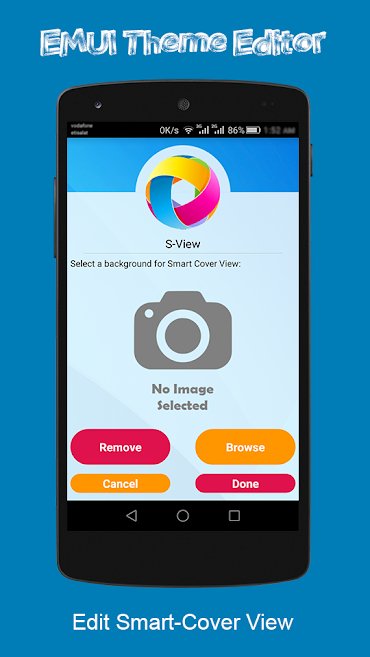
- Edit Smart Cover View background
- Edit status bar icons (Wi-Fi, Bluetooth buttons, etc.)
- Edit device lock screen style and background
Theme Editor For EMUI is a very practical and excellent app for those who want full control over their Huawei device and customize all parts according to their own taste. Theme Editor For EMUI has recently been released on Google Play and has received a rating of 3.4 out of 5.0 from Google Play users. You can now download the professional version of this app with all features and capabilities completely free from DroidCove.
Note: The database folder path is android/obb.



![KineMaster 8.1.13 – Powerful Video Editor for Android [Update]](https://droidcove.com/wp-content/uploads/2026/06/KineMaster-Logo-1-100x100.webp "KineMaster 8.1.13 - Powerful Video Editor for Android [Update] 5")

