


Super Explorer – File Manager (Unzip/Archive) v1.1 File management and working with compressed files on Android
Purchased version of the app priced at $0.99 on Google Play
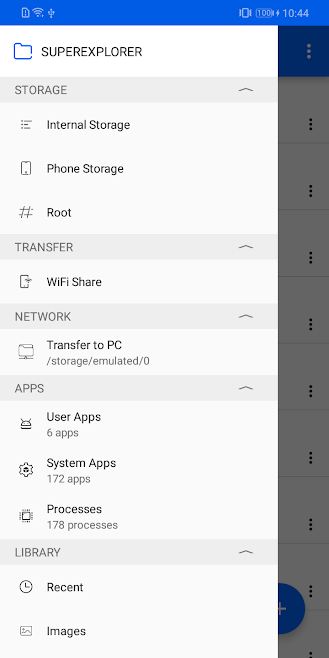
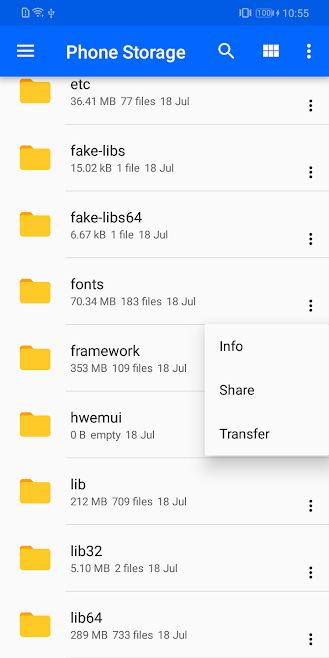
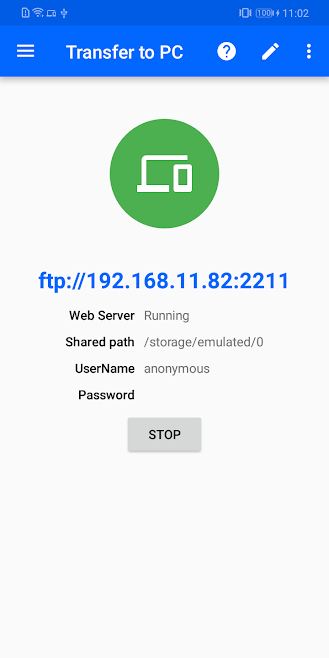
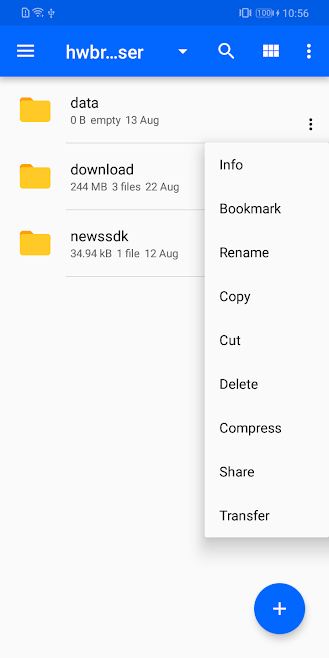
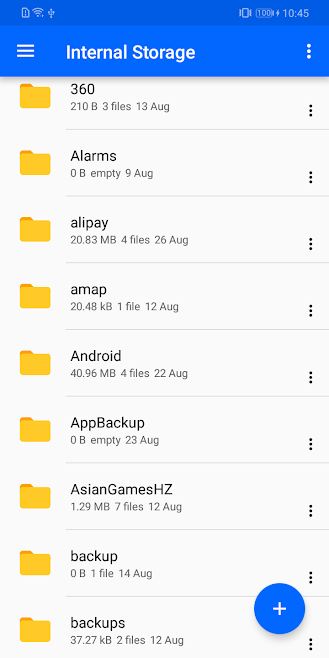
If you take a look at your phone’s storage, you will notice it is filled with various types of files in different formats and sizes. Files are data packages created independently by computers, and essentially, the main function of computers is to create and distribute files. At the dawn of computers, file structures were very simple and there was no need for dedicated file management systems. However, over time and with the increasing complexity of files, software for managing, editing, and maintaining files became essential. Mac and Windows operating systems have made extensive efforts to develop efficient and comprehensive file managers. These efforts established standards for building file managers that were later followed by mobile operating systems like Android and iOS. Android comes with a default file manager app. Many smartphone manufacturers also design and install their own proprietary file managers on their devices. Unfortunately, these file managers often lack the necessary power and features, so users need to install other file managers to meet their needs. Today, we present a powerful file manager application. Super Explorer – File Manager (Unzip/Archive) is a comprehensive app for managing files (photos, videos, documents, apps, etc.) on your phone’s storage or remotely, designed specifically for the Android operating system. It is developed by AppSalad Studio and is available for $0.99 on Google Play. Additionally, you can easily transfer files to your computer via Wi-Fi. The app also supports use as an FTP client. As the name suggests, it supports working with compressed files and extracting files from archives. If your phone is rooted, this app allows you to explore and browse Android system files as well.
Some features and capabilities of Super Explorer – File Manager (Unzip/Archive) for Android:
- Complete management of all types of files
- Support for working with compressed files
- Ability to use as an FTP client
- Transfer files to computer via Wi-Fi
- View documents (HTML, XHTML, TXT, etc.)
- Full management of applications
Super Explorer – File Manager (Unzip/Archive) is a full-featured file manager with diverse capabilities recently released as a paid app on Google Play. You can now download the purchased version of this app with all features and capabilities for free from DroidCove.
Version changes v1.1:
* Support for compressed files and extracting files from archives




![KineMaster 8.1.13 – Powerful Video Editor for Android [Update]](https://droidcove.com/wp-content/uploads/2026/06/KineMaster-Logo-1-100x100.webp "KineMaster 8.1.13 - Powerful Video Editor for Android [Update] 5")

