


Google’s Find Hub v3.1.636-1 – Lost Device Finder Android App
Official app version with over 500 million downloads from Google Play
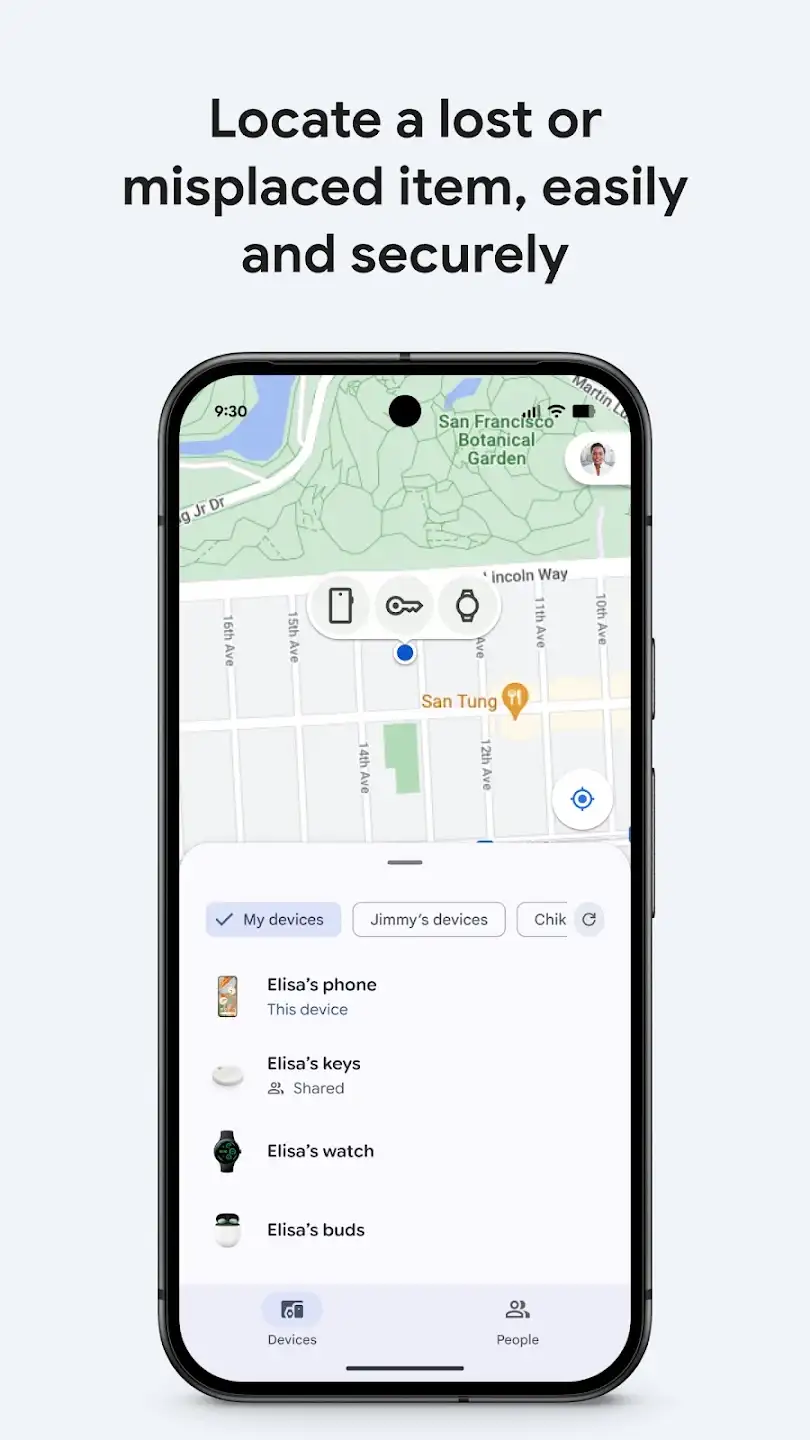
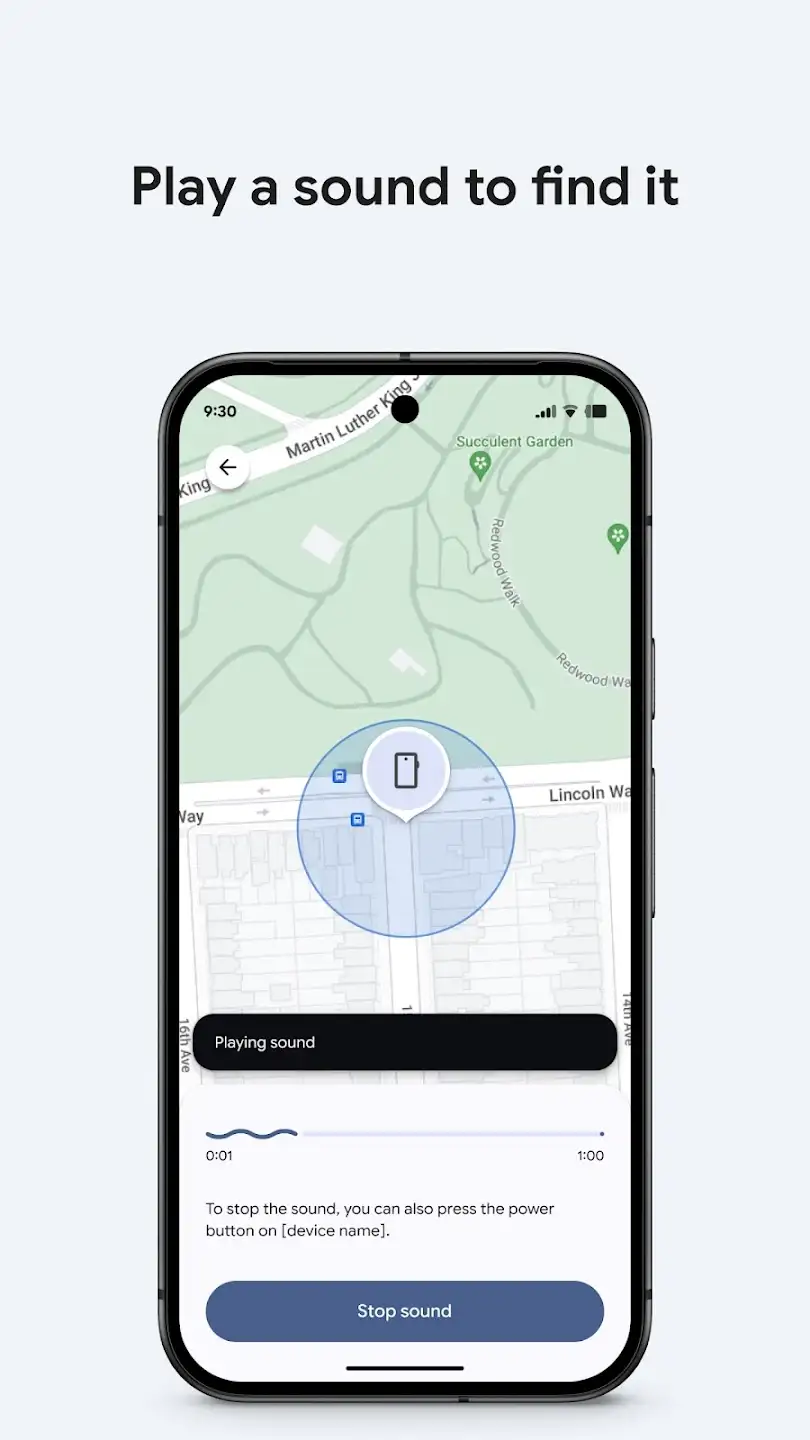
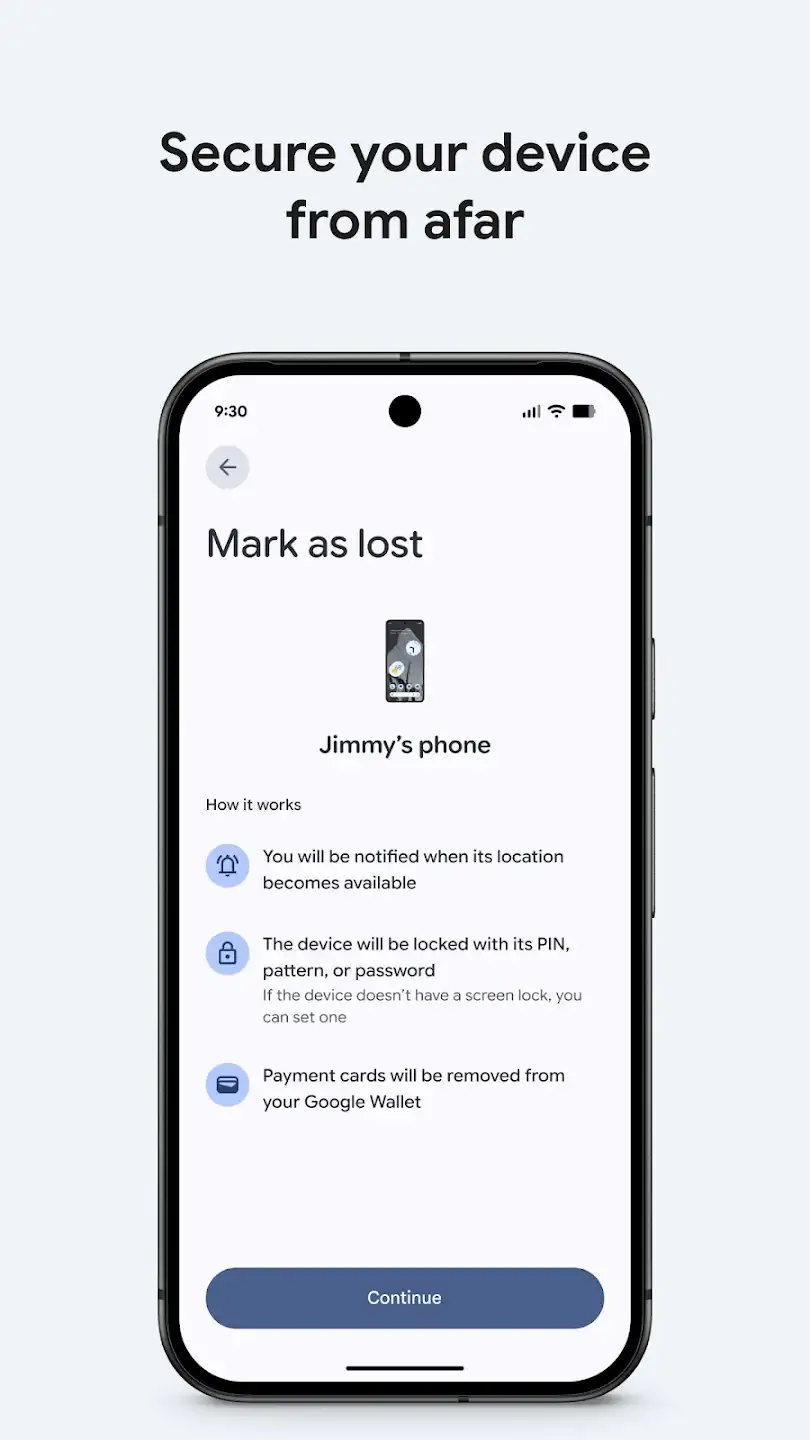
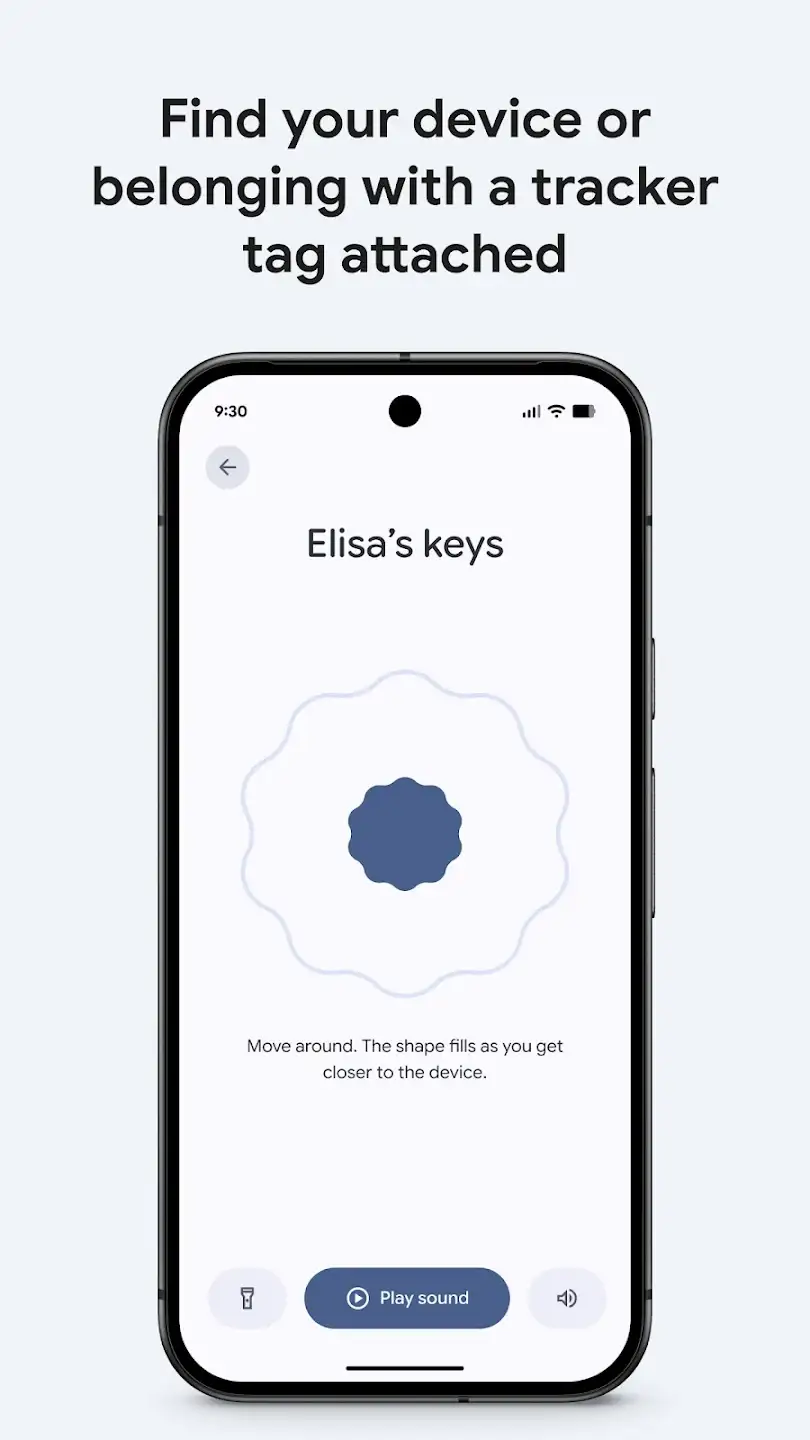
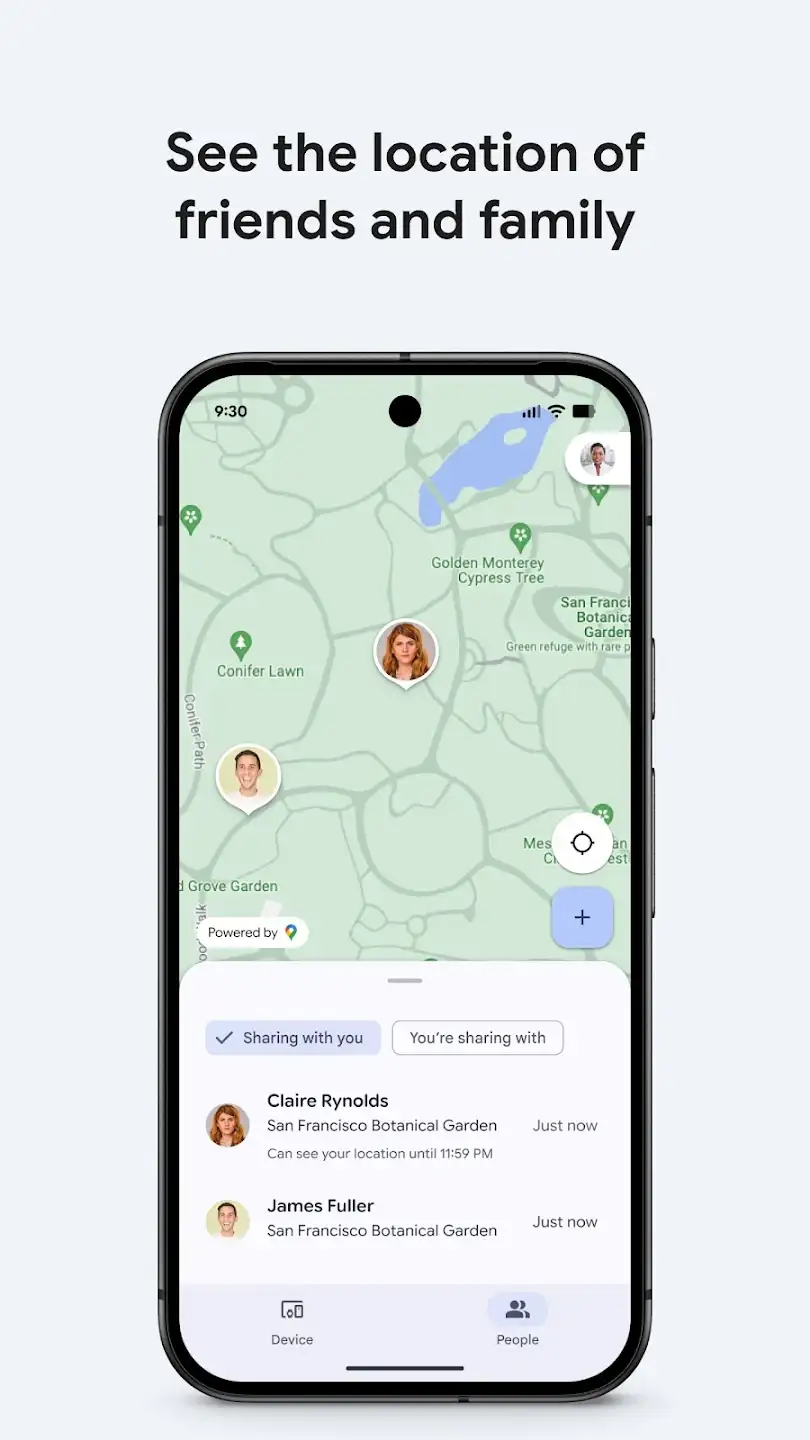
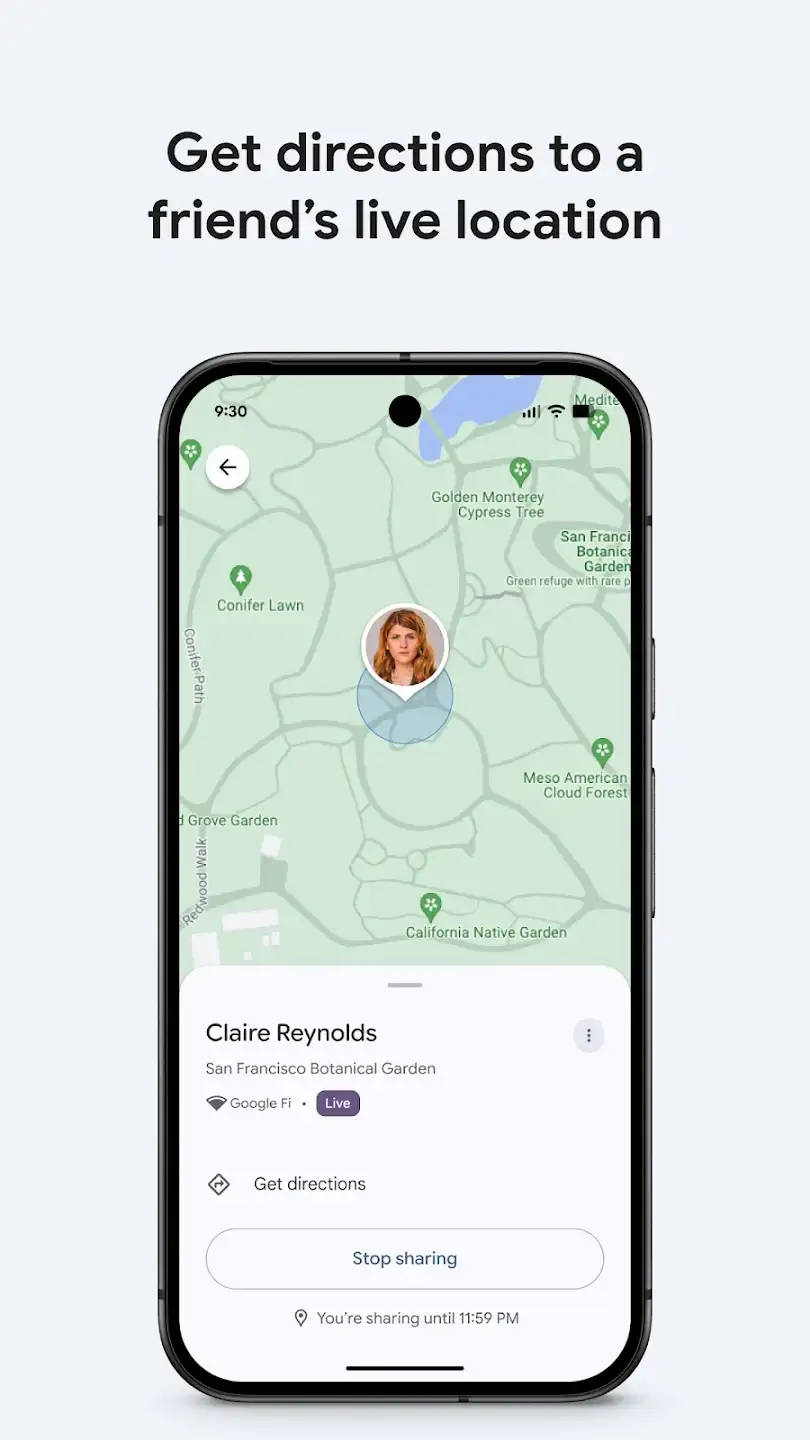
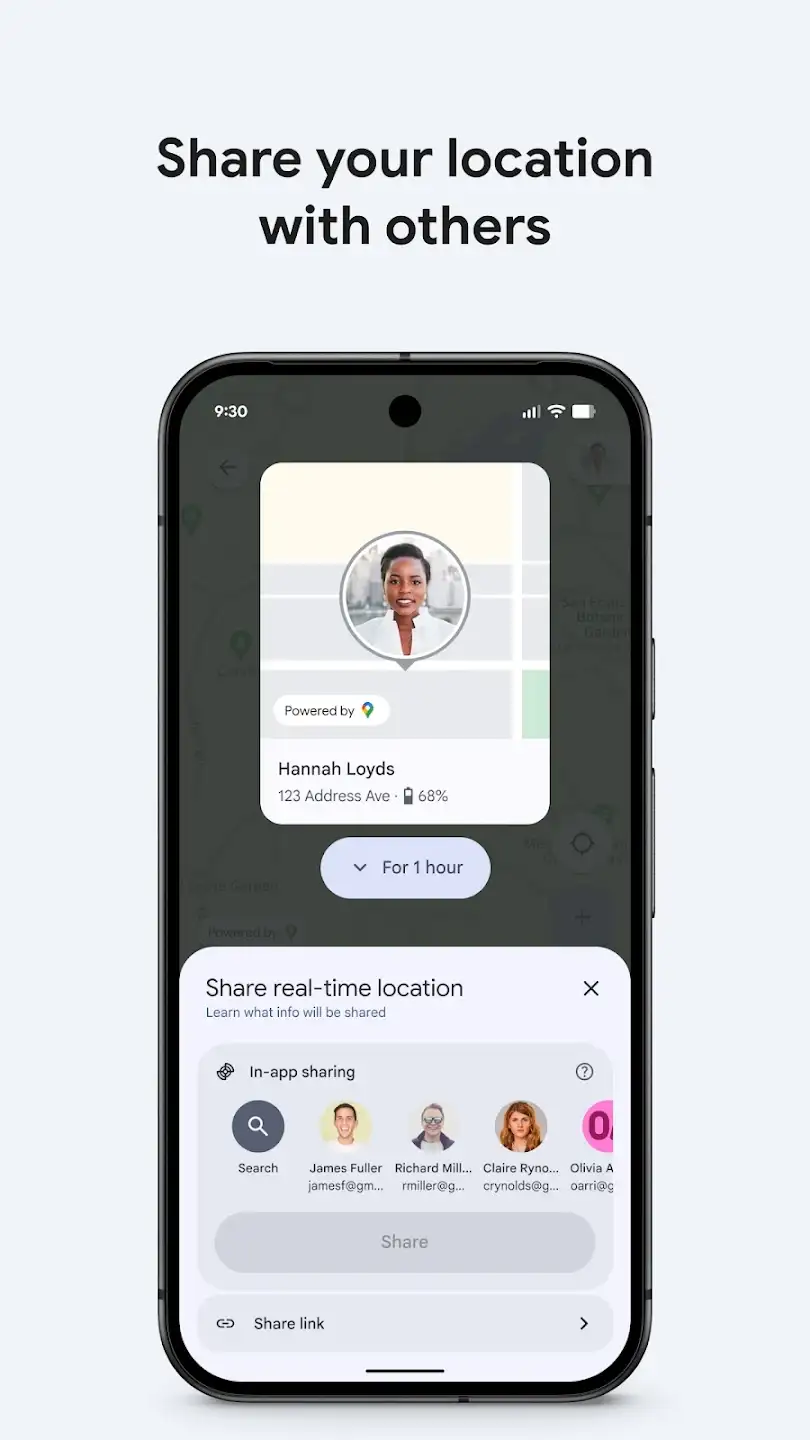
Sometimes we all face the situation where we don’t know where we placed our Android device at home, or someone stole it while we were walking down the street and we desperately try to find it! Various apps have been released to solve these problems, and in this post, we intend to introduce one of the most popular ones. Google’s Find Hub is a special app for finding lost Android devices, developed by the well-known company Google LLC and published on Google Play. At your request, the latest update is available for download and presented here. To explain this app from the ground up, first, its simple user interface can be highlighted; with a simple yet modern design, even the most novice users can meet their needs. Add your various devices to the app’s list and be assured that your device’s location information is continuously updated. Different modes are available for using this security app, including playing a sound, locking the device, and erasing data—these are the three main capabilities it offers. Just keep your internet and GPS enabled so that your current location is continuously saved on maps at any time. Finally, if you ever lose your device or it gets stolen, just visit the official website of this app and by entering your username and password, you can not only see the last location of your device but also have full access to the three modes mentioned earlier. It is important to note again that this software requires GPS and data to be active on your smart device.
The Google’s Find Hub app, by utilizing a unique feature and several modes for remote device management, has achieved a 4.1 out of 5.0 rating from users with over 500 million downloads on Google Play. You can now download the latest version released by Google from the major site DroidCove and manage your lost device remotely.



![KineMaster 8.1.13 – Powerful Video Editor for Android [Update]](https://droidcove.com/wp-content/uploads/2026/06/KineMaster-Logo-1-100x100.webp "KineMaster 8.1.13 - Powerful Video Editor for Android [Update] 5")

