


Apktool M v2.4.0-260519 – Apktool M: Apk File Editing Application on Android
Install the original and official version of Apktool for mobile
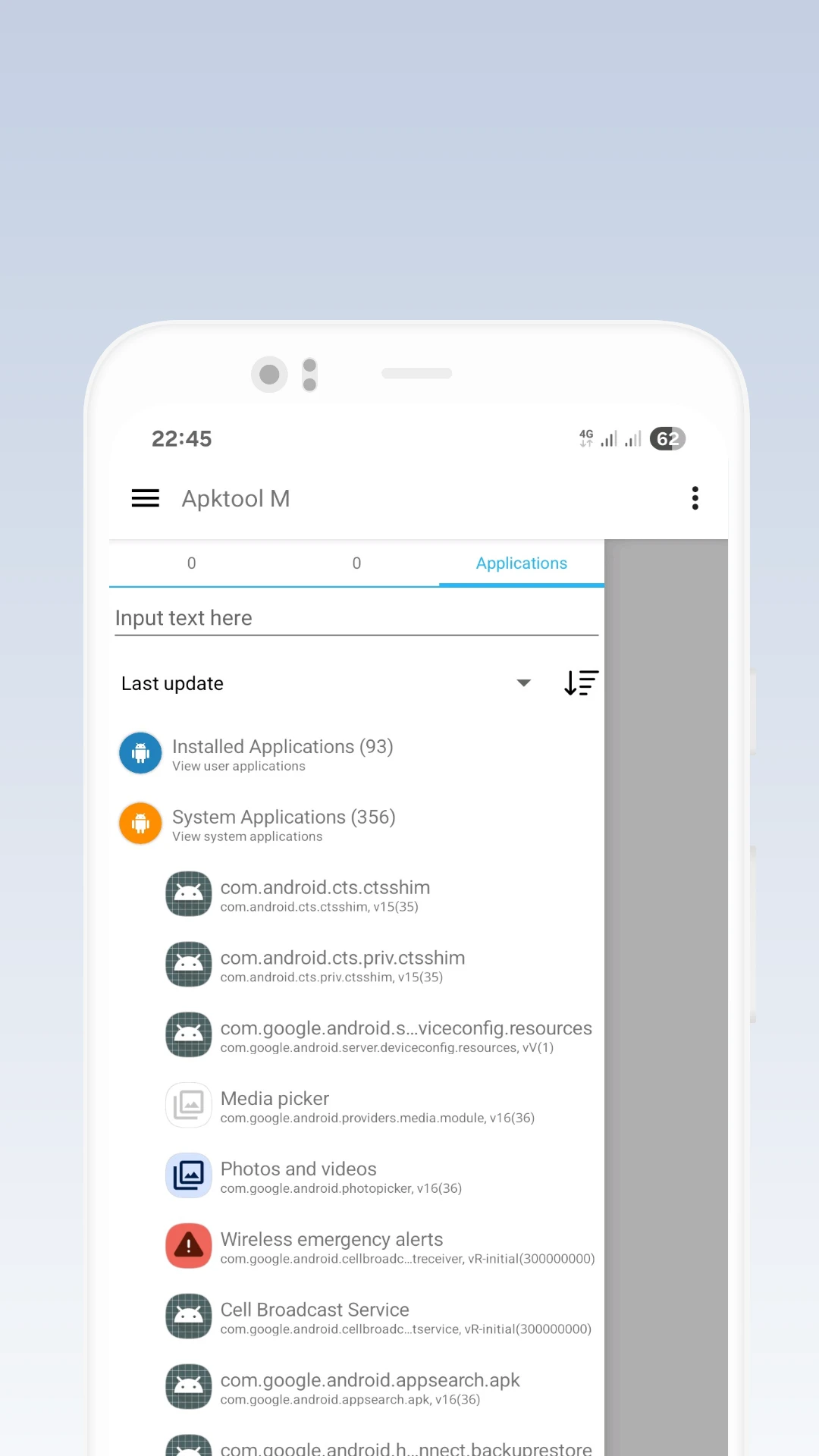
Apktool M is an exceptional and practical application for editing apk files, designed by a professional team and made available to Android users. Android apps, like any other software on any operating system, are coded and use advanced codes depending on the developer’s skill. Some developers try to block access to their codes by any means to prevent others interested in Android programming from accessing them. However, as you know, nothing in this operating system world is truly restricted, and with a little search, you can easily meet your needs. We have often seen Android coding enthusiasts trying to make changes to the source of their desired programs and modify them in some way! Therefore, in this post, we introduce you to a reverse engineering app. Apktool M is a flawless program for decompiling Android apps and provides users access to the source of installed software. Notably, it can be activated and used within the same operating system environment. This means you do not need to use different operating systems to view the written codes; you can see them on your smartphone.
Apktool M: The Most Professional Tool Available for Editing Apk Files on Android
If you look at various operating systems, especially Windows, you will find a range of tools and software that allow you to code for Android or reverse engineer installer files. However, the point is that such extensive tools are not available within the Android operating system itself. Nevertheless, one of the best options for making changes to app or game installer files is Apktool M, which meets our primary needs with great flexibility and without any restrictions.
Edit Apk Files in Two Different Modes
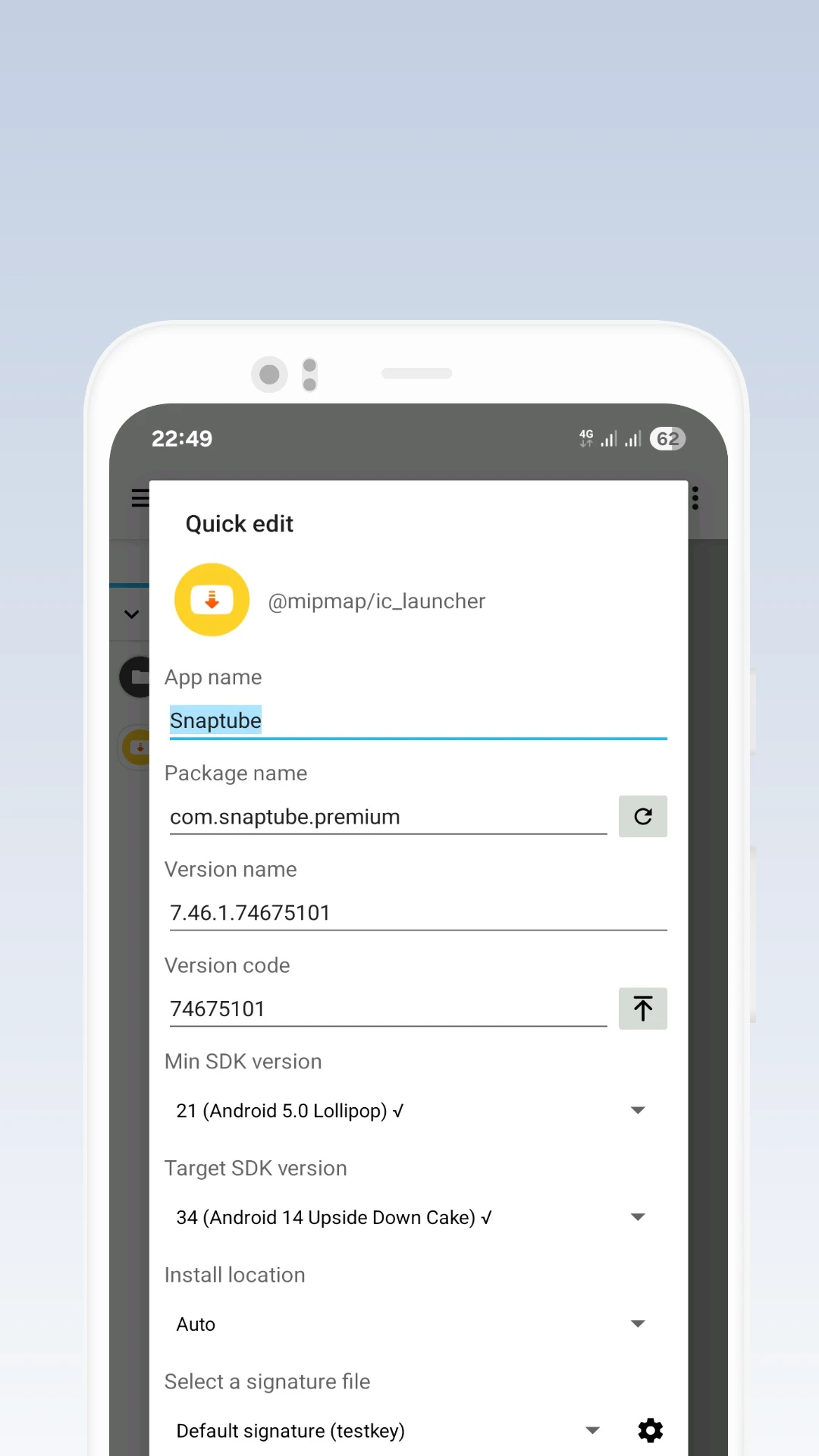
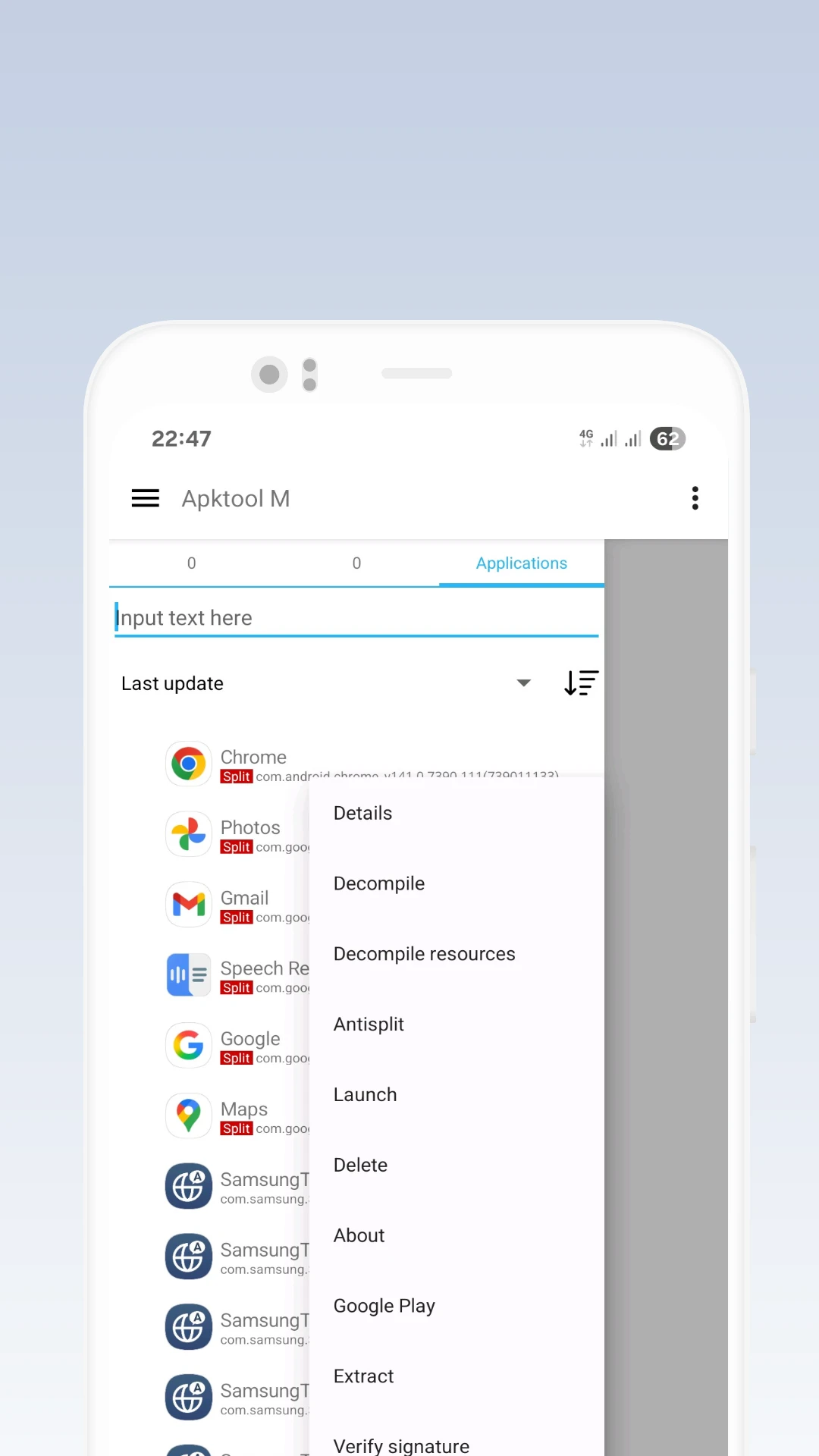
Users of Apktool M can edit apk files in two different modes and make changes. One of the most popular modes is quick edit. By selecting the quick edit option, you can make changes to the app name, package name, version, build number, and personal signature. However, editing after decompiling is much more extensive and allows access to specific codes. Another notable feature is access to the original Java source codes, which is exceptional and easily meets the needs of many programmers.
Apktool: A World of Various Features
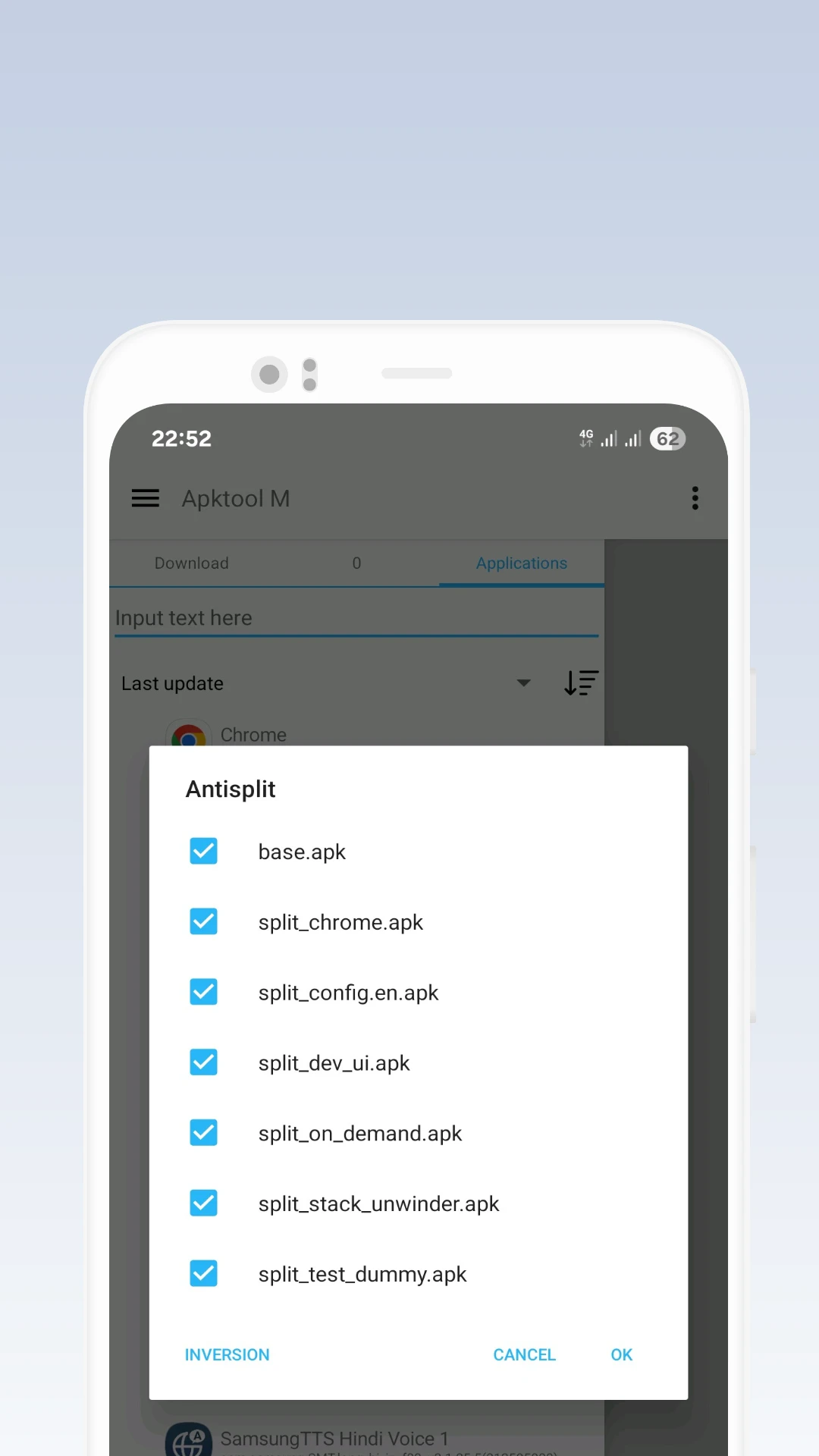
The features and capabilities offered by Apktool M are not limited to the above explanations, and users can access other special features. The first point to mention is the app’s support for various installer file formats, including apk, apks, and xapk. The second feature is support for over 100 different languages worldwide, adjusting the app language according to your smartphone’s language. Lastly, one of the most popular features is Antisplit, which developers and Android enthusiasts can use effectively.
Some Features and Capabilities of Apktool M for Android:
- The best option for accessing the source and code of Android installer files
- Support for various installer file formats such as apk, apks, and xapk
- Support for over 100 languages worldwide
- Unique Antisplit feature
- Create and add your personal signature to installer files
- A mode for quick editing of files and making minor changes
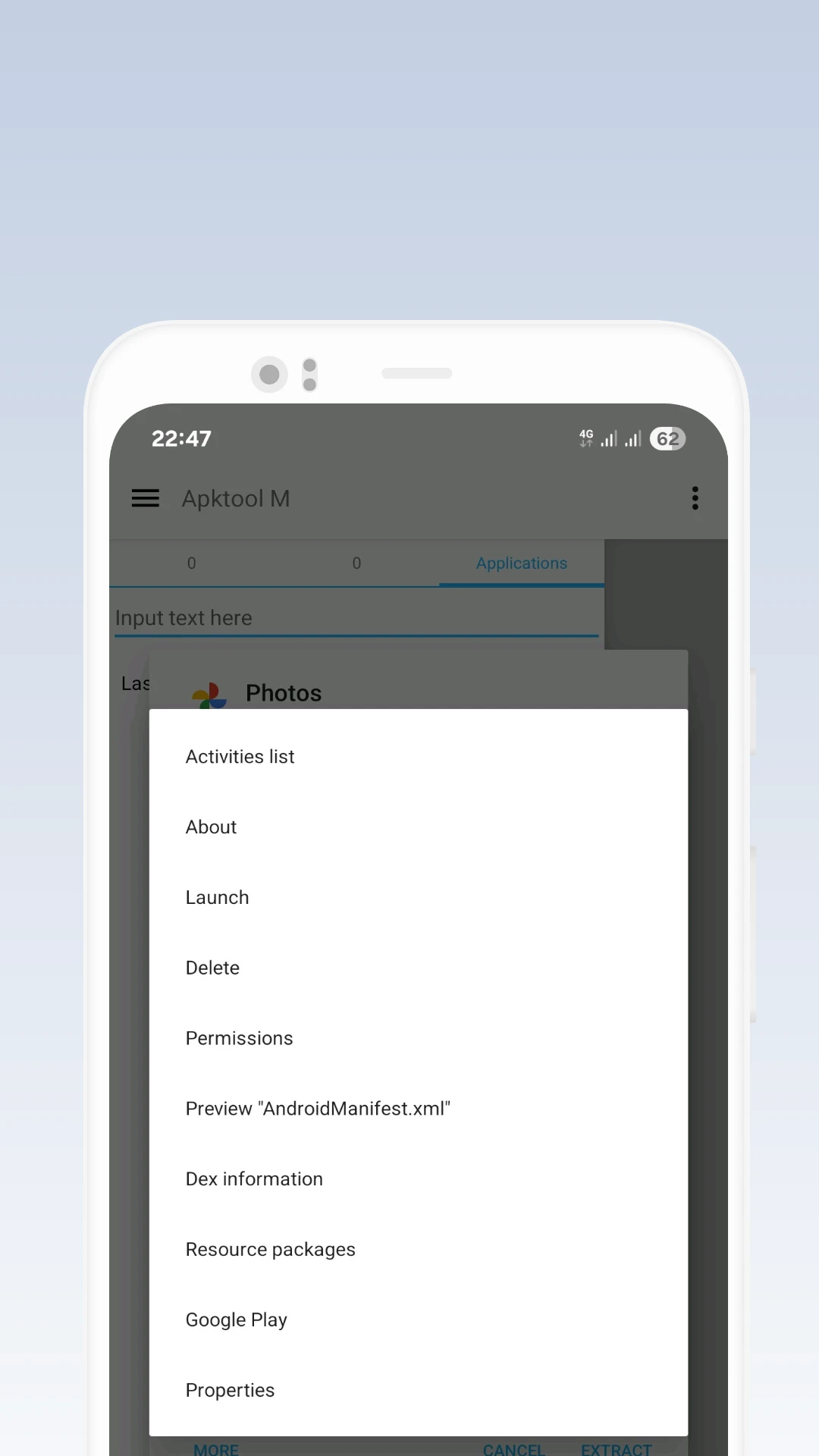
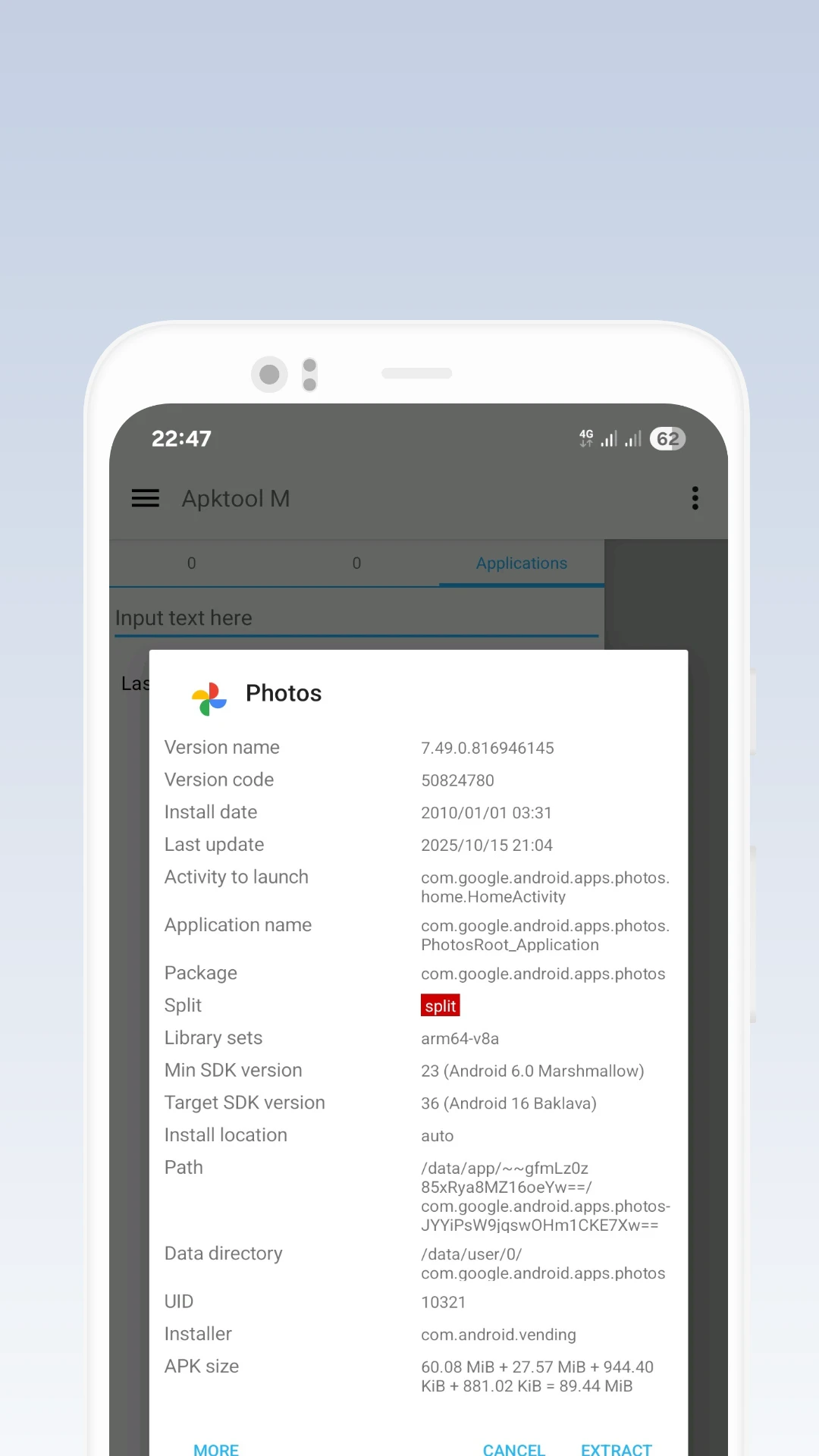
- Extract installer files of your favorite apps
- No root access required
Apktool M with its various features and capabilities is one of the best options for Android coding enthusiasts. You can now download the latest version of this practical and popular app from high-speed servers and edit installer files without any restrictions.




![KineMaster 8.1.13 – Powerful Video Editor for Android [Update]](https://droidcove.com/wp-content/uploads/2026/06/KineMaster-Logo-1-100x100.webp "KineMaster 8.1.13 - Powerful Video Editor for Android [Update] 5")

