


NP Manager v3.1.41 – Advanced File Management App for Android
Official Original Version
Recommended Application
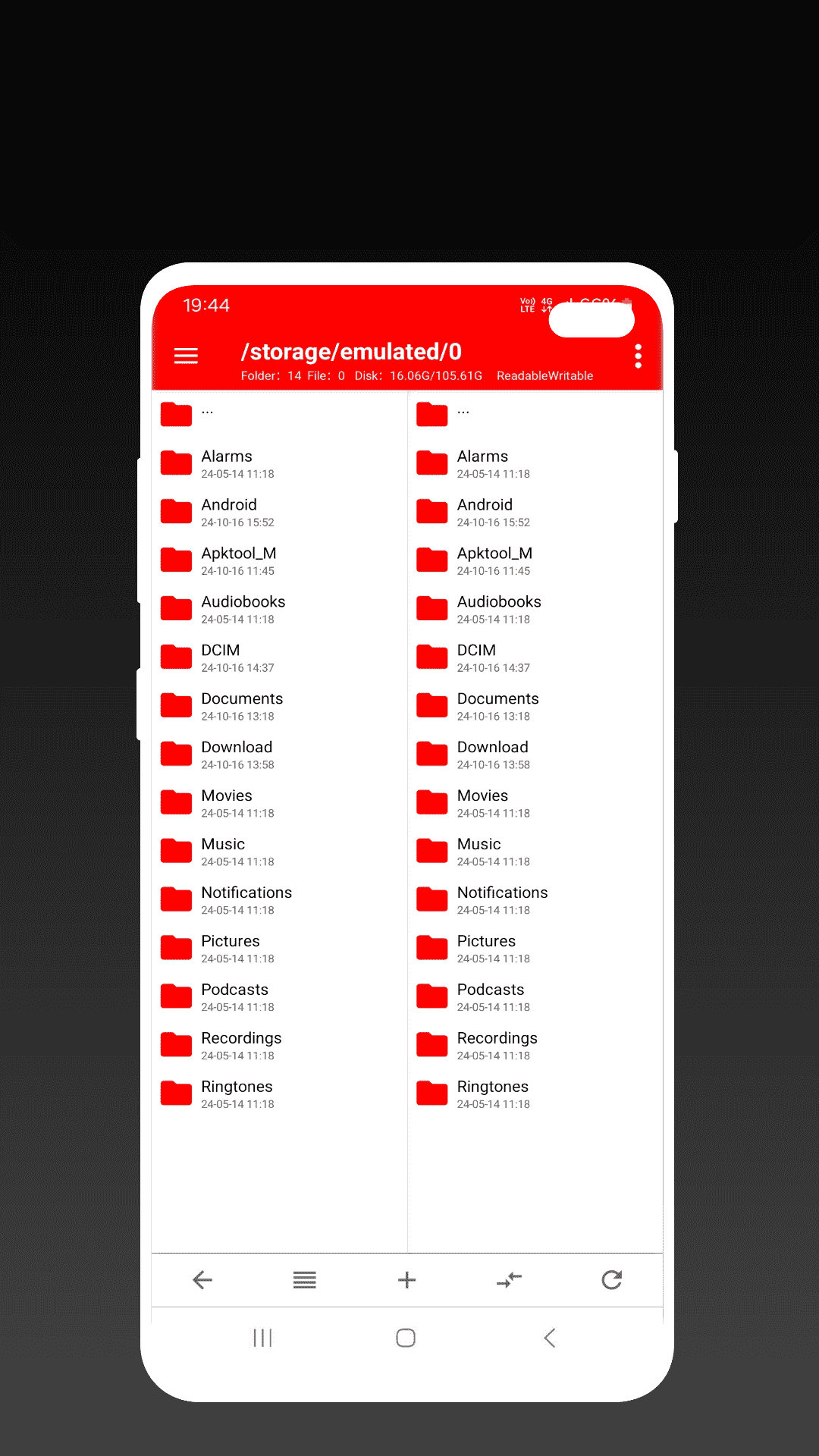
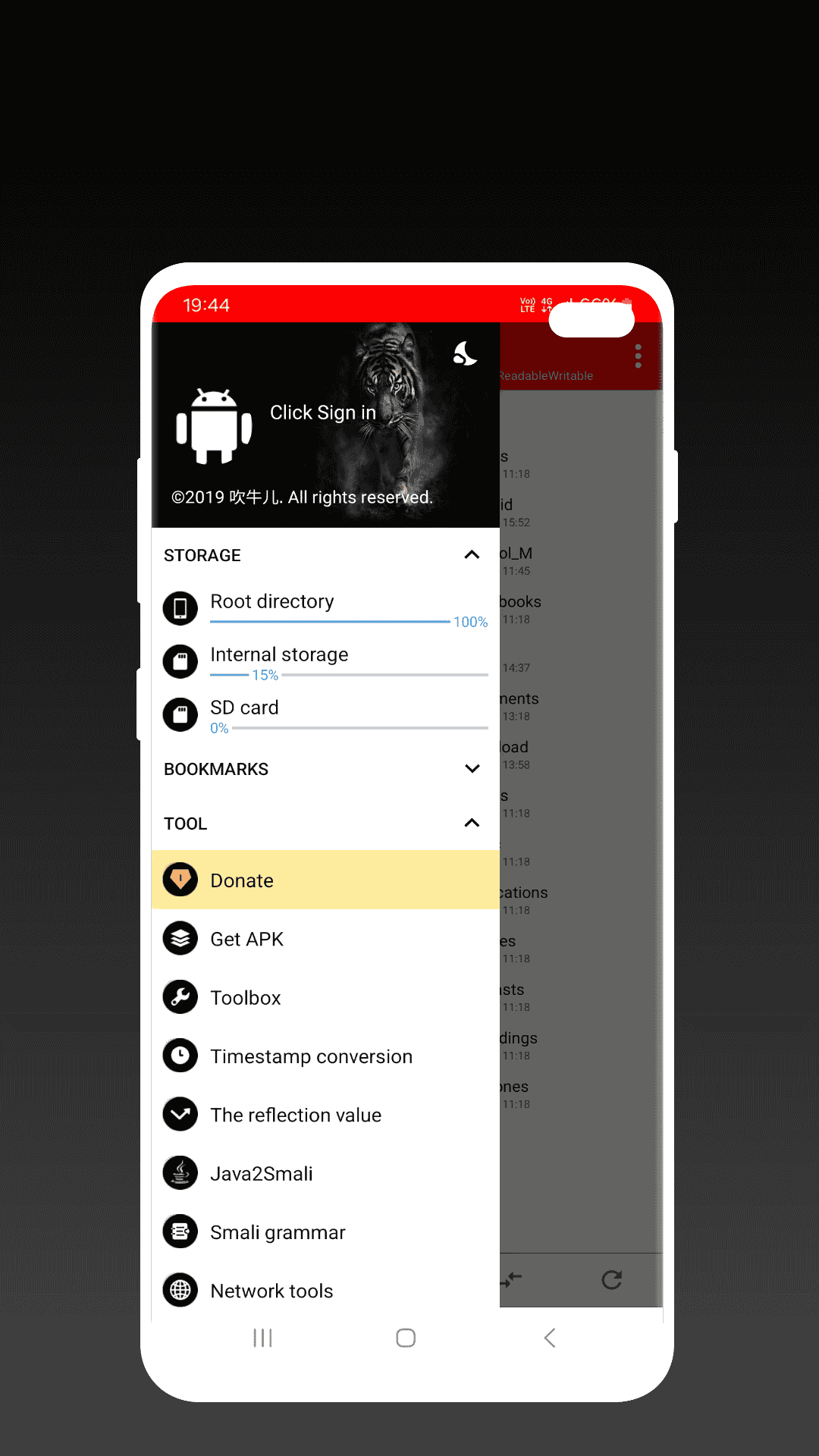
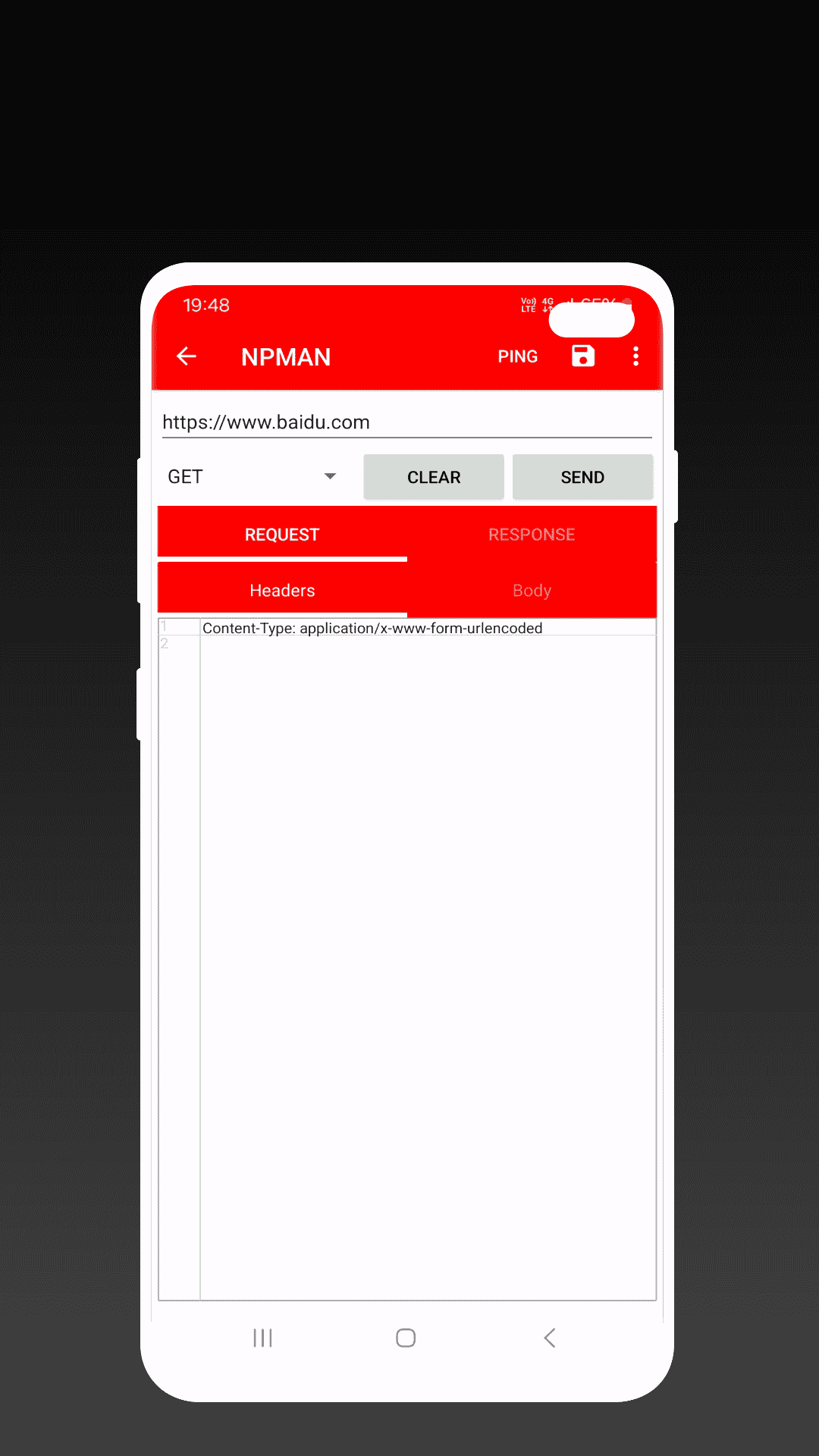
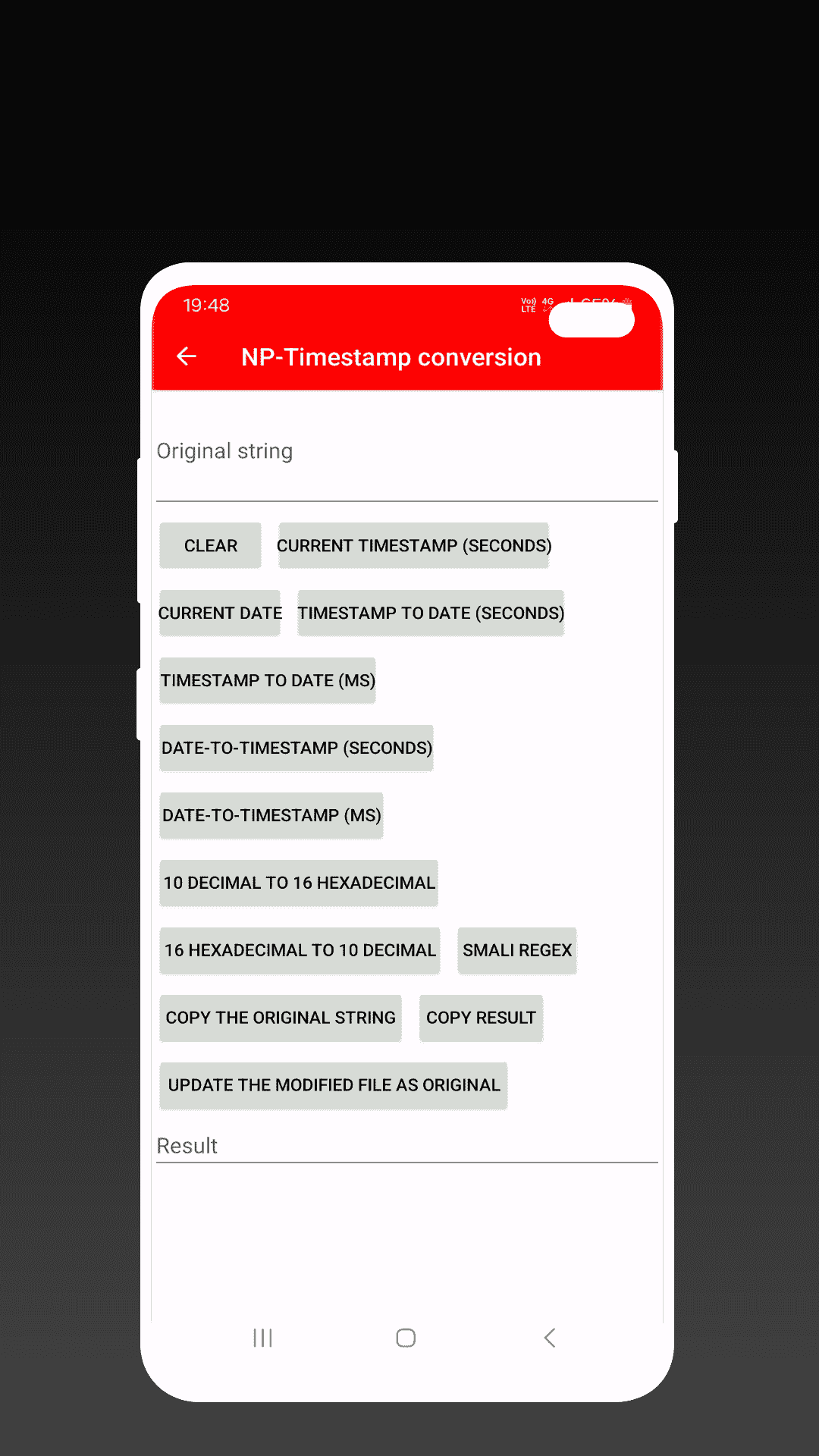
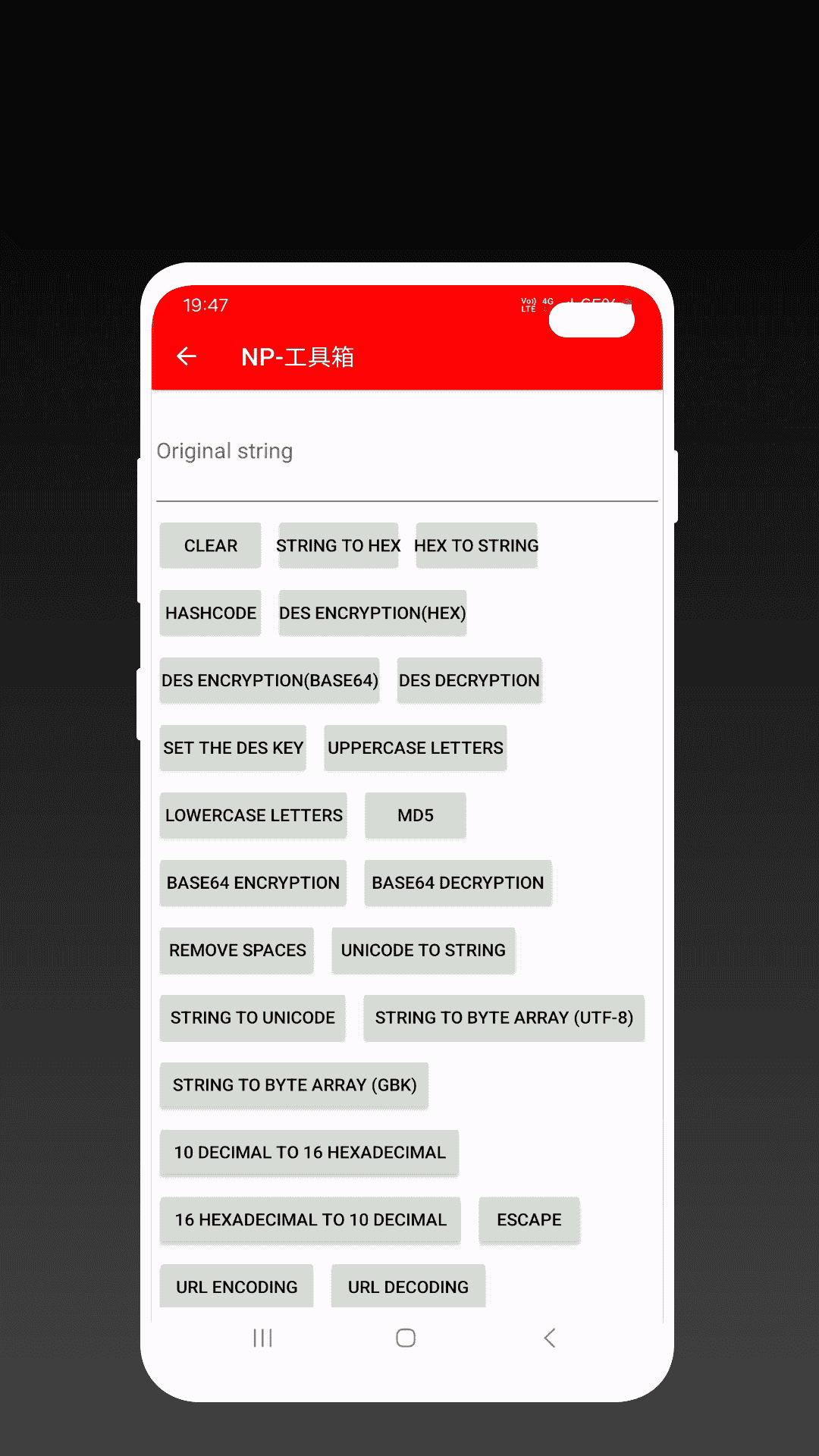
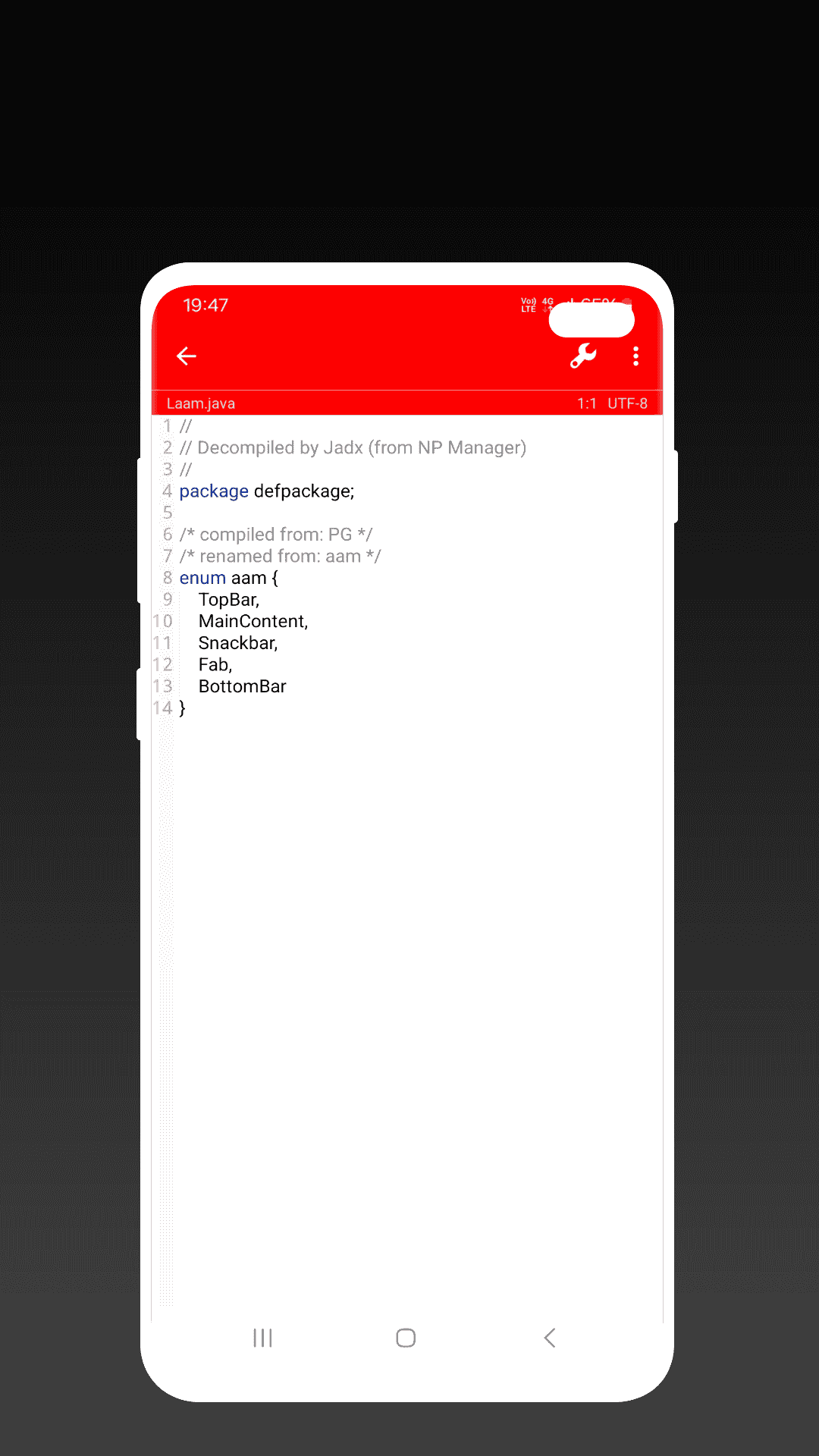
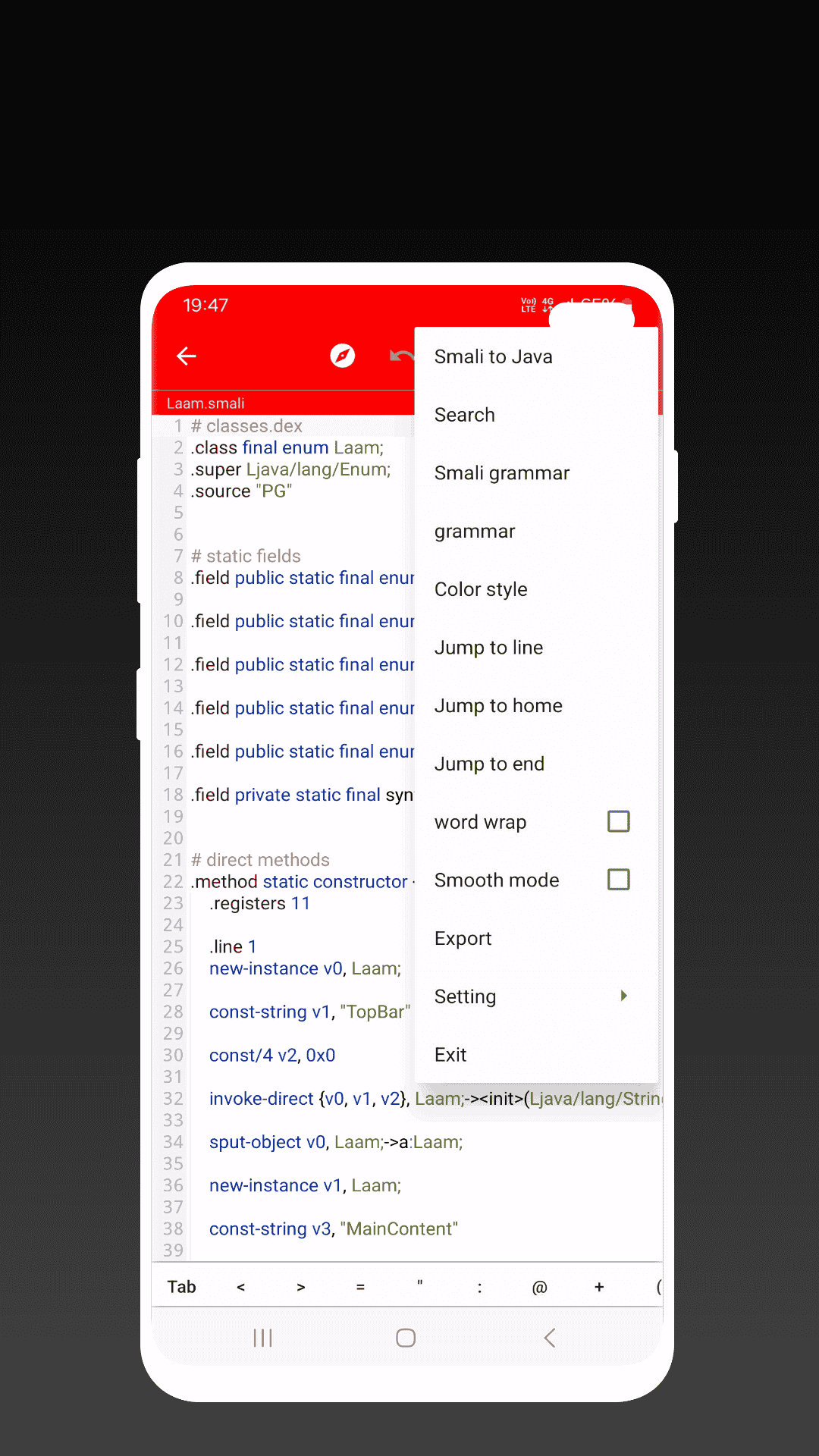
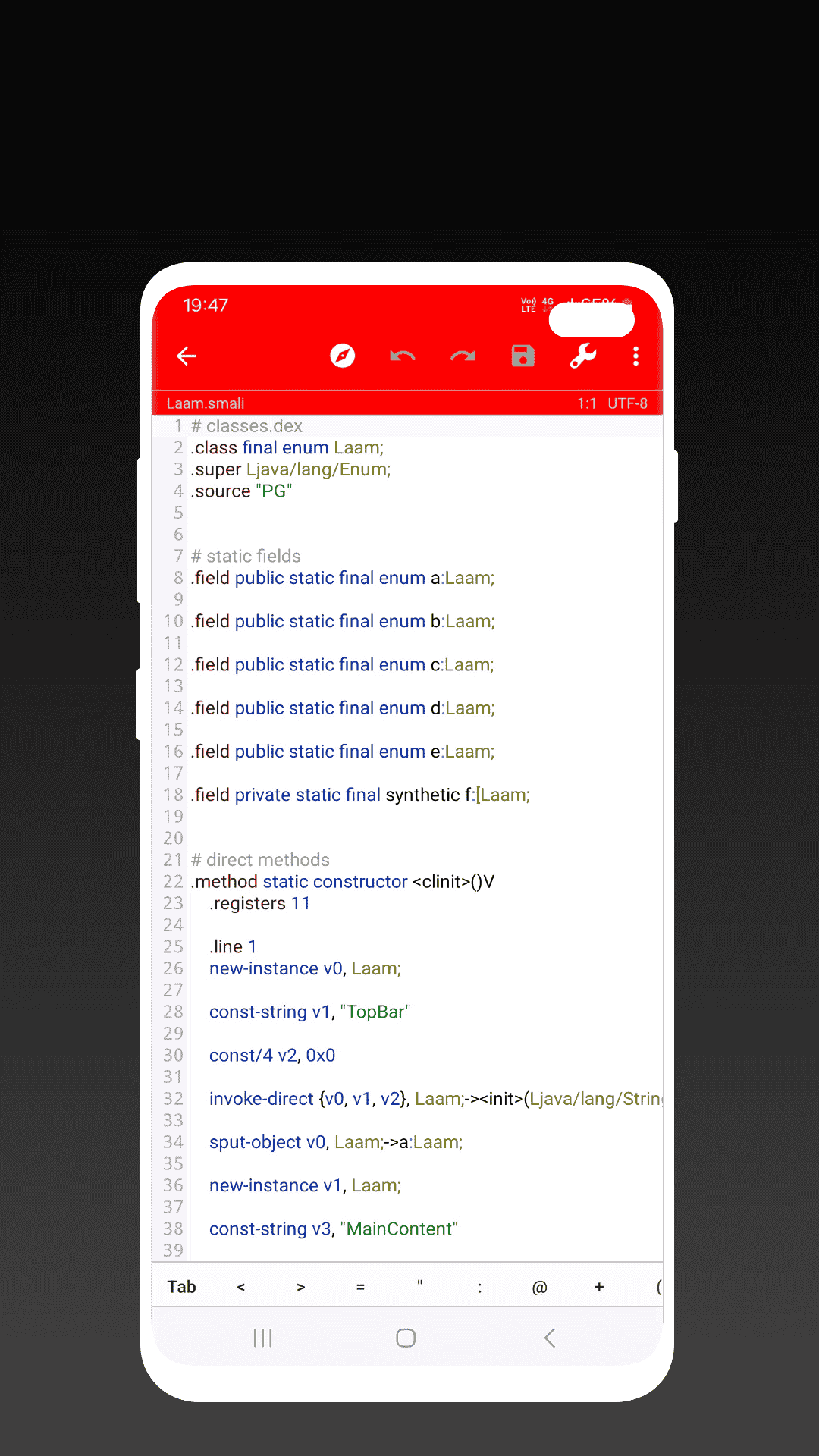
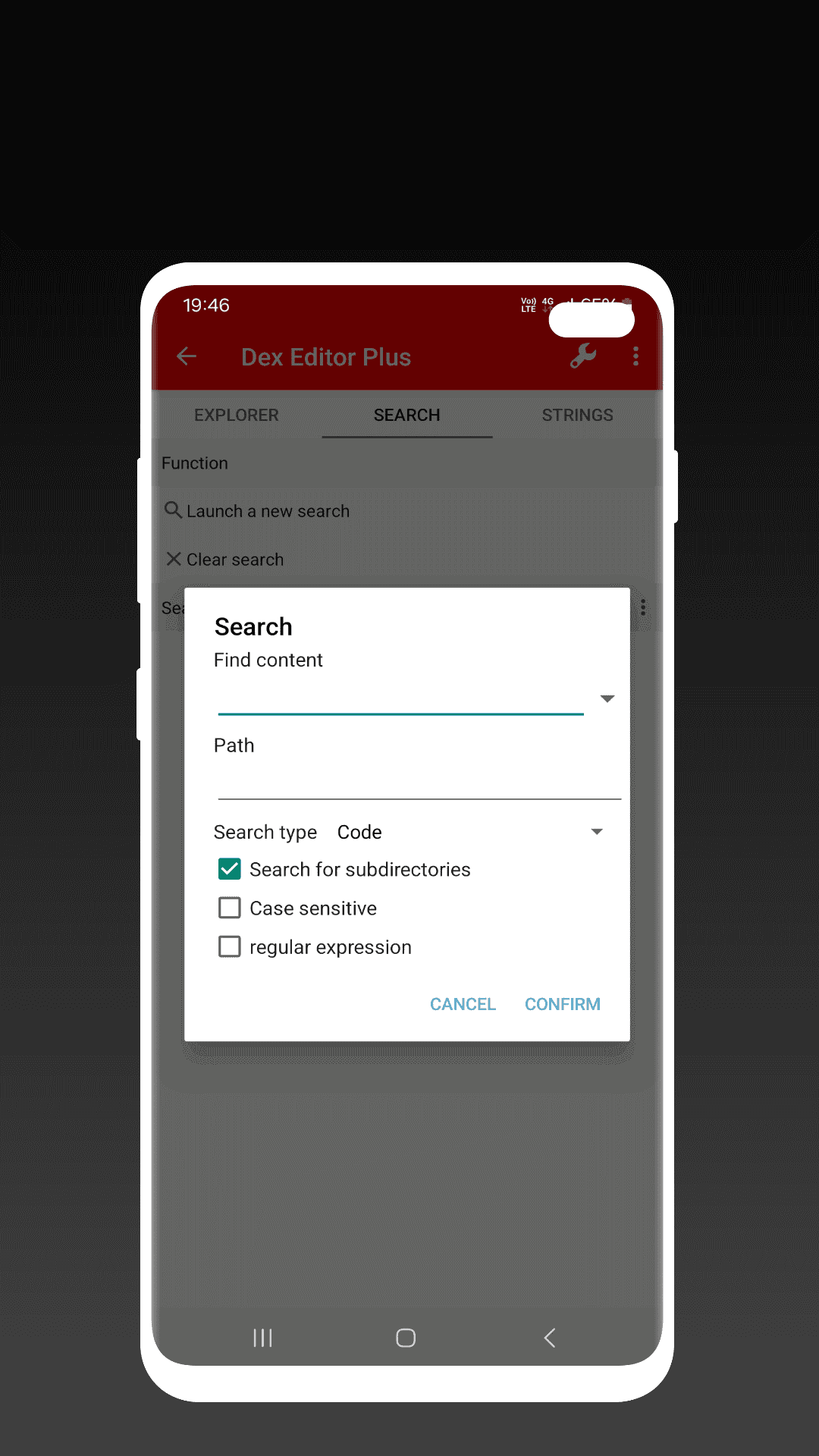
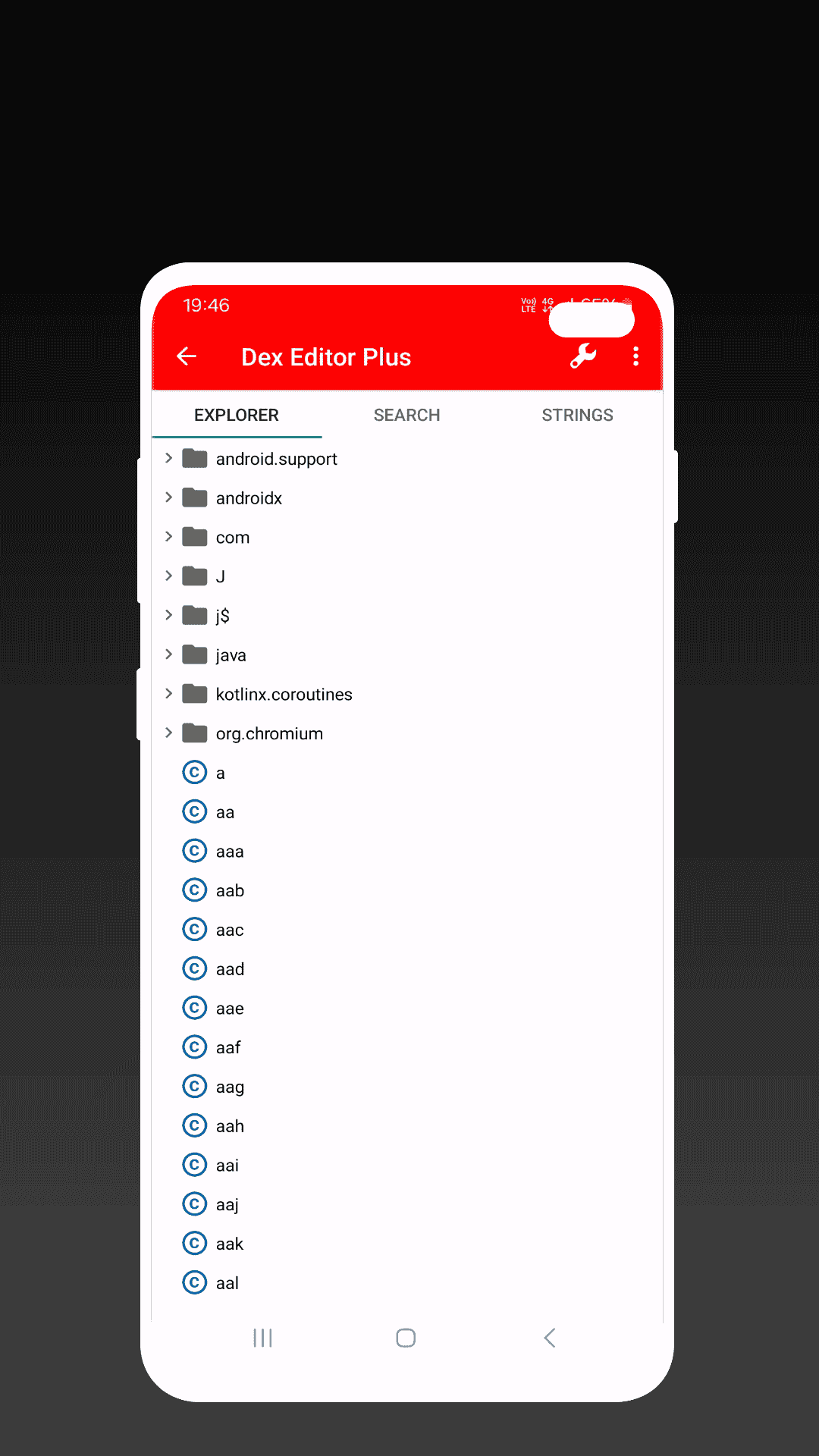
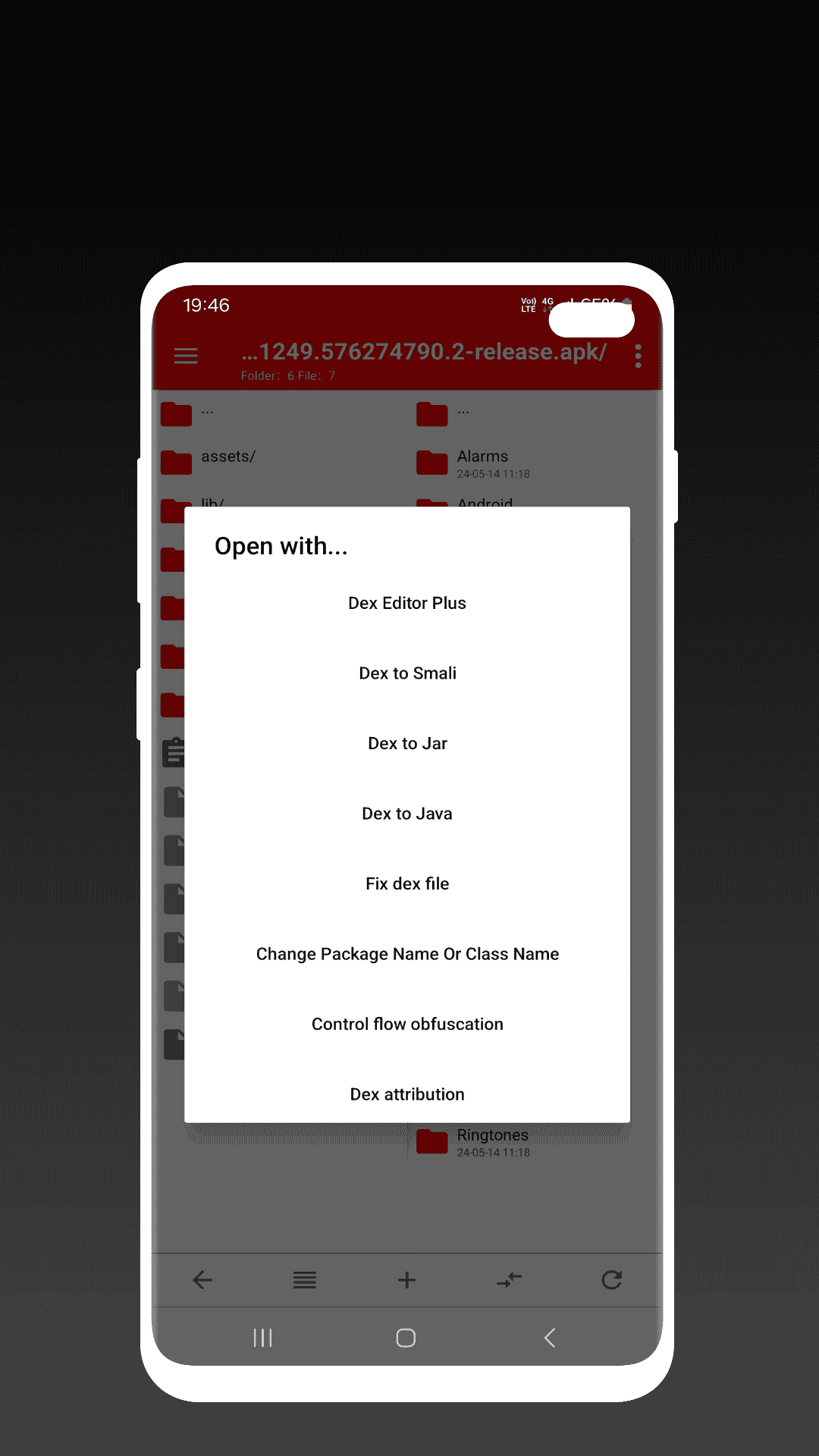
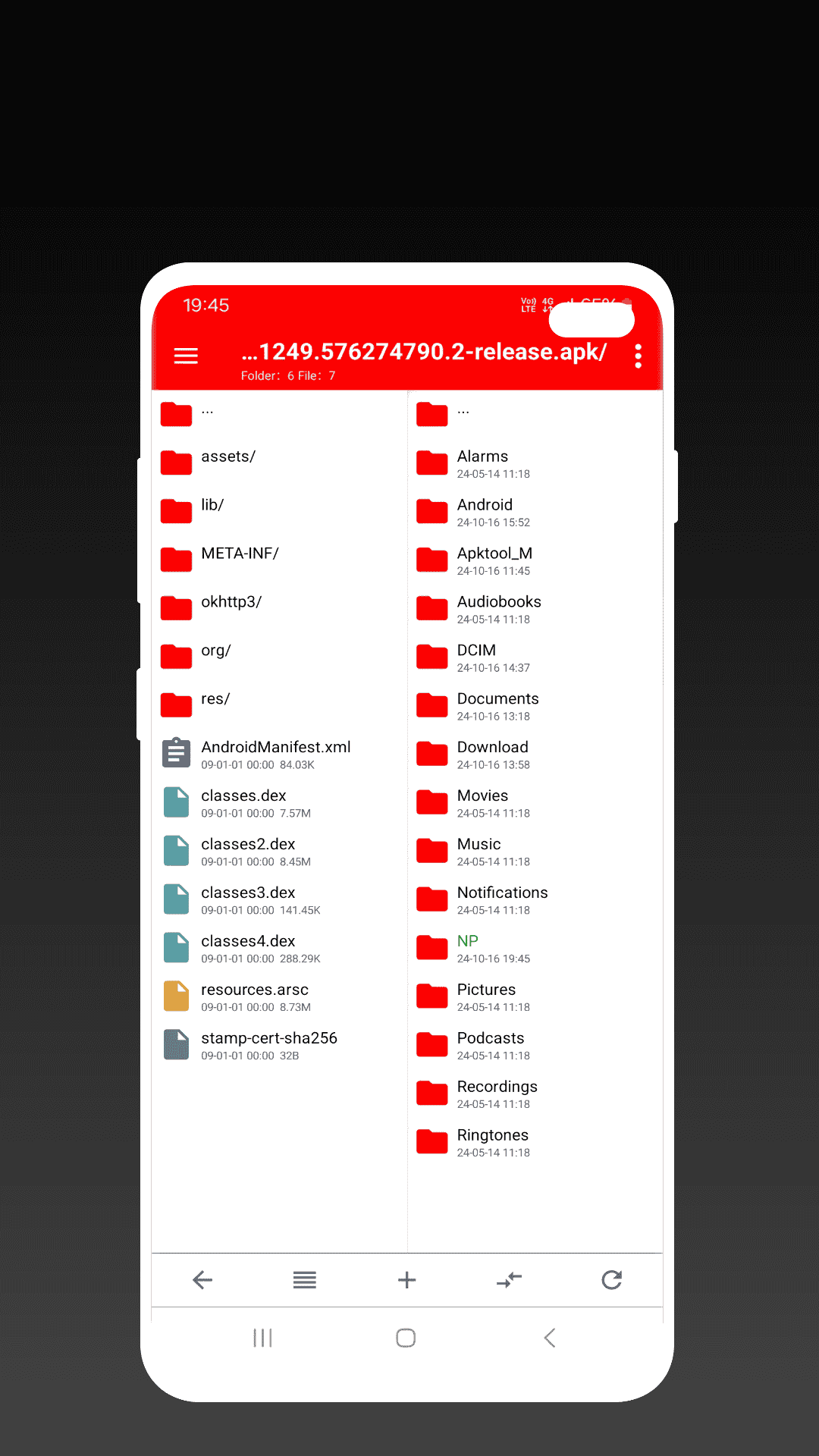
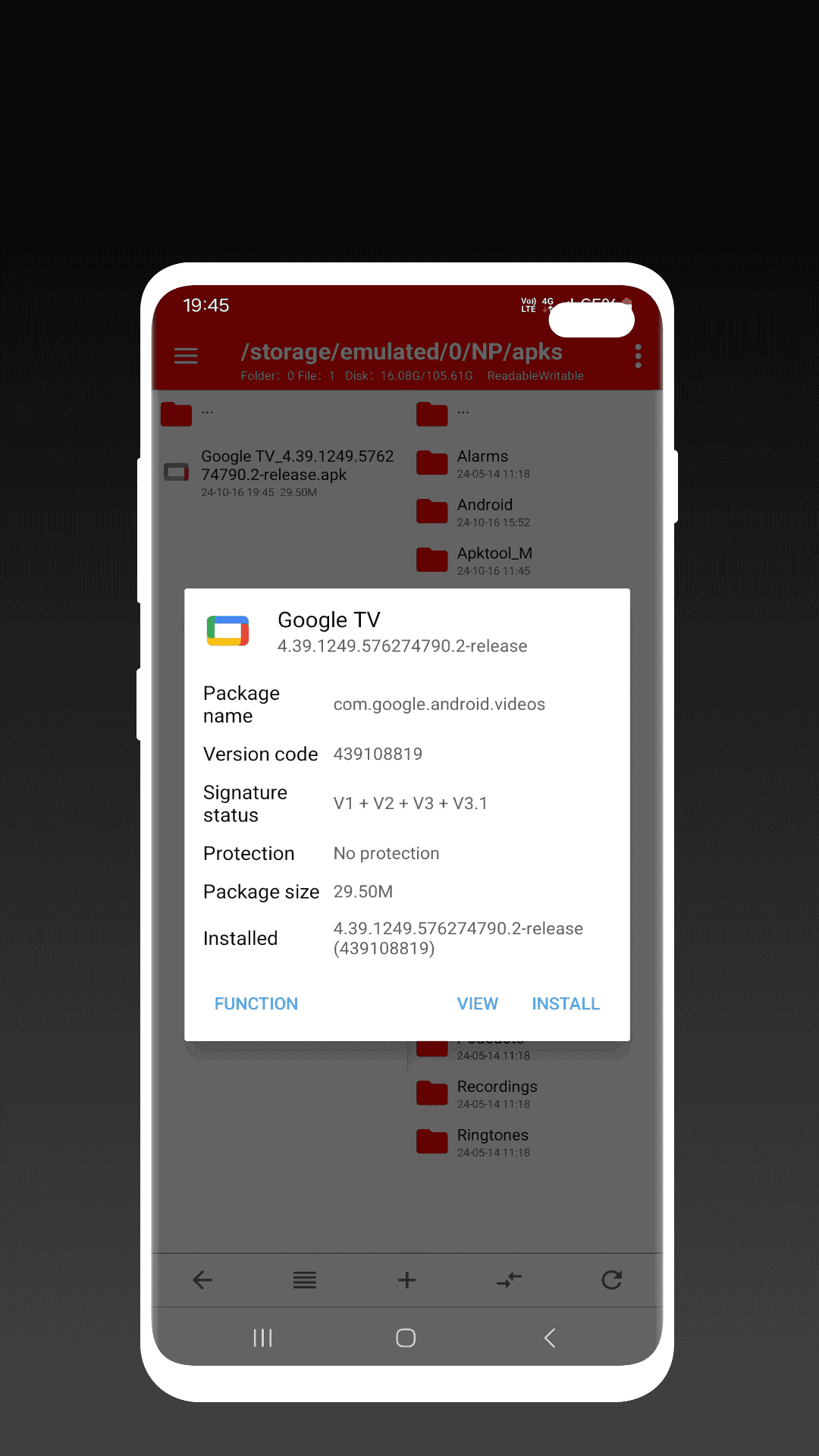
File management tools are among the most popular startup apps on Android phones. These types of apps allow users to access all files stored in memory and manage them with ease. However, with the upgrade of Android versions and the introduction of security restrictions, accessing certain parts of the memory has become difficult, and advanced file managers are needed to manage these areas effectively. This has led us to introduce one of the top applications in this field. NP Manager is an advanced and professional file management app designed to bypass the restrictions of newer Android versions and provide unrestricted file management. NP Manager is an advanced file manager designed for Android devices that allows users to manage files and installed apps on their device more deeply. This Android app has become popular among advanced Android users due to its special features. The primary and most important feature of NP Manager is managing files and folders. The app allows users to move, copy, delete files, and create new folders. Access to internal storage and memory cards is easily available through the app’s simple and user-friendly interface. Users can browse their device’s file structure and quickly find the files they need. One of the most important features of NP Manager, which can be considered its main and most popular feature, is the ability to modify the structure of apps and games. By accessing the fragmented files of applications, users can make coding changes or even add their signature to these apps and games. However, it should be noted that making such changes requires advanced coding skills and Android app management expertise and is not recommended for ordinary users. Additionally, NP Manager allows users to easily back up installed apps and their data. This feature is especially useful when changing devices or reinstalling apps. With this capability, you can quickly restore apps and their settings without needing to reconfigure everything.
Some features and capabilities of NP Manager for Android:
- A suitable option for smart management of files stored on your Android smartphone
- Access to all files in internal and external storage
- Professional management and deep modifications in the main files or installed apps and games
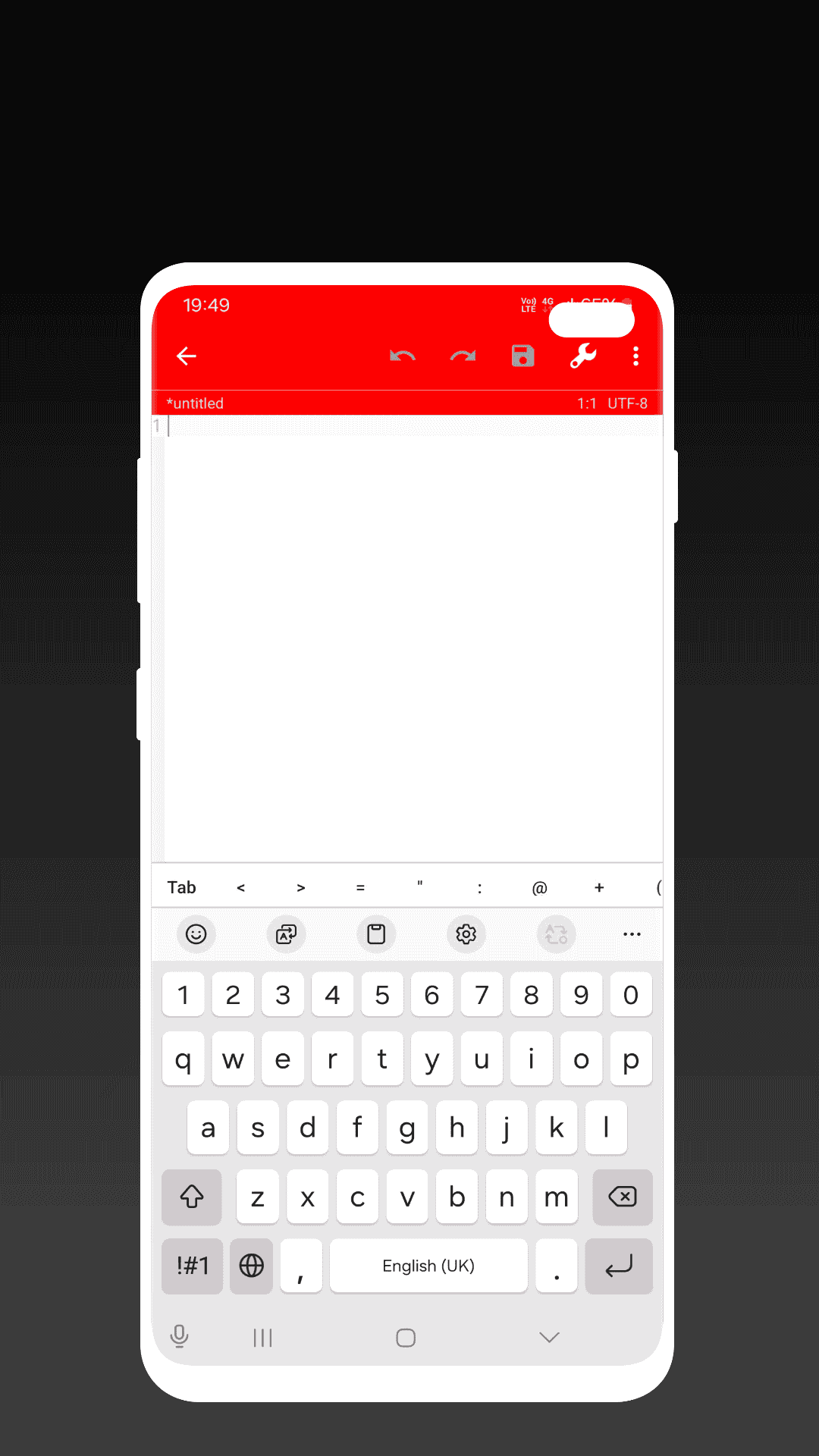
- Modify apps through coding and add your signature to your programs
- Create backups of apps and their data
- Provides advanced features when root access is available
- Extract and manage compressed files on Android
NP Manager is one of the most popular managers on the Android platform thanks to its comprehensive features for smart and professional file and app management. It can be considered one of the most professional and efficient file management apps, offering not only advanced standard management options but also special features for Android developers. You can now download the latest version of this app from the DroidCove website.



![KineMaster 8.1.13 – Powerful Video Editor for Android [Update]](https://droidcove.com/wp-content/uploads/2026/06/KineMaster-Logo-1-100x100.webp "KineMaster 8.1.13 - Powerful Video Editor for Android [Update] 5")

