


WiFi Mouse Pro v5.9.2 – Excellent App to Turn Android into a Mouse and Keyboard!
Special Android Version + Dedicated Windows Client
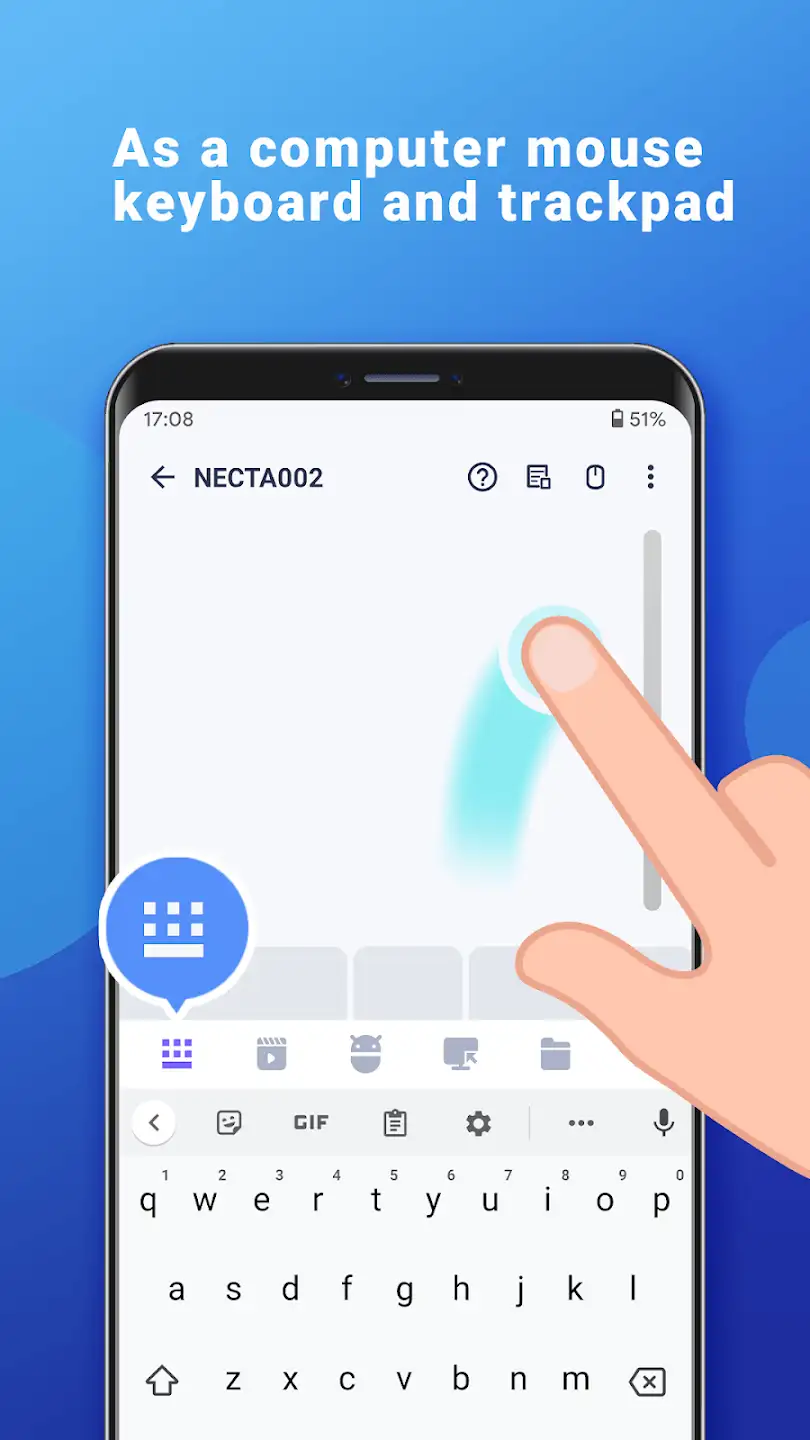
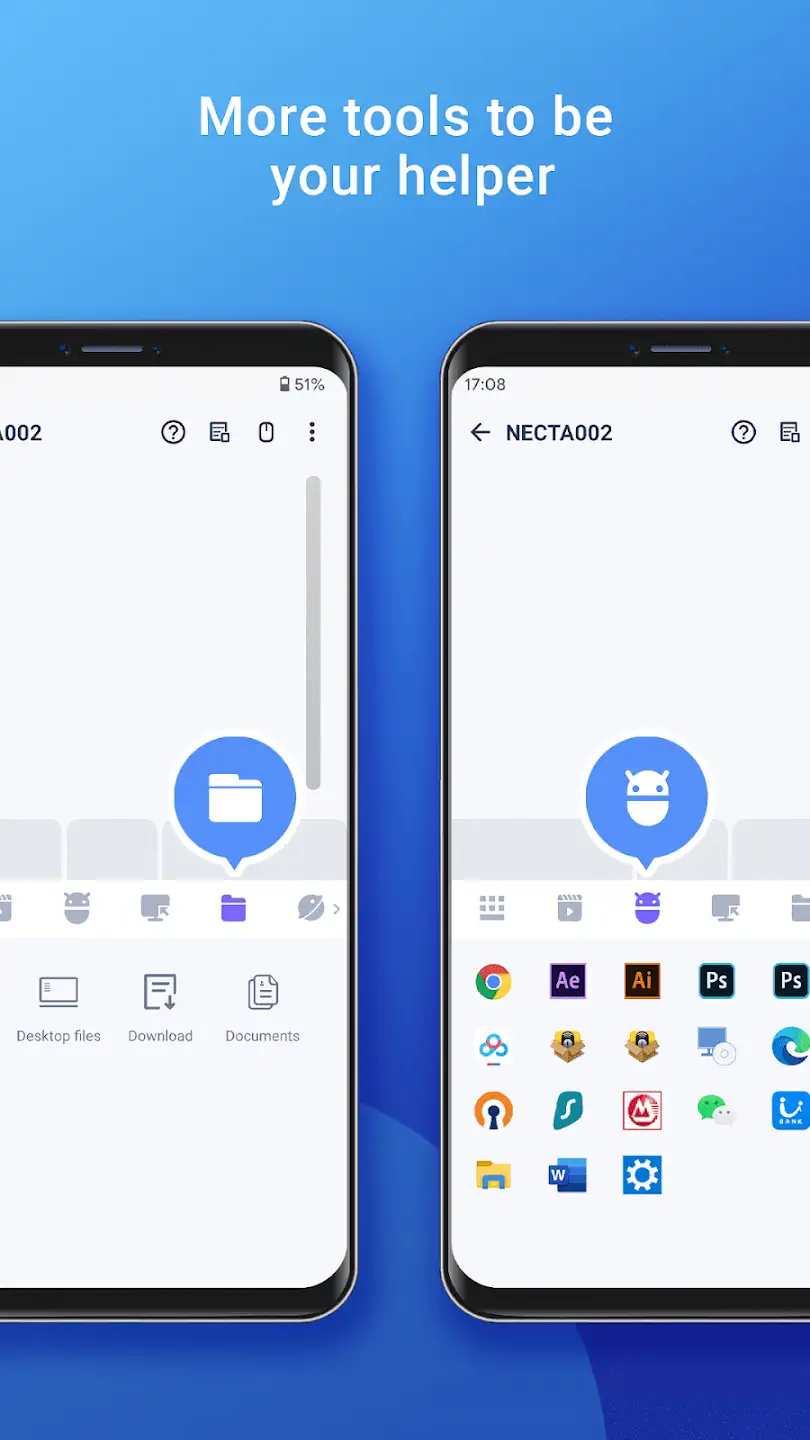
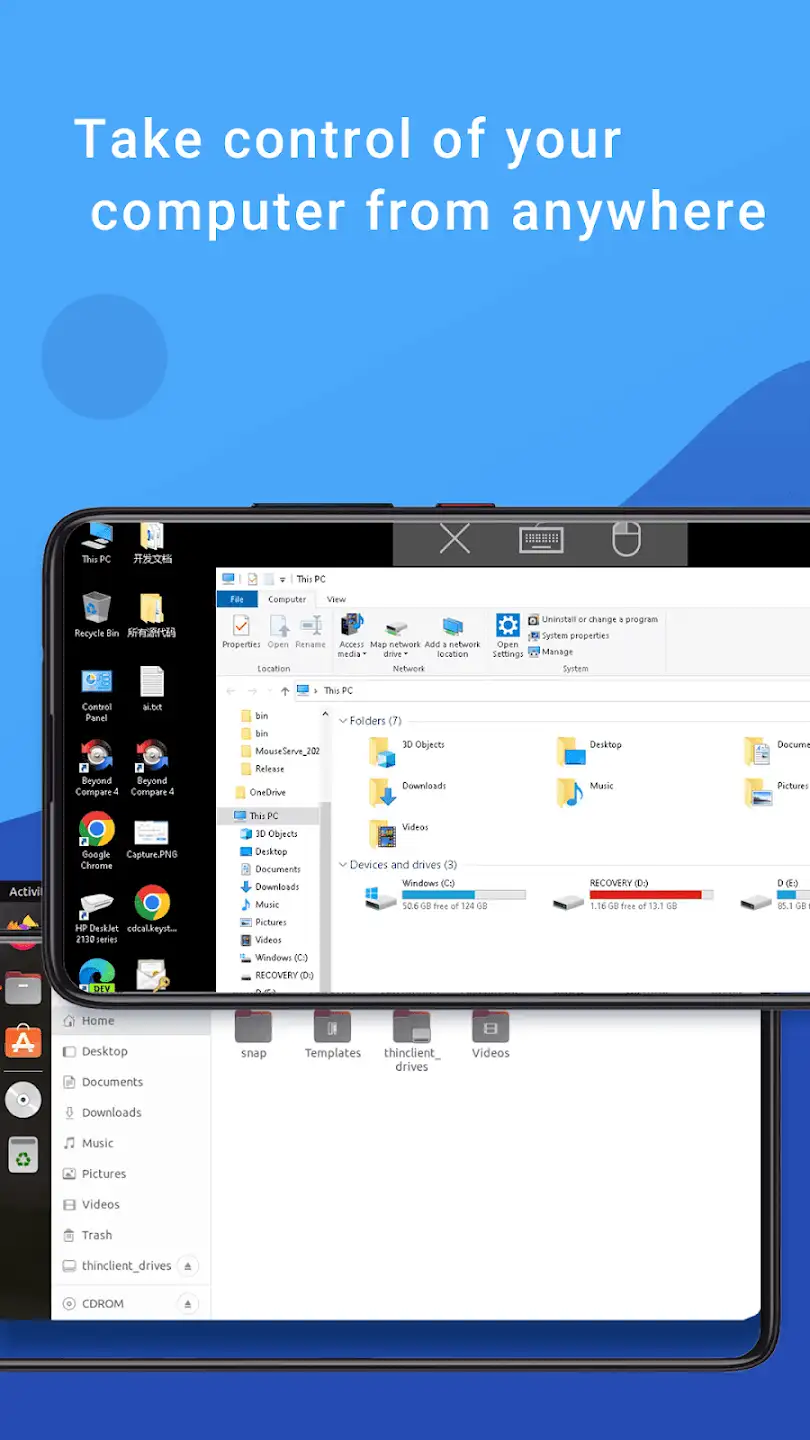
WiFi Mouse Pro is an interesting and practical app from Necta studio for Android devices that allows you to turn your device into a wireless mouse and keyboard to control and manage your computer! You might want to relax on the couch and have a wireless keyboard and mouse to remotely control your PC; WiFi Mouse Pro is the best choice for you! This app requires a Wi-Fi network to connect your device to the computer and includes two installation programs: one for the phone and one for Windows. You install the phone app on your phone and the Windows client on your computer, and with a simple connection, you turn your phone into a virtual mouse and keyboard. The app has a very simple user interface and runs on all Android devices with Android 4.0.3 and above! It is worth mentioning that this app is currently sold on the Play Store for $3.99 and has been purchased over 50,000 times by Android users worldwide, ranking among the top apps.
Some features and capabilities of WiFi Mouse Pro for Android:
- Supports right and left mouse clicks
- Move the mouse pointer with your fingers
- Supports middle mouse button for scrolling
- Text input via remote keyboard
- Supports simultaneous double key presses like Ctrl + C
- Supports voice input for all languages
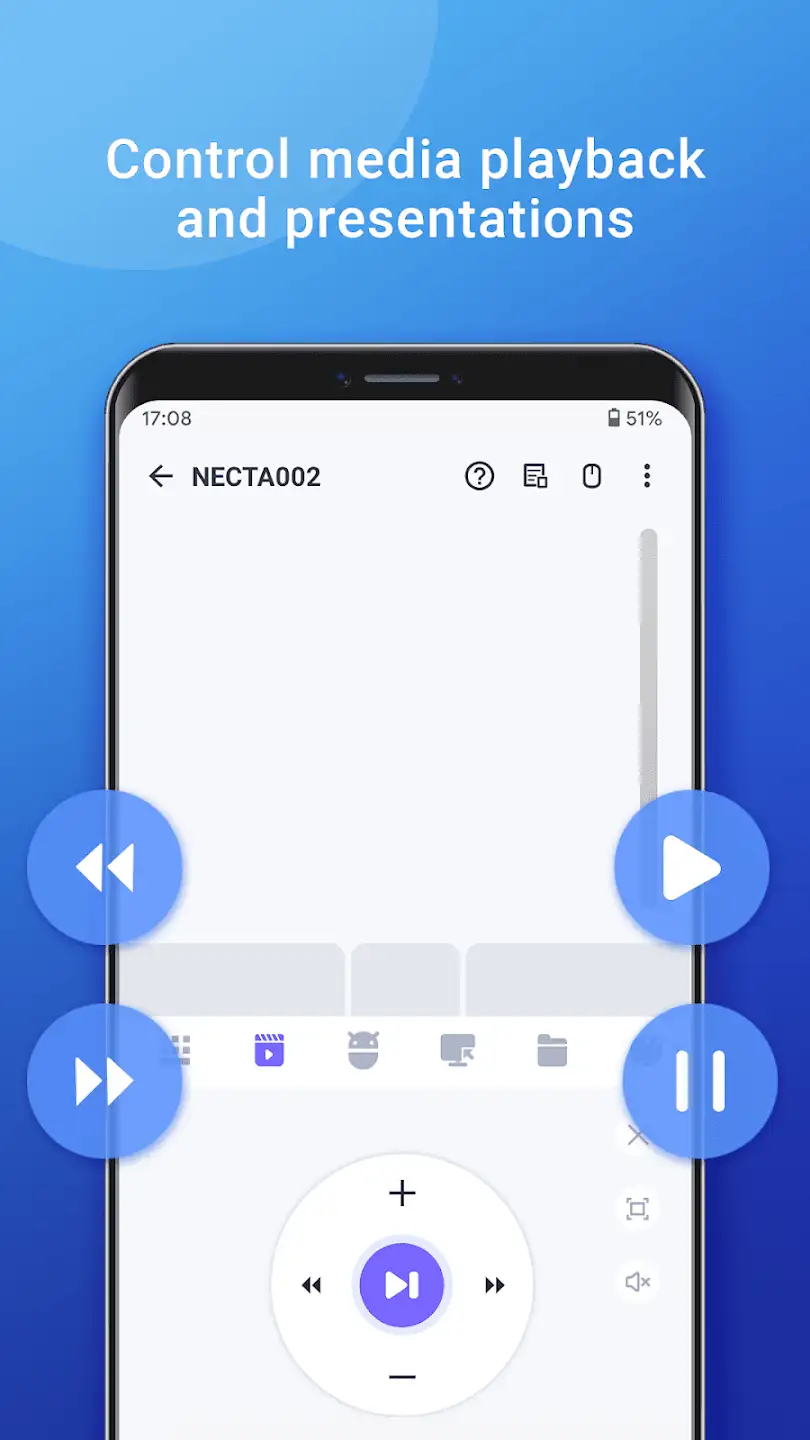
- Full control over media playback with touch buttons
- Supports game mode for game control
- Automatic connection when the app is launched
- Fully compatible with Windows XP/Vista/7/8/Mac OSX/Linux
The practical WiFi Mouse Pro app currently has a rating of 3.3 out of 5.0 on the Play Store. We provide the latest fully tested paid version for free. You can download the direct link for the Android installation file plus the Windows client installation file.




![KineMaster 8.1.13 – Powerful Video Editor for Android [Update]](https://droidcove.com/wp-content/uploads/2026/06/KineMaster-Logo-1-100x100.webp "KineMaster 8.1.13 - Powerful Video Editor for Android [Update] 6")

